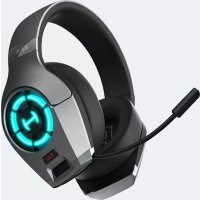
Hecate Gx - Earphones EDIFIER - Free user manual and instructions
Find the device manual for free Hecate Gx EDIFIER in PDF.



| Product Type | Wired Gaming Headset |
| Brand | Edifier |
| Model | Hecate Gx |
| Power | Rechargeable battery via USB-C port |
| Connectivity | USB, USB-C, 3.5mm jack |
| Main Functions | Music/Gaming mode, RGB lighting effects |
| Mode selector button | Single press to switch between music and game mode |
| RGB button | Press to select/activate light effects; hold to turn off |
| Default lighting | Glacier blue at startup |
| Included Accessories | USB cable, Type-C cable, 3.5mm cable, user manual |
| Care and Cleaning | Do not use chemicals or sharp objects. Clean with a dry cloth. |
| Safety | Do not expose to moisture, sweat, or extreme temperatures. Do not disassemble. |
| Precautions | Avoid shocks and drops. Do not place near heat sources. |
| Repairability | Not user-serviceable. Contact customer service. |
| General Information | Model EDF700004. Made in China. © 2020 Edifier International Limited. |
Frequently Asked Questions - Hecate Gx EDIFIER
User questions about Hecate Gx EDIFIER
0 question about this device. Answer the ones you know or ask your own.
Ask a new question about this device
Download the instructions for your Earphones in PDF format for free! Find your manual Hecate Gx - EDIFIER and take your electronic device back in hand. On this page are published all the documents necessary for the use of your device. Hecate Gx by EDIFIER.
USER MANUAL Hecate Gx EDIFIER
3.5mm cable User manual

Product description
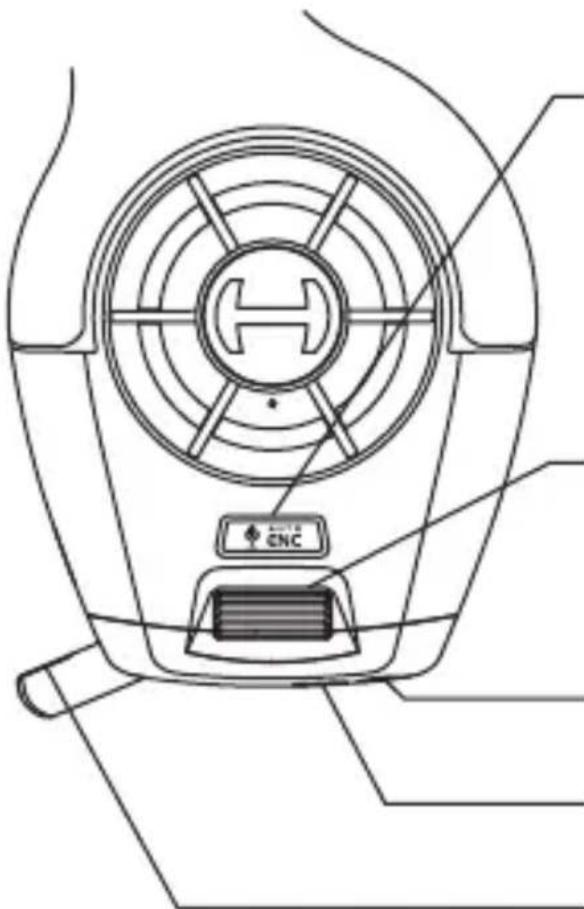
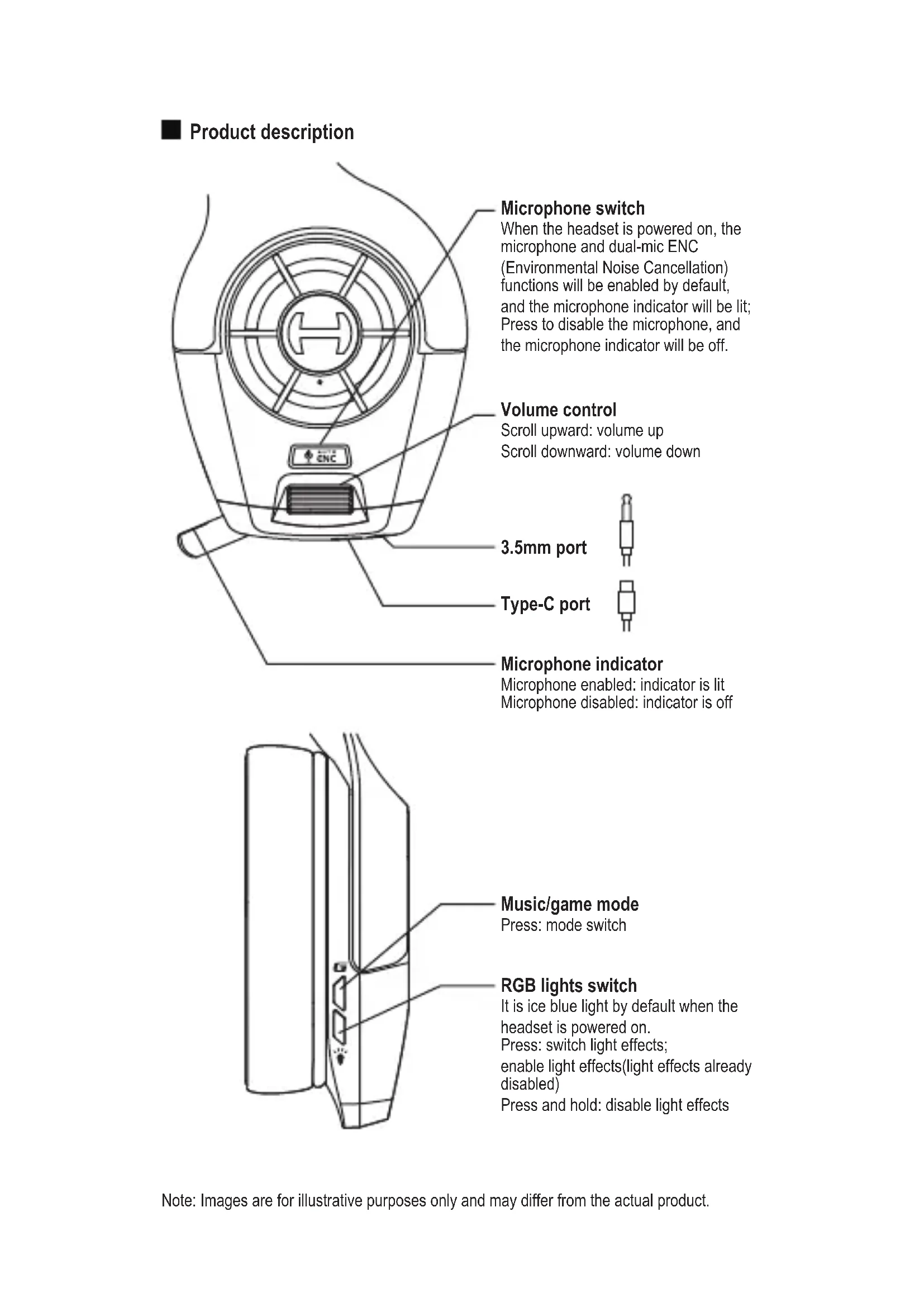
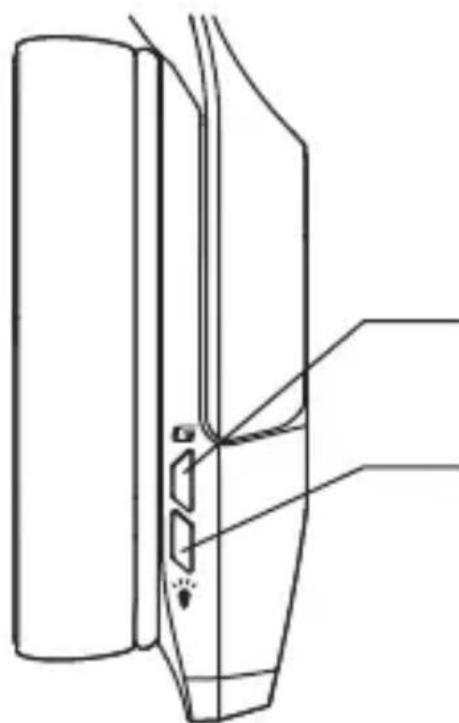
Microphone switch
When the headset is powered on, the microphone and dual-mic ENC
(Environmental Noise Cancellation) functions will be enabled by default, and the microphone indicator will be lit; Press to disable the microphone, and the microphone indicator will be off.
Volume control
Scroll upward: volume up Scroll downward: volume down
3.5mm port
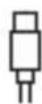
Type-C port
Microphone indicator
Microphone enabled: indicator is lit Microphone disabled: indicator is off
Music/game mode
Press: mode switch
RGB lights switch
It is ice blue light by default when the headset is powered on.
Press: switch light effects;
enable light effects(light effects already disabled)
Press and hold: disable light effects
■ Maintenance
- Keep the product away from humid places to avoid affecting internal circuit. Do not use the product during intense exercise or with much sweat to prevent sweat from dropping into the product to make damage.
- Do not put the product in places exposed to sun or with high temperature. High temperature will shorten service life of electronic components, damage battery and make plastic components deformed.
- Do not put the product in cold places to avoid damaging internal circuit board.
- Do not dismantle the product. Non-professional personnel may damage the product.
- Do not drop, strongly vibrate, strike the product with hard object to avoid damaging internal circuit.
- Do not use drastic chemicals or cleaner to clean the product.
- Do not use sharp objects to scratch product surface to avoid damaging shell and affecting facade.
Model: EDF700004
Edifier International Limited
P.O.Box 6264
General Post Office
Hong Kong
www.hecategaming.com
Designed by DONGGUAN EDIFIER ESPORTS TECHNOLOGY CO., LTD.
www.edifier.com
© 2020 Edifier International Limited. All rights reserved.
Printed in China
NOTICE:
For the need of technical improvement and system upgrade, information contained herein may be subject to change from time to time without prior notice.
Products of EDIFIER will be customized for different applications.
Pictures and illustrations shown on this manual may be slightly different from actual product. If any difference is found, the actual product prevails.
FR
Designed by DONGGUAN EDIFIER ESPORTS TECHNOLOGY CO., LTD.
www.edifier.com
Editor International Limited
P.O.Box 6264
General Post Office
Hong Kong
www.hecategaming.com
Designed by DONGGUAN EDIFIER ESPORTS TECHNOLOGY CO., LTD.
www.edifier.com
Designed by DONGGUAN EDIFIER ESPORTS TECHNOLOGY CO., LTD.
www.edifier.com
Designed by DONGGUAN EDIFIER ESPORTS TECHNOLOGY CO., LTD.
www.edifier.com
© 2020 Edifier International Limited. Tutti i diritti riservati.
Stampato in China
COMUNICAZIONE:
Designed by DONGGUAN EDIFIER ESPORTS TECHNOLOGY CO., LTD.
www.edifier.com
Designed by DONGGUAN EDIFIER ESPORTS TECHNOLOGY CO., LTD.
www.edifier.com
©2020 Edifier International Limited. 禁無斷軸載
印刷:中国
注意
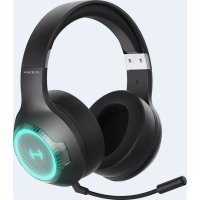
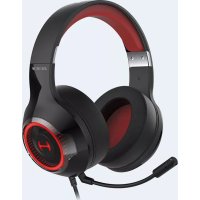
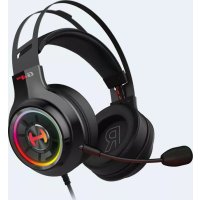
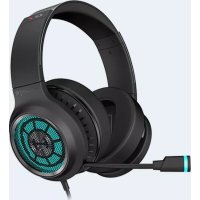
Brand : EDIFIER
Model : Hecate Gx
Category : Earphones