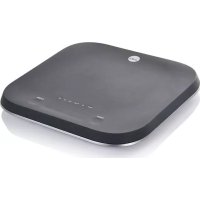
Uni KS1BT2 - Kitchen scales WILFA - Free user manual and instructions
Find the device manual for free Uni KS1BT2 WILFA in PDF.



User questions about Uni KS1BT2 WILFA
0 question about this device. Answer the ones you know or ask your own.
Ask a new question about this device
Download the instructions for your Kitchen scales in PDF format for free! Find your manual Uni KS1BT2 - WILFA and take your electronic device back in hand. On this page are published all the documents necessary for the use of your device. Uni KS1BT2 by WILFA.
USER MANUAL Uni KS1BT2 WILFA
IPEEDNcNoJIb3OBAHnEM IPOQTNTE BCE INHCTPyKlUN
EN
NO
SE
DK
FI
DE
NL
PL
FR
IT
ES
RU
EN
INSTRUCTION MANUAL·UNI BLACK
CONTENTS
4 IMPORTANT SAFETY INSTRUCTIONS
6 PRODUCT OVERVIEW
7 FUNCTION DESCRIPTION
8 TROUBLESHOOTING
8 CHARGING
9 CLEANING
9 STORAGE
9 BLUETOOTH
9 TIPS AND TRICKS
10 GUARANTEE
11 PRODUCT SPECIFICATIONS
11 SUPPORT AND SPARE PARTS
11 RECYCLABILITY
EN
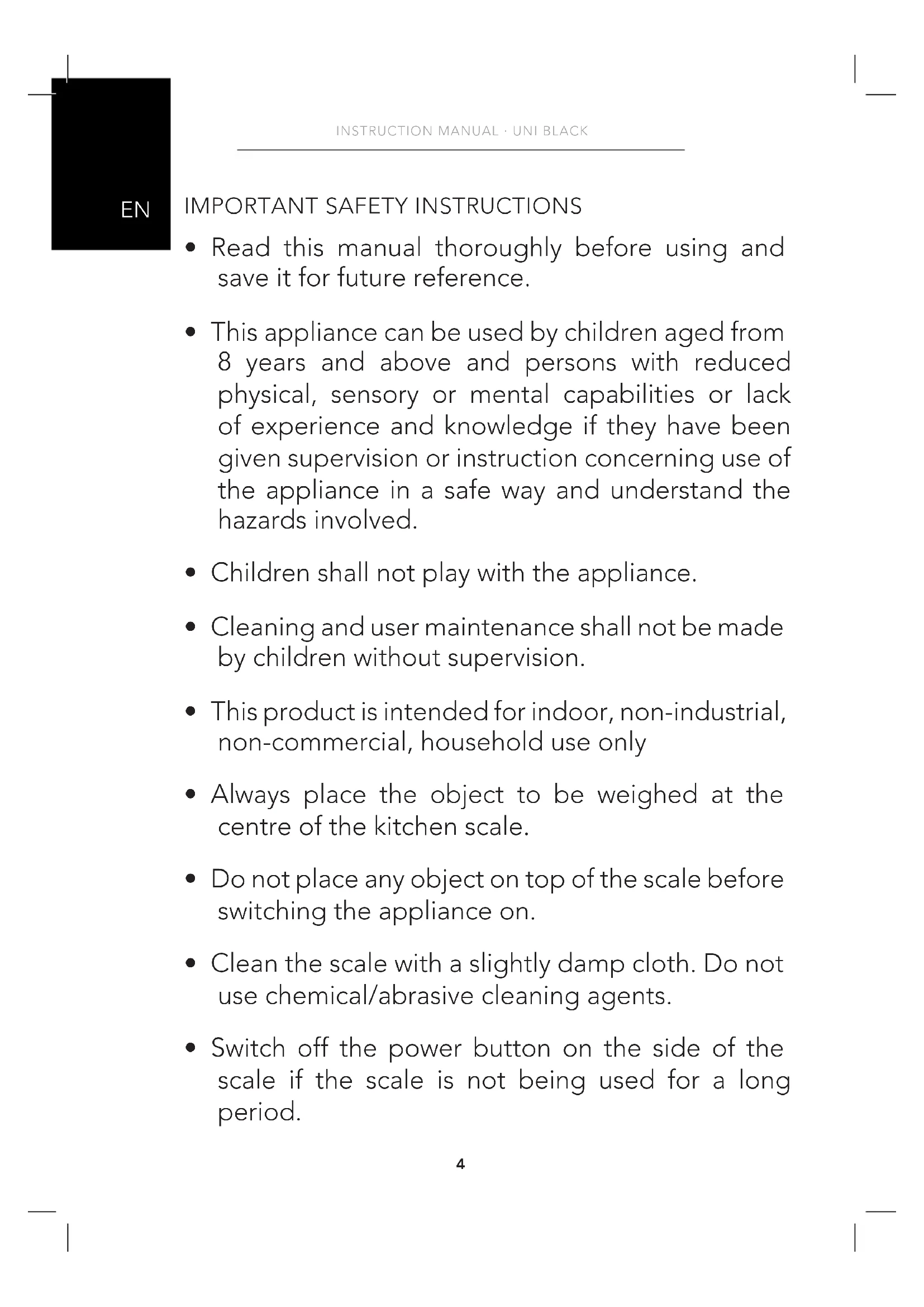
IMPORTANT SAFETY INSTRUCTIONS
- Read this manual thoroughly before using and save it for future reference.
- This appliance can be used by children aged from 8 years and above and persons with reduced physical, sensory or mental capabilities or lack of experience and knowledge if they have been given supervision or instruction concerning use of the appliance in a safe way and understand the hazards involved.
Children shall not play with the appliance. - Cleaning and user maintenance shall not be made by children without supervision.
- This product is intended for indoor, non-industrial, non-commercial, household use only
- Always place the object to be weighed at the centre of the kitchen scale.
- Do not place any object on top of the scale before switching the appliance on.
- Clean the scale with a slightly damp cloth. Do not use chemical/abrasive cleaning agents.
-
Switch off the power button on the side of the scale if the scale is not being used for a long period.
-
Never immerse the appliance into water or any other liquid.
- Keep the scale in a cool dry area.
EN
PRODUCT OVERVIEW
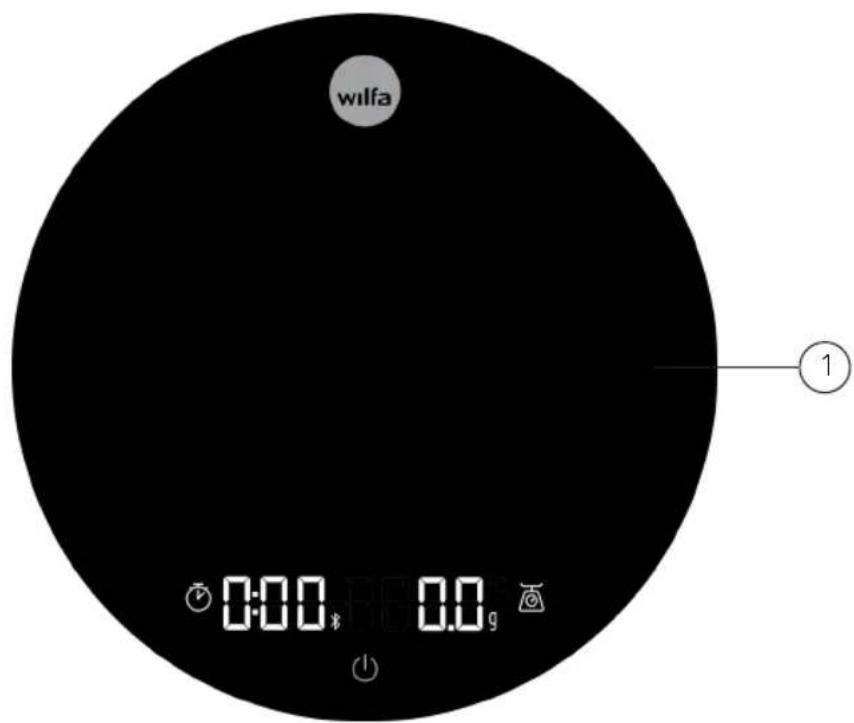
- Scale
Included: Heat resistant silicon pad
USB-C cable
FUNCTION DESCRIPTION
HEAT RESISTANT SILICON PAD
Sudden rise in temperature might affect the accuracy of the scale. We therefore recommend using the heat resistant silicon pad for optimum accuracy during brewing and measurements of hot liquid.
The pad is also intended to be used to protect the scale during measurements and as a support when measuring directly into a portafilter.
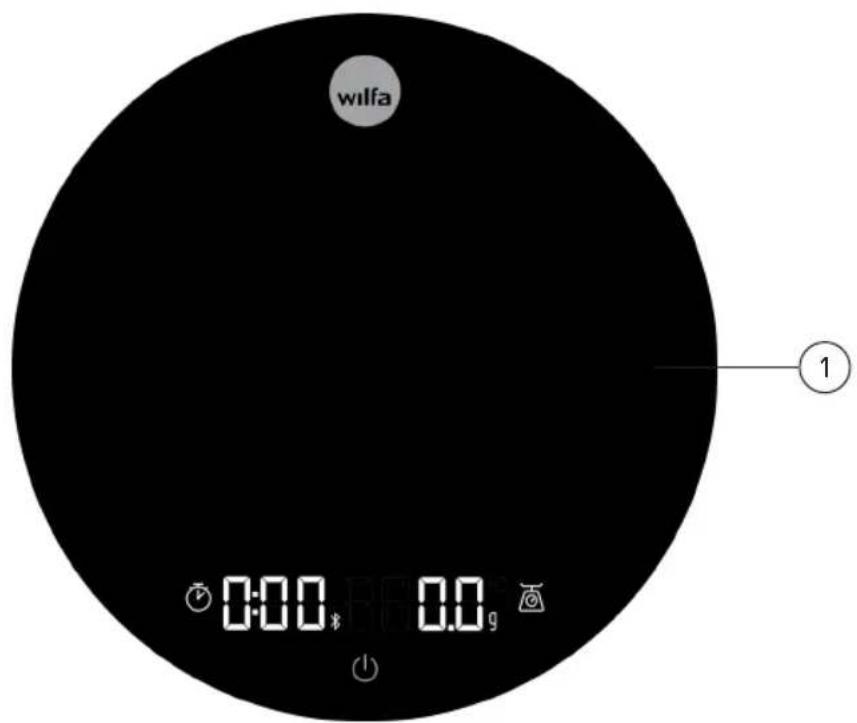
FULL DISPLAY LAYOUT

TURN ON SCALE
- Make sure the power switch on the back is set to on position.
- Then short press the power button on the display to turn the scale on.
- The timer and scale button fades in, and the scale is ready to use.
TARE FUNCTION
- The scale tares automatically when it starts.
- Place the coffee container on top of the scale, press the scale button to tare the weight of the container, and the scale will show 0.0g / oz . The scale is now ready to measure any additional weight.
- Remember to use the heat resistant silicon pad if you are brewing or weighing any hot liquids.
CHANGE WEIGHT UNIT
Long press the scale button for 3 seconds to switch between grams (g) and ounces (oz).
TIMER
- The timer does not show when starting the scale. Short press the clock-button to show the timer.
- Short press the clock-button again to start the timer. To pause the timer, short press the clock-button and the time will freeze.
- To reset the timer long press the button for 1 second.
AUTO OFF
If you stop adding weight to the scale, it will automatically shut off after 10 minutes.
EN
TROUBLESHOOTING
OVERLOAD WARNING
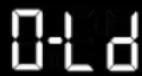
(1)

The scale is overloaded, remove weight from the scale (maximum weight is 2000g).
UNSTABLE WARNING


(1)
Unable to activate the scale because the scale is unstable. Place the scale on a flat and level surface.
BATTERY STATUS

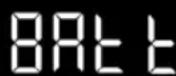


(1)
- If the battery is 10% or lower when the user is turning on the scale this warning shows on the display. The warning is visible for 2 seconds before the scale turns on.
- To show battery status, long press the on/off button for three seconds, and the battery percent will show before the scale turns on/off.
CHARGING
To charge the scale, plug the USB cable into the USB port located at the back of the scale. When charging, the display only shows the battery percent.
CLEANING
Clean the scale with a soft slightly damp cloth. Never use hot water or any harsh chemicals.
STORAGE
- Turn the power switch off.
- Ensure that there is nothing on the scale when it is not being used.
- The scale should not be stored standing on its side
- Never attempt to open the scale and tamper with its mechanism or circuitry
BLUETOOTH
The scale comes with a built in Bluetooth® device. This feature gives the user the possibility to read and control the scale from a smartphone device (iOS or Android). If a Bluetooth connection is made, the B lights up on the display.
Follow these steps to connect your smartphone to the scale.
- Download the "Wilfa SVART" app from App Store® or Google Play™.
- Turn on the scale by pressing the power button
- Open the app on your smartphone device and click on the Bluetooth icon in the upper right corner.
- Select the "Wilfa SVART scale" and press connect.
TIPS AND TRICKS
- This scale can be used as a lid for the Uniform coffee grinder.
- Short pressing the power button taring the scale and zeros the timer at the same time.

GUARANTEE
Wilfa issues a 5 year guarantee on this product from the day of purchase is done. The guarantee covers production failure or defects that arise during the guarantee period. Your purchase receipt works as proof towards retailer if claiming your guarantee.
The guarantee is valid only for products that are bought and used in private households. The guarantee is not valid if the product is used commercially. The guarantee is not valid if the product is misused, used by negligence, if not following instructions given by Wilfa, if modified or if unauthorized reparation is done. The guarantee is also not valid for normal wear of the product, misuse, lack of maintenance, use of wrong electrical voltage or:
Overloading of product
- Damage on glass
- Coating
- Parts you can expect being replaced regularly (e.g. filter, battery etc.)
PRODUCT SPECIFICATIONS
Rechargeable Lithium Battery (3,7v / 1200 mAh)
SUPPORT AND SPARE PARTS
For support please visit us at wilfa.com, and see our customer service/support page. Here you will find frequently asked questions, spare parts, tips and tricks and all our contact information.
RECYCLABILITY
This marking indicates that this product should not be disposed with other household wastes throughout the EU. To prevent possible harm to the environment or human health from uncontrolled waste disposal, recycle it responsibly to promote the sustainable reuse of material resources. To return your used device, please use the return and on systems or contact the retailer where the product was purchased.
They can take this product for environmentally safe recycling free of charge.
NO
NO
INNHOLD
14 VIKTIGE SIKKERHETSANVISNINGER
16 PRODUKTOVERSIKT
17 BESKRIVELSE AV FUNKSJONER
18 FEILSØKING
18 LADING
19 RENGJØRING
19 OPPBEVARING
19 BLUETOOTH
19 TIPS OG TRIKS
20 GARANTI
21 PRODUKTSPESIFIKASJONER
21 SUPPORT OG RESERVEDELER
21 GJENVINNING
VIKTIGE SIKKERHETSANVISNINGER
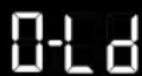
WAARSCHUWING OVERBELASTING

CARACTERISTIQUES DU PRODUIT
Batterie lithium rechargeable (3,7 V/1 200 mAh)
OBUNE CBEDEHNA OBUCTPOICTBE
- Becbi
B komnneke: TepmoctoKa cunkoHOBa npoknaKa Ka6eNB USB-C