ManualGo.com
AR5S41PBT - Fan ARDES - Free user manual and instructions
Find the device manual for free AR5S41PBT ARDES in PDF.

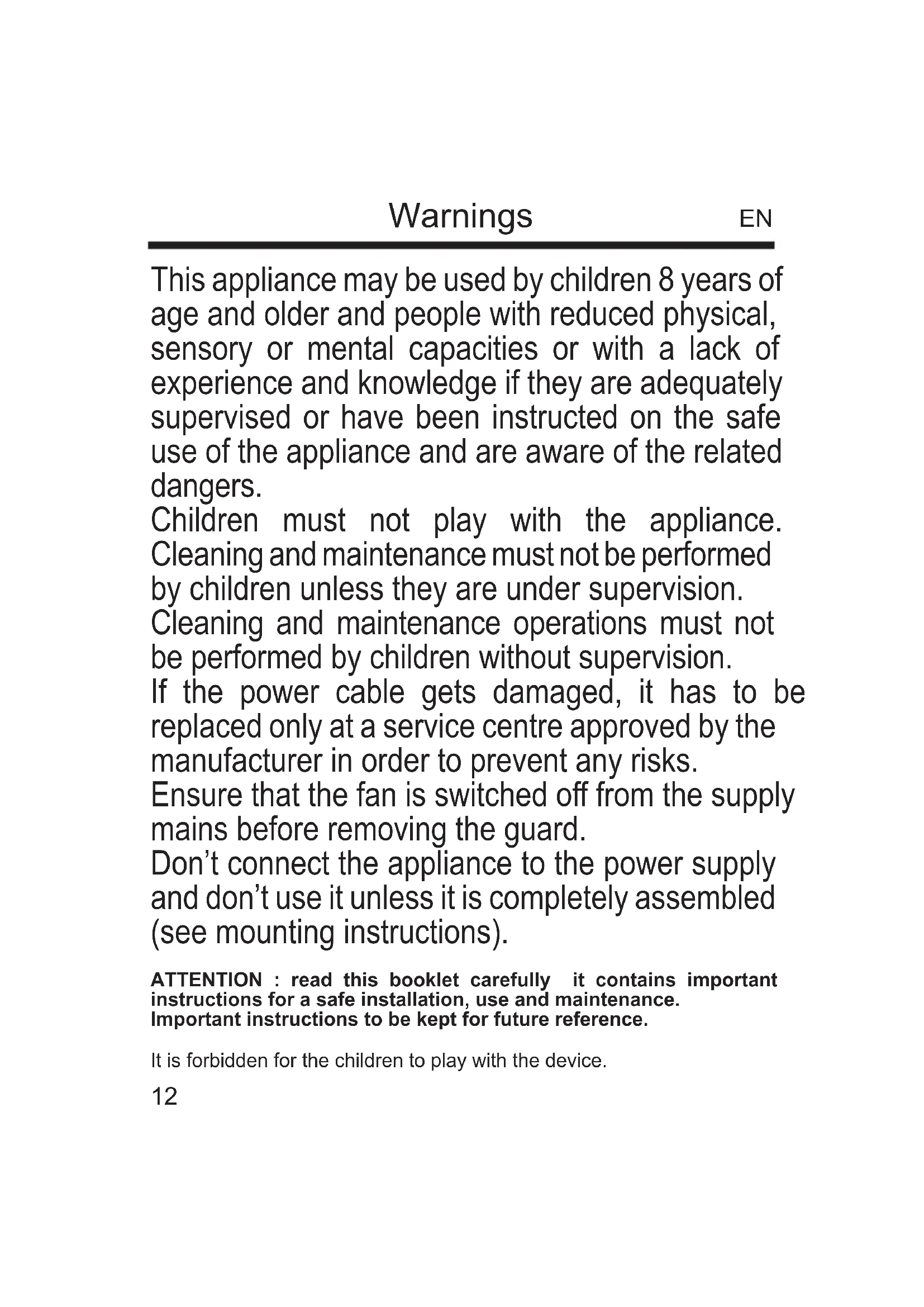


Download the instructions for your Fan in PDF format for free! Find your manual AR5S41PBT - ARDES and take your electronic device back in hand. On this page are published all the documents necessary for the use of your device. AR5S41PBT by ARDES.
USER MANUAL AR5S41PBT ARDES
Swallowing can lead to chemical burns, perforation of soft tissue, and death. Severe burns can occur within 2 hours of ingestion. Seek medical attention immediately.
2. Do not allow children to replace batteries.
3. Always insert batteries correctly with regard to polarity (+ and -)
marked on the battery and the equipment.
4. Do not short-circuit batteries.
5. Do not charge batteries.
6. Do not force discharge batteries.
7. Do not mix new and used batteries or batteries of dierent types or
8. Exhausted batteries should be immediately removed from
equipment and properly disposed of.
9. Do not heat batteries
10. Do not weld or solder directly to batteries.
11. Do not dismantle batteries.
12. Do not deform batteries.
13. Do not dispose of batteries in re.
14. Do not expose batteries to water or humidity, expecially in case their
container were damaged.
15. Do not encapsulate and/or modify batteries.
16. Store unused batteries in their original packaging away from
metal objects. If already unpacked, do not mix or jumble batteries.
17. Remove batteries from equipment if it is not to be used for an
extended period of time unless it is for emergency purposes.
18. Clean the battery contacts and also those of the equipment prior to
battery installation.
19. In case of leak from batteries, avoid any contact with it; in case of
contact, wash the aected part with water and seek medical attention.16 Instructions for use Place the fan on a at, dry and stable surface, and insert the plug of the fan in a socket; the unit will emit a short “BIP” sound and the “--” indicator light will turn on the display that power is supplied. For your convenience the unit can be operated by using control panel in the main body or using remote control included. Remote control
Buttons A. O B. On/Speed C. Mode D. Timer E. Swing