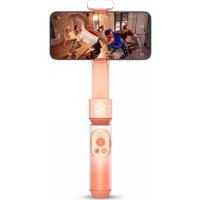
SmoothX2 - Tripod Zhiyun - Free user manual and instructions
Find the device manual for free SmoothX2 Zhiyun in PDF.


User questions about SmoothX2 Zhiyun
0 question about this device. Answer the ones you know or ask your own.
Ask a new question about this device
Download the instructions for your Tripod in PDF format for free! Find your manual SmoothX2 - Zhiyun and take your electronic device back in hand. On this page are published all the documents necessary for the use of your device. SmoothX2 by Zhiyun.
USER MANUAL SmoothX2 Zhiyun
natural_image
Simple line drawing of a magnifying glass (no text or symbols)natural_image
Technical line drawing of a mechanical lever assembly (no text or symbols)
SMOOTH-X2 x 1 Trépied x 1
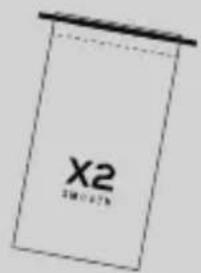
text_image
X2 2011.07.5natural_image
Simple line drawing of a mechanical component or bracket (no text or symbols)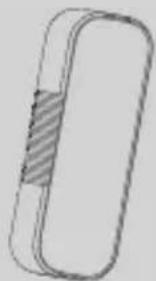
natural_image
Simple line drawing of a rounded rectangular object with a shaded internal section (no text or symbols)natural_image
Technical line drawing of a mechanical device with labeled part X2 and a cable, showing no readable text or symbols beyond the label.natural_image
Line drawing of a handheld X2 device with a strap and control panel (no text or symbols)natural_image
Technical line drawing of a handheld device resembling a smartphone or camera, with no visible text or symbols.natural_image
Diagram of a device mounted on a tablet, showing a clip with a red arrow indicating rotation (no text or symbols present)natural_image
Technical line drawing of two cylindrical electronic components with internal structure and striped pattern (no text or symbols)Équilibrage
natural_image
Diagram of a smartphone mounted on a stand with a Y-shaped lever and a red scale indicator (no text or symbols)
natural_image
Pure electrical circuit lines without any symbols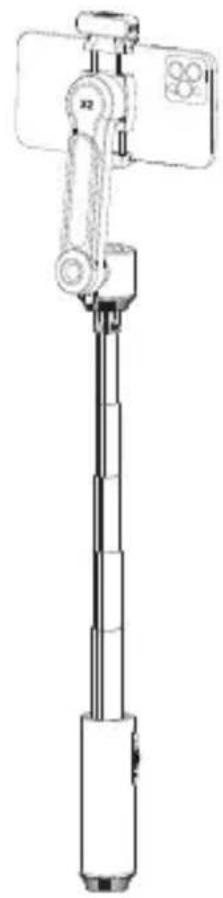
natural_image
Technical line drawing of a selfie stick with attached device (no text or symbols)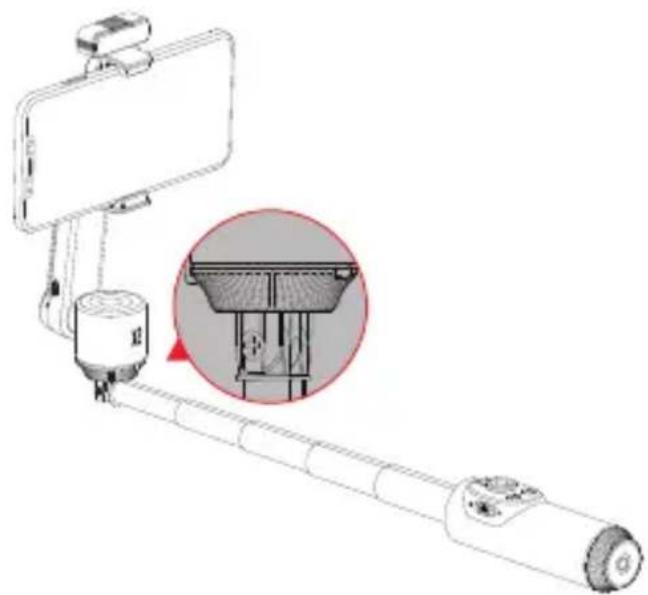
natural_image
Line drawing of a selfie stick with a magnified inset showing internal components (no text or symbols)
natural_image
Illustration of a hand adjusting a smartphone to lift a selfie stick (no text or symbols visible)Mode Veille
text_image
QR code with a central logo featuring blue and pink dots, likely for digital scanning and linking to online content.flowchart
graph LR
    A["User Interface"] --> B["USB"]
    B --> C["USB Connection"]
    C --> D["Calibration"]
text_image
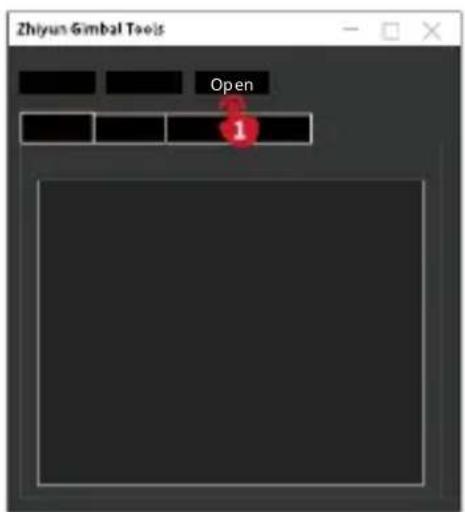
Zhiyun Gimbal Tools Open 1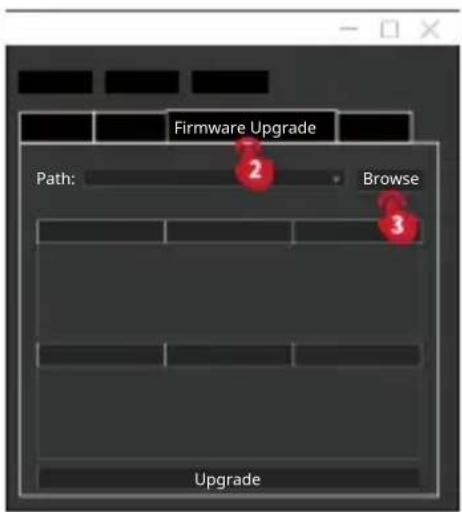
text_image
Firmware Upgrade Path: Browse Upgrade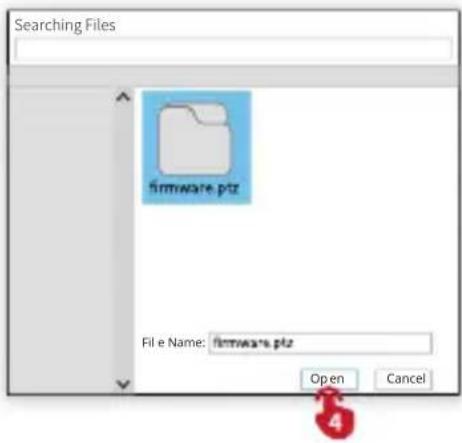
text_image
Searching Files firmware.ptz File e Name: firmware.ptz Open Cancel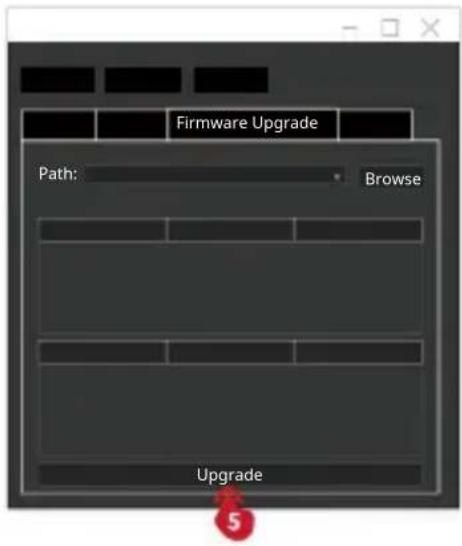
text_image
Firmware Upgrade Path: Browse Upgrade
text_image
Uploading, please wait CancelMéthode 2 :
text_image
QR code with embedded red logo containing text 'ZY PLAY'Site Internet Weibo

text_image
QR code with embedded red logo containing Chinese characters 'COPM'
text_image
QR code with embedded red logo containing Chinese characters 'ZHEYIE'Vimeo

text_image
QR code with embedded red logo containing Chinese characters 'ZHEYUE'Google+

text_image
QR code with embedded red logo containing Chinese characters 'ZCSP61'Facebook (Zhiyun Support)

text_image
QR code with embedded red logo containing Chinese characters in centerFacebook (Zhiyun Tech)

text_image
QR code with embedded red logo containing Chinese characters 'ZHEYER'Youku

text_image
QR code with embedded red logo containing Chinese characters 'ZHEI'Youtube

text_image
QR code with embedded red logo containing Chinese characters 'ZHEVIE'
text_image
QR code with embedded red logo containing text 'ZQF61'Tél. : +86 400 900 6868
Adresse : 09 Huangtong Road, Tieshan Industrial Zone, Qixing District, Guilin, Guangxi, 541004, Chine