ManualGo.com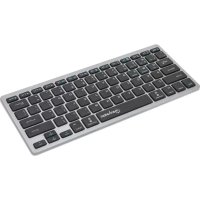
180559 - Keyboard MANHATTAN - Free user manual and instructions
Find the device manual for free 180559 MANHATTAN in PDF.



Download the instructions for your Keyboard in PDF format for free! Find your manual 180559 - MANHATTAN and take your electronic device back in hand. On this page are published all the documents necessary for the use of your device. 180559 by MANHATTAN.
USER MANUAL 180559 MANHATTAN
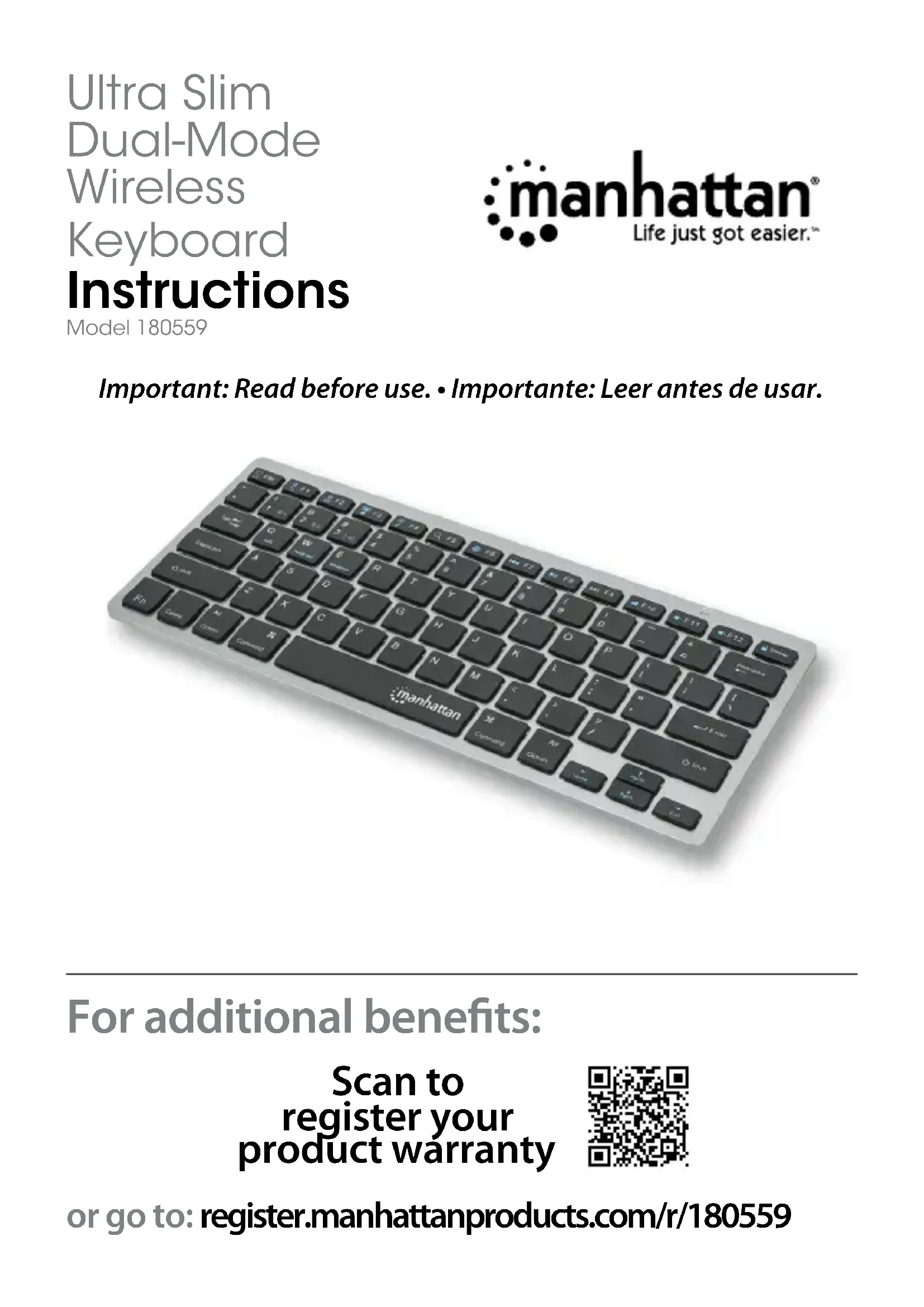
For additional benets: Ultra Slim Dual-Mode Wireless Keyboard Instructions Model 180559 or go to: register.manhattanproducts.com/r/180559 Scan to register your product warranty Important: Read before use. • Importante: Leer antes de usar.2 This keyboard can connect to three devices at once: two through Bluetooth and one through the USB receiver. See step 3 to connect/pair different devices. 1 Insert 2 AAA batteries (included) into the battery compartment on the back of the keyboard and replace the cover. 2 Set the power switch to ON. 3 Connect/pair devices. NOTES: Once connected, confirm your device type by pressing Fn + Q for iOS/macOS, Fn + W for Android, or Fn + E for Windows. Switch between devices using the funtions in the Functions table. The first paired device is Bluetooth 1 (a). The second paired device is Bluetooth 2 (b). To add a different device, “forget”/unpair/remove the keyboard before repeating the steps to pair to a new device. For connection issues or failures, unpair/remove this device from your Bluetooth device list and repeat the steps to pair it again.
- Connect via 2.4 GHz USB receiver: This connection is Plug and Play; no driver is required. » Press the CONNECT button on the underside of the keyboard. Then press Fn + 3. » Take the wireless receiver from the keyboard’s underside and plug it into an available USB port on your computer (Note: complete step while LED flashes). » Wait 30 seconds for the receiver to work.
» Go to your device’s Bluetooth Preferences/Settings. Make sure Bluetooth is turned on in your device. » Press the CONNECT button on the underside of the keyboard and select BLE Keyboard/BT Keyboard from the device list when it appears. Confirm pairing if a dialog box appears. » Complete the installation by pressing the hotkey combination for your device type: Fn + Q for Mac/iOS or Fn + W for Android. To pair a second device, repeat these steps.