180320 - Battery charger MANHATTAN - Free user manual and instructions
Find the device manual for free 180320 MANHATTAN in PDF.

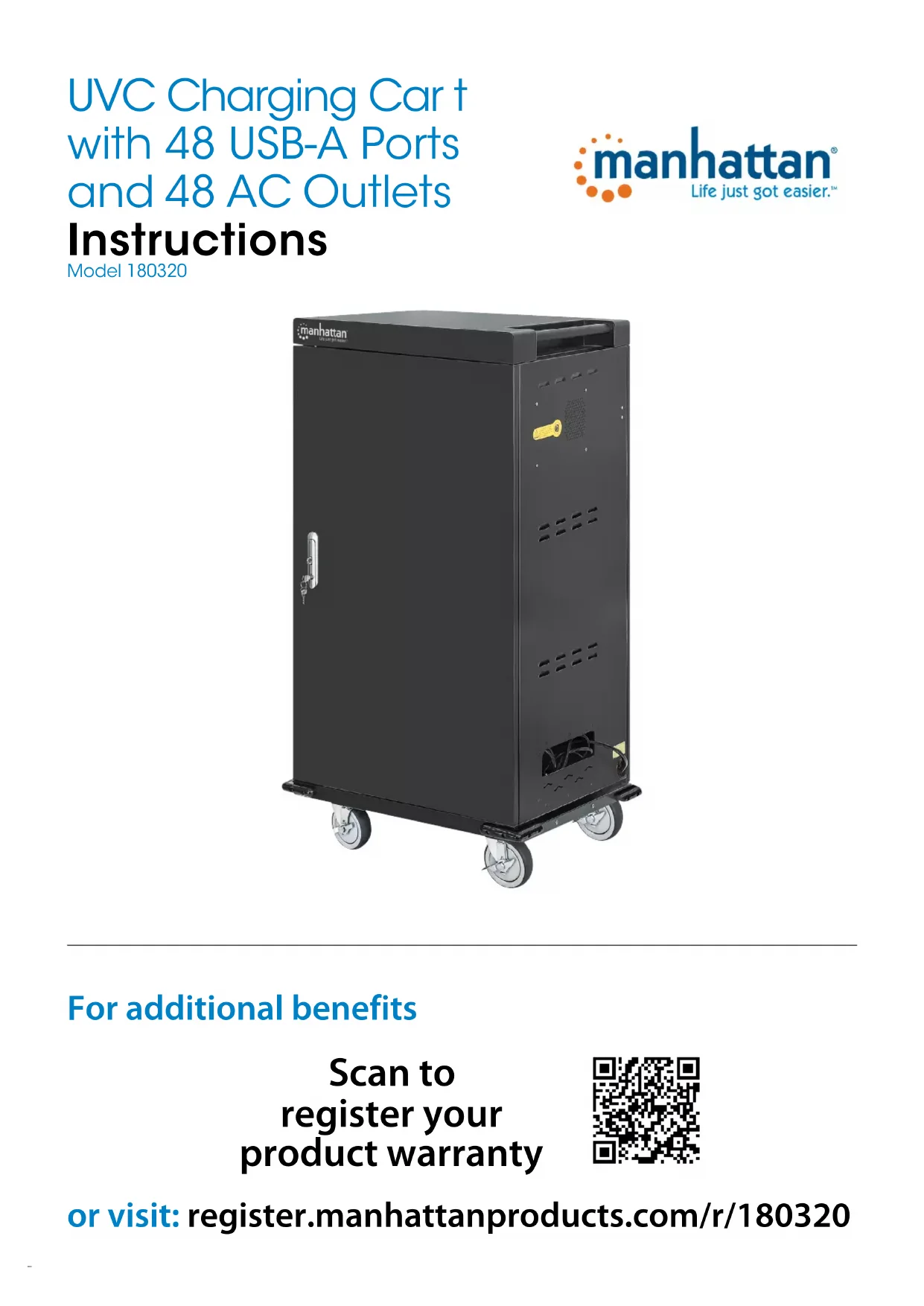


| Product type | UV charger and disinfectant for electronic devices |
| Brand | Manhattan |
| Model | 180320 |
| Approximate dimensions | 600 x 400 x 500 mm (estimated) |
| Approximate weight | 10 kg (estimated) |
| Power supply | AC mains (power cable included) |
| Power consumption | Not specified (estimated 100 W) |
| Charging capacity | Multiple devices simultaneously (compartments with USB ports and power outlets) |
| USB ports | Yes, number not specified |
| Power outlets | Yes, number not specified |
| Disinfection function | 30-minute UV cycle |
| Status indicator | Orange light (no connection), green light (device connected) |
| Device compatibility | Laptops, tablets, smartphones, etc. |
| Cable management | Cable ties on dividers, holes in the rear panel |
| Reversible door | Yes (instructions provided) |
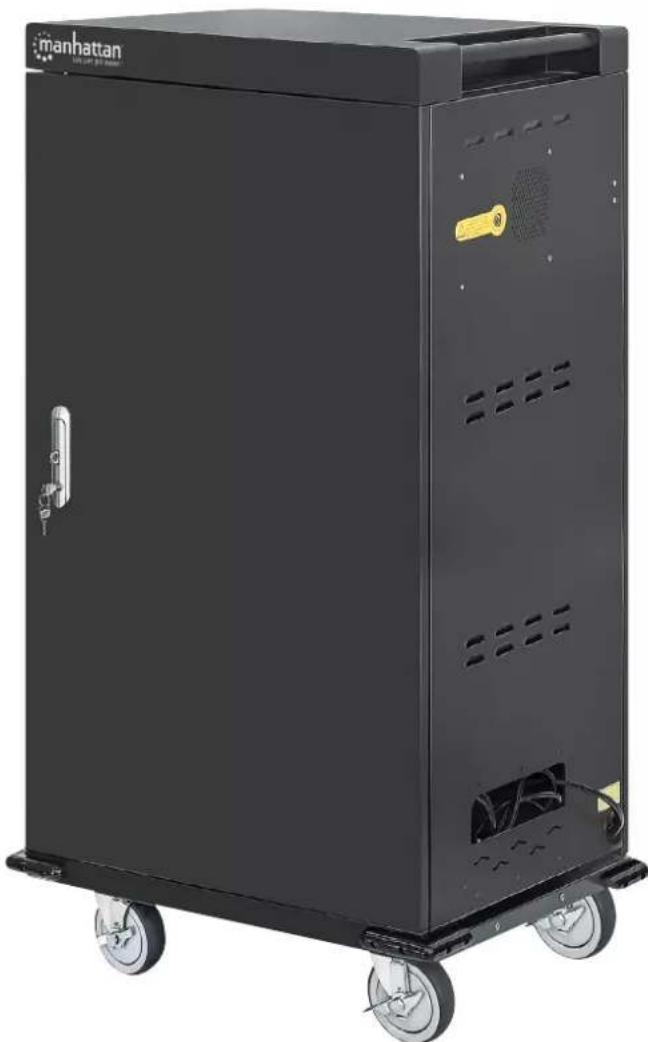
| Door locking | Yes, with key lock handle |
| Safety | UV shutdown when door opens, ground cable, CE certification |
| Maintenance and cleaning | Wipe with a damp cloth, do not use aggressive liquid products |
| Spare parts | Not specified (removable dividers, rod screws) |
| Repairability | Reversible door and removable dividers |
| Warranty | Not specified (typically 2 years) |
| Certifications | CE 2014/30/EU, 2014/35/EU |
| Manufacturer website | manhattanproducts.com |
| Product registration | register.manhattanproducts.com/r/180320 |
Frequently Asked Questions - 180320 MANHATTAN
User questions about 180320 MANHATTAN
0 question about this device. Answer the ones you know or ask your own.
Ask a new question about this device
Download the instructions for your Battery charger in PDF format for free! Find your manual 180320 - MANHATTAN and take your electronic device back in hand. On this page are published all the documents necessary for the use of your device. 180320 by MANHATTAN.
USER MANUAL 180320 MANHATTAN
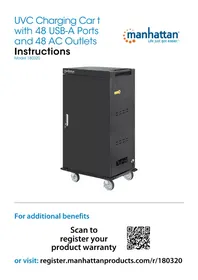
UVC Charging Car t with 48 USB-A Ports and 48 AC Outlets
Instructions
Model 180320

natural_image
Black Manhattan industrial machine with wheels and ventilation slots (no visible text or symbols)For additional benefits
Scan to register your product warranty

or visit: register.manhattanproducts.com/r/180320
Setup
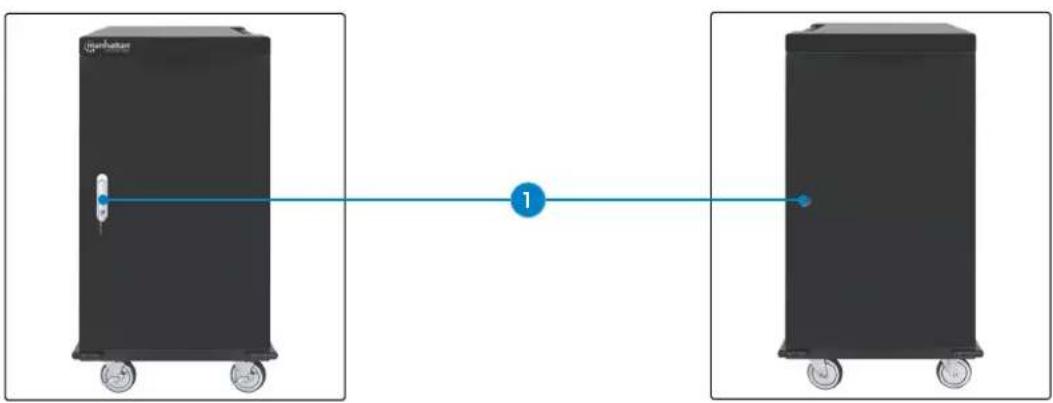
1 Unlock unit door(s) and open them (NOTE: on front door, pull handle up from bottom and turn counterclockwise).
natural_image
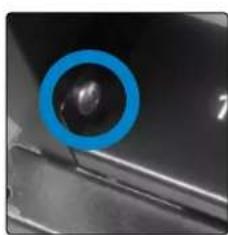
Two black industrial storage tanks connected by a blue line with a numbered marker (1), no text or symbols present.2 To fit larger devices, remove bay divider(s).
- Unscrew numbered bar and set it aside.
- To remove divider, pull up on the clip to release it from the bar it's attached to.
- When enough dividers are removed, replace numbered bar and screws.
natural_image
Close-up of a car's head panel with a blue circular highlight on the left side (no text or symbols visible)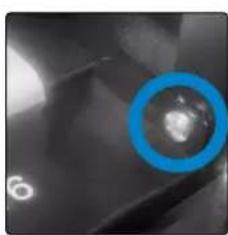
natural_image
Close-up of a metallic surface with a blue circular highlight and a small white spot (no text or symbols)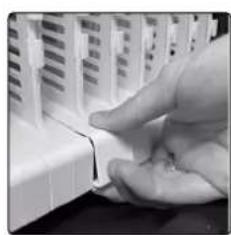
natural_image
Close-up of a hand inserting a small electronic component into a device (no visible text or symbols)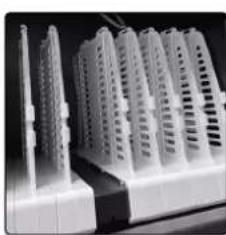
natural_image
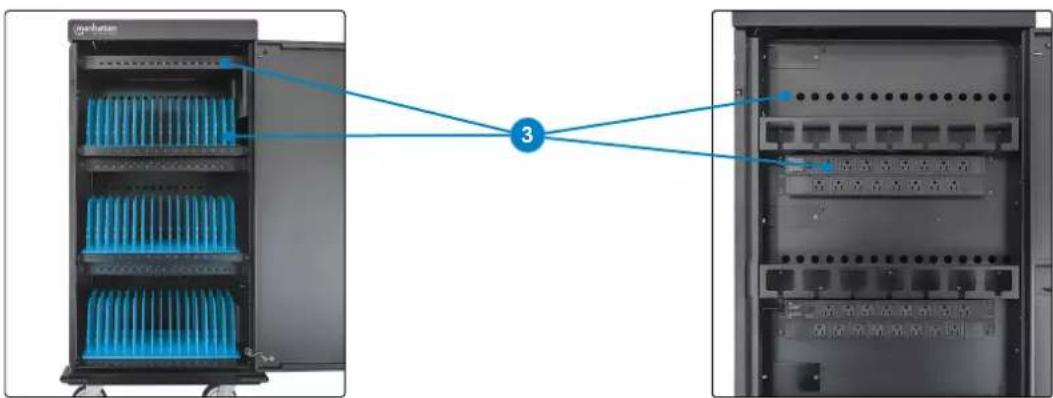
Exterior view of a row of white plastic electronic devices with ventilation slots (no visible text or symbols)3 Connect devices to USB ports and power outlets with appropriate cables. Secure cables with wire clips on dividers.
- Connect USB cables to unit ports.
- Connect power cables to power outlets, feeding cables through holes on back panel.
- Load devices in bays (TIP: for better sanitization, insert laptops open-side up and slightly ajar).
- Connect cables to devices.
natural_image
Two views of a server rack with blue heat sinks and labeled components, connected by a blue line (no text or symbols on the devices themselves)Charging and Sanitizing
4 Close door(s). Connect unit power cable to power outlet.

LEDs
| Color Description |
| Orange No connection |
| Green Device connected |
5 Press the UV button to start a cleaning cycle. NOTE: the 30-min. UV cleaning cycle will begin; opening the door stops the timer; closing the door resumes it.
To Reverse the Door
NOTE: Make sure all power is cut off from unit!
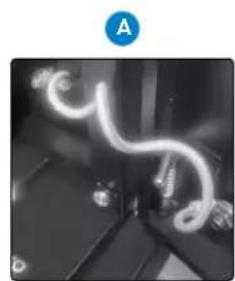
A Unscrew grounding cable from door and cabinet.
B Remove door from cabinet by pulling L-shaped pins.
C Flip door and guide pins into holes on other side of cabinet frame. Release pins and ensure door is secure.
D Reattach grounding cable to door and cabinet.
natural_image
Close-up of a flexible, glowing cable or wire component mounted on a dark surface, with no visible text or symbols.
natural_image
Close-up of two metal components with circular features, one showing a small hole and the other a dark circular hole (no text or symbols visible)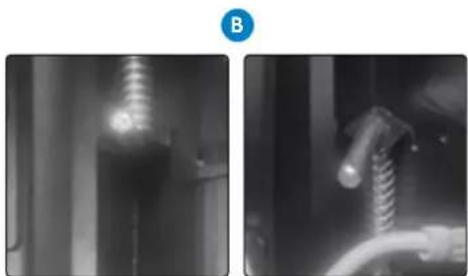
natural_image
Two grayscale images showing a vertical object and a coiled cable, both without any visible text or symbols.
natural_image
Interior view of a dimly lit room with glowing neon light trails (no text or symbols visible)For specifications, please visit manhattanproducts.com. Register your product at register.manhattanproducts.com/r/180320 or scan the QR code on the cover.
Einrichtung
natural_image
Two black industrial storage tanks connected by a blue line with a numbered marker (1), no text or symbols present.natural_image
Close-up of a black object with a blue circular highlight on the side (no visible text or symbols)
natural_image
Close-up of a metallic surface with a blue circular highlight and scattered light spots (no text or symbols)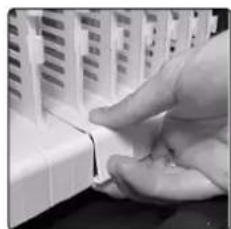
natural_image
Close-up of a hand inserting a small electronic component into a device (no visible text or symbols)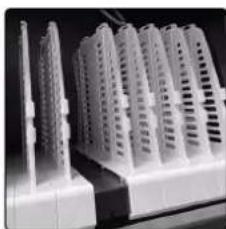
natural_image
Exterior view of modern high-rise residential buildings with white structural elements (no signage or text visible)natural_image
Two views of a server rack with blue heat sinks and connected to a numbered connection point (no text or symbols visible)natural_image
Close-up of a flexible, glowing tube or filament device mounted on a dark surface, with no visible text or symbols.
natural_image
Close-up of two metal components with circular annotations highlighting features (no text or symbols present)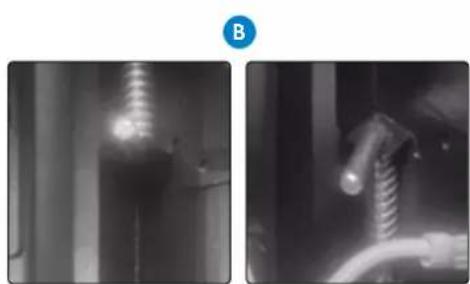
natural_image
Two grayscale industrial equipment photos showing internal components and a close-up of a coiled wire (no visible text or symbols)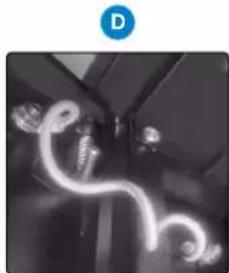
natural_image
Interior view of a vehicle showing illuminated curved lights (no text or symbols visible)natural_image
Two black industrial storage tanks connected by a blue line with a numbered marker (no text or symbols on the tanks themselves)natural_image
Close-up of a car's wheel rim with a blue circular highlight on the side (no text or symbols visible)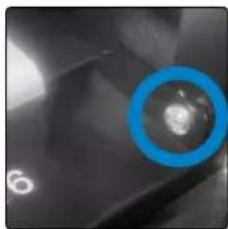
natural_image
Close-up of a dark, textured surface with a blue circular highlight and a small white circular mark (no text or symbols visible)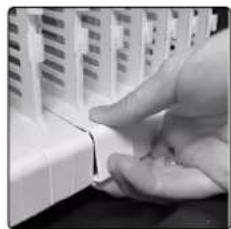
natural_image
Close-up of a hand inserting a small electronic component into a device (no visible text or symbols)
natural_image
Exterior view of a modern office building (no signage)natural_image
Two views of a server rack with blue heat sinks and labeled components, connected by a blue line to a numbered connection point (no text or symbols on the devices themselves)LED
natural_image
Close-up of a flexible, glowing cable or wire component mounted on a dark surface (no visible text or symbols)natural_image
Two black-and-white photos showing industrial equipment and a coiled cable, no visible text or symbols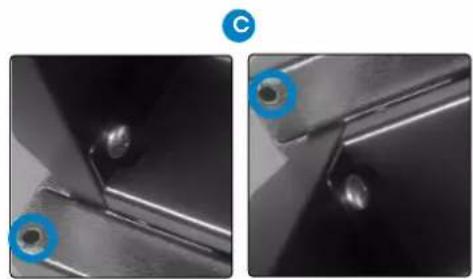
natural_image
Close-up of two metal components with circular annotations highlighting features (no text or symbols present)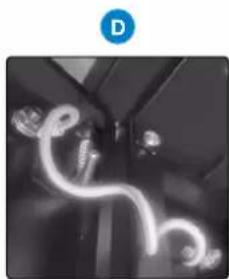
natural_image
Interior view of a vehicle with illuminated cables and a blue circular icon labeled 'D' (no text or symbols on the cables themselves)natural_image
Two black industrial storage tanks connected by a blue line with a numbered marker (1), no text or symbols present.natural_image
Four-panel image showing a car interior with a blue circular object highlighting a spherical object, alongside a hand interacting with a white plastic component (no text or symbols visible)natural_image
Two server racks with blue heat sinks connected by a blue line labeled '3' (no text or symbols on the devices themselves)DEL
natural_image
Close-up of a flexible, glowing cable or wire component mounted on a dark surface, with no visible text or symbols.natural_image
Two black-and-white photos showing a mechanical component with a coiled spring and a coiled tube, no visible text or symbols.
natural_image
Close-up of two metal components with circular annotations highlighting features (no text or symbols present)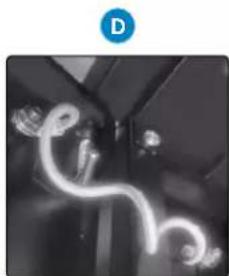
natural_image
Interior view of a room with glowing neon light fixtures (no text or symbols visible)natural_image
Two black industrial storage tanks connected by a blue line with a numbered marker (no text or symbols on the tanks themselves)natural_image
Close-up of a car wheel rim with a blue circular highlight on the side (no text or symbols visible)
natural_image
Close-up of a dark, textured surface with a blue circular highlight and a small white circle in the center (no text or symbols visible)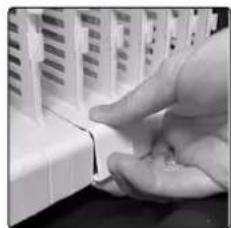
natural_image
Close-up of a hand inserting a small electronic component into a device (no visible text or symbols)
natural_image
Exterior view of a modern office building (no signage)natural_image
Two server rack units with blue heat sinks connected to a central numbered connection point (no text or symbols visible)Diody LED
natural_image
Close-up of a glowing, flexible, coiled wire or filament device with no visible text or symbolsnatural_image
Two grayscale images showing mechanical components: left with a cylindrical component, right with a coiled cable or wire (no visible text or symbols)
natural_image
Close-up of two metal components with circular blue annotations highlighting features (no text or symbols present)
natural_image
Interior view of a dimly lit room with glowing curved light fixtures (no visible text or symbols)natural_image
Two black industrial storage tanks connected by a blue line with a numbered marker (1), no text or symbols present.natural_image
Close-up of a car wheel rim with a blue circular highlight on the side (no text or symbols visible)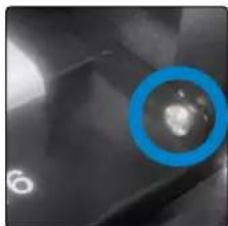
natural_image
Close-up of a metallic surface with a blue circular highlight and scattered light spots (no text or symbols)
natural_image
Close-up of a hand pressing down on a white electronic component (no visible text or symbols)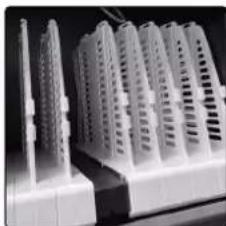
natural_image
Close-up of white plastic electronic components with ventilation slots, no visible text or symbolsLED
natural_image
Close-up of a flexible, glowing cable or wire component with no visible text or symbolsB
natural_image
X-ray image of a human torso showing internal anatomical structures (no visible text or labels)
natural_image
Close-up of a mechanical component with a coiled spring and pipe (no visible text or symbols)natural_image
Close-up of two metal components with circular annotations highlighting features (no text or symbols present)D

natural_image
Black and white photo of a ceiling-mounted LED light fixture with glowing filament (no text or symbols visible)Disposal of Electric Equipment (applicable in the E.U. and other countries with separate collection systems)
ENGLISH: This symbol on the product or its packaging means that this product must not be treated as unsorted household waste. In accordance with EU Directive 2012/19/EU on Waste Electrical and Electronic Equipment (WEEE), this electrical product must be disposed of in accordance with the user's local regulations for electrical or electronic waste. Please dispose of this product by returning it to your local point of sale or recycling pickup point in your municipality.
manhattanproducts.com
This equipment has been tested and found to comply with the limits for a Class B digital device, pursuant to Part 15 of Federal Communications Commission (FCC) Rules. These limits are designed to provide reasonable protection against harmful interference in a residential installation. This equipment generates, uses and can radiate radio frequency energy, and if not installed and used in accordance with the instructions may cause harmful interference to radio communications. However, there is no guarantee that interference will not occur in a particular installation. If this equipment does cause harmful interference to radio or television reception, which can be determined by turning the equipment off and on, the user is encouraged to try to correct the interference by one or more of the following measures: reorient or relocate the receiving antenna; increase the separation between the equipment and the receiver; connect the equipment to an outlet on a circuit different from the receiver; or consult the dealer or an experienced radio/TV technician for help.
CE
ENGLISH : This device complies with the requirements of CE 2014/30/EU and / or 2014/35/EU. The Declaration of Conformity for is available at:
support.manhattanproducts.com/barcode/180320


North & South America
IC Intracom Americas
550 Commerce Blvd.
Oldsmar, FL 34677, USA
Asia & Africa
IC Intracom Asia
4-F, No. 77, Sec. 1, Xintai 5th Rd.
Xizhi Dist., New Taipei City 221, Taiwan
Europe
IC Intracom Europe
Löhbacher Str. 7, D-58553
Halver, Germany
All trademarks and trade names are the property of their respective owners.
manhattanproducts.com
© IC Intracom. All rights reserved. Manhattan is a trademark of IC Intracom, registered in the U.S. and other countries.
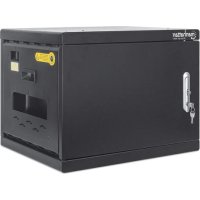
Brand : MANHATTAN
Model : 180320
Category : Battery charger