180313 - Electric trolley MANHATTAN - Free user manual and instructions
Find the device manual for free 180313 MANHATTAN in PDF.

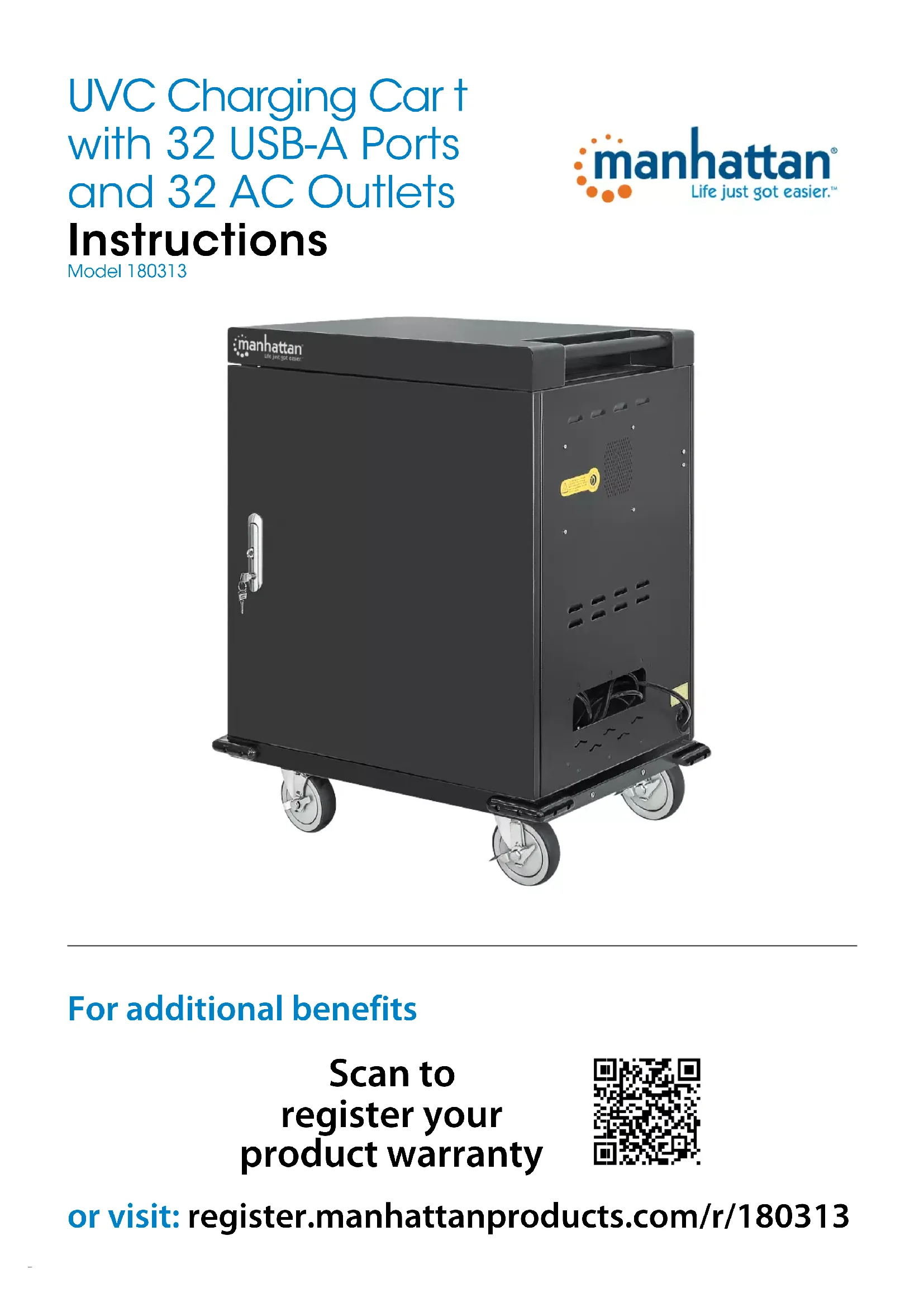


| Product Type | Electric Charging Cart with UV Disinfection |
| Brand | Manhattan |
| Model | 180313 |
| Power Supply | AC Power Cable (wall outlet) |
| Input Voltage | 110-240 V AC, 50/60 Hz |
| USB Ports | Built-in (quantity not specified) |
| Power Outlets | Built-in (quantity not specified) |
| Charging Capacity | Laptops and tablets |
| UV Disinfection Cycle | 30 minutes |
| LED Indicator - Orange | No device connected |
| LED Indicator - Green | Device connected and charging |
| Door Reversal | Possible (instructions provided) |
| Removable Dividers | Yes, for adjustable compartments |
| Cable Management | Cable ties on dividers |
| Locking | Door lockable with key |
| Ground Cable | Included |
| Material | Steel or robust metal |
| Dimensions (W x H x D) | Approximately 800 x 1000 x 500 mm |
| Weight | Approximately 50 kg |
| Maintenance | Clean with a soft, dry cloth |
| Compliance | CE (2014/30/EU and 2014/35/EU) |
| Repairability | Spare parts available at manhattanproducts.com |
| Product Registration | At register.manhattanproducts.com/r/180313 |
Frequently Asked Questions - 180313 MANHATTAN
User questions about 180313 MANHATTAN
0 question about this device. Answer the ones you know or ask your own.
Ask a new question about this device
Download the instructions for your Electric trolley in PDF format for free! Find your manual 180313 - MANHATTAN and take your electronic device back in hand. On this page are published all the documents necessary for the use of your device. 180313 by MANHATTAN.
USER MANUAL 180313 MANHATTAN
UVC Charging Cart with 32 USB-A Ports and 32 AC Outlets
Instructions
Model 180313
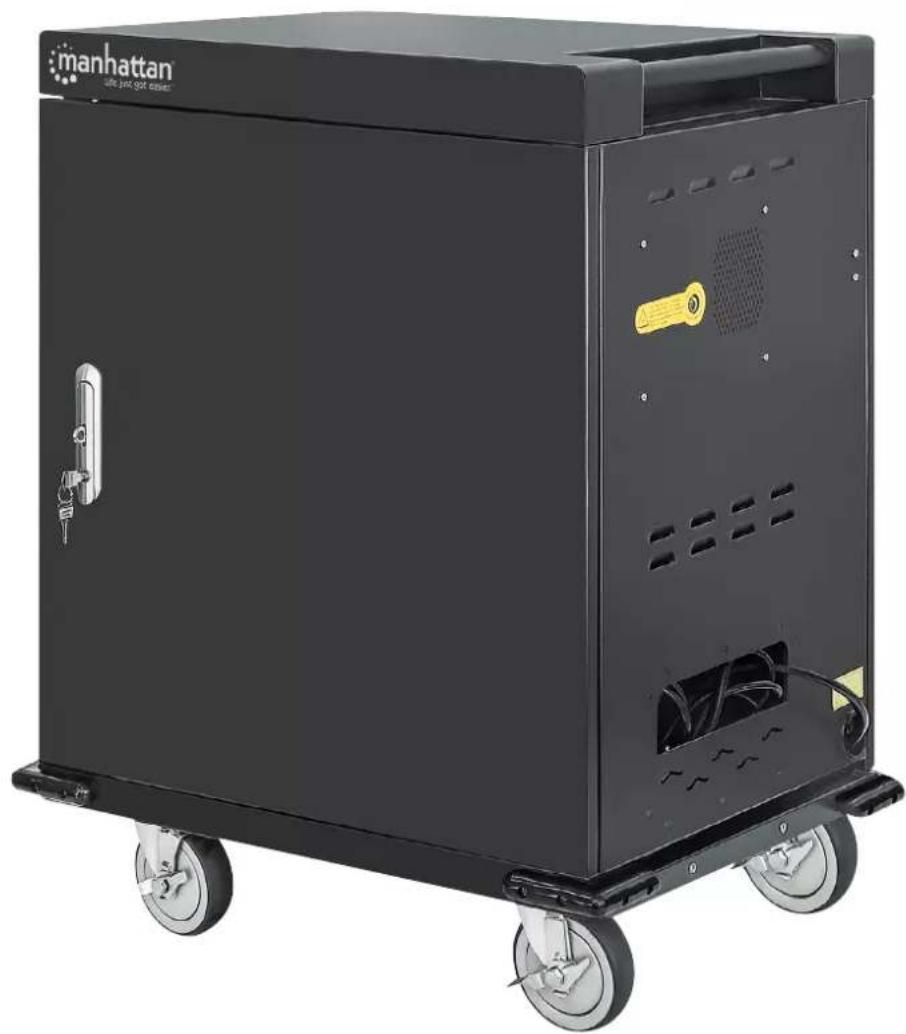
For additional benefits
Scan to register your product warranty
or visit: register.manhattanproducts.com/r/180313
Setup
1 Unlock unit door(s) and open them (NOTE: on front door, pull handle up from bottom and turn counterclockwise).
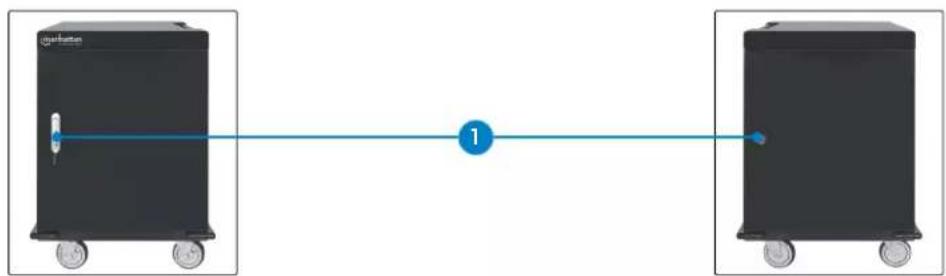
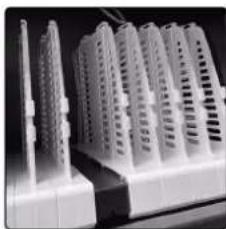
2 To fit larger devices, remove bay divider(s).
- Unscrew numbered bar and set it aside.
- To remove divider, pull up on the clip to release it from the bar it's attached to.
- When enough dividers are removed, replace numbered bar and screws.
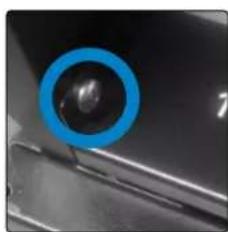
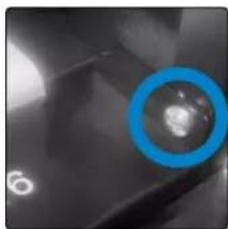
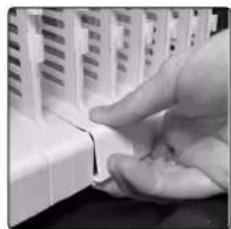
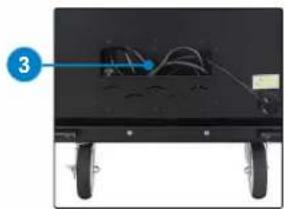
3 Connect unit power cable to power outlet.
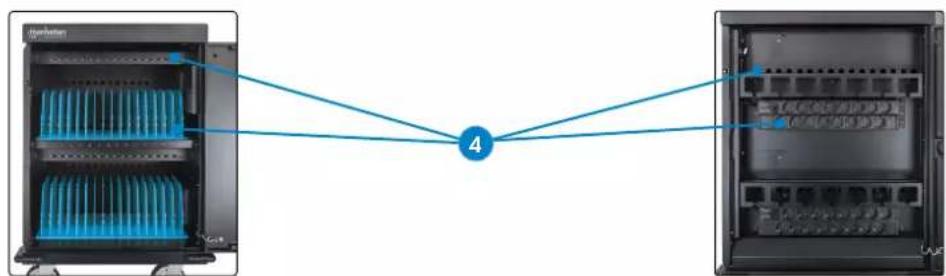
4 Connect devices to USB ports and power outlets with appropriate cables. Secure cables with wire clips on dividers.
- Connect USB cables to unit ports.
- Connect power cables to power outlets, feeding cables through holes on back panel.
- Load devices in bays (TIP: for better sanitization, insert laptops open-side up and slightly ajar).
- Connect cables to devices.
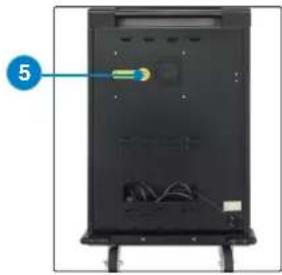
Charging and Sanitizing
5 Close door(s). Press the UV button to start a cleaning cycle. NOTE: the 30-min. UV cleaning cycle will begin; opening the door stops the timer; closing the door resumes it.
LEDs
| Color Description |
| Orange No connection |
| Green Device connected |
To Reverse the Door
NOTE: Make sure all power is cut off from unit!
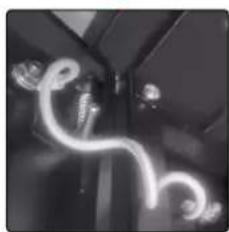
A Unscrew grounding cable from door and cabinet.
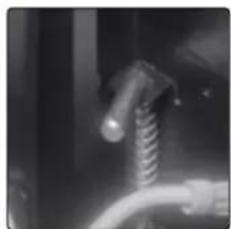
B Remove door from cabinet by pulling L-shaped pins.
C Flip door and guide pins into holes on other side of cabinet frame. Release pins and ensure door is secure.
D Reattach grounding cable to door and cabinet.
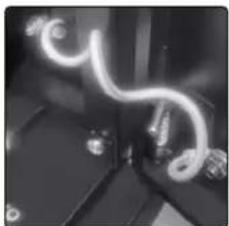
A
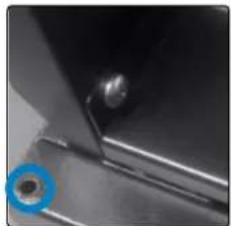
C
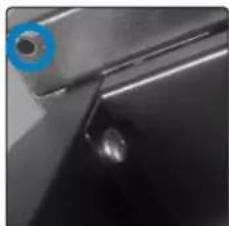
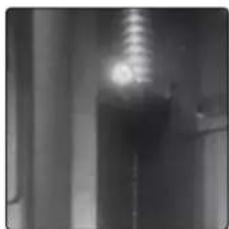
B
D
For specifications, please visit manhattanproducts.com. Register your product at register. manhattanproducts.com/r/180313 or scan the QR code on the cover.
Einrichtung
manhattanproducts.com
This equipment has been tested and found to comply with the limits for a Class B digital device, pursuant to Part 15 of Federal Communications Commission (FCC) Rules. These limits are designed to provide reasonable protection against harmful interference in a residential installation. This equipment generates, uses and can radiate radio frequency energy, and if not installed and used in accordance with the instructions may cause harmful interference to radio communications. However, there is no guarantee that interference will not occur in a particular installation. If this equipment does cause harmful interference to radio or television reception, which can be determined by turning the equipment off and on, the user is encouraged to try to correct the interference by one or more of the following measures: reorient or relocate the receiving antenna; increase the separation between the equipment and the receiver; connect the equipment to an outlet on a circuit different from the receiver; or consult the dealer or an experienced radio/TV technician for help.
CE
ENGLISH : This device complies with the requirements of CE 2014/30/EU and / or 2014/35/EU. The Declaration of Conformity for is available at:
support.manhattanproducts.com/barcode/180313
POWER INFORMATION
| Max. Power Output (USA) | ,600 W (110 V / 1 A) |
| Max. Power Output (Mexico) | 2,032 W (127 V / 16 A) |
| Input | 00 – 250 VAC, 50 – 60 Hz |
| Output per Port (USB-A) | .0 V/2.4 A, 12.0 W |
| Average Active Efficiency (%) | 86% |
| Low-Load Efficiency (10%) | 83% |
| No-load Power Consumption (W) | 22 W |



North & South America
IC Intracom Americas
550 Commerce Blvd.
Oldsmar, FL 34677, USA
Asia & Africa
IC Intracom Asia
4-F, No. 77, Sec. 1, Xintai 5th Rd.
Xizhi Dist., New Taipei City 221, Taiwan
Europe
IC Intracom Europe
Lohbacher Str. 7, D-58553
Halver, Germany
All trademarks and trade names are the property of their respective owners.
:manhattan® Life just got easier.
manhattanproducts.com
IC Intracom. All rights reserved. Manhattan is a trademark of IC Intracom, registered in the U.S. and other countries.
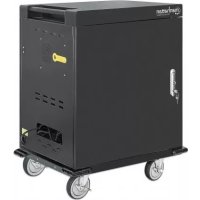
Brand : MANHATTAN
Model : 180313
Category : Electric trolley