MatePad 11 - Tablet HUAWEI - Free user manual and instructions
Find the device manual for free MatePad 11 HUAWEI in PDF.



| Product type | Touchscreen tablet |
| Brand | Huawei |
| Model | MatePad 11 |
| Dimensions (L x W x H) | 253.8 x 165.3 x 7.2 mm |
| Weight | Approximately 485 g |
| Screen size | 10.95 inches |
| Battery | Built-in lithium polymer, 7250 mAh |
| Power supply | USB Type-C power adapter, 22.5 W |
| Wireless connectivity | Wi-Fi 2.4 GHz / 5 GHz, Bluetooth 2.4 GHz |
| 5 GHz Wi-Fi bands | 5150-5350 MHz (indoor only), 5470-5725 MHz, 5725-5850 MHz |
| SAR trunk | 0.50 W/kg |
| SAR limbs | 1.35 W/kg |
| Operating system | HarmonyOS 2 (or later) |
| Sensors | Accelerometer, gyroscope, ambient light sensor, compass |
| Main features | Internet browsing, multimedia playback, productivity with stylus (optional), multi-window mode |
| Care and cleaning | Use a soft, dry cloth. Do not use abrasive products. Avoid moisture and extreme temperatures. |
| Safety | Keep at least 15 cm away from electronic implants. Use indoors for 5 GHz band 5150-5350 MHz. Do not use in explosive atmospheres. |
| Spare parts and repairability | Built-in battery not user-replaceable. Replacement only by an authorized Huawei service center. |
| Operating temperature | 0 °C to 35 °C |
| Storage temperature | -20 °C to 45 °C |
| Package contents | Tablet, power adapter, USB Type-C cable, card tray eject tool, documentation |
Frequently Asked Questions - MatePad 11 HUAWEI
User questions about MatePad 11 HUAWEI
0 question about this device. Answer the ones you know or ask your own.
Ask a new question about this device
Download the instructions for your Tablet in PDF format for free! Find your manual MatePad 11 - HUAWEI and take your electronic device back in hand. On this page are published all the documents necessary for the use of your device. MatePad 11 by HUAWEI.
USER MANUAL MatePad 11 HUAWEI
Before using the device, familiarise yourself with its basic operations.
- To power on your device, press and hold the power button until the screen turns on.
- To power off your device, press and hold the power button, and then touch ⏻
• To restart your device, press and hold the power button, and then touch ✿
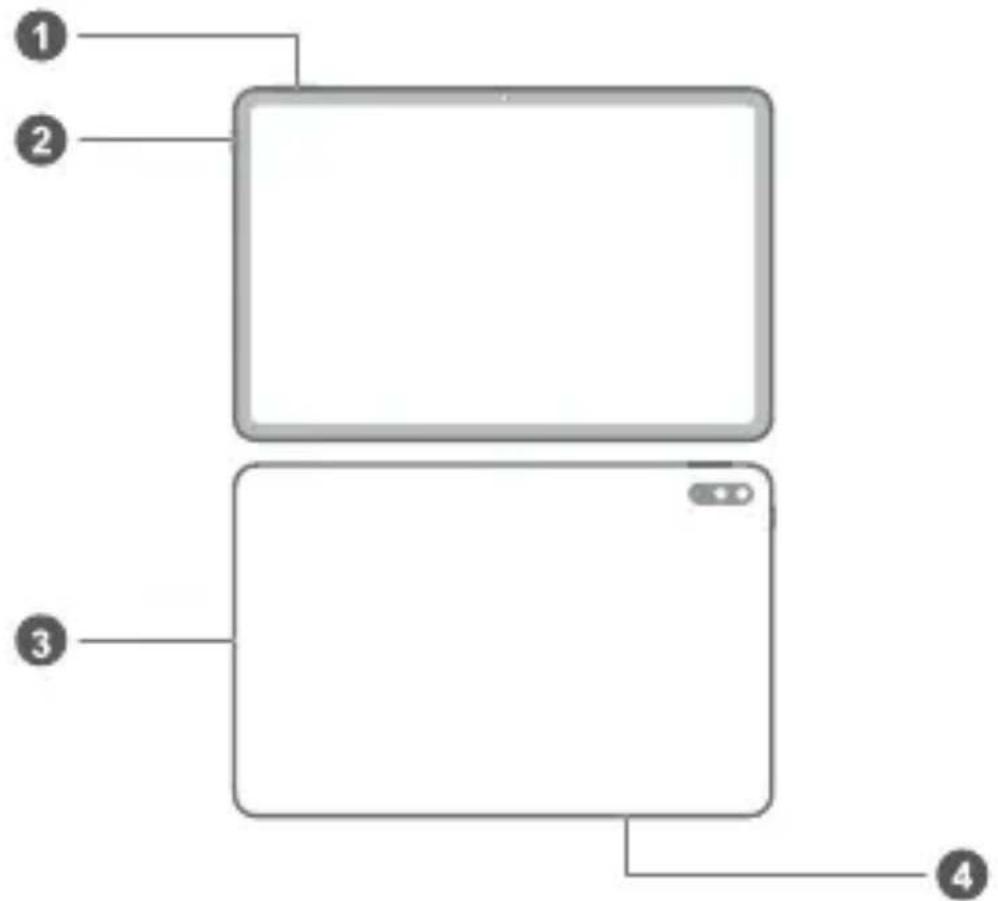
| 1 | Volume button Power button | 2 | |
| 3 | USB Type-C port/Headset jack | 4 | Card slot |
Getting Started

- Be careful not to scratch your device or hurt yourself when using the eject pin.
- Store the eject pin out of the reach of children to prevent accidental swallowing or injury.
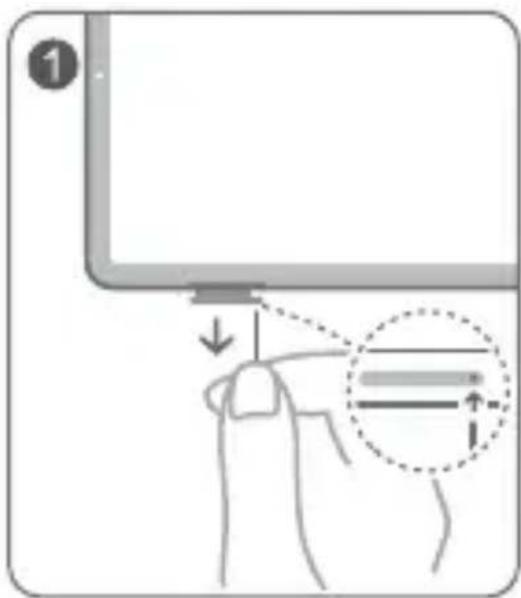
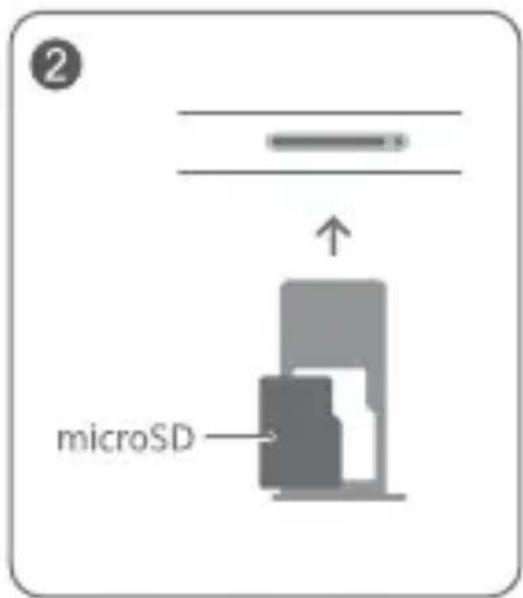
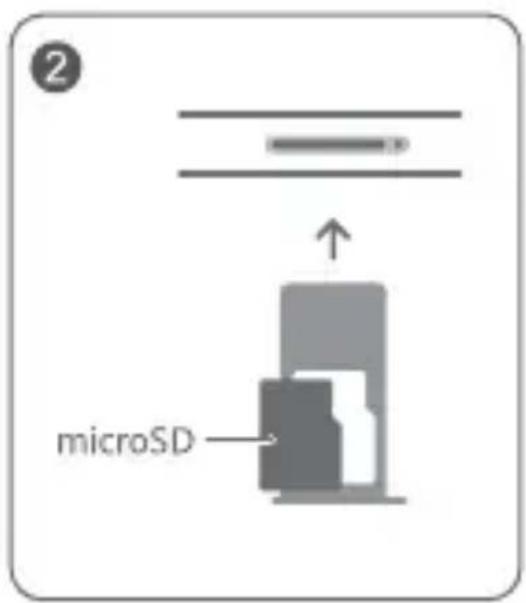
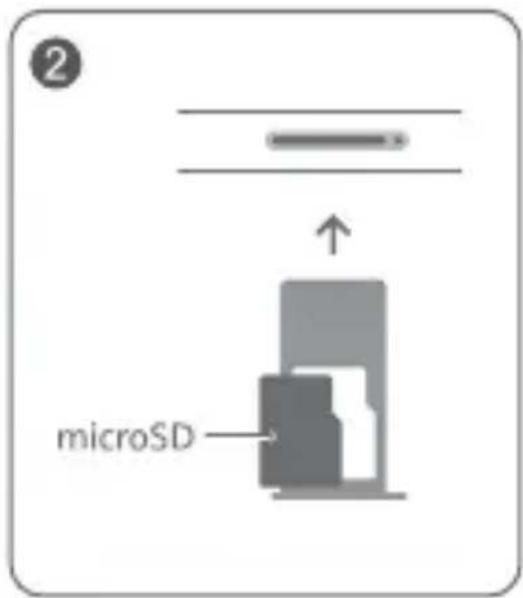
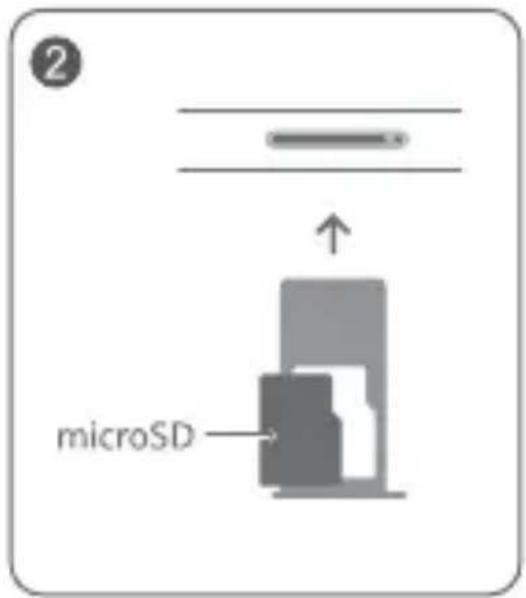
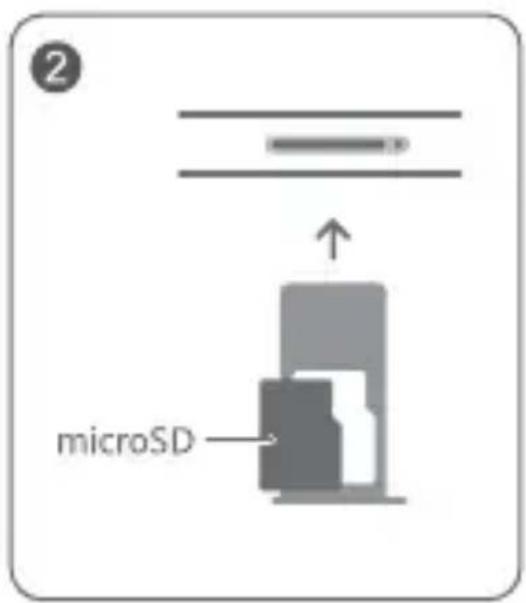
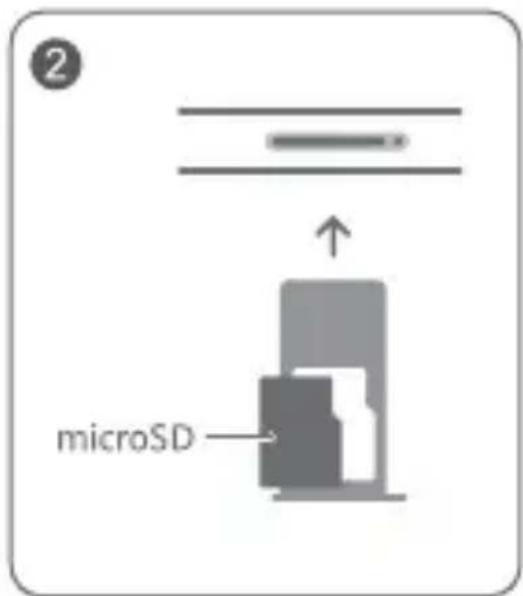
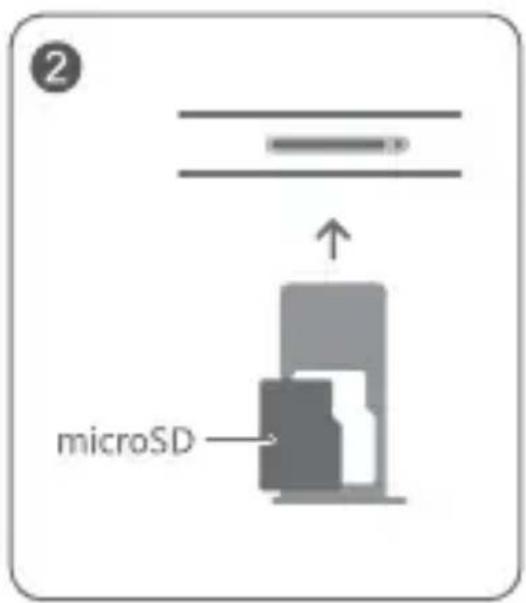
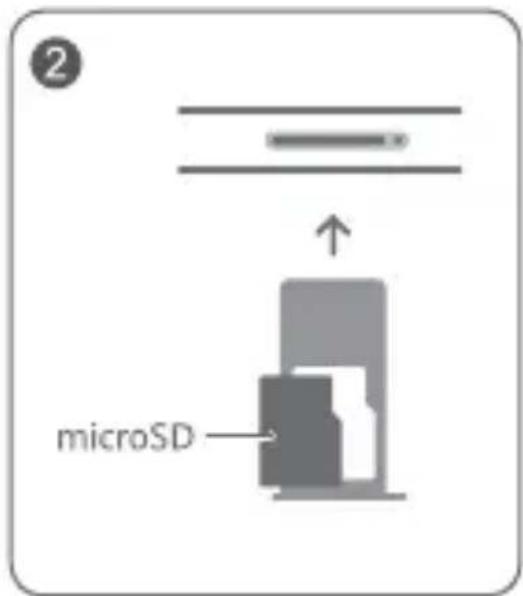
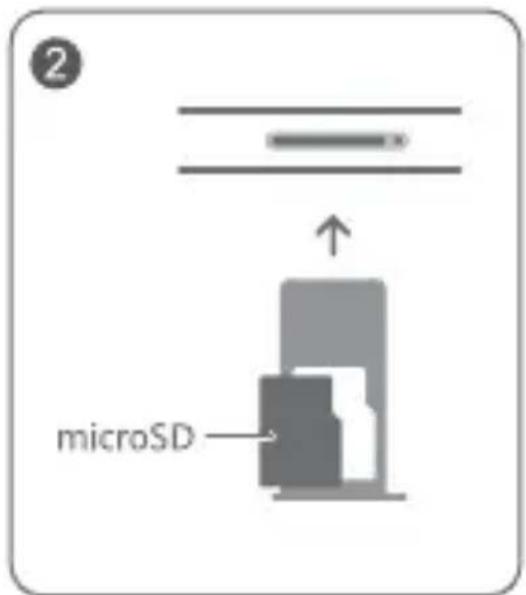
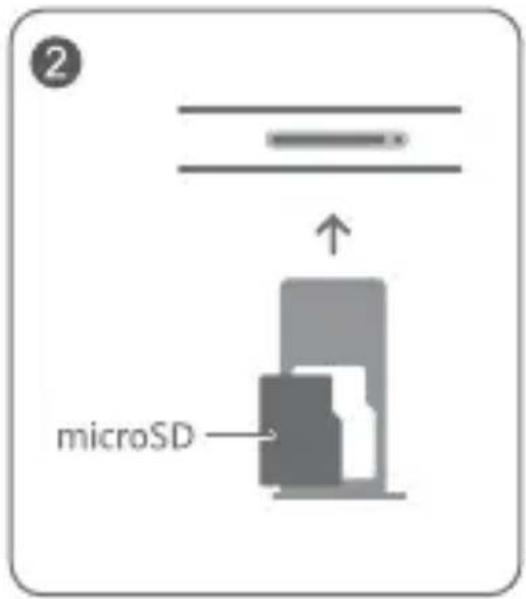
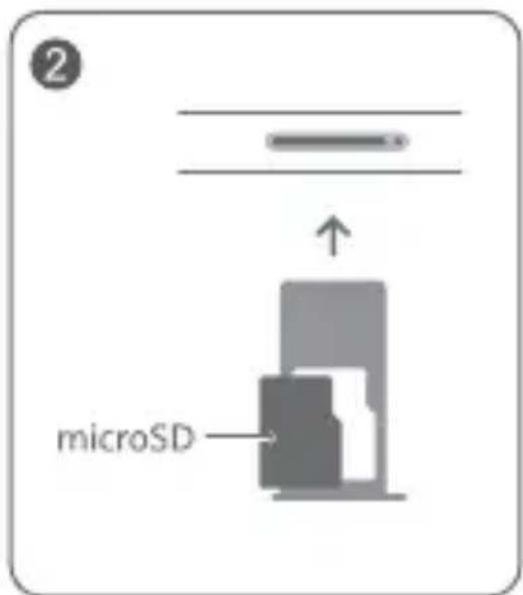
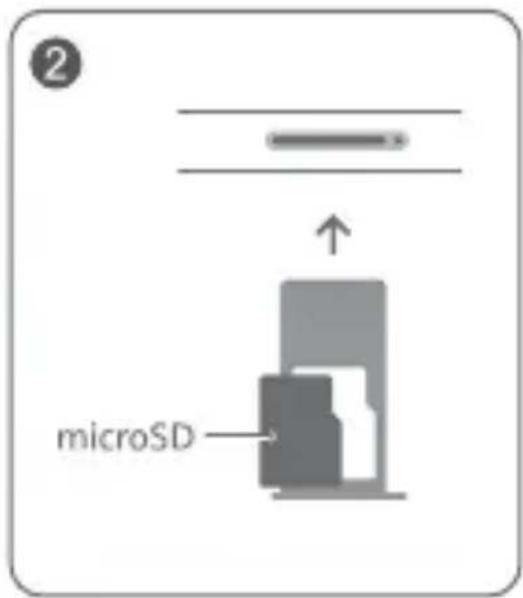
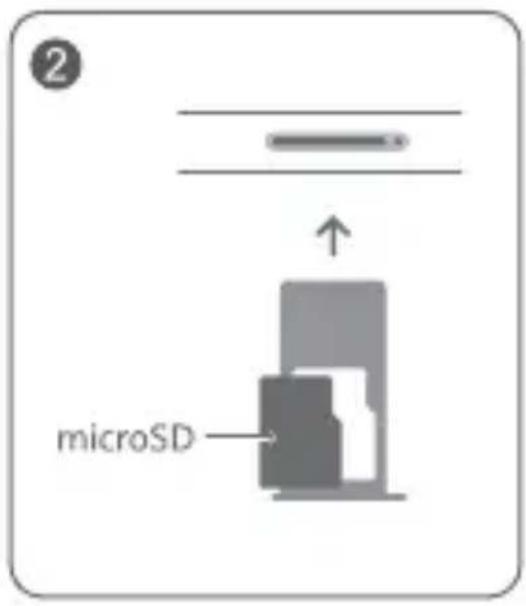
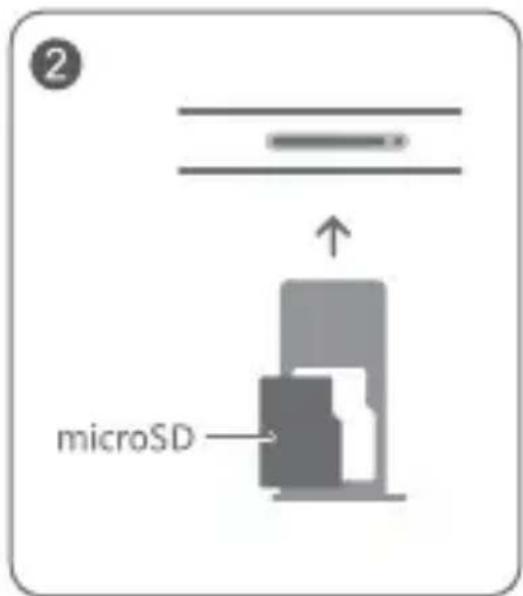
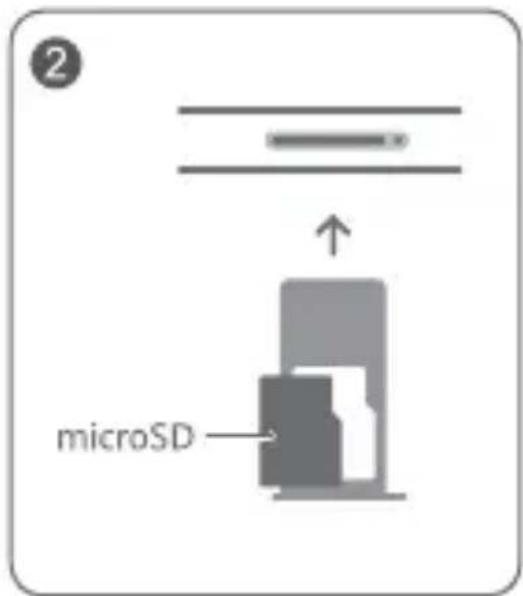
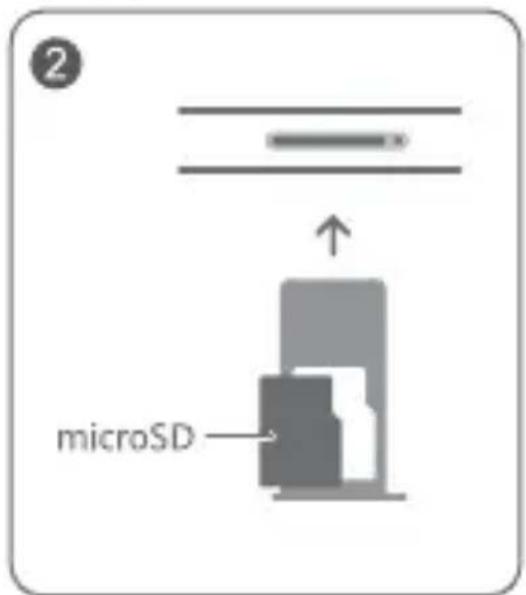
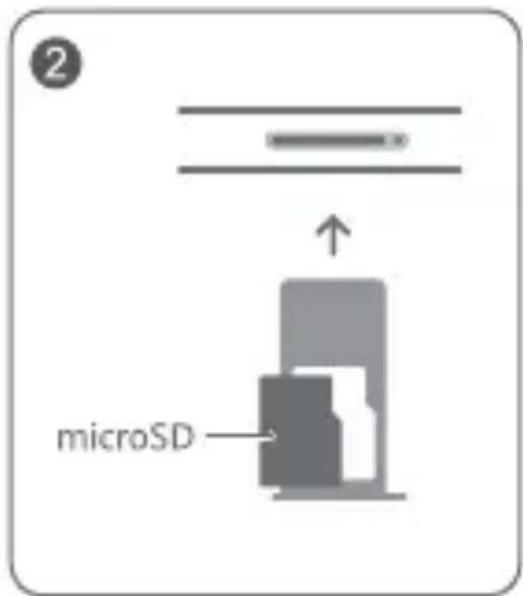
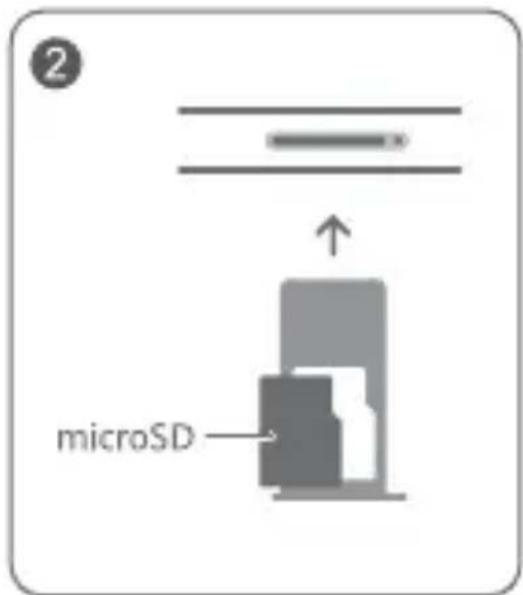
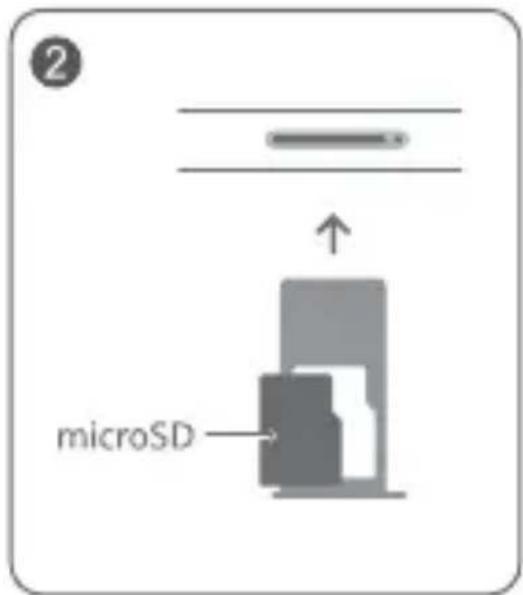
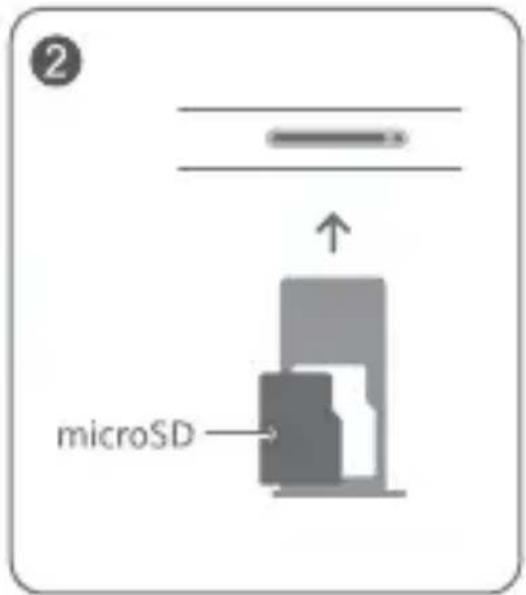
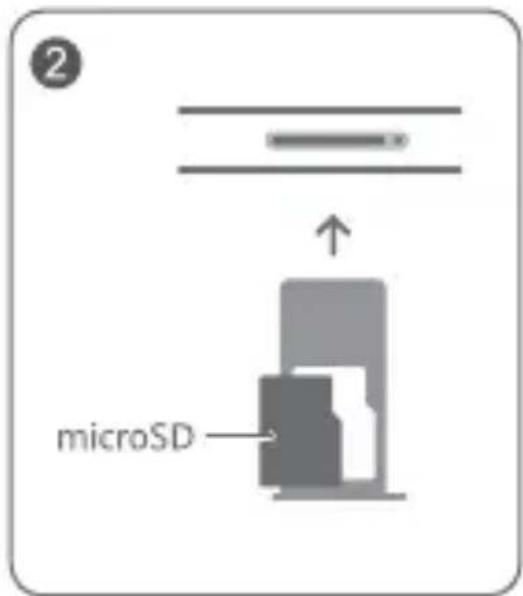
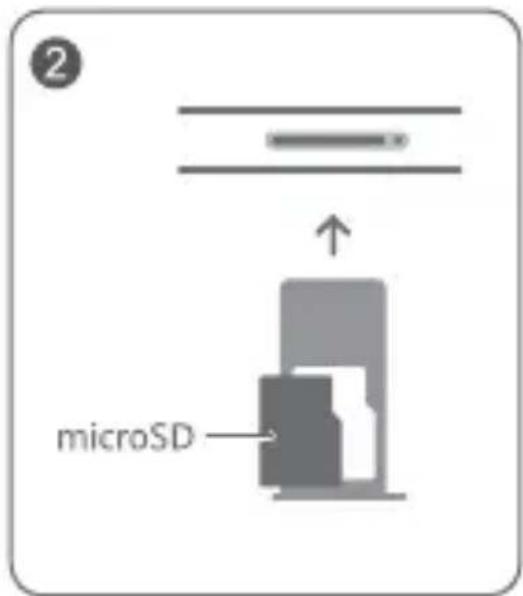
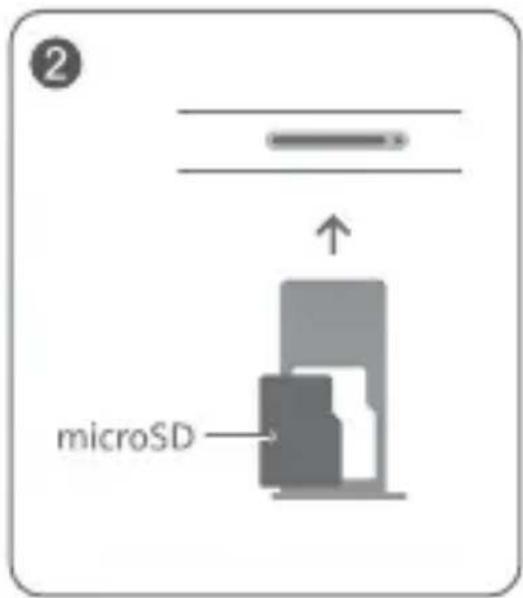
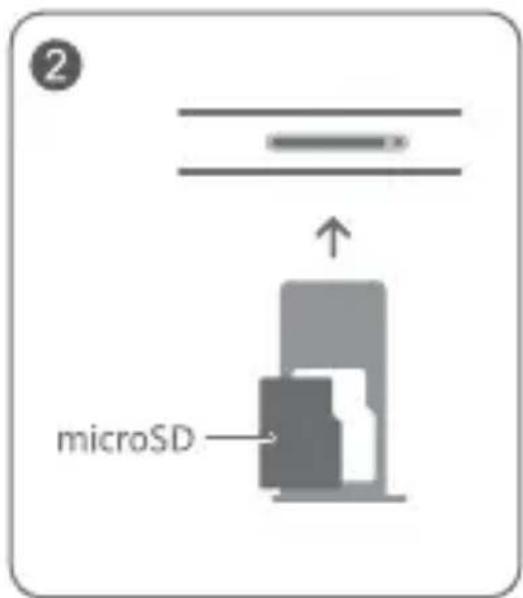
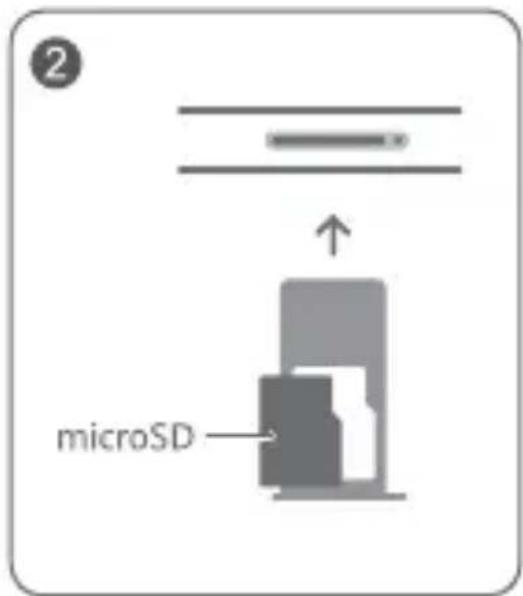
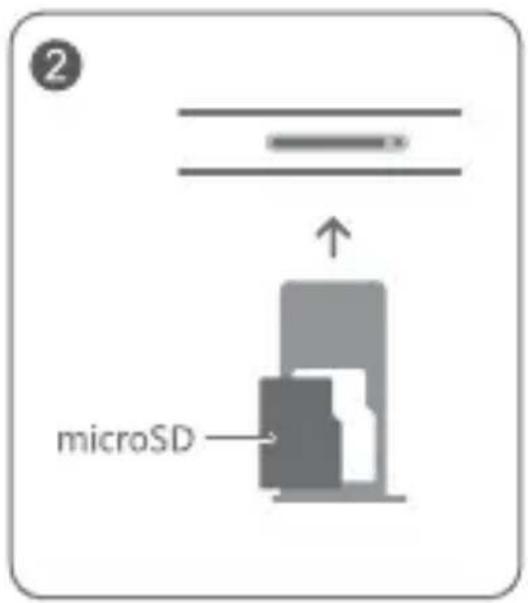
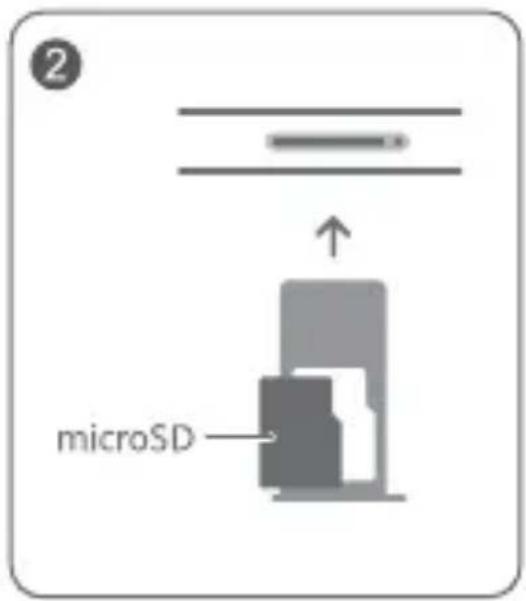
Follow the instructions in the following figures to set up your device.
Please use the eject pin included.
Ensure that the card is correctly aligned and that the card tray is level when you insert it into your device.
For More Information
If you encounter any problems while using your device, you can obtain help from the following resources:
- Visit https://consumer.huawei.com/en to view device information, frequently asked questions and other information.
- Visit https://consumer.huawei.com/en/support for the most up-to-date contact information for your country or region.
- Go to Settings and enter the following keywords in the search box to view the corresponding information. E.g. Legal, Safety information, Certification logos.
Safety Information
Please read all of the safety information carefully before using your device to ensure its safe and proper operation and to learn how to dispose of your device properly.
Operation and Safety
- To prevent possible hearing damage, do not listen at high volume levels for long periods.
- Using an unapproved or incompatible power adapter, charger or battery may damage your device, shorten its lifespan or cause a fire, explosion or other hazards.
- Ideal operating temperatures are 0^ to 35^ . Ideal storage temperatures are -20^ to +45^ .
- Pacemaker manufacturers recommend maintaining a minimum distance of 15 cm between a pacemaker and a wireless device to prevent potential interference with the pacemaker. If using a pacemaker, hold the device on the side opposite the pacemaker and do not carry the device in your front pocket.
- Keep the device and the battery away from fire, excessive heat and direct sunlight. Do not place them on or in heating devices, such as microwave ovens, water heaters, stoves or radiators.
- Adhere to local laws and regulations while using the device. To reduce the risk of accidents, do not use your wireless device while driving. If you must make or answer a call, stop your vehicle at a safe location first.
- While flying in an aircraft or immediately before boarding, ensure that you use your device according to the instructions provided. Using a wireless device in an aircraft may disrupt wireless networks, present a hazard to aircraft operations or be illegal under law.
-
In order to avoid damaging the internal circuit of the device or charger, do not use the device in a dusty, damp, or dirty place, or near a magnetic field.
-
When charging the device, make sure the power adapter is plugged into a socket near the devices and is easily accessible.
- Unplug the charger from the electric socket and from the device when not in use.
- Do not use, store or transport the device where flammables or explosives are stored (e.g. in a petrol station, oil depot or chemical plant). Using your device in these environments increases the risk of explosion or fire.
- Keep the battery away from fire, and do not disassemble, modify, throw, or squeeze it. Do not insert foreign objects into it, submerge it in water or other liquids, or expose it to external force or pressure, as this may cause the battery to leak, overheat, catch fire, or even explode.
- Dispose of this device, the battery and accessories according to local regulations. They should not be disposed of in normal household waste. Improper battery use may lead to fire, explosion or other hazards.
- Please consult your doctor and the device manufacturer to determine if operation of your device may interfere with the operation of your medical device.
- Adhere to any rules or regulations set forth by hospitals and health care facilities.
- This device contains a built-in battery. Do not attempt to replace the battery by yourself. Otherwise, the device may not run properly or it may damage the battery. For your personal safety and to ensure that your device runs properly, you are strongly advised to contact a Huawei authorised service centre for a replacement.
Potentially Explosive Atmosphere
Power off your device in any area with a potentially explosive atmosphere, and comply with all signs and instructions. Areas that may have potentially explosive atmospheres include the areas where you would normally be advised to turn off your vehicle engine.
Triggering of sparks in such areas could cause an explosion or a fire, resulting in bodily injuries or even deaths. Do not power on your device at refueling points such as service stations. Comply with restrictions on the use of radio equipment in fuel depots, storage, and
distribution areas, and chemical plants. In addition, adhere to restrictions in areas where blasting operations are in progress. Before using the device, watch out for areas that have potentially explosive atmospheres that are often, but not always, clearly marked. Such locations include areas below the deck on boats, chemical transfer or storage facilities, and areas where the air contains chemicals or particles such as grain, dust, or metal powders. Ask the manufacturers of vehicles using liquefied petroleum gas (such as propane or butane) whether this device can be safely used in their vicinity.
Disposal and recycling information
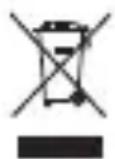
The symbol on the product, battery, literature, or packaging means that the products and batteries should be taken to separate waste collection points designated by local authorities at the end of the lifespan. This will ensure that EEE waste is recycled and treated in a manner that conserves valuable materials and protects human health and the environment.
For more information, please contact your local authorities, retailer, or household waste disposal service or visit the website https://consumer.huawei.com/en/.
Reduction of hazardous substances
This device and its electrical accessories comply with local applicable rules on the restriction of the use of certain hazardous substances in electrical and electronic equipment, such as EU REACH regulation, RoHS and Batteries (where included) directive. For declarations of conformity about REACH and RoHS, please visit the website https://consumer.huawei.com/certification.
RF Exposure Information
This device complies with the applicable national and international standards for exposure to radio waves.
"SAR" stands for "Specific Absorption Rate", it is a measure of rate that quantifies the user's exposure to radio waves from the radio equipment concerned.
Keep the device away from your body to meet the distance requirement.
The World Health Organisation has stated that exposure can be reduced by limiting your usage or simply using a hands-free kit.
Ensure that the device accessories, such as a device case and device holster, are not composed of metal components.
The highest reported SAR value: body SAR: 0.50 W/kg, limit of 2.0 W/kg over 10 g, at distance of 0.50 cm.
EU Regulatory Conformance
Statement
Hereby, Huawei Device Co., Ltd. declares that this device DBY-W09 is in compliance with the following Directive: RED 2014/53/EU, RoHS 2011/65/EU, ErP 2009/125/EC.
The full text of the EU declaration of conformity, the detailed ErP information and most recent information about accessories & software are available at the following internet address: https://consumer.huawei.com/certification.
This device may be operated in all member states of the EU. Observe national and local regulations where the device is used. This device may be restricted for use, depending on the local network.
Restrictions in Norway
Use of this radio equipment is not allowed in the geographical area within a radius of 20 km from the centre of Ny-Ålesund, Svalbard.
Restrictions in the 5 GHz band:
The 5150 to 5350 MHz frequency range is restricted to indoor use in: AT, BE, BG, CH, CY, CZ, DE, DK, EE, EL, ES, FI, FR, HR, HU, IE, IS, IT, LI, LT, LU, LV, MT, NL, NO, PL, PT, RO, SE, SI, SK, TR, UK(NI).
In accordance with the relevant statutory requirements in the UK, the 5150 to 5350 MHz frequency range is restricted to indoor use in the United Kingdom.
Frequency Bands and Power
The frequency bands and transmitting power (radiated and/or conducted) nominal limits applicable to this radio equipment are as follows:
| DBY-W09 B | Bluetooth 2.4GHz: 10 dBm, Wi-Fi 2.4GHz: 20 dBm, Wi-Fi 5GHz: 5150–5250 MHz: 23 dBm, 5250–5350 MHz: 23 dBm, 5470–5725 MHz: 23 dBm, 5725–5850 MHz: 14 dBm, Wireless Power Charging: 120-135 KHz: 66 descending 10 dB/dec above 119 KHz @ 10 m, 135-140 KHz: 42 dBμA/m @ 10 m, 140-148 KHz: 37.7 dBμA/m @ 10 m |
Legal Notice
Trademarks and Permissions
The Bluetooth ^® word mark and logos are registered trademarks owned by Bluetooth SIG, Inc. and any use of such marks by Huawei Technologies Co., Ltd. is under license. Huawei Device Co., Ltd. is an affiliate of Huawei Technologies Co., Ltd.
Wi-Fi ^® , the Wi-Fi CERTIFIED logo and the Wi-Fi logo are trademarks of Wi-Fi Alliance.
Copyright © Huawei 2021. All rights reserved.
ALL PICTURES AND ILLUSTRATIONS IN THIS GUIDE, INCLUDING BUT NOT LIMITED TO THE DEVICE COLOUR, SIZE, AND DISPLAY CONTENT, ARE FOR YOUR REFERENCE ONLY. THE ACTUAL DEVICE MAY VARY. NOTHING IN THIS GUIDE CONSTITUTES A WARRANTY OF ANY KIND, EXPRESS OR IMPLIED.
Privacy Policy
To better understand how we protect your personal information, please see the privacy policy at
https://consumer.huawei.com/privacy-policy.
Français
https://consumer.huawei.com/certification.
https://consumer.huawei.com/certification.
https://consumer.huawei.com/certification.
Más información
https://consumer.huawei.com/en/.
https://consumer.huawei.com/en/.
| 1 | Volymknapp Strömknapp | 2 | |
| 3 | USB Type C-port/Headset-uttag | 4 | Kortöppning |
Komma igång

Mer information
https://consumer.huawei.com/certification.
https://consumer.huawei.com/certification.
| 1 | Volumknapp Av/på-knapp | 2 | |
| 3 | USB type-C-port /hodesettplugg | 4 | Kortspor |
Komme i gang

Mer informasjon
https://consumer.huawei.com/certification.
Lisätietoja
Wiecej informacji
https://consumer.huawei.com/certification.
Papildinformācija
https://consumer.huawei.com/certification.
| 1 | Helitugevuse reguleerimise nupp | 2 | Toitenupp |
| 3 | USB Type-C port / peakomplekti pistik | 4 | Kaardipesa |
Alustamine

Lisateave
https://consumer.huawei.com/certification.
https://consumer.huawei.com/certification.
https://consumer.huawei.com/certification.
| 1 | Gumb za glasnost Gumb za vklop | |
| 3 | Vrata USB Type-C/Priključek za slušalke | 4 Reža za kartico |
Uvod

Dodatne informacije
További információk
https://consumer.huawei.com/certification.
https://consumer.huawei.com/certification.
| 1 | Бутон за сила на звука Бутона | 2 | Вкл./Изкл. |
| 3 | USB порт тип С/жак за слушалки | 4 | Слот за карта |
Първи стъпки

https://consumer.huawei.com/certification.
| 1 | Taster za podešavanje jačine zvuka | 2 | Taster za uključivanje i isključivanje |
| 3 | USB Type-C priključak/Konektor za slušalice | 4 | Umetak za karticu |
Prvi koraci

- Pazite da ne ogrebete uređaj ili da se ne povredite kada koristite alat za izbacivanje kartice.
Više informacija
Ako naidete na neki problem u toku korišćenja uređaja, potražite pomoć u sledećim resursima:
https://consumer.huawei.com/certification.
Ovaj uređaj može da se koristi u svim zemljama članicama EU.
https://consumer.huawei.com/privacy-policy.

natural_image
Three black triangles arranged in a triangular pattern (no text or symbols)И 005 21
Русский
https://consumer.huawei.com/privacy-policy.
Українська
https://consumer.huawei.com/tr/support/warranty-policy/ https://consumer.huawei.com/tr/legal/privacy-policy/ Yetkili Servisler:
Huawei Yetkili Servis Merkezi (Telefon: 4447988) Adres: Canpark Alışveriş Merkezi, Yaman Evler Mah. Alemdağ Cd. Kat:2 No:96, Ümraniye/İstanbul
Huawei Yetkili Servis Merkezi (Telefon: 02123457519) Adres: İstinye Park Alışveriş Merkezi, Pınar Mah. Katar Cad. No:73, Kat:-2, Sarıyer/İstanbul
Huawei Yetkili Servis Merkezi (Telefon: 02126605959) Adres: Osmanağa Mah. Söğütlüçeşme Cad. No: 25/1 / Kadiköy/İstanbul
Huawei Yetkili Servis Merkezi (Telefon: 08508116600)
Adres: Güngören, Tozkoparan Mah. General Ali Riza Gürcan Cad.No.29/Z İstanbul
Kvk Teknik Servis (Telefon: 02164528054)
Adres: Yeni Mah. Soğanlik C.Kanat San. Sit. No:32- 2/1 Kartal/İstanbul
Ouno Teknik Servis Hizmetleri A.Ş. (Telefon: 08505020800)
Adres: Küçükbakkalköy Mah. Işiklar Cad. No:15 Ataşehir/İstanbul
Kvk Teknik Servis (Telefon: 02324895959)
Adres: İsmet Kaptan Mah, 1362. Sok, No.7 106 Çankaya/İzmir
Kvk Teknik Servis (Telefon: 02422432828)
Adres: Kizilsaray Mah.Yener Ulusoy Bul. Talay Apt.No:17 Antalya
Kvk Teknik Servis (Telefon: 02126605959)
Adres: Kartaltepe Mah, İncirli Cadi, İhsan Kalmaz Sokak, No.3/1-2 Bakirköy/İstanbul
Kvk Teknik Servis (Telefon: 03224593074)
Adres: Reşatbey Mah.Atatürk Cad.62003 Sokak Güçlü Apt.No.29 Seyhan/Adana
Kvk Teknik Servis (Telefon: 03124304343)
Adres: Kizilay Mah.Gazi M. Kemal Bulvari Fevzi Çakmak Sok. No. 15/B Çankaya/Ankara
Kvk Teknik Servis (Telefon: 04623216402)
Adres: Cumhuriyet Mah. Nemlioğlu Cemal Sok. Ziyabey Sit. A Blok No:16/B Trabzon
Uysal Yazilim (Telefon: 4447988)
Adres: Dumlupinar Mah. 2. Cad. Acar İshani No:4 Zemin Kat D:12 Afyonkarahisar
Mars Gsm Teknik Servis (Telefon: 4447988)
Adres: İncili Pinar Mah. M. Aksoy Bulv. Kepkep İş Merk. No:20/B Şehitkamil/Gaziantep
No.2 of Xincheng Road, Songshan Lake Zone, Dongguan,
Guangdong 523808, P.R. China
Tel:0086-755-28780808
Çin'de üretilmiştir

Web: www.huawei.com/tr/
E-posta: mobile.tr@huawei.com
Enerji Tasarrufu
תְפַרָה
,FR ,FI ,ES ,EL ,EE ,DK ,DE ,CZ ,CY ,CH ,BG ,BE ,AT :
,RO ,PT ,PL ,NO ,NL ,MT ,LV ,LU ,LT ,LI ,IT ,IS ,IE ,HU ,HR
.UK(NI),TR,SK,SI,SE
. Copyright © Huawei 2021
للمزيد من المعلومات
:הכלההוּרָהוּרָהוּרָהוּרָהוּרָהוּרָהוּרָהוּרָהוּרָהוּרָהוּרָהוּרָהוּרָהוּרָהוּרָה
www.health.gov.il