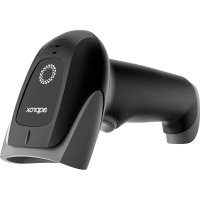
appLS25WS - Barcode scanner Approx - Free user manual and instructions
Find the device manual for free appLS25WS Approx in PDF.


| Product Type | Barcode scanner |
| Brand | Approx |
| Model | appLS25WS |
| Dimensions (estimated) | 15 x 7 x 10 cm |
| Weight (estimated) | 150 g |
| Power supply | Built-in rechargeable battery |
| Main functions | 1D barcode decoding, Bluetooth HID connection, 2.4 GHz receiver, virtual serial port mode |
| Indicator light | Yes, for operating status |
| Scanning button | Yes |
| Interface | USB port (probably micro-USB) |
| Cleaning | Soft dry cloth, brush the window, avoid solvents |
| Safety | Do not open, do not expose to water, do not insert objects, respect recommended voltage |
| Recycling | Compliant with WEEE directive, battery must be removed and recycled separately |
| Restore settings | Possible via dedicated barcode (see manual) |
| Firmware version | Checkable via command |
| General information | User manual available in PDF at notice-facile.com |
Frequently Asked Questions - appLS25WS Approx
User questions about appLS25WS Approx
0 question about this device. Answer the ones you know or ask your own.
Ask a new question about this device
Download the instructions for your Barcode scanner in PDF format for free! Find your manual appLS25WS - Approx and take your electronic device back in hand. On this page are published all the documents necessary for the use of your device. appLS25WS by Approx.
USER MANUAL appLS25WS Approx
Version de firmware
- Batería restante
Bluetooth HID
Pairing setting
5.2. Bluetooth BLE
Bluetooth BLE
5.3. Bluetooth SPP protocol
Bluetooth SPP
6. 2.4G (dongle)
6.1. Modo receptor 2.4G

2.4G receiver mode
Pairing setting
6.2. Virtual serial port mode
USB virtual com
7. Modo de escaneo

Volumen
bajo
Mute
Please carefully read all the contents of the manual before using the products described in this manual to ensure that the product is safely and effectively preserved for future use. Do not disassemble the terminal or tear off the seal on the terminal. Otherwise, we will not be responsible for the warranty or replacement of the terminal.
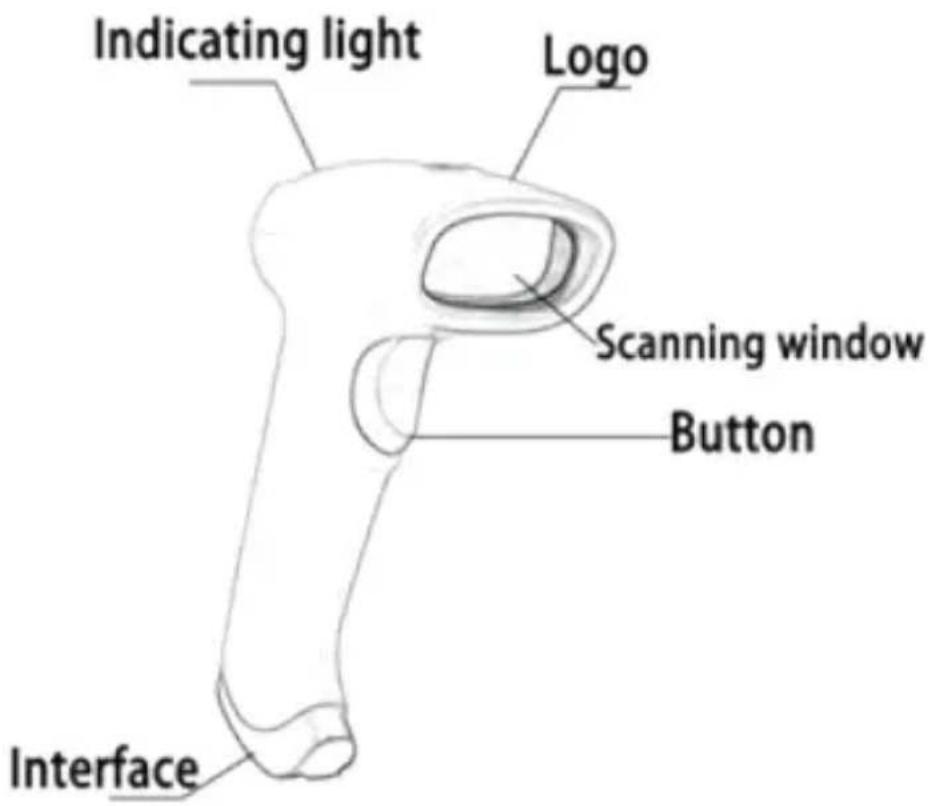
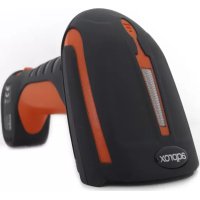
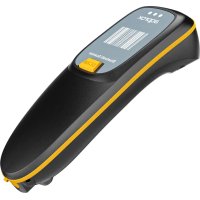
appLS25WS is a high performance wireless barcode reader. It can quickly decode any 1D barcode symbology, perfect for customer-facing applications.
1.1. Product display
1.2. Maintenance
- The window must be kept clean, the supplier do not bear the guarantee responsibility due to the improper maintenance.
- Avoid the window being wear and tear or scratched by hard object
- Use the hairbrush to remove the stain on the window
- Clean the window with a soft cloth, such as lens cleaning cloth
- Spraying liquid onto the window is prohibited.
• Prohibit any cleaning solvents, except for the cleaning water.
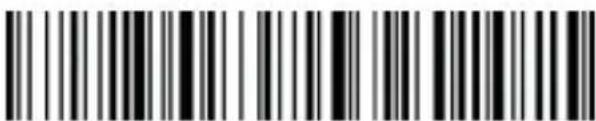
2. Restore factory defaults
Factory default
3. Version info
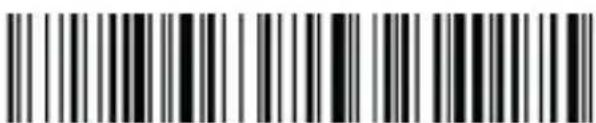
Version info
4. Battery capacity
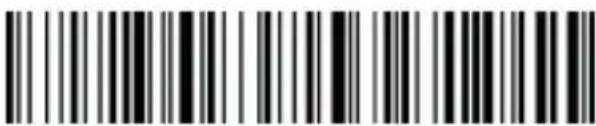
Battery capacity
5. Bluetooth
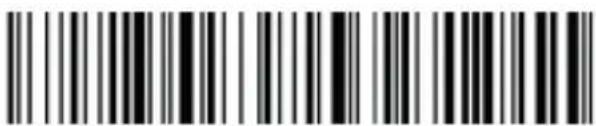
5.1. Bluetooth HID protocol
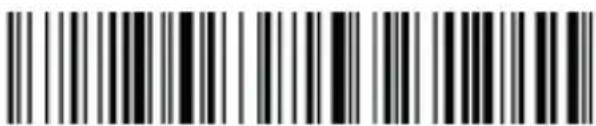
- First scan "Bluetooth HID", then scan "Pairing Setting" to enter Bluetooth searching (Blue&green light will flash once the searching is begun);
- Turn on Bluetooth in your device, search, select and pair "Barcode Scanner HID", if the pairing is successful, you will hear a "beep" sound and green&flash light is always on. (The whole pairing process takes about 1min, if timeout and the pairing failed, it will automatically exit the pairing mode).

Bluetooth HID
Pairing setting
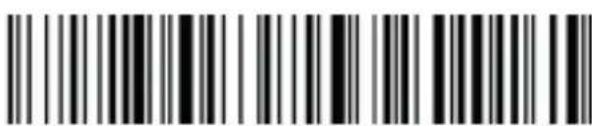
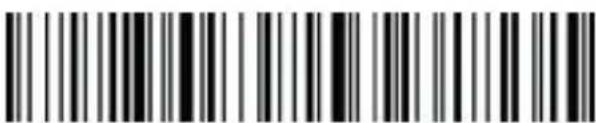
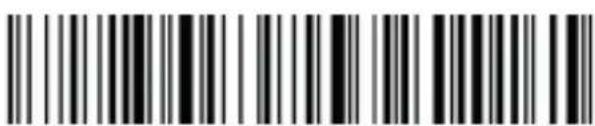
5.2. Bluetooth BLE protocol
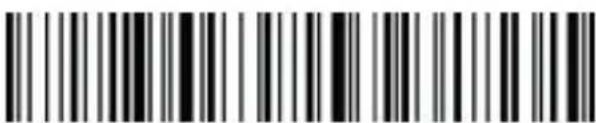
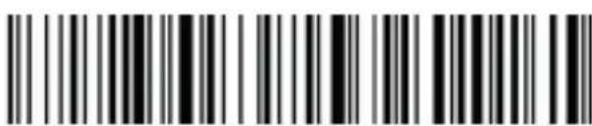
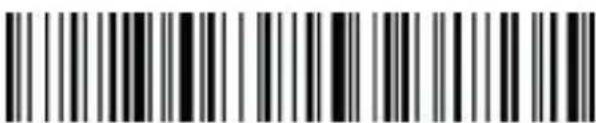
- Scan "Bluetooth BLE" to enter Bluetooth searching (Blue&green light will flash alternately once the searching has begun).
- Turn on Bluetooth in your device, search, select and pair "Barcode Scanner BLE", if the pairing is successful, you will hear a "beep" sound and green&flash light is always on.
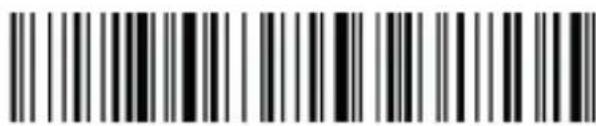
Bluetooth BLE
5.3. Bluetooth SPP protocol
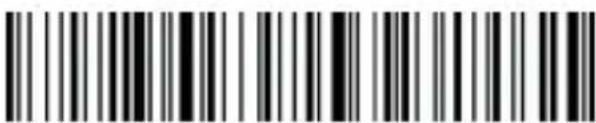
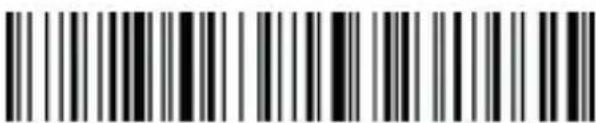
- Scan "Bluetooth SPP" to enter Bluetooth searching (blue light will flash once the searching has begun).
- Turn on the Bluetooth in the customized software, search and select "Barcode Scanner SPP", you will hear a "beep" sound if the pairing is successful, and the blue light is always on.
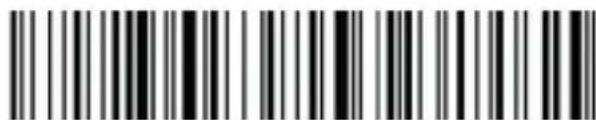
Bluetooth SPP
6. 2.4G (dongle)
6.1. 2.4G receiver mode
- To enter the pairing status, first scan "2.4G Receiver Mode", then scan "Pairing Setting" (the green light will flash).
- Plug the USB dongle into the device, when hearing a "beep" sound, it means the pairing is successful and the blue&green light is always on. (The whole pairing process takes about 1min, if timeout and the pairing failed, it will automatically exit the pairing mode);

2.4G receiver mode
Pairing setting
6.2. Virtual serial port mode
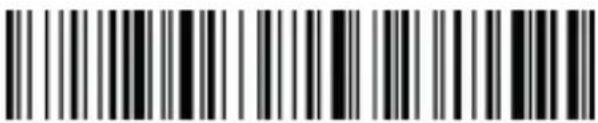
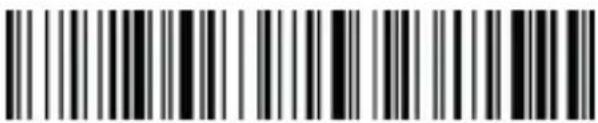
Under the circumstances when application software requires ports, scan "USB Virtual COM" and recognize as USB Virtual COM. (Be advised: An installed driver is require. The default settings of port is: 9600 baud rate, 8 data bits; no check bit; 1 stop bit).
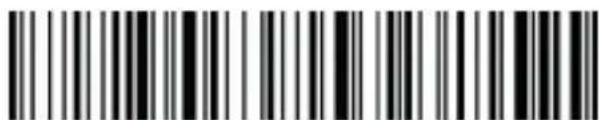
USB virtual com
7. Scan mode

8. Immediate mode
In immediate mode, data scanned will be directly transmitted to the receiver, there will be one short sound if the transmission is successful, meanwhile the green indicator light will flash once. If the transmission failed, there will be three short sounds and the green light will flash for three times. The data will be lost under immediate mode if the transmission failed.
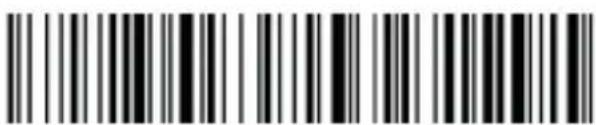
Immediate mode
9. Inventory mode Offline inventory mode
In offline inventory mode, scanning the barcode then its data will be automatically saved in the memory chip inside the scanner, later there will be one short sound. If the memory is full, there will be three short sounds as warning sign and the green light will flash three times.
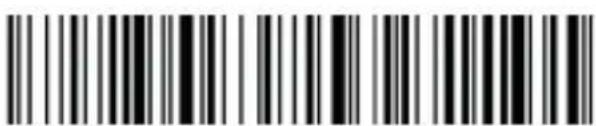
Offline inventory
Mixed mode (just for 2.4G)
Mixed mode is the combination of immediate mode and data inventory. When the scanner is within the range of transmission, the data scanned will be immediately sent to the receiver; when the scanner is out of the range of real time transmission, the data scanned will be automatically saved in the memory chip inside the scanner.
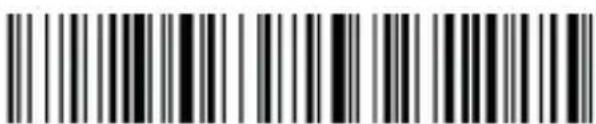
Mixed mode
Inventory setting
Show total amount of barcode scanned in storage:
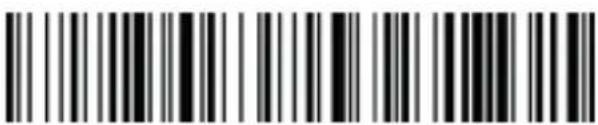
Upload statistics
Upload all data in memory chip:
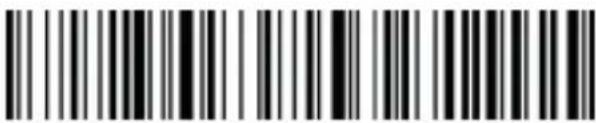
Upload data
Delete all data in memory chip (Warning: All data deleted cannot be restored, make sure you have uploaded all data and made a backup).
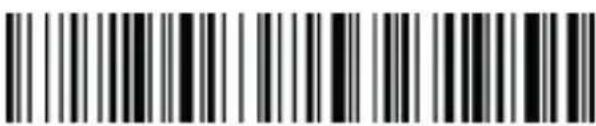
Delete all data
- Sleep time setting
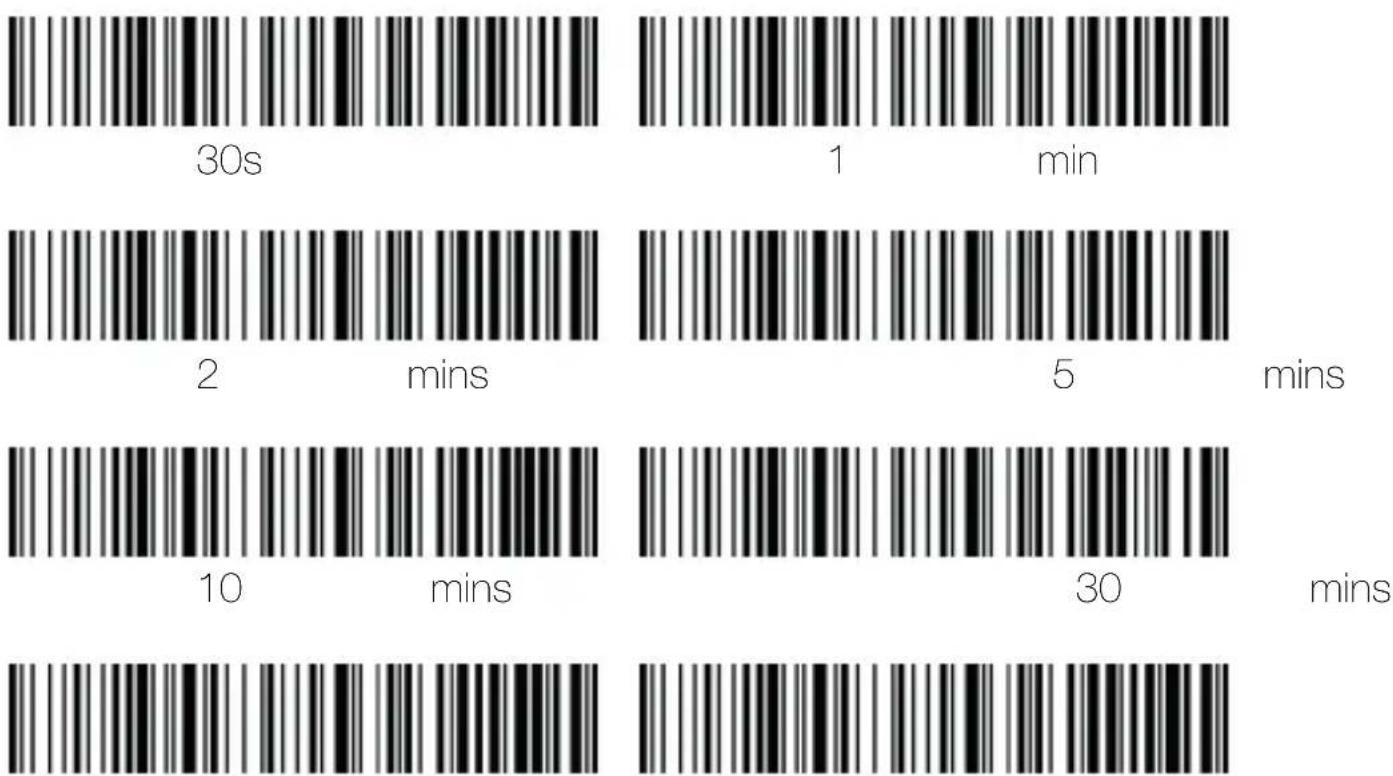
Turn off sleep mode
Initiate sleep mode immediately
- Keyboard language settings
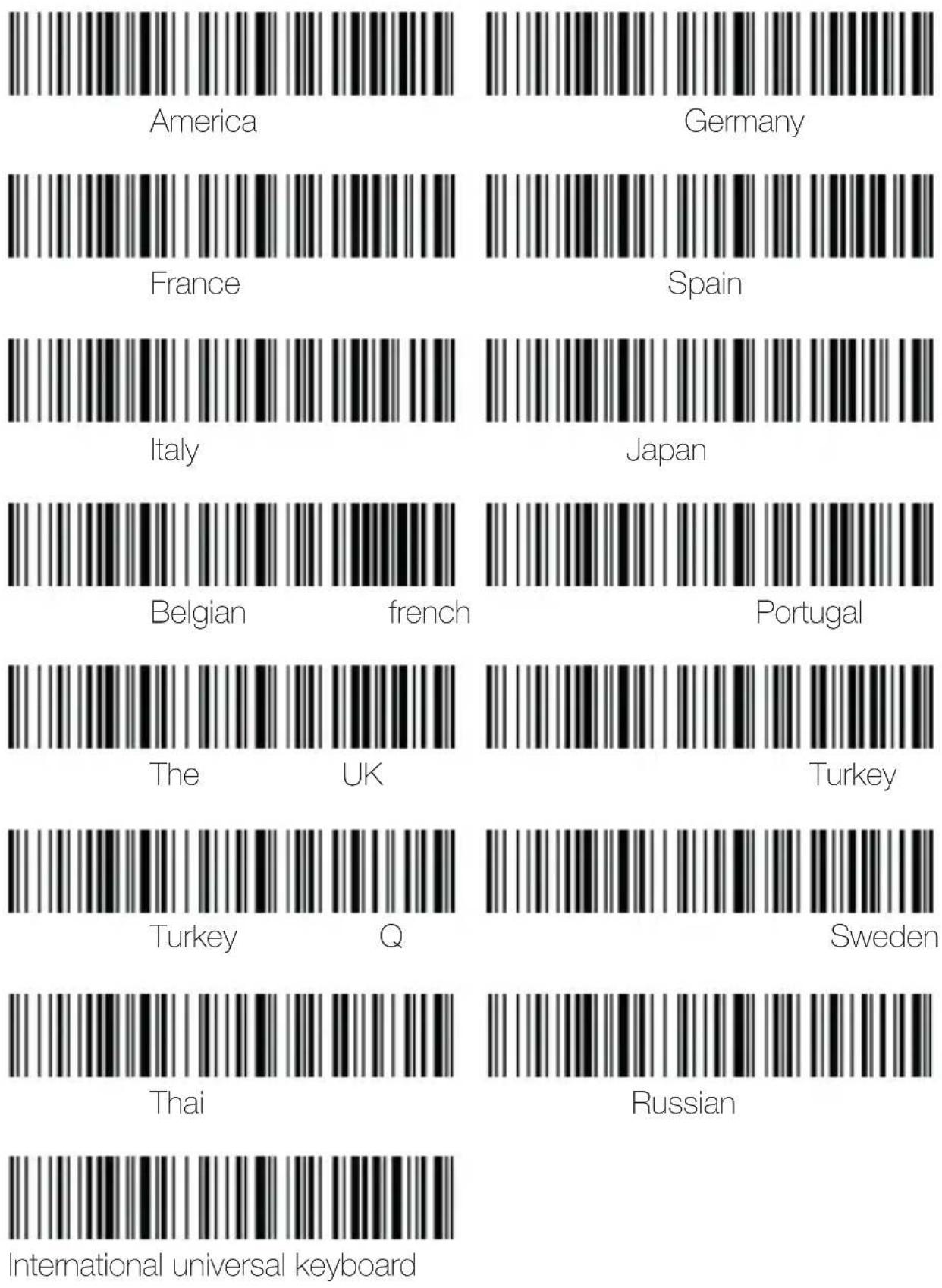
12. Case conversion
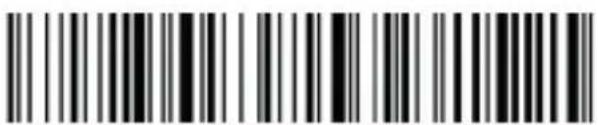
Upper case
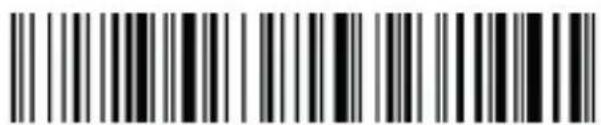
Lowe case
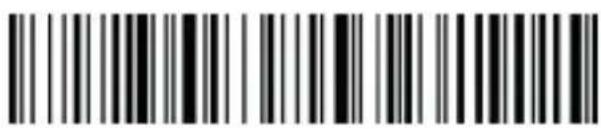
Upper&lower case conversion
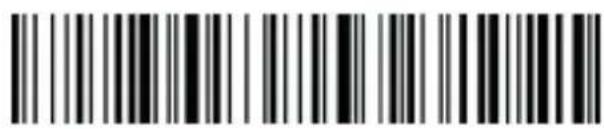
Upper&lower case conversion OFF
13. Sound settings
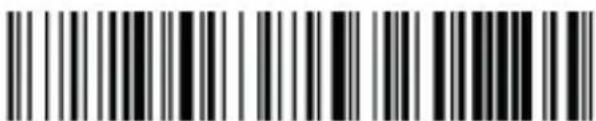
*High volume
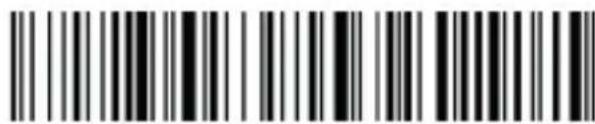
Medium volume
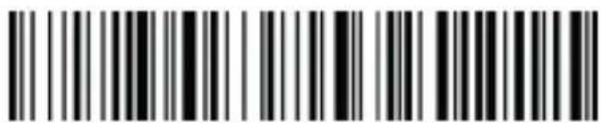
LOW
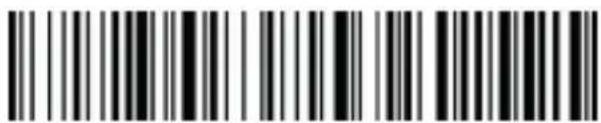
volume
Mute
14. Terminator settings
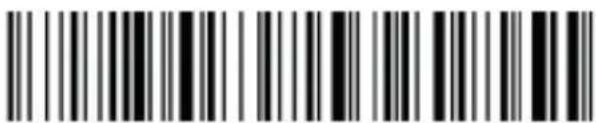
Enter
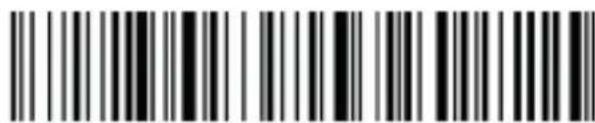
Line
feed
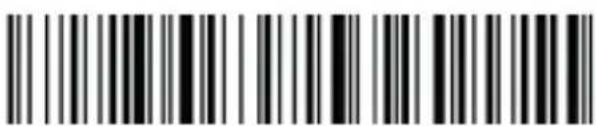
Enter+LF
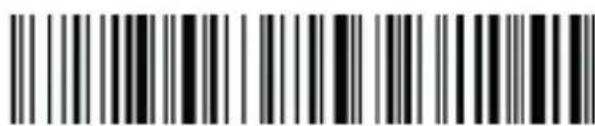
TAB
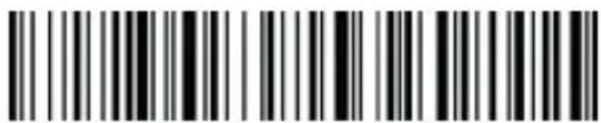
No terminator
15. Data edit
15.1. Add prefix/suffix
How to add prefix/suffix: First scan "Set prefix" or "Set suffix", then scan the co-
responding barcode (see character table below), you may add up to 32 bytes.
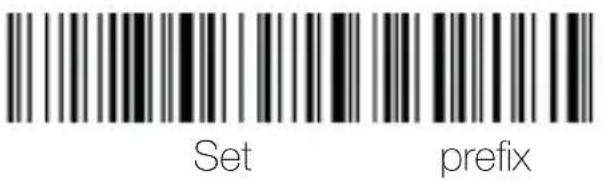
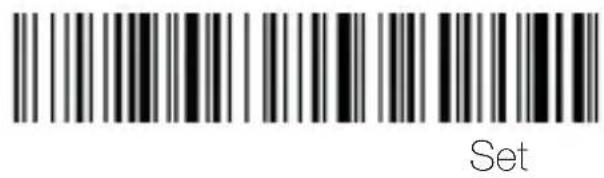
suffi:
15.2. GS character settings
How to set GS character: First scan "Set GS character convert", then scan the corresponding setting barcode. (see character table below)
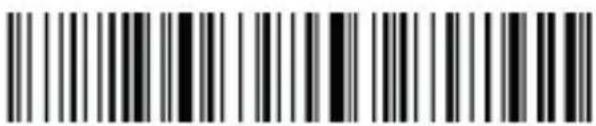
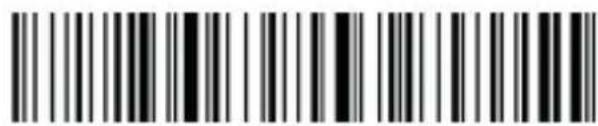
Set GS character convert
Turn off GS character convert
15.3. Escape character set setting
The prefix/suffix table includes the tables of control character and displayable character. Displayable characters are those ASCII characters whose key value are over 31. Generally speaking these characters could be output by HID keyboard without being transferred.
Control characters are those characters whose key value are below 32, most of these characters must be transferred first before being output by HID keyboard. This scanner contains 5 methods of transformation, which can be converted by scanning barcode. Users are allowed to set their own escape character set based on their needs.


Set escape character set 0
Set escape character set 1


Set escape character set 2
Set escape character set 3

Set escape character set 4
16. Control character table
| Dec | ASCII | Character Set 0 | Character Set 1 | Character Set 2 | Char. Set 3 | Charact. Set 4 | Programming Barcode |
| 1 | SOH | NULL | Home | Ctrl+A | Alt+001 | Enter numeric keypad |  |
| 2 | STX | Ctrl+B | End | Ctrl+B | Alt+002 | Cap Lock |  |
| 3 | ETX | Ctrl+C | Up Arrow | Ctrl+C | Alt+003 | Right Arrow | 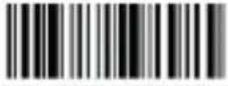 |
| 4 | EOT | NULL | Down Arrow | Ctrl+D | Alt+004 | Up Arrow | 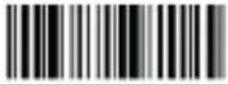 |
| 5 | ENQ | NULL | Left Arrow | Ctrl+E | Alt+005 | NULL | 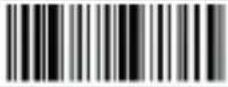 |
| 6 | ACK | NULL | Right Arrow | Ctrl+F | Alt+006 | NULL | 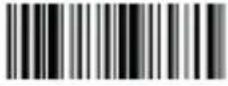 |
| 7 | BEL | NULL | Shift+Tab | Ctrl+G | Alt+007 | Enter | 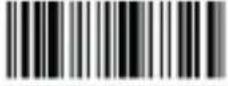 |
| 8 | BS | Back Space | Back Space | Back Space | Alt+008 | Left Arrow | 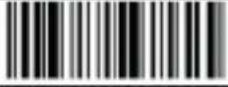 |
| 9 | HT | Tab | Tab | Tab | Alt+009 | Tab | 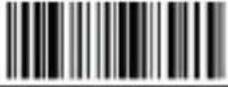 |
| 10 | LF | Enter | Enter | Ctrl+P | Alt+010 | Down Arrow | 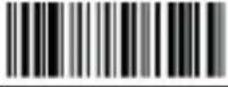 |
| 11 | VT | NULL | NULL | Ctrl+Q | Alt+011 | Tab | 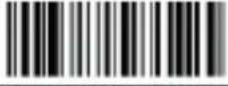 |
| 12 | FF | NULL | NULL | Ctrl+R | Alt+012 | delete | 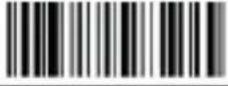 |
| 13 | CR | Enter | Enter | Enter | Alt+013 | Enter | 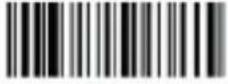 |
| 14 | S0 | F1 | Page Up | Ctrl+N | Alt+014 | Insert | 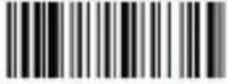 |
| 15 | S1 | F2 | Page Down | Ctrl+O | Alt+015 | Esc | 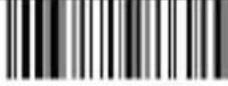 |
| 16 | DLE | F3 | F11 | Ctrl+P | Alt+016 | F11 | 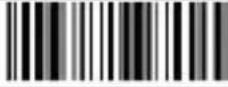 |
| 17 | DC1 | F4 | NULL | Ctrl+Q | Alt+017 | Home | 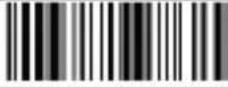 |
| 18 | DC2 | F5 | NULL | Ctrl+R | Alt+018 | Print Screen | 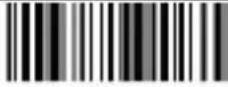 |
| 19 | DC3 | F6 | NULL | Ctrl+S | Alt+019 | Back Space | 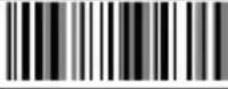 |
| Dec Set 0 | ASCII | Character Set 1 | Character Set 2 | Character Set 3 | Character Set 4 | Char. Barcode | Charact. | Programming |
| 20 | DC4 | F7 | NULL | Ctrl+T | Alt+020 | Shift tab | ||
| 21 | NAK | F8 | F12 | Ctrl+U | Alt+021 | F12 | ||
| 22 | SYN | F9 | F1 | Ctrl+V | Alt+022 | F1 | ||
| 23 | TB | F10 | F2 | Ctrl+W | Alt+023 | F2 | ||
| 24 | CAN | F11 | F3 | Ctrl+X | Alt+024 | F3 | ||
| 25 | EM | F12 | F4 | Ctrl+Y | Alt+025 | F4 | ||
| 26 | SUB | NULL | F5 | Ctrl+Z | Alt+026 | F5 | ||
| 27 | Esc | Esc | F6 | Ctrl+[ | Alt+027 | F6 | ||
| 28 | FS | ALT+028 | F7 | Ctrl+\ | Alt+028 | F7 | ||
| 29 | GS | ALT+029 | F8 | Ctrl+] | Alt+029 | F8 | ||
| 30 | RS | NULL | F9 | Ctrl+^ | Alt+030 | F9 | ||
| 31 | US | NULL | F10 | Ctrl+_ | Alt+031 | F10 |
- Displayable character table
| Decimal Data | ASCII | Programming Barcode |
| 32 | Space | 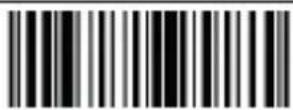 |
| 33 | ! | 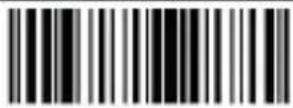 |
| 34 | “ | 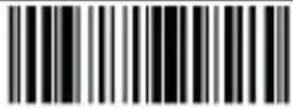 |
| 35 | # | 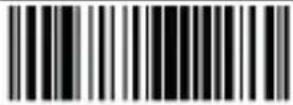 |
| 36 | $ | 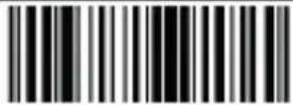 |
| 37 | % | 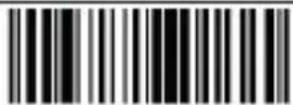 |
| 38 | & | 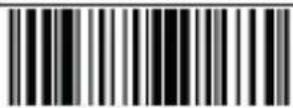 |
| 39 | ‘ | 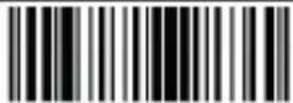 |
| 40 | ( | 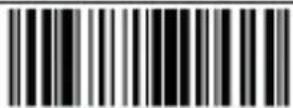 |
| 41 | ) | 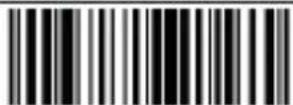 |
| 42 | * | 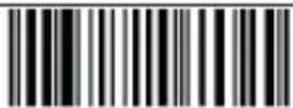 |
| 43 | + | 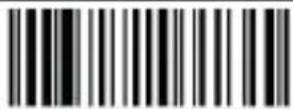 |
| 44 | , | 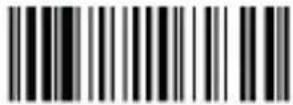 |
| 45 | - | 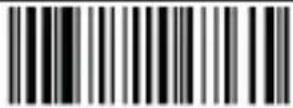 |
| 46 | . | 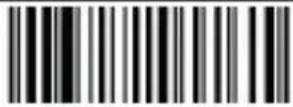 |
| Decimal Data | ASCII | Programming Barcode |
| 47 | / | 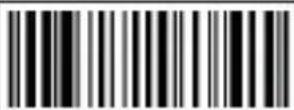 |
| 48 | 0 | 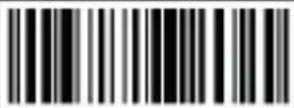 |
| 49 | 1 | 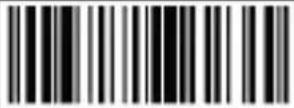 |
| 50 | 2 | 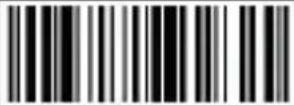 |
| 51 | 3 | 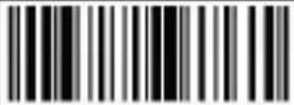 |
| 52 | 4 | 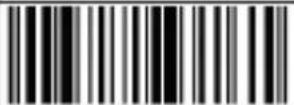 |
| 53 | 5 | 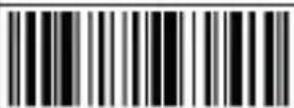 |
| 54 | 6 | 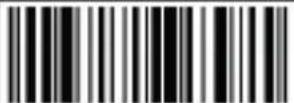 |
| 55 | 7 | 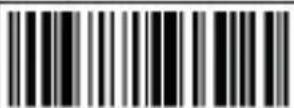 |
| 56 | 8 | 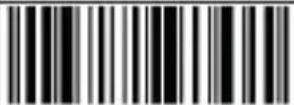 |
| 57 | 9 | 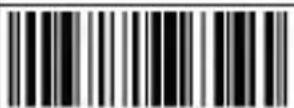 |
| 58 | : | 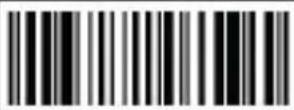 |
| 59 | ; | 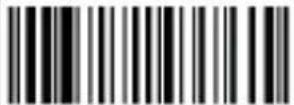 |
| 60 | < | 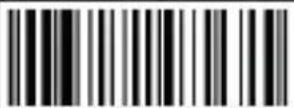 |
| 61 | = | 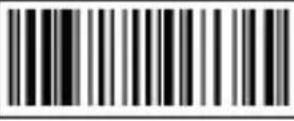 |
| 62 | > | |
| 63 | ? | |
| 64 | @ | |
| 65 | A | |
| 66 | B | |
| 67 | C | |
| 68 | D | |
| 69 | E | |
| 70 | F | |
| 71 | G | |
| 72 | H | |
| 73 | I | |
| 74 | J | |
| 75 | K | |
| 76 | L |
| Decimal Data | ASCII | Programming Barcode |
| 77 | M | |
| 78 | N | |
| 79 | O | |
| 80 | P | |
| 81 | Q | |
| 82 | R | |
| 83 | S | |
| 84 | T | |
| 85 | U | |
| 86 | V | |
| 87 | W | |
| 88 | X | |
| 89 | Y | |
| 90 | Z | |
| 91 | [ | |
| 92 | \ | 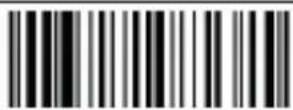 |
| 93 | ] | 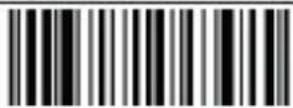 |
| 94 | ^ | 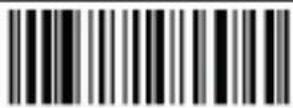 |
| 95 | - | 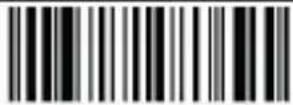 |
| 96 | ` | 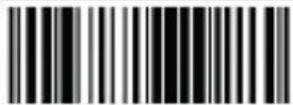 |
| 97 | a | 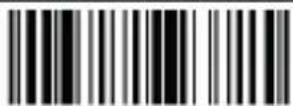 |
| 98 | b | 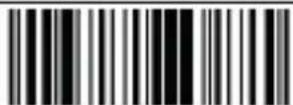 |
| 99 | c | 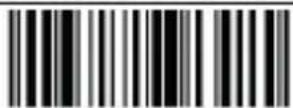 |
| 100 | d | 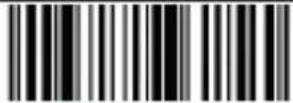 |
| 101 | e | 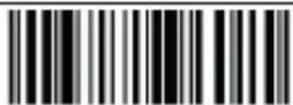 |
| 102 | f | 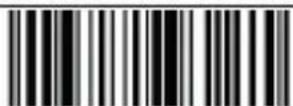 |
| 103 | g | 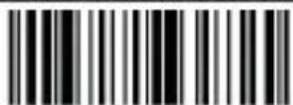 |
| 104 | h | 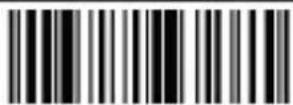 |
| 105 | i | 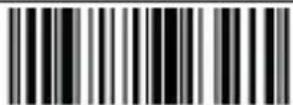 |
| 106 | j | 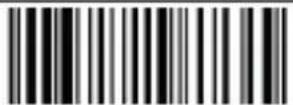 |
| Decimal Data | ASCII | Programming Barcode |
| 107 | k | 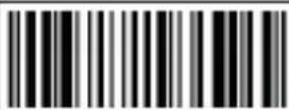 |
| 108 | l | 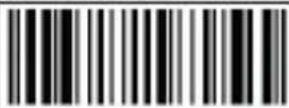 |
| 109 | m | 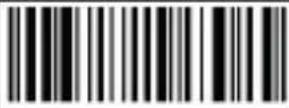 |
| 110 | n | 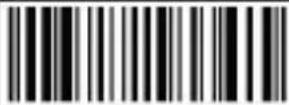 |
| 111 | o | 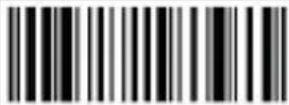 |
| 112 | p | 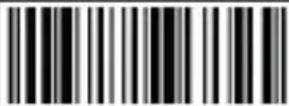 |
| 113 | q | 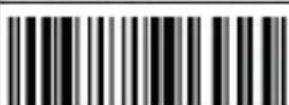 |
| 114 | r | 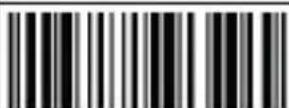 |
| 115 | s | 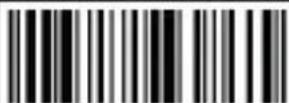 |
| 116 | t | 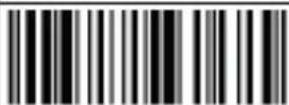 |
| 117 | u | 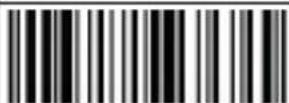 |
| 118 | v | 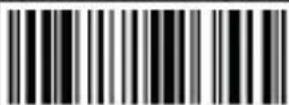 |
| 119 | w | 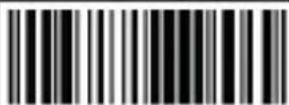 |
| 120 | x | 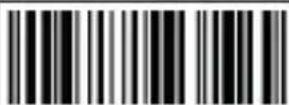 |
| 121 | y | 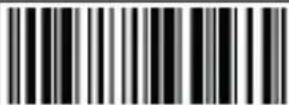 |
| 122 | z | 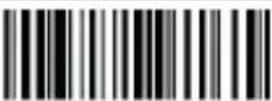 |
| 123 | { | 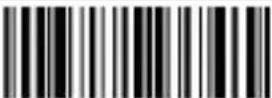 |
| 124 | | | 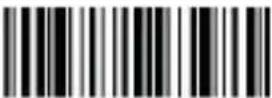 |
| 125 | } | 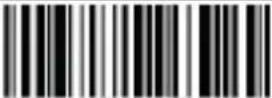 |
| 126 | ~ | 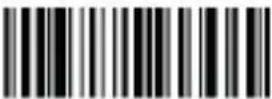 |
| 127 | DEL |  |
| 164 | α | 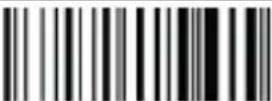 |
| 199 | ζ | 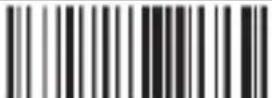 |
| 231 | ζ | 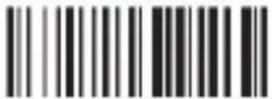 |
18. Safety, maintenance and recycling instructions
- Caution: Never open the device, the internal parts are danger, electrical shock.
- Do not install this unit near water, for example, in a wet basement, in an unprotected outdoor installation or in any area classified as a wet.
- Do not insert objects of any kind into this unit through openings as they may touch voltage points and short out parts that could result in fire or electric shock.
- Do not spill any liquid on the unit. Danger of explosion!
- Do not crush power cables, danger of short circuit!
- Always connect to the manufacturer's recommended tension.
- Clean the product with a soft and dry cloth.
- Follow local regulations for disposing of the product.
19. Recycled
AEEREI-RAE 558 - In this manual, the container (bien) symbol indicates that the product is subject to the European directive 2002/96/EC, electrical and electronic products, batteries, and other accessories must necessarily be subject to a selective collection.
At the end of the life of the devise, make use of the recycling bins.
This gesture will help reduce the health risks and preserve the environment. Municipalities and distributor, will provide essential details on recycling your old device. If this device carries an internal battery, it must be removed and deposited separately for proper management.
1. Introdução
Versão do firmware
4. Batería restante
Bluetooth HID
Pairing setting
5.2. Bluetooth BLE
Bluetooth BLE
5.3. Bluetooth SPP protocol
Bluetooth SPP
6. 2.4G (dongle)
6.1. Modo receptor 2.4G

2.4G receiver mode
Pairing setting
6.2. Modo de porta serial virtual
USB virtual com
Volume
baixo
Mute
Version du firmware
Bluetooth HID
Pairing setting
5.2. Bluetooth BLE
Bluetooth BLE
5.3. Bluetooth SPP protocol
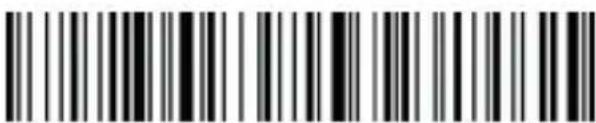
Bluetooth SPP
6. 2.4G (dongle)
2.4G receiver mode
Pairing setting
USB virtual com
7. Mode de balayage

Manuel
Automatique
(contini
8. Son

Volume
bas
Mute
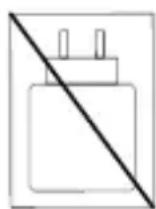
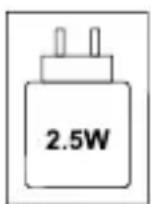
The power supplied by the charger must be 2.5 watts required by the radio equipment in order to achieve maximum charging speed.
Importador por / Imported by:
The content of this guide is subject to typographical errors
www.approxtpv.es
- 2.4G (dongle)
- Modo receptor 2.4G
- Virtual serial port mode
- Modo de escaneo
- Product display
- Maintenance
- Restore factory defaults
- Version info
- Battery capacity
- Bluetooth
- Bluetooth HID protocol
- Bluetooth BLE protocol
- Bluetooth SPP protocol
- 2.4G receiver mode
- Scan mode
- Immediate mode
- Inventory mode Offline inventory mode
- Mixed mode (just for 2.4G)
- Inventory setting
- Case conversion
- Sound settings
- Terminator settings
- Data edit
- Add prefix/suffix
- GS character settings
- Escape character set setting
- Control character table
- Safety, maintenance and recycling instructions
- Recycled
- Introdução
- Batería restante
- Bluetooth BLE
- Modo de porta serial virtual
- Mode de balayage
- Son
Brand : Approx
Model : appLS25WS
Category : Barcode scanner