IAN 102651 - Calculator UNITED OFFICE - Free user manual and instructions
Find the device manual for free IAN 102651 UNITED OFFICE in PDF.



User questions about IAN 102651 UNITED OFFICE
0 question about this device. Answer the ones you know or ask your own.
Ask a new question about this device
Download the instructions for your Calculator in PDF format for free! Find your manual IAN 102651 - UNITED OFFICE and take your electronic device back in hand. On this page are published all the documents necessary for the use of your device. IAN 102651 by UNITED OFFICE.
USER MANUAL IAN 102651 UNITED OFFICE
text_image
www.lidl-service.com 12-1956789000 LIMITED SERVICE MC MR M+ M- +/- 7 8 9 4 5 6 D/CE 1 2 3 + 0 00 - =CALCULATOR
GB IE
Calculator
Operation and safety notes
FI
Taskulaskin
GB/IE Operation and safety notes Page 3
| Fl Käyttö- ja turvaohjeet Sivu 10 | |
| SE Bruksanvisning och säkerhetsanvisningar | Sidan 17 |
| DK Brugs- og sikkerhedsanvisninger | Side 24 |
| FR/BE Instructions d’utilisation et consignes de sécurité | Page 31 |
| NL/BE Bedienings- en veiligheidsinstructies | Pagina 39 |
| DE/AT/CH Bedienungs- und Sicherheitshinweise | Seite 47 |
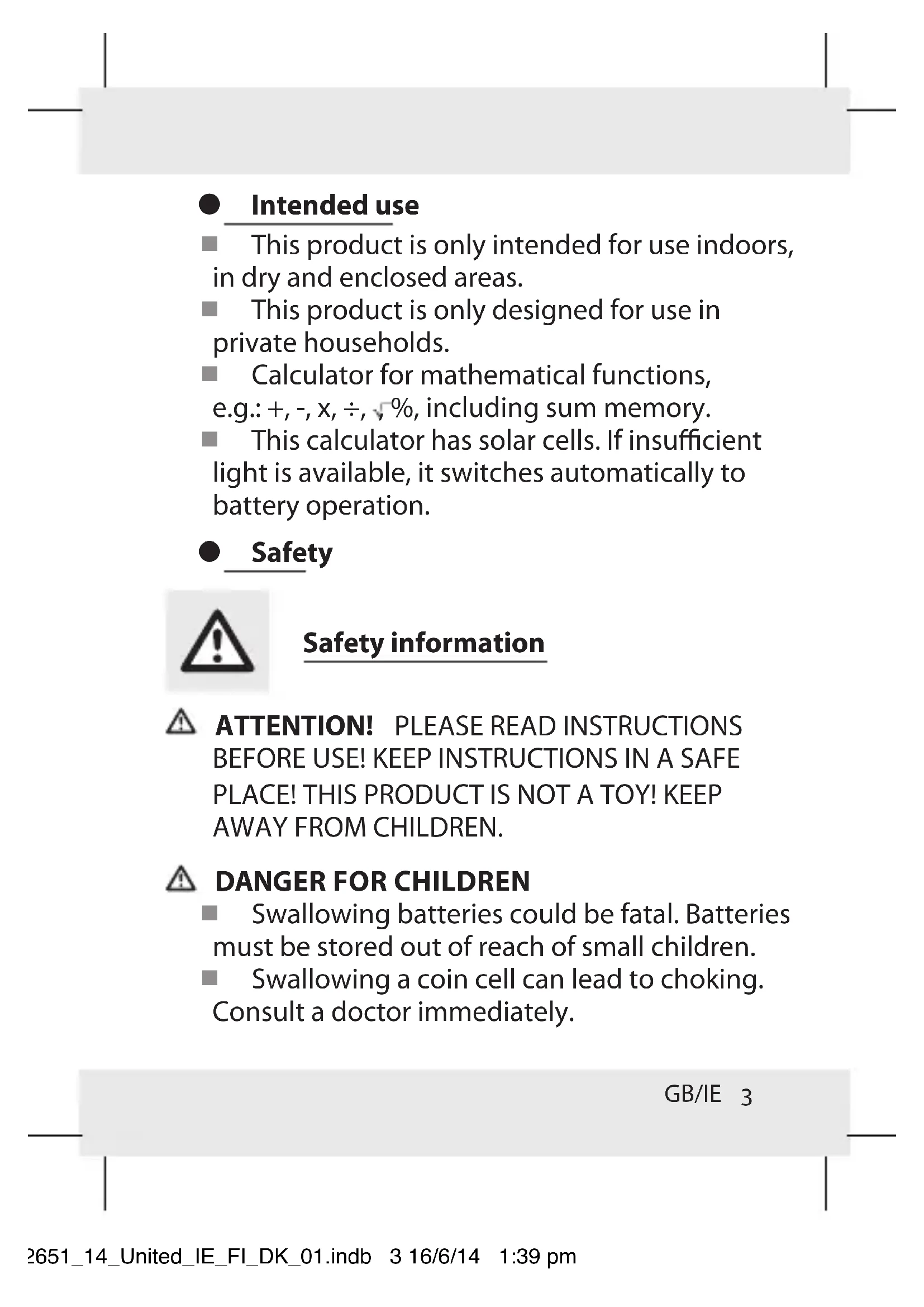
- Intended use
This product is only intended for use indoors, in dry and enclosed areas.
This product is only designed for use in private households.
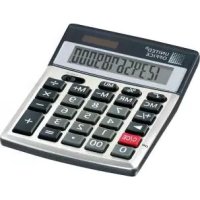
■ Calculator for mathematical functions, e.g.: +, -, x, ÷, √%, including sum memory.
This calculator has solar cells. If insufficient light is available, it switches automatically to battery operation.
Safety

Safety information
ATTENTION! PLEASE READ INSTRUCTIONS BEFORE USE! KEEP INSTRUCTIONS IN A SAFE PLACE! THIS PRODUCT IS NOT A TOY! KEEP AWAY FROM CHILDREN.
DANGER FOR CHILDREN
■ Swallowing batteries could be fatal. Batteries must be stored out of reach of small children.
■ Swallowing a coin cell can lead to choking. Consult a doctor immediately.
GB/IE 3
Battery Safety Instructions
WARNING! DANGER TO LIFE! Keep batteries out of the reach of children. Do not leave batteries lying around. There is a risk of children or animals swallowing them. Consult a doctor immediately if a battery is swallowed.
EXPLOSION HAZARD! Never recharge nonrechargeable batteries, short-circuit and / or open batteries. This can cause them to overheat, burn or burst. Never throw batteries into fire or water. The batteries may explode.
■ Remove spent batteries from the product immediately. Otherwise there is an increased risk of leakage.
- Check regularly that the batteries are not leaking.
■ Leaked or damaged batteries can cause chemical burns if they come into contact with the skin; in such cases you must wear suitable protective gloves.
■ Remove the batteries from the product if it is not in use for any length of time.
■ Make sure that the polarity is correct when you insert the batteries.
4 GB/IE
■ Remove used batteries from the device. Very old or used batteries may leak. The chemical fluid can damage the product.
Note: The device switches off automatically if it is not operated for approx. 11 minutes.
Operation
■ Key function assignment:
Switch on / Clear / Clear last entry
Sign change key (changes the sign of the value displayed from positive to negative or vice versa)


Digit keys


Function keys
Memory plus (adds the value displayed in the independent memory)
Memory minus (subtracts the value displayed from the independent memory)
Recall memory
GB/IE 5
text_image
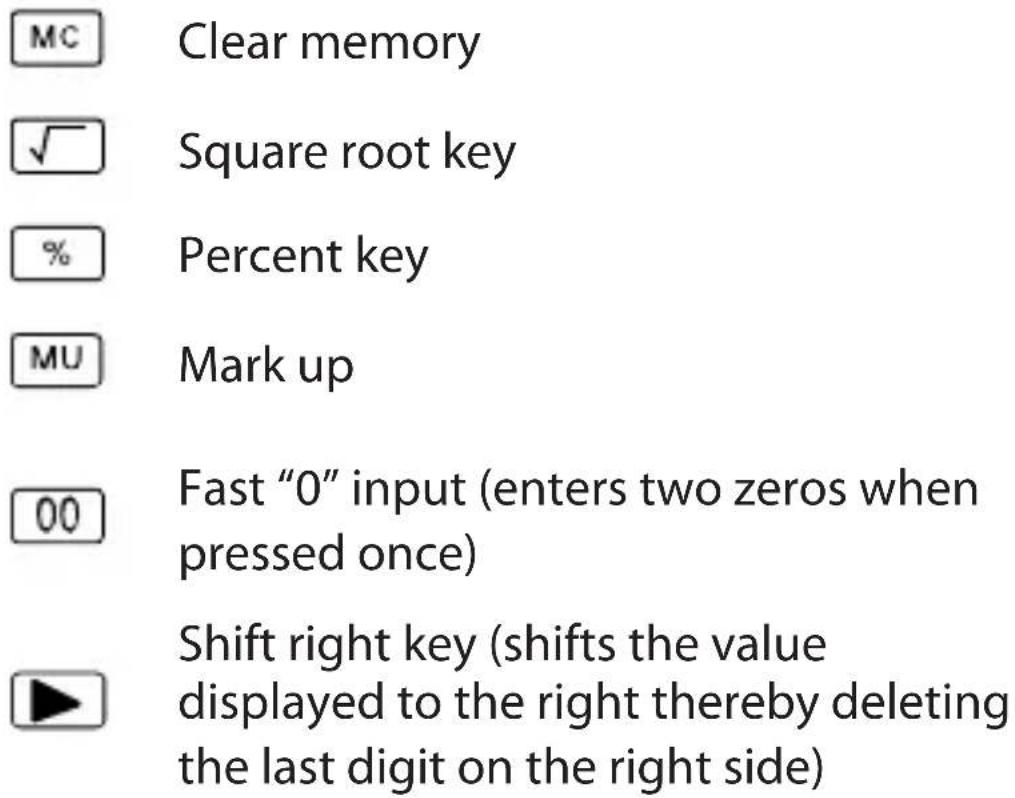
MC Clear memory ✓ Square root key % Percent key MU Mark up 00 Fast "0" input (enters two zeros when pressed once) Shift right key (shifts the value displayed to the right thereby deleting the last digit on the right side)Switch functions
TAB-A Select decimal mode
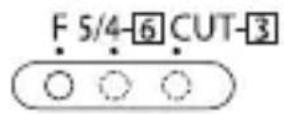
F: Floating decimal point
5/4: Rounding
(CUT): ↓ Round down
6 GB/IE
LC display
M: Memory
- (minus): Negative value
"ERROR": The word "E" appears in the display when the result contains more digits than the display can show.
Press to clear the "E" message.
The value is retained in the memory (M).
● Troubleshooting
This appliance has delicate electronic components. This means that if it is placed near an object that transmits radio signals, it could cause interference. If interference occurs, move such objects away from it.
Electrostatic discharge could lead to functional errors. If such functional errors occur, remove the battery briefly and replace it again (see fig. A).
- Cleaning and care
Only use a dry and fluff-free cloth for cleaning.
GB/IE 7
● Disposal

The packaging is made entirely of recyclable materials, which you may dispose of at local recycling facilities.
Contact your local refuse disposal authority for more details of how to dispose of your worn-out product.
To help protect the environment, please dispose of the product properly when it has reached the end of its useful life and not in the
household waste. Information on collection points and their opening hours can be obtained from your local authority.
Faulty or used batteries must be recycled in accordance with Directive 2006/66/EC. Please return the batteries and / or the device to the available collection points (see fig. A).
8 GB/IE
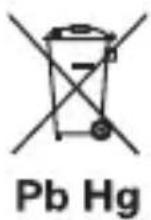
Environmental damage through incorrect disposal of the batteries!
Batteries may not be disposed of with the usual domestic waste. They may contain toxic heavy metals and are subject to hazardous waste treatment rules and regulations. The chemical symbols for heavy metals are as follows:
Cd = cadmium, Hg = mercury, Pb = lead. That is why you should dispose of used batteries at a local collection point.
GB/IE 9
WAARSCHUWING! LEVENSGEVAARLIJK!
text_image
- x ÷ = √ %Funktion Tasten
- (minus): Negativ-Wert