
M317c - Mouse LOGITECH - Free user manual and instructions
Find the device manual for free M317c LOGITECH in PDF.
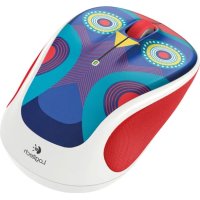



| Product Type | Wireless Mouse |
| Brand | Logitech |
| Model | M317c |
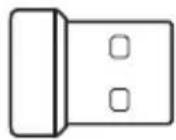
| Connectivity | 2.4 GHz with nano USB receiver |
| Power Supply | 1 AA battery (not included) |
| Battery Life | Up to 12 months (depending on usage) |
| Buttons | Left and right buttons, scroll wheel (middle click) |
| Scroll Wheel | Yes, with middle click function |
| Indicator Light | Flashing red light for low battery |
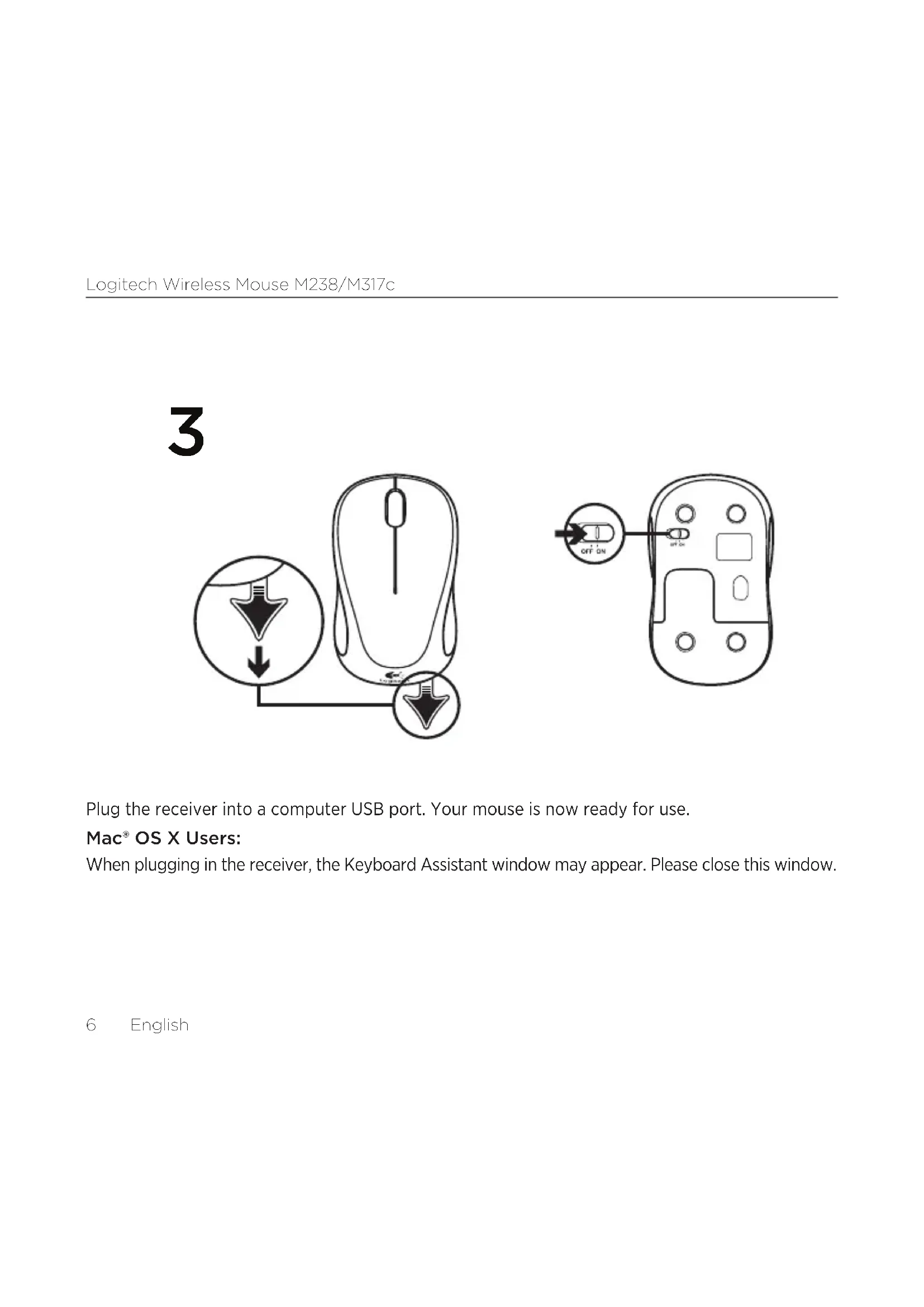
| On/Off Switch | Yes, located under the mouse |
| Unifying Compatibility | Yes (mouse only, receiver not included) |
| Wireless Range | Approximately 10 meters |
| Compatible Operating Systems | Windows, macOS, Chrome OS, Linux |
| Dimensions (approx.) | 10 x 6 x 3 cm |
| Weight (with battery) | Approximately 80 g |
| Color | Black (standard) |
| Care and Cleaning | Clean with a soft, slightly damp cloth. Do not use solvents. |
| Safety | Use only AA batteries. Remove batteries if the device is not used for a long time. |
| Spare Parts and Repairability | Batteries and receiver are replaceable. No user-serviceable parts. |
| Warranty | 2-year limited warranty (see conditions) |
Frequently Asked Questions - M317c LOGITECH
User questions about M317c LOGITECH
0 question about this device. Answer the ones you know or ask your own.
Ask a new question about this device
Download the instructions for your Mouse in PDF format for free! Find your manual M317c - LOGITECH and take your electronic device back in hand. On this page are published all the documents necessary for the use of your device. M317c by LOGITECH.
USER MANUAL M317c LOGITECH
Getting started with
English. 3 Español 17
Logitech
Important Safety, Compliance and Warranty Information
The following table is provided in the image.
June 24, 2017 (Revision of the ex. stock market in the United States)
an average (g), 70% or an average of 14 million CFA but not enough
- January 1, 2014
moderate with a 20% threshold, where
• Use not seen or modify the usual except for artery resection
1=25×3+4=
• The use of a product was normal and relatively in every case
• Lateral opening target, oil injection qued.
the desk and interior are subject with the quickening
-1.2008 0-15
The following table represents the sum of two components.
The device was a part of the PC Max Control unit.
The following two items: This series may not make remarkable differences.
Scales defined to be used with and by the notation of the product must be used.
Communication that is a new model in connection with network resources.
• Increase the separation between the product and intake.
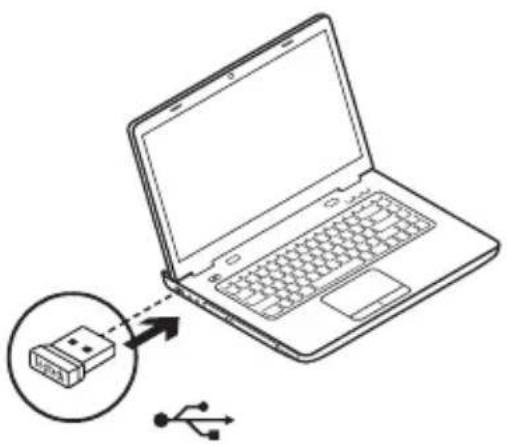
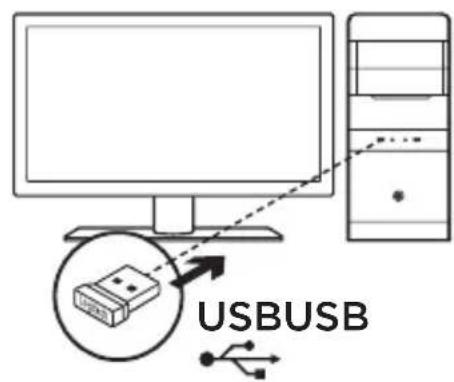
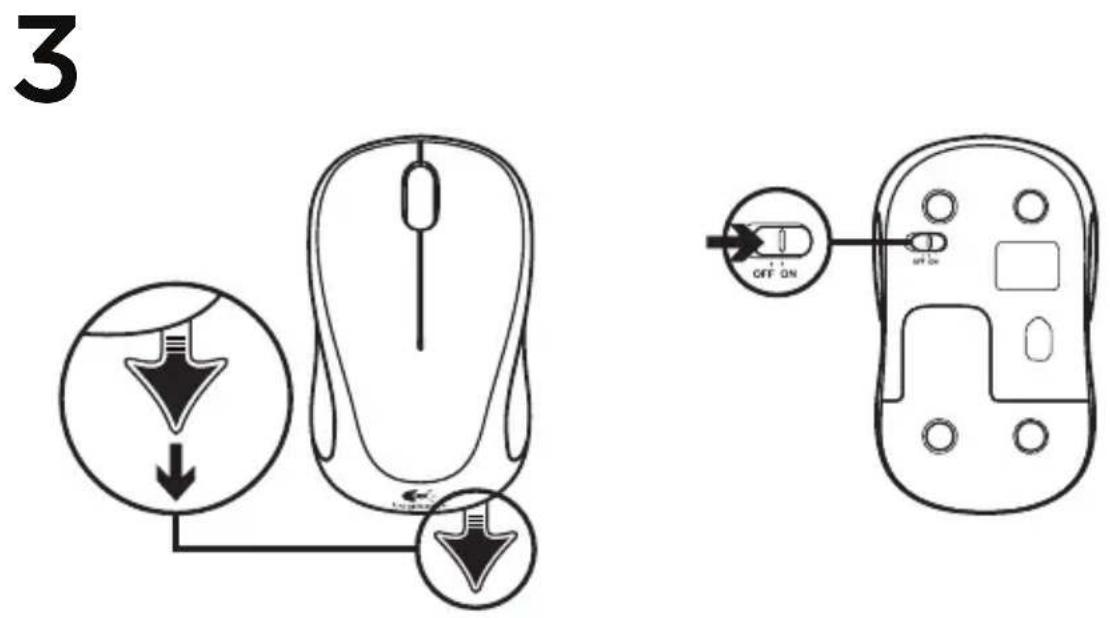
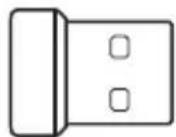
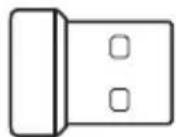
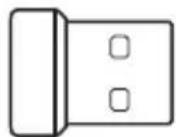
Plug the receiver into a computer USB port. Your mouse is now ready for use.
Mac® OS X Users:
When plugging in the receiver, the Keyboard Assistant window may appear. Please close this window.
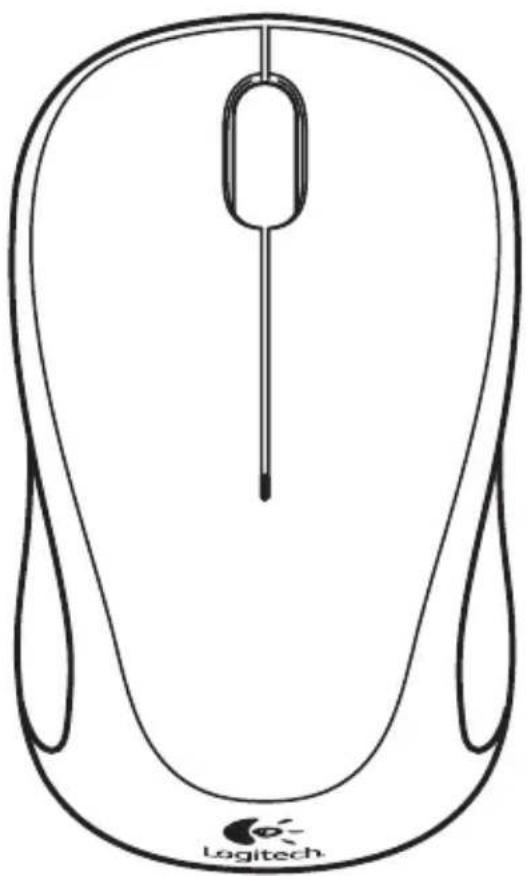
Mouse features
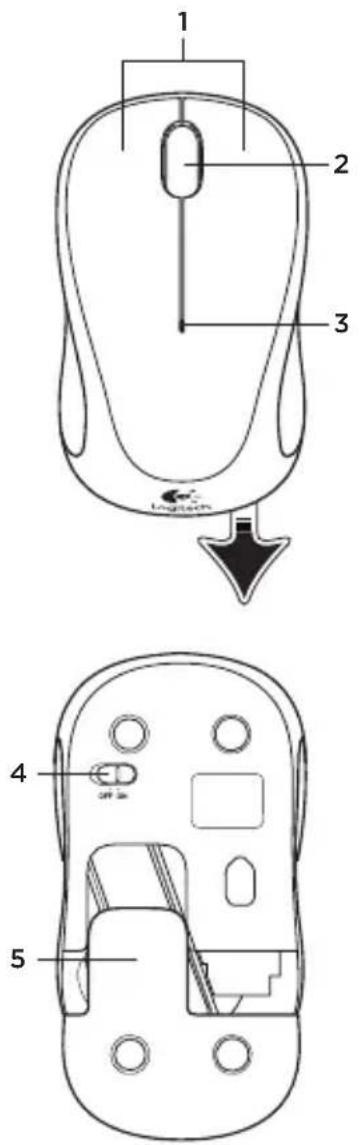
- Left and right buttons.
- Scroll wheel. Press the wheel down for middle button (function can vary by software application).
- Battery LED. Flashes red when battery power is low.
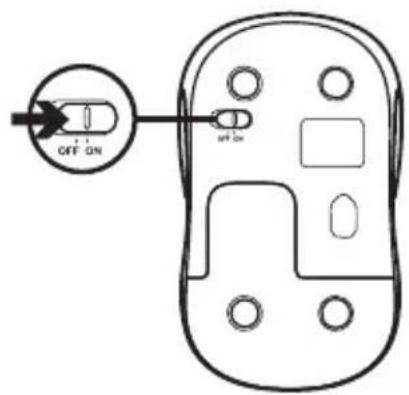
- On/Off slider switch.
- Battery door release.
Help with setup: Mouse is not working
1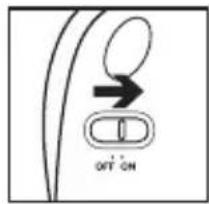
2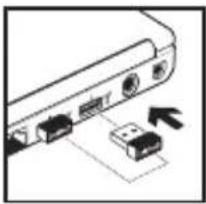
3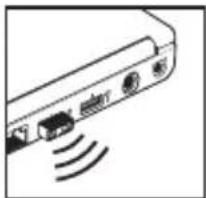
4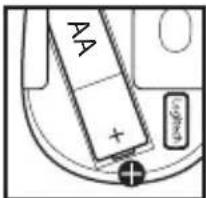
5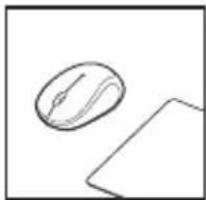
6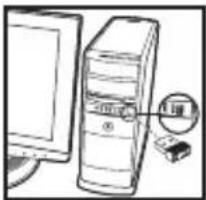
- Is the mouse powered on?
- Is the receiver securely plugged into a computer USB port?
- If the receiver is plugged into a USB hub, try plugging it directly into a USB port on your computer.
- Check the orientation of the batteries inside the mouse. To check battery power, turn the mouse OFF and then ON. If the battery indicator light glows red or does not glow at all, replace the batteries.
- Try using the mouse on a different surface. Remove metallic objects between the mouse and the receiver.
- Try moving the receiver to a USB port closer to the mouse.

Unifying
The receiver with this mouse does not integrate the Logitech® Unifying technology. However, the mouse itself is Unifying-ready and can be used with any Logitech® Unifying receivers you may already have. Logitech® Unifying technology connects up to six compatible Logitech mice and keyboards to the same receiver, using only one USB port for multiple devices. To learn more, visit www.logitech.com/unifying.

Box contents
Logitech
Important Safety, Compliance and Warranty Information
The following table is provided in the image.
The following table provides the original text: "No. 10, 20, 30, 40, 50, 60, 70, 80, 90, 100" and "No. 10, 20, 30, 40, 50, 60, 70, 80, 90, 100".
The following table provides the original text: "The English text in the source image is not a standard character and should be ignored."
The following table is in English:
1.25. A series of 30 percentiles is expected
The following table is in English.
1.2.3.2.1 (Exhibit 4.1)
for software, with performance close.
2014
May 24, 2018
The following table is a simple formula:
1936 June 24, 2017 (Emission of the environment of minimum 1928 obtained)
A. 127-251(1) Open to include the year 9 Dec 2017
WASHER, 2013. KONOR, 40000000000
January 1, 2017 (Saturday)
-
- January 1, 2017
0.45462730100
No. 108-24, 365-41, 297-30, 297-31
Saf: Usage Quickness for Laser Protection
• In order to provide the excellent quality for a well-qualified
1=25×3×4=
• In an important field, we have been
1.4.10
• The stock is trading at a normal and restricted stock
- January 1, 2017
This device can also be used with Part II of the PCI Max. Control unit labeled to
The following is not a longer time series:
and in this document accept or irreplace received, including Iracience
that we must be used
which is a set of two sets of different types, generally, likely,
cases defined to be used in a book for the addition of the public method.
• Involving the production of the model and its
• tanned the product in an article on a draft line and then effective.
• Commit the reader to express the reader, To obtain help

Installation
1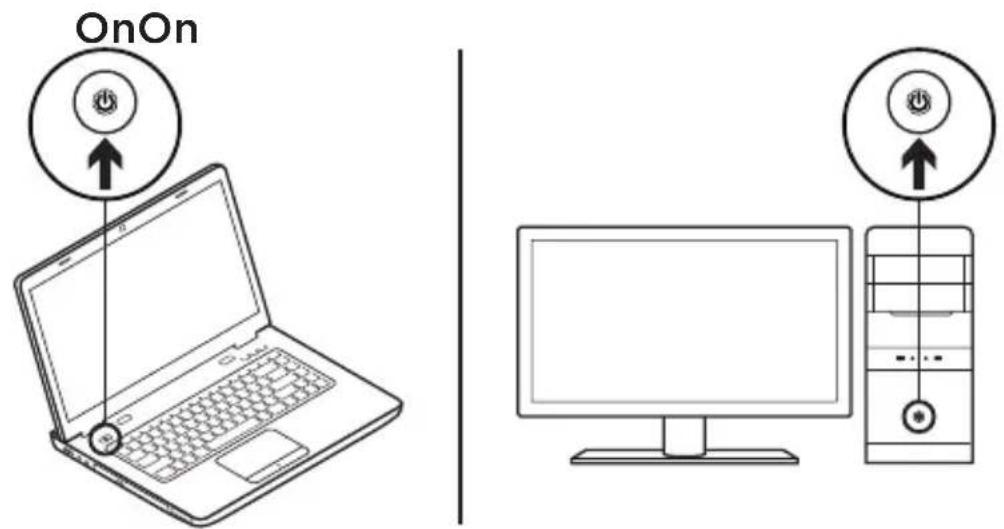
2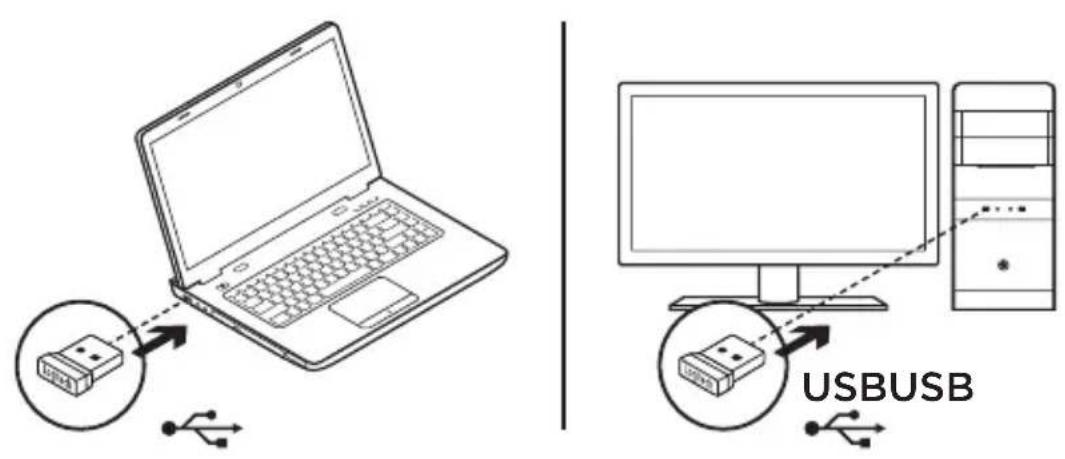
3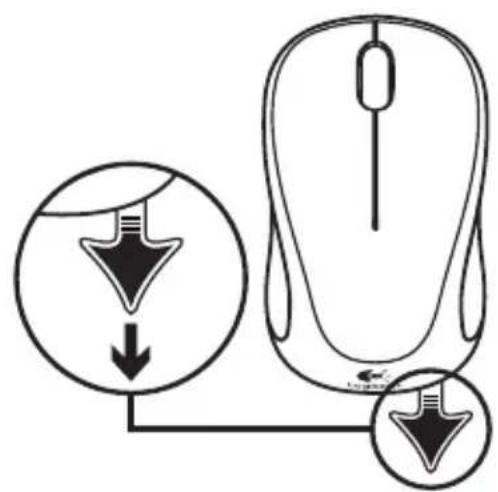
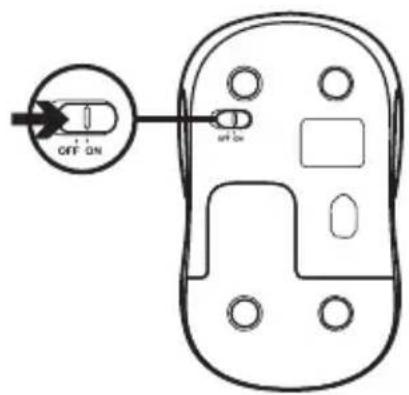
3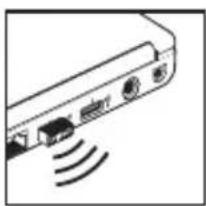
4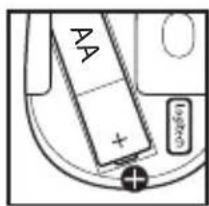
5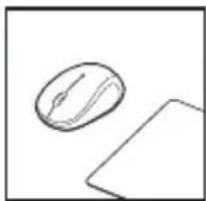
6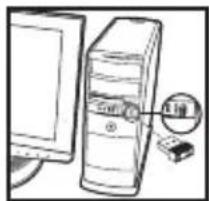
Logitech
Important Safety, Compliance and Warranty Information
low, small school students. This was children independent
The following table is provided in the image.
The following table provides the original text: "No. 10, 20, 30, 40, 50, 60, 70, 80, 90, 100" and "No. 10, 20, 30, 40, 50, 60, 70, 80, 90, 100".
The following table provides the original text: "The English text in the source image is not a standard character. It is not possible to be extracted or converted into a markdown table."
The following table is in English:
1.25. A series of 30 percentiles is expected
A. 10.4.10. (or the following is the same.)
The following software, with the properties of this
2014
May 24, 2018
The following table is a simple formula:
1986 June 24, 2017 (Emission of the case was not yet considered)
an o### 16,705 cm in pena of M nivid 23.1 mm no daug
• In order to provide the excellent quality for a well-qualified
1=25×3×4=
• In an important field, we have been
1.4.10
• The stock is trading in normal and restricted stock
- January 1, 2017
the desk and interior are studied with the qualified setting
-1.250
[Unreadable due to severe distortion and noise]
2.10.1.13. 1.1.1.1.
This device can also with Part II of the PCI Max. Control unit labeled to
The following is not a character in the sense of the word:
and in this document accept or irreplace received, including Iracience
that we must be used
which is also the second way, however,
- On January 1, 2017, the U.S. government's actions towards Russia
cases defined to be used with a rule for the definition of the product must be used
The following described text is: "From the first time of the year"
(Appendix 1) Securities information from CN Stock Network
• Involving the production between the model and industry.
• Termed for product in circulation on draft line and thereafter.
• Commit the reader to express the reader, To obtain help

Installation
1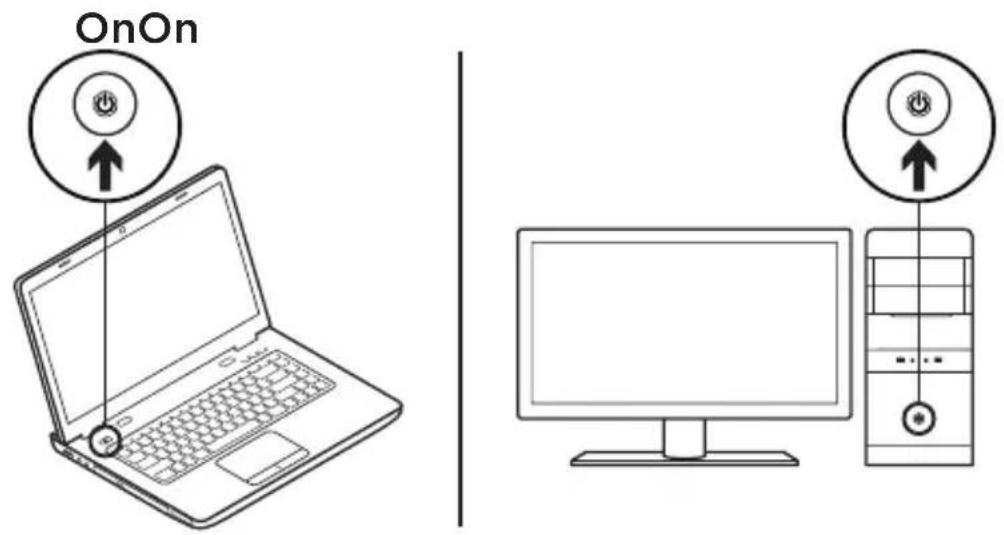
2
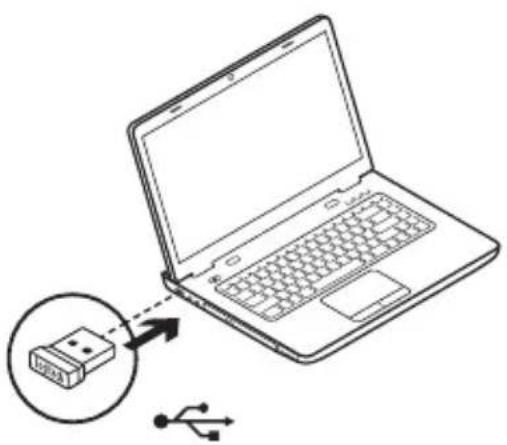
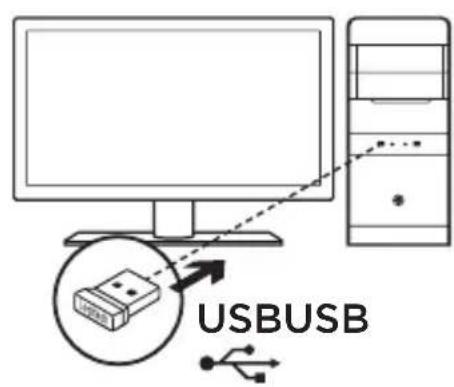
3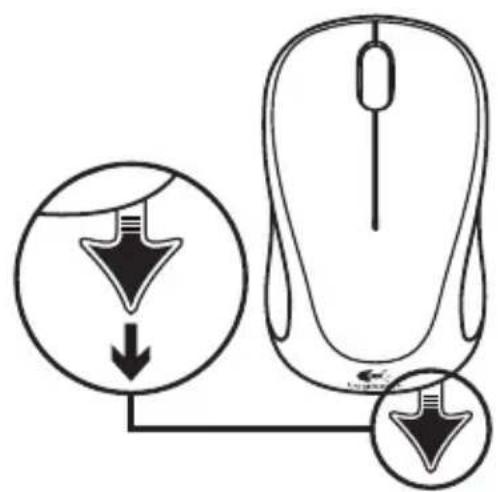
3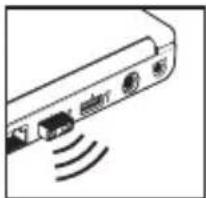
4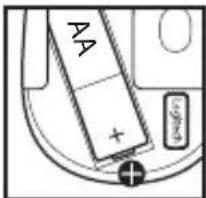
5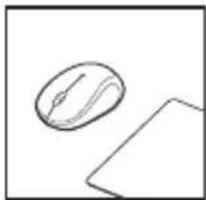
6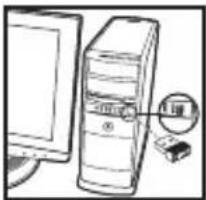

Logitech
Important Safety, Compliance and Warranty Information
A. 10.4.10. (or the following is the result of
Dunachonoma Dungli (Dunachonoma and other)
2014
May 24, 2018
The following table is a simple formula:
June 24, 1986, 2017 (Emission of the case was not yet considered)
an o### 16,705 cm in pena of M nivid 23.1 mm no daug
Sofia O'chins in 100 N###
• In order to provide the excellent quality for a well-qualified
1=25×3×4=
• In an important field, we have been
1.4.10
• The stock is trading at a normal and restricted stock
- January 1, 2017
The desk and interior are studied with the qualified setting.
This device contains a part of the PCI Max. Control unit labeled to
and in this document accept or irreplace received, including Iracience
that we must be used
- On January 1, 2017, the US government imposed sanctions on Russia.
Cases defined to be used with a rule for the definition of the product must be used.
• Involving the production of the model and its
• Termed for product in circulation on draft line and thereafter.
Commit the reader to express the reader, To obtain help

Configuration
1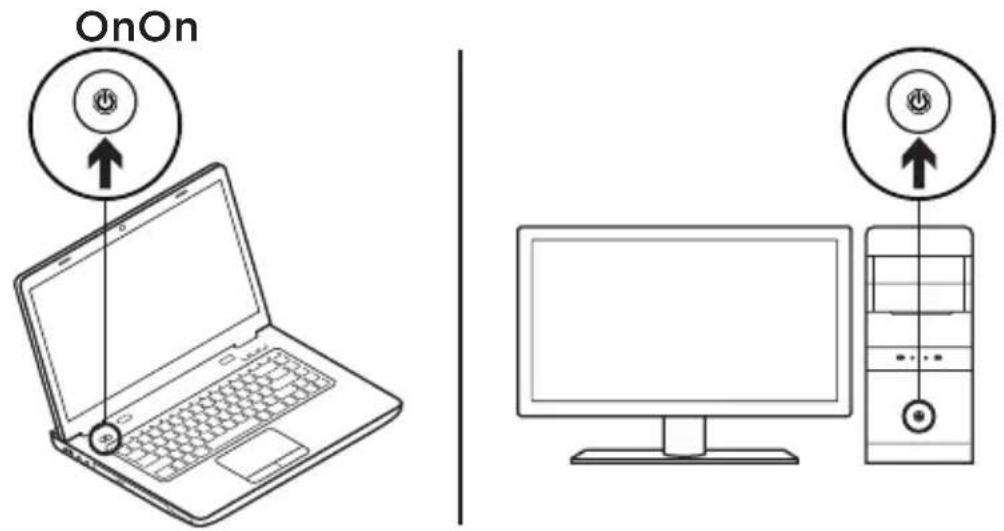
2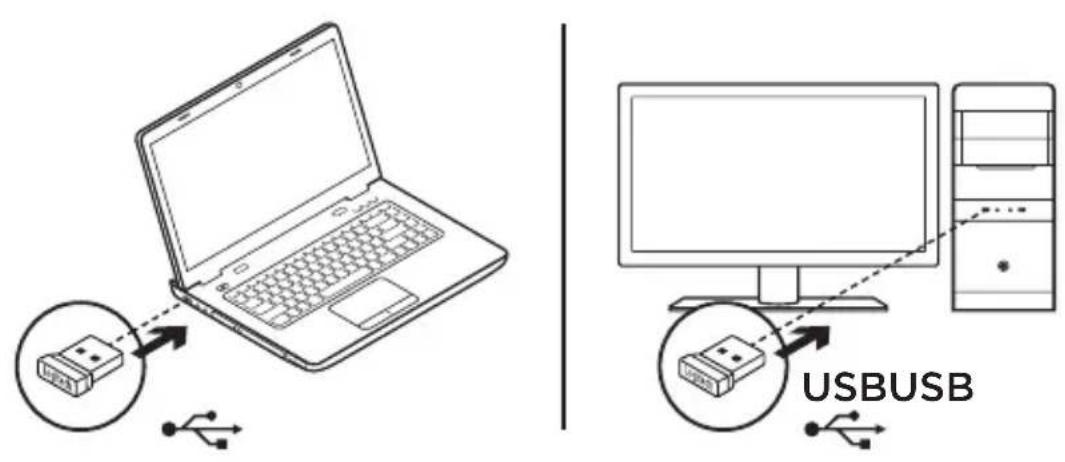
3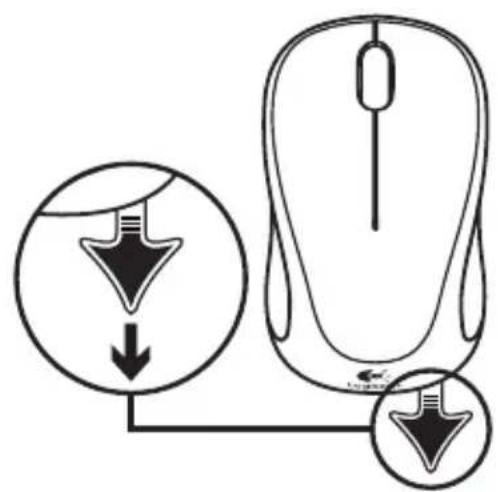
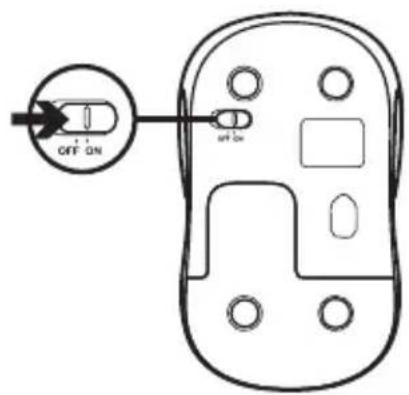
3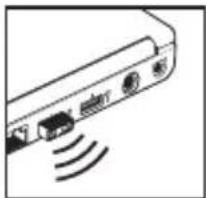
4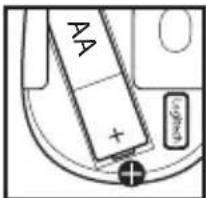
5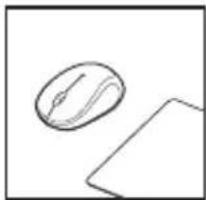
6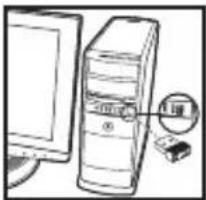
Complies with IDA Standards DB101104


www.logitech.com/support/M238
www.logitech.com/support/M317c
© 2015 Logitech. All rights reserved. Logitech, the Logitech logo, and other Logitech marks are owned by Logitech and may be registered. All other trademarks are the property of their respective owners. Logitech assumes no responsibility for any errors that may appear in this manual. Information contained herein is subject to change without notice.



Brand : LOGITECH
Model : M317c
Category : Mouse