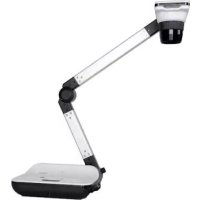
DC556 - Camera OPTOMA - Free user manual and instructions
Find the device manual for free DC556 OPTOMA in PDF.


| Product Type | Visualizer (document camera) |
| Brand | Optoma |
| Model | DC556 |
| Photo Resolution | Up to 13 megapixels |
| Video Resolution (recording) | Up to 1080p (1920x1080) |
| HDMI Output Resolution | 720p, 1080p, 4K (3840x2160 at 30 Hz) |
| VGA Output Resolution | XGA, UXGA, 720p, WXGA |
| Zoom | Digital (zoom in/out, quick zoom 2X/4X) |
| Focus | Automatic (AF) and manual |
| Lighting | Built-in LED lamp with brightness adjustment |
| Internal Storage | Internal memory (unspecified) |
| External Storage | SD/SDHC card, USB key (USB-A port) |
| Connections | HDMI (input/output), VGA (input/output), USB Type B (PC), USB Type A (device), RS232, audio (input/output) |
| Main Functions | Image rotation (180°), image freeze, highlight, hide, picture-in-picture (PIP), PC mode (pass-through), image effects (text, graphic, B&W, negative), white balance |
| Power Supply | AC adapter 100-240 V AC / 5 V DC (included) |
| Supplied Accessories | Remote control (AAA batteries included), VGA cable, USB cable, AC adapter, anti-glare sheet |
| Safety | Do not look directly at the LED; do not carry by the camera head |
| Maintenance | Clean with a soft, dry cloth; avoid moisture and abrasive products |
Frequently Asked Questions - DC556 OPTOMA
User questions about DC556 OPTOMA
0 question about this device. Answer the ones you know or ask your own.
Ask a new question about this device
Download the instructions for your Camera in PDF format for free! Find your manual DC556 - OPTOMA and take your electronic device back in hand. On this page are published all the documents necessary for the use of your device. DC556 by OPTOMA.
USER MANUAL DC556 OPTOMA
natural_image
Line drawing of a medical device with a cylindrical device and a rectangular device (no text or symbols)Française
natural_image
Symbol of a trash bin crossed with a diagonal line, no text or numbers presentAvertissement
natural_image
Illustration of hands operating a handheld device with a screen and antenna (no text or symbols visible)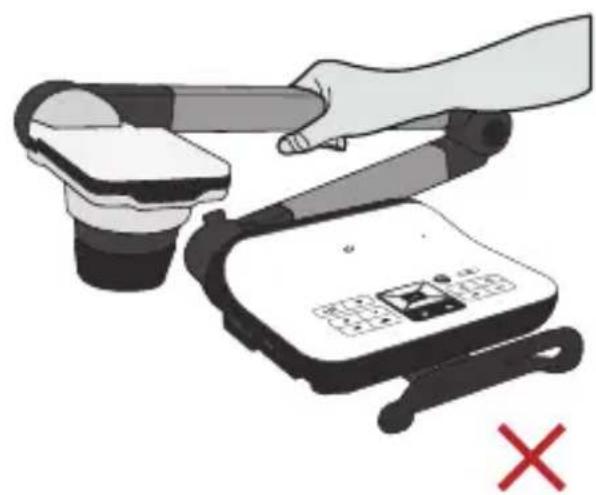
natural_image
Illustration of a hand using a handheld device to press or install a device, with a red X mark indicating cancellation (no text or symbols present)natural_image
Illustration of a mechanical component with a yellow triangular base and black cap (no text or symbols)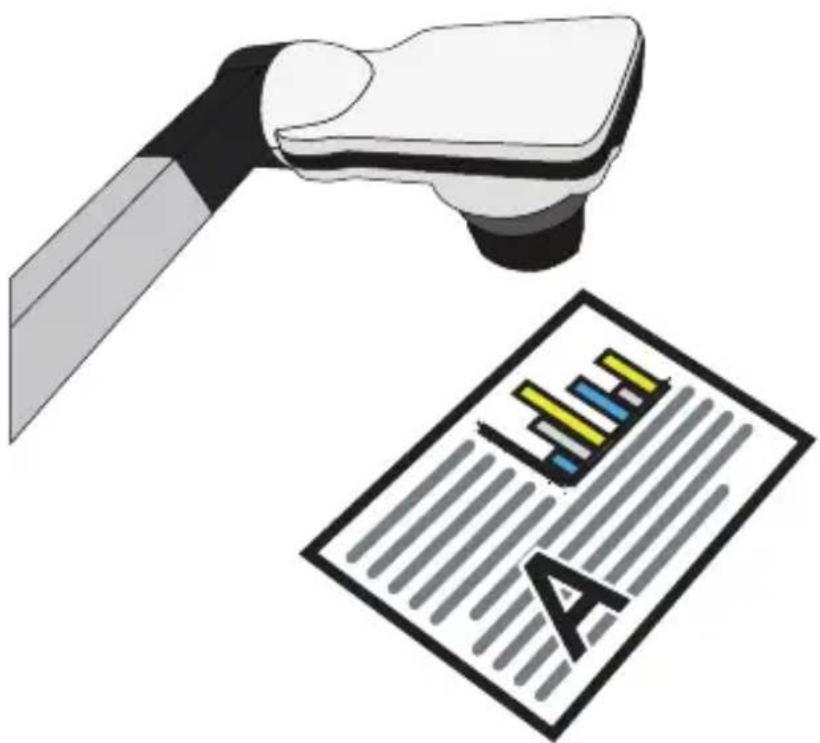
natural_image
Illustration of a medical or laboratory probe interacting with a printed document labeled 'A' (no text or symbols on the diagram itself)natural_image
Aerial view of a large industrial complex with multiple buildings and a central circular structure (no visible text or symbols)
natural_image
Decorative plate with blue floral pattern and a small inset showing a circular blue object (no text or symbols)natural_image
Illustration of hands inserting a black plug into a wall-mounted socket (no text or symbols)
natural_image
Illustration of a handheld device with a keypad and scroll, no visible text or symbols47697 Westinghouse Drive, 888-289-6786
Fremont, CA 94539, USA
www.optomausa.com

510-897-8601
services@optoma.com
Japon
東京都足立区綾瀬3-25-18
株式会社オーエス
info@os-worldwide.com
www.os-worldwide.com
Canada
47697 Westinghouse Drive, 888-289-6786
Fremont, CA 94539, USA
www.optomausa.com

510-897-8601
services@optoma.com
Taiwan
12F., No.213, Sec. 3, Beixin Rd., +886-2-8911-8600
Xindian Dist., New Taipei City 231,
Taiwan, R.O.C.
www.optoma.com.tw asia.optoma.com

services@optoma.com.tw
Amérique Latine
47697 Westinghouse Drive, 888-289-6786
Fremont, CA 94539, USA
www.optomausa.com

510-897-8601
services@optoma.com
Hong Kong
Unit A, 27/F Dragon Centre,
79 Wing Hong Street,
Cheung Sha Wan,
Kowloon, Hong Kong www.optoma.com.hk

+852-2396-8968
+852-2370-1222
Europe
Unit 1, Network 41, Bourne End Mills,
Hemel Hempstead, Herts,
HP1 2UJ, United Kingdom
(Royaume-Uni)
www.optoma.eu
service@tsc-europe.com
Chine
5F, No. 1205, Kaixuan Rd., +86-21-62947376
Changning District
Shanghai, 200052, Chine www.optoma.com.cn
Benelux BV
Randstad 22-123 +31 (0) 36 820 02
1316 BW Almere
Les Pays-Bas
www.optoma.nl

+31 (0) 36 548 9052
France
Brand : OPTOMA
Model : DC556
Category : Camera