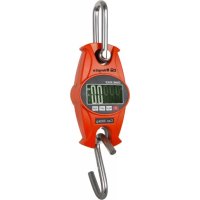
PC 5000 - Scale Orbegozo - Free user manual and instructions
Find the device manual for free PC 5000 Orbegozo in PDF.

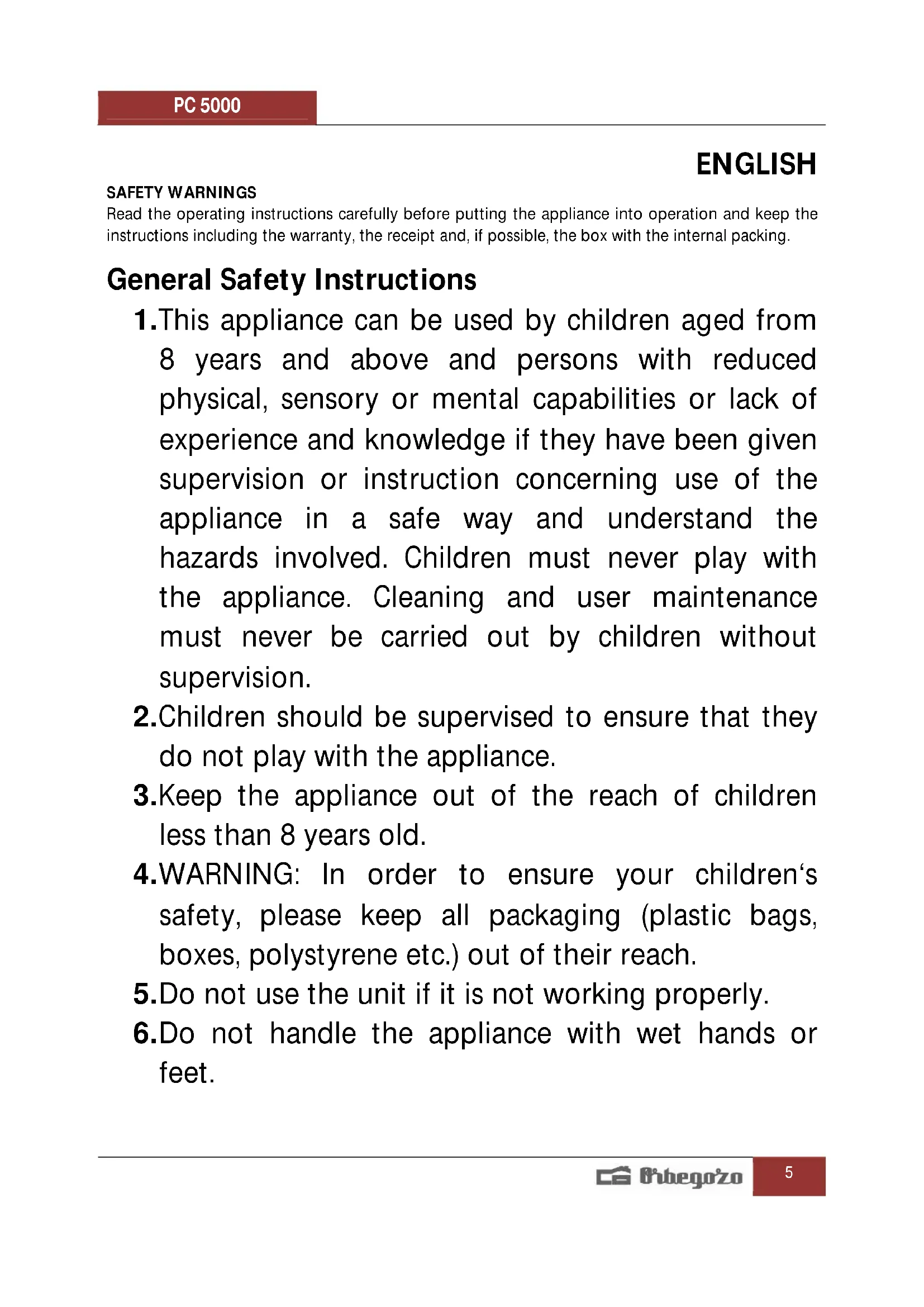


| Brand | Orbegozo |
| Model | PC 5000 |
| Product type | Hanging scale (crane scale) |
| Maximum capacity | 50 kg (estimated) |
| Graduation | 10 g (estimated) |
| Measurement units | kg / lb / N (Newton) |
| Display | LCD screen |
| Power supply | 2 AAA 1.5 V batteries |
| Material | Plastic |
| Zero-setting function | Tare (resets to zero with a container) |
| Locking function | Hold (locks the display) |
| Shutdown function | Long press on POWER |
| Low battery indicator | "LO" display |
| Overload indicator | "Err" display |
| Cleaning and maintenance | Damp cloth; do not immerse; do not overload; remove weight when not in use |
| Safety | Do not open; do not use with wet hands; keep out of reach of children under 8 years |
| Recycling | Compliant with WEEE (do not dispose of with household waste) |
| Certifications | Compliant with EMC directive 2004/108/EC |
Frequently Asked Questions - PC 5000 Orbegozo
User questions about PC 5000 Orbegozo
0 question about this device. Answer the ones you know or ask your own.
Ask a new question about this device
Download the instructions for your Scale in PDF format for free! Find your manual PC 5000 - Orbegozo and take your electronic device back in hand. On this page are published all the documents necessary for the use of your device. PC 5000 by Orbegozo.
USER MANUAL PC 5000 Orbegozo
KITCHEN SCALE-USER MANUAL
BALANCE DE CUISINE- MANUEL D'INSTRUCTIONS
ESCALA DE COZINHA- MANUAL DE INSTRUÇÕES
PC 5000
Sonifer, S.A.
Read this manual carefully before running this appliance and save it for reference in order to obtain the best results and ensure safe use.
Read the operating instructions carefully before putting the appliance into operation and keep the instructions including the warranty, the receipt and, if possible, the box with the internal packing.
General Safety Instructions
-
This appliance can be used by children aged from 8 years and above and persons with reduced physical, sensory or mental capabilities or lack of experience and knowledge if they have been given supervision or instruction concerning use of the appliance in a safe way and understand the hazards involved. Children must never play with the appliance. Cleaning and user maintenance must never be carried out by children without supervision.
-
Children should be supervised to ensure that they do not play with the appliance.
- Keep the appliance out of the reach of children less than 8 years old.
4.WARNING: In order to ensure your children's safety, please keep all packaging (plastic bags, boxes, polystyrene etc.) out of their reach. - Do not use the unit if it is not working properly.
-
Do not handle the appliance with wet hands or feet.
-
Never immerse the appliance in water or any other liquid.
- This appliance is for household use only.
- In case that you need a copy of the instruction manual, you can ask for it writing an email to sonifer@sonifer.es
Special Safety Instructions
- These scales are a precision electronic instrument. In order to ensure reliable readings, try to put your feet always in the same place on the scales and remain still.
- Treat the scales with care. Never drop or jump on them. Our scales are designed for a long life, but incorrect use or handling may cause malfunctions of the electronic sensors.
- Never immerse the scales in water. To clean the surface, use a damp cloth or a window cleaner.
- Do not open or disassemble the scales or its components.
Operation guide
- Open the battery compartment. Insert two AAA 1.5V batteries respecting the polarity.
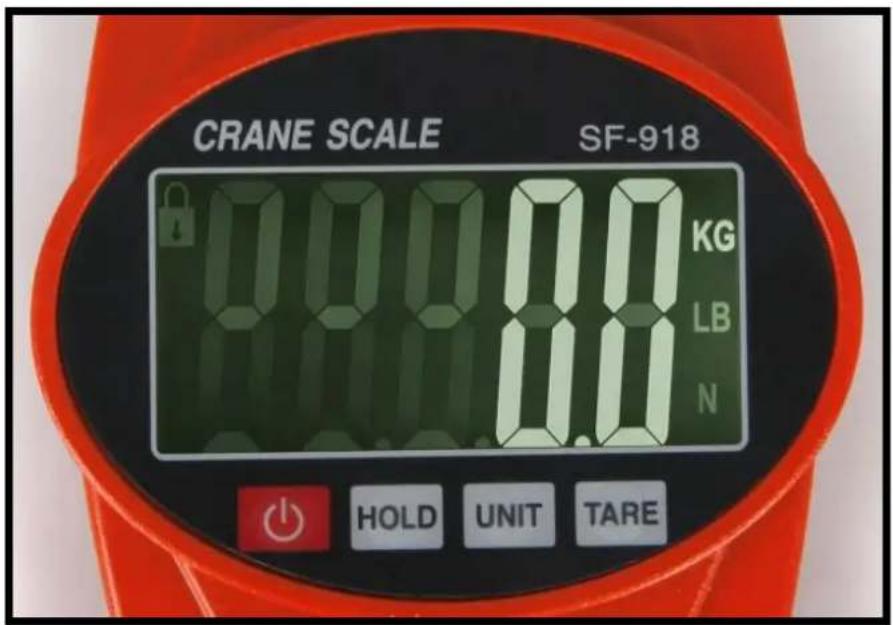
- Hold the scale and hold the hook upright. Press the "POWER" key to turn on. The display will show the digits to zero and you can proceed to weigh.
- Press the "POWER" key again and the scale will turn off.
- Press the "HOLD" key to lock the screen. Then "LOCK" will be displayed and the weight will be blocked.
- Press the "HOLD" key again to resume the display.
- Press the "UNIT" key to change the unit of measure kg / lb / N
-
Tare function: The "TARE" button resets the screen to zero when the weight is on the scale, which allows you to subtract the weight of a container.
-
When the reading stabilizes, press the TARE key once.
- The screen will be set to zero, which will allow you to add items and obtain the weight of the contents (net weight).
Cleaning and maintenance
-To clean it, use a damp cloth
- Do not overload the balance. It could cause damage
- Do not leave weight on the balance when it is not in use.
-Replace the battery when the scale shows "LO" on the screen.
-The LCD shows "Err" when there is an overload.
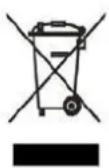
Disposal of old electrical appliances.
The European directive 2002/96/EC on Waste Electrical and Electronic Equipment (WEEE), requires that old household electrical appliances must not be disposed of in the normal unsorted municipal waste stream. Old appliances must be collected separately in order to optimize the recovery and recycling of the materials they contain, and reduce the impact on human health and the environment.
The crossed out "wheeled bin" symbol on the product reminds you of your obligation, that when you dispose
of the appliance, it must be separately collected
DECLARATION OF CONFORMITY: This device complies with the requirements of the EMC Directive 2004/108/EC.
FRANÇAIS
CONSEILS DE SECURITE

Brand : Orbegozo
Model : PC 5000
Category : Scale