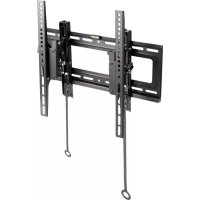
ICAPLB 544T - Wall mount Techly - Free user manual and instructions
Find the device manual for free ICAPLB 544T Techly in PDF.


| Product type | TV wall mount |
| Brand | Techly |
| Model | ICAPLB 544T |
| Use | Flat screen wall mounting |
| Maximum supported weight | 50 kg |
| VESA compatibility | 100x100 mm to 400x400 mm |
| Compatible screen sizes | 32 to 70 inches |
| Material | Steel |
| Tilt | 0 to 15 degrees (tilt) |
| Rotation | Non-swivel (fixed) |
| Distance from wall | 20 mm |
| Compatible wall type | Concrete, brick, wood frame |
| Package contents | Wall mount, screws, wall plugs, installation manual |
| Color | Black |
| Warranty | 2 years |
| Care and cleaning | Clean with a soft dry cloth |
| Safety | Do not exceed maximum load; check wall strength before installation |
| Spare parts | Replacement screws available on request |
| Repairability | Product not repairable; replace if defective |
Frequently Asked Questions - ICAPLB 544T Techly
User questions about ICAPLB 544T Techly
0 question about this device. Answer the ones you know or ask your own.
Ask a new question about this device
Download the instructions for your Wall mount in PDF format for free! Find your manual ICAPLB 544T - Techly and take your electronic device back in hand. On this page are published all the documents necessary for the use of your device. ICAPLB 544T by Techly.
USER MANUAL ICAPLB 544T Techly
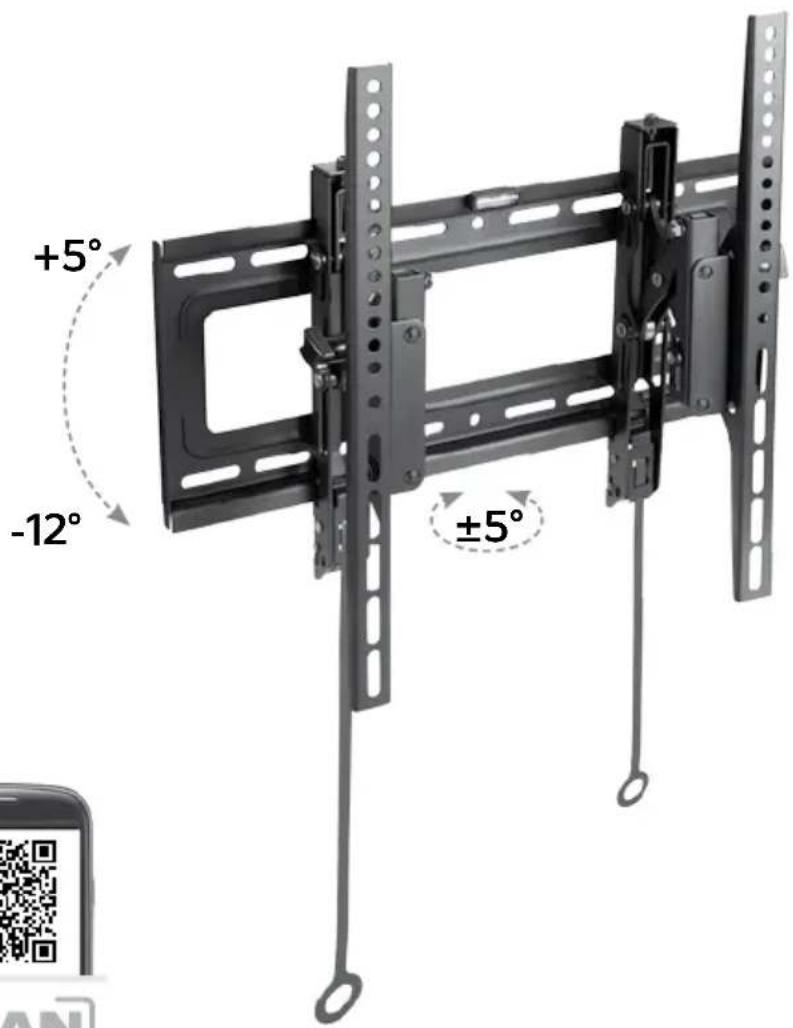
ADVANCED EXTENSION TILT TV WALL MOUNT

32'' > 70''

81>177cm
Technical features
70 KG 154 lb
standard vesa 400x400 MAX

easy installation


P/N:ICA-PLB544T
8051128107180
Wall distance 7,8-13,4 cm
SCREEN adjustment
Bubble Level

Locking System

Curved TV
EN
Dear Customer, thanks for choosing a Techly product.
Unpacking Instructions
- Carefully open the carton, remove contents and lay out on cardboard or other protective surface to avoid damage.
- Check package contents against the Supplied Parts List in the next page to assure that all components were received undamaged. Do not use damaged or defective parts.
- Carefully read all instructions before attempting installation.
- Please keep this user's manual for future consultations.
IT
Gentile Cliente,
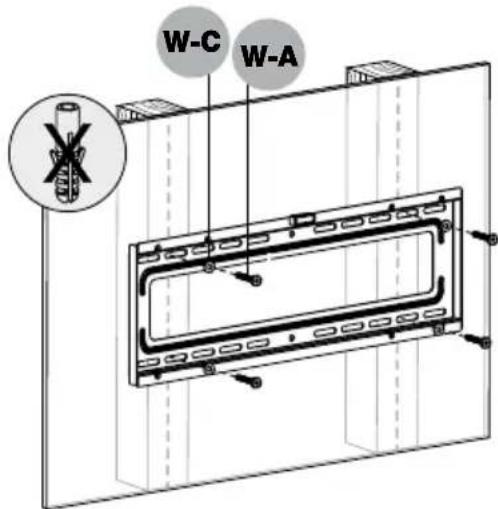
Note: The product is designed to be installed on wood stud walls, solid concrete walls or brick walls. If the hardware you need for your installation is not included, please consult your local hardware store for proper mounting hardware for the application. We cannot be held responsible for any injury and/or damage caused by incorrect installation. Before proceeding, please make sure the wall is suitable for installation. Respect the maximum load capacity indicated on the box of the product.
Important
Safety Information
Please read this instruction before beginning the installation, and carefully follow all herein contained recommendations. Use proper safety equipment during installation.
Please call a qualified installation contractor for help if you:
- Don't understand these directions or have any doubts about the safety of the installation.
- Are uncertain about the nature of your wall, consult a qualified installation contractor.
Do not use this product for any purpose or in any configuration not explicitly specified in this instruction. We hereby disclaim any and all liability for injury or damage arising from incorrect assembly, incorrect mounting, or incorrect use of this product. At the end of the installation make sure the procedure was correctly observed.
CAUTION: This TV mount must be securely attached to the vertical wall. If the mount is not properly installed it may fall,
resulting in possible injury and/or damage.

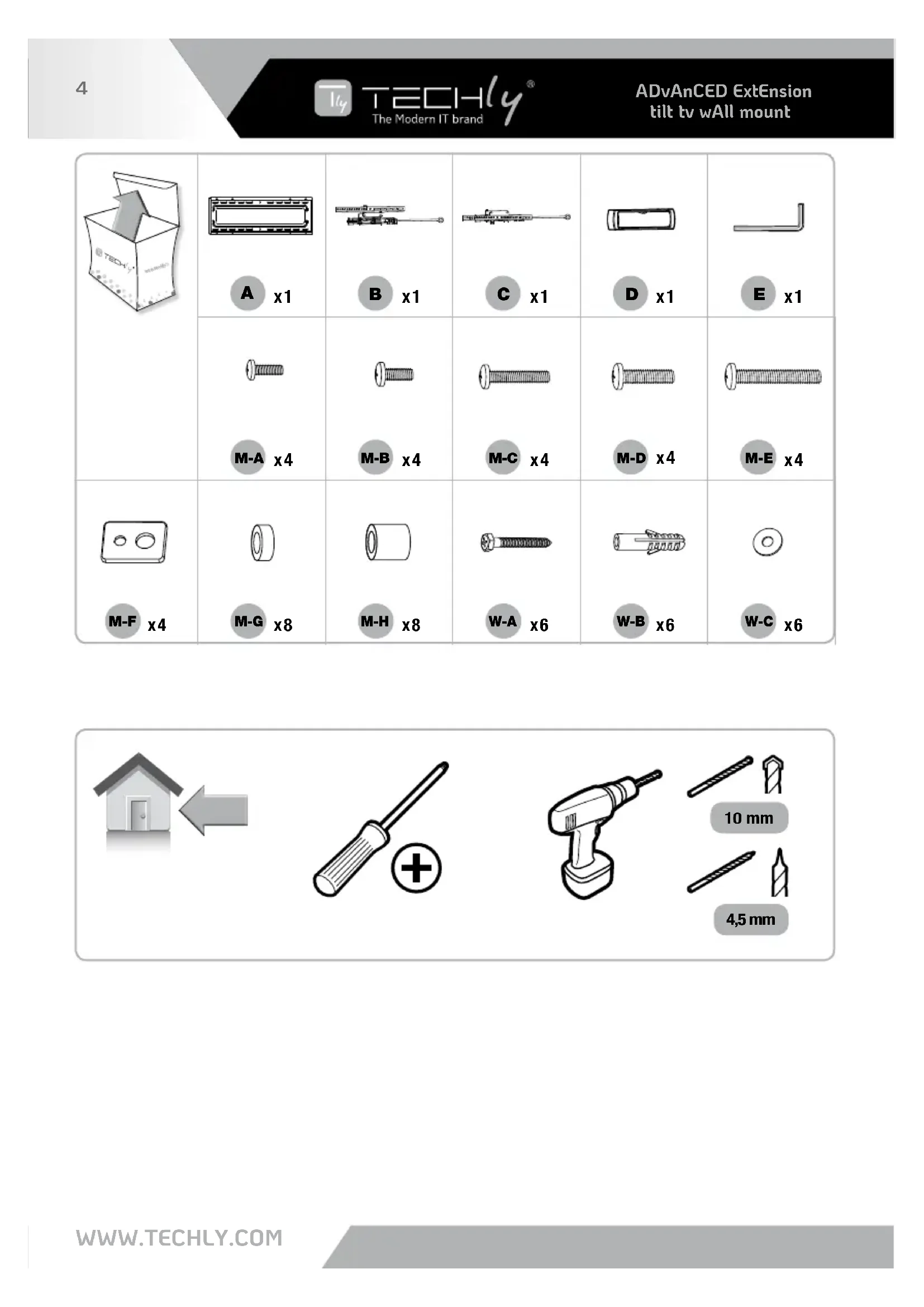
| A x1 | B x1 | C x1 | D x1 | E x1 |
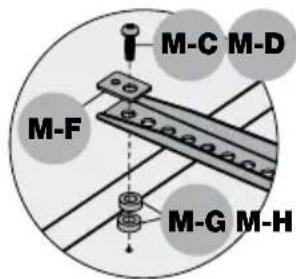
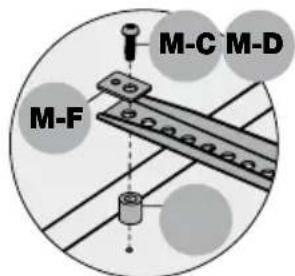
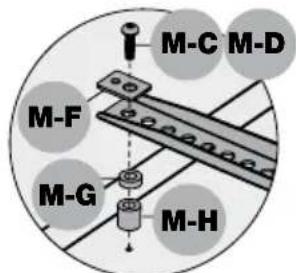
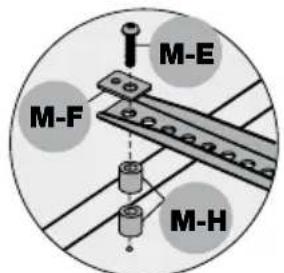
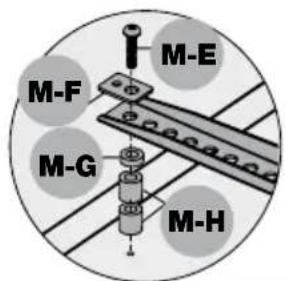
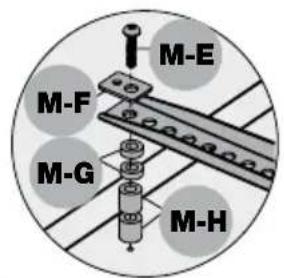
| M-A x4 | M-B x4 | M-C x4 | M-D x4 | M-E x4 |
| M-G x8 | M-H x8 | W-A x6 | W-B x6 | W-C x6 |
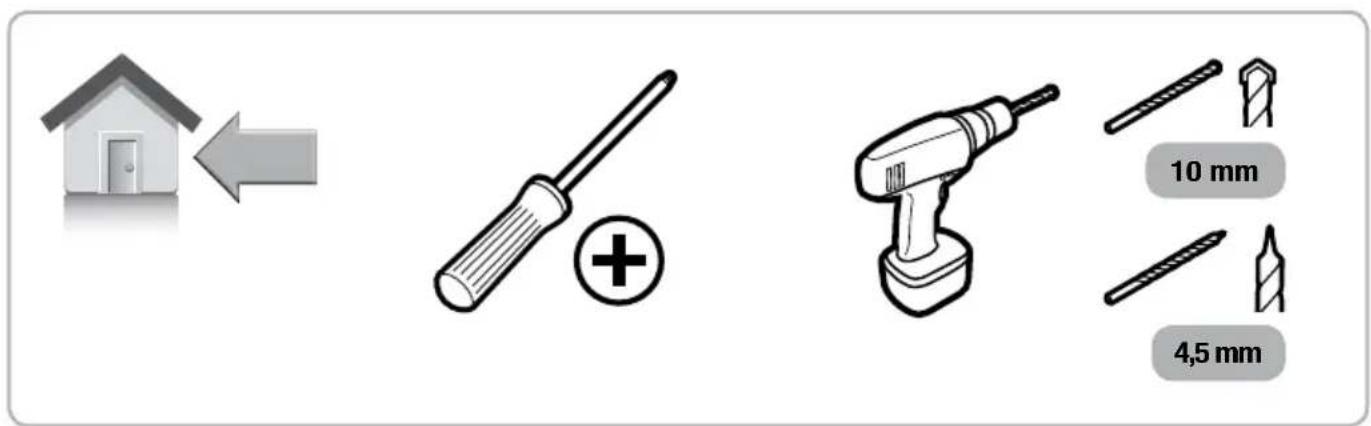
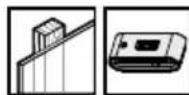
1a


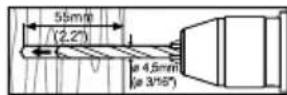
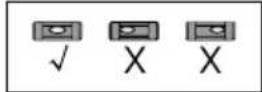
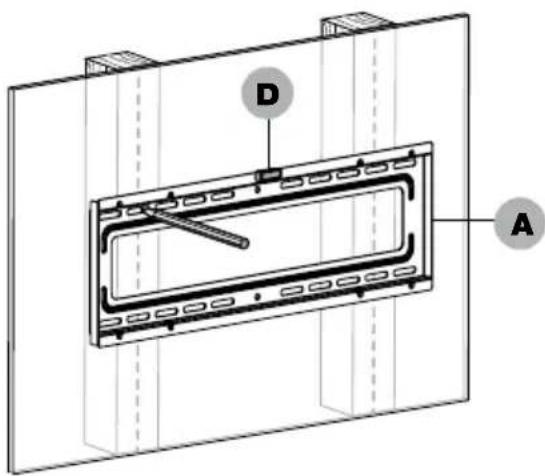

1b


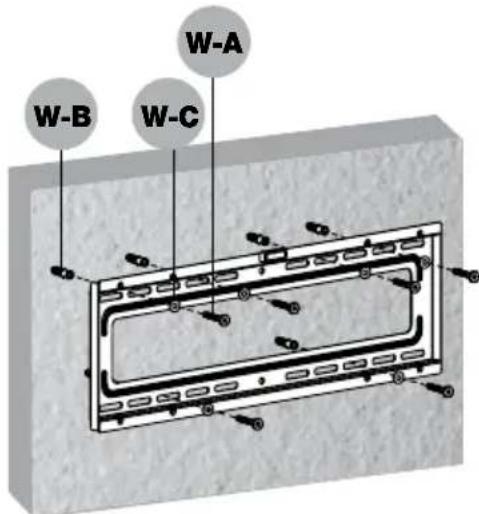
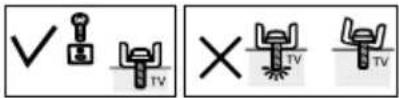
2a
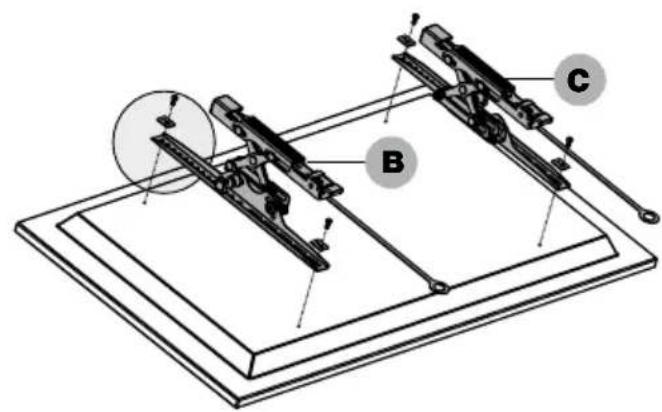
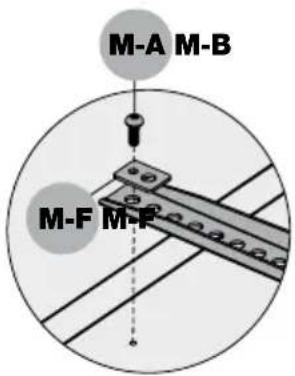
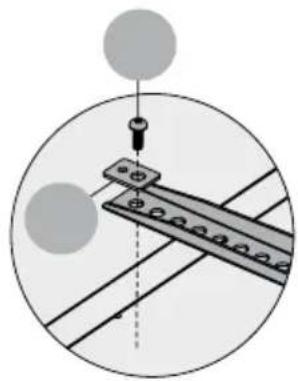
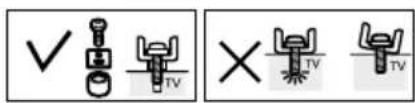
2b
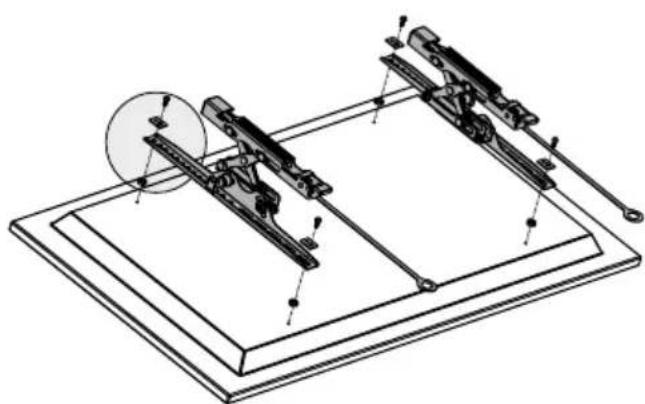
3

4

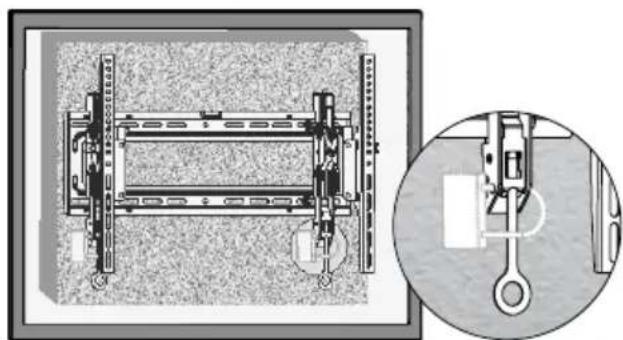
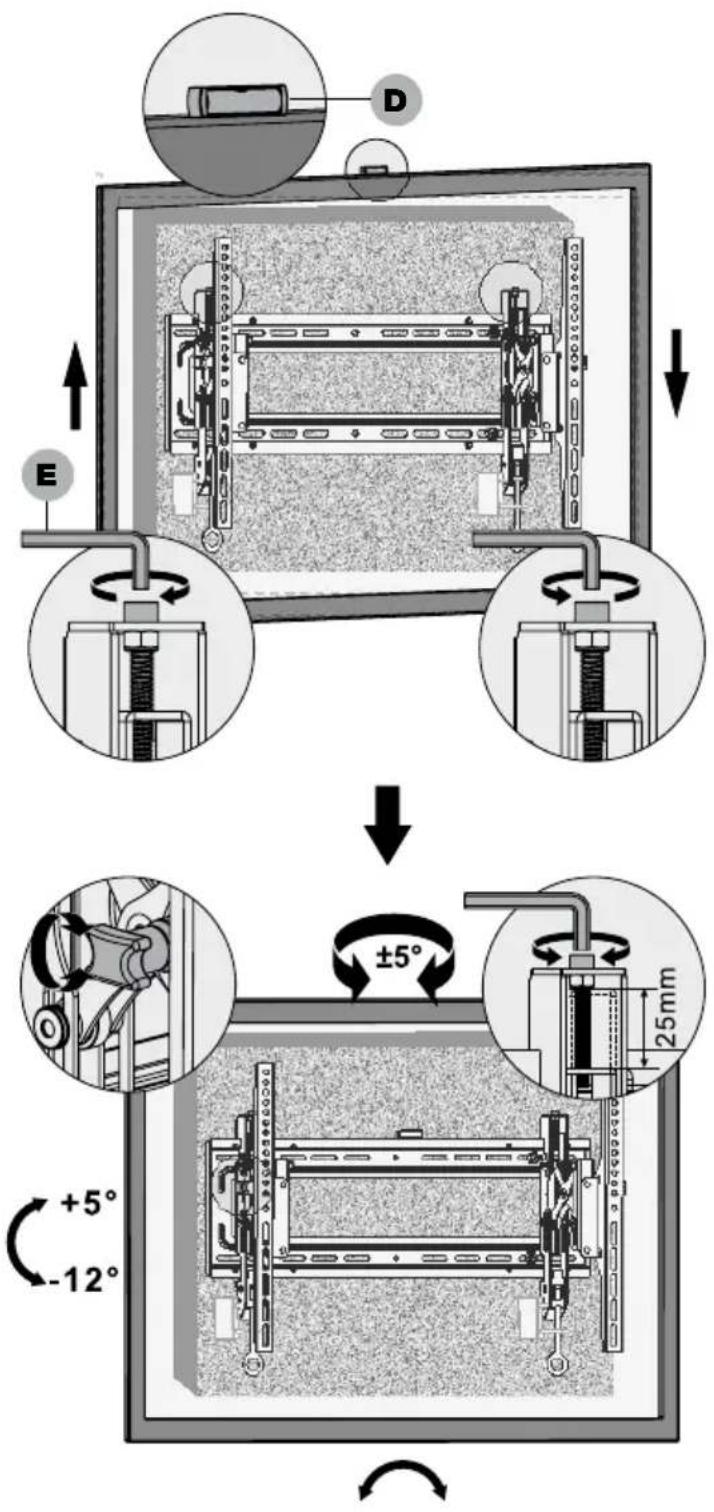
5
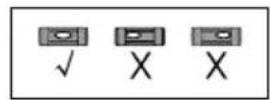
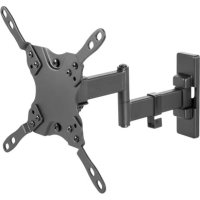
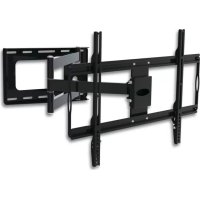
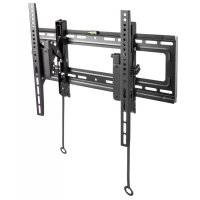
Brand : Techly
Model : ICAPLB 544T
Category : Wall mount