K5666 - Wristwatch Calypso - Free user manual and instructions
Find the device manual for free K5666 Calypso in PDF.

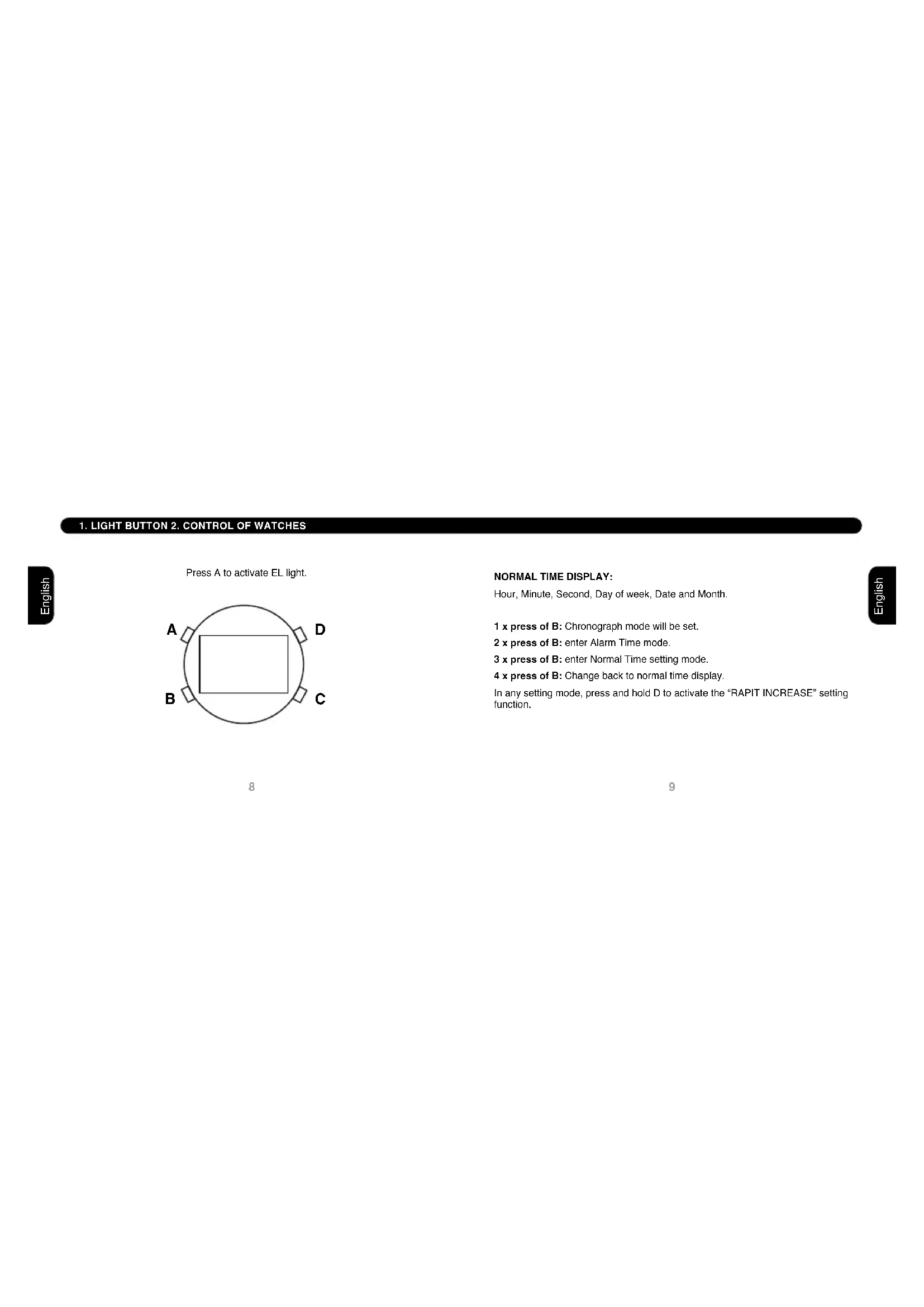


| Brand | Calypso |
| Model | K5666 |
| Product type | Quartz digital watch |
| Display | Digital with EL backlight |
| Main functions | Time, minutes, seconds, day, date, month, stopwatch, alarm, hourly chime, 12/24 hour format |
| Power | Button cell battery (type CR2032 or equivalent) |
| Case material | Plastic / resin |
| Crystal | Mineral (glass) |
| Strap | Resin strap |
| Water resistance | 3 ATM (resists splashes and light rain) |
| Dimensions (approx.) | 45 mm diameter, 12 mm thickness |
| Weight (approx.) | 50 g |
| Care and cleaning | Clean with a soft dry cloth. Avoid solvents. Do not immerse. |
| Safety | Do not expose to extreme temperatures or violent shocks. Remove battery if storing for long periods. |
| Spare parts and repairability | Battery replaceable by a watchmaker. Interchangeable strap. Professional repair recommended. |
| General information | Compliant with WEEE regulations. Selective collection at end of life. |
Frequently Asked Questions - K5666 Calypso
User questions about K5666 Calypso
0 question about this device. Answer the ones you know or ask your own.
Ask a new question about this device
Download the instructions for your Wristwatch in PDF format for free! Find your manual K5666 - Calypso and take your electronic device back in hand. On this page are published all the documents necessary for the use of your device. K5666 by Calypso.
USER MANUAL K5666 Calypso
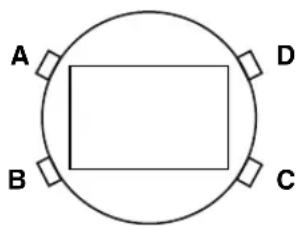
Press A to activate EL light.
8
NORMAL TIME DISPLAY:
Hour, Minute, Second, Day of week, Date and Month.
1 x press of B: Chronograph mode will be set.
2 x press of B: enter Alarm Time mode.
3 x press of B: enter Normal Time setting mode.
4 x press of B: Change back to normal time display.
In any setting mode, press and hold D to activate the "RAPIT INCREASE" setting function.
3. NORMAL TIME SETTING

In Normal Time Mode, press B three times to enter normal time setting mode with second digits flashing:
Second digits can be reset to zero by press D.
1 x press of C: Hour digits will flash and advanced by press D.
2 x press of C: Minute digits will flash, and advanced by press D.
3 x press of C: Month digits will flash and advanced by press D.
4 x press of C: Date digits will flash and advanced by press D.
5 x press of C: Day of week will flash and advanced by press D.
Complete and confirm the setting time by press B.
4. 12/24 HOUR FORMAT
When in setting normal time hour digits, repeatedly press D to select 12/24 hour format and time. "A" or "P" represents 12 hour format and "H" represents 24 hour format.
5. ALARM TIME MODE
In Normal Time Mode, press B twice to enter Alarm time mode: Press D to activate or deactivate the Daily Alarm (1) or ALM) and/or Hourly Chime (or CHIME).
Press C to set the hour and the minute of the daily alarm time, which is advanced by press D. Press B to exit setting.
6. CHRONOGRAPH MODE

In Normal Time Mode, press B once to enter Chronograph Function mode:
Start/Stop: Press D, it operates in cumulative counting mode.
Lap time: while chronograph is counting, press C to change to Lap Time (with "SPL"), Chronograph keeps counting internally. Press C again to return to Chronograph Time display (with "ST").
Reset: Press D to stop counting and then press C.

By virtue of the regulations pursuant to the handling of waste products deriving from electronic and electrical equipment, end of lifecycle watch making products must be selectively collected for processing. You may therefore dispose of your
quartz watch making products at any of our retail outlets or any other authorized collection point. The selective collection, processing, rating and recycling of these products helps contribute to safeguarding the environment and protecting our health.
DISPLAYDELL'ORA NORMALE:
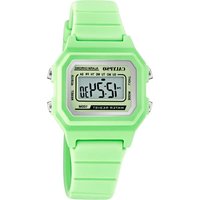
Brand : Calypso
Model : K5666
Category : Wristwatch