ManualGo.com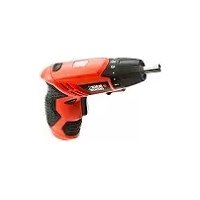
KC4815 - Screwdriver BLACK & DECKER - Free user manual and instructions
Find the device manual for free KC4815 BLACK & DECKER in PDF.


Download the instructions for your Screwdriver in PDF format for free! Find your manual KC4815 - BLACK & DECKER and take your electronic device back in hand. On this page are published all the documents necessary for the use of your device. KC4815 by BLACK & DECKER.
USER MANUAL KC4815 BLACK & DECKER
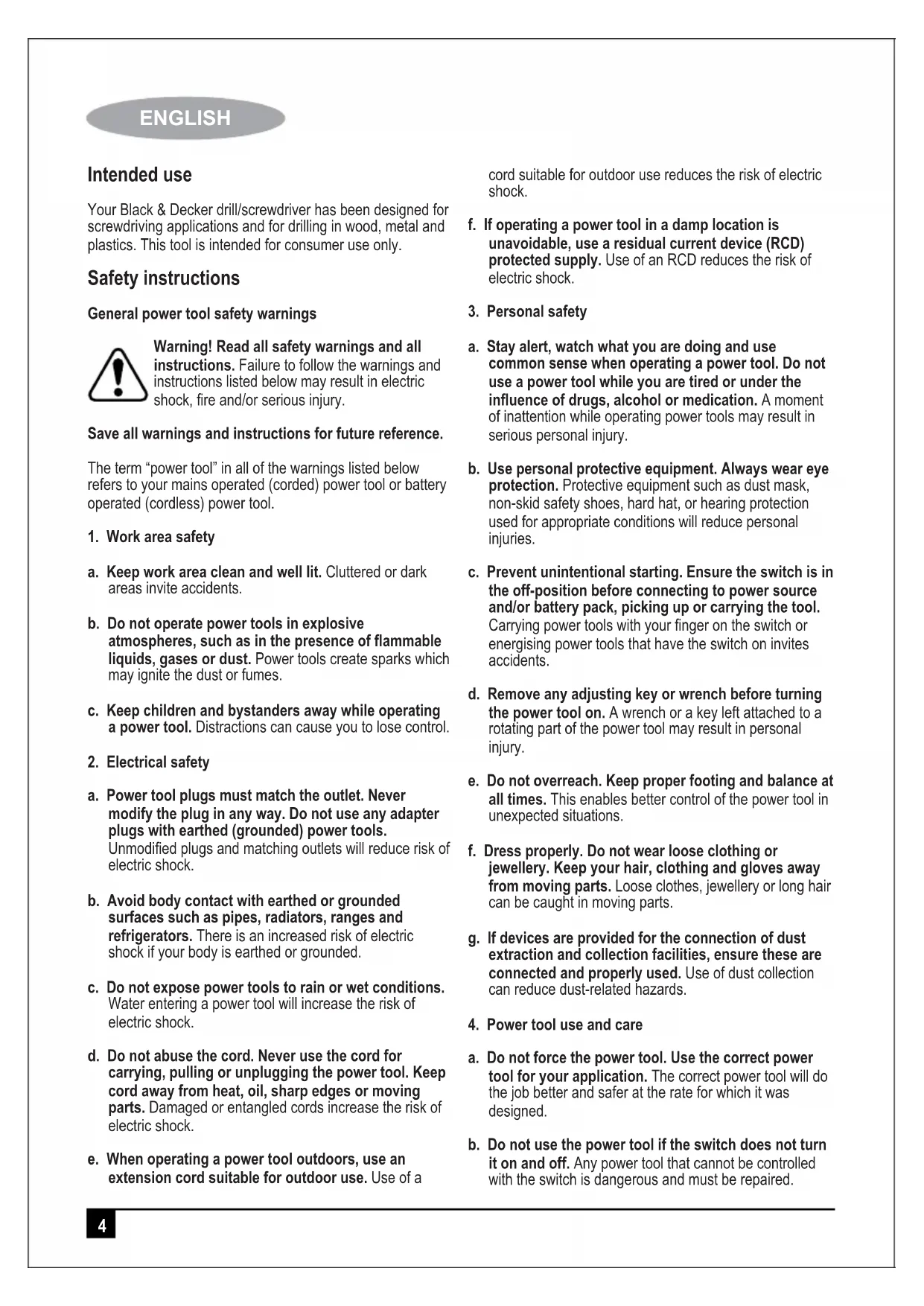
ENGLISH4 ENGLISH Intended use Your Black & Decker drill/screwdriver has been designed for screwdriving applications and for drilling in wood, metal and plastics. This tool is intended for consumer use only. Safety instructions General power tool safety warnings Warning! Read all safety warnings and all instructions. Failure to follow the warnings and instructions listed below may result in electric shock, fire and/or serious injury. Save all warnings and instructions for future reference. The term “power tool” in all of the warnings listed below refers to your mains operated (corded) power tool or battery operated (cordless) power tool.
a. Keep work area clean and well lit. Cluttered or dark areas invite accidents. b. Do not operate power tools in explosive atmospheres, such as in the presence of flammable liquids, gases or dust. Power tools create sparks which may ignite the dust or fumes. c. Keep children and bystanders away while operating a power tool. Distractions can cause you to lose control.
2. Electrical safety
a. Power tool plugs must match the outlet. Never modify the plug in any way. Do not use any adapter plugs with earthed (grounded) power tools. Unmodified plugs and matching outlets will reduce risk of electric shock. b. Avoid body contact with earthed or grounded surfaces such as pipes, radiators, ranges and refrigerators. There is an increased risk of electric shock if your body is earthed or grounded. c. Do not expose power tools to rain or wet conditions. Water entering a power tool will increase the risk of electric shock. d. Do not abuse the cord. Never use the cord for carrying, pulling or unplugging the power tool. Keep cord away from heat, oil, sharp edges or moving parts. Damaged or entangled cords increase the risk of electric shock. e. When operating a power tool outdoors, use an extension cord suitable for outdoor use. Use of a cord suitable for outdoor use reduces the risk of electric shock. f. If operating a power tool in a damp location is unavoidable, use a residual current device (RCD) protected supply. Use of an RCD reduces the risk of electric shock.
a. Stay alert, watch what you are doing and use common sense when operating a power tool. Do not use a power tool while you are tired or under the influence of drugs, alcohol or medication. A moment of inattention while operating power tools may result in serious personal injury. b. Use personal protective equipment. Always wear eye protection. Protective equipment such as dust mask, non-skid safety shoes, hard hat, or hearing protection used for appropriate conditions will reduce personal injuries. c. Prevent unintentional starting. Ensure the switch is in the off-position before connecting to power source and/or battery pack, picking up or carrying the tool. Carrying power tools with your finger on the switch or energising power tools that have the switch on invites accidents. d. Remove any adjusting key or wrench before turning the power tool on. A wrench or a key left attached to a rotating part of the power tool may result in personal injury. e. Do not overreach. Keep proper footing and balance at all times. This enables better control of the power tool in unexpected situations. f. Dress properly. Do not wear loose clothing or jewellery. Keep your hair, clothing and gloves away from moving parts. Loose clothes, jewellery or long hair can be caught in moving parts. g. If devices are provided for the connection of dust extraction and collection facilities, ensure these are connected and properly used. Use of dust collection can reduce dust-related hazards.
4. Power tool use and care
a. Do not force the power tool. Use the correct power tool for your application. The correct power tool will do the job better and safer at the rate for which it was designed. b. Do not use the power tool if the switch does not turn it on and off. Any power tool that cannot be controlled with the switch is dangerous and must be repaired.5 ENGLISH c. Disconnect the plug from the power source and/or the battery pack from the power tool before making any adjustments, changing accessories, or storing power tools. Such preventive safety measures reduce the risk of starting the power tool accidentally. d. Store idle power tools out of the reach of children and do not allow persons unfamiliar with the power tool or these instructions to operate the power tool. Power tools are dangerous in the hands of untrained users. e. Maintain power tools. Check for misalignment or binding of moving parts, breakage of parts and any other condition that may affect the power tools operation. If damaged, have the power tool repaired before use. Many accidents are caused by poorly maintained power tools. f. Keep cutting tools sharp and clean. Properly maintained cutting tools with sharp cutting edges are less likely to bind and are easier to control. g. Use the power tool, accessories and tool bits etc., in accordance with these instructions, taking into account the working conditions and the work to be performed. Use of the power tool for operations different from those intended could result in a hazardous situation.
5. Battery tool use and care
a. Recharge only with the charger specified by the manufacturer. A charger that is suitable for one type of battery pack may create a risk of fire when used with another battery pack. b. Use power tools only with specifically designated battery packs. Use of any other battery packs may create a risk of injury and fire. c. When battery pack is not in use, keep it away from other metal objects, like paper clips, coins, keys, nails, screws, or other small metal objects, that can make a connection from one terminal to another. Shorting the battery terminals together may cause burns or a fire. d. Under abusive conditions, liquid may be ejected from the battery; avoid contact. If contact accidentally occurs, flush with water. If liquid contacts eyes, additionally seek medical help. Liquid ejected from the battery may cause irritation or burns.
a. Have your power tool serviced by a qualified repair person using only identical replacement parts. This will ensure that the safety of the power tool is maintained. Special Safety Advice for Screwdriver Hold power tool by insulated gripping surfaces, when performing an operation where the fastener may contact hidden wiring. Fasteners contacting a "live" wire may make exposed metal parts of the power tool "live" and could give the operator an electric shock. Only plug the Battery Charger in 230V mains. Recharge the Battery only with the provided charger. Before starting any work on walls, floors or similar, make sure that all power lines in the work area are switched off at the main switchboard. Inspect the proposed drill hole location for any utility lines (e.g. water, gas, power) before drilling. Use a suitable device such as a metal or electricity line detecting device. If in doubt contact a qualified electrician or your utility provider. Both tools and work-pieces can heat up considerably during the drilling operation. Allow a sufficient period of cooling before handling. Wear appropriate gloves. Safety Advice for Charger Important! Danger! There are 4 pcs 1.2V Ni-cd battery in screwdriver, Never short-circuit the battery or expose it to moisture. Do not store it together with any metal parts which could short-circuit the contacts. the machine could overheat, start burning or explode. Warning!
1. This appliance is not intended for use by persons
(including children) with reduced physical, sensory or mental capabilities, or lack of experience and knowledge, unless they have been given supervision or instruction concerning use of the appliance by a person responsible for their safety.
2. Do not recharge non-rechargeable batteries
Labels on tool The following pictograms are shown on the tool: Warning! To reduce the risk of injury, the user must read the instruction manual.6 ENGLISH The charger is intended for indoor use only. Read this entire manual carefully before using the appliance. Electrical safety Your charger is double insulated; therefore no earth wire is required. Always check that the mains voltage corresponds to the voltage on the rating plate. Never attempt to replace the charger unit with a regular mains plug.
- If the supply cord is damaged, it must be replaced by the manufacturer or an authorised Black & Decker Service Centre in order to avoid a hazard. Product Features
Charging the Battery Charging as shown, Must turn off the screwdriver. Only Red lights up on the power indicator when you charging. Charging time: 3-5 Hours. Power indicator light Three different colors of light (From Left : Green. Yellow. Red) Charging State: Only Red lights up when charging. Operation State: Green. Yellow and red light will light up at the same time, With continued working, the battery voltage drops, and when the Red light turns off, this implies that the battery is used up and needs charging. Inserting Tool Bits Important! Always Turn off the machine before you change the screw bit to avoid unintentional starting of the machine. On/Off Trigger. On/Off Trigger Use the On/Off trigger to start the machine and keep holding it for continuous operation. Reverse-rotation Lever Important! This is a can foldable cordless screwdriver. The machine has to come to a complete stop before the reverse rotation lever can be used, otherwise the machine may be damaged. Use the reverse-rotation lever to switch between clockwise (normal) and anticlockwise rotation or vice-versa, With the reverse-rotation lever in the central position the trigger switch is locked and cannot be depressed. Put the reverse-rotation lever in the central position before you put the machine down, to avoid unintentional starting. Torque adjustment Torque setting 8 torque+1 drilling setting You can control the maximum torque applied to the drill bit with the torque control knob. Attention! The torque control knob should only be operated when the machine is not running; otherwise the machine may be damaged. To set the drill to the lowest available torque setting, twist the torque control knob until the small arrow on the drill-housing points to the “1” stamped on the torque control knob. In this position the torque clutch will slip with light drilling resistance. The higher the number the arrow points to on the torque control knob, the larger the maximum torque that can be applied before the torque clutch will slip. To set the machine to maximum available torque twist the torque control knob until the arrow points to the drill symbol.7 ENGLISH In this position there is no slip in the torque clutch. Select a lower torque for insertion/removal of screws to avoid damage to the work-piece (in particular wooden work-pieces) or to the screw. For drilling select a higher torque setting. Do a test first on an item which is not your final work-piece and adjust the desired torque accordingly before you start the actual work. Operation for working
1. Using the Screwdriver as a Screw-driver
Before using the machine check whether the screw-bit is inserted correctly. Avoid over-tightening screws, otherwise the screw head may be damaged or stripping of the threads may occur.
Set the direction of rotation of the drill to the clockwise direction. Insert the screw-bit into the slot in the head of the screw. Hold the screw bit perpendicular to the head of the screw, otherwise the screw or the screw head may be damaged. Press the screw bit against the screw with a constant pressure while driving in the screw. When the screw is completely screwed in, hold the machine firmly and release the On/Off trigger, otherwise the screw or the screw head may be damaged. If the On/Off trigger is not released immediately a high torque could also damage the drill bit or the drill.
Set the direction of rotation of the drill to the anticlockwise direction. Insert the screw-bit into the slot in the head of the screw. Hold the screw-bit perpendicular to the head of the screw, otherwise the screw or the screw head may be damaged. Press the screw bit against the screw with a constant pressure while removing the screw. Maintenance and Cleaning Attention! Always remove the battery before carrying out any work on the machine. To clean, always use a dry or moist, but not wet, towel. Many cleaning agents contain chemical substances which may cause damage to the plastic parts of the machine. Therefore do not use any strong or inflammable cleaners such as petrol, paint thinner, turpentine or similar cleaning agents. Always keep air ventilation holes free of dust deposits to prevent overheating. Servicing For more information on KC4815 and other products, please visit us Batteries Black & Decker batteries can be recharged many times. At the end of their useful life, discard batteries with due care for our environment:
- Run the battery down completely, then remove it from the tool.
- NiCd, NiMH and Li-Ion batteries are recyclable. Take them to any authorised repair agent or a local recycling station. Protecting the environment Separate collection. This product must not be disposed of with normal household waste. Should you find one day that your Black & Decker product needs replacement, or if it is of no further use to you, do not dispose of it with household waste. Make this product available for separate collection. Separate collection of used products and packaging allows materials to be recycled and used again. Reuse of recycled materials helps prevent environmental pollution and reduces the demand for raw materials. Local regulations may provide for separate collection of electrical products from the household, at municipal waste sites or by the retailer when you purchase a new product. Black & Decker provides a facility for the collection and recycling of Black & Decker products once they have reached the end of their working life. To take advantage of this service please return your product to any authorised repair agent who will collect them on our behalf. You can check the location of your nearest authorised repair agent by contacting your local Black & Decker office at the address indicated in this manual. Alternatively, a list of authorised Black & Decker repair agents and full details of our after-sales service and contacts are available on the Internet at: www.2helpU.com.8 ENGLISH Technical data Rated Voltage V 4.8 No load speed min
200rpm Weight kg 0.4 Battery cell V 1.2v.Ni-cd.600mAh Charger HY-06 Rated Voltage V 220-240 Output Voltage DC6V, 300 mA Charging Time 3-5 hours KC48159 ENGLISH Guarantee Black & Decker is confident of the quality of its products and offers an outstanding guarantee. This guarantee statement is in addition to and in no way prejudices your statutory rights. The guarantee is valid within the territories of the Member States of the European Union and the European Free Trade Area. If a Black & Decker product becomes defective due to faulty materials, workmanship or lack of conformity, within 24 months from the date of purchase, Black & Decker guarantees to replace defective parts, repair products subjected to fair wear and tear or replace such products to make sure of the minimum inconvenience to the customer unless:
- The product has been used for trade, professional or hire purposes.
- The product has been subjected to misuse or neglect.
- The product has sustained damage through foreign objects, substances or accidents.
- Repairs have been attempted by persons other than authorised repair agents or Black & Decker service staff. To claim on the guarantee, you will need to submit proof of purchase to the seller or an authorised repair agent. You can check the location of your nearest authorised repair agent by contacting your local Black & Decker office at the address indicated in this manual. Alternatively, a list of authorised Black & Decker repair agents and full details of our aftersales service and contacts are available on the Internet at: www.2helpU.com Please visit our website www.blackanddecker.co.uk to register your new Black & Decker product and to be kept up to date on new products and special offers. Further information on the Black & Decker brand and our range of products is available at www.blackanddecker.co.uk.10 FRANÇAIS
- Run the battery down completely, then remove it from the tool.
200rpm Poids kg 0,4 Élément de la batterie V 1,2v.Ni-cd.600mAh Chargeur HY-06 Tension nominale V 220-240 Tension de sortie DC6V, 300 mA Temps de chargement 3 à 5 heures KC481517 FRANÇAIS Guarantee Black & Decker is confident of the quality of its products and offers an outstanding guarantee. This guarantee statement is in addition to and in no way prejudices your statutory rights. The guarantee is valid within the territories of the Member States of the European Union and the European Free Trade Area. If a Black & Decker product becomes defective due to faulty materials, workmanship or lack of conformity, within 24 months from the date of purchase, Black & Decker guarantees to replace defective parts, repair products subjected to fair wear and tear or replace such products to make sure of the minimum inconvenience to the customer unless:
- The product has been used for trade, professional or hire purposes.
- The product has been subjected to misuse or neglect.
- The product has sustained damage through foreign objects, substances or accidents.
- Repairs have been attempted by persons other than authorised repair agents or Black & Decker service staff. To claim on the guarantee, you will need to submit proof of purchase to the seller or an authorised repair agent. You can check the location of your nearest authorised repair agent by contacting your local Black & Decker office at the address indicated in this manual. Alternatively, a list of authorised Black & Decker repair agents and full details of our aftersales service and contacts are available on the Internet at: www.2helpU.com Please visit our website www.blackanddecker.co.uk to register your new Black & Decker product and to be kept up to date on new products and special offers. Further information on the Black & Decker brand and our range of products is available at www.blackanddecker.co.uk.18 ARABIC ¿Éª°†dG ¿É«H ¿ƒµjh .