Waterproof - Phone Avanca - Free user manual and instructions
Find the device manual for free Waterproof Avanca in PDF.



| Product Type | Waterproof Bluetooth Speaker |
| Brand | Avanca |
| Model | Waterproof |
| Bluetooth Version | 2.1+EDR |
| Bluetooth Range | 10 meters |
| Frequency | 2.4 GHz |
| Battery Type | Li-ion rechargeable 400 mAh |
| Charging Time | Approximately 3 hours |
| Playback Time | Approximately 6 hours |
| Power Supply | USB (5V, 0.1-0.12A) via power adapter (not included) or computer USB port |
| Compatibility | Android and iOS devices |
| Main Functions | Bluetooth pairing, music playback, answering calls, volume and navigation controls |
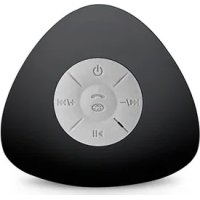
| Controls | Central control panel: power on/off, volume, previous/next track, call answer, play/pause |
| Memory | Can remember multiple Bluetooth devices |
| LED Indicators | Red during charging, blinking blue in pairing mode |
| Waterproofing | Waterproof (outdoor use, water-resistant) |
| Safety | Keep away from sharp objects and heat sources; do not place heavy objects on it |
| Maintenance and Cleaning | Clean with a damp cloth; do not use chemicals or oil |
| Package Contents | Speaker, USB cable, user manual |
Frequently Asked Questions - Waterproof Avanca
User questions about Waterproof Avanca
0 question about this device. Answer the ones you know or ask your own.
Ask a new question about this device
Download the instructions for your Phone in PDF format for free! Find your manual Waterproof - Avanca and take your electronic device back in hand. On this page are published all the documents necessary for the use of your device. Waterproof by Avanca.
USER MANUAL Waterproof Avanca
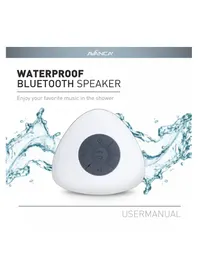
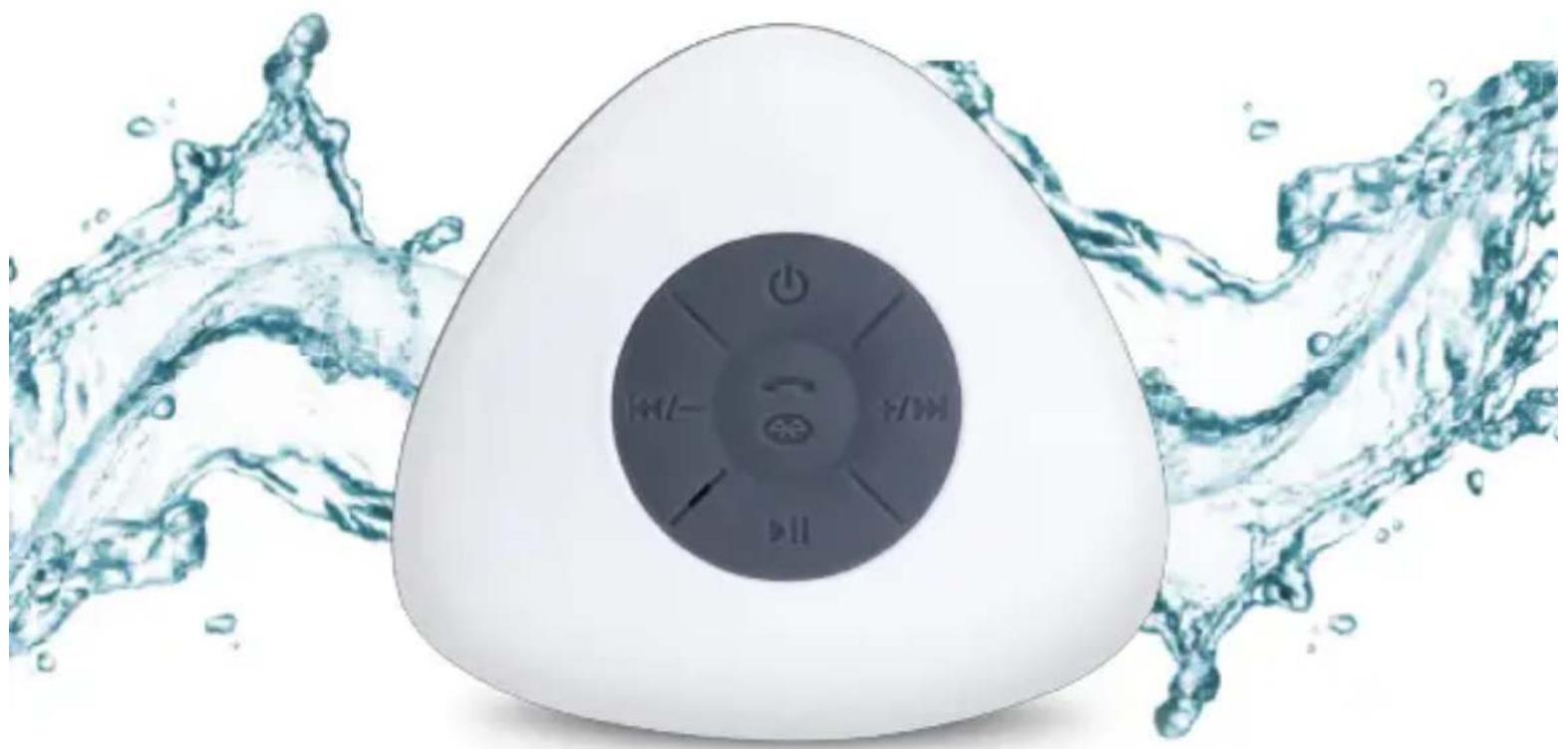
WATERPROOF BLUETOOTH SPEAKER
Enjoy your favorite music in the shower
natural_image
White electronic device with power button and water splash background (no text or symbols)USERMANUAL
INDEX
Nederlands 4
English 7
Français 10
Deutsch 13
Español 16
Italiano 19
natural_image
Blue and white baby water shower device with 'MANCA®' branding and control buttons (no readable text beyond branding)AVANCA®
WATERPROOF BLUETOOTH SPEAKER | HANDLEIDING (NL)
1. INHOUD VERPAKKING
- Waterproof Bluetooth speaker
- USB kabel
- Handleiding
2. SPECIFICATIES
WATERPROOF BLUETOOTH SPEAKER | HANDLEIDING (NL)
Voor iOS apparaten
WATERPROOF BLUETOOTH SPEAKER | HANDLEIDING (NL)
4. VEILIGHEIDSINSTRUCTIES
WATERPROOF BLUETOOTH SPEAKER | USER MANUAL (EN)
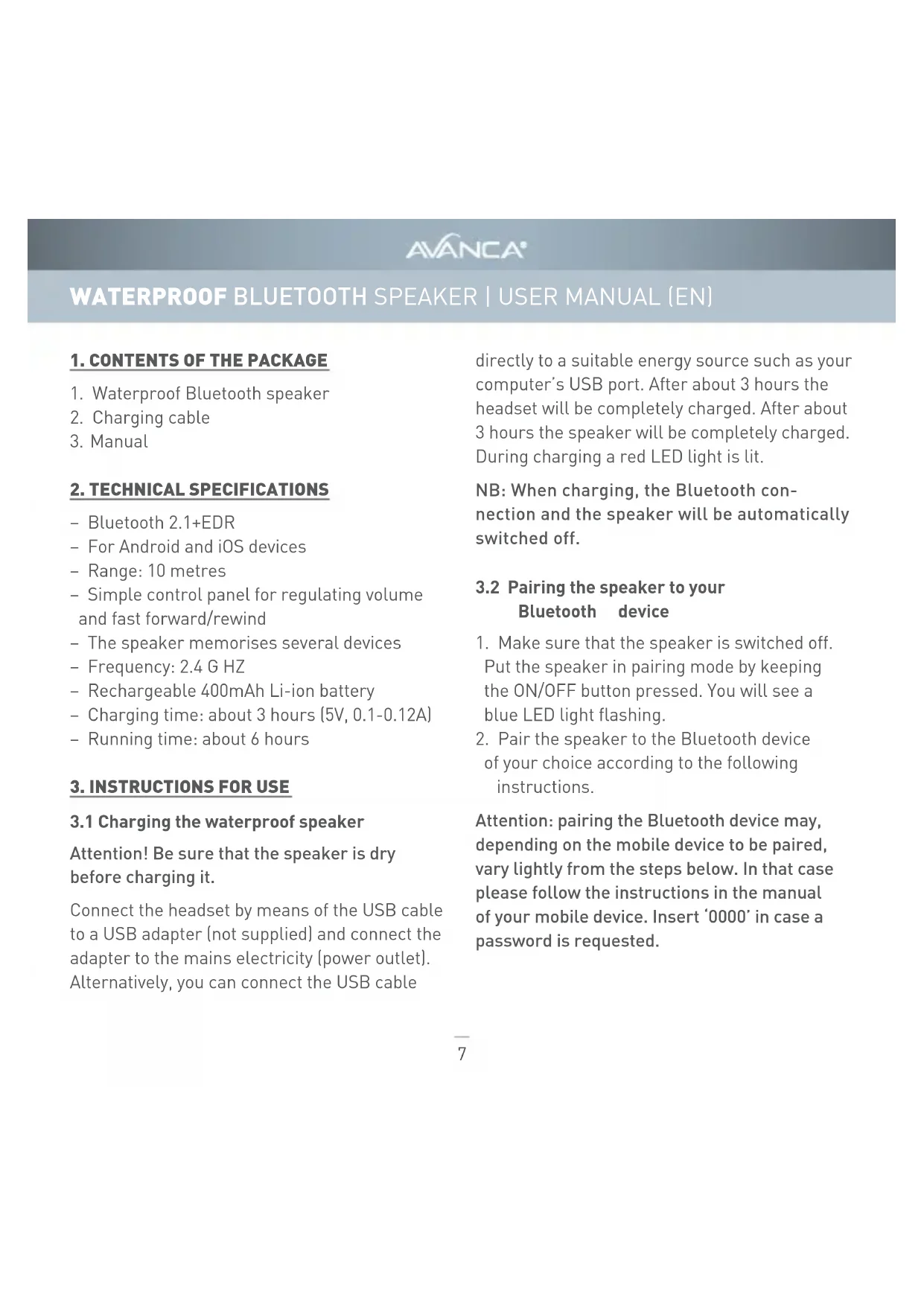
1. CONTENTS OF THE PACKAGE
- Waterproof Bluetooth speaker
- Charging cable
- Manual
2. TECHNICAL SPECIFICATIONS
- Bluetooth 2.1+EDR
- For Android and iOS devices
- Range: 10 metres
- Simple control panel for regulating volume and fast forward/rewind
- The speaker memorises several devices
- Frequency: 2.4 GHz
- Rechargeable 400mAh Li-ion battery
- Charging time: about 3 hours (5V, 0.1-0.12A)
- Running time: about 6 hours
3. INSTRUCTIONS FOR USE
3.1 Charging the waterproof speaker
Attention! Be sure that the speaker is dry before charging it.
Connect the headset by means of the USB cable to a USB adapter (not supplied) and connect the adapter to the mains electricity (power outlet). Alternatively, you can connect the USB cable
directly to a suitable energy source such as your computer's USB port. After about 3 hours the headset will be completely charged. After about 3 hours the speaker will be completely charged. During charging a red LED light is lit.
NB: When charging, the Bluetooth connection and the speaker will be automatically switched off.
3.2 Pairing the speaker to your Bluetooth device
- Make sure that the speaker is switched off. Put the speaker in pairing mode by keeping the ON/OFF button pressed. You will see a blue LED light flashing.
- Pair the speaker to the Bluetooth device of your choice according to the following instructions.
Attention: pairing the Bluetooth device may, depending on the mobile device to be paired, vary lightly from the steps below. In that case please follow the instructions in the manual of your mobile device. Insert '0000' in case a password is requested.
AVANCA®
WATERPROOF BLUETOOTH SPEAKER | USER MANUAL (EN)
For iOS devices
- Enter the 'Settings' menu. If necessary, activate the Bluetooth functionality.
- Now the waterproof speaker will appear in the list of Bluetooth devices. Click the device and wait until the pairing has been carried out.
For Android devices
- Go to 'Apps' and find the 'Settings' menu. Open the menu. If necessary, activate the Bluetooth functionality.
- The device will automatically detect all Bluetooth devices in its vicinity. If it does not, please click on 'Scan' until your waterproof speaker appears in the list.
- Click on the waterproof speaker and wait until the pairing has been carried out. Click on 'OK' when you are asked to confirm the device. Now you can enjoy speaker and listen to the music played on your Bluetooth device. You will also be able to answer incoming calls on your phone. The speakers range is about 10 metres.
3.3 Operating the speaker
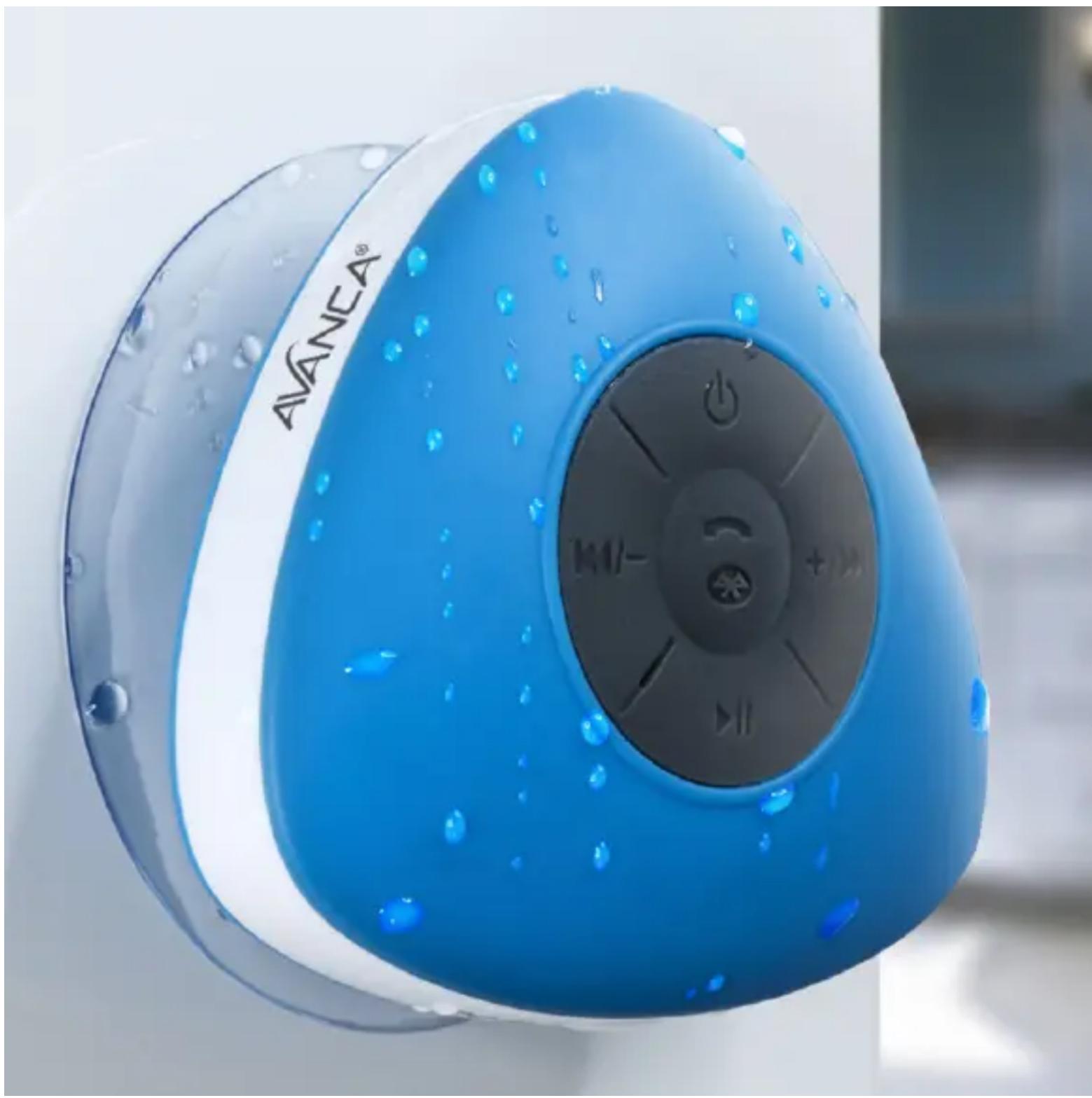
Use the control panel at the centre of the speaker to operate the device.

switching the speaker on/off; keep pressed for detection Bluetooth devices

briefly press for previous track, keep pressed for lowering volume.

briefly press for next track, keep pressed for increasing volume.

answering/ending calls

play/pause music
AVANCA®
WATERPROOF BLUETOOTH SPEAKER | USER MANUAL (EN)
4. SAFETY INSTRUCTIONS
Keep the product away from sharp objects. Don't place heavy objects on top of the product. Keep the product away from heating sources.
5. CLEANING
Clean the product with a moist cloth. Don't use any chemical liquids or oil!
6. PROBLEMS AND SOLUTIONS
My mobile device does not find the speaker in the list of Bluetooth devices
- Check whether the speaker is within a 10-metre range of the Bluetooth device.
- Check whether coupling mode has been activated.
- Click on 'scan' or 'search' to start another search for devices in the vicinity.
I am not able to activate the speaker
- The battery may be empty. Charge the battery minimally for 2 hours by means of a USB cable and try to activate the speaker again.
- Maybe you didn't keep the button pressed long enough; it should be pressed for at least three seconds.
The speaker does not charge
- Check whether the speaker has been correctly connected to the USB cable.
- Check whether the USB cable has been correctly connected to either a USB adapter and mains, or directly to a power source such as your laptop.
AVANCA®
WATERPROOF BLUETOOTH SPEAKER | MANUEL (FR)
1. CONTENU DE L'EMBALLAGE
WATERPROOF BLUETOOTH SPEAKER | MANUEL (FR)
WATERPROOF BLUETOOTH SPEAKER | MANUEL (FR)
4. MESURES DE SÉCURITÉ
WATERPROOF BLUETOOTH SPEAKER | HANDBUCH (DE)
WATERPROOF BLUETOOTH SPEAKER | HANDBUCH (DE)
WATERPROOF BLUETOOTH SPEAKER | HANDBUCH (DE)

WATERPROOF BLUETOOTH SPEAKER | MANUAL (ES)
WATERPROOF BLUETOOTH SPEAKER | MANUAL (ES)
WATERPROOF BLUETOOTH SPEAKER | MANUAL (ES)
WATERPROOF BLUETOOTH SPEAKER | MANUALE (IT)
WATERPROOF BLUETOOTH SPEAKER | MANUALE (IT)
WATERPROOF BLUETOOTH SPEAKER | MANUALE (IT)

WATERPROOF BLUETOOTH SPEAKER
Enjoy your favorite music in the shower
natural_image
White triangular-shaped electronic device with a circular button and control buttons (no visible text or symbols)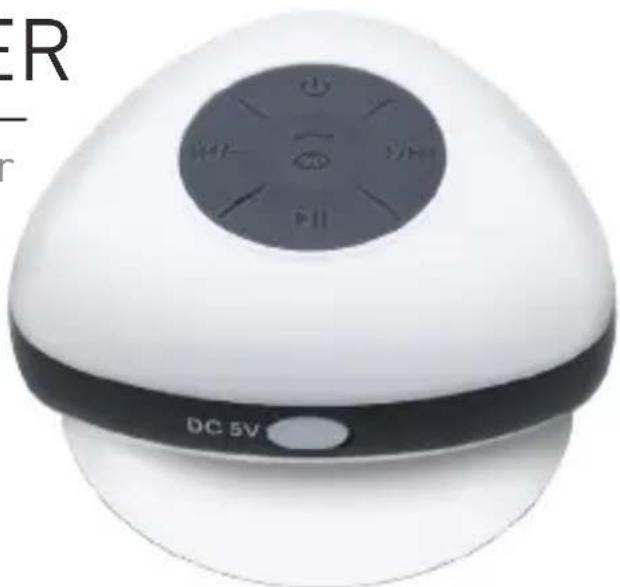
natural_image
White spherical electronic device with a black control panel and 'DC 5V' label, no readable text or symbols beyond the label.FEATURES
- Bluetooth 2.1+EDR, operating range: 10m
- Compatible with (almost) all Bluetooth devices
- Speaker remembers paired devices
-
Panel for easy volume control, song changing and call pickup
-
Suction cup to stick the speaker to the wall or other flat surfaces
- Transmitting frequency: 2.4 GHz
- Rechargeable 400mAh Li-ion battery
- Operating time: approximately 6 hours
- Including charging cable