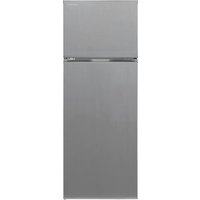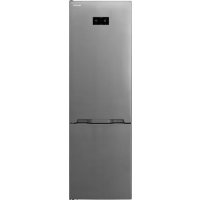
SJT1435M0I - Fridge SHARP - Free user manual and instructions
Find the device manual for free SJT1435M0I SHARP in PDF.



| Product type | Refrigerator |
| Total capacity | 143 liters |
| Dimensions (HxWxD) | 85 x 55 x 58 cm |
| Energy class | A+ |
| Cooling system | Static cooling |
| Noise level | 40 dB |
| Number of drawers | 1 vegetable drawer |
| Interior lighting | LED |
| Additional features | Adjustable thermostat |
| Maintenance | Manual defrost |
| Safety | Door lock |
| Weight | 35 kg |
| Warranty | 2 years |
Frequently Asked Questions - SJT1435M0I SHARP
The SHARP SJT1435M0I refrigerator does not turn on. What should I do?
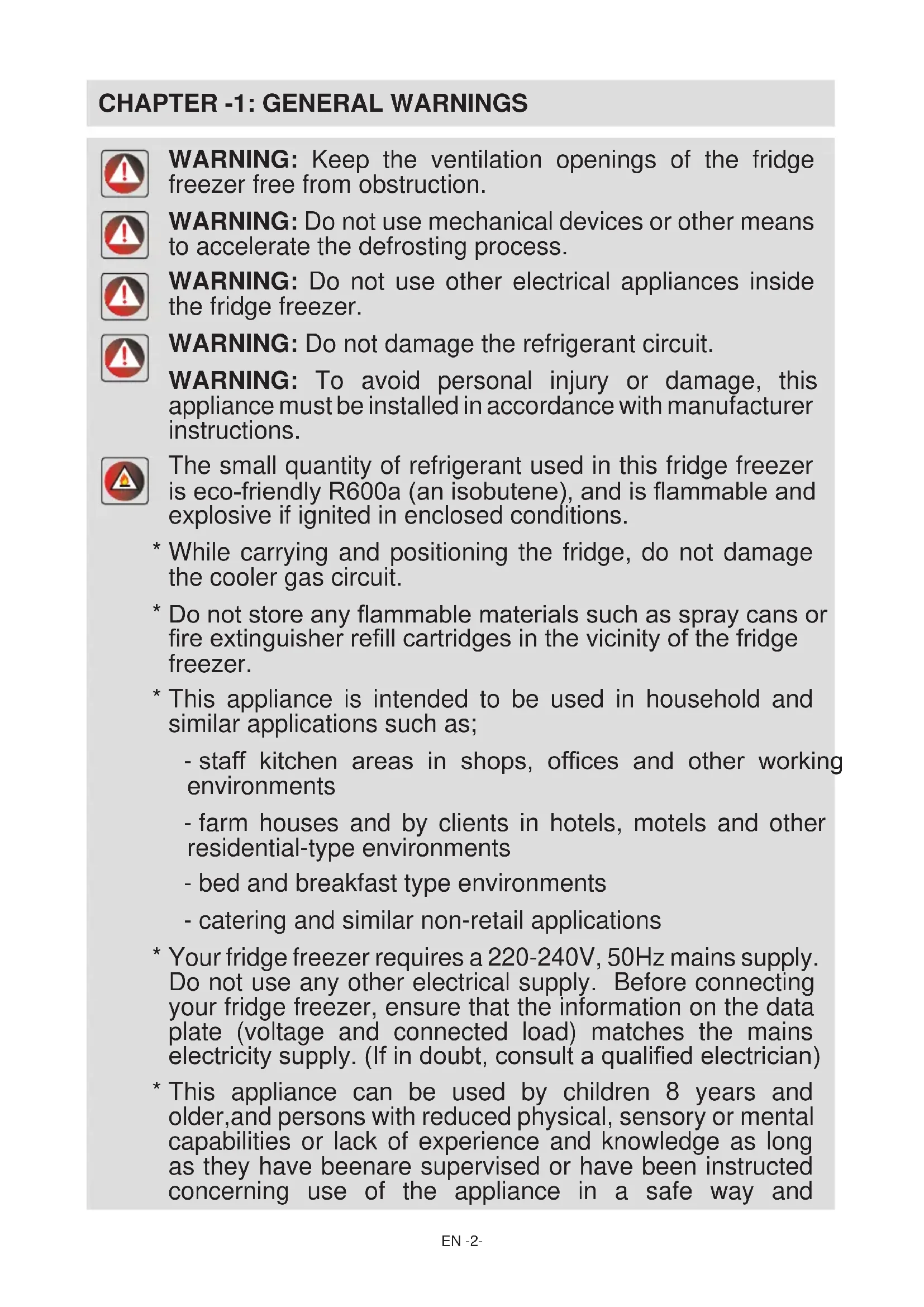
Check that the appliance is properly plugged into a working power outlet. Make sure the power cord is not damaged. Try resetting the refrigerator by unplugging it for a few minutes and then plugging it back in.
The refrigerator is making noise. Is this normal?
Some noise is normal during refrigerator operation, including sounds of frost or liquid circulation. However, if the noise is excessive or unusual, check that the appliance is level and that there are no objects touching the compressor.
Why is the temperature inside my refrigerator not cold?
Check that the door is properly closed and that the seals are in good condition. Make sure the thermostat is set to an appropriate temperature. If the problem persists, there may be a blockage in the cooling circuit or an issue with the compressor.
How do I defrost the SHARP SJT1435M0I refrigerator?
To defrost, empty the refrigerator, unplug the appliance, and leave the doors open to allow the ice to melt. You can speed up the process by placing towels to absorb the water. Do not try to force the ice off with sharp objects.
The interior lights do not turn on. What should I do?
Check if the bulb is burnt out and replace it if necessary. Also make sure the door is properly closed, as some lights are equipped with a door switch. If the problem persists, contact customer service.
How do I clean the inside of the refrigerator?
Empty the refrigerator and use a mixture of warm water and baking soda to clean the interior surfaces. Avoid harsh chemicals. Wipe with a clean, dry cloth before putting the food back.
How do I set the temperature of the refrigerator?
Use the control panel located inside the refrigerator to set the temperature. Set it between 3c2b0C and 5c2b0C for optimal food storage.
My refrigerator is leaking. What should I do?
Check if the drip tray is full or if the door seal is damaged. Also make sure the drain pipes are not clogged. If the leak persists, contact a technician.
User questions about SJT1435M0I SHARP
0 question about this device. Answer the ones you know or ask your own.
Ask a new question about this device
No questions yet. Be the first to ask one.
Download the instructions for your Fridge in PDF format for free! Find your manual SJT1435M0I - SHARP and take your electronic device back in hand. On this page are published all the documents necessary for the use of your device. SJT1435M0I by SHARP.