LCM11X - Wall mount Logik - Free user manual and instructions
Find the device manual for free LCM11X Logik in PDF.


| Product type | TV wall mount |
| Brand | Logik |
| Model | LCM11X |
| Recommended screen size | 10" to 32" (25.4 cm to 81.3 cm) |
| Compatible VESA standard | Up to 200 x 200 mm |
| Maximum TV weight | 20 kg |
| Main material | Steel |
| Tilt angle | -15° to +15° |
| Swivel angle | -90° to +90° |
| Rotation | No (fixed) |
| Distance from wall | Approximately 50 to 80 mm (depending on installation) |
| Mounting type | Wall mounting with articulated arm |
| Included fixing materials | Screws, wall plugs, spacers |
| Compatible wall type | Solid brick, concrete, solid wood, wood studs |
| Number of people required for installation | 2 people recommended |
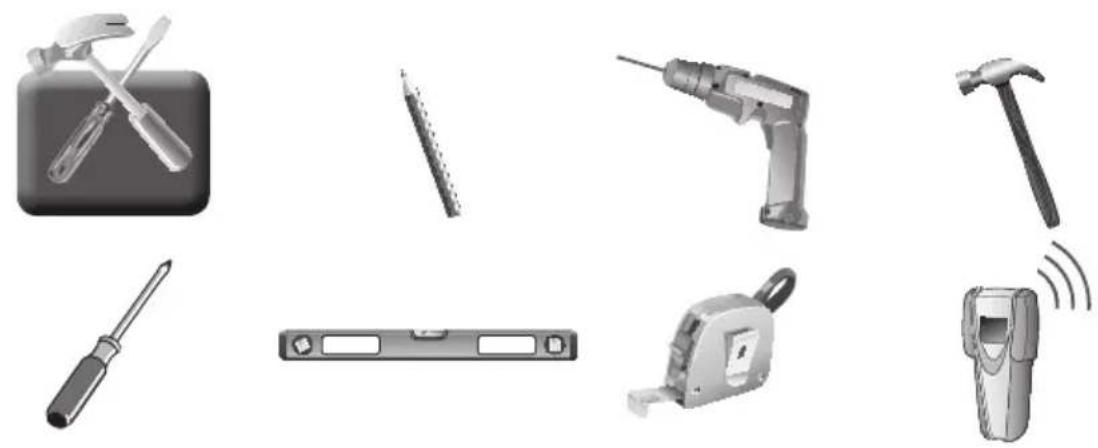
| Required tools (not included) | Drill, spirit level, wrench, screwdriver |
| Maintenance | Clean with a soft, dry cloth; do not use abrasive products |
| Repairability | Spare parts not available; in case of failure, replace the mount |
| Warranty | Standard (consult retailer) |
| Country of origin | China (estimated) |
Frequently Asked Questions - LCM11X Logik
User questions about LCM11X Logik
0 question about this device. Answer the ones you know or ask your own.
Ask a new question about this device
Download the instructions for your Wall mount in PDF format for free! Find your manual LCM11X - Logik and take your electronic device back in hand. On this page are published all the documents necessary for the use of your device. LCM11X by Logik.
USER MANUAL LCM11X Logik
Medium Cantilever TV Bracket
Medium Cantilever TV Bracket INSTRUCTION MANUAL
Medium TV-brakett med variabel arm INSTRUKSJONSHANDBOK
Medium fribarande TV-konsol INSTRUKTIONSHANDBOK
Instruction Manual LCM11X
CUSTOMER HELPLINE (UK Customers Only)
0844 561 1234
MAX
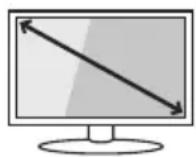
10^ - 32^
MAX TV LOAD
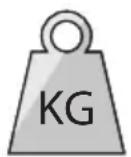
20 kg
Suitable for most 10'' - 32'' TVs
VESA Compliance: up to 200 x 200
Maximum TV Load: 20 kg
Wall fixings included
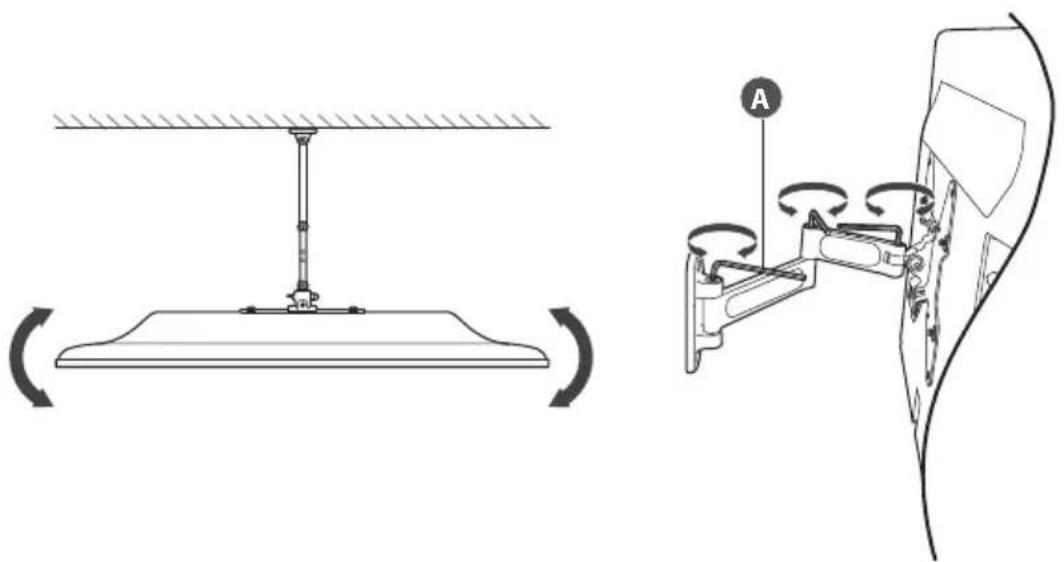
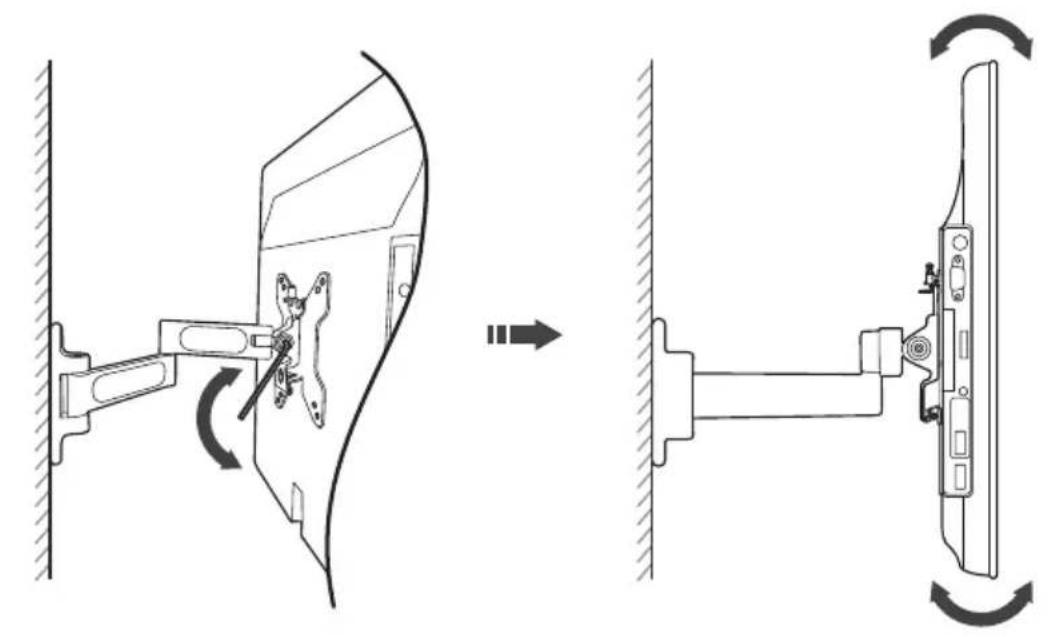
Tilt angle: -15° to +15°
Swivel angle: -90° to +90°
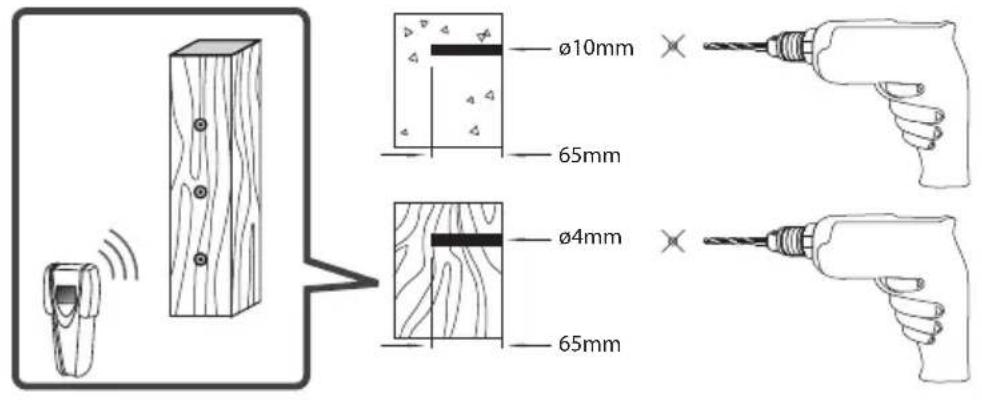
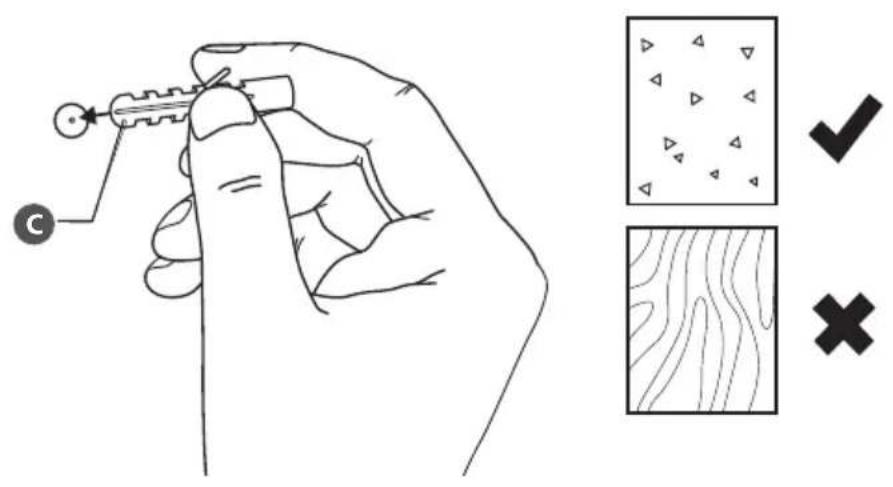
Assembly is required. Installation must be carried out by qualified personnel only. Incorrect assembly can result in severe personal injury and property damage. The supplied TV bracket is only for use on vertical walls constructed from solid brick, solid concrete, solid wood and solid wooden columns. It is the installers responsibility to verify that the wall will safely support the total load of the TV and the TV bracket. Never exceed the designated maximum TV load. Parts are heavy, take care when handling. For some steps 2 people are required for installation. Check the TV bracket frequently to ensure that it is safe and secure. Additional tools (not included) are required for the installation. Do not overtighten screws. Keep this instruction manual for future reference.

NO
ADVARSEL! LES FOLGENDE FOR INSTALLASJONEN STARTES
If items are missing, or damaged contact Partmaster on 0844 800 3456 (UK customers only).

1.2.
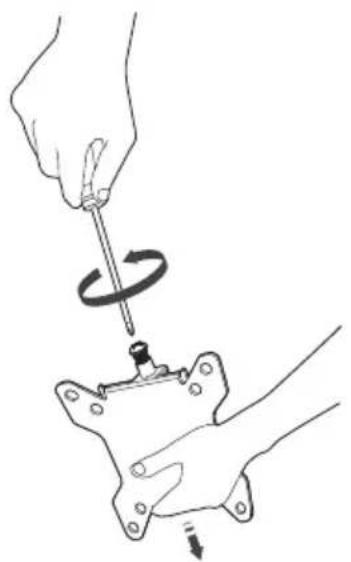
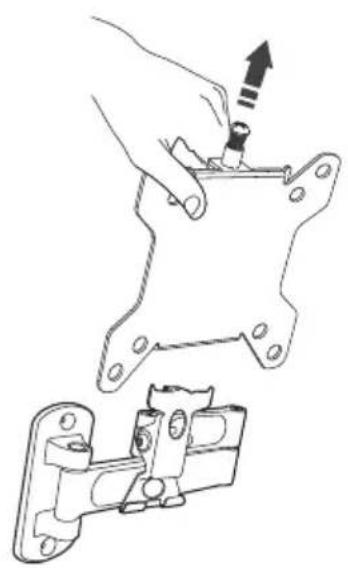
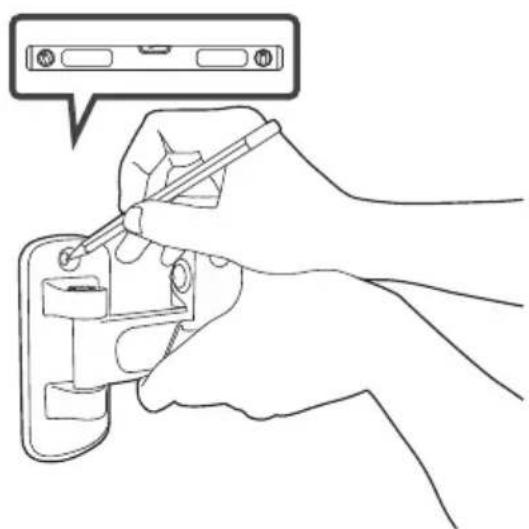
3.
4.
5.6.
7.


GBNL
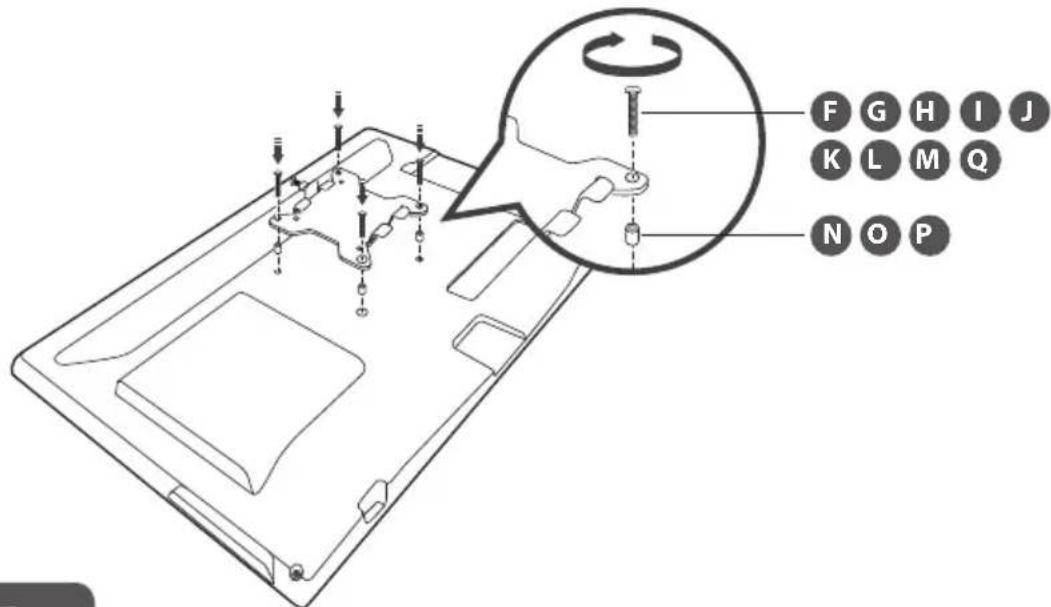
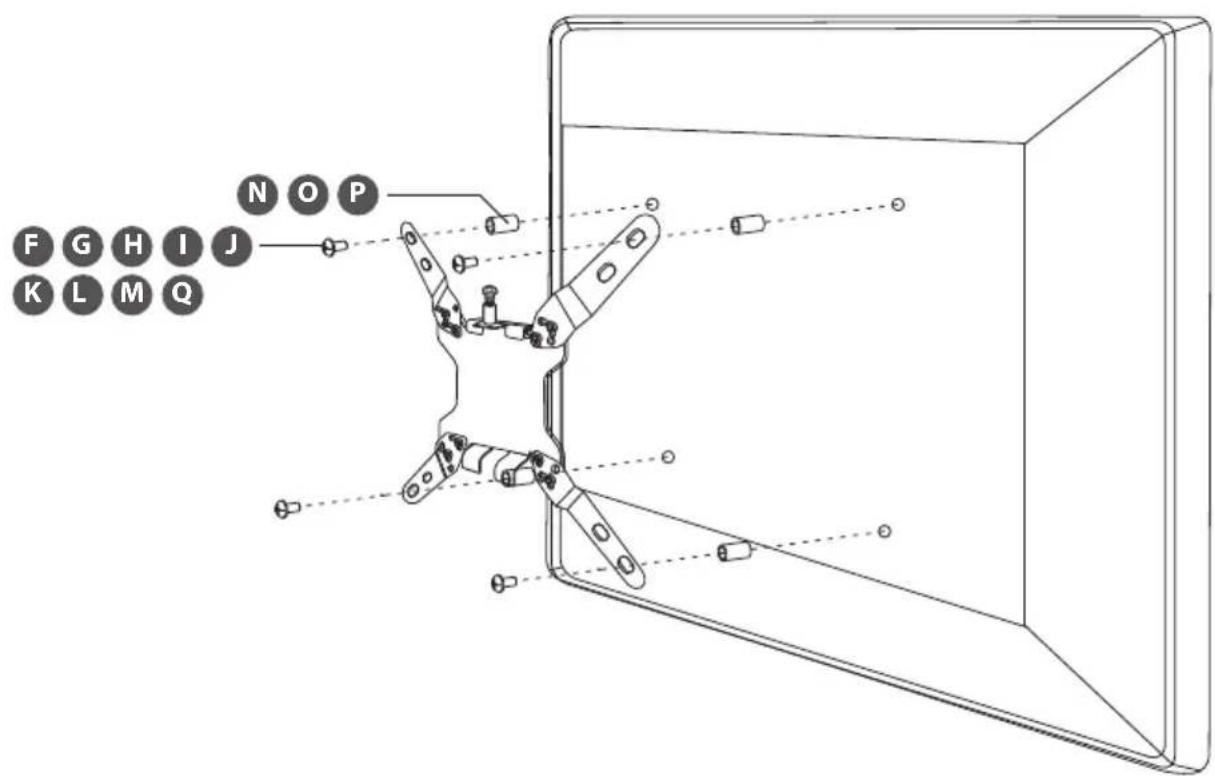
Use spacers provided for mounting TV's with curved / recessed backs, recessed mounting holes, or to allow access to A/V inputs.
NO
Bruk medfolgende mellomskiver ved montering av TV-apparater med kurvet bakpanel, senkede monteringshull og/eller for äkommen til AV-kontakter.
SE
Anvand brickor som medfoljer for montering av TV-apparater med svangda/infallda baksidor, infallda monteringshal erer for att mojiggora A/V inmatning.
FI
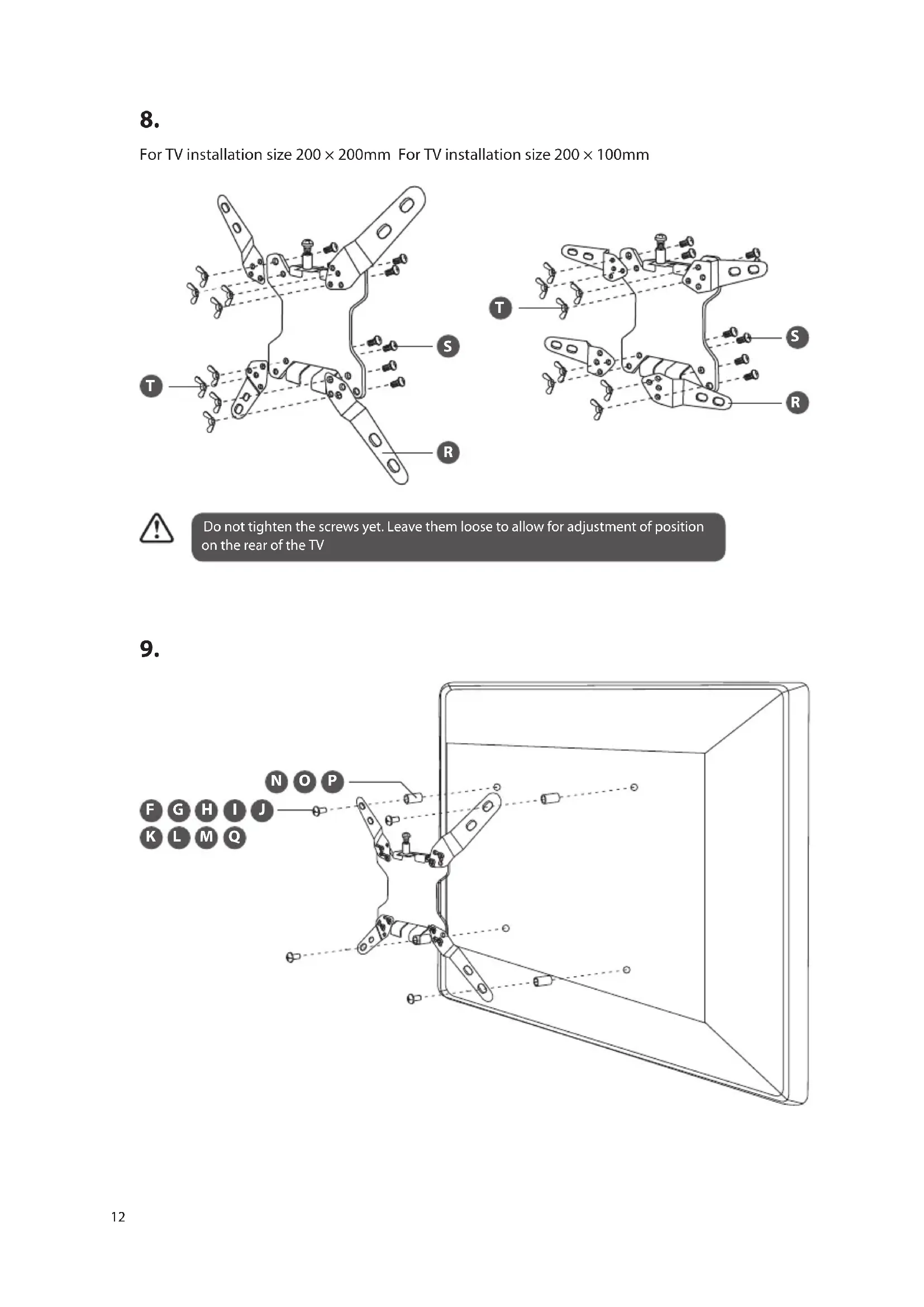
Do not tighten the screws yet. Leave them loose to allow for adjustment of position on the rear of the TV
9.
10.
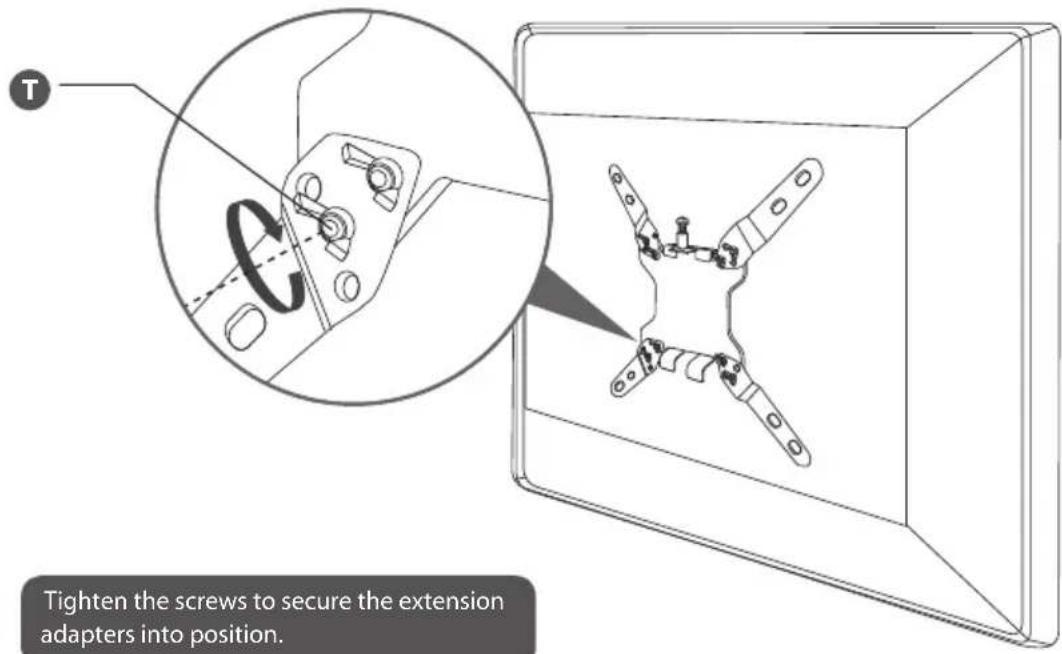

Tighten the screws to secure the extension adapters into position.
11.

12.
13.
14.

Visit Partmaster.co.uk today for the easiest way to buy electrical spares and accessories. With over 1 million spares and accessories available we can deliver direct
to your door the very next day. Visit www/partmaster.co.uk or call 0844 800 3456 (UK customers only) Calls charged at National Rate.