Logik

LCM12X - Wall mount Logik - Free user manual and instructions

Find the device manual for free LCM12X Logik in PDF.

📄 12 pages English EN Download 💬 AI Question 10 questions ⚙️ Specs
Notice Logik LCM12X - page 1
Pick your language and provide your email: we'll send you a specifically translated version.
Product Type Wall Mount
Brand Logik
Model LCM12X
Dimensions (H x W x D) 20 x 30 x 5 cm
Weight 1.2 kg
Material Steel
Color Black
Maximum Weight Capacity 35 kg
VESA Compatibility 75x75 mm, 100x100 mm
Tilt Adjustment Yes, -5° to +15°
Swivel Adjustment Yes, ±90°
Rotation No
Distance from Wall 50 mm
Installation Tools Required Drill, screwdriver, level
Package Contents Mount, screws, anchors, manual
Safety Features Weight limit marked, anti-tip design
Maintenance Instructions Wipe with dry cloth, check screws periodically
Spare Parts Availability Contact Logik support
Warranty 1 year limited warranty
General Information Designed for flat panel TVs up to 42 inches

Frequently Asked Questions - LCM12X Logik

What is the maximum TV size for this wall mount?
The Logik LCM12X wall mount supports flat panel TVs up to 42 inches (diagonal).
What is the weight limit of the LCM12X?
The mount can safely hold up to 35 kg. Always ensure your TV is within this limit.
Which VESA patterns are compatible?
This mount supports VESA patterns 75x75mm and 100x100mm.
Does the mount tilt or swivel?
Yes, it offers tilt adjustment (-5° to +15°) and swivel (±90°) for optimal viewing angles.
What tools do I need for installation?
You will need a drill, screwdriver, and a level to ensure proper alignment.
Is the mount suitable for concrete walls?
Yes, it can be installed on concrete, brick, or wooden stud walls using the provided anchors and screws.
How far from the wall will the TV sit?
The mount keeps the TV approximately 50 mm (about 2 inches) from the wall.
Can I rotate the TV into portrait mode?
No, this model does not support rotation. It only allows tilt and swivel.
How do I clean and maintain the mount?
Wipe the mount with a dry cloth to remove dust. Periodically check that all screws are tight.
Where can I find spare parts?
For spare screws or replacement parts, contact Logik support directly.

User questions about LCM12X Logik

0 question about this device. Answer the ones you know or ask your own.

Ask a new question about this device

The email remains private: it is only used to notify you if someone responds to your question.

No questions yet. Be the first to ask one.

Download the instructions for your Wall mount in PDF format for free! Find your manual LCM12X - Logik and take your electronic device back in hand. On this page are published all the documents necessary for the use of your device. LCM12X by Logik.

USER MANUAL LCM12X Logik

Medium Cantilever TV Bracket

Instruction Manual

LCM12X
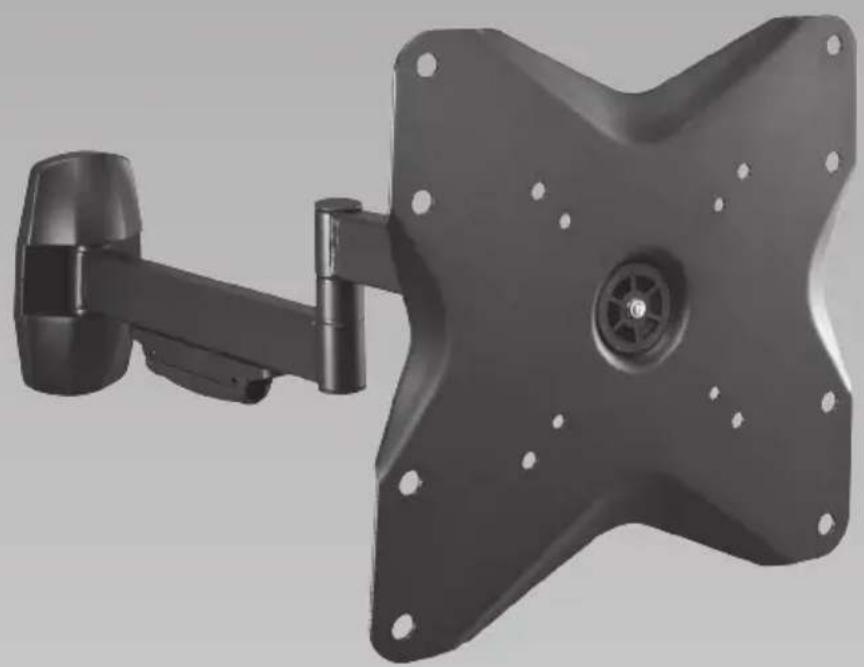
3D rendering of a wall-mounted mechanical device with mounting holes and a central hub (no text or symbols visible)

Suitable for most 10" - 32" TVs

VESA Compliance: up to 200 x 200

Maximum TV Load: 20 kg

Wall fixings included

Tilt angle: -15° to +15°

Swivel angle: -90° to +90°

Logik LCM12X - Medium Cantilever TV Bracket - 2

WARNING! READ THE FOLLOWING BEFORE STARTING INSTALLATION

Assembly is required. Installation must be carried out by qualified personnel only. Incorrect assembly can result in severe personal injury and property damage. The supplied TV bracket is only for use on vertical walls constructed from solid brick, solid concrete, solid wood and solid wooden columns. It is the installers responsibility to verify that the wall will safely support the total load of the TV and the TV bracket. Never exceed the designated maximum TV load. Parts are heavy, take care when handling. For some steps 2 people are required for installation. Check the TV bracket frequently to ensure that it is safe and secure. Additional tools(not included) are required for th einstallation. Do not overtighten screws. Keep this instruction manual for future reference.

Icon of an open box with a rising arrow, symbolizing upload or send (no text or symbols present)

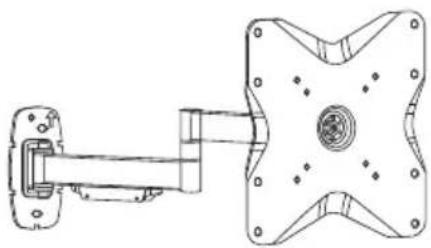
Technical line drawing of a mechanical assembly with mounting bracket and star-shaped component (no text or symbols)

Logik LCM12X - WARNING! READ THE FOLLOWING BEFORE STARTING INSTALLATION - 3

Package M

Logik LCM12X - Package M - 1

Logik LCM12X - Package M - 2

Logik LCM12X - Package M - 3

Logik LCM12X - Package M - 4
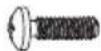
M4 * 8mm M5 * 2mm 12mm

Logik LCM12X - Package M - 5

Logik LCM12X - Package M - 6
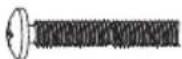
M4 * 25mm

Logik LCM12X - Package M - 7

Logik LCM12X - Package M - 8
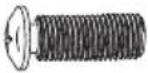
M5 * 12mm

Logik LCM12X - Package M - 9

Logik LCM12X - Package M - 10

Logik LCM12X - Package M - 11

Logik LCM12X - Package M - 12

Logik LCM12X - Package M - 13
M6 * 12mm

Logik LCM12X - Package M - 14
M6 * 25mm

Logik LCM12X - Package M - 15

Logik LCM12X - Package M - 16
M8*12mm

Logik LCM12X - Package M - 17

Logik LCM12X - Package M - 18
M8 * 25mm

Logik LCM12X - Package M - 19

Logik LCM12X - Package M - 20
∅6 spacer x 13mm

Logik LCM12X - Package M - 21

Logik LCM12X - Package M - 22
∅8 spacer x 5mm

Logik LCM12X - Package M - 23

Logik LCM12X - Package M - 24
∅8 spacer x 10mm

Logik LCM12X - Package M - 25

Logik LCM12X - Package M - 26
D5 washer

Logik LCM12X - Package M - 27

Logik LCM12X - Package M - 28
D8 washer

Logik LCM12X - Package M - 29

Logik LCM12X - Package M - 30
∅13.5 x ∅5.5 x ∅3.2 spacer

Package W

Logik LCM12X - Package W - 1

Logik LCM12X - Package W - 2

Logik LCM12X - Package W - 3

Logik LCM12X - Package W - 4

Logik LCM12X - Package W - 5

Logik LCM12X - Package W - 6

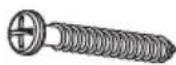
ST6.3×55"
Logik LCM12X - Package W - 7

Logik LCM12X - Package W - 8

Logik LCM12X - Package W - 9

Logik LCM12X - Package W - 10
Decorative cover Cable cover

Logik LCM12X - Package W - 11

If items are missing, or damaged contact Partmaster on 0844 800 3456 (UK customers only).

Logik LCM12X - Package W - 12

  1. Logik LCM12X - Package W - 13

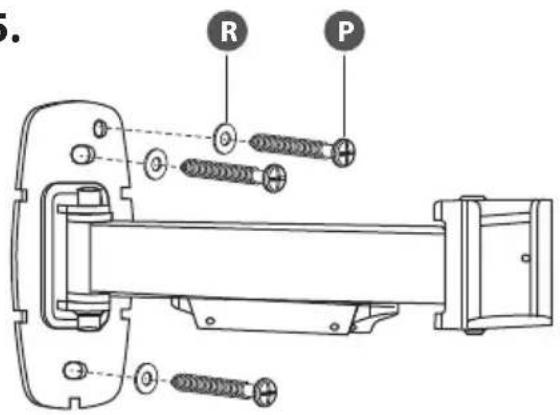
Technical line drawing of a mechanical assembly with mounting flanges and a vertical rail (no text or symbols)

  1. Logik LCM12X - Package W - 15

Technical line drawing of a vehicle chassis with no visible text or symbols

  1. Logik LCM12X - Package W - 17
  1. Logik LCM12X - Package W - 18

Diagram illustrating a hand holding a tool with a labeled point Q, alongside a patterned map and a checkmark indicating selection.

  1. Logik LCM12X - Package W - 20
  1. Logik LCM12X - Package W - 21
  1. Logik LCM12X - Package W - 22

Logik LCM12X - Package W - 23

This cantilever bracket is not suitable for any TV with sockets in the centre of the rear panel. The bracket may block these sockets.

  1. Logik LCM12X - Package W - 24

Logik LCM12X - Package W - 25

Logik LCM12X - Package W - 26
Use spacers provided for mounting TV's with curved / recessed backs, recessed mounting holes, or to allow access to A/V inputs.

  1. Logik LCM12X - Package W - 27

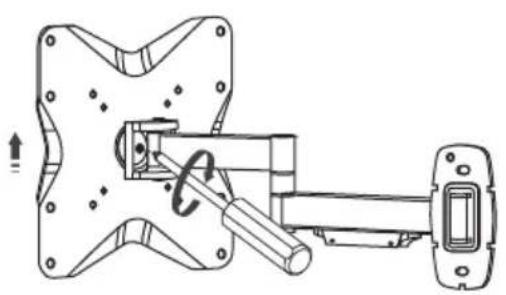
Diagram showing a mechanical assembly with two views and a directional arrow indicating motion (no text or symbols present)

  1. Logik LCM12X - Package W - 29

10.

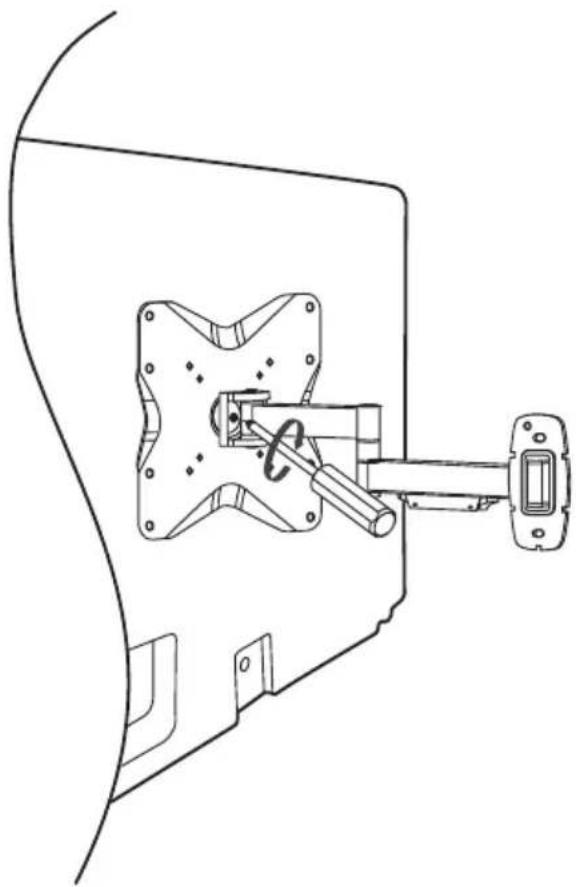
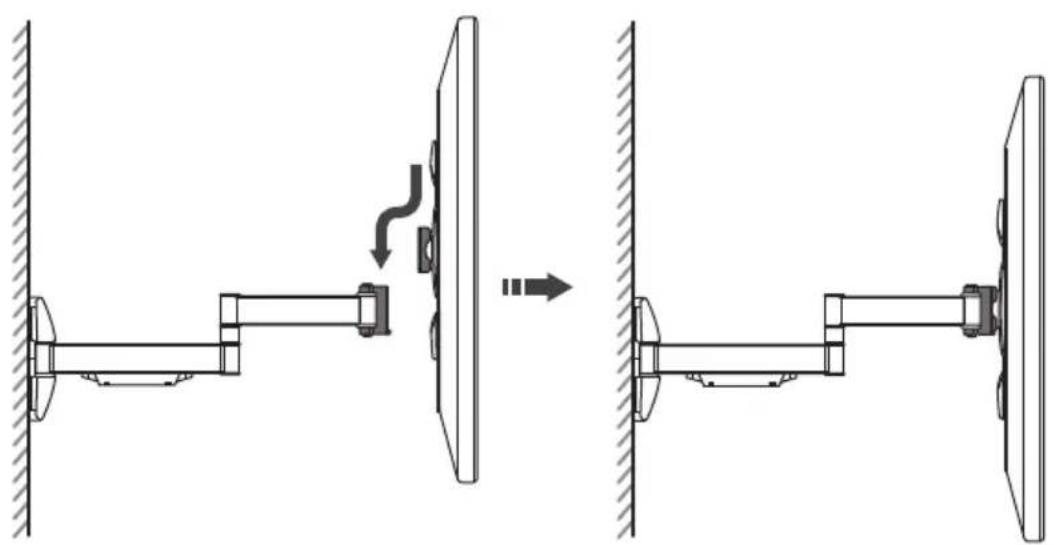
Technical diagram showing a mechanical assembly with a monitor mounted on a wall and a side-mounted arm, before and after assembly (no text or symbols present)

11.

180° 180° 360° +15° -15°

Logik LCM12X - Package W - 32

Visit Partmaster.co.uk today for the easiest way to buy electrical spares and accessories. With over 1 million spares and accessories available we can deliver direct

to your door the very next day. Visit www.partmaster.co.uk or call 0844 800 3456 (UK customers only) Calls charged at National Rate.

DSG Retail Ltd. (co. no. 504877)

Maylands Avenue, Hemel Hempstead, Herts., HP2 7TG, UK

Gradient gray background with no text, symbols, or identifiable objects

Gradient background transitioning from white to dark gray, no text or symbols present

Manual assistant
Powered by Anthropic
Waiting for your message
Product information

Brand : Logik

Model : LCM12X

Category : Wall mount