
U912CH2 - Iron ROTEL - Free user manual and instructions
Find the device manual for free U912CH2 ROTEL in PDF.



| Product Type | Steam Iron |
| Brand | Rotel |
| Model | U912CH2 |
| Dimensions (approx.) | 30 x 15 x 15 cm |
| Weight (approx.) | 1.5 kg |
| Power Supply | 220-240 V ~ 50/60 Hz |
| Power (approx.) | 2000-2400 W |
| Water Tank | With water level indicator |
| Temperature Adjustment | Yes, by rotary regulator (1) |
| Steam Adjustment | Yes, variable intensity (7) |
| Steam Shot | Yes, by button (2) |
| Spray | Yes, with nozzle (4) and button (3) |
| Self-cleaning Function | Yes, button (9) for steam cleaning |
| Thermostat Indicator | Yes, lights up during heating (6) |
| Soleplate | Stainless steel |
| Safety Instructions | Unplug before filling/cleaning, keep out of reach of children |
| Maintenance | Clean the housing with a damp cloth, soleplate with mild product |
| Warranty | Free repair in case of material or manufacturing defect |
| Country of Origin | Not specified |
Frequently Asked Questions - U912CH2 ROTEL
User questions about U912CH2 ROTEL
0 question about this device. Answer the ones you know or ask your own.
Ask a new question about this device
Download the instructions for your Iron in PDF format for free! Find your manual U912CH2 - ROTEL and take your electronic device back in hand. On this page are published all the documents necessary for the use of your device. U912CH2 by ROTEL.
USER MANUAL U912CH2 ROTEL
1 Temperature dial
2 Steam jet buon
3 Spray buon
4 Spray nozzle
5 Filling port with lid
6 Thermostat indicator light
7 Steam control dial
8 Water level indicator
9 Self-cleaning buon
Inhaltsverzeichnis / Table des maures / Indice / Table of contents
Deutsch. 5
- Safety instrucons 18
Filling in water 20
Seng the temperature 20 - Symbols 20
- Steaming 20
Dry ironing 20
Steam jet 21
Spray 21
Self-cleaning funcon 21
Cleaning and storing your iron 21
Disposal 21
D/F/I/E 22
Garane/Garane/Garanzia/Warranty 22
Deutsch
SICHERHEITSHINWEISE
- SAFETY INSTRUCTIONS
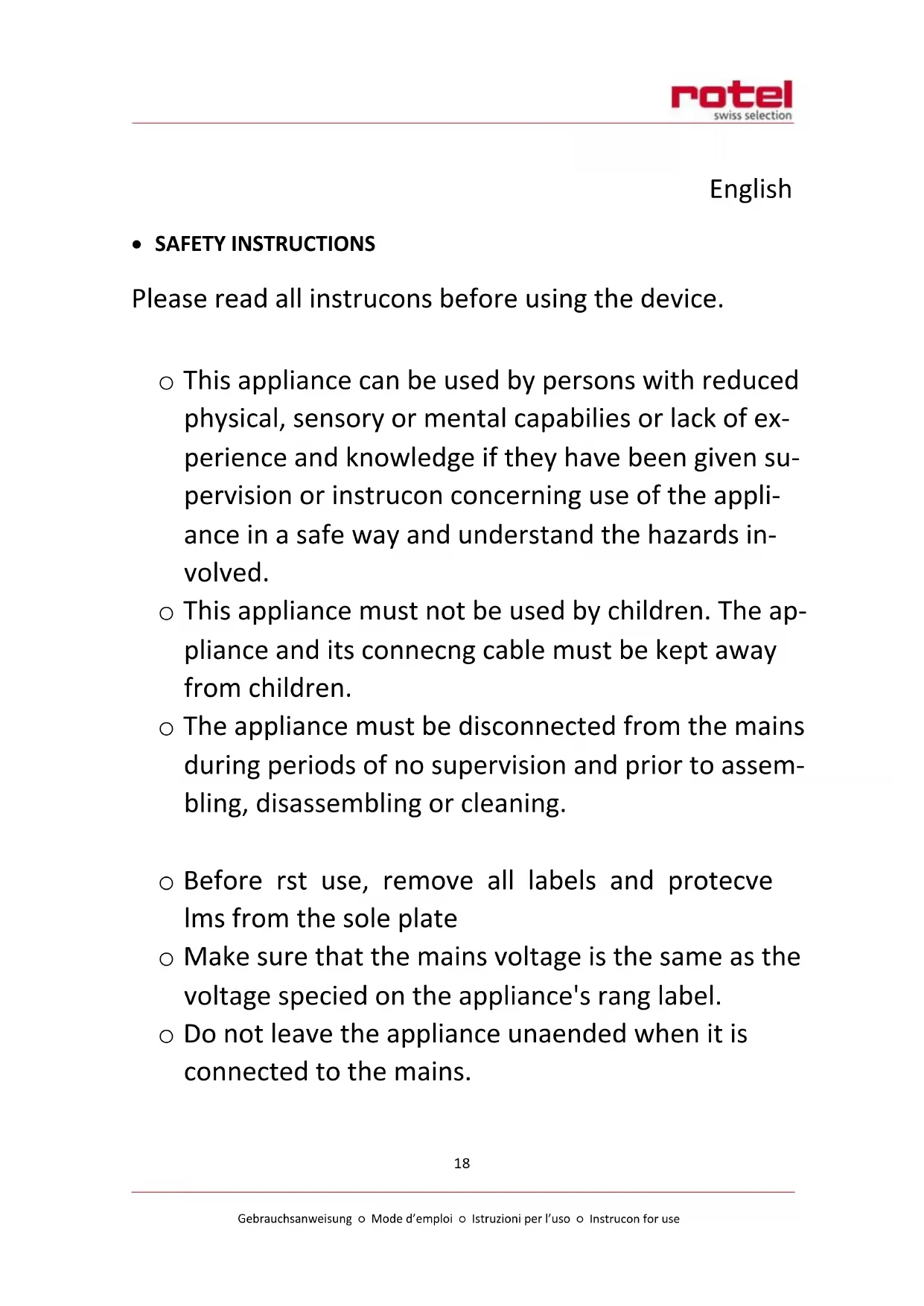
Please read all instrucons before using the device.
- This appliance can be used by persons with reduced physical, sensory or mental capabilities or lack of experience and knowledge if they have been given supervision or instrucon concerning use of the appliance in a safe way and understand the hazards involved.
- This appliance must not be used by children. The appliance and its connecng cable must be kept away from children.
- The appliance must be disconnected from the mains during periods of no supervision and prior to assembling, disassembling or cleaning.
Before rst use, remove all labels and protecvelms from the sole plate - Make sure that the mains voltage is the same as the voltage specied on the appliance's rang label.
-
Do not leave the appliance unaended when it is connected to the mains.
-
Do not place the hot iron on the power cable and make sure that the cable does not come into contact with the hot sole plate.
On rst use, some smoke may emerge from the iron. This is not unusual and will stop aer a few minutes. - You may also noce condensaon or water drops in the tank on rst use. This is also normal and is due to the strict quality tests we carry out before selling our products.
- Do not use the appliance if the cable, switch or other components are damaged. Only qualified speci- cialists should carry out repairs on electrical parts.
- We do not assume any liability for damage caused by incorrect use or any use other than that provided for in this manual.
FILLING IN WATER
CAUTION! Always unplug the appliance before lling or emptying the tank. Never place the iron under running water. Always use the enclosed measuring cup.
Proceed as follows:
Set the steam control dial (7) to "0".
Tilt the iron, place the beak of the measuring cup on the lling port (5) and slowly pour the water into the tank.
- Then set down the iron in a vercal posion and set the desired temperature using the temperature dial (1).
Plug in the iron and wait unl the indicator lamp (6) switches o.
- SETTING THE TEMPERATURE
○ Select the desired temperature on the temperature dial (1). Set the iron down in a vercal posion and plug it in. The temperature dial lamp (2) will light up, indicang that the iron is heang up.
SYMBOLS
Low temperature. Synthec bres
Medium temperature. Silk, wool
High temperature / steam. Coon, linen
STEAMING
Turn the temperature dial (1) to the desired temperature in the steaming range. Set the iron down in a vercal posion and wait unl the indicator lamp (2) switches o. Set the steam control dial (7) to the desired steam volume and wait unl steam appears before starng to iron. Seng down the iron in a vercal posion automatcally interrupts the discharge of steam. You can also interrupt the discharge at any me by seng the steam control dial (7) to "0". The iron has a display window that indicates the water level in the tank.
- DRY IRONING
Make sure that the steam control dial (7) is set to "0". Set the desired temperature using the temperature dial (1).
STEAM JET
On pressing the steam jet buoyon (2), a jet of steam will be discharged from the sole plate. The steam jet buoyon (2) can also be used during dry ironing, provided there is water in the tank.
SPRAY
On pressing the spray buoyon (3), water will be sprayed from the spray nozzle (4) to moisten the clothes you are ironing. The spray opon is available during both dry and steam ironing (provided there is water in the tank).
SELF-CLEANING FUNCTION
To keep the steam chamber and the nozzle clean, we recommend cleaning the iron as follows at least once a month:
Make sure that the tank contains some water. Set the temperature dial (1) to maximum temperature and the steam control dial (7) to "0".
As soon as the indicator lamp (6) switches o, hold the iron in a horizontal posion above a cleaning cloth or kitchen roll. Gently shake the iron while holding down the self-cleaning button (9) unI there is no more water in the tank. The steam chamber and the nozzle are cleaned by the water and steam combinaon discharged from the sole plate. Let the iron cool down and clean the sole plate with a dry cloth.
- CLEANING AND STORING YOUR IRON
Wipe the plasc housing with a damp cloth only.
Wipe the stainless steel sole plate with a gentle cleaning agent.
Do not pour any cleaning agents or solvents into the tank.
DISPOSAL
For proper disposal, please return device to a retailer, a service agent or Rotel AG.
D/F/I/E
- GARANTIE / GARANTIE / GARANZIA / WARRANTY
2 JAHRE GARANTIE
2 ANS DE GARANTIE
2 ANNI DI GARANZIA
2 YEARS WARRANTY
Garaneverplichtung
○ Warranty commitment
We commit ourselves to repair this device free of charge, should a failure occur within the period of warranty despite proper handling. We repair all defects caused by material or manufacturing faults. The guarantee will be fulfilled either by repairing the device or replacing the defective parts, according to our judgement. A warranty does not cover damages due to wearing parts, damages and defects caused by improper handling or maintenance (such as limescale and commercial use). It will only be granted if either the warranty card stang date of purchase, dealer's stamp and signature, or the purchase receipt is sent with the device to the relevant aer-sales service (see address below). Devices shall be returned in their original packaging. Transport costs are to be borne by the purchaser. Remember to specify your address to your sending, as well as a short declaration about the failure, shall the defect not be obvious.
Servicestaon:
Service après-venture: Rotel AG



- Inhaltsverzeichnis / Table des maures / Indice / Table of contents
- SICHERHEITSHINWEISE
- - SAFETY INSTRUCTIONS
- FILLING IN WATER
- - SETTING THE TEMPERATURE
- SYMBOLS
- STEAMING
- - DRY IRONING
- STEAM JET
- SPRAY
- SELF-CLEANING FUNCTION
- - CLEANING AND STORING YOUR IRON
- DISPOSAL
- - GARANTIE / GARANTIE / GARANZIA / WARRANTY
- Garaneverplichtung
- ○ Warranty commitment
- Servicestaon:
Brand : ROTEL
Model : U912CH2
Category : Iron