Gram SE Spectrum - Keyboard Tesoro - Free user manual and instructions
Find the device manual for free Gram SE Spectrum Tesoro in PDF.


| Brand | Tesoro |
| Model | Gram SE Spectrum |
| Category | Mechanical gaming keyboard |
| Connection type | USB (Detachable Mini USB with braided cable) |
| Power supply | Via USB port |
| System requirements | Windows 7/8/10, USB port, internet connection for software |
| Main features | Gaming profiles (Fn+PF1~PF5), key lock (Fn+F6), multimedia keys (Fn+F7~F12), color/spectrum mode, immediate macro recording (Fn+Home), customizable static/dynamic lighting, PC/Gaming mode (Fn+Pause), USB 6-key/N-Key rollover (Fn+Ins/Del), Fn key lock (Fn+End), Windows key lock (Fn+Win), lighting settings (Fn+arrow keys) |
| Package contents | Gram SE Spectrum keyboard, quick start guide |
| Software | Downloadable from TESORO website (www.tesorotec.com) |
| Maintenance and cleaning | Use a soft, dry cloth to clean the surface |
Frequently Asked Questions - Gram SE Spectrum Tesoro
User questions about Gram SE Spectrum Tesoro
0 question about this device. Answer the ones you know or ask your own.
Ask a new question about this device
Download the instructions for your Keyboard in PDF format for free! Find your manual Gram SE Spectrum - Tesoro and take your electronic device back in hand. On this page are published all the documents necessary for the use of your device. Gram SE Spectrum by Tesoro.
USER MANUAL Gram SE Spectrum Tesoro
Welcome to TESORO World
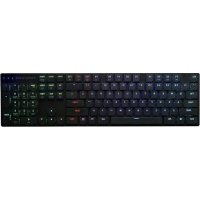
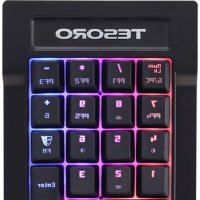
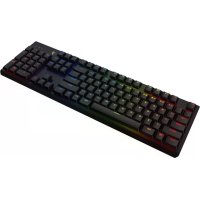
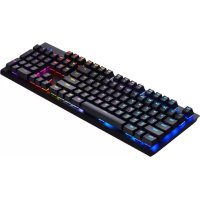
Congratulations on purchasing your very own TESORO GRAM SE Spectrum Optical Gaming Keyboard. It features 16.8 million RGB per key customizable illuminations, 32bit ARM Cortex processor and innovative TESORO Optical switches. Deliver unlimited customizations, durability and extremely fast executions.
Product name
· TESORO GRAM SE Spectrum Optical Gaming Keyboard
Package Contents
· TESORO GRAM SE Spectrum Optical Gaming Keyboard
Quick Start Guide
System Requirements
- Windows 7/8/10
PC system with USB port - Internet connection for the software download
Installation
- Plug your TESORO GRAM SE Spectrum into the USB port of your PC.
- Log onto the TESORO website www.tesorotec.com to download the latest version of the software.
- Unzip the files and click on the "Setup.exe" to start installation by following the instructions shown.
- will be displayed on the lower right taskbar when completed.
Key Features
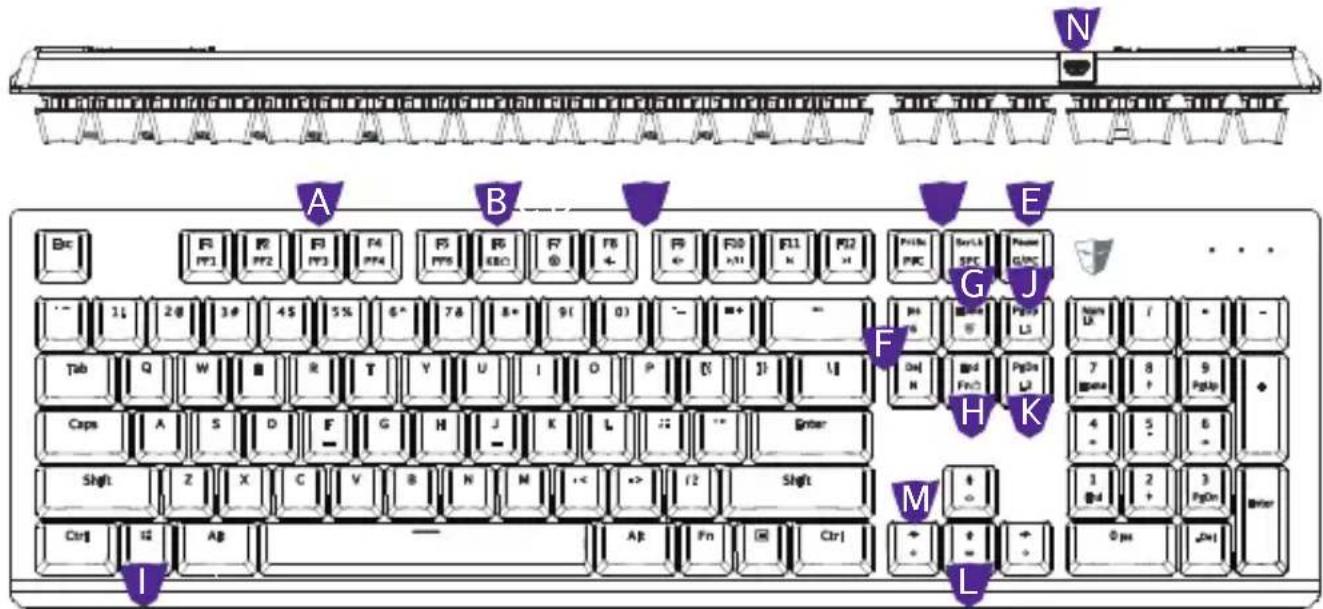
A. Gaming profiles: Fn + PF1 ~ PF5
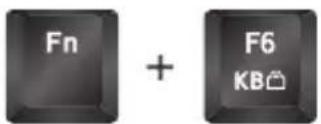
B. Allkeys Lock: Fn + F6
C. Multimedia Keys, Fn + F7 ~ F12
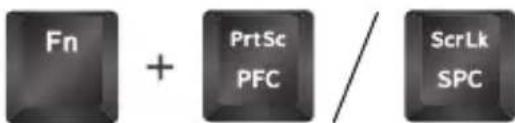
D. Profile Color / Spectrum Color Mode, Fn + Print Screen / Scroll Lock
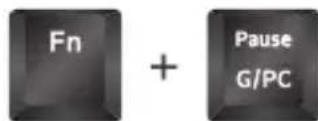
E. PC / Game Mode, Fn + Pause
F. USB 6-key / N-key Rollover, Fn + Ins / Del
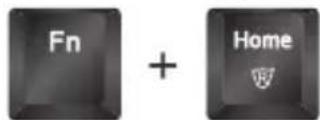
G. Instant Macro Recording, Fn + Home
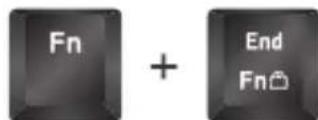
H. Fn Key Lock, Fn + End
I. Windows Key Lock: Fn + Win
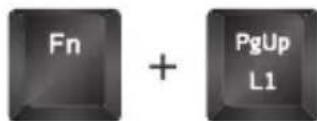
J. Static Lighting Recording, Fn + Page Up
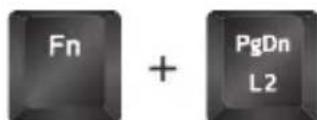
K. Dynamic Lighting Recording, Fn + Page Down
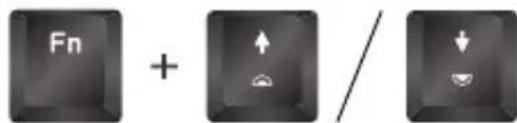
L. Illumination Adjustments, Fn + Up Arrow / Down Arrow
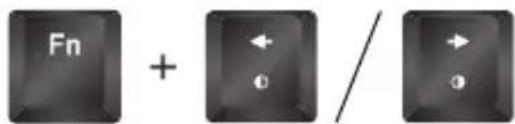
M. Lighting Effect Selections, Fn + Left Arrow / Right Arrow
N. Mini USB connector with detachable braided cable
Specific Functions
1.Customizable gaming profiles: PF1\~PF5

- All-keys Lock: to disable or enable entire keyboard functions
- Multimedia Keys: Mute, Volume Down, Volume Up, Play/Pause, Previous, Next

- Color Mode Options: to select Profile color or Spectrum color
- USB 6-key / N-key Rollover: interchangeable between 6-key and N-key Rollover

- Windows key Lock: to disable or enable Windows key function

- PC / Game mode: to switch between Game mode and PC mode
- Fn key Lock: to disable or enable all Fn functions
- Backlit Adjustment: 5 levels of illuminations - off / 25% / 50% / 75% / 100%
- Lighting Effects: versatile effects available - default, trigger, ripple, firework, radiation, breathing, wave, spectrum, static lighting recording, dynamic lighting recording
- Instant Macro Recording
(1) Press Fn + Home to start the Instant Macro Recording. The Game Mode indicator will start quickly blinking.
(2) Press the desired key where you want to save macro. The Game Mode indicator will blink at normal speed.
(3) Type in the keys you want to record.
(4) Press Fn + Home again to end recording. The Game Mode indicator blinking will stop.
- Static Lighting Recording
(1) Press Fn + PgUp to start the Static Lighting Recording. The Num Lock indicator will start quickly blinking.
(2) Type in the keys you want to light up.
(3) Press Fn + PgUp again to end recording. The Num Lock indicator blinking will stop.
- Dynamic Lighting Recording
(1) Press Fn + PgDn to start the Dynamic Lighting Recording. The Caps Lock indicator will start quickly blinking.
(2) Type in the keys you want to light up in sequence.
(3) Press Fn + PgDn again to end recording. The Caps Lock indicator blinking will stop.
For technical support, please visit www.tesorotec.com
Deutsch
Hauptfunktionen:
A. Gaming Profile: Fn + PF1 ~ PF5
B. Alle Tasten sperren: Fn + F6
C. Multimedia Tasten, Fn + F7 ~ F12
D. Farbprofil / Spectrum Farbmodus, Fn + Druck / Rollen
E. PC / Game Mode, Fn + Pause
F. USB 6-key / N-key Rollover, Fn + Einfg / Entf
G. Instant Macro Recording, Fn + Pos1
Instant Macro Recording
Static Lighting Recording
Dynamic Lighting Recording
TESORO Technology Inc. warrants this product will be free from defects in material and manufacturing under normal use for one year from the date of purchase. The warranty does not cover defects caused by misuse or improper usage of the product. For more information, please visit our website at www.tesorotec.com