C2 - Smartwatch TicWatch - Free user manual and instructions
Find the device manual for free C2 TicWatch in PDF.



| Product type | Connected watch (smartwatch) |
| Brand | TicWatch |
| Model | C2 |
| Dimensions | Approximately 42 mm diameter, 13 mm thickness |
| Weight | Approximately 40 g (without strap) |
| Screen type | Round AMOLED |
| Screen size | 1.3 inch |
| Operating system | Wear OS by Google |
| Processor | Snapdragon Wear 2100 |
| RAM memory | 512 MB |
| Storage | 4 GB |
| Power source | Rechargeable lithium-ion battery, magnetic charging |
| Battery life | Approximately 2 days in normal use |
| Connectivity | Bluetooth 4.2, Wi-Fi 802.11 b/g/n, NFC |
| Sensors | Accelerometer, gyroscope, heart rate sensor, barometer |
| Main functions | Google voice assistant, Google Pay, notifications, activity tracking, connected GPS |
| Pairing | Via the Mobvoi app on Android (requires compatible phone) |
| Buttons | Power button (press, double press, long press) and customizable function button |
| Care and cleaning | Clean with a soft, dry cloth. Avoid harsh liquids. |
| Repairability | Spare parts not available individually. Battery not user-replaceable. |
| Included accessories | Magnetic charging dock and USB cable |
Frequently Asked Questions - C2 TicWatch
User questions about C2 TicWatch
0 question about this device. Answer the ones you know or ask your own.
Ask a new question about this device
Download the instructions for your Smartwatch in PDF format for free! Find your manual C2 - TicWatch and take your electronic device back in hand. On this page are published all the documents necessary for the use of your device. C2 by TicWatch.
USER MANUAL C2 TicWatch
TicWatch C2 Quick Start Guide
Mobvoi
English
www.tic-benelux.nl
Tic-Benelux is part of TJM Supplies B.V. ©2019
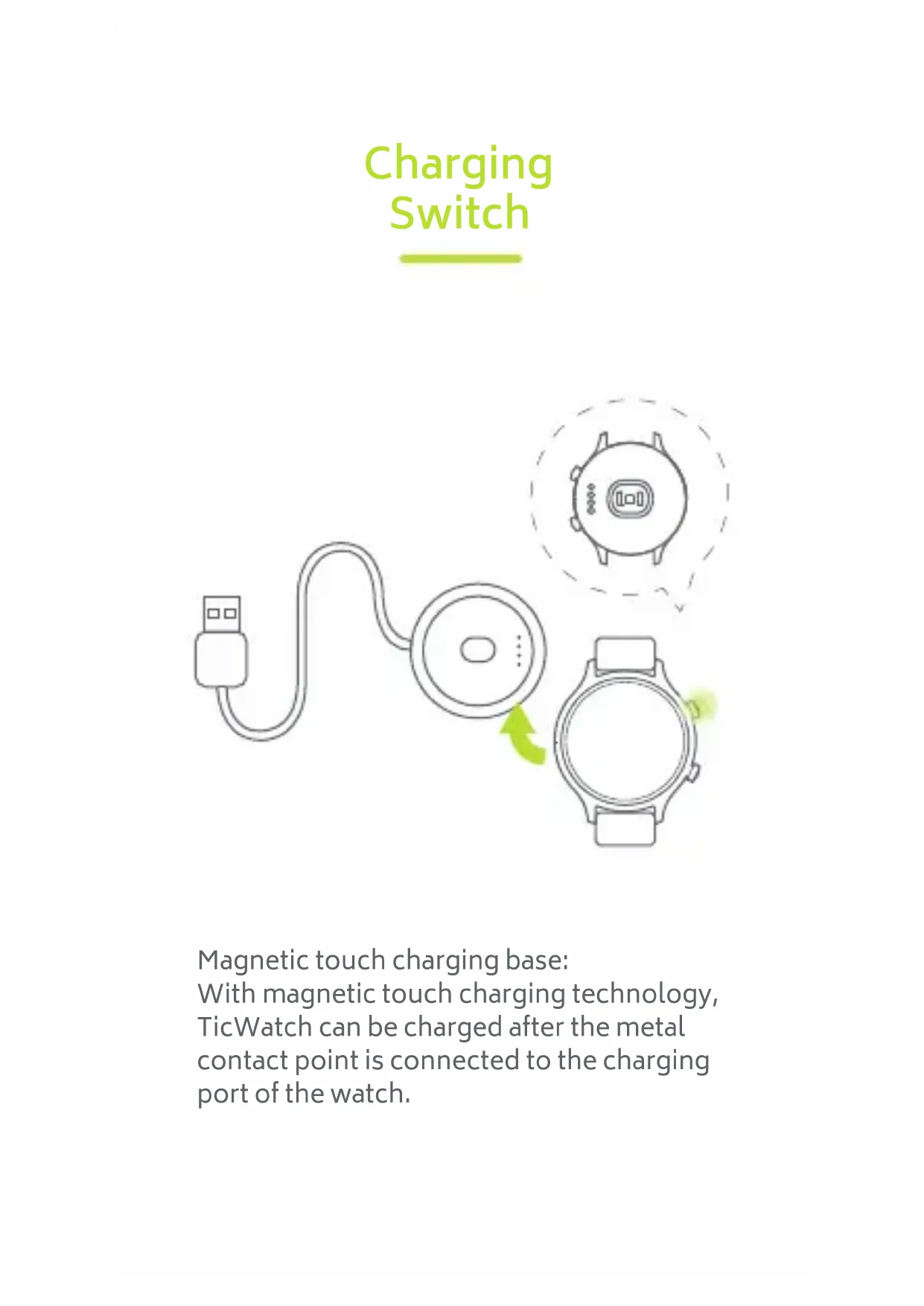
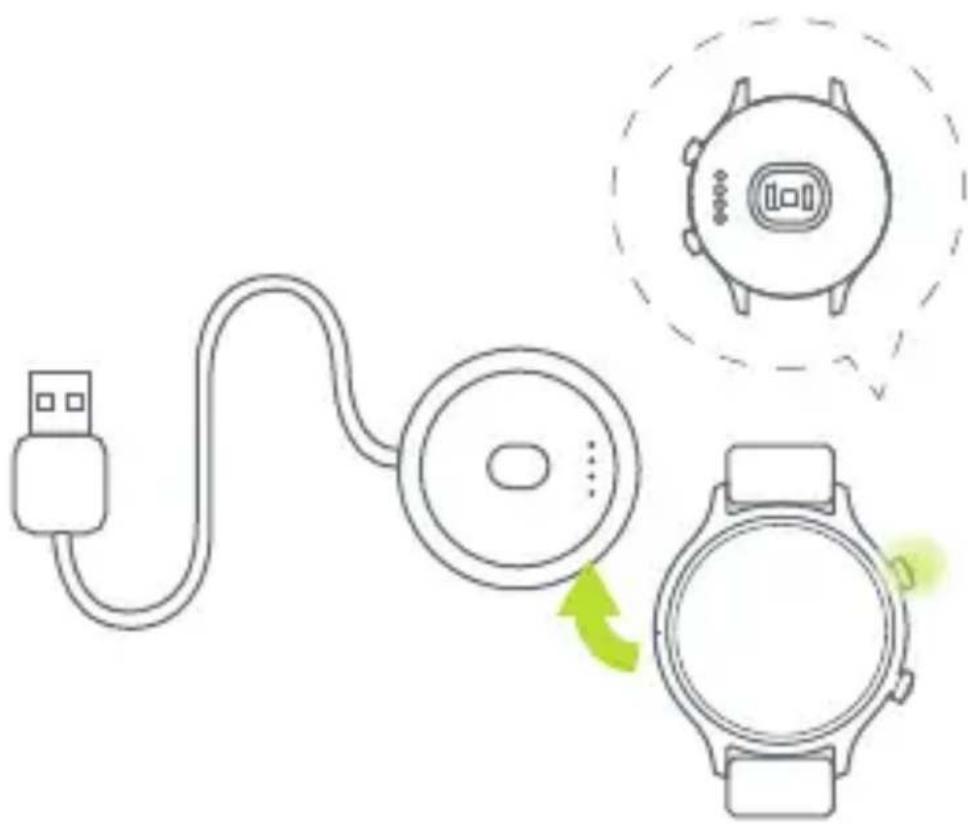
Charging
Switch
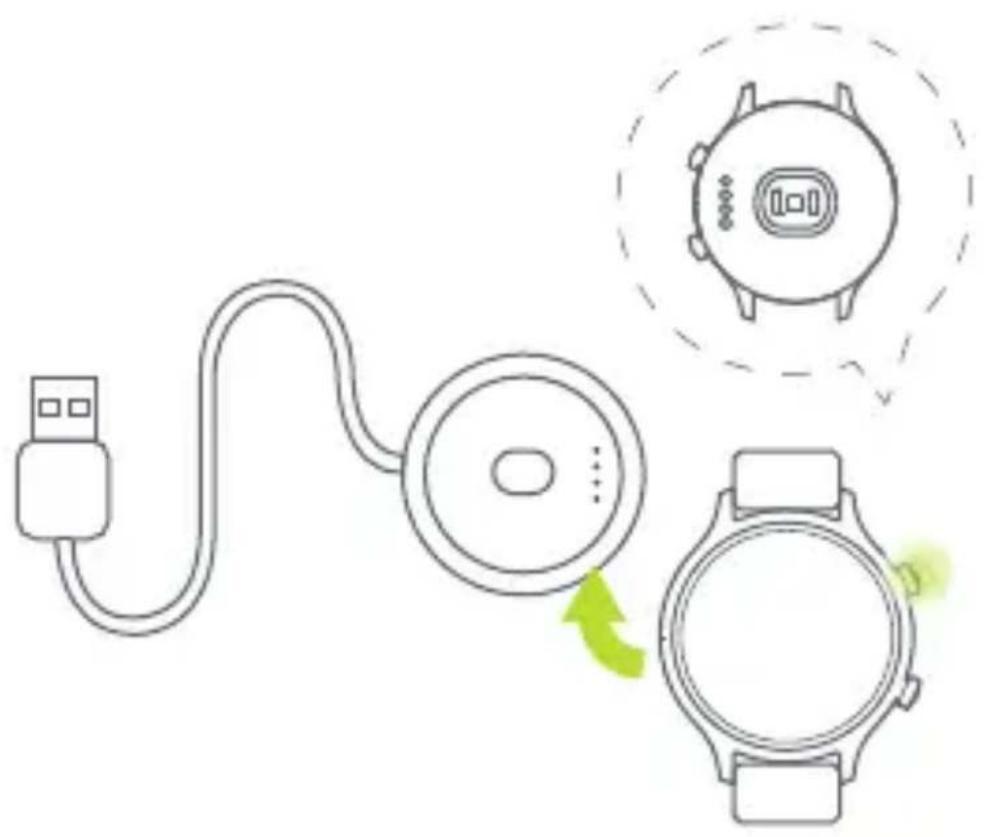
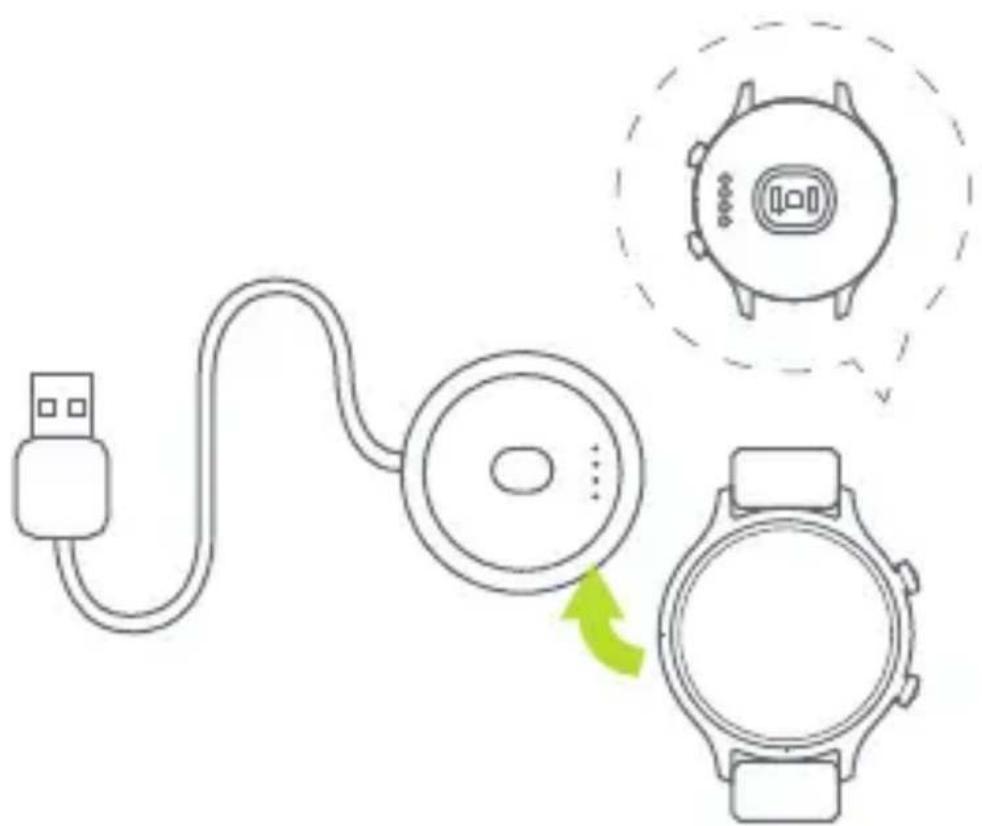
Magnetic touch charging base:
With magnetic touch charging technology,
TicWatch can be charged after the metal
contact point is connected to the charging
port of the watch.
Buttons and
Functions
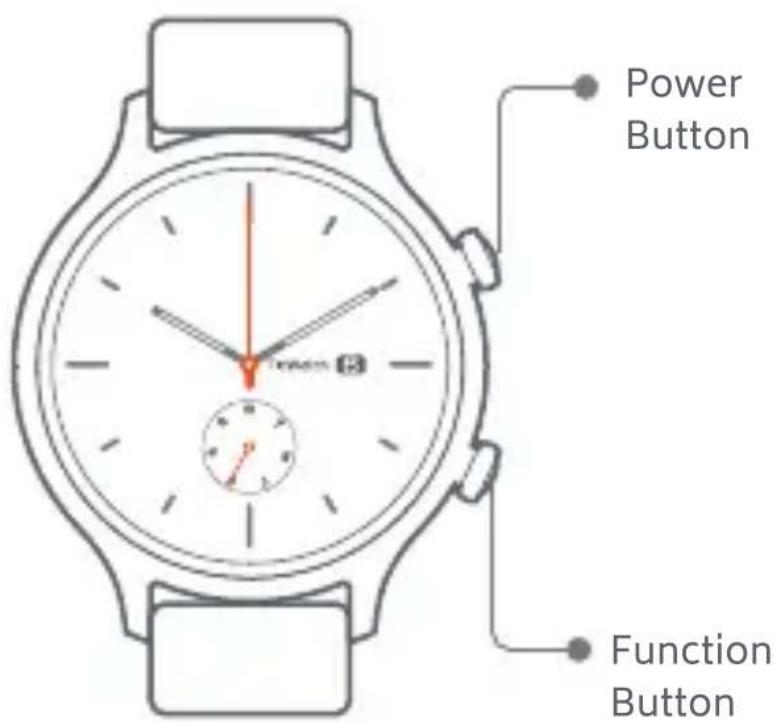
| Click | Double Click | Long Press | |
| Power Button | App List | —— | While power on: voice assistant While power off: power on |
| Function Button | Customizable Settings (enabled by default) | Google Pay | System Shortcut menu |
Paired Connection
- Pair Wear OS by Google™. Download the Wear OS by Google app on Google Play Store. After the watch is turned on, follow the APP prompt to pair.
- Pair Mobvoi app Download the Mobvoi app on Google Play Store to pair the watch and obtain more data.
WiFi Connection



Settings Connectivity




Enter WiFi password
Add Network
WiFi
Message Notifications
- Allow the Wear OS by Google app to accept message notifications on the phone settings.
- Android™ phones may sometimes self-start and adjust battery optimization and other settings which might affect the ability for the Wear OS by Google app to run in the background.
TicWatch
www.movvoi.com
This User guide is for reference only, and does not in any way offer any promises.
Please understand that Mobvoi will not be able to notify you in time if anything mentioned in this user guide changes. Please see our official website for more product information.
Google, Android, Wear OS by Google, Google Play, and other related marks are trademarks of Google LLC.
TJM Supplies B.V. ©2019
Opladen van de smartwatch
Koppel dessmartwatch
TJM Supplies B.V. ©2019
Charge Commutateur