 ManualGo.com
New Super Mario Bros. U (Wii U) - Game NINTENDO - Free user manual and instructions
Find the device manual for free New Super Mario Bros. U (Wii U) NINTENDO in PDF.



Download the instructions for your Game in PDF format for free! Find your manual New Super Mario Bros. U (Wii U) - NINTENDO and take your electronic device back in hand. On this page are published all the documents necessary for the use of your device. New Super Mario Bros. U (Wii U) by NINTENDO.
USER MANUAL New Super Mario Bros. U (Wii U) NINTENDO
1-800-255-3700 Need help playing a game? For game play assistance, we recommend using your favorite Internet search engine to find tips for the game you are playing. Some helpful words to include in the search, along with the game’s title, are: “walk through,” “FAQ,” “codes,” and “tips.” Besoin d’aide pour l’installation, l’entretien ou la réparation? Service à la clientèle de Nintendo
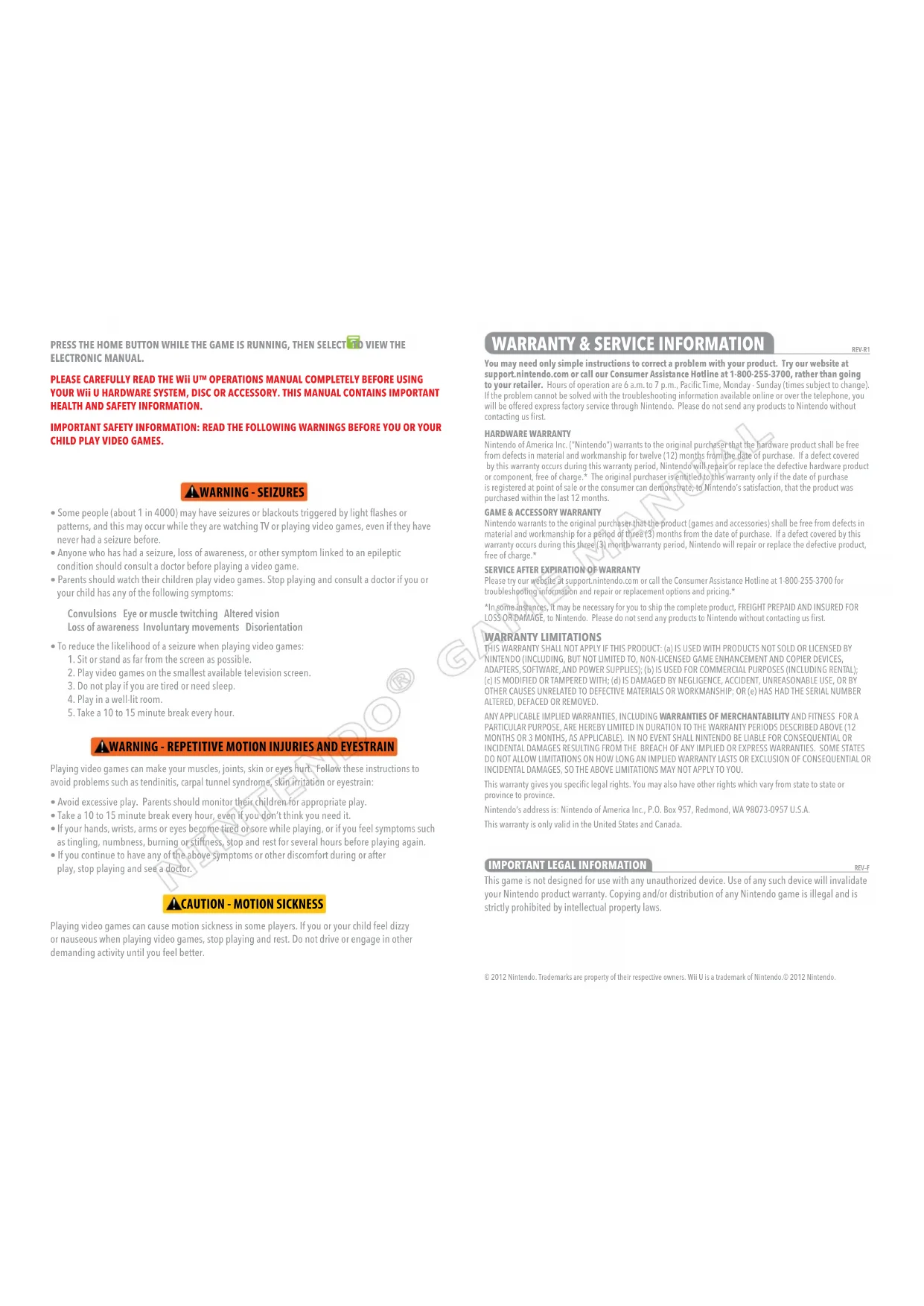
- Somepeople(about1in4000)mayhaveseizuresorblackoutstriggeredbylightashesor patterns, and this may occur while they are watching TV or playing video games, even if they have never had a seizure before.
- Anyonewhohashadaseizure,lossofawareness,orothersymptomlinkedtoanepileptic condition should consult a doctor before playing a video game.
- Parentsshouldwatchtheirchildrenplayvideogames.Stopplayingandconsultadoctorifyouor your child has any of the following symptoms: Convulsions Eye or muscle twitching Altered vision Loss of awareness Involuntary movements Disorientation
- Toreducethelikelihoodofaseizurewhenplayingvideogames:
1. Sit or stand as far from the screen as possible.
2. Play video games on the smallest available television screen.
3. Do not play if you are tired or need sleep.
4.Playinawell-litroom.
5. Take a 10 to 15 minute break every hour.
Playing video games can make your muscles, joints, skin or eyes hurt. Follow these instructions to avoid problems such as tendinitis, carpal tunnel syndrome, skin irritation or eyestrain:
- Ifyourhands,wrists,armsoreyesbecometiredorsorewhileplaying,orifyoufeelsymptomssuch as tingling, numbness, burning or stiffness, stop and rest for several hours before playing again.
- Ifyoucontinuetohaveanyoftheabovesymptomsorotherdiscomfortduringorafter play, stop playing and see a doctor. Playing video games can cause motion sickness in some players. If you or your child feel dizzy or nauseous when playing video games, stop playing and rest. Do not drive or engage in other demanding activity until you feel better. © 2012 Nintendo. Trademarks are property of their respective owners. Wii U is a trademark of Nintendo.© 2012 Nintendo.
This game is not designed for use with any unauthorized device. Use of any such device will invalidate your Nintendo product warranty. Copying and/or distribution of any Nintendo game is illegal and is strictly prohibited by intellectual property laws. REV–F
WARRANTY & SERVICE INFORMATION
You may need only simple instructions to correct a problem with your product. Try our website at support.nintendo.com or call our Consumer Assistance Hotline at 1-800-255-3700, rather than going to your retailer.Hoursofoperationare6a.m.to7p.m.,PacicTime,Monday-Sunday(timessubjecttochange). If the problem cannot be solved with the troubleshooting information available online or over the telephone, you will be offered express factory service through Nintendo. Please do not send any products to Nintendo without contacting us first. HARDWARE WARRANTY NintendoofAmericaInc.(“Nintendo”)warrantstotheoriginalpurchaserthatthehardwareproductshallbefree fromdefectsinmaterialandworkmanshipfortwelve(12)monthsfromthedateofpurchase.Ifadefectcovered by this warranty occurs during this warranty period, Nintendo will repair or replace the defective hardware product or component, free of charge.* The original purchaser is entitled to this warranty only if the date of purchase is registered at point of sale or the consumer can demonstrate, to Nintendo’s satisfaction, that the product was purchased within the last 12 months.
INCIDENTAL DAMAGES RESULTING FROM THE BREACH OF ANY IMPLIED OR EXPRESS WARRANTIES. SOME STATES DO NOT ALLOW LIMITATIONS ON HOW LONG AN IMPLIED WARRANTY LASTS OR EXCLUSION OF CONSEQUENTIAL OR INCIDENTAL DAMAGES, SO THE ABOVE LIMITATIONS MAY NOT APPLY TO YOU. This warranty gives you specific legal rights. You may also have other rights which vary from state to state or province to province. Nintendo’s address is: Nintendo of America Inc., P.O. Box 957, Redmond, WA 98073-0957 U.S.A. This warranty is only valid in the United States and Canada. REV-R1Wii U GamePad Connecting Wii Remote controllers In order to use Wii Remotes, you must first register them with the Wii U console. On the HOME Menu, choose Controller Settings and then Pair, and then follow the on-screen instructions. Additional accessories are required for multiplayer mode. Sold separately. Players and Controllers Playing by Yourself Playing Together (2-5 people) Wii U GamePad controller or a Wii Remote
controller Control the characters Wii U GamePad controller Boost Mode Wii Remote controller Control the characters The characters can only be controlled with Wii Remote controllers.The player using the GamePad uses Boost Mode to assist the other players.When using the Wii U GamePad, you can play by looking at the TV screen or the GamePad screen. Boost Mode Wii Remote
Move Crouch Enter door in front of door Enter pipe in direction of entrance Ground pound in midair Move Crouch Enter door in front of door Enter pipe in direction of entrance Ground pound in midairor Spin jump Spin jump or Dash Dash or Jump Jump While movingWhile moving Pick up object Touch an object while holding Pick up object Touch an object while holding Jump while dashing to travel higher and fartherJump while dashing to travel higher and fartherHOME MenuHOME MenuPause menuPause menu Boost Mode Touch the GamePad screen to place Boost Blocks, hinder enemies, and help out the other players. Here you go! Touch! Touch! Thanks! Boost Block Tap the touch screen to place a Boost Block. Boost Stars If a player steps on 10 Boost Blocks in a row, a Boost Star will appear. If you touch the Boost Star, you’ll temporarily be able to defeat enemies and break blocks by touching them.
- In order to fill the Boost Star meter, Boost Blocks must be stepped on while the playing-card symbol is visible.Shake the Wii RemoteWii U GamePad Controls Wii Remote Controls Baby Yoshi can be picked up and carried around. Jump on Yoshi’s back to ride him. Use a spin jump to dismount. Baby Yoshi Fire Mario
midair Multiplayer ActionsFlying Squirrel Mario Carry other players Flying Squirrel jump Double ground pound Enter a bubble Shake Wii Remote in midair Shake Wii Remote while holding Press in midair simultaneously Press to enter a bubble. Once in a bubble, shake the Wii Remote to move closer to the other players. Touch another player to break free of the bubble. Press in midair Press and hold