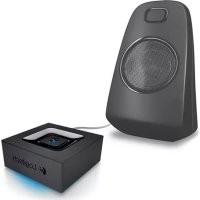
Bluetooth Audio Adapter - Bluetooth Receiver LOGITECH - Free user manual and instructions
Find the device manual for free Bluetooth Audio Adapter LOGITECH in PDF.



| Product type | Bluetooth receiver |
| Brand | Logitech |
| Model | Bluetooth Audio Adapter |
| Dimensions (L x W x H) | 5.5 x 5.5 x 2 cm (estimate) |
| Weight | 50 g (estimate) |
| Power supply | Power adapter (100-240 V, 5 V DC) |
| Wireless connectivity | Bluetooth (range approx. 10 m) |
| Wired connectivity | RCA jack, 3.5 mm jack |
| Key features | Wireless audio streaming, multipoint pairing (2 devices simultaneously), memory up to 8 devices |
| Compatibility | Smartphones, tablets, computers with Bluetooth |
| Indicator light | Blue LED for connection status |
| Installation | Plug in power, connect audio cable (RCA or 3.5 mm), pair via Bluetooth |
| Pairing button | Yes, to start pairing process |
| Auto reconnection | Yes, to last connected device |
| Maintenance and cleaning | Clean with a soft, dry cloth. Unplug before cleaning. |
| Safety | Do not expose to moisture, do not open the device, use only the provided adapter |
| Spare parts and repairability | Not user-repairable. Contact Logitech support for any repairs. |
| Warranty | Manufacturer's warranty (duration varies by country) |
| Box contents | Bluetooth Audio Adapter, power adapter, RCA to 3.5 mm cable, documentation |
| Operating temperature | 0 °C to 40 °C (estimate) |
Frequently Asked Questions - Bluetooth Audio Adapter LOGITECH
User questions about Bluetooth Audio Adapter LOGITECH
0 question about this device. Answer the ones you know or ask your own.
Ask a new question about this device
Download the instructions for your Bluetooth Receiver in PDF format for free! Find your manual Bluetooth Audio Adapter - LOGITECH and take your electronic device back in hand. On this page are published all the documents necessary for the use of your device. Bluetooth Audio Adapter by LOGITECH.
USER MANUAL Bluetooth Audio Adapter LOGITECH
natural_image
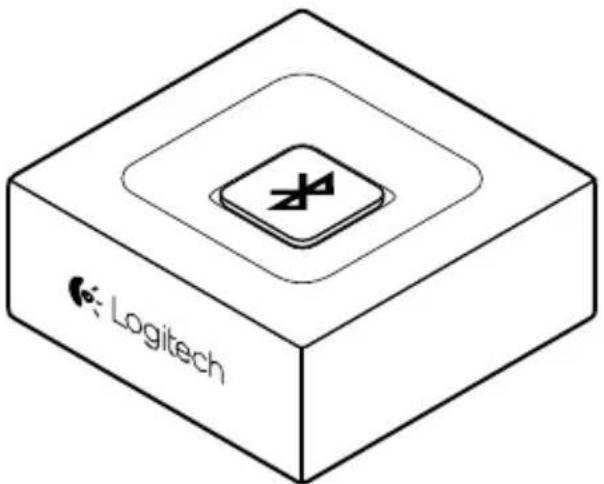
Black Logitech 3D device with a square top and central display (no visible text or symbols on body)English. 3 Česká verze .73
Deutsch 8 Po polsku .78
Français 13 Eesti 83
Italiano. 18 Latviski 88
Español .....23 Lietuvių .....93
Português . . . . . . . . . . . . . . . . . . . . . . . . . . . . . . . . . . . . . . . . . . . . . 28 Hrvatski . . . . . . . . . . . . . . . . . . . . . . . . . . . . 98
Nederlands . . . . . . . . . . . . . . . . . . . . . . . . . . . . . . . . . . . . . . . . . . . . . 33 Srpski . . . . . . . . . . . . . . . . . . . . . . . . . . . . . . . . . . . . . 103
Svenska 38 Slovenščina 108
Dansk 43 Slovenčina. 113
Norsk 48 Română 118
Suomi .53 Български. 123
Еллэнvićá. 58 Українська 128
По-русски. 63 Türkçe 133
Magyar 68 138 العربية
www.logitech.com/support/bluetooth-audio-adapter

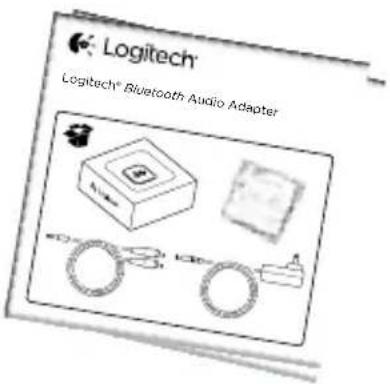
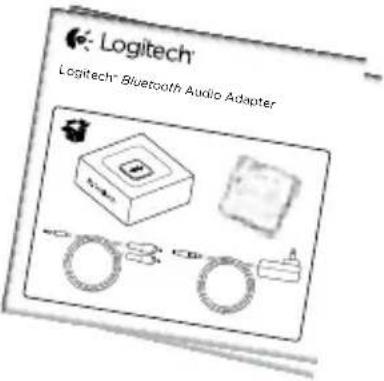
What's in the box
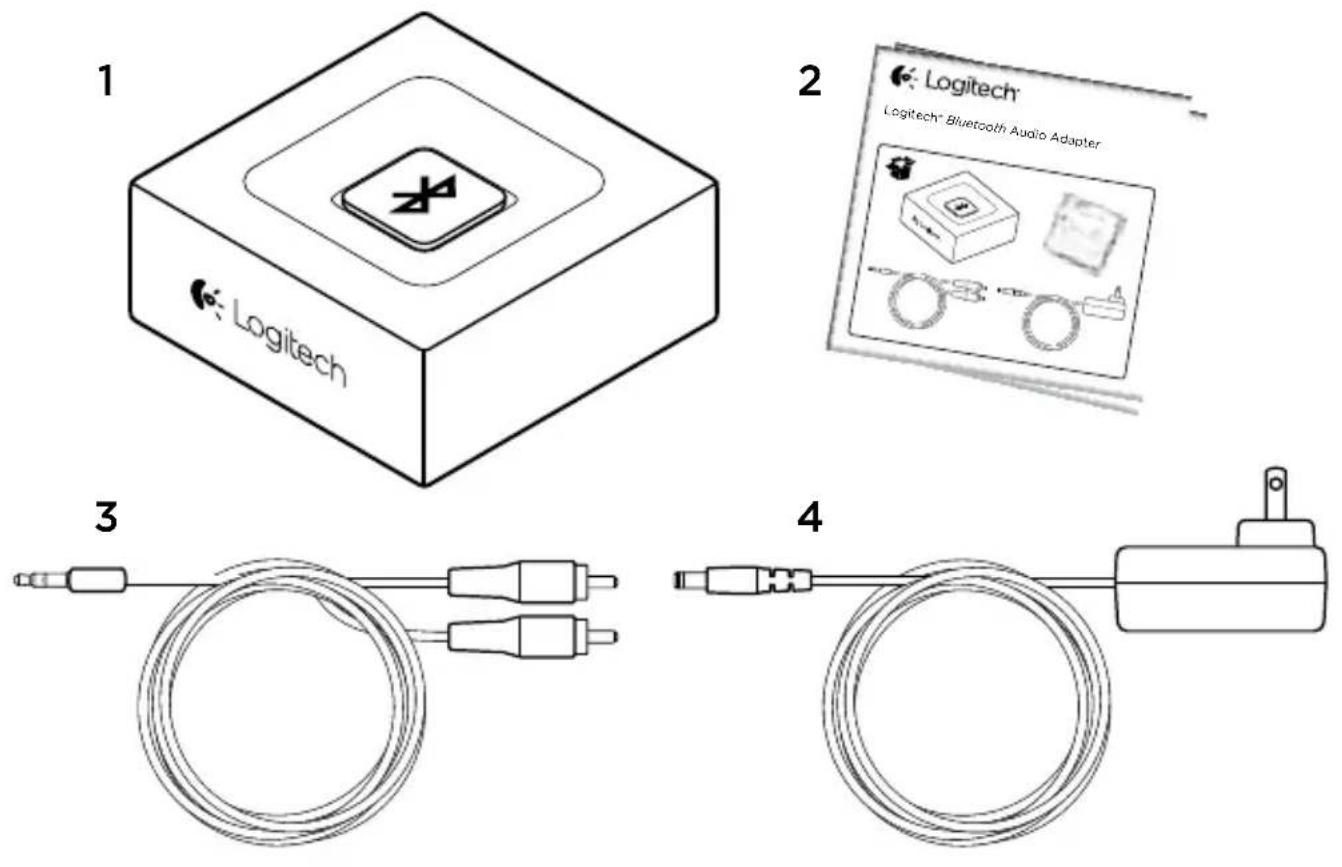
- Logitech Bluetooth® Audio Adapter
-
User documentation
-
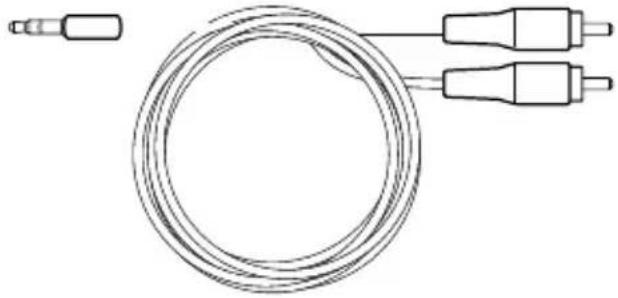
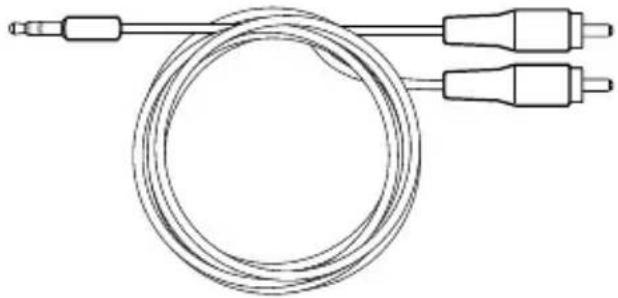
RCA to 3.5mm cable
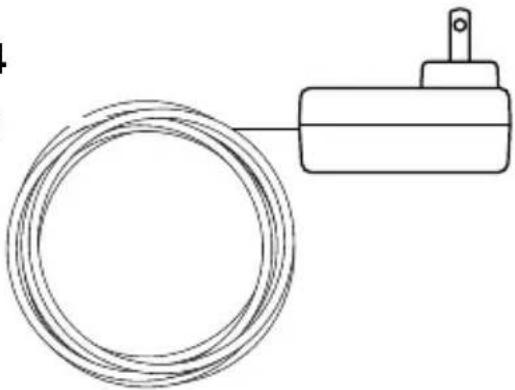
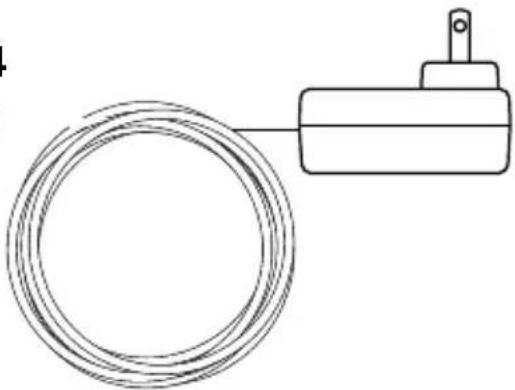
- Power adapter

Set-up
flowchart
graph TD
    A["Power Supply"] -->|1| B["Audio System"]
    B -->|2| C["RCA Module"]
    C --> D["AUX Audio In"]
    D --> E["AUX Audio"]
    style A fill:#f9f,stroke:#333
    style B fill:#ccf,stroke:#333
    style C fill:#cfc,stroke:#333
    style D fill:#fcc,stroke:#333
    style E fill:#cff,stroke:#333
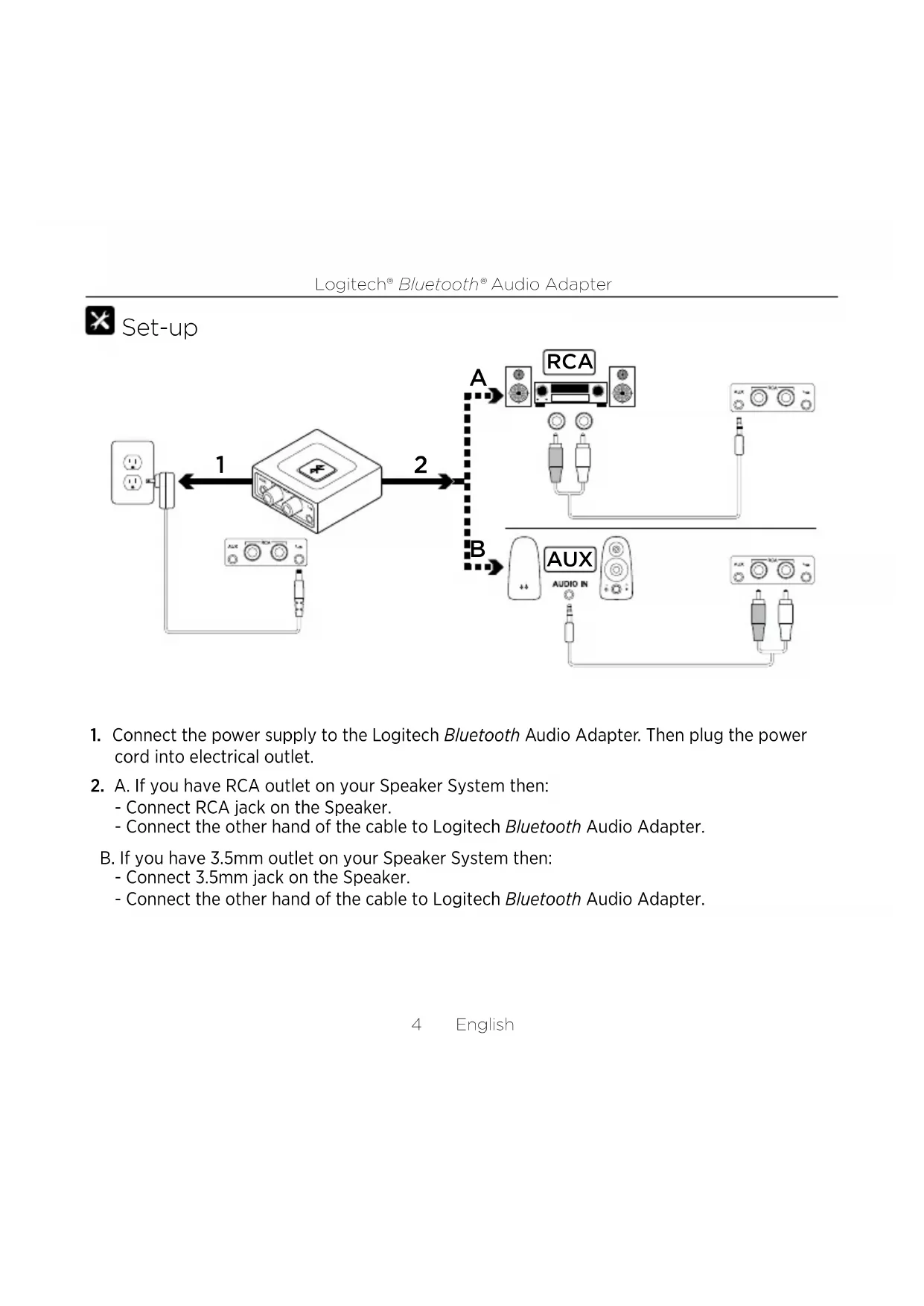
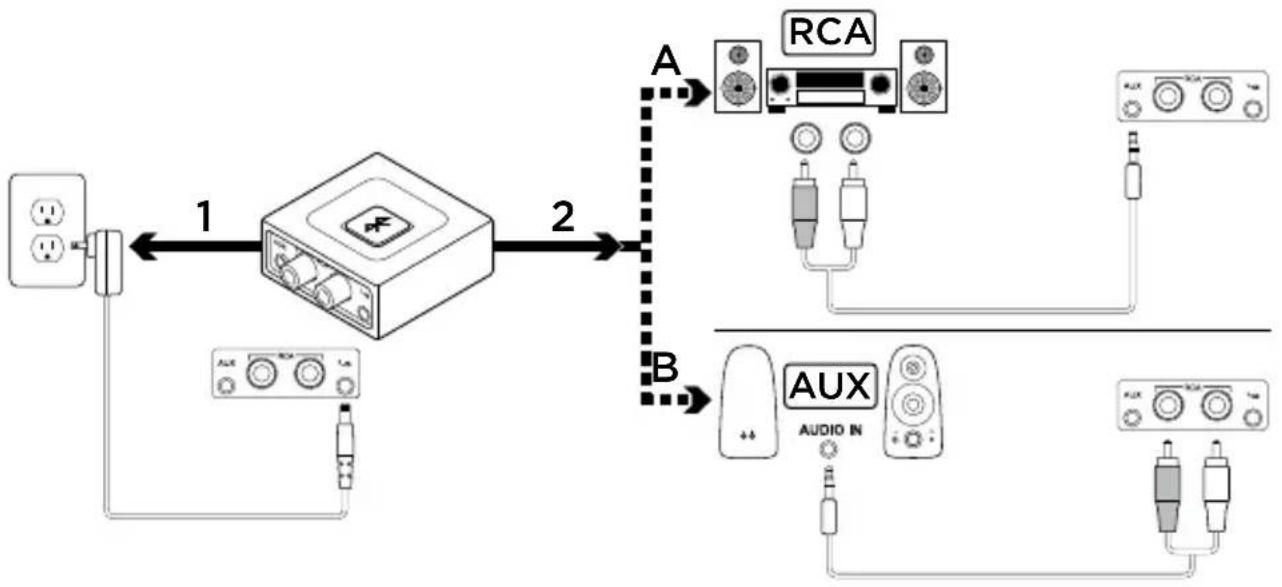
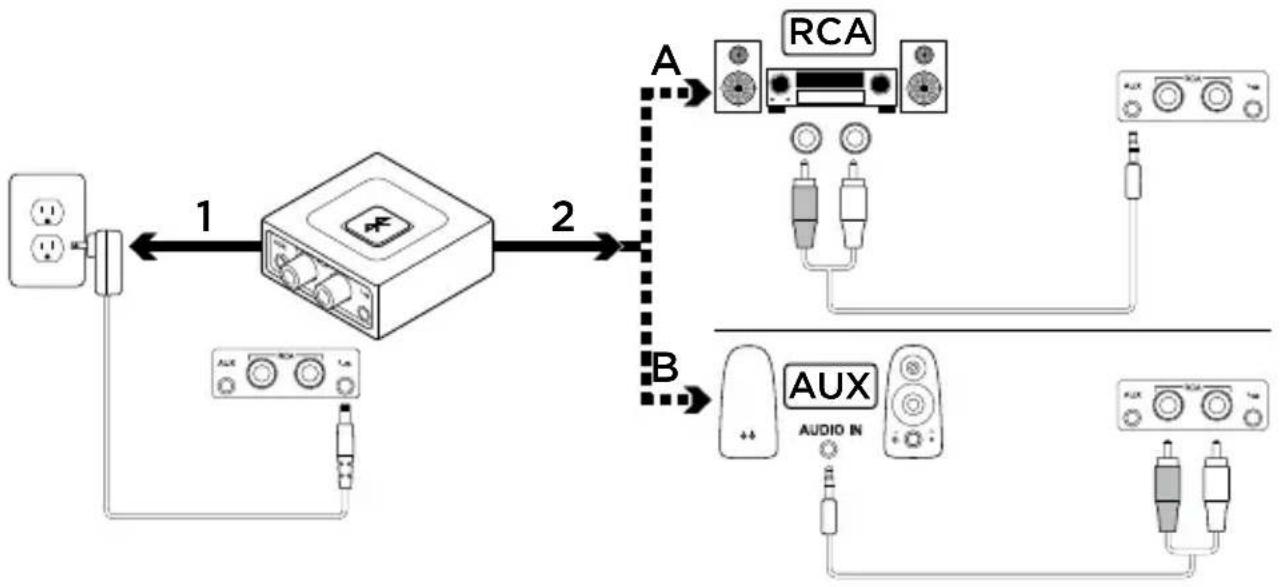
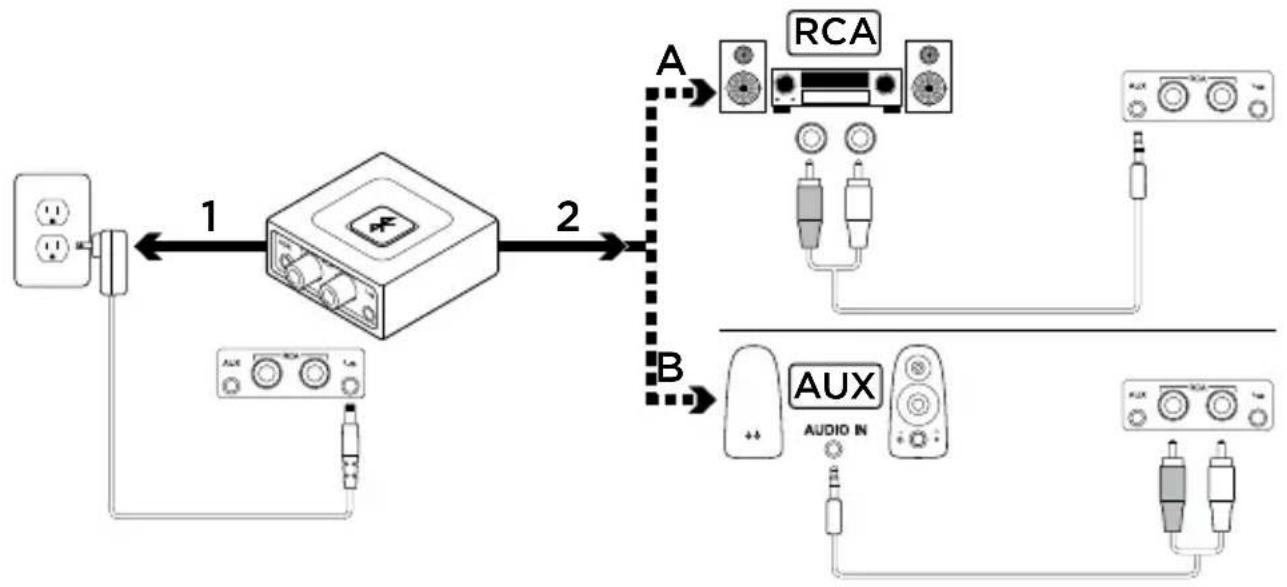
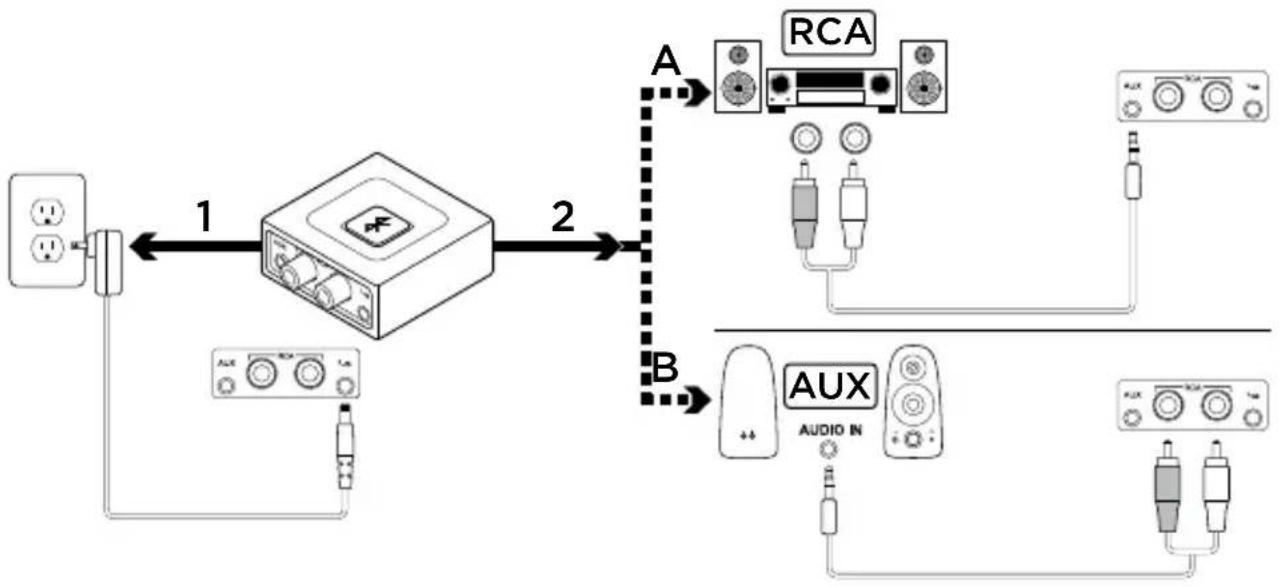
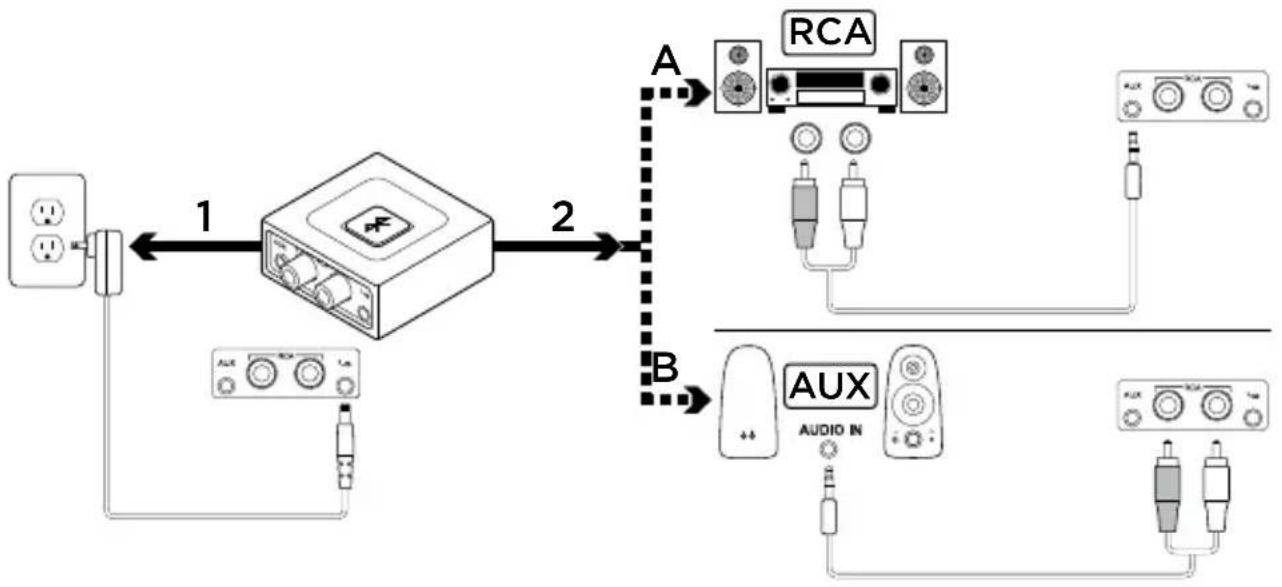
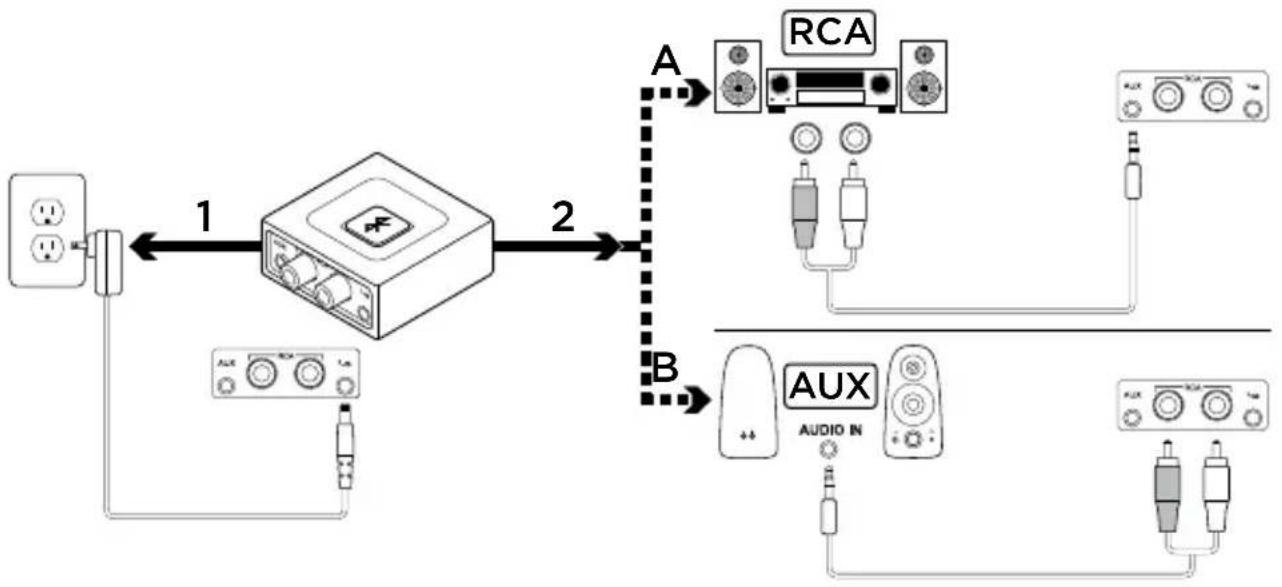
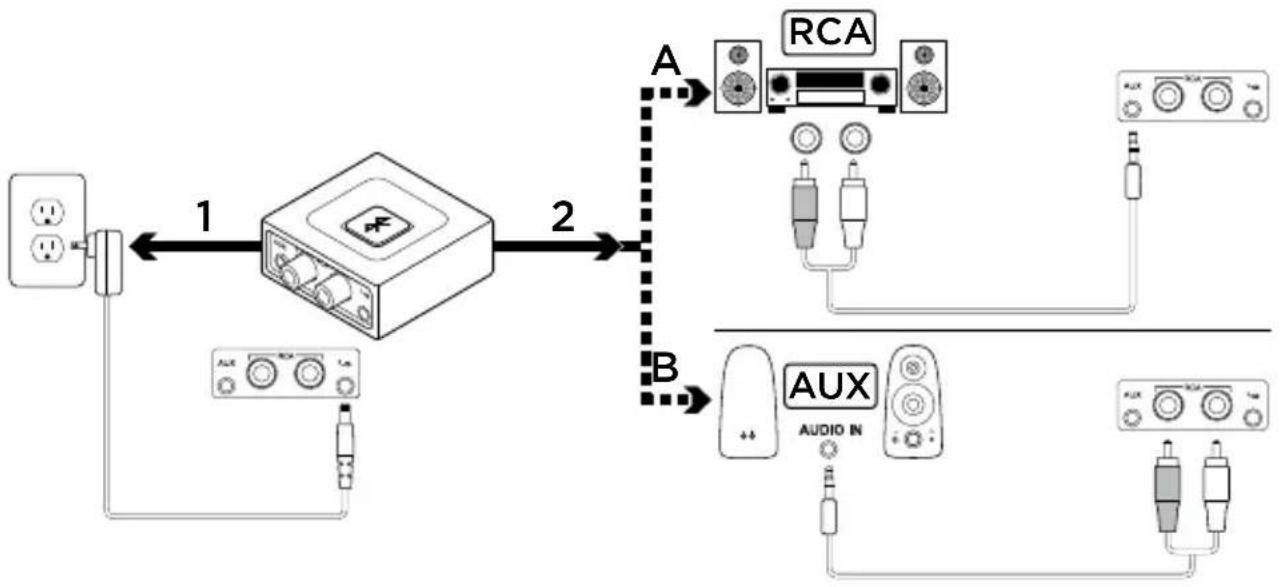
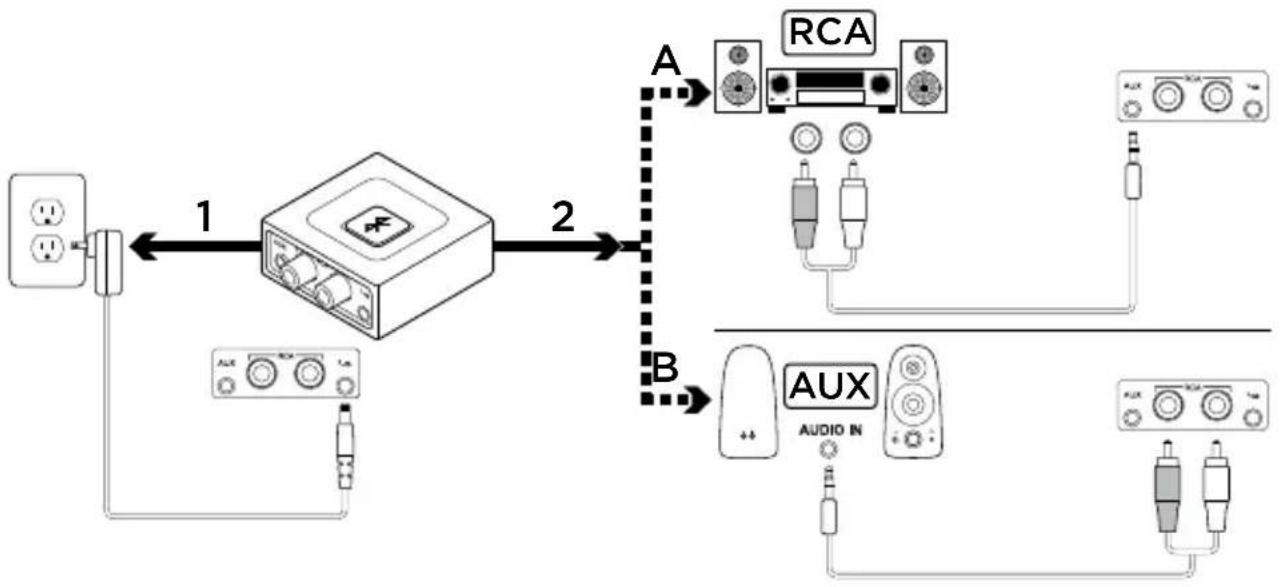
- Connect the power supply to the Logitech Bluetooth Audio Adapter. Then plug the power cord into electrical outlet.
-
A. If you have RCA outlet on your Speaker System then:
-
Connect RCA jack on the Speaker.
- Connect the other hand of the cable to Logitech Bluetooth Audio Adapter.
B. If you have 3.5mm outlet on your Speaker System then:
- Connect 3.5mm jack on the Speaker.
- Connect the other hand of the cable to Logitech Bluetooth Audio Adapter.
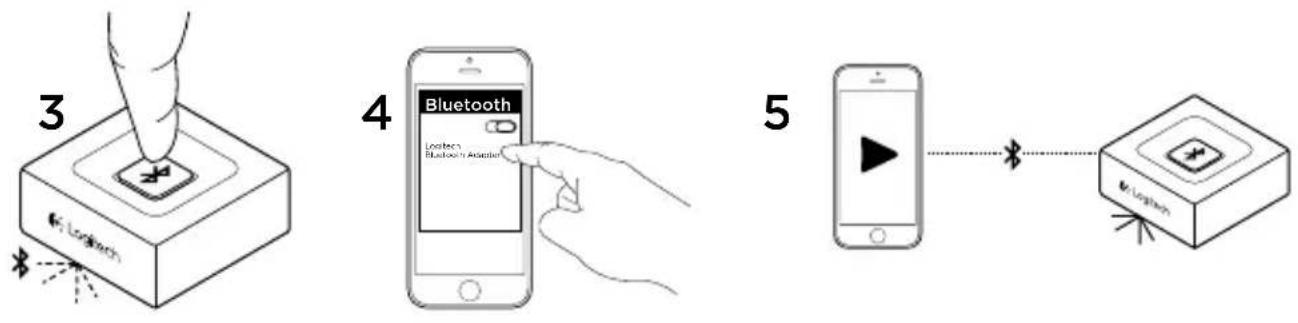
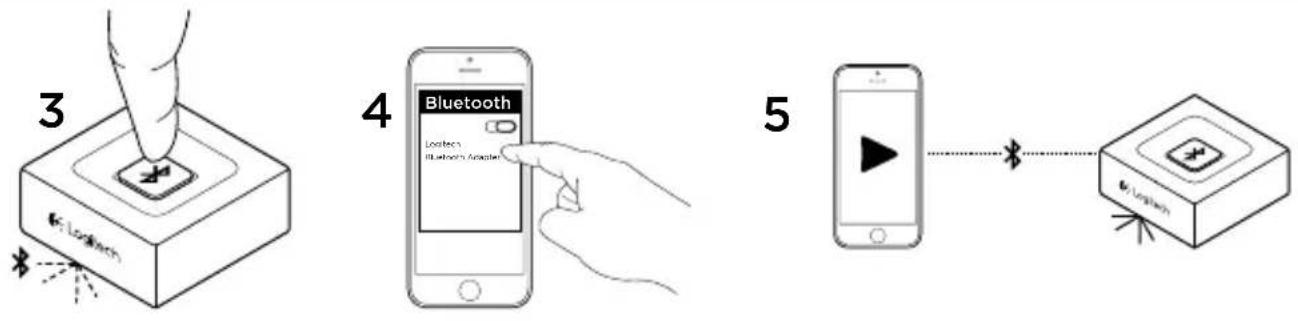
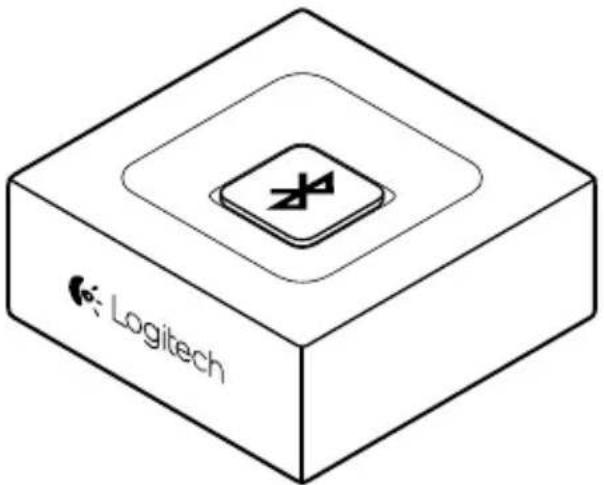
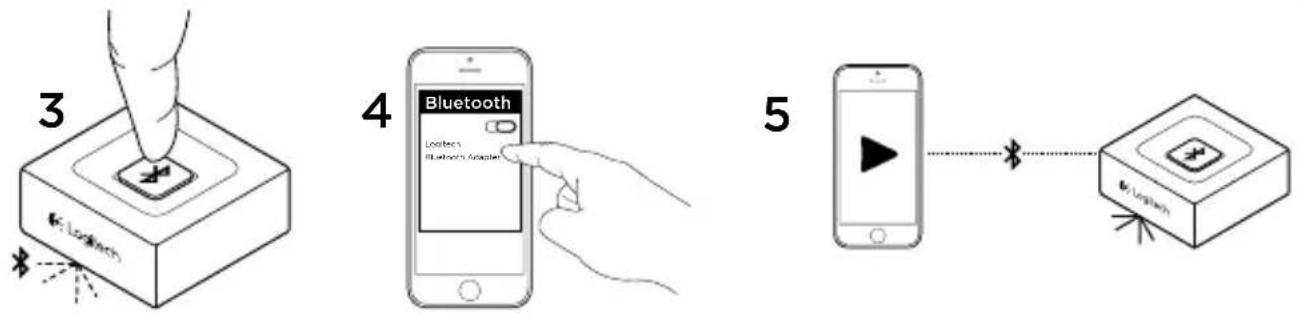
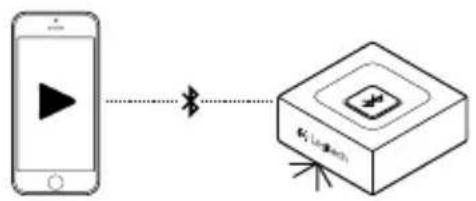
- Press the Bluetooth pairing button on Logitech Bluetooth Audio Adapter. It will initiate the pairing and the LED will start blinking (for first time user, the pairing process will be initiated automatically).
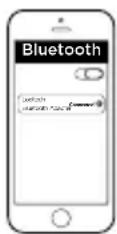
- Turn the Bluetooth mode ON (on your device) and scan for Bluetooth devices. You will see "Logitech BT Adapter" on the device list. Select and connect to it. "Logitech BT Adapter" will display a connected status.
- The LED will turn into steady blue. You can now play music through your audio device wirelessly!

Connecting to two devices simultaneously
flowchart
graph TD
    A["1 Bluetooth"] -->|Bluetooth| B["2 Bluetooth"]
    B --> C["3 Apple"]
    C --> D["4 Bluetooth"]
    D --> E["5 Apple"]
    E --> F["6 Bluetooth"]
    F --> G["7 Apple"]
    G --> H["8 Bluetooth"]
    H --> I["9 Apple"]
    I --> J["10 Bluetooth"]
    J --> K["11 Apple"]
    K --> L["12 Bluetooth"]
    L --> M["13 Apple"]
    M --> N["14 Bluetooth"]
    N --> O["15 Apple"]
    O --> P["16 Bluetooth"]
    P --> Q["17 Apple"]
    Q --> R["18 Bluetooth"]
    R --> S["19 Apple"]
    S --> T["20 Bluetooth"]
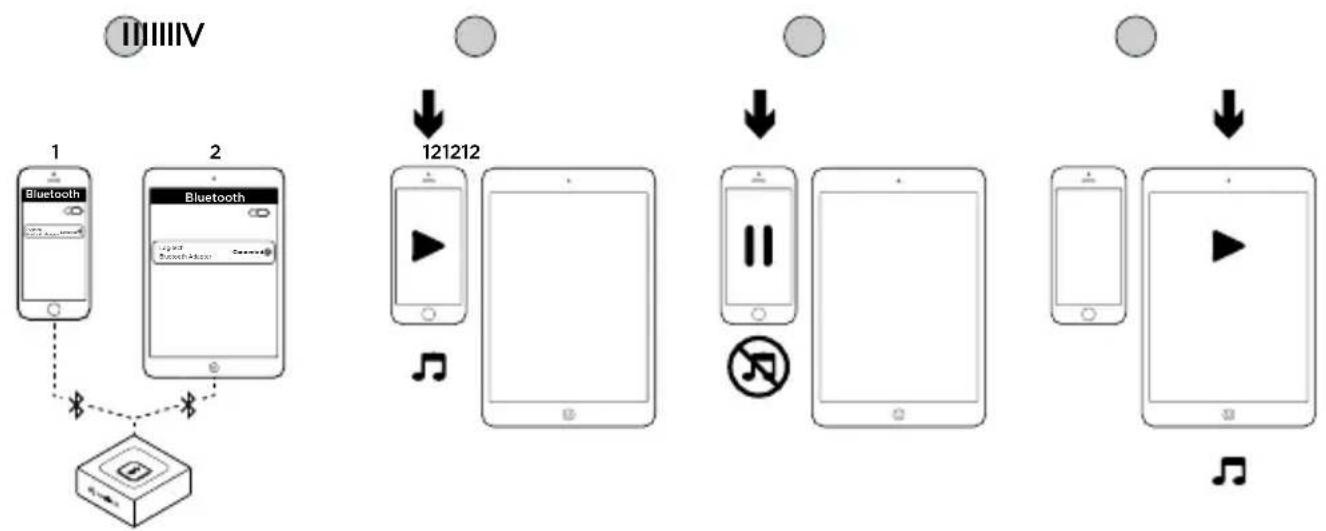
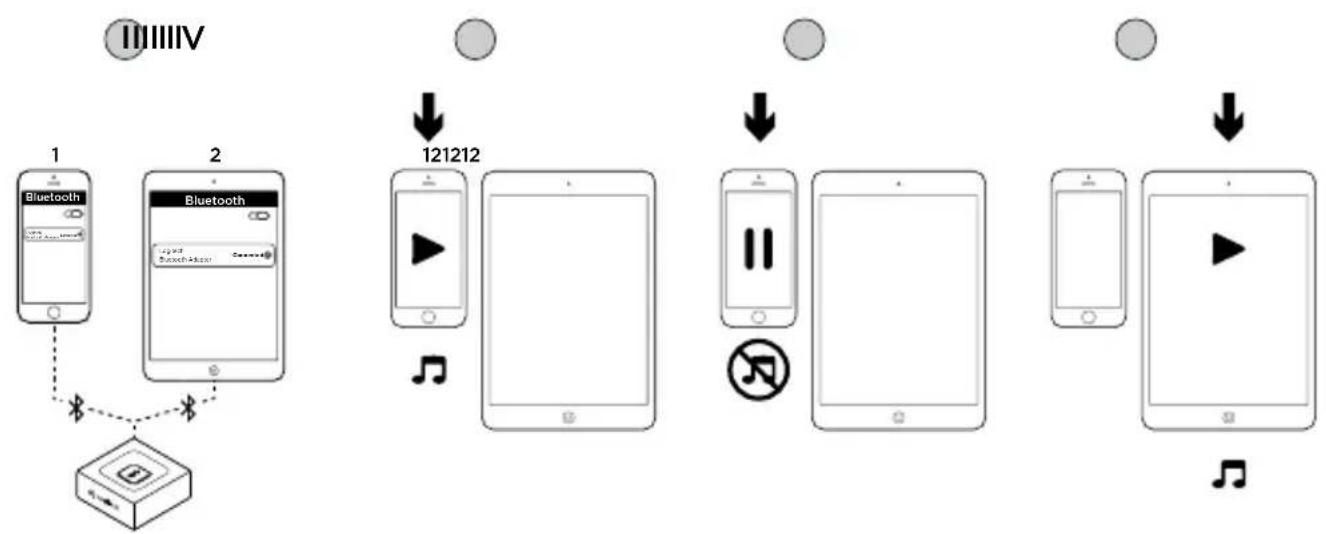
- Make sure that your two devices are connected to Logitech Bluetooth Audio Adapter following step 1 to 5 of the set-up. In case you were disconnected, please check your Bluetooth device list, select "Logitech BT Adapter" and reconnect.
II. Play music on device 1.
III. Stop playing music on device 1.
IV. Start playing music on device 2, the audio would switch automatically and will stream from device 2. It may take a few seconds to switch between devices.
Reconnecting a Bluetooth device
Logitech Bluetooth Audio Adapter will reconnect automatically to the latest connected device.
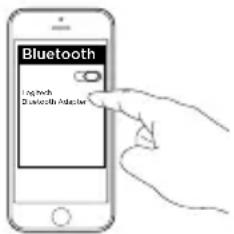
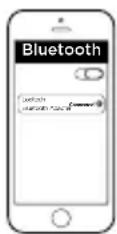
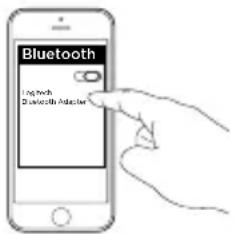
If you are not using the latest connected device and you want to reconnect to Logitech Bluetooth Audio Adapter, you need to select Logitech Bluetooth Audio Adapter in your Bluetooth device list on your device (1). You are then connected again to Logitech Bluetooth Adapter and can stream music again from your device (2).
Add devices
Logitech Bluetooth Audio Adapter can store up to eight Bluetooth devices in its memory (Two devices can connect simultaneously).
For setting-up each device, follow the set-up instructions.
1
2

Inhalt
1
2
3
natural_image
Line drawing of a coiled cable with two connectors (no text or symbols)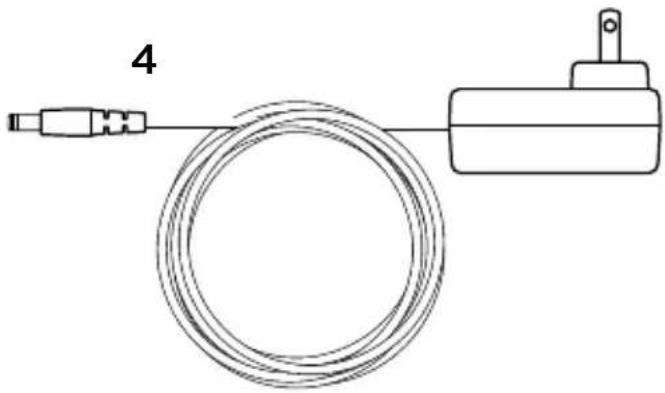
natural_image
Simple line drawing of a cable and a mechanical device (no text or symbols)natural_image
Line drawing of a coiled cable with two connectors (no text or symbols)4
natural_image
Simple line drawing of a coiled wire connected to a cylindrical device (no text or symbols)natural_image
Line drawing of a coiled cable with two connectors (no text or symbols)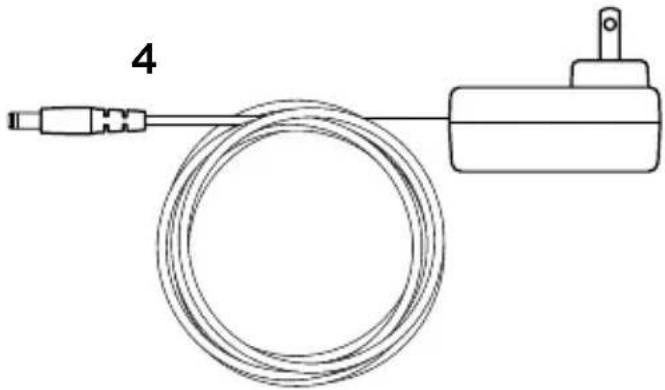
natural_image
Simple line drawing of a cable and connector with a terminal block (no text or symbols)natural_image
Line drawing of a coiled cable with two connectors (no text or symbols)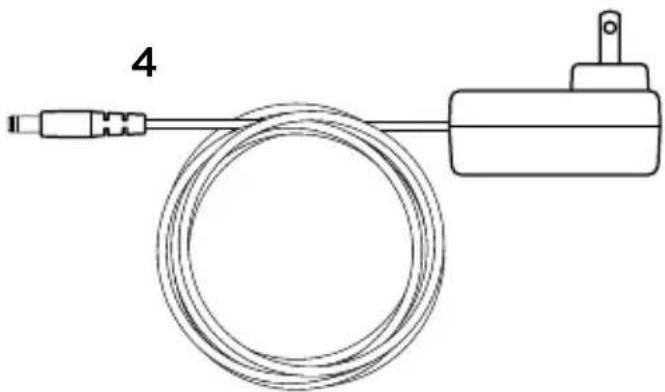
natural_image
Simple line drawing of a cable and connector with a terminal block (no text or symbols)natural_image
Line drawing of a coiled cable with two connectors (no text or symbols)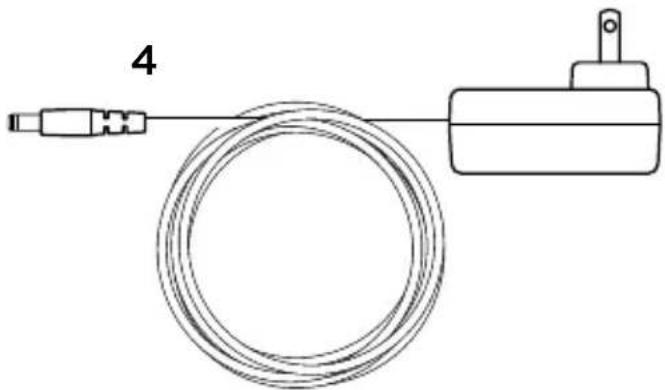
natural_image
Simple line drawing of a cable and a mechanical device (no text or symbols)natural_image
Line drawing of a coiled cable with two connectors (no text or symbols)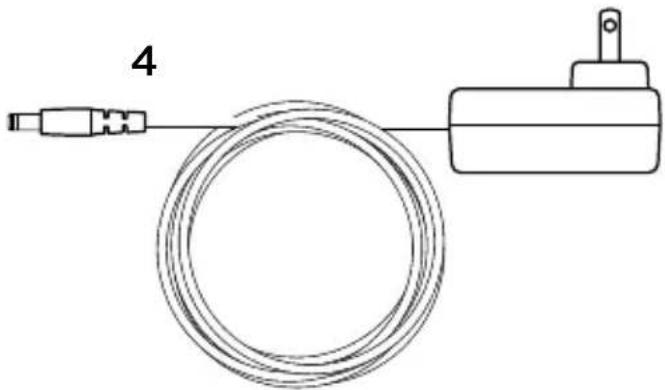
natural_image
Simple line drawing of a cable and a mechanical component (no text or symbols)natural_image
Line drawing of a coiled cable with two connectors (no text or symbols)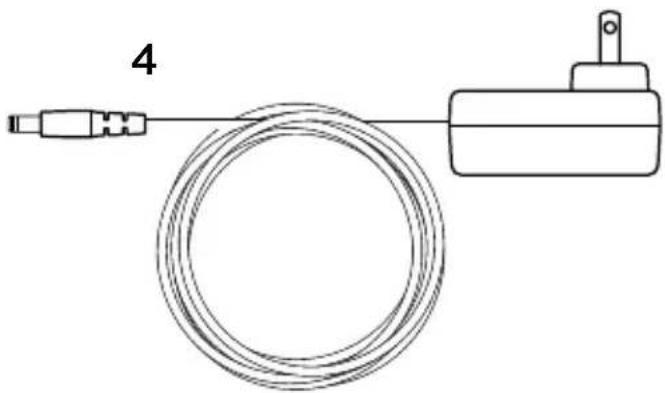
natural_image
Simple line drawing of a cable and a mechanical device (no text or symbols)- Logitech Bluetooth® Audio Adapter
-
Bruksanvisning
-
RCA till 3,5mm-sladd
- Nätadapter

Installation
flowchart
graph TD
    A["Input 1"] --> B["Switch"]
    B --> C["Switch A"]
    C --> D["RC"]
    D --> E["AUX"]
    E --> F["AUX Audio IN"]
    F --> G["Output"]
    style A fill:#f9f,stroke:#333
    style B fill:#ccf,stroke:#333
    style C fill:#cfc,stroke:#333
    style D fill:#fcc,stroke:#333
    style E fill:#cff,stroke:#333
    style F fill:#ffc,stroke:#333
    style G fill:#cfc,stroke:#333
flowchart
graph LR
    A["Mobile Device"] -->|Play Button| B["LongTech"]
    B --> C["Wireless Device"]
natural_image
Line drawing of a coiled cable with two connectors (no text or symbols)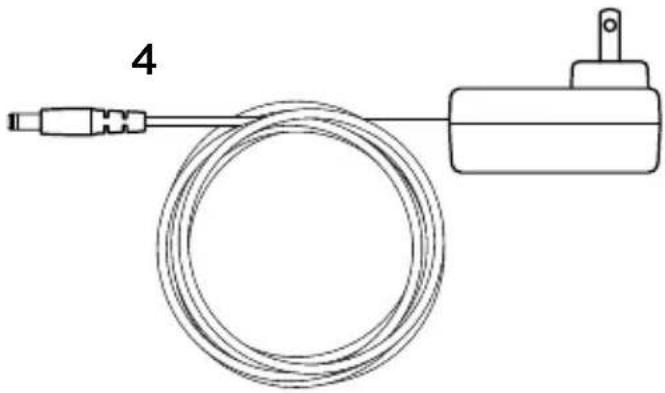
natural_image
Simple line drawing of a cable and connector with a terminal block (no text or symbols)- Logitech Bluetooth® Audio Adapter
-
Brukerdokumentasjon
-
RCA-til-3,5 mm-kabel
- Strømadapter
Konfigurering
flowchart
graph TD
    A["Power Supply"] -->|1| B["Radio Station"]
    B -->|2| C["RCA Module"]
    C --> D["AUX Audio In"]
    C --> E["AUX Audio"]
    style A fill:#f9f,stroke:#333
    style B fill:#ccf,stroke:#333
    style C fill:#cfc,stroke:#333
    style D fill:#fcc,stroke:#333
    style E fill:#cff,stroke:#333
- Kople strømledningen til Logitech Bluetooth Audio Adapter. Kople deretter ledningen til en stikkontakt.
-
A. Hvis du har en RCA-utgang på høyttaleranlegget, kan du:
-
Kople RCA-pluggen til høyttaleren.
- Kople den andre enden av kabelen til Logitech Bluetooth Audio Adapter.
natural_image
Line drawing of a coiled cable with two connectors (no text or symbols)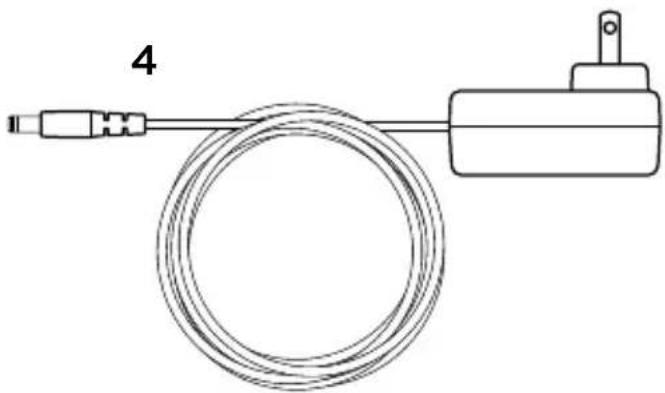
natural_image
Simple line drawing of a cable and connector with a terminal block (no text or symbols)natural_image
Line drawing of a coiled cable with two connectors (no text or symbols)
natural_image
Simple line drawing of a cable and connector with a terminal block (no text or symbols)natural_image
Line drawing of a coiled cable with two connectors (no text or symbols)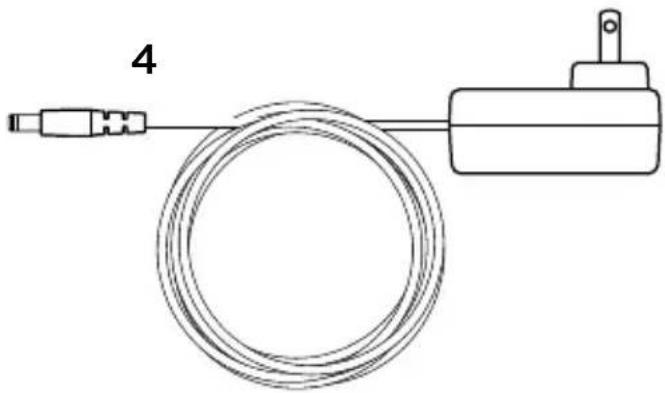
natural_image
Simple line drawing of a cable and connector assembly (no text or symbols)natural_image
Line drawing of a coiled cable with two connectors (no text or symbols)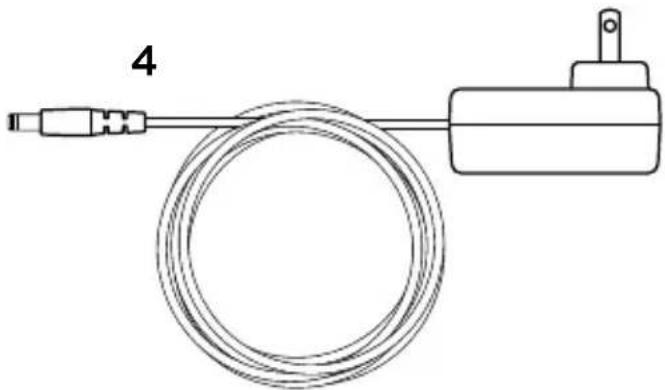
natural_image
Simple line drawing of a cable and connector with a terminal block (no text or symbols)natural_image
Line drawing of a coiled cable with two connectors (no text or symbols)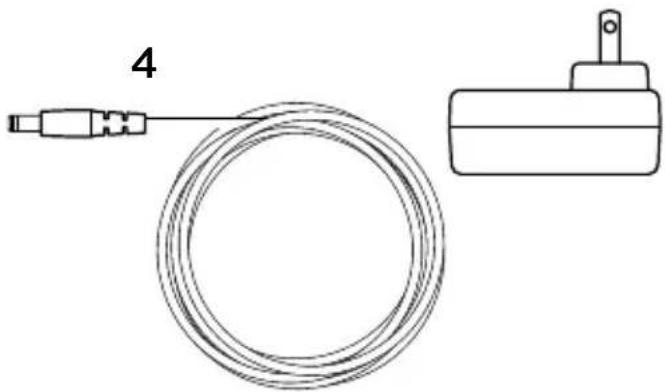
natural_image
Simple line drawing of a cable and a mechanical component (no text or symbols)natural_image
Line drawing of a coiled cable with two connectors (no text or symbols)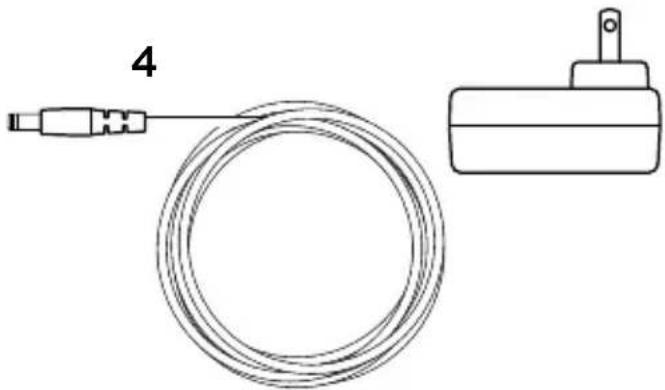
natural_image
Simple line drawing of a cable and a mechanical component (no text or symbols)natural_image
Line drawing of a coiled cable with two connectors (no text or symbols)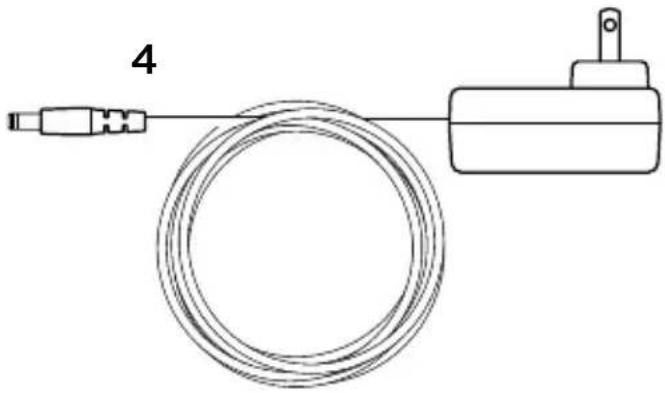
natural_image
Simple line drawing of a cable and a mechanical device (no text or symbols)natural_image
Line drawing of a coiled cable with two connectors (no text or symbols)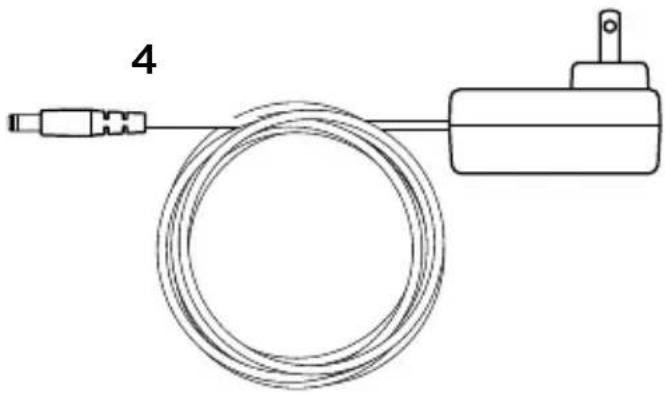
natural_image
Simple line drawing of a cable and connector with a terminal block (no text or symbols)- „Logitech Bluetooth® garso adapteris
-
Vartotojo dokumentacija
-
RCA-3,5 mm laidas
- Maitinimo adapteris

Nustatymas
flowchart
graph TD
    A["Input 1"] --> B["Switch"]
    B --> C["Switch A"]
    C --> D["RC"]
    D --> E["AUX"]
    E --> F["AUX Audio IN"]
    F --> G["Output"]
    style A fill:#f9f,stroke:#333
    style B fill:#ccf,stroke:#333
    style C fill:#cfc,stroke:#333
    style D fill:#fcc,stroke:#333
    style E fill:#cff,stroke:#333
    style F fill:#ffc,stroke:#333
    style G fill:#cfc,stroke:#333
natural_image
Line drawing of a coiled cable with two connectors (no text or symbols)4
natural_image
Simple line drawing of a coiled wire connected to a cylindrical device (no text or symbols)- Logitech Bluetooth® Audio Adapter
-
Korisnička dokumentacija
-
RCA na kabel od 3,5 mm
- Prilagodnik napajanja

Postavljanje
flowchart
graph TD
    A["Power Supply"] -->|1| B["Audio System"]
    B -->|2| C["RCA Module"]
    C -->|A| D["AUX Audio In"]
    C -->|B| E["AUX Audio In"]
- Povežite napajanje do uređaja Logitech Bluetooth Audio Adapter Zatim uključite kabel za napajanje u električnu utičnicu.
-
A. Ako se RCA priključnica nalazi na vašem sustavu zvučnika tada:
-
Povežite RCA priključak na zvučnik.
- Povežite drugi kraj kabela na uređaj Logitech Bluetooth Audio Adapter.
B. Ako se priključnica od 3,5 mm nalazi na vašem sustavu zvučnika tada:
- Povežite priključak od 3,5 mm na zvučnik.
- Povežite drugi kraj kabela na uređaj Logitech Bluetooth Audio Adapter.
- Pritisnite gumb za uparivanje na uređaju Logitech Bluetooth Audio Adapter. Započet će uparivanje i LED lampica počet će treperiti (za prvog korisnika postupak uparivanja započet će automatski).
- Uključite Bluetooth način rada (ON) (na svojem uređaju) i potražite Bluetooth uređaje. Na popisu uređaja vidjet ćete "Logitech BT Adapter". Označite ga i povežite se. "Logitech BT Adapter" prikazat će povezani status.
- LED lampica svijetlit će plavo. Sada možete bežično reproducirati glazbu kroz svoj audio uređaj!

Istodobno povezivanje s dvama uređajima
flowchart
graph TD
    A["1 Bluetooth Device"] -->|Bluetooth 2| B["Device Icon"]
    C["2 Bluetooth Device"] -->|Bluetooth 2| B
    D["121212 Smartphone"] -->|↓| E["Video Player Icon"]
    E --> F["121212 Smartphone"]
    G["121212 Smartphone"] -->|↓| H["Video Player Icon"]
    H --> I["121212 Smartphone"]
    J["121212 Smartphone"] -->|↓| K["Video Player Icon"]
- Provjerite jesu li oba uređaja povezana s uređajem Logitech Bluetooth Audio Adapter slijedeći korake 1 do 5 uputa za postavljanje. U slučaju da niste povezani, provjerite popis Bluetooth uređaja, odaberite "Logitech BT Adapter" i ponovno se povežite.
II. Reproducirajte glazbu na prvom uređaju.
III. Zaustavite reprodukciju glazbe na drugom uređaju.
IV. Započnite reprodukciju na drugom uređaju, zvuk će se automatski prebaciti i reproducirati s drugog uređaja. Prebacivanje između uređaja može potrajati nekoliko sekundi.
Ponovno povezivanje Bluetooth uređaja
Uređaj Logitech Bluetooth Audio Adapter automatski će se prebaciti na uređaj 1 koji je zadnji povezan.
Ako ne koristite uređaj koji ste zadnji povezali i želite se ponovno povezati s uređajem Logitech Bluetooth Audio Adapter, trebate označiti Logitech Bluetooth Audio Adapter na popisu Bluetooth uređaja na svojem uređaju (1). Tada ćete ponovno biti povezani na Logitech Bluetooth Audio Adapter i moći ćete reproducirati glazbu sa svojeg uređaja (2).
Dodajte uređaje
Uređaj Logitech Bluetooth Audio Adapter može pohraniti do osam Bluetooth uređaja u svoju memoriju (dva uređaja mogu se povezati istodobno). Za postavljanje svakog uređaja slijedite upute za postavljanje.
2

Sadržaj pakovanja
1
2
3
natural_image
Line drawing of a coiled cable with two connectors (no text or symbols)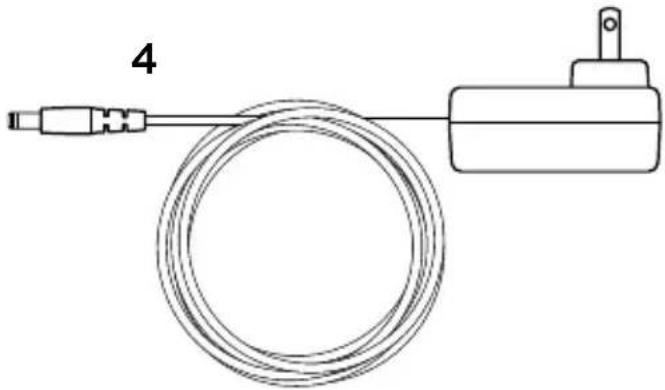
natural_image
Simple line drawing of a cable and connector with a terminal block (no text or symbols)- Logitech Bluetooth ^® audio adapter
-
Dokumentacija za korisnika
-
RCA na 3,5 mm kabl
- Adapter za napajanje

Podešavanje
flowchart
graph TD
    A["Power Supply"] -->|1| B["Audio System"]
    B -->|2| C["RCA Module"]
    C --> D["AUX Audio In"]
    C --> E["AUX Audio"]
    style A fill:#f9f,stroke:#333
    style B fill:#ccf,stroke:#333
    style C fill:#cfc,stroke:#333
    style D fill:#fcc,stroke:#333
    style E fill:#cff,stroke:#333
-
Povežite napajanje sa Logitech Bluetooth audio adapterom. Zatim priključite kabl za napajanje sa električnom utičnicom.
-
A. Ako imate RCA priključak na sistemu zvučnika, uradite sledeće:
- Povežite RCA konektor sa zvučnikom.
- Povežite drugi kraj kabla sa Logitech Bluetooth audio adapterom
B. Ako imate priključak od 3,5 mm na sistemu zvučnika, uradite sledeće: - Povežite konektor od 3,5 mm sa zvučnikom. - Povežite drugi kraj kabla sa Logitech Bluetooth audio adapterom.
natural_image
Line drawing of a coiled cable with two connectors (no text or symbols)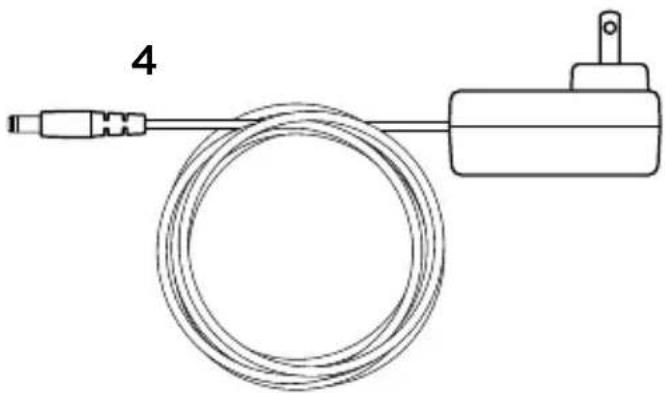
natural_image
Simple line drawing of a cable and connector with a terminal block (no text or symbols)natural_image
Line drawing of a coiled cable with two connectors (no text or symbols)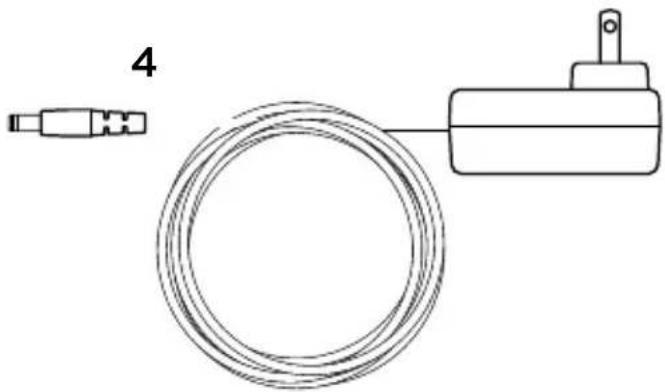
natural_image
Simple line drawing of a cable and a mechanical device (no text or symbols)- Adaptér Logitech Bluetooth® Audio Adapter
-
Používatel'ská dokumentácia
-
Kábel RCA - 3,5 mm
- Napájací adaptér

Nastavenie
flowchart
graph TD
    A["Input 1"] --> B["Switch"]
    B --> C["Switch A"]
    C --> D["RC"]
    D --> E["AUX"]
    E --> F["AUX Audio IN"]
    F --> G["Output"]
    style A fill:#f9f,stroke:#333
    style B fill:#ccf,stroke:#333
    style C fill:#cfc,stroke:#333
    style D fill:#fcc,stroke:#333
    style E fill:#cff,stroke:#333
    style F fill:#ffc,stroke:#333
    style G fill:#cfc,stroke:#333
natural_image
Line drawing of a coiled cable with two connectors (no text or symbols)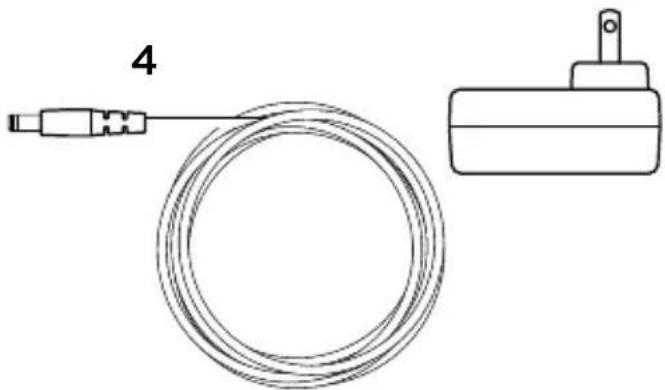
natural_image
Simple line drawing of a cable and a mechanical component (no text or symbols)- Adaptor audio Logitech Bluetooth®
-
Documentatie pentru utilizator
-
Cablu RCA la 3,5 mm
- Adaptor de alimentare

Configurarea
flowchart
graph TD
    A["Power Supply"] -->|1| B["Audio System"]
    B -->|2| C["RCA Module"]
    C --> D["AUX Audio In"]
    D --> E["AUX Audio"]
    style A fill:#f9f,stroke:#333
    style B fill:#ccf,stroke:#333
    style C fill:#cfc,stroke:#333
    style D fill:#fcc,stroke:#333
    style E fill:#cff,stroke:#333
natural_image
Line drawing of a coiled cable with two connectors (no text or symbols)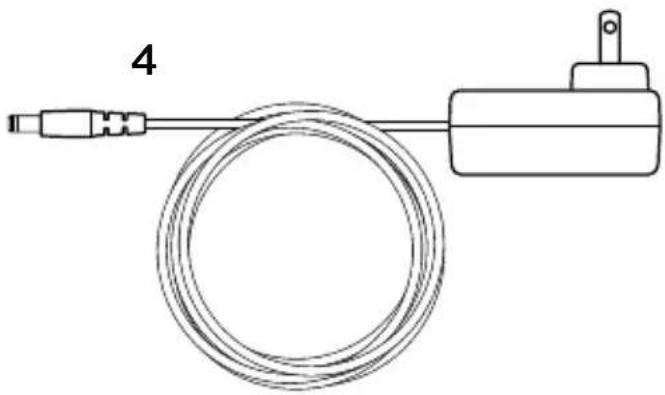
natural_image
Simple line drawing of a cable and connector with a terminal block (no text or symbols)natural_image
Line drawing of a coiled cable with two connectors (no text or symbols)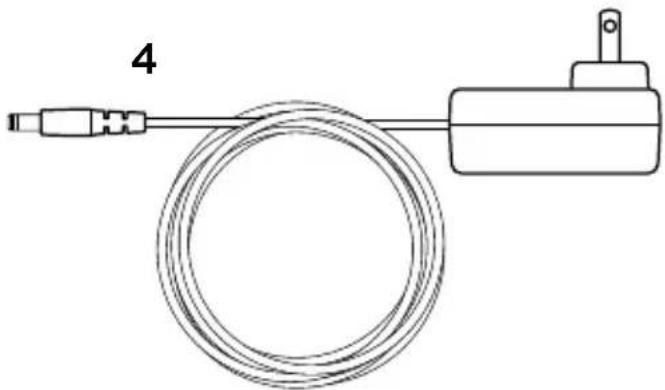
natural_image
Simple line drawing of a cable and connector with a terminal block (no text or symbols)natural_image
Line drawing of a coiled cable with two connectors (no text or symbols)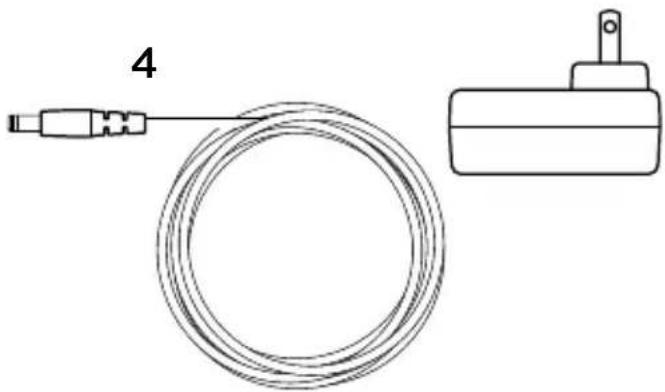
natural_image
Simple line drawing of a cable and a mechanical component (no text or symbols)5
flowchart
graph LR
    A["Mobile Device"] -->|Signal| B["Wi-Fi Access Box"]
    B -->|Signal| A
www.logitech.com/support/bluetooth-audio-adapter
© 2014 Logitech. All rights reserved. Logitech, the Logitech logo, and other Logitech marks are owned by Logitech and may be registered. Bluetooth® is a registered trademark of Bluetooth SIG, Inc. All other trademarks are the property of their respective owners. Logitech assumes no responsibility for any errors that may appear in this manual. Information contained herein is subject to change without notice.
621-000364.002
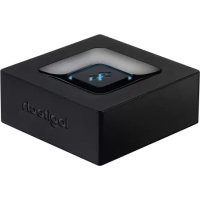
Brand : LOGITECH
Model : Bluetooth Audio Adapter
Category : Bluetooth Receiver