TV1210 - Fan BlueBuilt - Free user manual and instructions
Find the device manual for free TV1210 BlueBuilt in PDF.



User questions about TV1210 BlueBuilt
0 question about this device. Answer the ones you know or ask your own.
Ask a new question about this device
Download the instructions for your Fan in PDF format for free! Find your manual TV1210 - BlueBuilt and take your electronic device back in hand. On this page are published all the documents necessary for the use of your device. TV1210 by BlueBuilt.
USER MANUAL TV1210 BlueBuilt
10 minutes 1 person 4 beads of sweat
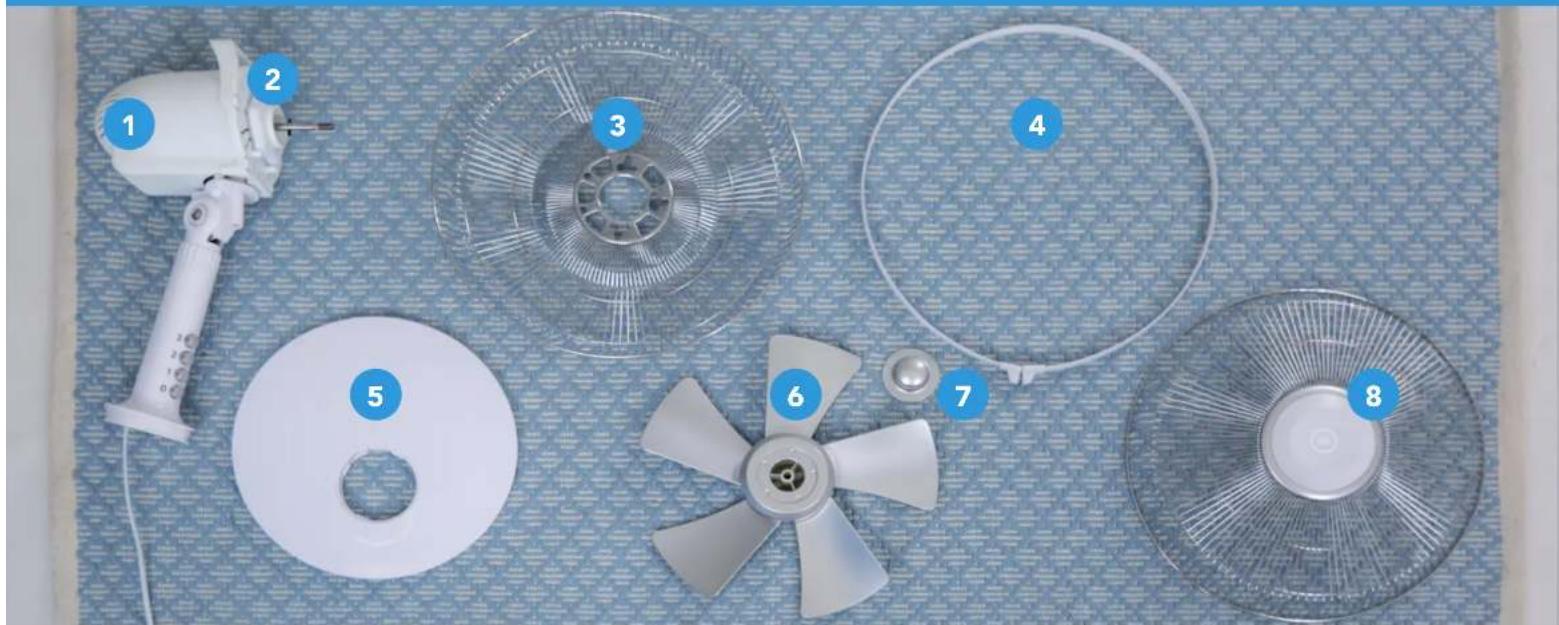
In the box
1 Fan motor, 2 Grillie attachment, 3 Rear grille, 4 Grillie closure ring
5 Stand, 6 Fan blades, 7 Fan fastener, 8 Front grille.
Your own tools
+cross-head screwdriver.
CHECKLIST
You're 50% there.

Make sure the connector isn't plugged into the socket.

Tip:
Don't throw out the box containing the fan, but use it to store the fan at the end of the season.

Need help?
Call 010 798 89 99
Coolblue.nl/en/customer-service
Follow all instructions as described here and only use the included parts. Always let experts handle repairs, or the warranty will be voided and we won't be liable. That would be a waste of your purchase. Coolblue isn't liable for any injury, damage, or bad hair days as a result of incorrect Installation.
A
CBL1172/CBL1173/CBL1174
1. ASSEMBLING THE STAND
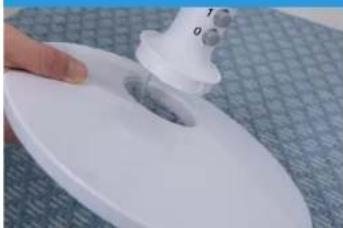
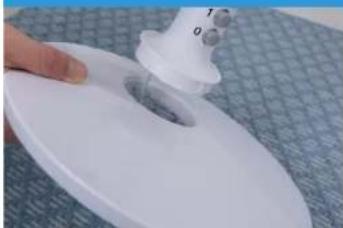
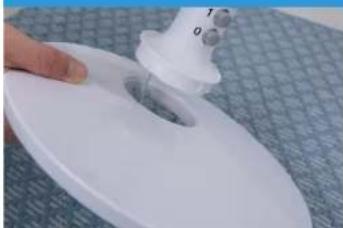
Pull the power cord through the hole in the stand 5.
Place the fan motor 1 on the stand 5, in such a way that the protrusions fit the cutouts of the stand 5.
Rotate the fan motor clockwise to attach it to the stand
4. FAN BLADES
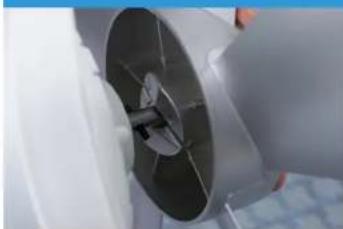
Push the fan blades onto the motor axle of the fan motor as far as you can.
Make sure that the 2 pins of the motor axle fit into the grooves of the fan blades.
2. GRILLE ATTACHMENT
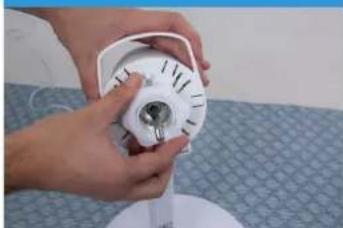
Rotate the grille attachment 2
counter-clockwise to remove it from the motor axle.
5. FAN FASTENER
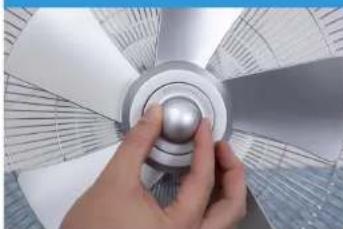
Attach the fan blades with the fan fastener, by rotating it counterclockwise.
Check if the fan blades can rotate freely by rotating them manually.
3 REAR GRILLE ATTACHMENT
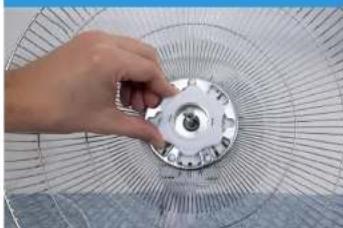
Place the rear grille on the designated pins on the fan motor 1.
Attach it with the grille attachment by rotating it clockwise.
6 FRONT GRILLE ATTACHMENT
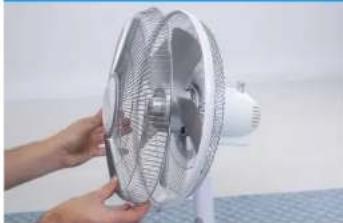
Open the grille closure ring 4 by about 3mm. Place the grille closure ring 4 around the rear grille 3
Put the front grille on the rear grille 3 and close the grille closure ring 4.
INSTALLATION DU VENTILATEUR
CBL1172/CBL1173/CBL1174
1. INSTALLER LE SOCLE
CBL1172/CBL1173/CBL1174
1. VOET MONTEREN
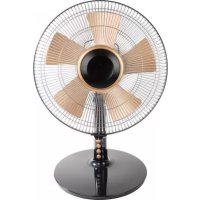
BlueBuilt TV1210 - Table Fan
CONTENTS.
Table shaped.
Technical information 3.
Safety instructions 4.
How it works 6.
Different settings 6.
Ventilation 6.
Oscillation 7.
Maintenance 8.
Occasional cleaning 8.
End-of-season cleaning 9.
Troubleshooting 10.
TECHNICAL INFORMATION.
T3(N[CA]_.
| Model | BlueBuilt TV1210 |
| Connection voltage 220-240V/50Hz | |
| Required power 40W | |
| Fan blades Ø 12 inches/30cm | |
| Weight (kg) 2.2 | |
| Dimensions (cm) 27.5x30x52 | |
SAFETY INSTRUCTIONS.
Better safe than sorry.
- This fan is only suitable for indoor use. Don't use it outdoors, as that will void the warranty.
- Have you discovered damage to the fan or its connector while you were unpacking it? Send it back or have it repaired by an expert, but don't use the machine.
- Make sure to fully assemble the fan before plugging the connector into the socket. Read how to do this in the installation manual.
- Only use the fan on a flat, sturdy, and horizontal surface.
- Don't put or hang anything on the machine and don't cover it. Don't place the fan near any curtains or other materials that may be sucked into the fan. This may cause the motor to jam, which leads to overheating.
- This machine may be used by children aged 8 years and up and by people with reduced physical, sensory, or mental capabilities or lack of experience and knowledge, provided that they're supervised or have received instructions on how to safely use the machine, and that they understand the dangers involved.
- Children shouldn't play with the machine. Children shouldn't clean or perform user maintenance without supervision.
- Turn off the fan when you leave, even if it's for a short period of time.
- Don't use the machine in a humid environment, such as the bathroom. Prevent splashing on or in the machine.
- Turn off the machine immediately when you hear a strange noise, smell something, or see smoke.
- Don't use the fan in a room with flammable or explosive substances and gases. A spark from the switch/motor may lead to an explosion.
- Never put your fingers, hands, arms or any objects inside the machine. This may hurt, cause injuries, or damage the fan.
- Never put the fan in an open window. Any rain hitting the fan may cause an electric shock.
-
Never touch the fan or connector with wet hands.
-
Don't connect the fan to a dimmer or timer.
- Don't set the fan on fire.
- Never pull the cord or the connector.
- Don't roll up the cord too tightly.
- Never repair the machine or the connector yourself. Always let an expert handle repairs.
- Always turn off the fan and remove the connector from the socket before cleaning or moving it.
- Don't let the fan continuously blow on small children, patients, or people who have difficulty walking. Their joints may stiffen or they may experience other physical complaints.
- Never use the fan in a room that's warmer than 40^ C .
HOW IT WORKS.
Go for it.
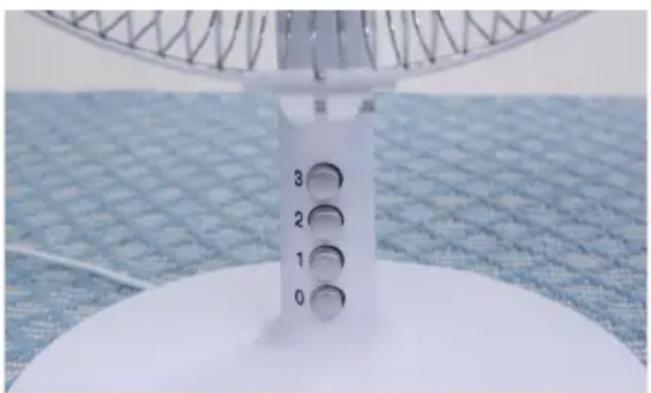
The fan has various settings to ventilate the room. Use the buttons on the top part of the stand to switch between settings.
Ventilation
The fan blows the air through the room at a constant speed. The fan has 3 different speed settings.
- Press one of the buttons to choose the fan setting.
- Press 1 when you want a low speed (sleep mode). This setting has fewer RPM and makes less noise.
- Press 2 for an average speed.
- Press 3 for a high speed.
- Press 0 to turn off the fan.
Oscillation
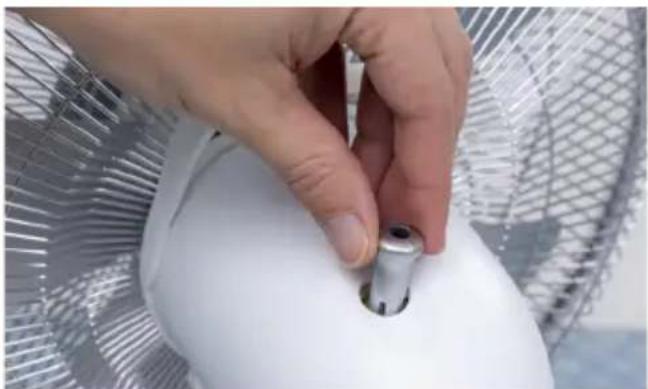
Oscillation means that there's movement in the airflow. The fan will swivel at a 75-degree angle.
- Press the button on the back of the fan to let it swivel.
- Pull this button back up to stop the fan from swiveling.
MAINTENANCE.
Nearly done.
Always turn off the machine and remove the connector from the socket before cleaning or doing maintenance on the machine.
Occasional cleaning
The fan doesn't need a lot of maintenance, but you don't want it to spread dust around the house either. To prevent this, it's important to clean the fan every so often.
- Clean the fan with a soft cloth or a feather duster on a regular basis, otherwise the fan will spread dust around the room.
- Are the grilles dirty? Open the front grille and clean it with a damp cloth. Clean the fan blades too, now that the grille is off.
- Make sure that no water enters the machine. Always dry the fan with a soft, dry cloth before turning it on again.
- Never use aggressive cleaners, gasoline, detergents, chemically impregnated cleaning cloths, or other cleaning solutions. They may cause discoloration or deformation of the fan.
End-of-season cleaning
Is the sun setting earlier again and is the temperature no longer causing you to sweat? If so, you probably no longer need the fan. To make sure you can use the fan again without any problems next summer, the way you store the fan is very important.
- Turn off the fan, remove the connector from the socket, and clean it.
- Apply some lubricant to the motor axle to prevent rust. An example of a lubricant is silicone spray.
- Store the fan in its original packaging or in a plastic bag. Store it in a safe and dry place.
- Don't put any objects on top of the machine. The grilles may bend and damage the fan.
TROUBLESHOOTING.
Need a Band-Aid.
| Problem Check the following | |
| The fan blade doesn't rotate while the fan is turned on. | ·Is the connector properly plugged into the socket? ·Is the socket connected to power? ·Is the blade blocked somewhere, for example due to damage, deformation of the protective grille, or a strange object? |
| The fan blade doesn't rotate while the fan is turned on. | ·Have the fan blades been placed on the motor axle as far as possible? Take a look at the installation manual to see whether you've properly assembled the machine. ·Is the fan deformed, causing the fan blades to touch the protective grille? ·Did you properly lubricate the motor axle before storing the machine? |
| The machine won't start when I press the ON/OFF button. | ·Is the connector plugged into the socket? ·Is the ground fault circuit interrupter on? ·Is there a power outage in the neighborhood? ·Is something blocking the fan blade? |
Disposal
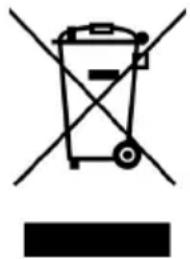
In the EU, this symbol indicates that this product may not be disposed of as ordinary household waste. Old equipment contains valuable materials that can and should be recycled to prevent any adverse effects to health and the environment caused by unregulated waste collection. Make sure to bring old equipment to a designated collection point or contact the company where you bought the machine. They can make sure that as many of the components as possible can be recycled.
CE Declaration
Coolblue BV, Weena 664, 3012 CN Rotterdam
hereby declares that the following products:
BlueBuilt Table Fan
known under the brand
BlueBuilt, type TV1210
meet the requirements of the standards below:
LVD 2014/35/EU: EMC 2014/30/EU:
EN 60335-1:2012 + A11:2014 EN 55014-1:2006 + A1:2009 + A2:2011
EN 60335-2-80:2003 + A1:2004 EN 55014-2:1997 + A1:2001 + A2:2008
+A2:2009 EN61000-3-2:2014
EN 62233:2008 EN 61000-3-3:2013

BACKSIDE.
Stop staring.

BlueBuilt, type TV1210
BlueBuilt, type TV1210