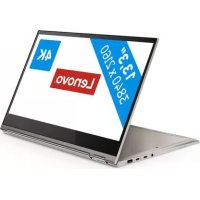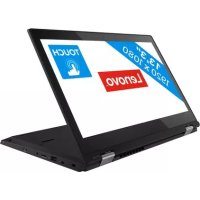
ThinkPad L390 Yoga - Laptop LENOVO - Free user manual and instructions
Find the device manual for free ThinkPad L390 Yoga LENOVO in PDF.


User questions about ThinkPad L390 Yoga LENOVO
0 question about this device. Answer the ones you know or ask your own.
Ask a new question about this device
Download the instructions for your Laptop in PDF format for free! Find your manual ThinkPad L390 Yoga - LENOVO and take your electronic device back in hand. On this page are published all the documents necessary for the use of your device. ThinkPad L390 Yoga by LENOVO.
USER MANUAL ThinkPad L390 Yoga LENOVO
L390, L390 Yoga, S2 4th Gen et S2 Yoga 4th
Gen
A litre en premier
Foire aux questions. 65
Centre de support client Lenovo 71
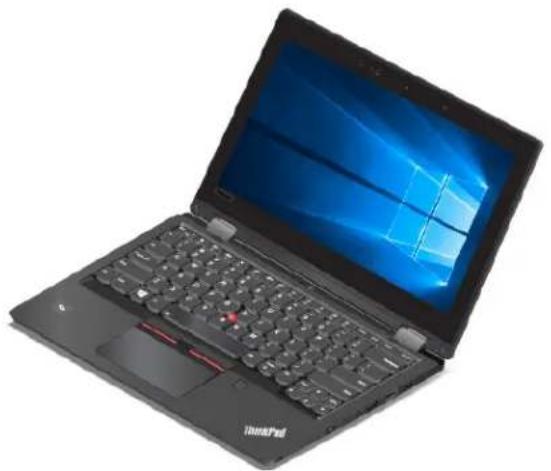
Mode Portable Mode Sur support
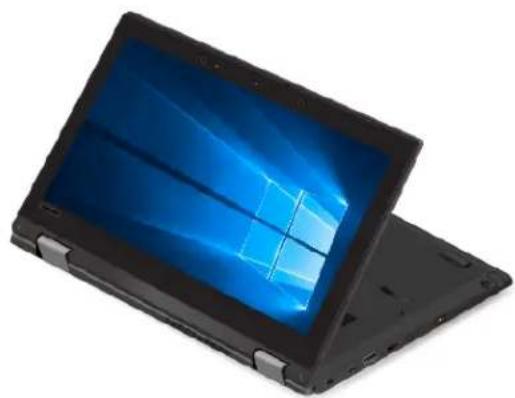
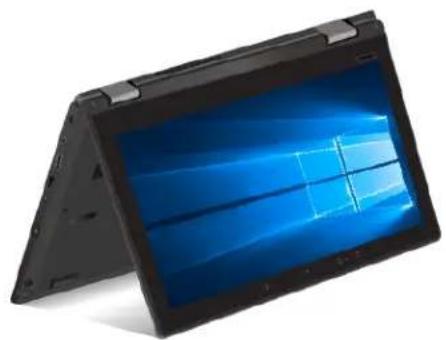
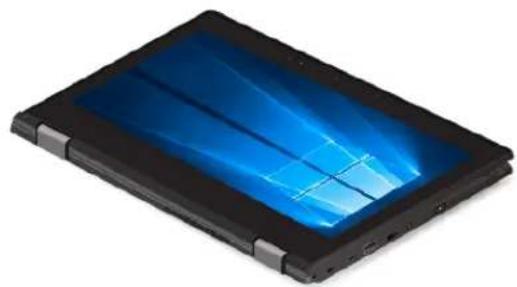
Mode Chevalet Mode Tablette graphique
Avant de commencer, imprimez ces instructions.
https://pcsupport.lenovo.com/supportphonelist
Centre de support client Lenovo
https://pcsupport.lenovo.com/supportphonelist
https://www.lenovo.com/accessibility
Raccourcis clavier
https://www.adobe.com/accessibility.html?promoid=DJGVE
https://www.freedomscientific.com/Products/Blindness/JAWS
https://www.nvaccess.org/
Résolution d'écran
https://www.lenovo.com/warranty/llw_02
https://support.lenovo.com
https://www.lenovo.com/us/en/compliance/eu-doc
This equipment is not protected against harmful interference and may not cause interference with duly authorized systems.
Mexique
Complies with IMDA Standards DB102306
Corée
早
達當早報送信行,前路逢人能成。
SAR 明陞
本段皆是前四段的重合,如能读完,便可
本当是用,
https://www.lenovo.com/recycling
https://www.lenovo.com/ecodeclaration
Informations DEEE importantes
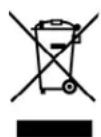
https://www.lenovo.com/recycling
Collect and recycle a disused Lenovo computer or monitor
If you are a company employee and need to dispose of a Lenovo computer or monitor that is the property of the company, you must do so in accordance with the Law for Promotion of Effective Utilization of Resources. Computers and monitors are categorized as industrial waste and should be properly disposed of by an industrial waste disposal contractor certified by a local government. In accordance with the Law for Promotion of Effective Utilization of Resources, Lenovo Japan provides, through its PC Collecting and Recycling Services, for the collecting, reuse, and recycling of disused computers and monitors. For details, visit the Lenovo Web site at:
https://www.lenovo.com/recycling/japan
Pursuant to the Law for Promotion of Effective Utilization of Resources, the collecting and recycling of home-used computers and monitors by the manufacturer was begun on October 1, 2003. This service is provided free of charge for home-used computers sold after October 1, 2003. For details, go to:
https://www.lenovo.com/recycling/japan
Dispose of Lenovo computer components
Some Lenovo computer products sold in Japan may have components that contain heavy metals or other environmental sensitive substances. To properly dispose of disused components, such as a printed circuit board or drive, use the methods described above for collecting and recycling a disused computer or monitor.
Dispose of disused lithium batteries from Lenovo computers
A button-shaped lithium battery is installed inside your Lenovo computer to provide power to the computer clock while the computer is off or disconnected from the main power source. If you need to replace it with a new one, contact your place of purchase or contact Lenovo for service. If you need to dispose of a disused lithium battery, insulate it with vinyl tape, contact your place of purchase or an industrial-waste-disposal operator, and follow their instructions.
Disposal of a lithium battery must comply with local ordinances and regulations.
Dispose of a disused battery from Lenovo notebook computers
Your Lenovo notebook computer has a lithium ion battery or a nickel metal hydride battery. If you are a company employee who uses a Lenovo notebook computer and need to dispose of a battery, contact the proper person in Lenovo sales, service, or marketing, and follow that person's instructions. You also can refer to the instructions at:
https://www.lenovo.com/jp/ja/environment/recycle/battery/
If you use a Lenovo notebook computer at home and need to dispose of a battery, you must comply with local ordinances and regulations. You also can refer to the instructions at:
https://www.lenovo.com/jp/ja/environment/recycle/battery/
https://www.lenovo.com/lenovo/environment
https://www.lenovo.com/ecodeclaration
https://www.lenovo.com/rohs-communication
The Lenovo product meets the requirements of the Republic of Turkey Directive on the Restriction of the Use of Certain Hazardous Substances in Waste Electrical and Electronic Equipment (WEEE).
RoHS compliant as per E-Waste (Management) Rules.
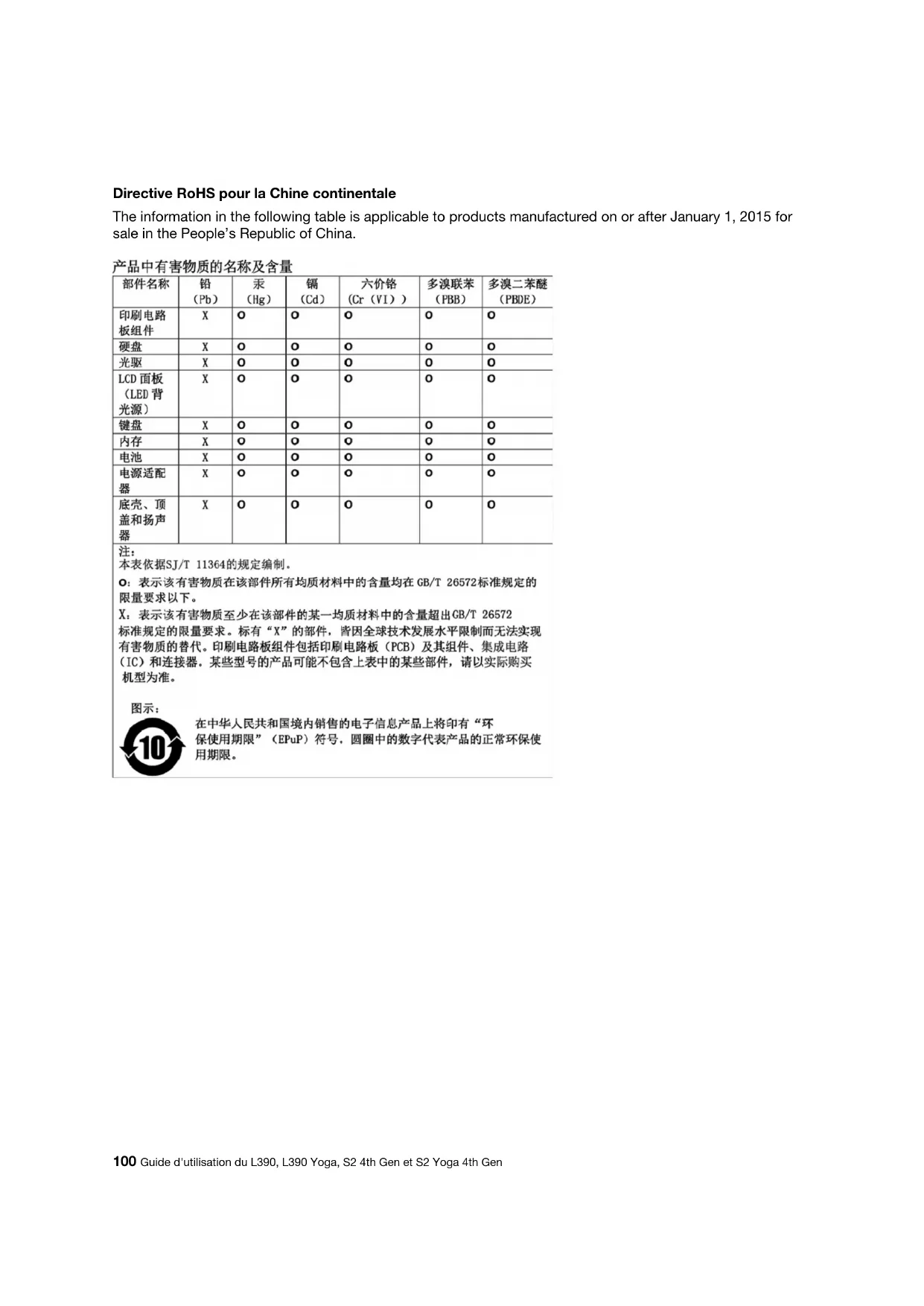
The information in the following table is applicable to products manufactured on or after January 1, 2015 for sale in the People's Republic of China.
产品中有害物质的名称及含量
| 部件名称 | 铅(Pb) | 汞(Hg) | 镉(Cd) | 六价铬(Cr( VI ) ) | 多溴联苯(PBB) | 多溴二苯醚(PBDE) |
| 印刷电路板组件 | X | 0 | 0 | 0 | 0 | 0 |
| 硬盘 | X | 0 | 0 | 0 | 0 | 0 |
| 光驱 | X | 0 | 0 | 0 | 0 | 0 |
| LCD面板(LED背光源) | X | 0 | 0 | 0 | 0 | 0 |
| 键盘 | X | 0 | 0 | 0 | 0 | 0 |
| 内存 | X | 0 | 0 | 0 | 0 | 0 |
| 电池 | X | 0 | 0 | 0 | 0 | 0 |
| 电源适配器 | X | 0 | 0 | 0 | 0 | 0 |
| 底壳、顶盖和扬声器 | X | 0 | 0 | 0 | 0 | 0 |
This equipment has been tested and found to comply with the limits for a Class B digital device, pursuant to Part 15 of the FCC Rules. These limits are designed to provide reasonable protection against harmful interference in a residential installation. This equipment generates, uses, and can radiate radio frequency energy and, if not installed and used in accordance with the instructions, may cause harmful interference to radio communications. However, there is no guarantee that interference will not occur in a particular installation. If this equipment does cause harmful interference to radio or television reception, which can be determined by turning the equipment off and on, the user is encouraged to try to correct the interference by one or more of the following measures:
- Reorient or relocate the receiving antenna.
- Increase the separation between the equipment and receiver.
- Connect the equipment into an outlet on a circuit different from that to which the receiver is connected.
- Consult an authorized dealer or service representative for help.
Lenovo is not responsible for any radio or television interference caused by using other than recommended cables and connectors or by unauthorized changes or modifications to this equipment. Unauthorized changes or modifications could void the user's authority to operate the equipment.
This device complies with Part 15 of the FCC Rules. Operation is subject to the following two conditions: (1) this device may not cause harmful interference, and (2) this device must accept any interference received, including interference that may cause undesired operation.
Responsible Party:
Lenovo (United States) Incorporated
7001 Development Drive
Morrisville, NC 27560
Email: FCC@lenovo.com

The ac power cord shipped with your product can be used only for this specific product. Do not use the ac power cord for other devices.
https://www.lenovo.com/compliance
Lenovo (United States), Inc.
1009 Think Place - Building One
Morrisville, NC 27560
U.S.A.
Attention: Lenovo Director of Licensing
LE PRESENT DOCUMENT EST LIVRE EN L'ETAT SANS AUCUNE GARANTIE EXPLICITE OU IMPLICITE. LENOVO DECLINE NOTAMMENT TOUTE RESPONSABILITE RELATIVE A CES INFORMATIONS EN CAS DE CONTREFACON AINSI QU'en CAS DE DEFAULT D'APTITUDE A L'EXECUTION D'UN TRAVAIL DONNE. Certaines juridictions n'autorisent pas l'exclusion des garanties implicites, auquel cas I'exclusion ci-dessus ne vous sera pas applicable.
https://support.lenovo.com