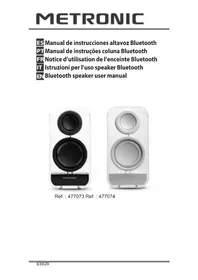
477074 - Loudspeaker METRONIC - Free user manual and instructions
Find the device manual for free 477074 METRONIC in PDF.

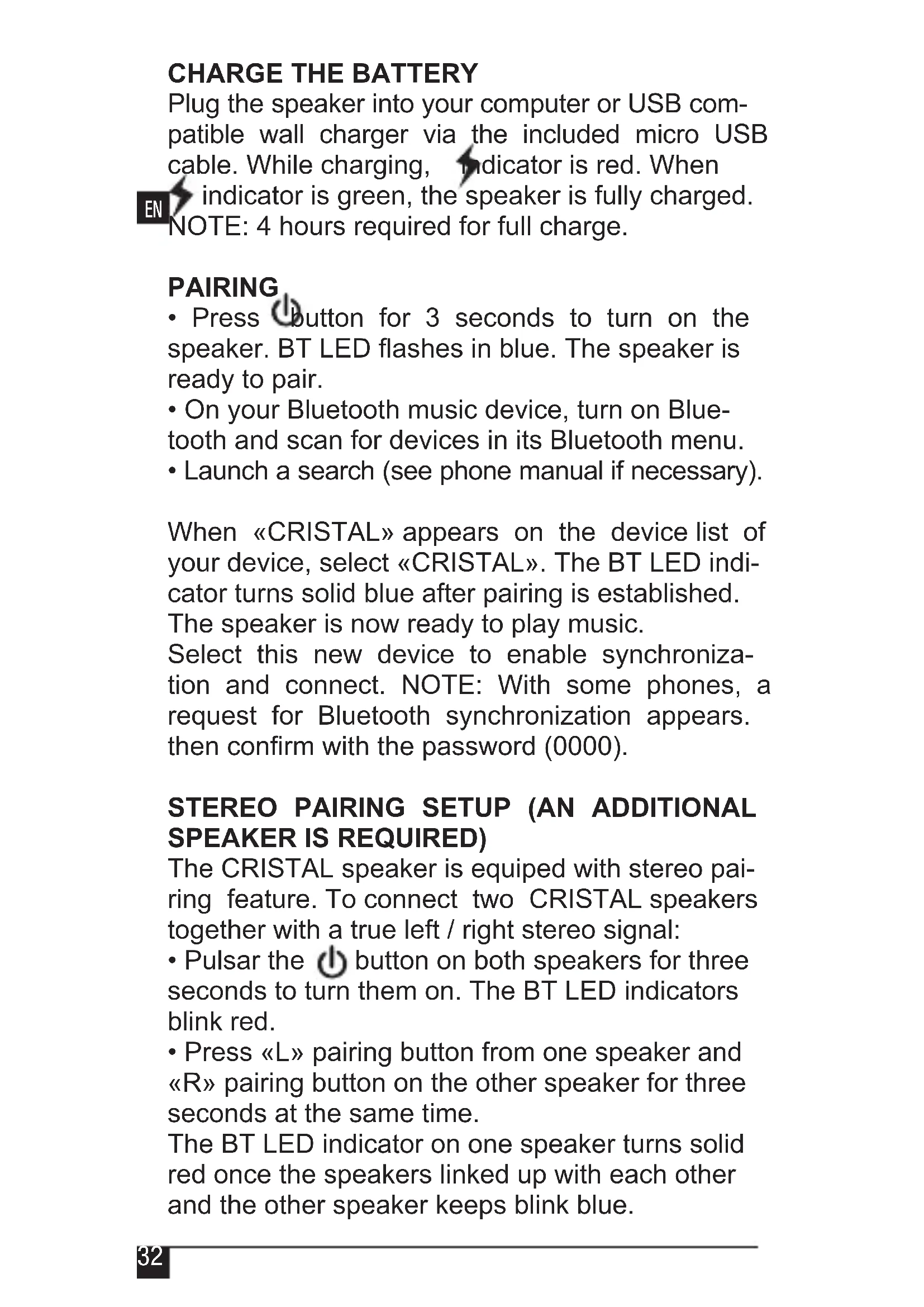


| Product Type | Bluetooth Speaker |
| Brand | Metronic |
| Model | CRISTAL (477074 White) |
| Dimensions | 175 x 90 x 75 mm |
| Weight | 460 g |
| Power Supply | Built-in battery 2800 mAh, recharge via USB (DC 5V/1A) |
| Battery Life | Up to 3 hours |
| Charging Time | 4 hours |
| Connectivity | Bluetooth 3.0, range 10 m, AUX input 3.5 mm |
| Sound Power | 3W + 5W (extra bass) |
| Main Functions | Bluetooth pairing, stereo mode (2 speakers), volume control, hands-free |
| Accessories Included | Micro USB cable, 3.5 mm jack cable |
| Color | White |
| Care and Cleaning | Use a soft, dry cloth. Do not use abrasive products. |
| Safety | Do not dispose of with household waste. Recycle used batteries. |
| Spare Parts and Repairability | Contact Metronic customer service (hotline@metronic.com or 0 892 350 315) |
| General Information | Compliant with EU directives (low voltage, radio, RoHS). Warranty from the retailer. |
Frequently Asked Questions - 477074 METRONIC
User questions about 477074 METRONIC
0 question about this device. Answer the ones you know or ask your own.
Ask a new question about this device
Download the instructions for your Loudspeaker in PDF format for free! Find your manual 477074 - METRONIC and take your electronic device back in hand. On this page are published all the documents necessary for the use of your device. 477074 by METRONIC.
USER MANUAL 477074 METRONIC
natural_image
Exterior view of a modern office building (no signage)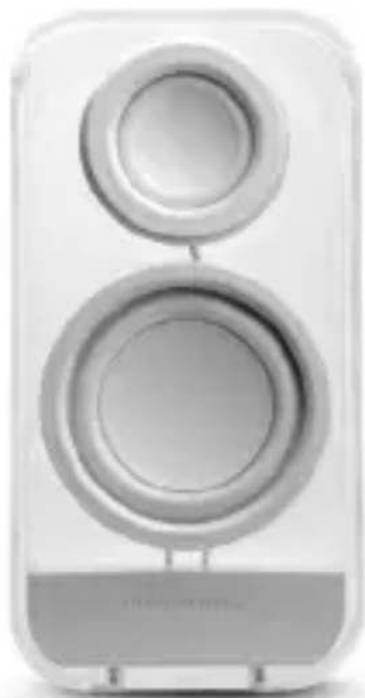
natural_image
White speaker with two circular speakers, no visible text or symbolsRef.: 477073 Ref.: 477074

natural_image
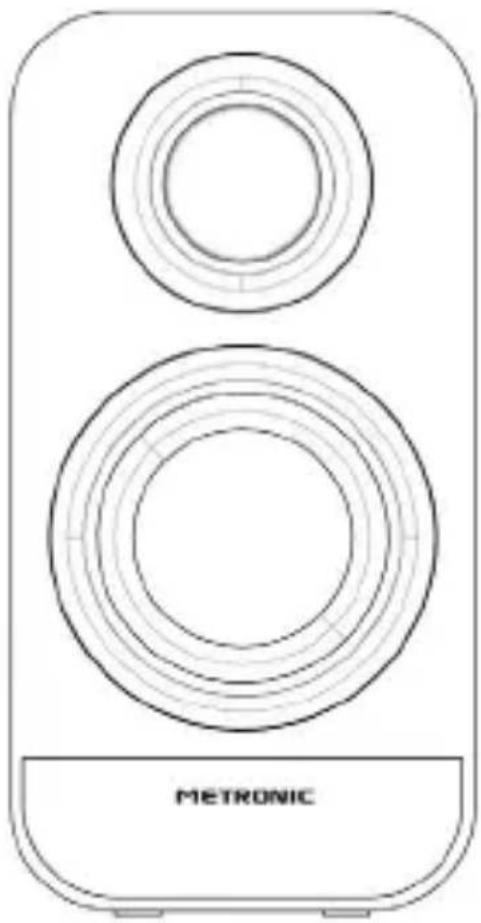
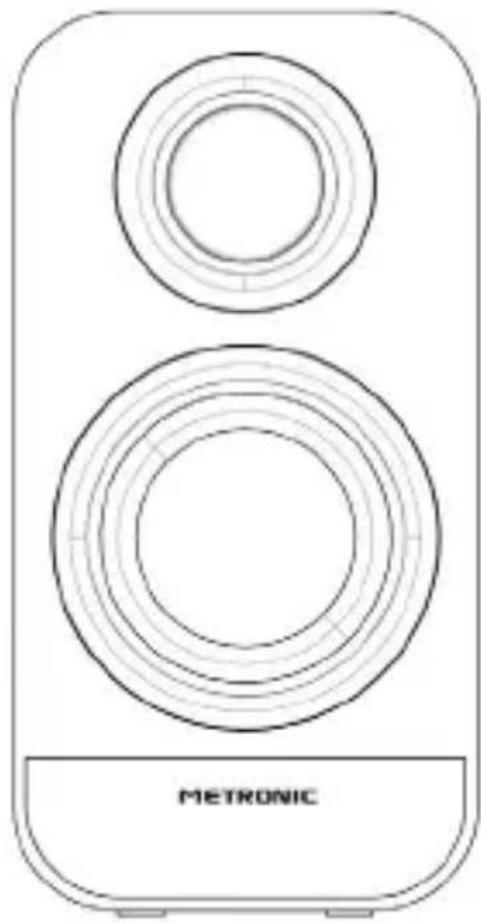
Line drawing of a two-tiered device with concentric circular components and a labeled 'METRONIC' base (no other text or symbols)Director General

- 3W+5W (extra bass)
- Conectividade :
Diretor Geral
Directeur général
INFORMAZIONE AGLI UTENTI DI APPARECCHIATURE DOMESTICHE
natural_image
Line drawing of a two-tiered device with concentric circular components and a 'METRONIC' label at the base (no other text or symbols)IT
Direttore Generale
This logo means that it does not have to throw equipment damaged or already used with the ordinary sweepings. These equipment are susceptible to contain dangerous substances that can harm the health and the environment. It demands the
collection of these equipment by his distributor or uses the means of selective collection that are to their disposition in their locality

Out of respect for the environment and the law, not place used batteries with ordinary garbage. Deposit them in special containers at points of sale.
DESCRIPTION
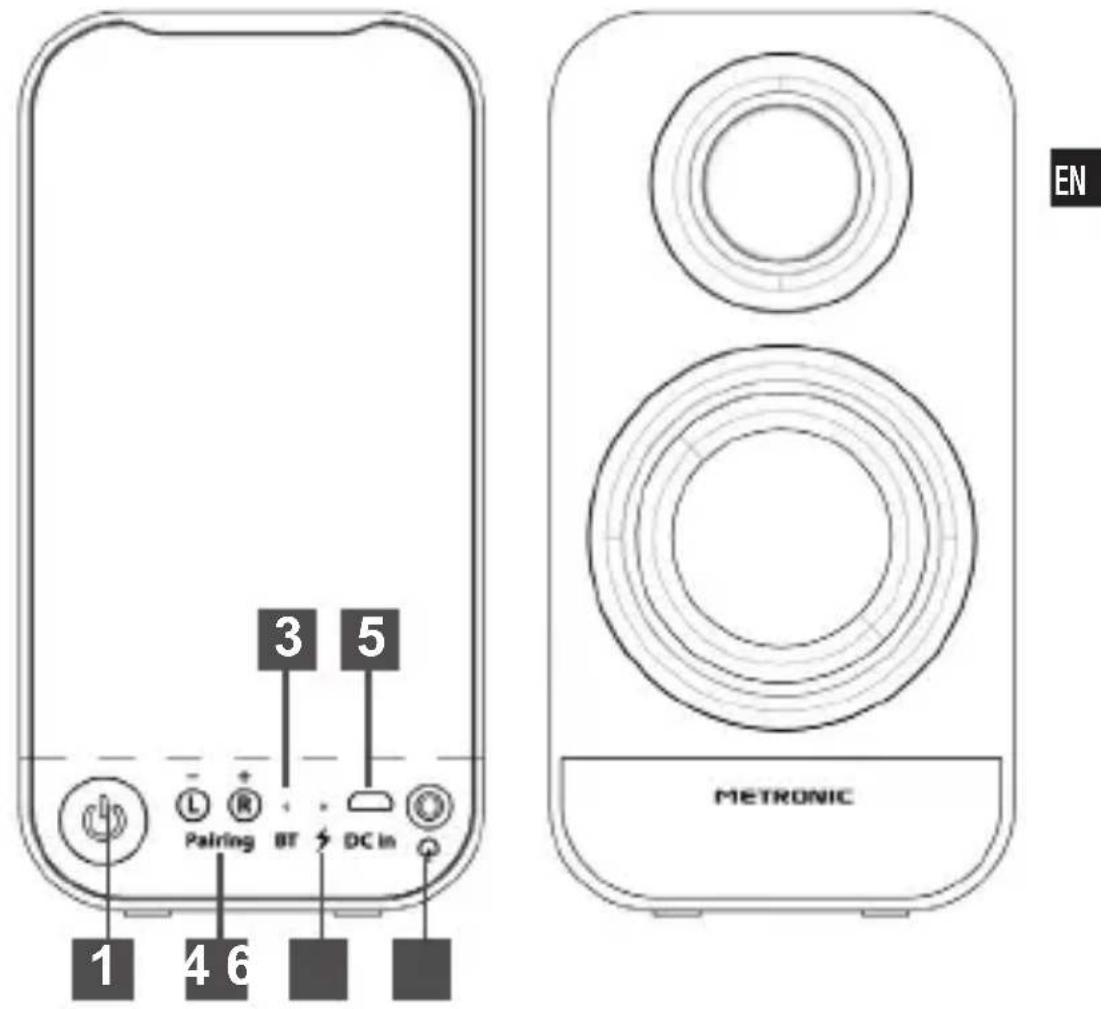
| 1 |  Power button Power button |
| 2 | PAIR button left/right |
| 3 | BT LED:Flashing blue: pair modeBlue: connected |
| 4 |  ED :RED: charging / GREEN: fully charged. ED :RED: charging / GREEN: fully charged. |
| 5 | Micro USB input : Recharge the battery |
| 6 |  LINE IN: Audio jack 3.5mm input LINE IN: Audio jack 3.5mm input |
CHARGE THE BATTERY
Plug the speaker into your computer or USB compatible wall charger via the included micro USB cable. While charging, indicator is red. When indicator is green, the speaker is fully charged. NOTE: 4 hours required for full charge.
PAIRING
- Press button for 3 seconds to turn on the speaker. BT LED flashes in blue. The speaker is ready to pair.
- On your Bluetooth music device, turn on Bluetooth and scan for devices in its Bluetooth menu.
- Launch a search (see phone manual if necessary).
When «CRISTAL» appears on the device list of your device, select «CRISTAL». The BT LED indicator turns solid blue after pairing is established. The speaker is now ready to play music.
Select this new device to enable synchronization and connect. NOTE: With some phones, a request for Bluetooth synchronization appears. then confirm with the password (0000).
STEREO PAIRING SETUP (AN ADDITIONAL SPEAKER IS REQUIRED)
The CRISTAL speaker is equipped with stereo pair-ring feature. To connect two CRISTAL speakers together with a true left / right stereo signal:
- Pulsar the ⏻ button on both speakers for three seconds to turn them on. The BT LED indicators blink red.
- Press «L» pairing button from one speaker and «R» pairing button on the other speaker for three seconds at the same time.
The BT LED indicator on one speaker turns solid red once the speakers linked up with each other and the other speaker keeps blink blue.
- On your Bluetooth music device, turn on Bluetooth and scan for devices in its Bluetooth menu. The BT LED indicator turns solid blue after pairing is established. The speaker is now ready to play music in stereo mode.
EN
VOLUME CONTROL
After paired with the smartphone device
- Press L each time to volume DOWN
- Press R each time to volume UP
Do not hold the L/R button for volume UP/DOWN, because it will enter to the searching mode for stereo fucntion.
RECONNECTING BLUETOOTH DEVICE
The speaker has a 10mts range in open field. If you move out of range or turn off the Bluetooth feature on your Bluetooth device, the Bluetooth speaker will disconnect from your device. To reconnect, simply follow the instruction in the «pair-ring» section.
CHANGING CONNECTED BLUETOOTH DEVICE
- Disable the Bluetooth function of your Bluetooth device.
- The Bluetooth speaker can now be connected to the different Bluetooth device.
- Following the instructions in the «pairing» section.
AUX IN MODE
You can plug a device to the AUX IN jack with the included 3.5mm cable.
- Turn on the speaker and plug the non-Bluetooth audio device via the included 3,5mm aux cable. The speaker is ready to play music.
SPECIFICATIONS
Model: CRISTAL
- Output power :
- 3W+5W (extra bass)
EN
Input :
Audio jack input 3,5mm : to plug a non-Bluetooth audio device
- Bluetooth specs :
- Bluetooth version : Bluetooth 3.0
- Range : up to 10 m
- Supported Bluetooth profiles : HFP, HSP, ASDP & AVRCP
- Playback time :
- Up to 6 hours
- Power :
- Internal battery 2800mAh
- Recharged in any USB port
- Charge time: 4 hours
- Input voltage: DC 5V / 1A
- Included in this pack :
- Micro USB cable
- Jack 3,5mm male / male cable
• Dimensions :175 x 90 x 75 mm
• Weight : 460 gr
SUPPORT
Even though our efforts in designing our products and production of this manual you may find difficulties.
Please call us, we will respond as it deserves:
Monday to Thursday: from 9 to 12,30h and from 14.30 to 17h.
Friday: from 8,30 to 13,30h
902 09 01 36 or soporte@metronic.com
• Device : CRISTAL Bluetooth speaker (477073-black / 477074-white)
METRONIC
WARRANTY CERTIFICATE
This device has a legal guarantee of 2 years (24 months in workmanship and materials from the date of purchase. In case of damage, the customer must send the product for repair. It is recommendable to send the product in its original packaging, well protected to prevent damage in shipping. Device must be sended (INCLUDING RCU OR MOUSE AND RF MODULE) attaching the Certificate of Legal guarantee and a copy of proof of purchase (invoice or receipt).
METRONIC will check that the device is under warranty and has not been subject to misuse or manipulation, and then be repaired. Once repaired, the cost of transportation back to your home are under our care (only Peninsula and Balearic Islands). Are excluded from this warranty is damage caused due to handling of the device or remote control, physical damage caused by corrosive liquids, stains, etc.. Also are excluded damage caused by power surges from the power supply and damage by natural disasters (fire, lightning, floods, bumps and falls).
Batteries who have reached the end of its service life are not covered by warranty. Changes by damage or any part not involves any warranty extension.
During the rest of warranty period the device will be repaired if this device has not always been subject to misuse or manipulation. In case of a previous manipulation METRONIC provides a repair estimate to be paid BEFORE repair. If the warranty period has ended, you can also perform a estimate repair. You MUST contact the technical service METRONIC before sending any device.
CRISTAL Bluetooth speaker (477073-black / 477074-white) Purchase date:
EC/UE Declaration of Conformity
Spain / Portugal: Distributed by:
LINEAS OMENEX METRONIC S.L.
Pol. Ind. Can Vinyalets
C/ Can Vinyalets - parcela 6
08130 Sta. Perpètua de la Mogoda
(Barcelona) Spain
Phone: 93 713 48 08
Fax: 93 713 48 07
We, Metronic, declare, under our sole responsibility, that the product:
Description: Altavoz Bluetooth CRISTAL
Model number: 477073 (black) - 477074 (white)
satisfies the essential requirements defined in the following directives:
• 2006/95/CE (low voltage)
• 1999/5/CE (radio and telecom terminal equipments)
• 2011/65/UE (Reduction of hazardous substances in EEE)
To this respect, the product has been tested and found compliant with the relevant section
of the following standards:
• EN 60065:2002 + A12:2011
• EN 62479:2010
• EN 300 328 V1.8.1
Sta. Perpetua de la Mogoda (Barcelona), August 2016
Eric PAUL

General Manager
METRONIC
- - Conectividade :
- INFORMAZIONE AGLI UTENTI DI APPARECCHIATURE DOMESTICHE
- CHARGE THE BATTERY
- PAIRING
- STEREO PAIRING SETUP (AN ADDITIONAL SPEAKER IS REQUIRED)
- VOLUME CONTROL
- RECONNECTING BLUETOOTH DEVICE
- CHANGING CONNECTED BLUETOOTH DEVICE
- AUX IN MODE
- SPECIFICATIONS
- EN
- Input :
- SUPPORT
- METRONIC
- WARRANTY CERTIFICATE
- EC/UE Declaration of Conformity
Brand : METRONIC
Model : 477074
Category : Loudspeaker