DSPW115 - Smart Home D-LINK - Free user manual and instructions
Find the device manual for free DSPW115 D-LINK in PDF.



| Product type | Smart Wi-Fi Plug |
| Brand | D-Link |
| Model | DSP-W115 |
| Category | Smart Home |
| Power Supply | 110-240 V AC, 50/60 Hz |
| Maximum Power | 15 A (estimated) |
| Connectivity | Wi-Fi 802.11 b/g/n |
| Main Features | Remote control, scheduling, timer, real-time notifications |
| Compatibility | iOS and Android via mydlink™ app |
| Installation | Requires a Wi-Fi router with WPS button and broadband Internet connection |
| Safety | Do not open, do not immerse, use only indoors |
| Care and Cleaning | Unplug and clean with a damp cloth |
| Status Indicators | Green LED (connected), red (reset) |
| Reset | Press and hold the WPS button for 10 seconds |
| Dimensions (estimated) | 65 x 45 x 45 mm |
| Weight (estimated) | 80 g |
| Box Contents | DSP-W115 Smart Plug, quick installation guide |
Frequently Asked Questions - DSPW115 D-LINK
User questions about DSPW115 D-LINK
0 question about this device. Answer the ones you know or ask your own.
Ask a new question about this device
Download the instructions for your Smart Home in PDF format for free! Find your manual DSPW115 - D-LINK and take your electronic device back in hand. On this page are published all the documents necessary for the use of your device. DSPW115 by D-LINK.
USER MANUAL DSPW115 D-LINK
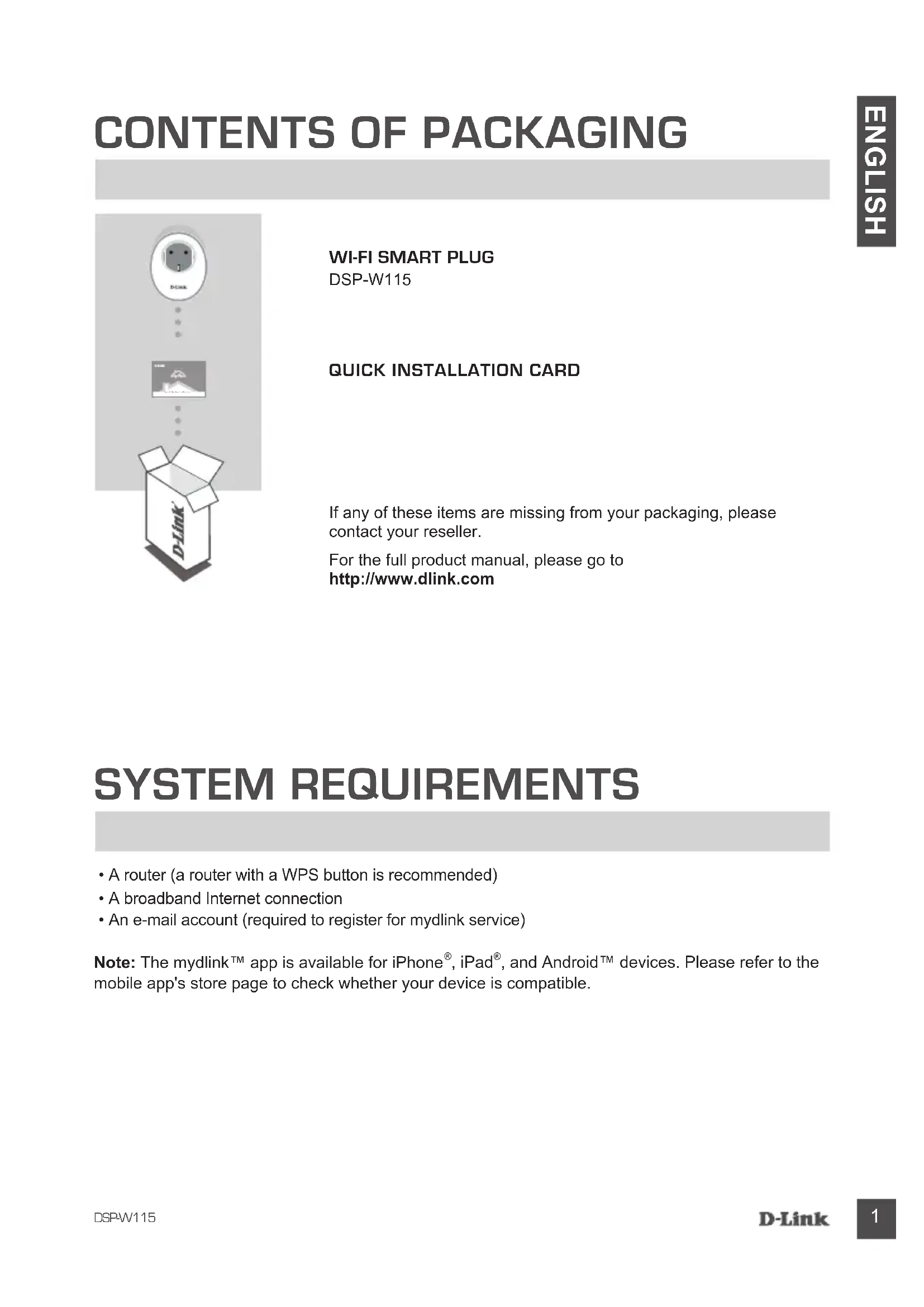
If any of these items are missing from your packaging, please contact your reseller.
For the full product manual, please go to
http://www.dlink.com
SYSTEM REQUIREMENTS
- A router (a router with a WPS button is recommended)
• A broadband Internet connection - An e-mail account (required to register for mydlink service)
Note: The mydlink™ app is available for iPhone®, iPad®, and Android™ devices. Please refer to the mobile app's store page to check whether your device is compatible.
SETUP EXAMPLE
The DSP-W115 Wi-Fi Smart Plug allows you to monitor and control an electrical appliance in your home from wherever you are. The following diagram shows how you can set up your Smart Home for use with the DSP-W115.
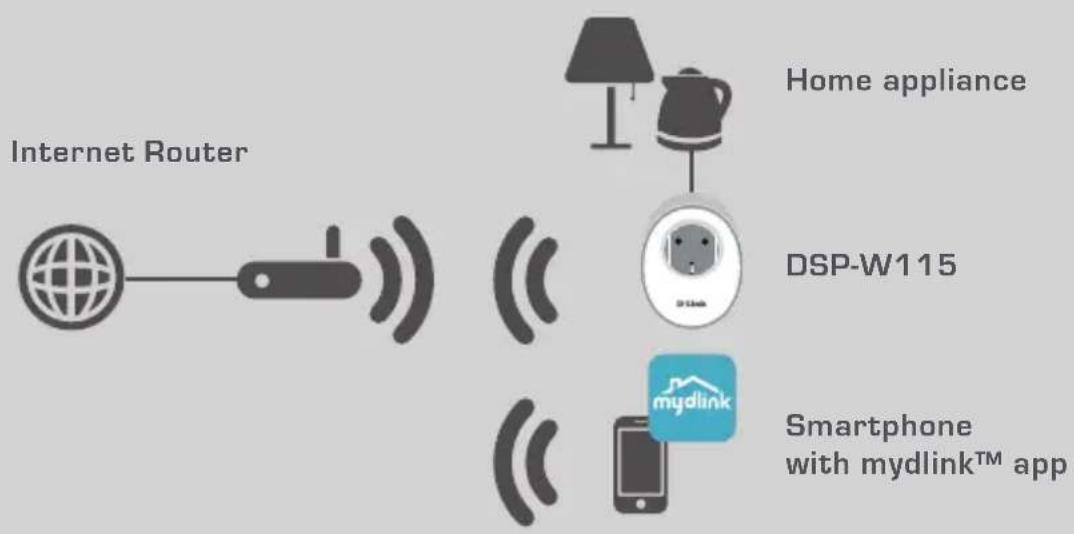
flowchart
graph TD
    A["Internet Router"] --> B["Router"]
    B --> C["DSP-W115"]
    C --> D["Home appliance"]
    D --> E["Smartphone with mydlink™ app"]
    style A fill:#f9f,stroke:#333
    style B fill:#ccf,stroke:#333
    style C fill:#cfc,stroke:#333
    style D fill:#fcc,stroke:#333
    style E fill:#cff,stroke:#333
SAFETY
For your safety, please read the following precautions before installing or using your DSP-W115:
- Do not open the device or attempt to repair or service it.
- Use the device in a dry location, and avoid placing it in a humid environment.
- Do not submerge the device in liquid or attempt to clean it with liquids or solvents. To clean the device, disconnect it from the power outlet and use a damp towel.
- This device should only be used indoors.
PRODUCT SETUP
USING THE MOBILE APP FOR SETUP
Please refer to the steps below to quickly get your DSP-W115 up and running.
Step 1:
On your mobile device, download and install the mydlink app from the App Store or Google Play.
Step 2:
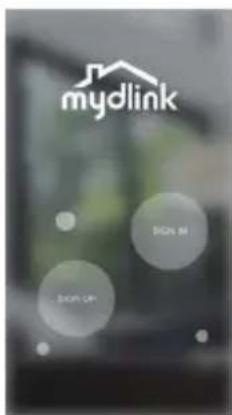
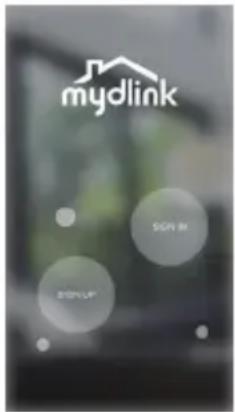
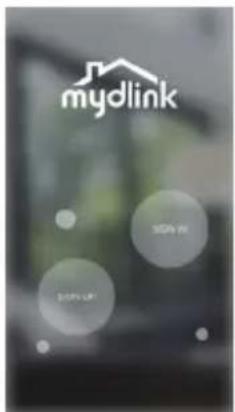
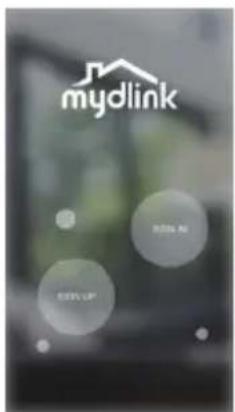
Launch the app and log into your mydlink account.
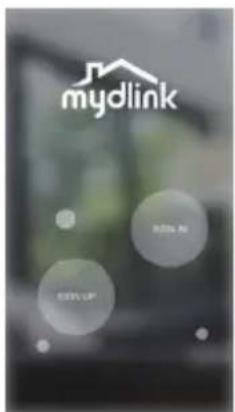
New users: Tap SIGN UP to register for a new mydlink account. Existing users: Tap SIGN IN to log in with your mydlink email and password.
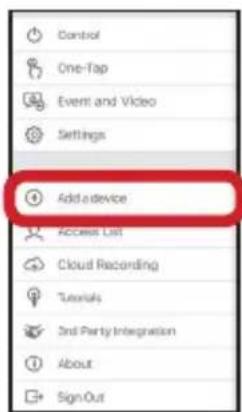
Step 3:
After signing in, tap the 📄 icon in the top-left corner, tap Add Device, and follow the instructions.
When you are asked to scan a QR code, use the code on the label attached to your device, or on the Quick Install Card in your package.
Once the configuration process is complete, use the mydlink™ app to automate your home and stay updated with instant push notifications to your mobile device while you're away from home.
TROUBLESHOOTING
SETUP AND CONFIGURATION PROBLEMS
1. HOW DO I RESET THE DSP-W115?
When you reset your DSP-W115, it will change your settings back to the factory default settings. To reset the device to factory defaults, use an unfolded paperclip to press and hold the RESET button for at least 10 seconds. The status LED will turn red after you release the paperclip to indicate that the device is resetting.
2. WHY ISN'T THE STATUS LED TURNING ON WHEN I PLUG IN MY DSP-W115?
If the status LED is not turning on:
- Make sure the outlet you are using is working properly. Try plugging in another device to see if it works.
- Make sure that if the outlet is controlled by a light switch, it is in the ON position.
- Try a different outlet to see if the Wi-Fi Smart Plug works there.
3. WHY CAN'T I CONNECT TO MY WIRELESS ROUTER?
If you are having trouble connecting to your wireless router, try plugging the DSP-W115 into a location that is closer to your router. After the Status LED turns solid green, you can unplug the Wi-Fi Smart Plug and move it to the desired location.
4. WHAT APP DOES THE DSP-W115 WORK WITH?
The DSP-W115 works with the mydlink™ app. You may download the free app from the App Store (for Apple devices) or Google Play (for Android devices). Type "mydlink" to search for the app.
5. HOW DOES THE DSP-W115 WORK WHILE I AM AWAY FROM HOME?
Remote access of the DSP-W115 is enabled once you have connected it to your home Wi-Fi network and registered it with your mydlink account. You will be able to control it from anywhere using your iPhone, iPad or Android device.
TECHNICAL SUPPORT
dlink.com/support
PACKUNGSINHALT
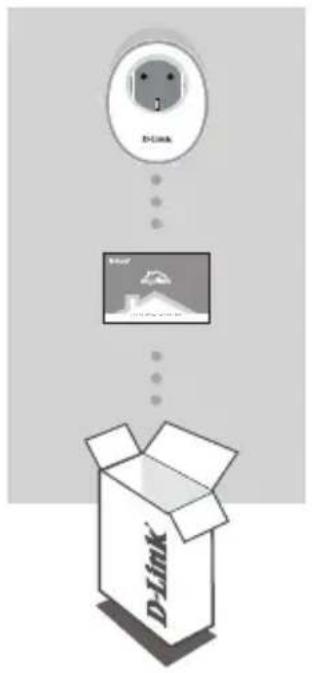
WI-FI SMART PLUG
DSP-W115
Schritt 2:
Schritt 3:
CONFIGURATION DU PRODUIT
UTILISATION DE L'APPLICATION MOBILE POUR LA CONFIGURATION
Étape 2 :
Étape 3 :
Paso 2:
Paso 3:
Fase 2:
Fase 3:
Stap 2:
Stap 3:
Krok 2:
Krok 3:
Krok č. 2:
Krok č. 3:
2. lépés:
3. lépés:
PRODUKTKONFIGURERING
BRUKE MOBILAPPEN TIL KONFIGURASJON
Trinn 2:
Trinn 3:
Trin 2:
Trin 3:
Vaihe 2:
Vaihe 3:
INSTALLATIONSEXEMPEL
Steg 2:
Steg 3:
Passo 2:
Passo 3:
Βήμα 2:
Βήμα 3:
TEXNIKH YΠΟΣΤΗΡΙΞΗ dlink.com/support
SADRŽAJ PAKIRANJA
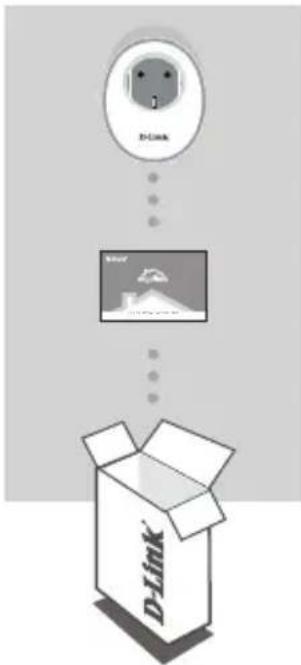
WI-FI PAMETNA UTIČNICA
DSP-W115
KARTICA ZA BRZU INSTALACIJU
Ako se bilo koji od ovih artikala ne nalazi u vašem pakiranju, obratite se svom prodavaču.
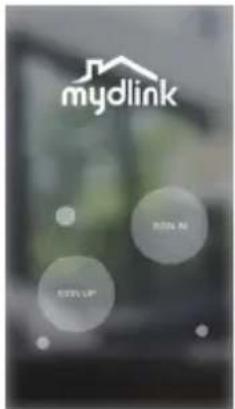
Drugi korak:
Pokrenite aplikaciju i prijavite se u svoj mydlink račun.
Treći korak:
Nakon prijavljivanja, dodirnite ikonu ≡ u gornjem lijevom kutu, dodirnite Dodaj uredaj i pratite upute.
Kada od vas bude zatraženo da skenirate QR kod, upotrijebite kod na naljepnici na vašem uređaju, ili kod na kartici za brzu instalaciju u vašem pakiranju.
Po završetku postupka konfiguriranja, upotrijebite aplikaciju mydlink™ za automatizaciju vašeg kućanstva i putem svog mobilnog uređaja primajte trenutne obavijesti o tome dok niste kod kuće.
OTKLANJANJE POTEŠKOĆA
PROBLEMI PRI POSTAVLJANJU I KONFIGURACIJI
1. KAKO DA UREĐAJ DSP-W115 VRATIM U IZVORNO STANJE?
TEHNIČKA PODRŠKA dlink.com/support
VSEBINA PAKETA
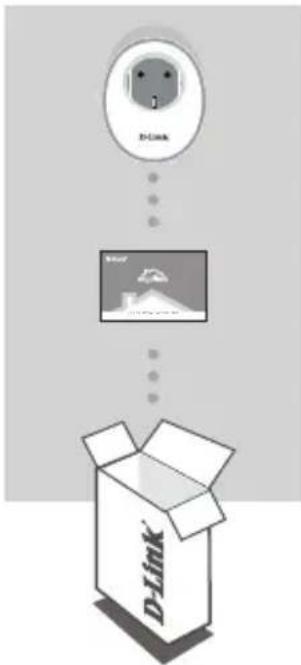
PAMETNI VTIČ WI-FI
DSP-W115
KARTICA ZA HITRO NAMESTITEV
Če kateri koli izmed teh predmetov manjka, kontaktirajte svojega trgovca.
2. korak:
Zaženite aplikacijo in se prijavite na račun mydlink.
3. korak:
Po prijavi tapnite ikono v zgornjem levem robu, tapnite Dodaj napravo in sledite navodilom.
Ko prejmete poziv za skeniranje kode QR, uporabite kodo na nalepki za hitro namestitev, ki se nahaja na nalepki na napravi ali v paketu.