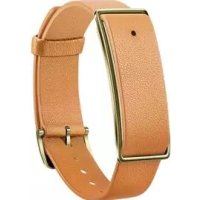
Color Band A1 - Smartwatch HUAWEI - Free user manual and instructions
Find the device manual for free Color Band A1 HUAWEI in PDF.

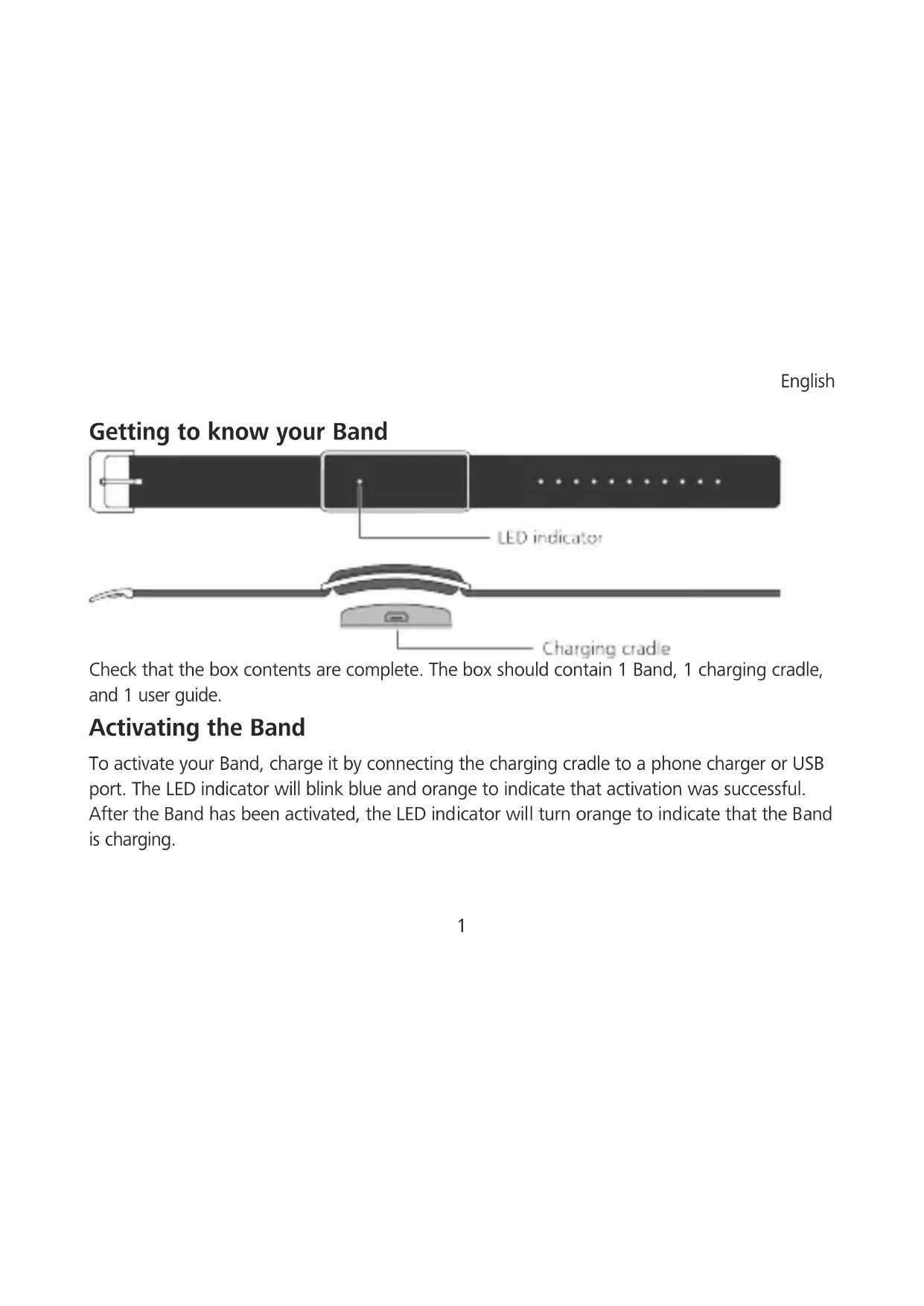


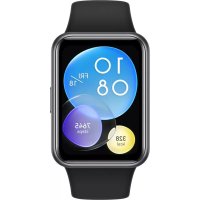
| Product Type | Smartwatch (connected bracelet) |
| Dimensions | Approximately 50 mm × 20 mm × 12 mm |
| Weight | Approximately 30 g |
| Power | Rechargeable battery via charging dock (USB connector) |
| Main functions | Call and message notifications, smart alarm, physical activity and sleep tracking, UV measurement, bracelet locator, software update |
| Connection | Bluetooth |
| App | Color Band A1 (Google Play and App Store) |
| Water resistance | Splash-resistant, rain, cold shower, hand washing; do not use for diving |
| Box contents | 1 bracelet, 1 charging dock, 1 user manual |
| Factory reset | Available via the app: Settings > Restore factory settings |
| Battery life | Not specified by the manufacturer |
| Update | Via the Color Band A1 app and bracelet software |
Frequently Asked Questions - Color Band A1 HUAWEI
User questions about Color Band A1 HUAWEI
0 question about this device. Answer the ones you know or ask your own.
Ask a new question about this device
Download the instructions for your Smartwatch in PDF format for free! Find your manual Color Band A1 - HUAWEI and take your electronic device back in hand. On this page are published all the documents necessary for the use of your device. Color Band A1 by HUAWEI.
USER MANUAL Color Band A1 HUAWEI
This guide is for reference only. The actual product, including but not limited to the color, size, and screen layout, may vary. All statements, information, and recommendations in this guide do not constitute a warranty of any kind, express or implied.
Please visit
http://consumer.huawei.com/en/support/hotline/ for recently updated hotline and email address in your country or region.
Model: AW600
Contents
English 1
Svenska 7
Dansk....13
Norsk 19
Suomi....25
Polski 31
Lietuvių 37
Latviešu.... 43
Eesti 49
Ελληνικά 55
Čeština 62
Slovenčina 68
Deutsch....74
Slovenščina....80
Hrvatski 86
Română....92
Български 98
Македонски.... 104
Srpski.... 110
Русский.... 116
Bosanski 122
Magyar.... 127
Français.... 134
Español 140
Português 146
English
Getting to know your Band
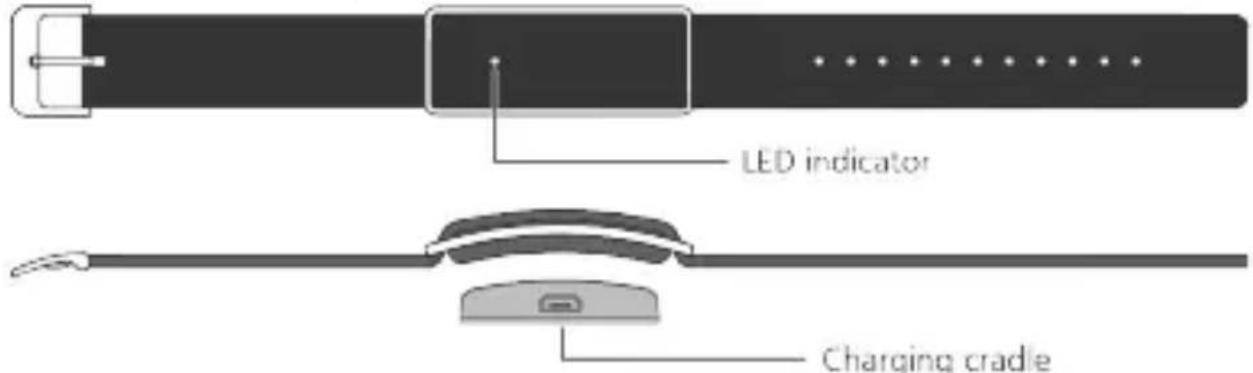
Check that the box contents are complete. The box should contain 1 Band, 1 charging cradle, and 1 user guide.
Activating the Band
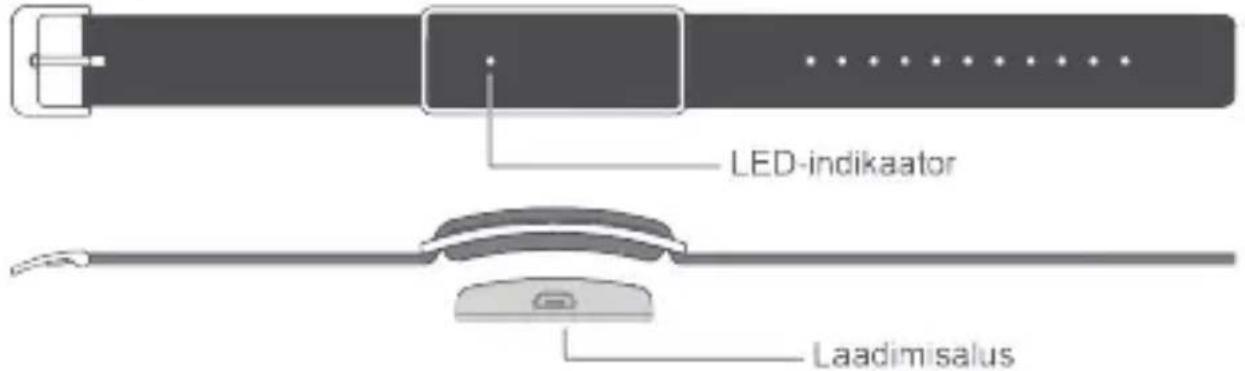
To activate your Band, charge it by connecting the charging cradle to a phone charger or USB port. The LED indicator will blink blue and orange to indicate that activation was successful. After the Band has been activated, the LED indicator will turn orange to indicate that the Band is charging.
English
Fully charge the battery before using the Band for the first time. The LED indicator will turn blue once charging is complete.
You do not need to turn your Band on and off. It will turn off automatically when the battery level drops below 1%.
To view the remaining battery level, touch in the Color Band A1 app.
Downloading the Color Band A1 app
Search for Color Band A1 in Google Play or Apple's App Store to download Color Band A1.
Connecting to your Band
-
Turn on Bluetooth on your phone.
-
On the the Color Band A1 app screen, touch >Pair, Look for Color Band A1 and touch it to connect.
Notifications for incoming calls/messages
-
Touch > > Incoming call/Incoming message
-
Switch on Enable notifications and configure the alert period.
English
- When the Band is paired with your phone and the Color Band A1 app is running in the background, the Band will vibrate and the LED indicator will blink blue when you receive an incoming call or message during the preset alert period.
Smart alarm
- Touch


Smart alarm.
- Touch Add alarm. Configure the alarm settings and touch Save.
- The Band will vibrate at the scheduled alarm time.
To delete an alarm, go to the alarm settings screen and touch Remove.
Viewing exercise and sleep data
The Band records your exercise and sleep data in real time. To view your exercise and sleep data, touch 📋, swipe down on the screen to sync your data, and then swipe left or right to view the data.
Sharing exercise data
- Touch

and then touch the large exercise circle.
- Touch Share to access the share tab.
English
- Select a sharing method and follow the onscreen instructions.
Measuring UV radiation

Touch


UV monitoring version and ensure
that you select the correct strap type.
- Open the Color Band A1 app. Swipe left to go to the UV sensor screen.
- Point the Band at the sun and touch Test. The UV radiation will be displayed on the screen after a few seconds.
- To view more detailed statistics, touch the UV radiation circle.
Locating your Band
In the Color Band A1 app, touch indicator will blink blue.


Find band. Your Band will vibrate and the LED
Updating the Band software
- Ensure that your phone is paired with your Band and connected to the Internet over mobile data or Wi-Fi.
English
- Touch
and follow the onscreen instructions.
Updating the Color Band A1 app
- Ensure that your phone is connected to the Internet over mobile data or Wi-Fi.
- Touch > and follow the onscreen instructions.
Restoring factory settings
- Touch
Restoring factory settings - Touch OK. The Band will automatically restart.
Note:
When the Band's battery level is lower than 10%, the vibration function for all features will be auto-disabled.
English
Water resistant
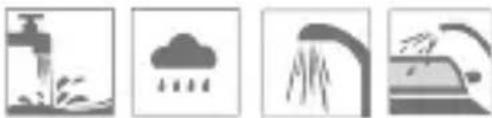
Wear your Color Band A1 when washing hands, in the rain, taking cold showers or washing a car.
Please do not use when diving or scuba diving.
Svenska
Nedèvěkite jrenginio nardydami.
Latviešu
i Lūdzu, nelietojiet to nirstot.
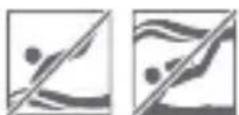
Eesti
Rihmaga tutvumine
i Ne koristite dok ronite na dah ili s bocama kisika.
Română
i Ne nosite pametnu narukvicu kada ronite na dah ili sa bocom.
Mayar
- CONTENTS
- GETTING TO KNOW YOUR BAND
- ACTIVATING THE BAND
- ENGLISH
- DOWNLOADING THE COLOR BAND A1 APP
- CONNECTING TO YOUR BAND
- NOTIFICATIONS FOR INCOMING CALLS/MESSAGES
- SMART ALARM
- VIEWING EXERCISE AND SLEEP DATA
- SHARING EXERCISE DATA
- MEASURING UV RADIATION
- LOCATING YOUR BAND
- UPDATING THE BAND SOFTWARE
- UPDATING THE COLOR BAND A1 APP
- RESTORING FACTORY SETTINGS
- NOTE
- WATER RESISTANT
- RIHMAGA TUTVUMINE
- ROMÂNĂ
Brand : HUAWEI
Model : Color Band A1
Category : Smartwatch