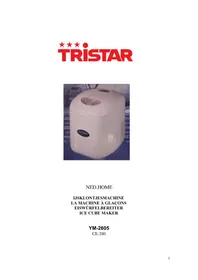
YM2605 - Ice Maker TRISTAR - Free user manual and instructions
Find the device manual for free YM2605 TRISTAR in PDF.



| Product Type | Portable Ice Maker |
| Brand | TriStar |
| Model | YM2605 |
| Ice Production | 20 kg / 24 h |
| Storage Capacity | 600 g |
| Water Tank Capacity | 2.8 liters |
| Dimensions (W x D x H) | 355 x 305 x 380 mm |
| Power Supply | 230 V, 50 Hz, 180 W |
| Refrigerant | R134a (CFC-free) |
| Ice Cube Size Selection | Small (S), Medium (M), Large (L) |
| Indicator Lights | Water Shortage (DEFICIËNT) and Ice Full (ICE FULL) |
| Audible Alert | Yes (ice ready, tank empty or full) |
| Auto Shut-off | Yes (water tank empty or ice basket full) |
| Maintenance | Clean regularly with a water-vinegar solution; empty the tank if not in use |
| Safety | Grounded power outlet; do not use an extension cord; do not tilt more than 45° |
| Environment | Ambient temperature: 15-35°C; water temperature: 7-35°C |
Frequently Asked Questions - YM2605 TRISTAR
User questions about YM2605 TRISTAR
0 question about this device. Answer the ones you know or ask your own.
Ask a new question about this device
Download the instructions for your Ice Maker in PDF format for free! Find your manual YM2605 - TRISTAR and take your electronic device back in hand. On this page are published all the documents necessary for the use of your device. YM2605 by TRISTAR.
USER MANUAL YM2605 TRISTAR
natural_image
White ice maker with a glass lid and visible contents, placed on a blue surface (no text or symbols on the device itself)NED.HOME
IJSKLONTJESMACHINE LA MACHINE À GLAÇONS EISWÜRFELBEREITER ICE CUBE MAKER
YM-2605
CE-280
Please read the manual carefully
Description of parts and picture
- Internal reservoir
- Water tank
- Ice storage container
- Sensor ice cube storage full
- Ice cube tray
- Water container
- Evaporator
- Water tube
- Water outlet
- Compressor
- Lead
- Water pump
- Lid
- Control panel
- Window
SPECIFICATIONS
Daily ice capacity 20 kg / 24 hours
Ice cubes three (3): small, medium, large
Ice storage capacity 600 gr
Functions and advantages
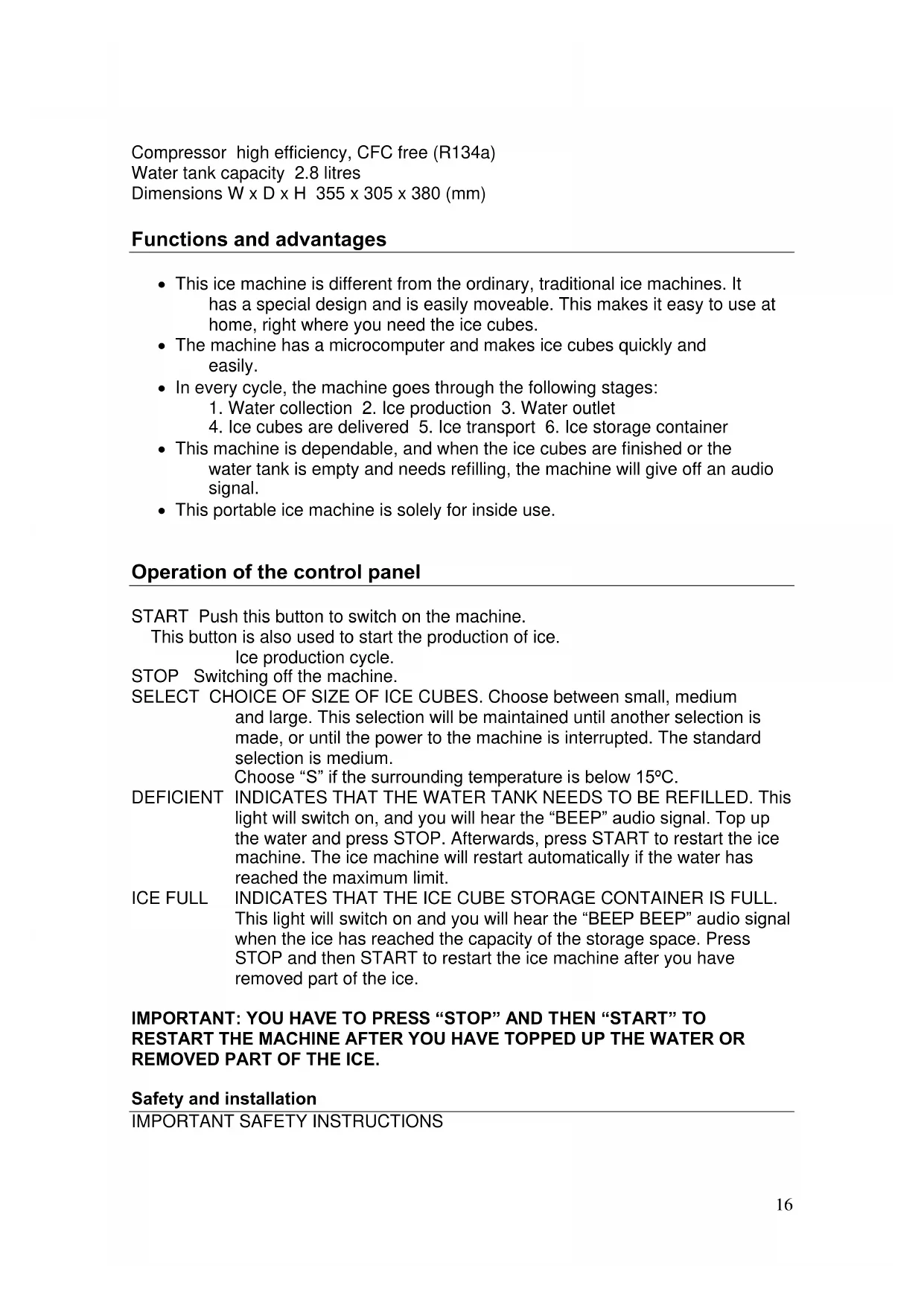
- This ice machine is different from the ordinary, traditional ice machines. It has a special design and is easily moveable. This makes it easy to use at home, right where you need the ice cubes.
- The machine has a microcomputer and makes ice cubes quickly and easily.
- In every cycle, the machine goes through the following stages:
- Water collection 2. Ice production 3. Water outlet 4. Ice cubes are delivered 5. Ice transport 6. Ice storage container
- This machine is dependable, and when the ice cubes are finished or the water tank is empty and needs refilling, the machine will give off an audio signal.
- This portable ice machine is solely for inside use.
Operation of the control panel
START Push this button to switch on the machine.
This button is also used to start the production of ice.
Ice production cycle.
STOP Switching off the machine.
SELECT CHOICE OF SIZE OF ICE CUBES. Choose between small, medium and large. This selection will be maintained until another selection is made, or until the power to the machine is interrupted. The standard selection is medium.
Choose "S" if the surrounding temperature is below 15^ C.
DEFICIENT INDICATES THAT THE WATER TANK NEEDS TO BE REFILLED. This light will switch on, and you will hear the “BEEP” audio signal. Top up the water and press STOP. Afterwards, press START to restart the ice machine. The ice machine will restart automatically if the water has reached the maximum limit.
ICE FULL INDICATES THAT THE ICE CUBE STORAGE CONTAINER IS FULL. This light will switch on and you will hear the “BEEP BEEP” audio signal when the ice has reached the capacity of the storage space. Press STOP and then START to restart the ice machine after you have removed part of the ice.
IMPORTANT: YOU HAVE TO PRESS "STOP" AND THEN "START" TO RESTART THE MACHINE AFTER YOU HAVE TOPPED UP THE WATER OR REMOVED PART OF THE ICE.
Safety and installation
IMPORTANT SAFETY INSTRUCTIONS
WARNING: In order to prevent fire hazard, electric shock or personal injury, you have to follow these safety instructions:
- Only use a grounded socket.
- Do not remove the grounded lead.
- Do not use an adapter.
- Do not use an extension lead.
- Switch off electricity during maintenance.
- Do not pull the cord if you want to switch on or switch off the electricity.
Electricity requirements
VOLTAGE: alternating current 230V; 50 Hz; 180 W
Location requirements
- During transport, the angle of the ice machine should be below 45 degrees.
- Do not place the ice machine upside down; this may cause problems with the compressor and the closed systems.
- The ice machine must be placed on a horizontal, flat surface.
- In order to ensure proper ventilation of the ice machine, you have to have 150 mm of free space above, behind and to the sides of the ice machine.
- Before you use the ice machine for the first time, it is recommended that you wait for 2 hours after placing the ice machine at the chosen location.
- Regularly clean the internal reservoir, the ice storage container, the water tank, the ice cube tray and the evaporator.
Instructions for use
Start the ice machine.
STEP 1. Open the lid and fill the water tank with water. See to it that the level of the water tank does not exceed the storage space for ice cubes.
STEP 2. Push the START button to switch on the machine.
STEP 3. Select the size of the ice cubes by pushing the "ice size" selection button.
The ice machine will start operating.
Operation of the ice machine
-
Ice production goes as follows:
-
Water is pumped from the water tank to the water container. This will take approximately 40 seconds.
- The cycle for ice production starts. The evaporator in the water container starts making ice on the "fingers" of the freezer element.
- Running the cycle takes approximately 1 to 8 minutes (depending on the ice choice). After ice production has been completed, the ice tray will tip forward: the remaining water will flow back to the water tank and the ice
cubes will fall from the "fingers". You will hear an audio signal when the ice cubes detach.
- After around 30 seconds, the water container will go back and the ice tray will start pushing the ice into the ice storage container. Once the water container has returned to its original position, the second ice production cycle will start.
Warning: choose "S" if the surrounding temperature is beneath 15^ C.
-
Regularly check the water level. The ice machine will automatically detect if there is not enough water, and will stop working. The indicator light for insufficient water ("DEFICIENT") will switch on. Press the STOP button and top up the water tank. Wait three minutes after the indicator light has switched off and press the START button. The ice machine will produce new ice cubes, or will restart automatically if the water has reached the maximum level.
-
If ice cube production has been completed and the content reaches the ice sensor, the ice machine will stop working, and the "ice full" indicator light will switch on. When the ice is below the sensor level and the sensor temperature rises to around 10^ C, the ice machine will automatically restart to make new ice cubes.
-
You can select three different sizes of ice cubes. If you choose large ice cubes, it will take more time to make them. If the surrounding temperature is below 15^ C, we recommend that you make small or medium sized ice cubes to prevent that they stick together.
-
Optimum results are achieved when the water is between 7 and 35°C, and the surrounding temperature is between 15 and 35°C.
Maintenance and cleaning
- To make sure that the ice cubes are clean, the water in the water tank has to be replaced once every 24 hours.
- The compressor will stop if there is insufficient water in the tank, if there are too many ice cubes, if the power to the machine is interrupted, etc. You may not immediately restart the system. Wait 3 minutes before you restart the machine.
- Remove the drainage plug to let excess water out of the tank if you do not plan to use the machine for a while. Replace the drainage plug after the water has run out.
- Always rinse the water tank with water before using the machine for the first time and after it has not been used for a while.
- Regularly clean the ice machine. Before you clean it, remove the lead and remove all the ice cubes from the machine. Use a light water solution with vinegar to clean the inside and outside of the ice machine. Do not spray it with chemicals, even if they are diluted, containing acids or gas. Do not clean the machine with running water.
Detecting failures
If the power to the machine is cut, the lead is removed, or someone inadvertently pushes the STOP button on the ice machine while it is producing ice cubes, the machine might make small ice cubes after the cycle has been restarted. After the cycle has ended, these small cubes will stick to the automatic tray. If this happens, you should remove the ice cubes by removing the lead, carefully pushing the tray backwards and removing the ice cubes. After this, you can restart the machine.
This part of the manual about detecting failures is intended to help you find the cause of the problem.
| Problem | Possible cause | Recommended solution |
| The compressor is too noisy, making a buzzing sound. | * The voltage is lower than recommended. | * Switch off the ice machine and restart it when the voltage is back to normal. |
| The “low water level” indicator is switched on. | * There is no water in the machine. | * Push the STOP button, top up the water, wait 3 minutes and push the START button to restart the machine. The ice machine will restart automatically if the water has reached the maximum level. |
| The “ice storage container full” indicator is illuminated. | * The ice storage container is full.* The temperature is too low. | * Remove a little ice. |
| The indicator light on the display does not switch on. | * A fuse has gone.* No electricity. | * Replace the fuse.* Switch on the electricity. |
| The lights for DEFICIENT (insufficient water) and “full of ice” are illuminated. | * The water tank does not revolve. | * Check if ice cubes have become attached. If this is not the case, contact the service department. |
| The ice cubes are too large and sticks together. | * The water temperature in the water tank or the surroundings is too low. | * Switch off the machine and set the ice production time to zero. Restart the machine after it has been switched off. |
| Everything is set up correctly, but the ice machine does not produce ice. | * Freezer fluid is leaking.* Closed system is blocked. | * Call the service department. |
Remarks/tips:
If the ice machine can no longer be used, we advice that you hand it in to the producer or the maintenance company.
It is normal for the compressor and the surface of the condenser to reach temperatures of 70 to 90°C, making the surrounding surfaces warm to the touch.
The fast freezing process can cause the ice cubes to have a “milky” appearance. This is due to the air in water, and does not affect the taste or the quality of the ice.
If you defrost the machine and it is not being used, you have to leave the door open at a crack of at least a few centimetres. This allows the machine to dry, and decreases the chance of mildew.
*****
Guidelines for protection of the environment
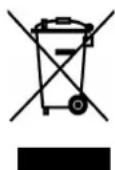
This appliance should not be put into the domestic garbage at the end of its useful life, but must be disposed of at a central point for recycling of electric and electronic domestic appliances. This symbol on appliance, instruction manual and packaging puts your attention to this important issue. The materials used in this appliance can be recycled. By recycling used domestic appliances you contribute an important push to the protection of our environment. Ask your local authorities for information regarding the point of recollection..
- Please read the manual carefully
- Description of parts and picture
- SPECIFICATIONS
- Functions and advantages
- Operation of the control panel
- Electricity requirements
- Location requirements
- Instructions for use
- Operation of the ice machine
- Maintenance and cleaning
- Detecting failures
- Remarks/tips:
- Guidelines for protection of the environment
Brand : TRISTAR
Model : YM2605
Category : Ice Maker