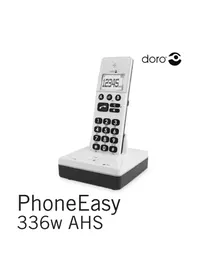
PhoneEasy 336w AHS - Phone DORO - Free user manual and instructions
Find the device manual for free PhoneEasy 336w AHS DORO in PDF.



Frequently Asked Questions - PhoneEasy 336w AHS DORO
User questions about PhoneEasy 336w AHS DORO
0 question about this device. Answer the ones you know or ask your own.
Ask a new question about this device
Download the instructions for your Phone in PDF format for free! Find your manual PhoneEasy 336w AHS - DORO and take your electronic device back in hand. On this page are published all the documents necessary for the use of your device. PhoneEasy 336w AHS by DORO.
USER MANUAL PhoneEasy 336w AHS DORO
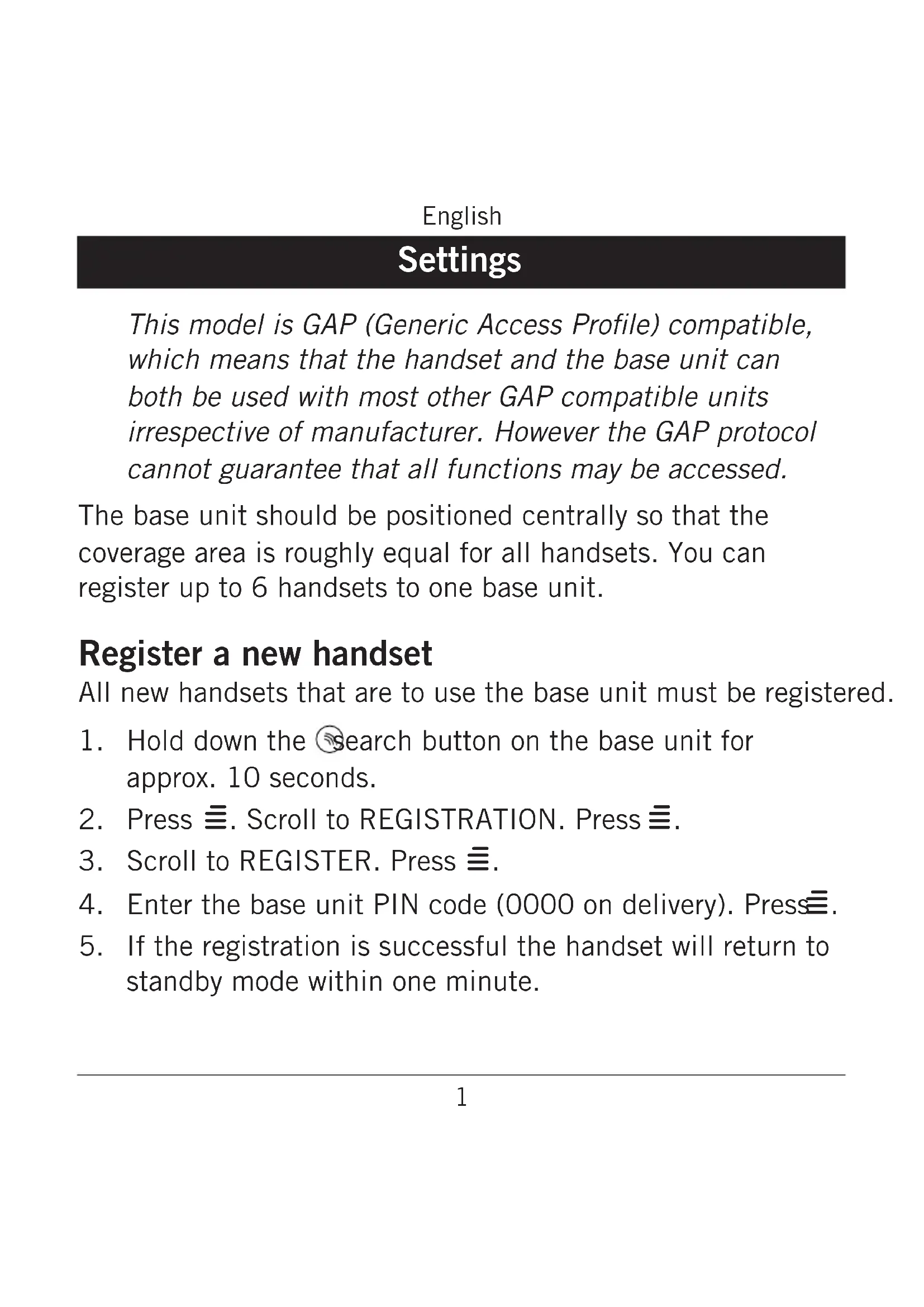
This model is GAP (Generic Access Profile) compatible, which means that the handset and the base unit can both be used with most other GAP compatible units irrespective of manufacturer. However the GAP protocol cannot guarantee that all functions may be accessed.
The base unit should be positioned centrally so that the coverage area is roughly equal for all handsets. You can register up to 6 handsets to one base unit.
Register a new handset
All new handsets that are to use the base unit must be registered.
- Hold down the search button on the base unit for approx. 10 seconds.
- Press . Scroll to REGISTRATION. Press .
3.Scroll to REGISTER. Press - Enter the base unit PIN code (0000 on delivery). Press.
- If the registration is successful the handset will return to standby mode within one minute.
English
Operation
INT calls
- Press and hold /INT.
- Enter the allocated number of the handset that you wish to call, 1 - 6.
Should an external call come in while an intercom call is in progress, a tone will be heard. You can then terminate the intercom call by pressing , to receive the external call press .
Transferring calls/Conference between handsets
- While an external call is connected on line.
- Initiate an internal call as described above.
- Press to transfer the call or press and hold INT for conference.
English
Warranty and technical data
This product is guaranteed for a period of 24 months from the date of purchase. In the unlikely event of a fault occurring during this period, please contact the place of purchase. Proof of purchase is required for any service or support needed during the guarantee period.
This guarantee will not apply to a fault caused by an accident or a similar incident or damage, liquid ingress, negligence, abnormal usage, nonmaintenance or any other circumstances on the user's part. Furthermore, this guarantee will not apply to any fault caused by a thunderstorm or any other voltage fluctuations. As a matter of precaution, we recommend disconnecting the device during a thunderstorm.
Batteries are consumables and are not included in any guarantee.
Declaration of Conformity
Doro hereby declares that Doro PhoneEasy 336w conforms to the essential requirements and other relevant regulations contained in the Directives 1999/5/EC (R&TTE) and 2002/95/EC (RoHS).
A copy of the Declaration of Conformity is available at www.doro.com/dofc
Specific Absorption Rate (SAR)
This device meets approved international safety requirements for exposure to radio waves.
This telephone measures 0.01 W/kg (measured over 10g tissue). The maximum limit according to WHO is 2W/kg (measured over 10g tissue).