RC1700 - Mp3 player Ricatech - Free user manual and instructions
Find the device manual for free RC1700 Ricatech in PDF.


| Product Type | MP3 player with color screen |
| Brand | Ricatech |
| Model | RC1700 |
| Dimensions | 50 x 43 x 15 mm |
| Screen | 1.8 inches (160x120), 65K colors CSTN |
| Internal memory | 2 GB / 4 GB / 8 GB depending on version |
| Memory expansion | TF card up to 8 GB |
| Supported audio formats | MP3, WMA, WAV, ACT |
| Supported video formats | AMV (converted from WMV, AVI, RM, RMVB, MPEG, MOV) |
| Supported image formats | JPEG |
| Supported text formats | TXT (E-book) |
| Power supply | Rechargeable lithium battery 3.7 V |
| PC connection | USB 2.0 Full Speed |
| Voice recording | WAV (32 kbps) and ACT (8 kbps) formats |
| Recording battery life | Up to 35 hours (ACT format, 128 MB memory) |
| Equalizer | 7 modes: Natural, Rock, Pop, Classic, Soft, Jazz, DBB |
| Playback modes | Normal, single repeat, folder repeat, all repeat, shuffle, intro |
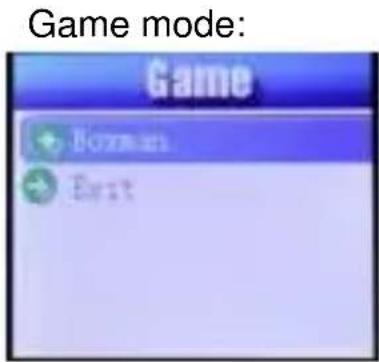
| Additional functions | Built-in games, disk partitioning and encryption, firmware update, ACT to WAV conversion, photo viewing, U-disk mode |
| Menu languages | French, English, German, Dutch, Spanish, Italian, Portuguese, Russian, Arabic, Chinese, Japanese, Korean, etc. |
| Compatible operating system | Windows 98/SE/ME/2000/XP, Mac OS 10, Linux 2.4.2 |
| Headphone output | 5 mW per channel (into 32 ohms) |
| Signal-to-noise ratio | 85 dB |
| Operating temperature | -5 °C to 40 °C |
| Customer service | Email: support@ricatech.com, Tel.: +32 33265694, Website: www.ricatech.com |
Frequently Asked Questions - RC1700 Ricatech
User questions about RC1700 Ricatech
0 question about this device. Answer the ones you know or ask your own.
Ask a new question about this device
Download the instructions for your Mp3 player in PDF format for free! Find your manual RC1700 - Ricatech and take your electronic device back in hand. On this page are published all the documents necessary for the use of your device. RC1700 by Ricatech.
USER MANUAL RC1700 Ricatech
This player is the latest digital video player. Support MP1, MP2, MP3, WMA music file and WMV, WWA,ASF,MPGE,MOV,AVI video file transfer into AMV Format. Which have pure music sound and excellent exterior. We are sincerely hoping this player can bring more enjoyable digital time.
Function express:
AMV video function
- Photo browse function
- Refinement exterior design.
- Firmware update function
- Inside record function
- No driver under Windows2000
- Record and repeat
- Can record and save WAV and ACT format voice file. And also you can choose some parts of the file to repeat or compare repeat to realize digital repeat function.
- 7 kinds of EQ function. Natural, Rock, Popular, Classic, soft, Jazz, DBB.
- Multi play mode
- Common mode, Single music circle, Catalogue player, Catalogue circle, Circle all, skim play, and so on.
- Stable power off function
- You can set the player into sleep mode or save battery mode.
- Cartoon menu
Intuitionist cartoon menu with correct character make it easy for you to operate
- U-disc Function free of Drives Without management programs, you can directly operate files by means of "Moving Disc" in "My Computer". You will not have to install any drive programs in WIN2000 or over.
- Support FAT32 file format system(over 1GB)
Built-in TF Card slot (up to 8GB memory)
Knowing player
Screen
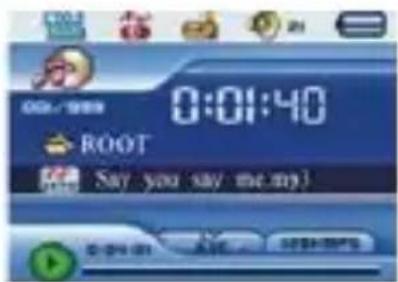
Battery 3.7V, display full battery. With the time pass by the battery indicate will decrease.
□If battery used up battery display blank and re-charge in time
If re-charge please turn on player or Mp3 player can't response the charge task..
When recharge, cut of charger power directly. It's common If display USB mode! If you are going to exit USB mode please disconnect player from charger.
Please turn off player if no use of the player.
Basic function
- Turn on/off
When ON/OFF switch is in "OFF", switch the ON/OFF button to "ON" to turn on.
When ON/OFF switch is in "ON" and power off, long press Play/Pause button to turn on.
Switch the ON/OFF button to "OFF" or long press Play/Pause button to turn off.
- Enter into menu
Turn on and enter into main menu.
Press forward/rewind button to choose different functions, and short press MENU button to enter into the function;
When under playing, short press MENU button to enter into submenu; press forward/rewind button to choose;
When under pause, short press MENU button to enter into DELETE submenu, press forward/rewind button to choose;
- Enter into different function mode
You can enter into different function mode from main menu.
Long Press MENU to enter into Main Menu.
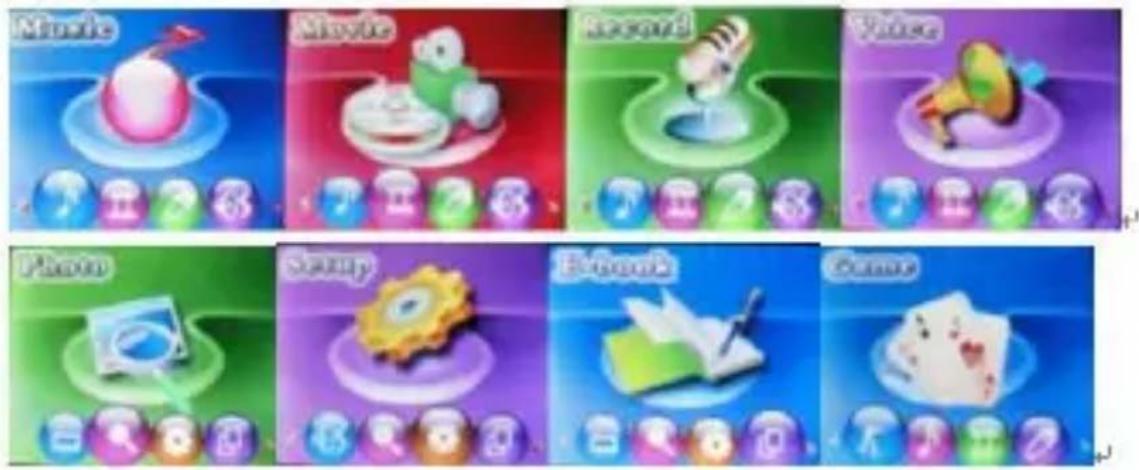
Music mode:
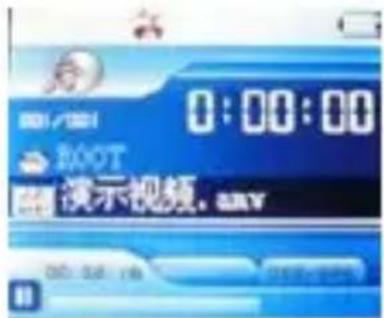
Video mode:
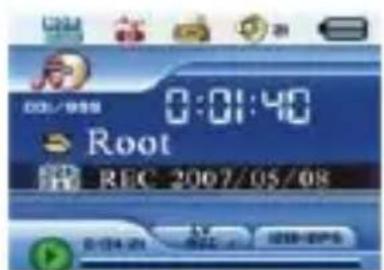
Recording mode:
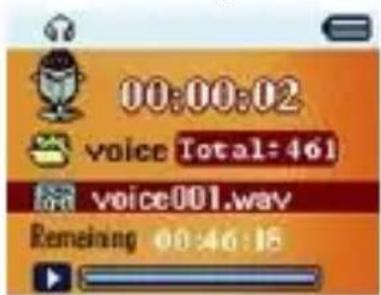
Voice mode:
Picture browsing:
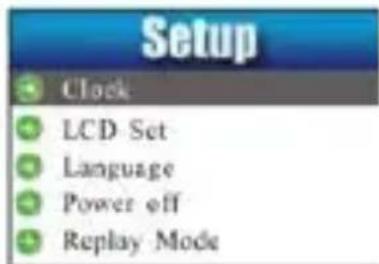
System setting:
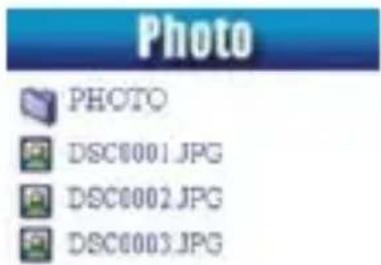
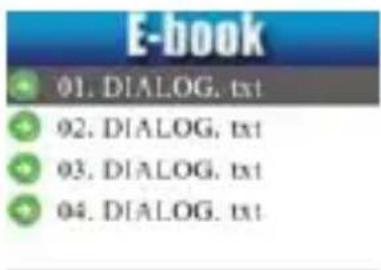
E-book mode:
Connecting with PC:

- Adjust Volume
Press VOL button and press Forward button to increase volume. Press VOL button and press Rewind button to decrease volume.
Play Music
Press Menu to choose and enter music mode
Press Play/Pause button to play music when in music mode;
Press Play/Pause button to pause when playing music;
- Recording
Long press Menu button to exit from submenu, and choose record mode and short press Menu button to enter.
Press Play/Pause button to recording when in record mode;
Press Play/Pause button to pause when recording.
Key operation
Key function:
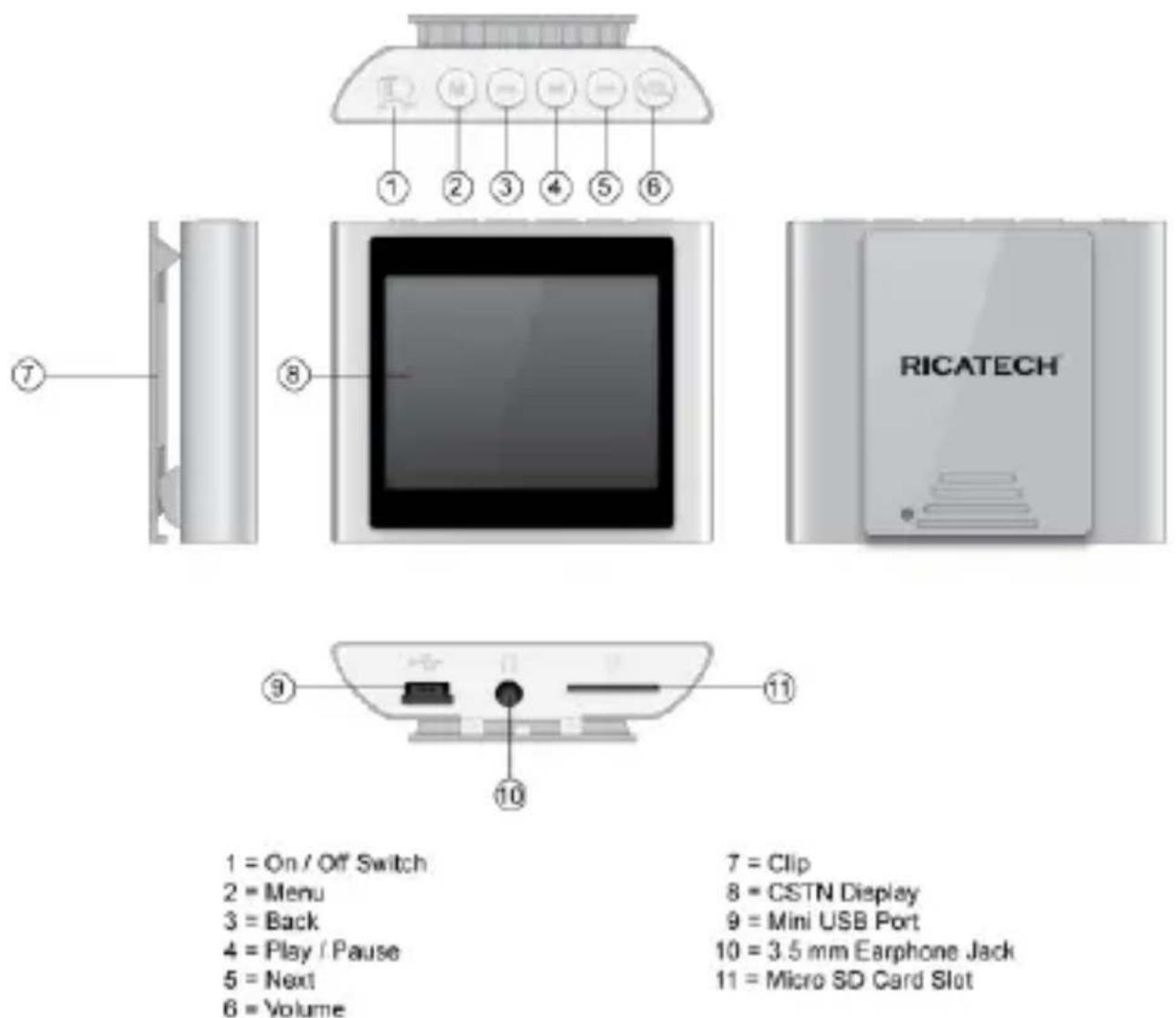
- Play/Pause: Power On / Playback / Pause
- MENU: choose function / enter
- ON/OFF: Power on/off
- VOL: Control volume
- Forward: next item/ fast forward/volume increase
- Rewind: last item/ fast rewind/volume decrease
- USB port: USB plug
- Earphone jack: Earphone standard jack
- TF Card Slot
Convert ACT files to WAV format files
The ACT format files can be converted to WAV format files through the accessory installation tools
- Run "Sound Converter" program, and click Open button
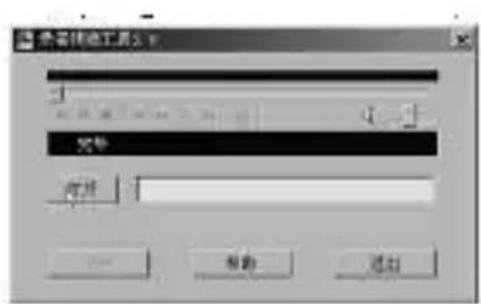
- Choose the ACT files for format conversion
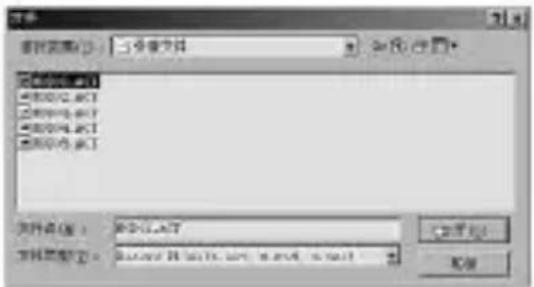
- Click Convert button, the conversion starts
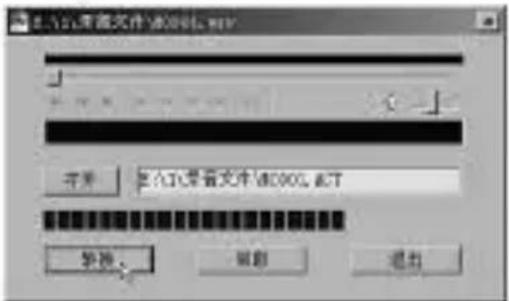
Besides the conversion from ACT to WAV, the accessory tool can also play WAV and MP3 files
- Repeat/Equalizer mode (play submenu)
Operate according to the following content.
When under playing, short press MENU button to enter into submenu; press forward/rewind button to choose.
- Repeat: Press Menu button, enter into submenu, press forward/rewind button to choose Normal/Repeat one/Folder/Repeat Folder/Repeat all/Random /Intro, and press play/pause button to enter.
- Equalizer: Press Menu button, enter into submenu, press forward/rewind button to choose Natural/Rock/Pop/Classic/Soft/Jazz/DBB, and press play/pause button to enter.
AMV video file transfer:
- Install PDATE AND CONVERT SETUP in CD , After finished set up you will
find some file at the beginning of the computer
A. "MP3 PLAYER DISK TOOL"
B. "MP3 PLAYER UPDATE TOOL" which used for update player;
C. “AMV CONVERT TOOL” which can be transfer WMV、AVI、RM、RMVB and some video file into AMV that the player can support
D. "SOUND CONVERT TOOL" which can transfer recorder file into MP3.
- Install each decode in "PLAYER" (Including DX9.0 and WINDOWS MEDIA PLAYER 9.0 fddshow-20021213.exe,quicktimealt144.exe,realalt135.exe、StormCodec5.03.exe)
- After finished install all software successful you can make video file transfer. Choose "AMV CONVERT TOOL" transfer WMV、AVI、RM、RMVB and some video file into AMV that player support directly.
- If VCD or DVD format file, you must download VCD/DVD TO WMV/AVI/RM software then use AMV CONVERT TOOL" make transfer.
| Screen | 1.8"(160*120)65K color CSTN display | |
| Dimensions | 50*43*15mm | |
| PC connection | Full USB2.0(FULL SPEED) | |
| Memory | NAN-2 | 2GB |
| NAN-4 | 4GB | |
| NAN-8 | 8GB | |
| Power | Lithium battery | |
| Sampling rate | 8KHz | |
| Recorder format | WAV(32K bps),ACT(8K bps) | |
| Recorder time | 35hours(ACT,128M flash) | |
| MP3,WMA, WMV,ASF | Earphone output | (L)5mW+(R)5mw(320hm) |
| MP3 bit rate | 8k bps 320K bps | |
| WMA,WMAV,ASF bitrates | 5k bps 384K bps | |
| Frequency | 20Hz to 20KHz | |
| Signal-to noise rate | 85dB | |
| Support format | MP3 / WMA / AMV / JPEG / TXT | |
| Operation temperature | -5 to 40 degree | |
| Language select option | Simple-Chinese,English,Trad-Chinese,Japanese,Korea n,French,Italian,Dutch,Portugues,Spanish,Russian,Ar abic,Thai,Swedish Danish,Czech,Polish,Slovakian,Hungarian,Romanian,T urkish,Slovenian,Hungarian,Romanian,Turkish,Slovenia n Hebrew | |
| Operation system | Windows98/SE/ME/2K/XP, Mac OS10,Linux2.4.2 | |
Products design and Specification might be changed without notice.
Customer Support
You can contact the Ricatech customer service when you have a question or a problem with your Ricatech Product. You can contact us by telephone and email.
For customer support by email, please sent a email to support@ricatech.com Please make sure that you mention the model number and serial number of the product, mention your name & address and describe your question or problem clearly.
TELEPHONE
For customers support by telephone, please dial +32 33265694. One of our service staff will be ready to serve you. For full procedure please visit the website of Ricatech at: www.ricatech.com
Natural, Rock, Popular, Classic, soft, Jazz, DBB.
- Multi play mode
AMV video file transfer:


- FUNCTION EXPRESS
- KNOWING PLAYER
- SCREEN
- BASIC FUNCTION
- TURN ON/OFF
- ENTER INTO MENU
- ENTER INTO DIFFERENT FUNCTION MODE
- ADJUST VOLUME
- PLAY MUSIC
- RECORDING
- KEY OPERATION
- KEY FUNCTION
- CONVERT ACT FILES TO WAV FORMAT FILES
- REPEAT/EQUALIZER MODE (PLAY SUBMENU)
- AMV VIDEO FILE TRANSFER
- CUSTOMER SUPPORT
- TELEPHONE
Brand : Ricatech
Model : RC1700
Category : Mp3 player