KS 2400 - Fridge GRAM - Free user manual and instructions
Find the device manual for free KS 2400 GRAM in PDF.


User questions about KS 2400 GRAM
0 question about this device. Answer the ones you know or ask your own.
Ask a new question about this device
Download the instructions for your Fridge in PDF format for free! Find your manual KS 2400 - GRAM and take your electronic device back in hand. On this page are published all the documents necessary for the use of your device. KS 2400 by GRAM.
USER MANUAL KS 2400 GRAM
Type KS Monolit (M60)
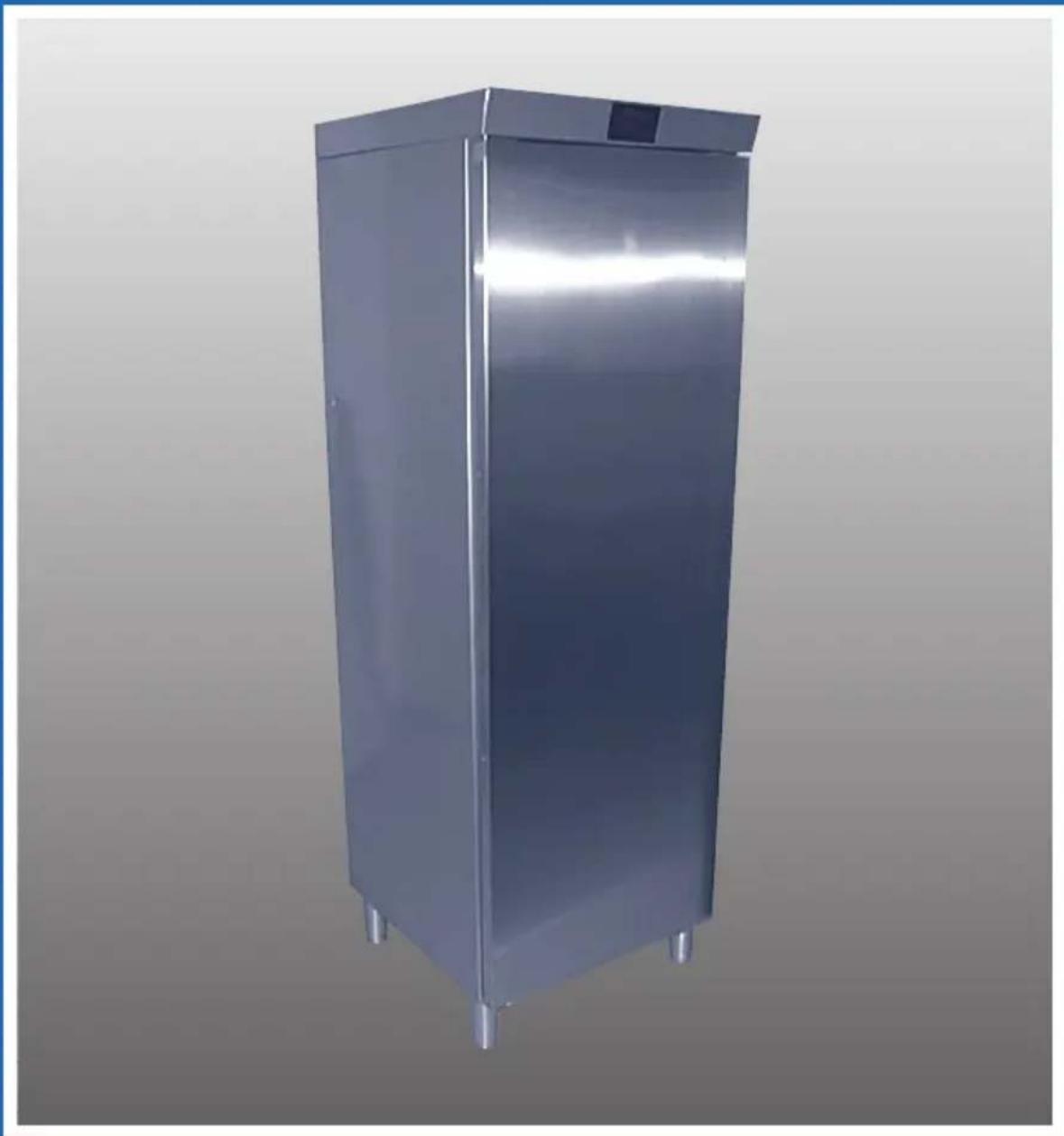
Instructions for use
Gebruiksaanwijzing
D 2
N 9
S 14
FIN 19
D 24
F 29
G B 34
NL 39
Andering at temperatur
Homopositional homelike
Congratulations on your new refrigerator
Please note that these instructions apply to all KS models and therefore the accessories/equipment described can vary from model to model.
WARNING
Old refrigerators and freezers are often fitted with complicated latches that can only be opened from the outside. If you have an old unit like this stored away somewhere, or if you scrap it, remember to destroy the lock first to prevent children from being exposed to danger by getting locked inside the unit. Note! Please observe the environmental rules on disposal. See section "Disposal".
Before using your refrigerator
Please read the section on setting up and building in, starting up, temperature control and electrical connection before using your refrigerator.
On receipt, check to ensure that the refrigerator has not become damaged in transport. Transport damage should be reported to the local supplier before the refrigerator is put to use.
Fold out the final pages with illustrations. You will then be able to follow the text and pictures at the same time.
Setting up and building in
For safety and operational reasons, do not set up the refrigerator outdoors.
Your refrigerator should be placed in a dry room.
The refrigerator is designed for temperature class N in accordance with European standard 153.
This means that the refrigerator will run best in a room temperature of +16 to +32^ .
The surface on which the refrigerator is placed must be plane. Do not use a plinth or similar.
Never place the refrigerator close to sources of heat such as ovens or radiators, and avoid placing it in direct sunlight.
It is important that the refrigerator stands completely level and that there is good air circulation over, under and around it.
Leg adjustment
The leg height can be adjusted from 110 to 160mm by turning the bottom of the legs.
Note: If you choose to build the refrigerator into a kitchen element it is essential to make sure that heat from the compressor is led away. The dimensions given are minimum, based on ventilation openings being covered with an original GRAM ventilation grille or a corresponding grille with the same through-flow area. Refrigerators 60 cm in width require an unobstructed flow area of min. 200 cm².
1A Building in with ventilation grille Refrigerator or refrigerator/freezer combination in a standard kitchen element with sufficient ventilation for the compressor around the refrigerator/- combination.
1B Building into a refrigerator element Refrigerator with integral ventilation. Air flows in through the plinth and is led to the rear of the cabinet.
Electrical connection
The refrigerator is intended for connection
to alternating current. The connection values for voltage (V) and frequency (Hz) are given on the nameplate in the cabinet 3. Power must be connected via a wall socket with a switch. The wall socket should be easily accessible.
All earthing requirements stipulated by the local electricity authorities must be observed. The refrigerator plug and wall socket should then give the correct earthing. If in doubt, contact your supplier or authorised electrician.
WARNING
The flexible cord (mains lead) fitted to this appliance has three cores for use with a 3-pin 13-Amp or 3-pin 15-Amp plug. If a B.S. 1363 (13-Amp) fused plug is used, it should be fitted with a 13-Amp fuse.
IMPORTANT
The wires in this mains lead are coloured in accordance with the following code: GREEN-AND-YELLOW: EARTH BLUE:NEUTRAL BROWN:LIVE
The colours of the wires in the mains lead of this appliance might not correspond with the colour markings identifying the terminals in your plug.
Proceed as follows:
Connect the GREEN-AND-YELLOW wire to the plug terminal marked "E" or an earth symbol, or coloured GREEN, or GREEN-AND-YELLOW. Connect the BLUE wire to the plug terminal marked "N" or coloured BLACK.
Connect the BROWN wire to the plug terminal marked "L" or coloured RED.
You can change the door from right-hinged to left-hinged or vice versa yourself
Illustration shows how easy it is to
change the door from right-hinged to lefthinged - or vice versa.
Lay the refrigerator on its back, front uppermost. First, using a 2.5mm hexagon key, remove the handle Remove the front legs 2sing an 8mm hexagon key. This also releases the lower hinge. Transfer top and bottom hinges to the opposite side.
Bottom hinge:
Using a 13 mm open-ended spanner and a 2 mm hexagon key, move hinge pin and grubscrew to opposite hand.
Top hinge:
Move hinge pin 3 opposite side. Note that the pin must be mounted opposite hand when it is moved to the opposite side, i.e. it must be turned 1/4 turn. It might be necessary to use pliers when pulling the hinge pin free from the top.
Move the cover plug on the top of the door to the opposite side.
When the door has been mounted, a 9 mm filler (wood or something similar) should be used at the bottom hinge. Place it between the cabinet front and the door edge to provide suitable clearance for the sealing strip.
Remember to place the correct number of washers beneath the bottom hinge to ensure that the door has the correct height. Fit the hinge under the leg.
When the door has been adjusted, screw the leg in firmly and lock the hinge by tightening the grubscrew against the cabinet.
Refit the door handle.
Starting up
If during transport the refrigerator has been laid down, or if it has been stored in cold surroundings (colder than +5^ ) it must be allowed to stabilise for at least 1 hour before being switched on.
GB
Start the refrigerator by plugging it into a wall socket.
On connection, an alarm is activated to indicate that the internal cabinet temperature is too high and that there has been a power failure. Read "Alarm" to see how the alarm can be switched off.
Electronic control
Illustration shows the electronic control panel in the mid-upper part of the cabinet.
The electronically controlled refrigerator is factory-set to run at an optimum temperature. The cabinet temperature can be seen/changed with key ^ C
When you press the key and hold it in, the actual cabinet temperature setting will appear almost instantaneously. This setting is displayed for about 3 seconds. Holding down the key will enable you to change the temperature setting (see below).
Changing the temperature
Press ^ C and hold it in. The actual setting will be displayed almost instantaneously; the figures will light up one after the other on the scale. When the end of the scale is reached, all figures will go out for a moment before they start lighting up again. Release the key when the figure under the required temperature lights up. The refrigerator will now run on the new setting.
Cutting off for cleaning/defrosting
Press ^o C as under "Changing the temperature", but release the key the moment all figures go out. This cuts off the refrigerating function and the cabinet interior can be cleaned. It remains possible to read the cabinet temperature for about 2 hours, after
which this function is automatically switched off.
After cleaning, start the refrigerator again by setting a temperature (see "Changing the temperature").
Alarm
The alarm is activated in the event of power failure, or if the cabinet temperature remains 6^ higher than the setting for more than 2 hours. The alarm will continue even though the temperature returns to normal, just to make sure you know that something has been wrong.
Alarm on starting
Your new GRAM model will not have been started since it was tested in the factory and therefore when you start it in your kitchen the electronics "think" that there has been a power failure. The alarm is therefore activated.
Alarm deactivation
Press ^ C and hold it in. The temperature setting will be displayed almost instantaneously. Release the key as soon as the setting appears, to cancel the alarm.
Signals
When the figure 9 on the display lights up, the temperature in the refrigerator is +9^ or higher than can be shown on the display.
When the figure 2 flashes - and only this figure - the temperature in the refrigerator is lower than can be shown on the display.
When the two outermost figures on each side of the display flash alternately with the four middle figures, it means that there is a defect in the temperature sensor.
Alarm: The figures light up one after
another from the coldest end and run across the display.
Emergency program
If the sensor becomes defective an emergency program maintains temperature control until a service technician can be called to correct the fault.
Brief temperature variation
Brief temperature variations are normal and occur when:
- the cabinet is filled with fresh wares,
- the door is left open for longer periods,
- the refrigerating element defrosts.
Items of food in the cabinet will not be affected by these variations and the temperature will quickly return to normal.
Using the cabinet and accessories
The short shelf in the cabinet can be used as a bottle holder by inclining the shelf, i.e. lower the rear of the shelf down to the underlying support.
For refrigerators with chilling compartment
The cabinet is divided A to refrigerating and chilling compartments by a glass shelf with air damper. To preserve the division, this shelf and the bottle shelf placed opposite in the door must not be moved.
The temperature in the chilling compartment can be regulated with the damper . The more it is opened, the greater the flow of cold air from the refrigerating compartment down into the chilling compartment.
Vegetable drawers
The drawers in the bottom of the cabinet are ideal for storing fruit and vegetables. The overlying glass shelf protects them from drying out.
Serving boxes in the door
The boxes are ideal for all kinds of items. The tight-fitting lids prevent drying out and save you from tiresome wrapping and unwrapping.
The serving boxes are made of a material that is not affected by mineral oils, grease and weak acids. They withstand freezing temperatures and temperatures up to 100^ . They can be cleaned in a dish washer, but must not be placed direct by the heating element.
Serving boxes can be purchased as extra equipment.
Bottle shelves in the door
The depth of the bottle shelf can be adjusted by moving the wire retainer which clips into holes in the shelf
The bottle shelf can be moved up and down 10cm
DeHosin
Defrosting is fully automatic, controlled by a sensor which ensures that refrigeration does not start until the refrigerating element has been completely defrosted. If, nevertheless, an unusual amount of frost does build up, you can defrost the cabinet yourself by cutting off refrigeration (see above).
Cleomming
Cut off refrigeration as described in "Cutting off for cleaning/defrosting".
The cabinet is best cleaned with a weak soap solution (max. 85^ ). Do not use cleaning agents that might cause scratches. Clean the sealing strips regularly to prolong their life and prevent discolourata
tion.
Remove dust and threads in the compressor compartment with a vacuum cleaner.
USCUT1111S
The refrigerator is to remain unused for a time
After defrosting and cleaning the refrigerator, leave the door slightly ajar. This will prevent bad smells.
Compressor does not run
- Check the temperature setting.
- Check to ensure that power is switched on and that the plug has been properly inserted into the wall socket.
Hissing and clicking noises
Circulating refrigerant causes these noises. They are quite normal - even when the compressor is not running.
Also note
The compressor starting system often needs a pause before a restart can be performed. The compressor itself automatically determines the length of the pause.
Blockage in defrost water drain
If blockage does occur, the most likely point is the plastic bend at the outlet in the cabinet. Carefully remove the blockage, then for safety's sake clean the bend with a small cotton bud or similar.
If the problem persists, the blockage might be in the hose down to the evaporation tray. The tray is located above the compressor at the rear of the refrigerator.
Sporeparts
When ordering spare parts, please give the type and part number of the refrigerator. This information is given on the nameplate inside the cabinet
Replacing the bulb
With a screwdriver, loosen the spigots that secure the screen Lift the screen and replace the bulb with a new one (max. 15 W).
Disposal
If a refrigerator for which there is no longer any use is to be disposed of, please do so in an environmentally correct and justifiable way. There might be special requirements/conditions to be observed. You can obtain information on the disposal of refrigeration appliances from:
-GRAM A/S
- Your white-goods supplier
- Authorities (the local council, Ministry of the Environment, etc.)