Hermes Ultimate - Keyboard Gamdias - Free user manual and instructions
Find the device manual for free Hermes Ultimate Gamdias in PDF.


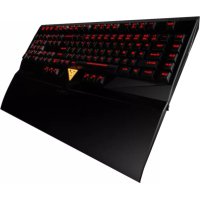
| Product type | Mechanical keyboard for gaming |
| Brand | Gamdias |
| Model | Hermes Ultimate |
| Connectivity | USB (with 3.5mm headphone and microphone ports) |
| Switches | Cherry MX Blue |
| Processor | ARM Cortex 32-bit |
| Memory | 512 KB |
| Number of keys | 116 macro keys |
| Additional macro keys | 13 (G1~G5, M1~MVIII) |
| Rollover | 6-Key / N-Key selectable |
| Backlight | 6 levels (0%, 25%, 50%, 75%, 100% and breathing) |
| Game profiles | 10 customizable sets (PF1~PF10) |
| Wrist rest | Magnetic detachable, can be used as dust cover |
| OS compatibility | Windows XP / Vista / 7 / 8 |
| Dimensions (L x W x H) | Approximately 440 x 140 x 30 mm (estimated) |
| Weight | Approximately 1.2 kg (estimated) |
| Power supply | USB 5V |
| Configuration software | HERA (downloadable from www.GAMDIAS.com) |
| On-the-fly macro recording | Yes (Fn+Ctrl) |
| Keyboard lock | Yes (dedicated key) |
| Game mode | Disables the Windows key |
| Multimedia shortcuts | 6 keys: Previous, Next, Play/Pause, Mute, Volume -, Volume + |
| Additional ports | USB pass-through, 3.5mm headphone and microphone |
| Package contents | Keyboard, wrist rest, installation guide, Gamdias sticker |
Frequently Asked Questions - Hermes Ultimate Gamdias
User questions about Hermes Ultimate Gamdias
0 question about this device. Answer the ones you know or ask your own.
Ask a new question about this device
Download the instructions for your Keyboard in PDF format for free! Find your manual Hermes Ultimate - Gamdias and take your electronic device back in hand. On this page are published all the documents necessary for the use of your device. Hermes Ultimate by Gamdias.
USER MANUAL Hermes Ultimate Gamdias
natural_image
Abstract golden geometric logo inside a triangular frame (no text or symbols)GAMDIAS
GAMING
HER
MECHANICAL
ES
KEYBOARD
natural_image
Black computer keyboard with glowing red and black keys, no visible text or symbols<ภาษาไทย> < 中文繁體 >
<日本語> <한국의>

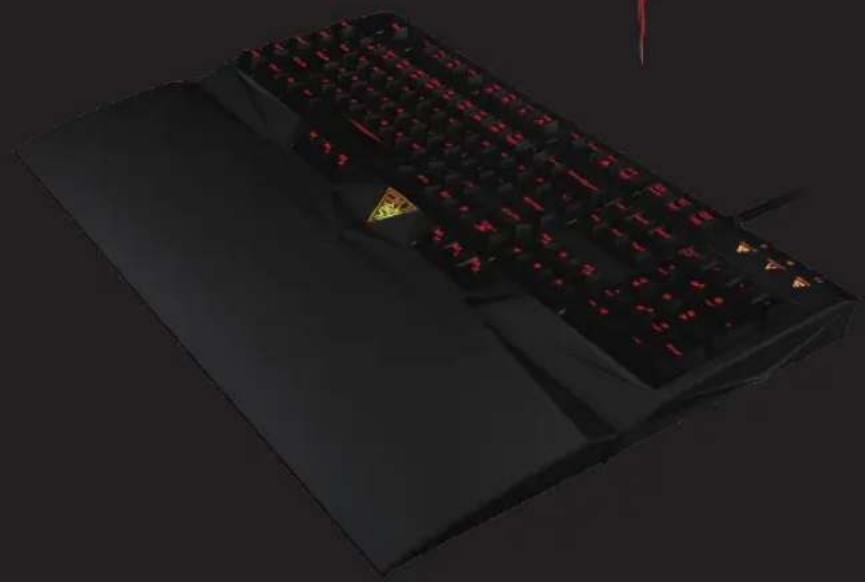
Thank you for choosing the GAMDIAS ^TM HERMES mechanical gaming keyboard. The GAMDIAS ^TM HERMES employs a premium 32 bit ARM Cortex micro-processor and 512KB memory, with full N-Key / 6-Key rollover selections and 116 macro keys. The Cherry ^TM Blue switches and exclusively patented GAMDIAS ^TM ELEMENT engineering offers the ultimate response and tactility.
Package Contents
• GAMDIAS ^TM HERMES Mechanical Gaming Keyboard
• HERMES Wrist Rest
• Multi-language Quick Installation Guide
• GAMDIAS ^TM Sticker
System Requirements
• Windows ® XP/ Vista/ 7 /8
- PC with USB port
- Internet connection (for HERA software installation)
HERMES Keyboard Layout
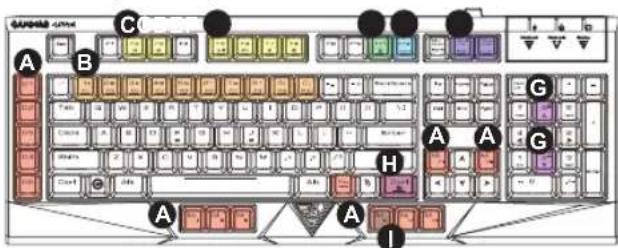
A. 13 additional macro keys: G1-G5; M1-MVIII
B. 10 Set of customizable gaming profiles: PF1\~PF10

C. 6 multimedia hotkeys: Previous, Next, Play/Pause, Mute, Volume Down, Volume Up

D. Keyboard Lock: Press the Keyboard Lock key to disable key functions, press again to enable key functions.
E. Gaming Mode: Press the Gaming key once to disable the Windows key, press it again to enable the Windows key.
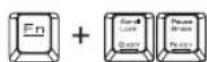
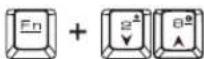
F. 6-Key Rollover/ N-Key Rollover:
Interchangeable between 6-Key and N-Key Rollover
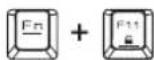
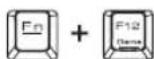
G. Keyboard Backlight Adjustment:
[Fn+Num2] to increase brightness, [Fn+Num8] to dim backlight; 6 levels of illumination, 0%/25%/50%/75%/100% brightness & breathe lighting effect.
H. On-The-Fly Macro Recording
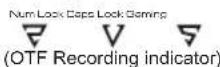
(1) To enable OTF recording, press Fn+Ctrl the three indicators on the top right corner will be flickering.
(2)Press the key or the combination of keys to be set to the macro key.
(3) When recording is complete, press Fn+Ctrl the three indicators on the top right corner will turn to still lighting.
Hardware and Software Installation
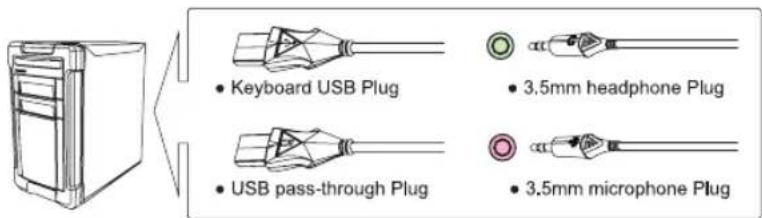
- Plug the both the keyboard and USB pass-through plugs on the GAMDIAS ^™ HERMES keyboard into your PCs via USB Port.
2.Plug the 3.5mm headphone and microphone jacks into corresponding ports. - The "found new hardware" notice will appear, please following instruction to complete hardware installation.
4.Log onto the GAMDIAS™ website (http://www.GAMDIAS.com) to download the latest version of the HERA application software. - Start installing the GAMDIAS ^TM HERA software by following the instruction on the installation guide.
(4)Press the desired macro key to designate the recorded key, or combination of keys, the three indicators with be restored to its original lighting status.
*To cancel during the recording process, press Fn+Ctrl after (3), the three GAMDIAS emblems with be restored to its original lighting status.
I. MIV: Default setting for launching HERA software download page
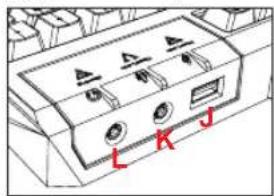
J. USB pass-through port
K. 3.5mm microphone port
L. 3.5mm speaker/headphone port
HERMES Wrist rest instruction
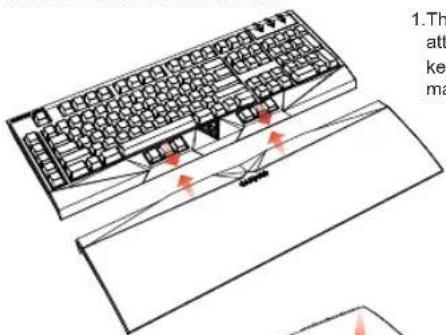
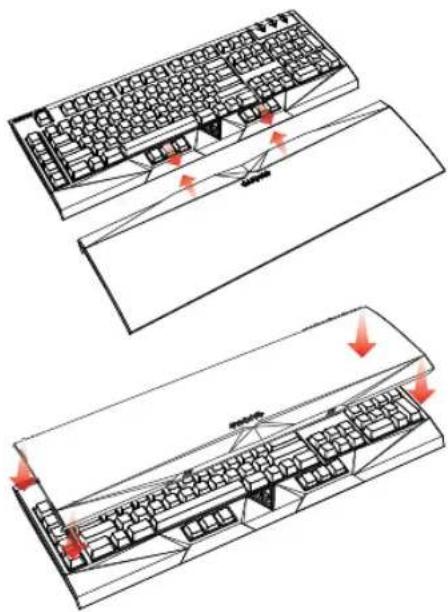
- The wrist rest easily attaches to the keyboard through magnet.
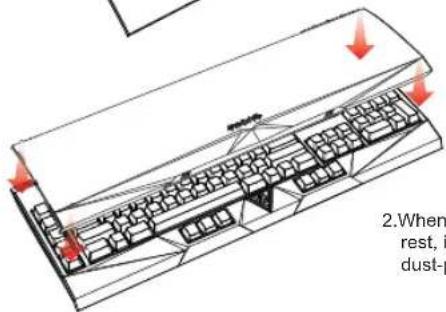
- When not using the wrist rest, it may be used as dust-proof cover.
Registering Your GAMDIAS™ HERMES Mechanical Gaming Keyboard
Please visit www.GAMDIAS.com for online product registration
Gaming Art in Motion
Gaming Art in Motion

Gaming Art in Motion

Gaming Art in Motion

A. 13 teclas macro adicionals: G1\~G5; M1\~MVIII
B. 10 perfis de jogo personalizáveis: PF1\~PF10

J. Porta de passagem USB
K. Porta de 3,5 mm para microfone
L. Porta de 3,5 mm para altifalantes/auscultadores
Gaming Art in Motion
Gaming Art in Motion

<ภาษาไทย>
natural_image
Technical line drawing of a keyboard and a flatboard with red arrows indicating alignment or movement (no text or symbols)natural_image
Isometric line drawing of a keyboard layout with red arrows indicating movement or force (no text or symbols)Gaming Art in Motion

<日本語>
Gaming Art in Motion
< 中文繁體 >
natural_image
Technical line drawing of a keyboard and its base with red arrows indicating movement or connection points (no text or symbols present)natural_image
Isometric line drawing of a keyboard with directional arrows indicating movement or force (no text or symbols)Gaming Art in Motion
J.USB 패스-스루 포트
K.3.5mm 마이크 포트
L.3.5mm 스피커/헤드폰 포트
HERMES 손목 보호대
Gaming Art in Motion

natural_image
Illustration of a muscular, glowing armored figure with white hair and golden mask against red background (no text or symbols)

natural_image
Black and gold computer mouse with visible control buttons and a golden warning symbol on the head (no text or symbols beyond branding)
natural_image
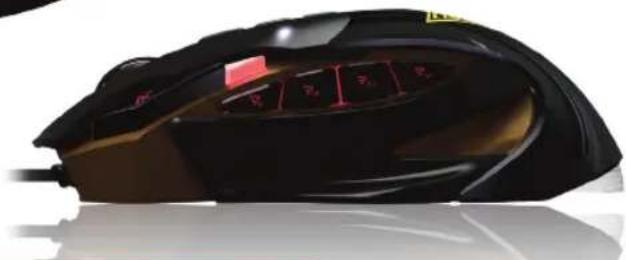
Close-up of a black ergonomic computer mouse with visible keyboard keys and a red tab (no text or symbols)World leading innovation
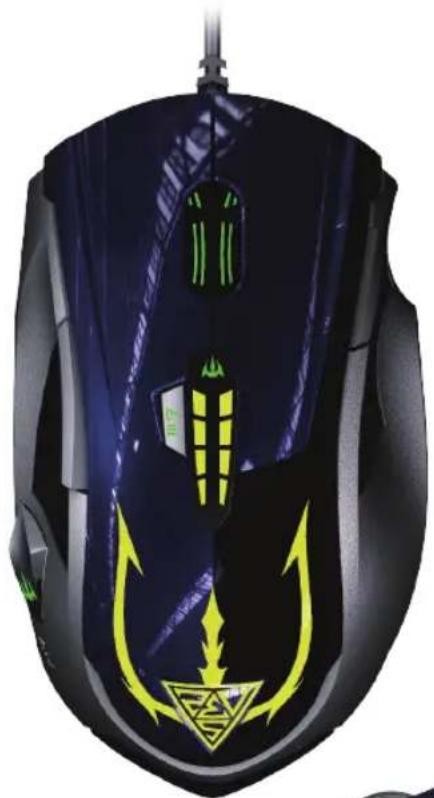
The world's first tool-less re-shapable gaming mouse
11 Smart Keys
11 keys with 9 programmable keys for strategic assignment of macros, profiles, keyboard keys, media controls, windows functions...etc
512KB Memory
Plug & play on different PCs storing 6 profiles, macro assignments, and muscle memory achievements
Polling Rate
Selectable polling rate 125 / 250 / 500 / 1000 Hz
Grip Area Calibration
Maximize control and comfort of the ZEUS mouse through tool-less calibration of the finger grip areas
Premium Micro-Processor
Premium Micro-Processor 32-bits ARM Cortex premium micro-processor offers superior computing performance
8200 DPI

True 8200 DPI for pixel perfect accuracy
natural_image
Close-up of a black and yellow computer mouse with abstract design (no text or symbols visible)
natural_image
Close-up of a black and green electronic mouse with visible control buttons (no text or symbols)World leading innovation
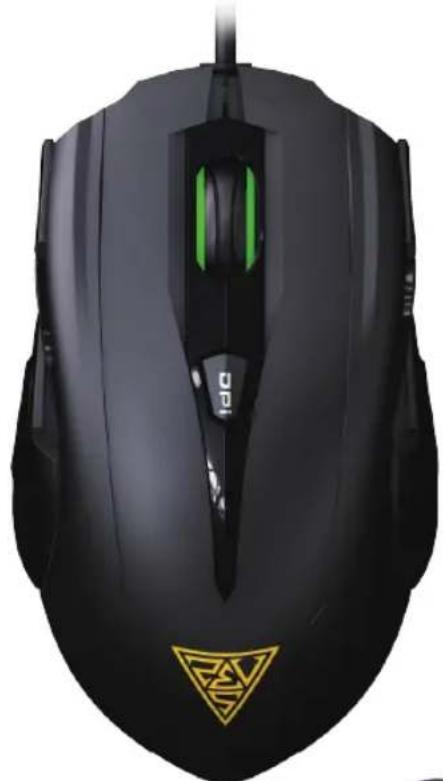
The world's first gaming mouse featuring weight adjustment through a click of a button
7 Smart Keys
7 keys with 5 programmable keys for strategic assignment of macros, profiles, keyboard keys, media controls, windows functions...etc
512KB
Memory
Plug & play on different PCs storing 6 profiles, macro assignments, and muscle memory achievements
Polling Rate
Selectable polling rate 125 / 250 / 500 / 1000 Hz
1Click
Weight Adjustment
Adjust mouse weight with the click of a button
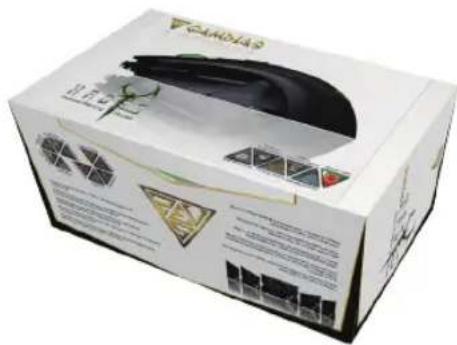
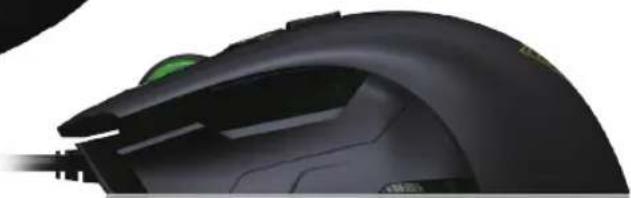
Ergonomic Design
Ergonomically designed for prolonged gaming comfort using any grip style
8200 DPI

True 8200 DPI for pixel perfect accuracy

natural_image
Illustration of a fantasy character with green and purple hair, no visible text or symbols

natural_image
Black and white computer mouse with a green accent, featuring a yellow triangular logo on the front (no text or symbols visible)
natural_image
Close-up of a black R340 computer mouse with green scroll wheel and cable (no visible text or symbols)Color options


World leading innovation
The world's first ambidextrous mouse with changeable side panels
8 SmartKeys
8 keys with 7 programmable keys for strategic assignment of macros, profiles, keyboard keys, media controls, windows functions...etc
Custom Ergonomics
Customize ergonomically to your grip style with interchangeable side panels
Polling Rate
Selectable polling rate 125 / 250 / 500 / 1000 Hz
3 Sets
Interchangeable
Harmonize comfort and gaming performance through 3 sets of interchangeable side panels
Laser Sensor

Maximum tracking power for precision navigation
5700 DPI

True 5700 DPI for pixel perfect accuracy
natural_image
Front view of a modern headboard with black and silver usage, featuring a microphone (no visible text or symbols)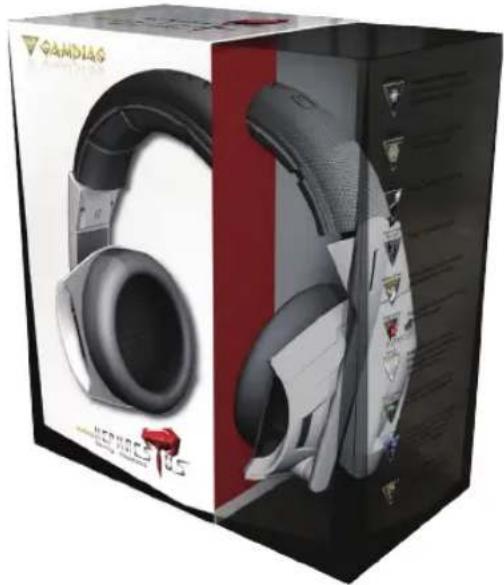
natural_image
Product packaging and front view of a Gaadiag brand headband (no visible text or symbols on the product itself)World leading innovation
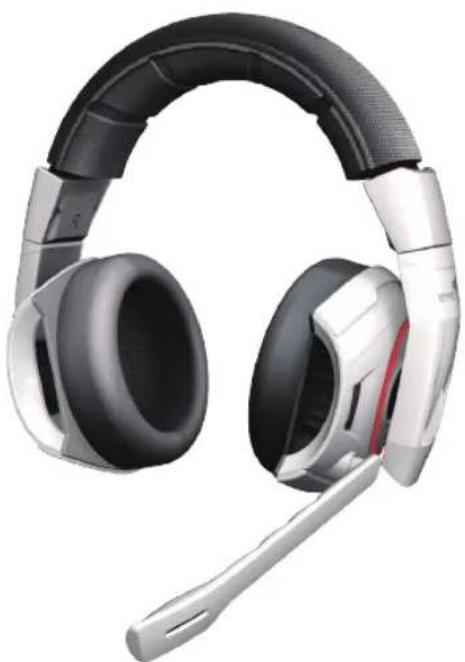
The world's first gaming headset to mimic shock differences between ears based on blast origin
Blast Source

Shock waves vary by ear to help pinpoint blast source
Ergonomic

Leather headband & ear pads for comfort during prolonged gameplay
Cooler
Built-in aluminum heat sink for optimum temperature
Noise
Cancelling Mic
Active noise cancellation microphone filters out unwanted noise signal for clear messages to team mates
Superb
Acoustic
Superb acoustic: refined driver membranes produce crystal-clear sounds at high, mid and low tone
Flexible
Mic Boom
Microphone arm can bend in any direction for personalized usage

HERA
Application
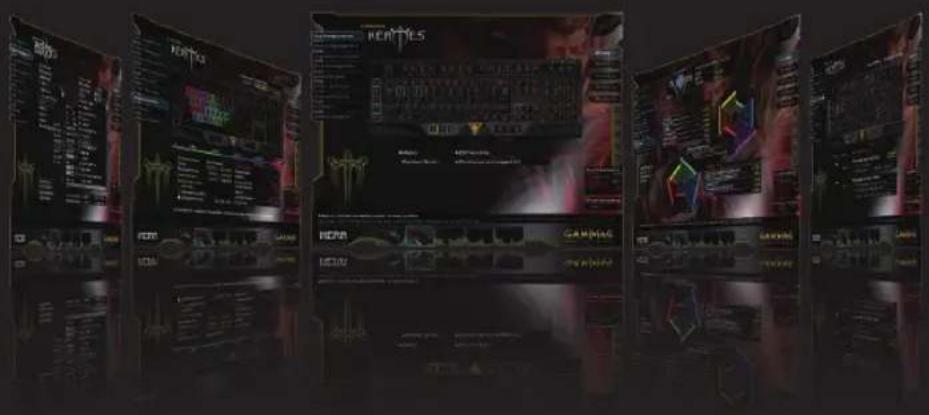
World leading innovation
The first gaming application software featuring online member forums and competitive community.
Switch GAMDIAS keyboard & mouse profiles simultaneously with one click
Sound FX alerts for changes to DPI, profile, sensitivity, or other settings
Record and customize sound effects / voice messages for use on all GAMDIAS gear
Build macros that combine keyboard, mouse, and instant messaging functions through integrated UI software
Voice-Over-Function lets users record personalized sound effects to designated key

natural_image
Illustration of a fantasy character with green hair and flowing hair, wearing ornate headgear (no text or symbols)3 Profile
Switch Methods
Macro Dias
Keyboard
Optimization
SoundFX
Control
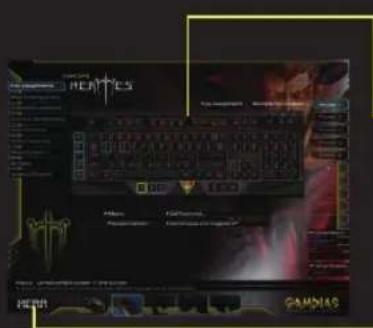
Keyboard
Optimization
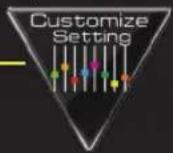
Customizable profile
& ambiance lighting
luminance
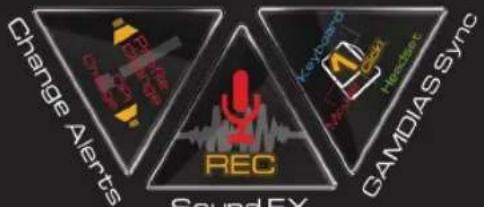
Change Alerts
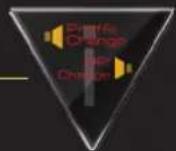
Sound FX alerts for
changes to profile or
other settings
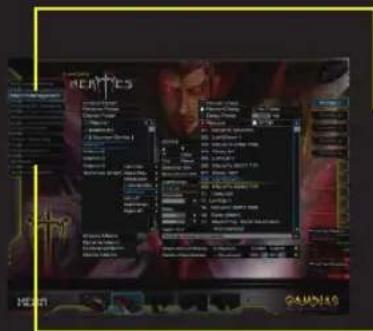
Macro Dias
Build macros that combine
keyboard, mouse, and
instant messaging
functions through
integrated UI software
Sound FX
Control
Record and customize
sound effects / voice
messages for use on all
GAMDIAS gear
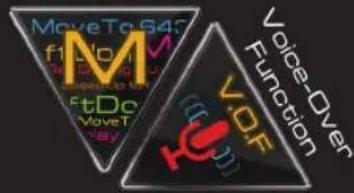
Voice-Over Function
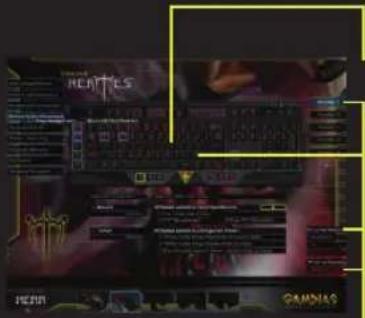
Voice-Over-Function lets users record personalized sound effects to designated key
3 Profile
Switch Methods
Switch GAMDIAS keyboard profiles simultaneously with one click
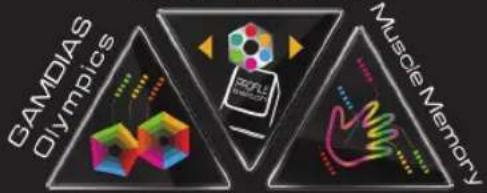
Muscle Memory
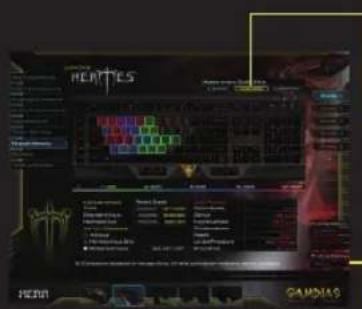
Reflect keyboard dominance into measureable core powers and get stronger each day
GAMDIAS Sync
Switch GAMDIAS keyboard profiles simultaneously with one click
GAMDIAS Olympics
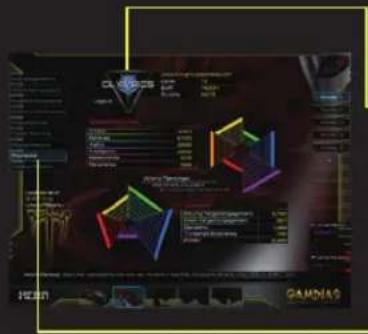
Assess gaming abilities and compete with other GAMDIAS gamers across the world
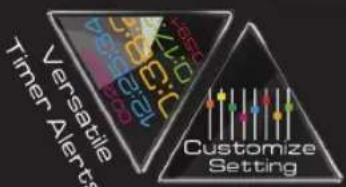
Versatile Timer Alerts
Build and call up unlimited timer alerts (on-screen & sound) anytime with any key

WEEE Directive & Product Disposal
At the end of its serviceable life, this product should not be treated as household or general waste. It should be handed over to the applicable collection point for recycling of electrical and electronics equipment, or returned to the supplier for disposal.

Gaming Art in Motion
© 2013 GAMDIAS Technology Co., Ltd. All rights reserved. All GAMDIAS trademarks and logos are registered trademark of GAMDIAS Technology Co., Ltd. All other trademarks and logos presented in this material are the property of their respective owner. GAMDIAS Technology Co., Ltd. reserves the right to revise the specifications mentioned on this packaging.
www.GAMDIAS.com
22
GAMDIAS
Gaming Art in Motion
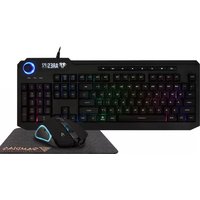
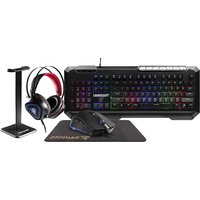
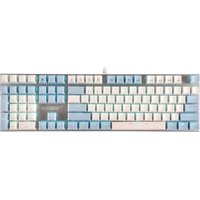
Brand : Gamdias
Model : Hermes Ultimate
Category : Keyboard