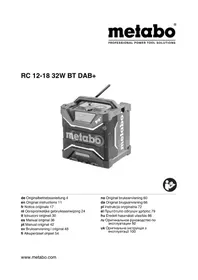
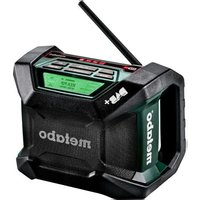
PowerMaxx RC 12 - Radio METABO - Free user manual and instructions
Find the device manual for free PowerMaxx RC 12 METABO in PDF.



| Product type | Radio with integrated charger |
| Brand | Metabo |
| Model | PowerMaxx RC 12 |
| Weight | 1.8 kg |
| Mains power supply | Power supply unit 13.5 V / 2 A |
| Battery power | Metabo Li-Ion battery 10.8 V |
| Compatible battery voltage range | 10.8 V (1.5 Ah - 3.0 Ah, 3-6 cells) |
| FM frequency range | 87.5 - 108 MHz |
| AM frequency range | 522 - 1620 kHz |
| Main functions | FM/AM radio, AUX input, battery charger, equalizer, clock, station search and storage, mute mode |
| Screen type | Digital display (not specified in detail) |
| External audio input | Yes (AUX, e.g., MP3 player) |
| Backup battery | 2 AAA batteries (for clock backup) |
| Optimal storage temperature | 10 °C to 40 °C |
| Maintenance and cleaning | Clean only with a dry cloth |
| Safety | Protection against moisture, indoor use only, do not expose to water or fire |
| Spare parts and repairability | Repairs by qualified personnel with original Metabo parts |
| General information | Compliant with standards EN 60335, EN 60065, directives 2006/95/EC, 2004/108/EC, 2009/125/EC, 2011/65/EU |
Frequently Asked Questions - PowerMaxx RC 12 METABO
User questions about PowerMaxx RC 12 METABO
0 question about this device. Answer the ones you know or ask your own.
Ask a new question about this device
Download the instructions for your Radio in PDF format for free! Find your manual PowerMaxx RC 12 - METABO and take your electronic device back in hand. On this page are published all the documents necessary for the use of your device. PowerMaxx RC 12 by METABO.
USER MANUAL PowerMaxx RC 12 METABO
natural_image
Exterior view of a metal detector device with visible internal components and antenna (no text or symbols)
natural_image
Icon of a person reading a book inside a black circle (no text or symbols)(D) Originalbetriebsanleitung...... 2
ENG Original instructions.... 8
(F) Notice originale.... 13
NL Oorspronkelijke gebruiksaanwijzing... 19
IT Istruzioni originali.... 24
ES Manual original 29
PT Manual original 34
SV Bruksanvisning i original.... 39
FIN Alkuperäiset ohjeet.... 44
NO Original bruksanvisning 49
① Original brugsanvisning.... 54
POL Instrukcja oryginalna 59
EL Πρωτότυπο οδηγιών χρήσης ...... 65
HU Eredeti használati utasítás.... 71
RU Оригинальное руководство по эксплуатации . 76
Director Product Engineering & Quality Responsible Person for Documentation Metabowerke GmbH, 72622 Nuertingen, Germany
natural_image
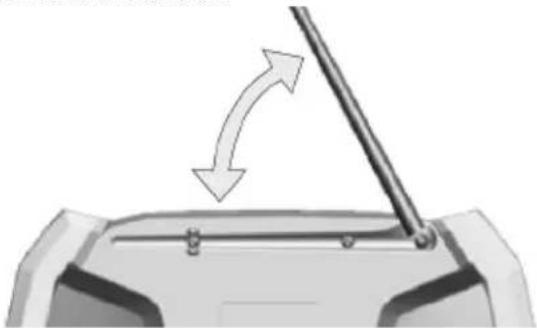
3D mechanical assembly diagram showing a piston inside a housing with an arrow indicating motion (no text or symbols)Antenne ausrichten:
natural_image
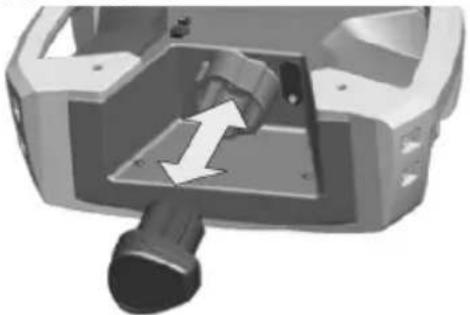
Diagram showing a mechanical component with a rod and arrow indicating motion (no text or symbols)Akkupack einsetzen:
natural_image
3D mechanical component with a directional arrow indicating movement or force (no text or symbols visible)natural_image
3D rendering of a mechanical device with a power outlet connected to its side panel (no visible text or symbols)natural_image
3D rendered mechanical device with a circular button and directional arrow, no visible text or symbolsUhrzeit einstellen:
6 Bedienelemente
Radiosender suchen:
8 Reparatur
Original instructions
1 Declaration of Conformity
We, being solely responsible, hereby declare that this product conforms to the following standards: EN 60335; EN 60065 in accordance with the provisions of Directives 2006/95/EC, 2004/108/EC, 2009/125/EC, 2011/65/EU.

2011-11-03
Volker Siegle
Director Product Engineering & Quality
Responsible Person for Documentation
Metabowerke GmbH, 72622 Nuertingen, Germany
2 Specified Use
The radio with charger is only suitable for charging Metabo battery packs.
The radio with charger is suitable for charging Metabo Li-ion battery packs (10.8 V, 1.5 Ah - 3.0 Ah, 3-6 cells).
Operate the radio with charger only with the Metabo mains adapter provided or a Metabo Li-ion battery pack (10.8 V).
This device is not designed for use by persons (including children) with physical, sensory or mental disabilities, or with insufficient experience and/or knowledge, unless they are supervised by a person responsible for their safety, or have received instructions on how to use the device by this person.

Never attempt to charge batteries that are not rechargeable. Danger of explosion!
The user bears sole responsibility for any damage caused by improper use.
Generally accepted accident-prevention regulations and accompanying safety instructions must be observed.
3 General Safety Instructions

WARNING – Reading the operating instructions will reduce the risk of injury.
WARNING Read all safety warnings and instructions. Failure to follow all safety
warnings and instructions may result in electric shock, fire and/or serious injury.
Keep all safety instructions and information for future reference.

Before using the device, carefully read through and familiarise yourself with all the enclosed safety information and the Operating Instructions. Keep all enclosed documentation for future reference, and pass on your charger only together with this documentation.
4 Special Safety Instructions

For your own protection and for the protection of your device pay attention to all parts of the text that are marked with this symbol!
Danger - electrical voltage!
Slightly acidic, flammable fluid may leak from defective Li-ion battery packs!

If battery fluid leaks out and comes into contact with your skin, rinse immediately with plenty of water. If battery fluid leaks out and comes into contact with your eyes, wash them with clean water and seek medical attention immediately.
Do not recharge a fully charged battery pack! Overcharging damages and shortens the life span of the battery pack.

Only use the device indoors!
Protect the device from moisture.

Children should be supervised to ensure that they do not play with the device.
Keep children away from the device and the working area! Keep the device out of reach of children!
Disconnect the device from the mains supply immediately if it begins to smoke or catch fire!

Protect battery packs from water and moisture!
Do not use faulty or deformed battery packs!

Do not expose battery packs to open flame!
Do not open battery packs!
Do not touch or short-circuit battery packs!
When not in use, keep batteries away from paper clips, coins, keys, nails, screws or other small metal objects that could bridge the contacts. Short circuits between battery contacts can cause burns or fires.
Protect the battery pack and batteries from heat (including lengthy exposure to direct sunlight), fire, water and moisture. There is a risk of explosion.
Always charge batteries in chargers recommended by the manufacturer. Chargers designed for a specific type of battery may pose a fire hazard when used together with other battery types.
Do not use this device near water.
Clean it using a dry cloth only.
Do not place the radio near any heat sources such as radiators, heat registers, stoves, or other apparatus that produce heat. Do not expose to open fire.
Only use attachments/accessories specified by the manufacturer.
Disconnect the device from the power supply in storms, before adjustment or repair work and when it will not be used for long periods.
Refer all servicing to qualified service personnel, who must use original spare parts only. Servicing is required when the device has been damaged in any way, such as when a mains adapter is damaged, liquid has been spilled or objects have fallen into the apparatus, the radio has been exposed to rain or moisture, does not operate normally, or has been dropped.
To reduce the risk of fire or electric shock, do not expose this device to rain or moisture.
The apparatus must not be exposed to dripping or splashing and no objects filled with liquids may be placed on the device.
Use only the batteries provided for this purpose in the device. Using other batteries may cause injuries and pose a fire hazard.
Do not operate the device in closed shelves or cabinets without adequate ventilation.
The ideal storage temperature is between 10^ C and 40^ C.
Do not open the device or modify it in any way.
Do not leave an empty rechargeable battery pack in the unplugged radio for longer than 2 weeks. Leaving the pack there for any longer can result in total discharge and damage to the storage cells. Once a battery pack has been totally discharged, you cannot recharge it using this radio. However, you can use the separate charger LC 40 for this purpose.
5 Initial Operation

Before plugging in the device, check to see that the rated mains voltage and mains frequency, as specified on the rating label, match your power supply.

Before initial use, ensure proper ventilation. Minimum distance to other objects is 5 cm. Do not operate the device in closed shelves inets without adequate ventilation.

Use a freely accessible power outlet to ensure fast disconnection from the mains if necessary.
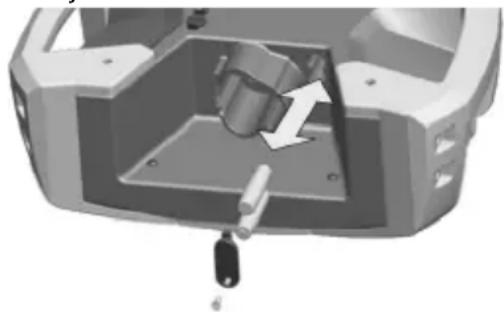
Inserting the buffer batteries (2x AAA):
Ensure the correct polarity (+/-); note the mark in the battery cover.
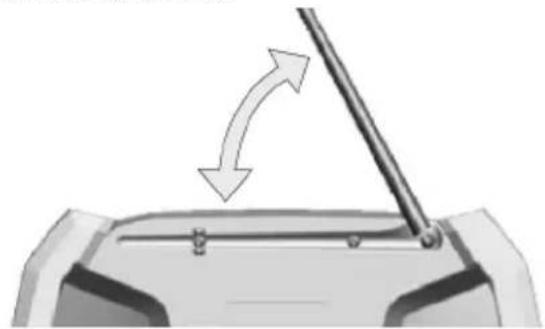
natural_image
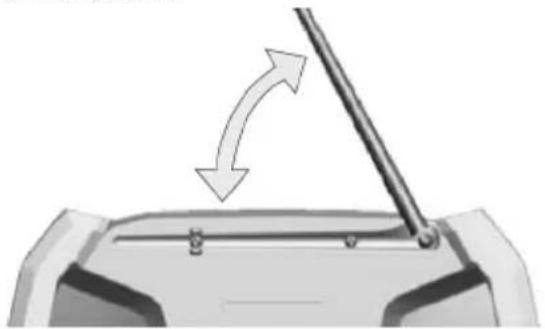
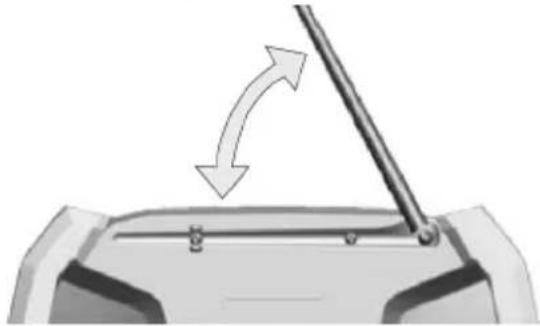
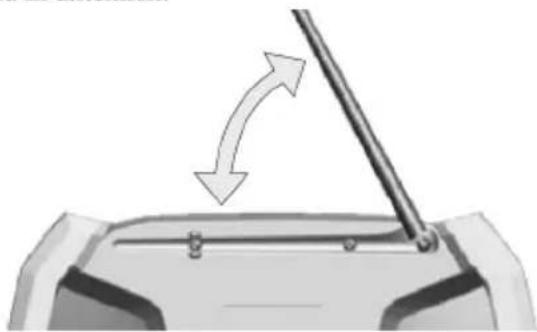
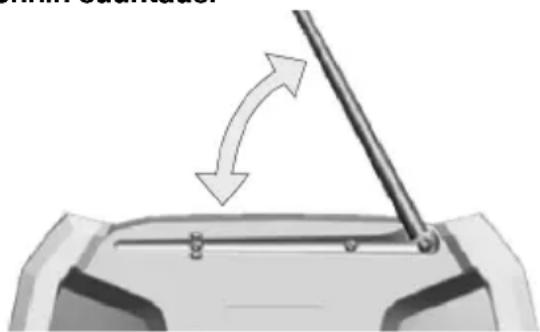
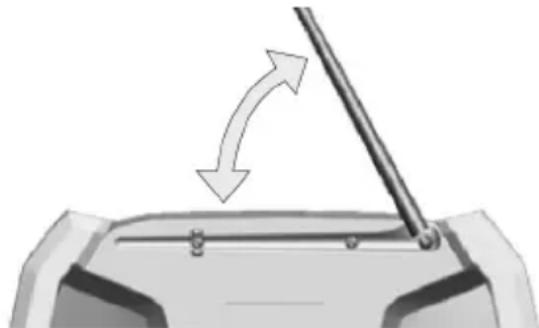
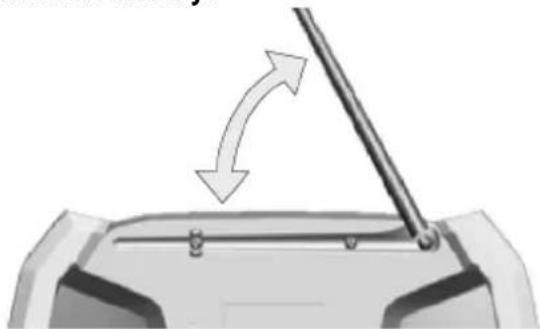
3D mechanical assembly diagram showing a cylindrical component inserted into a housing, with no visible text or symbolsAligning the antenna:
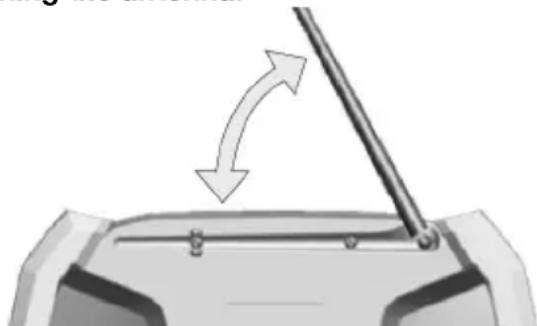
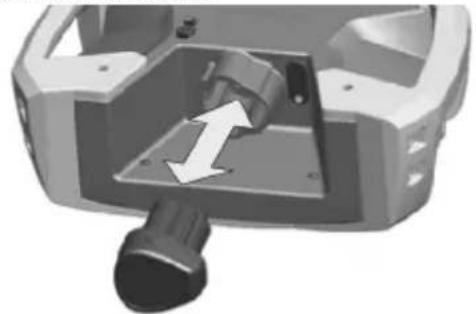
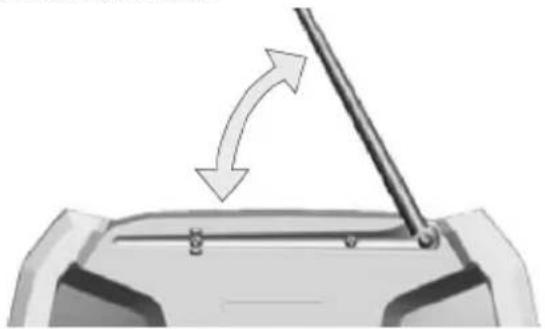
natural_image
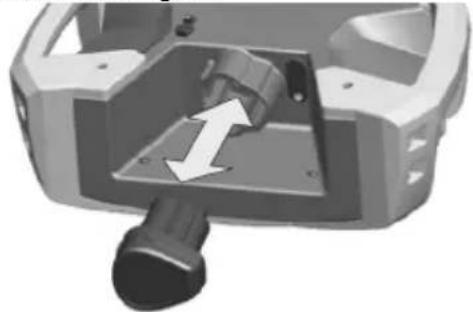
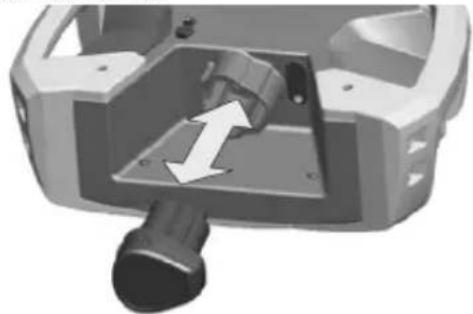
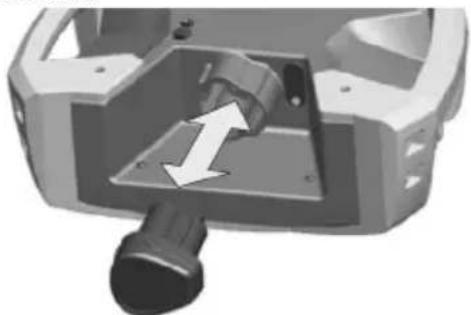
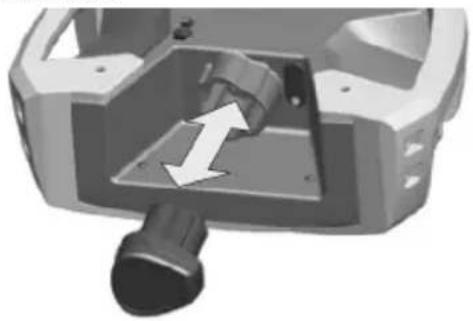
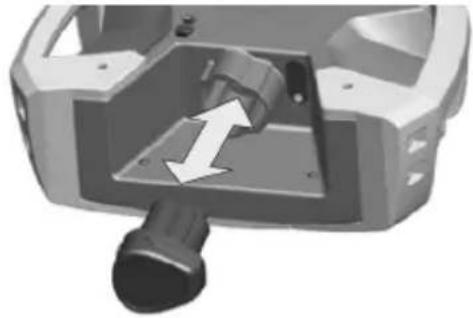
Diagram of a mechanical component with a rod and arrow indicating rotation or movement (no text or symbols)Inserting the battery pack:
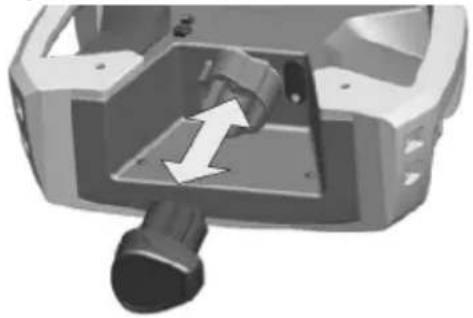
natural_image
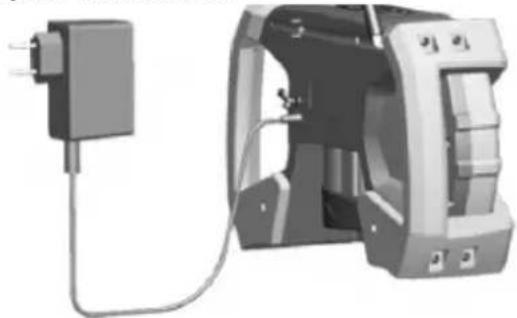
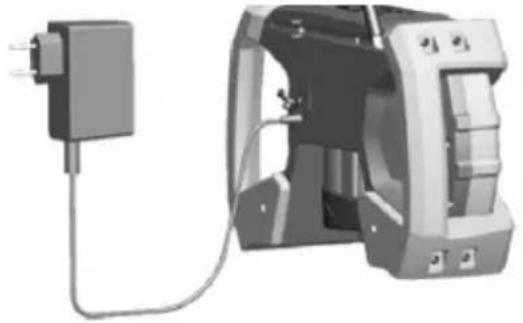
3D mechanical component with a directional arrow indicating movement or force (no text or symbols visible)Connecting the mains adapter:
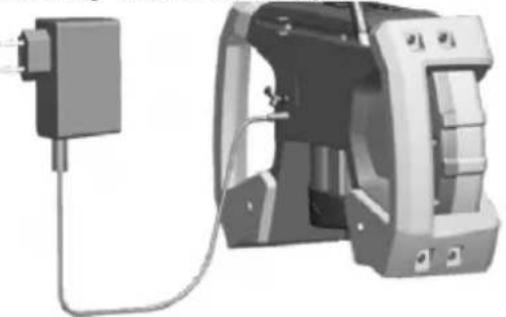
natural_image
3D rendering of a mechanical device with attached cable and housing (no visible text or symbols)Connecting, switching on and inserting an external audio source (e.g. MP3 player):
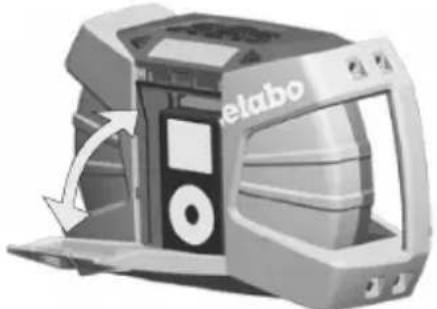
natural_image
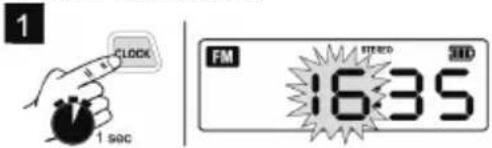
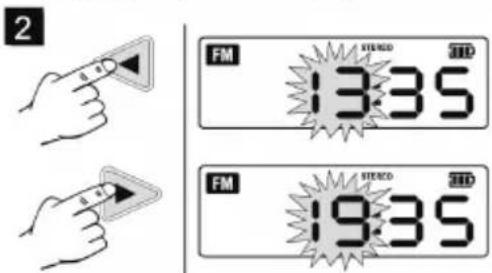
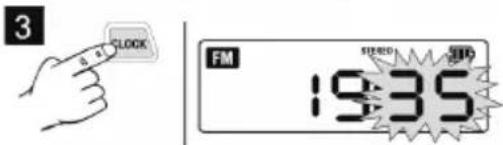
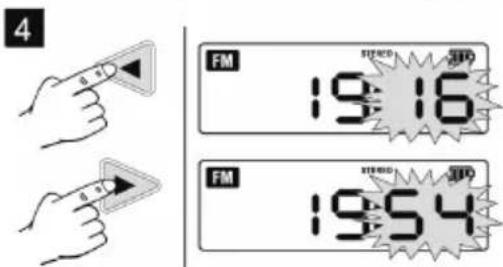
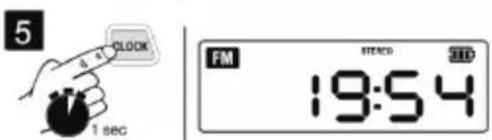
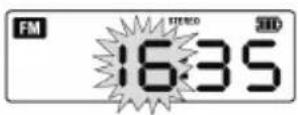
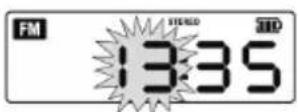
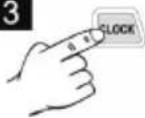
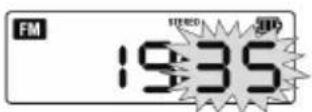
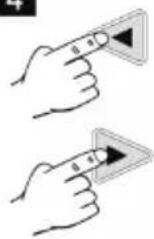
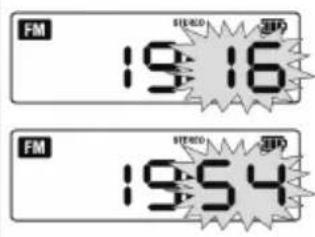
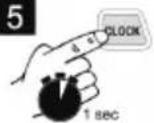
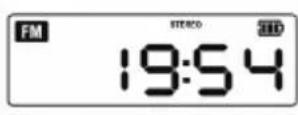
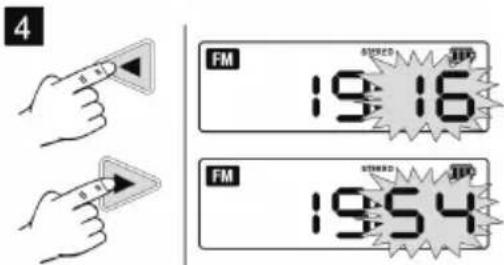
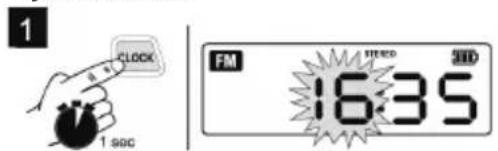
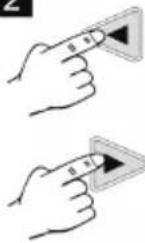
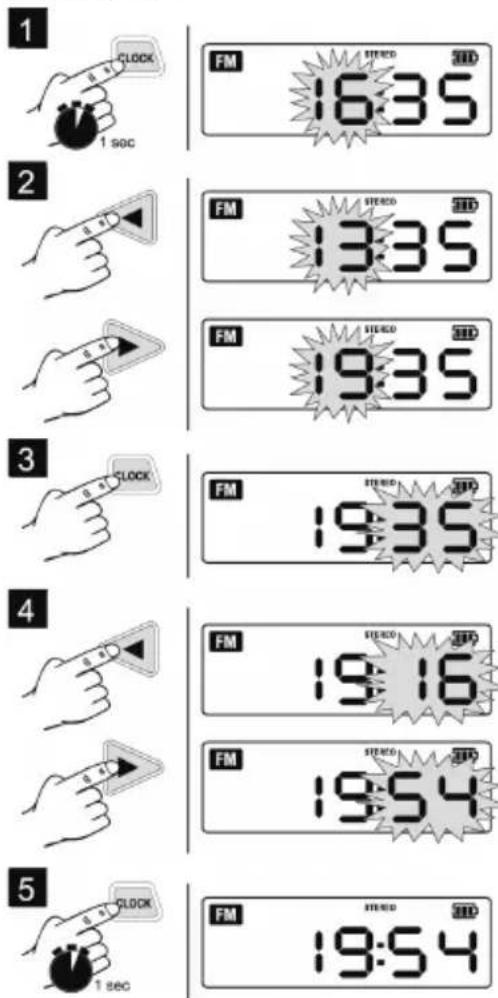
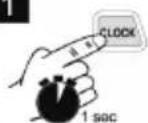
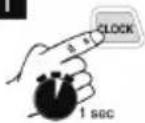
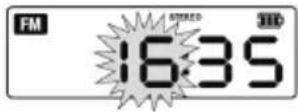
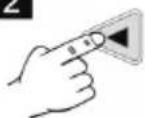
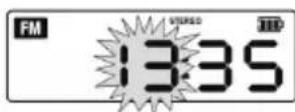
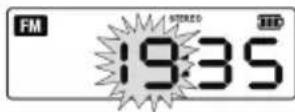
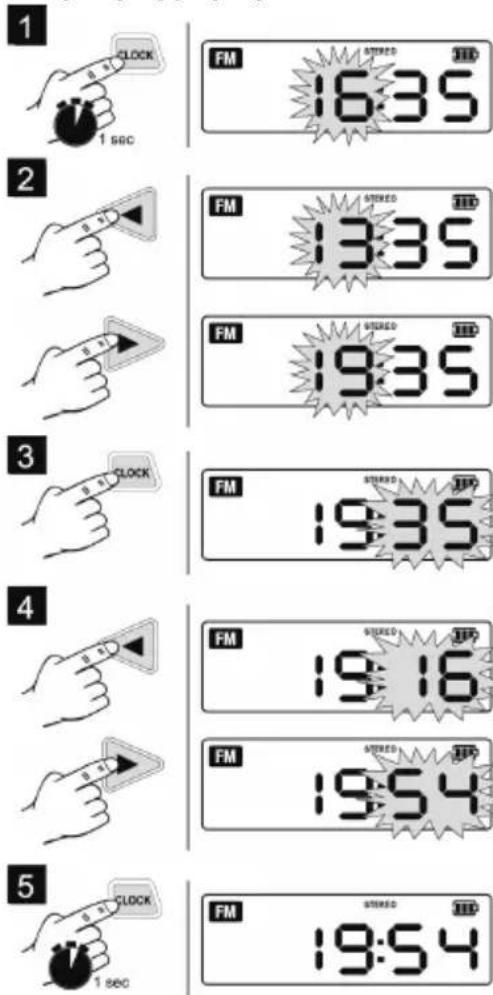
3D rendered model of a Delabo printer with internal components and directional arrows indicating motion (no text or symbols)Setting the clock:
1
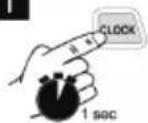
2

3
4
5
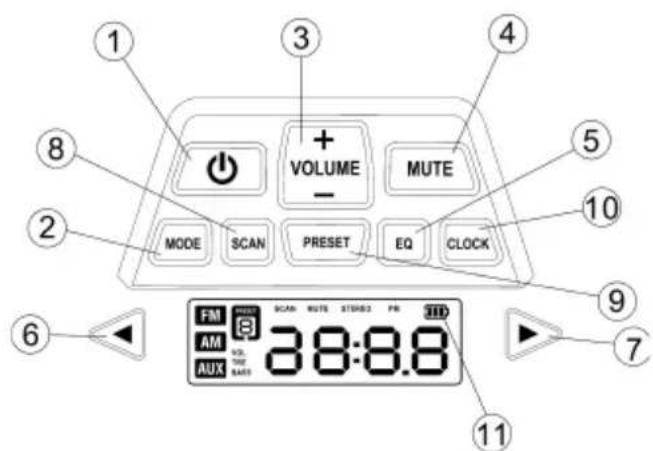
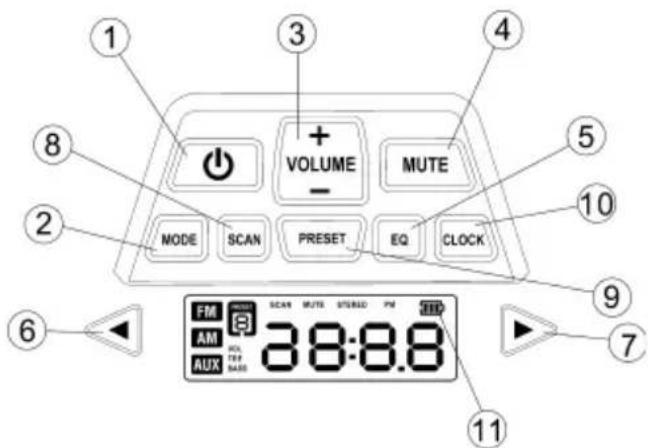
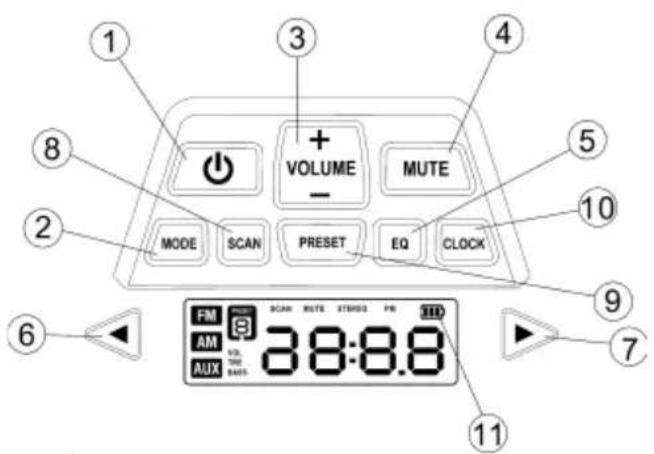
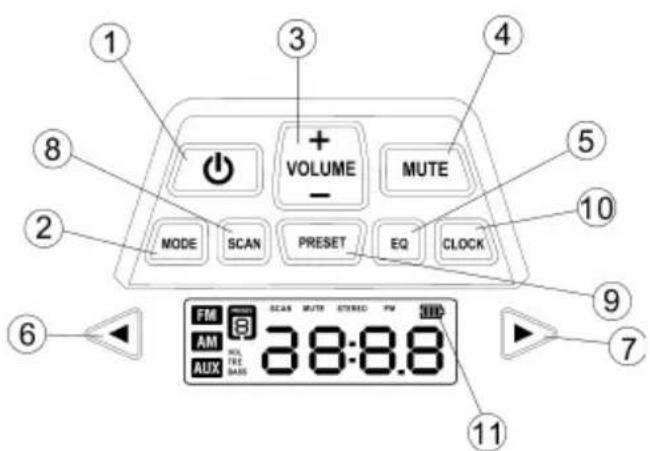
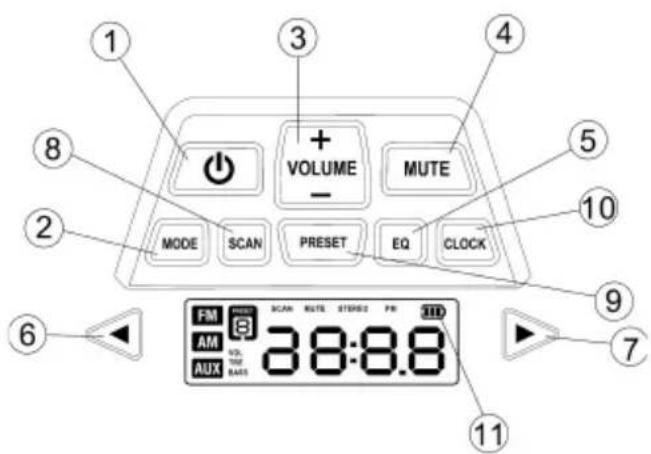
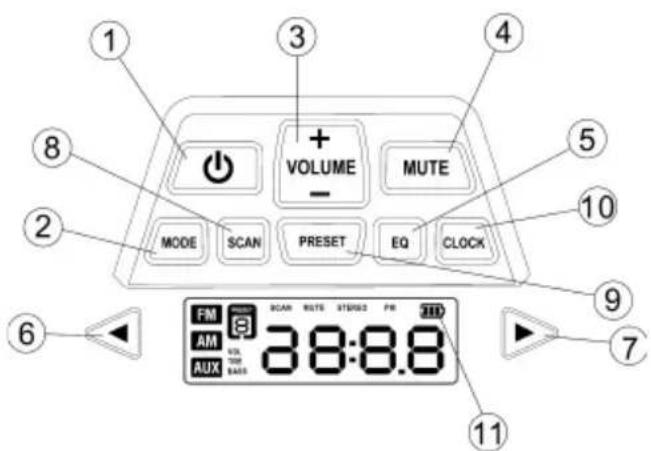
6 Control
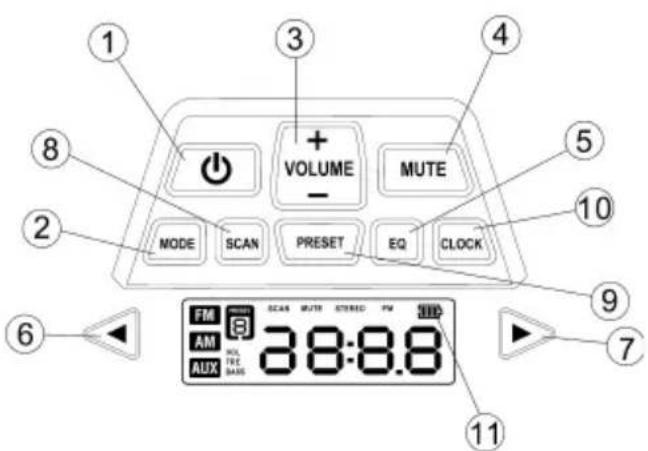
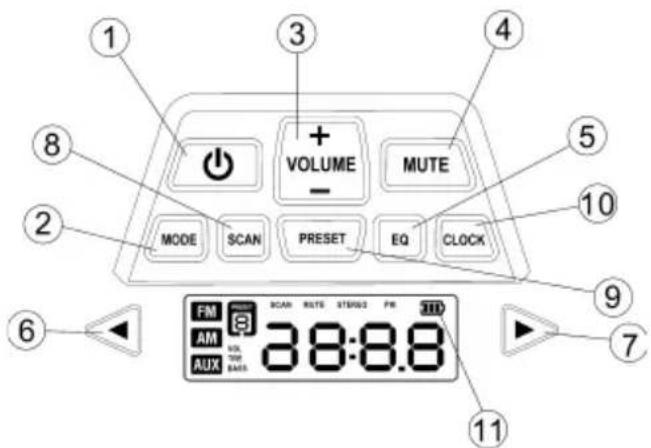
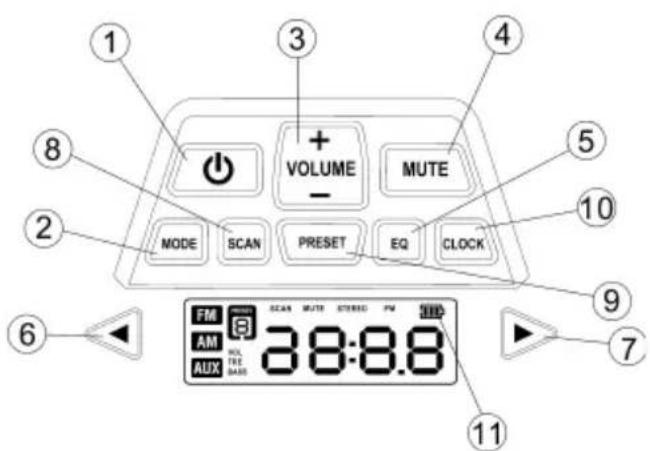
1 On/off switch
2 Button for switching between FM,
AM and
AUX (external audio source, e.g. MP3 player)
3 Adjusting the volume
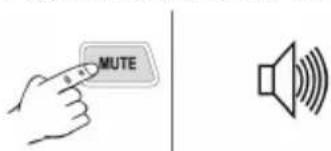
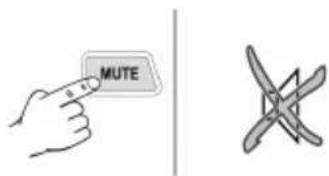
4 M u t e
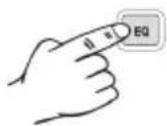
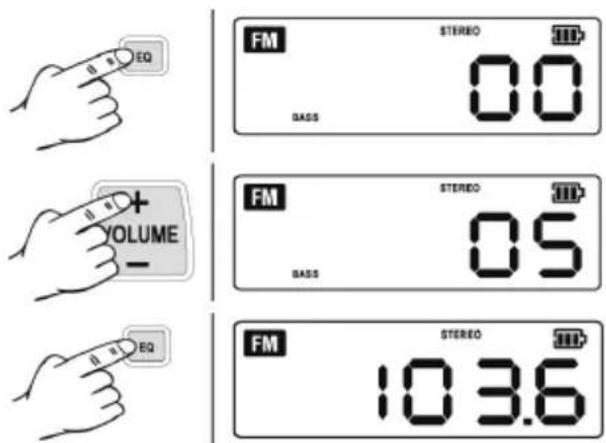
5 Equalizer (EQ) for adjusting bass and treble
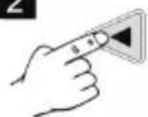
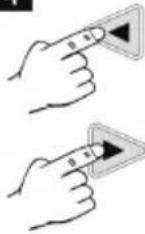
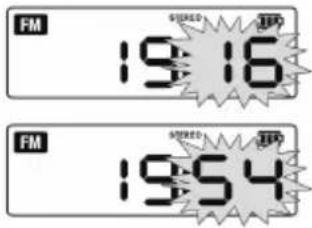
6 "Backwards" button
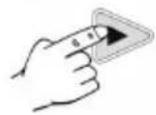
7 "Forwards" button
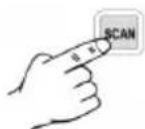
8 Channel search button
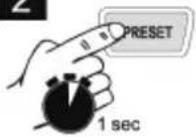
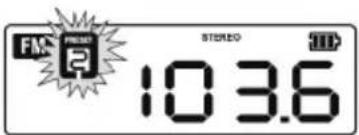
9 Button for saving radio stations
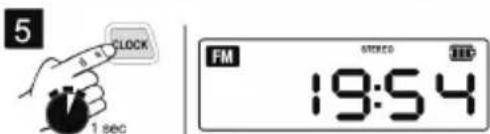
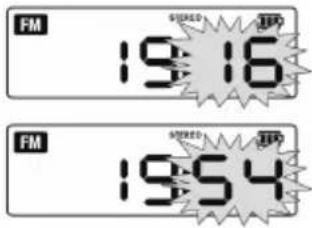
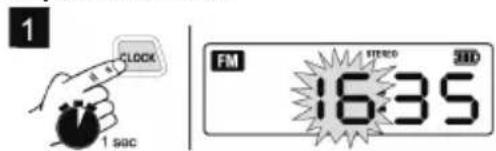
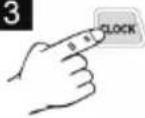
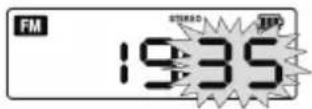
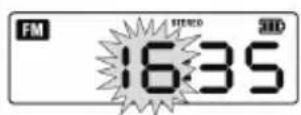
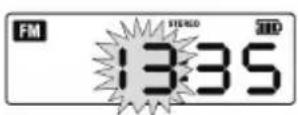
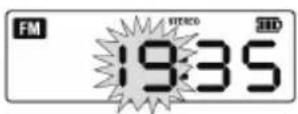
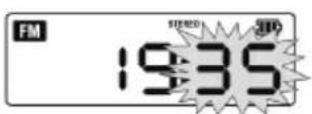
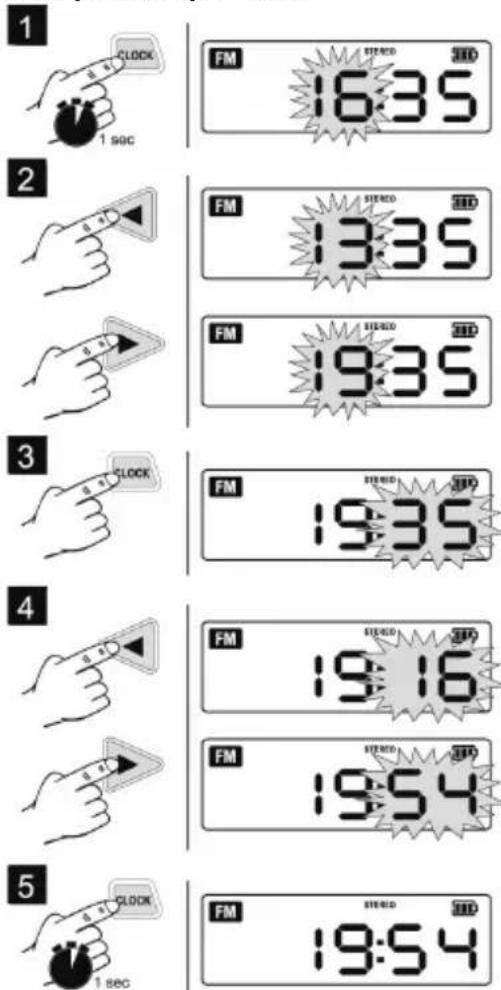
10 Button for setting the clock
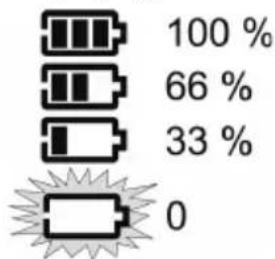
11 Battery pack display
7 Use
Switching on and off (audio mode):
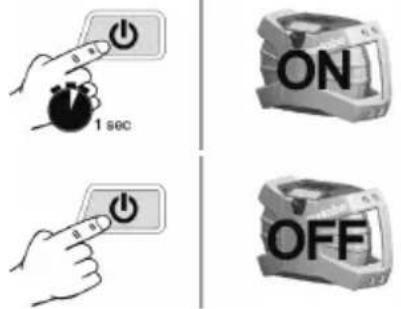
Switching between FM, AM and AUX (external audio source, e.g. MP3 player):
Note: The charging process can impair AM radio reception.
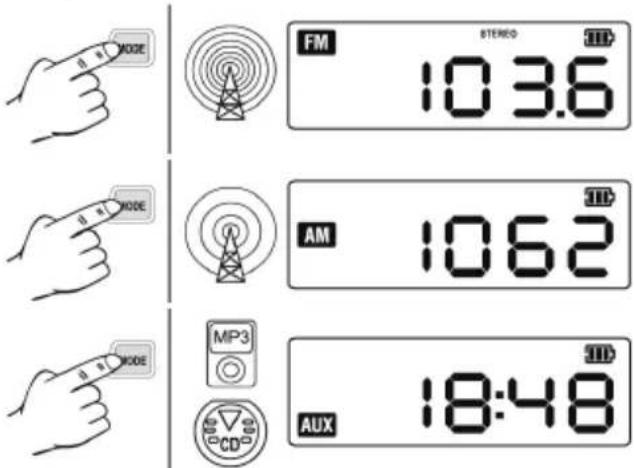
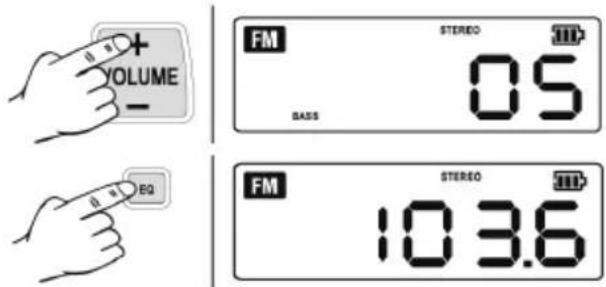
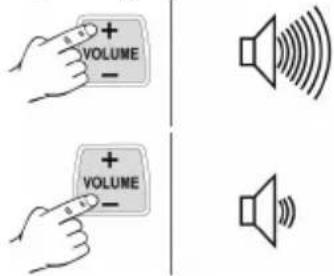
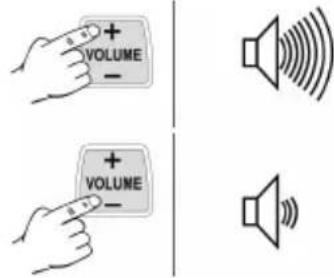
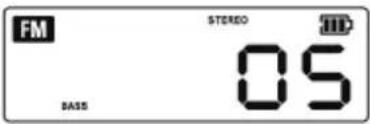
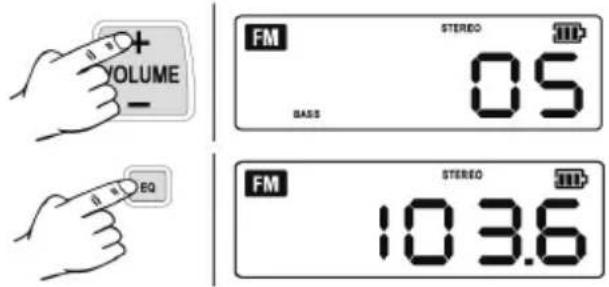
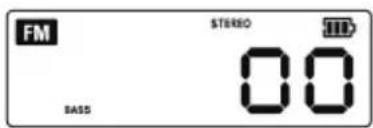
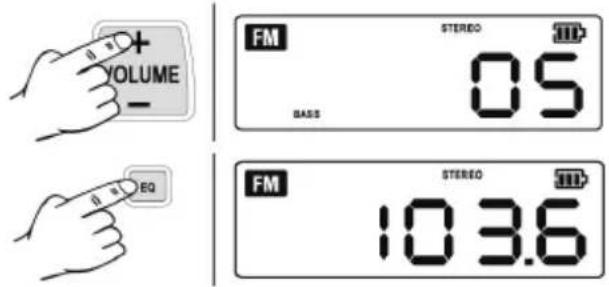
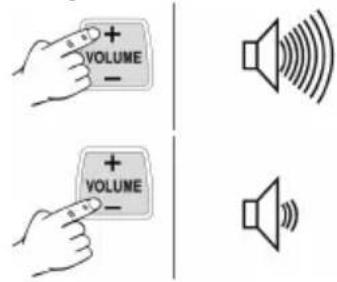
Adjusting the volume:
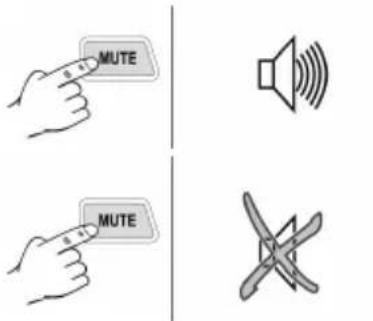
Switching mute on and off:
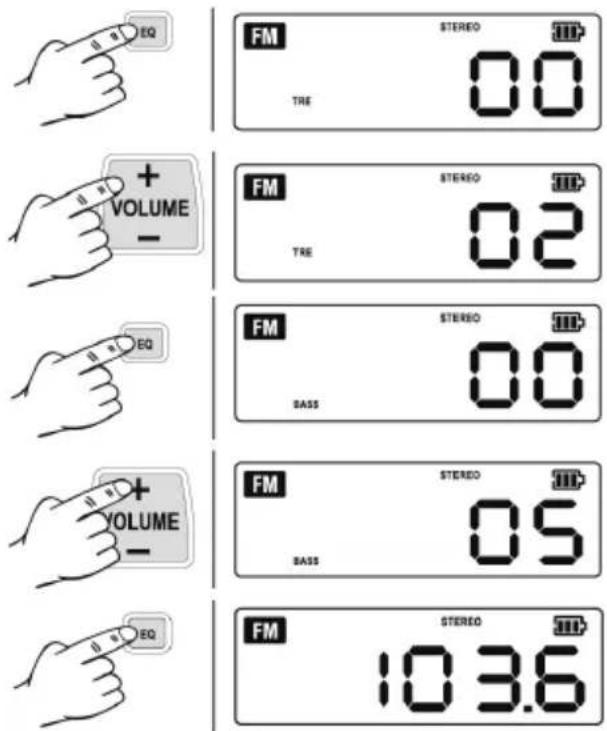
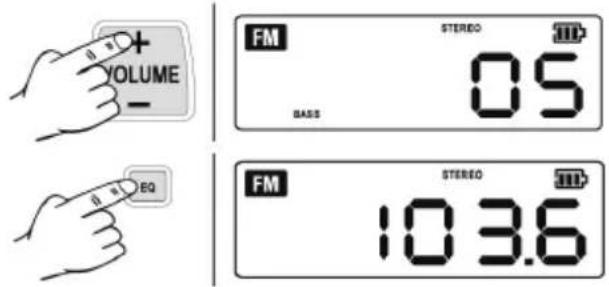
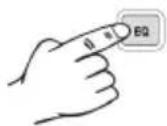
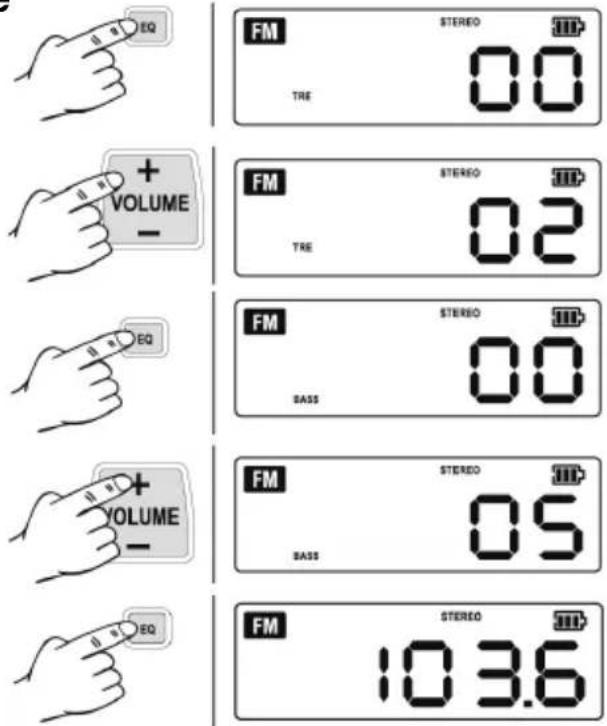
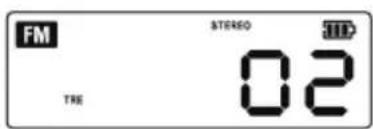
Adjusting the equalizer (bass, treble):
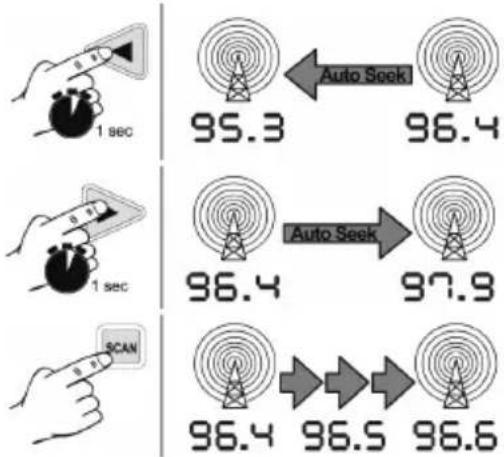
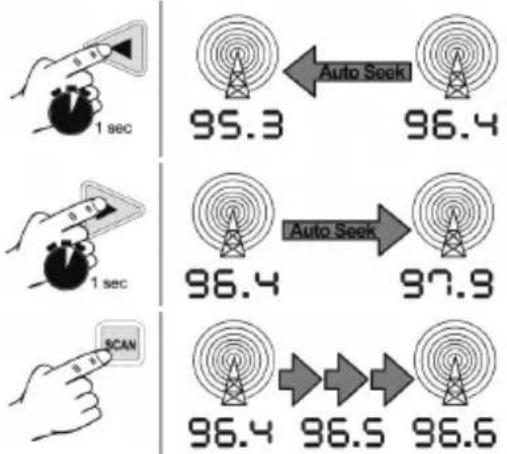
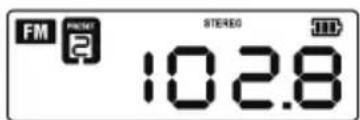
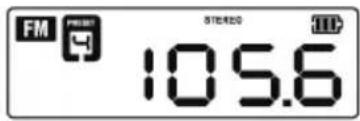
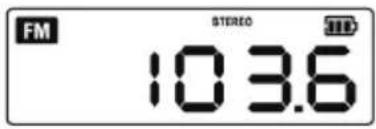
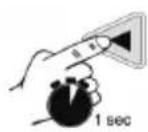
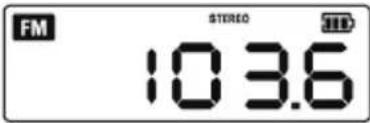
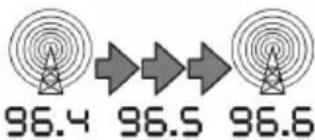
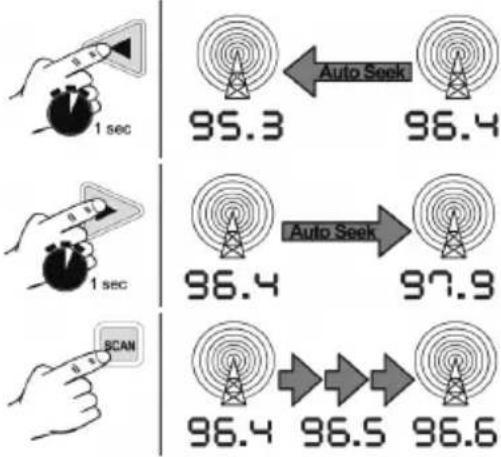
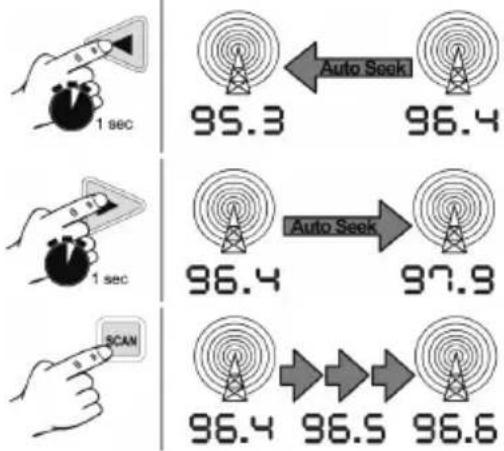
Searching for radio stations:
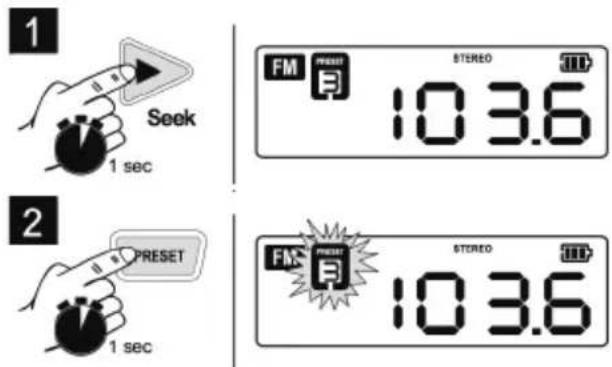
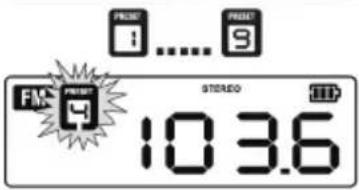
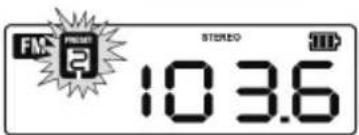
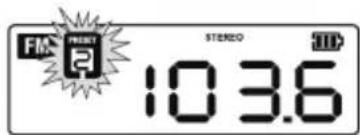
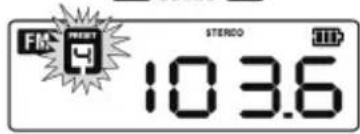
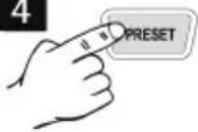
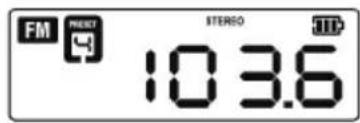
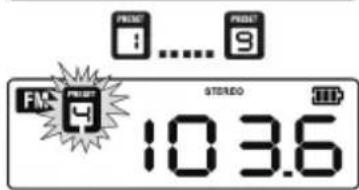
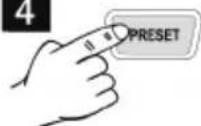
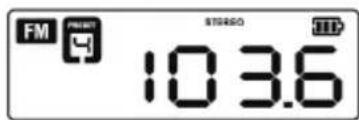
Storing a radio station:
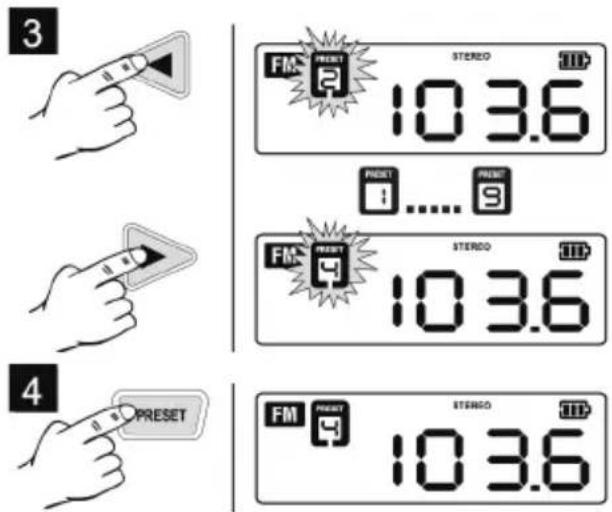
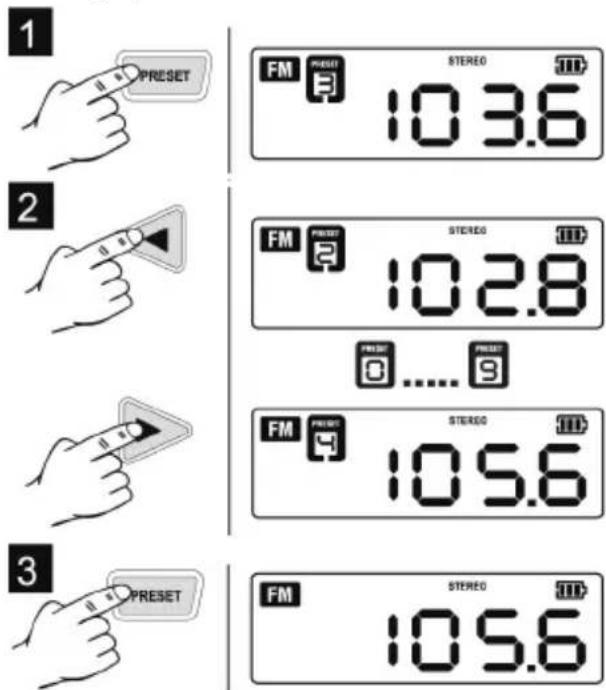
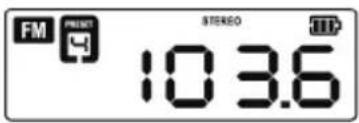
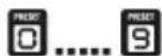
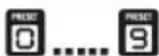
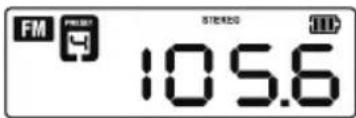
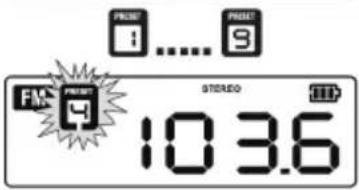
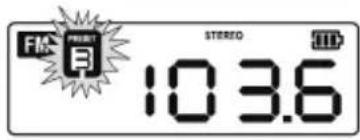
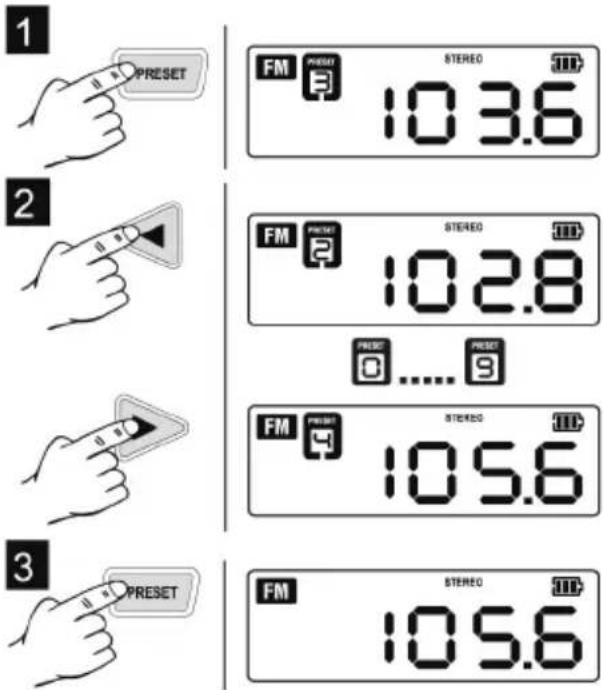
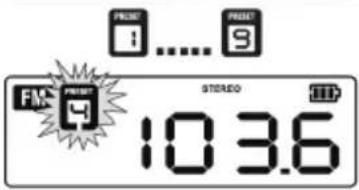
Calling up stored radio stations:
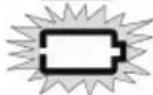
Displaying the battery pack charge level:
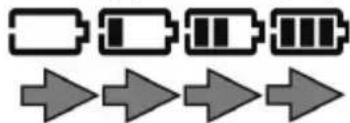
"Battery pack charging" display:
8 Repairs
Repairs must be carried out by qualified electricians only!
If the mains adapter of this device is damaged, it must be replaced with an original Metabo spare part to prevent hazards.
If you have Metabo devices that require repairs, please contact your Metabo service centre. For addresses see www.metabo.com.
You can download spare parts lists from www.metabo.com.
9 Environmental Protection
Worn-out devices and accessories contain large amounts of valuable raw materials and plastics, which can also be recycled.
Only for EU countries: Never dispose of power tools in your household waste! In accordance with European Directive 2002/96/EC on used electronic and electric equipment and its implementation in national legal systems, used power tools must be collected separately and handed in for environmentally compatible recycling.
10 Technical Specifications
Changes due to technological progress reserved.
Voltage ranges of the battery packs= 10.8 V
Weight....= 1.8 kg
FM frequency band ....= 87.5-108 MHz
AM frequency band.....= 522-1620 kHz
Mains adapter output values ..= 13.5 V / 2 A
Notice originale
Director Product Engineering & Quality
Responsible Person for Documentation
Metabowerke GmbH, 72622 Nuertingen, Germany
natural_image
3D mechanical assembly diagram showing a cylindrical component inserted into a housing, with arrows indicating direction of movement (no text or symbols)natural_image
Diagram of a mechanical component with a lever and directional arrow indicating motion (no text or symbols)natural_image
3D mechanical component with a directional arrow indicating movement or force (no text or symbols visible)natural_image
3D rendering of a mechanical device with a power outlet connected to its side panel (no text or symbols visible)natural_image
3D rendering of a mechanical device with a digital display and control panel, showing internal components and directional arrows (no readable text or symbols)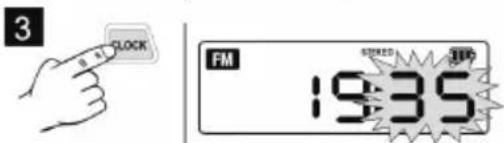
Réglage du volume :
8 Réparations
Director Product Engineering & Quality
Responsible Person for Documentation
Metabowerke GmbH, 72622 Nuertingen, Germany
WAARSCHUWING – Lees de
WAARSCHUWING Lees alle
natural_image
3D mechanical assembly diagram showing a cylindrical component inserted into a housing, with a tool inserted (no text or symbols visible)Antenne richten:
natural_image
Diagram showing a mechanical component with a rod and arrow indicating rotation or movement (no text or symbols)Accupack inbrengen:
natural_image
3D rendering of a mechanical component with a directional arrow indicating movement or force (no text or symbols visible)Adapter aansluiten:
natural_image
3D rendering of an electrical enclosure with a power outlet connected to its side panel (no text or symbols visible)natural_image
3D rendering of a mechanical device with a circular button and directional arrows indicating motion (no text or symbols)Tijd instellen:
2
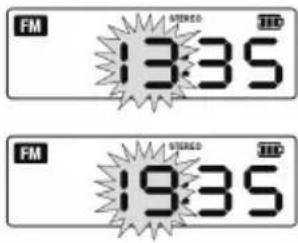
3
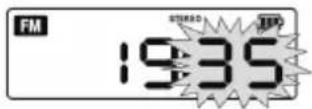
4
5
6 Bedieningselementen
1 In/uit-schakelaar
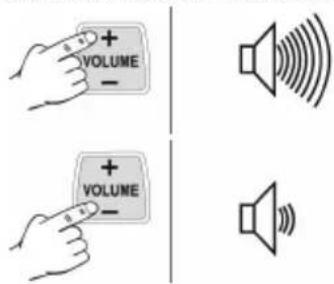
Geluidsvolume instellen:
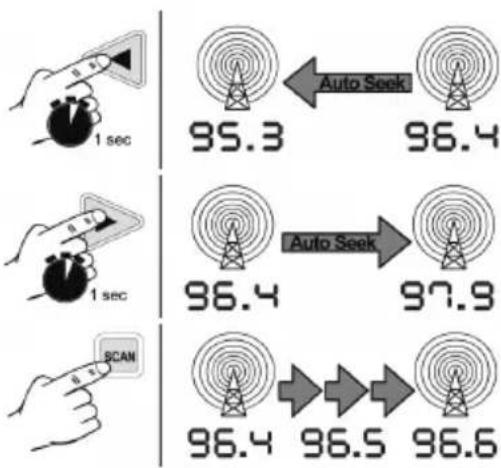
Radiozender zoeken:
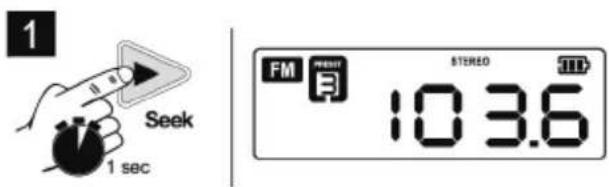
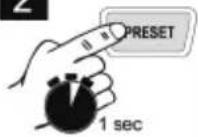
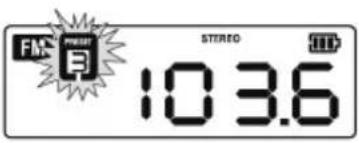
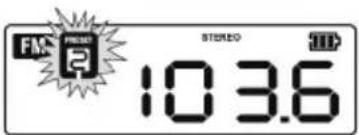
Radiozender opslaan:
2
3
4
2
3
Director Product Engineering & Quality
Responsible Person for Documentation
Metabowerke GmbH, 72622 Nuertingen, Germany
2 Utilizzo conforme
natural_image
3D mechanical assembly diagram showing a component with a tool and directional arrow (no text or symbols)Orientare l'antenna:
natural_image
Diagram showing a mechanical component with a rod and arrow indicating rotation or movement (no text or symbols)Introdurre le batterie:
natural_image
3D mechanical component with directional arrow indicating movement or force (no text or symbols)natural_image
3D rendering of a mechanical device with a power outlet connected to its side panel (no text or symbols visible)natural_image
3D rendering of a Delabo printer case with an arrow indicating rotation or movement (no text or symbols on the device itself)Impostare l'ora:
2

3
4
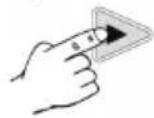
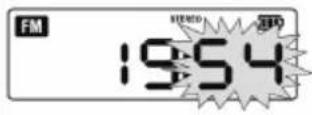
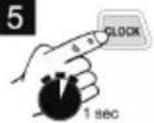
5
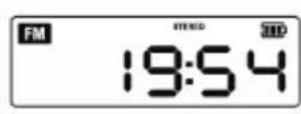
6 C o m a n d i
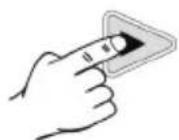
3
8 Riparazione
Director Product Engineering & Quality
Responsible Person for Documentation
Metabowerke GmbH, 72622 Nuertingen, Germany
natural_image
3D mechanical component diagram showing a cylindrical assembly with a tool inserted, no visible text or symbolsAjustar la antena:
natural_image
Diagram of a mechanical component with a rod and arrow indicating motion (no text or symbols)Colocar baterías:
natural_image
3D mechanical component with a curved arrow indicating direction, no visible text or symbolsnatural_image
3D rendering of a mechanical device with a power outlet connected to its side panel (no visible text or symbols)natural_image
3D rendered model of a mechanical device with directional arrows indicating motion or movement (no text or symbols visible)Ajustar la hora:
1
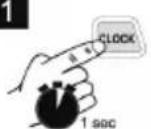
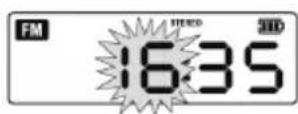
2
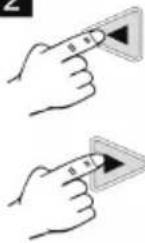
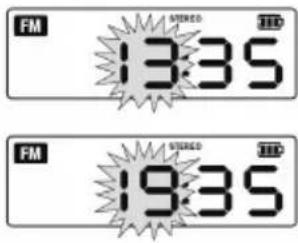
3
4
5
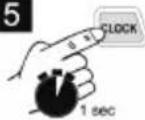
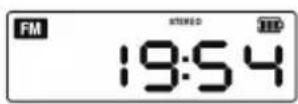
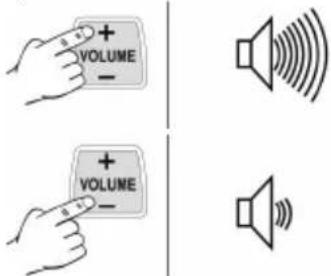
Ajustar el volumen:
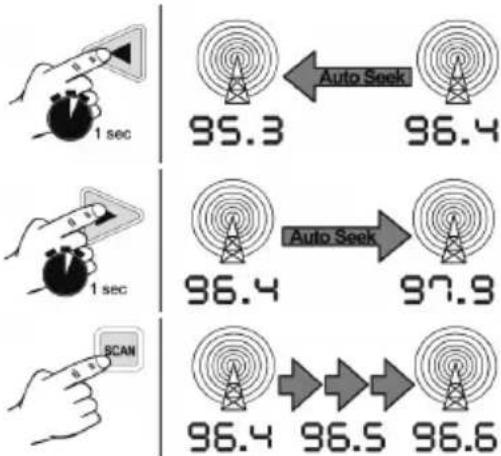
Buscar radioemisora:
Archivar radioemisora:
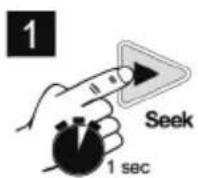
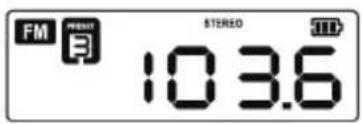
2
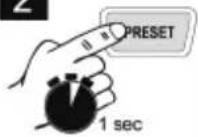
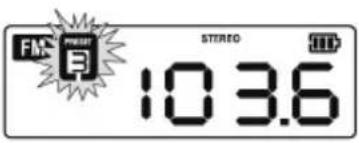
3
4
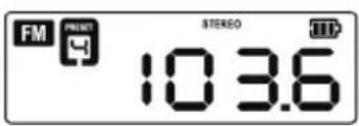
2
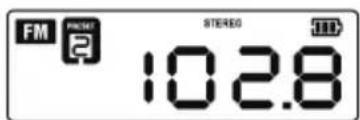
3
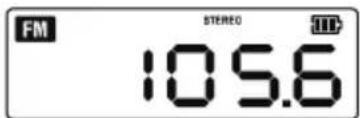
Director Product Engineering & Quality Responsible Person for Documentation Metabowerke GmbH, 72622 Nuertingen, Germany
natural_image
3D mechanical assembly diagram showing a piston inside a housing with a tool inserted, no visible text or symbolsRegular a antena:
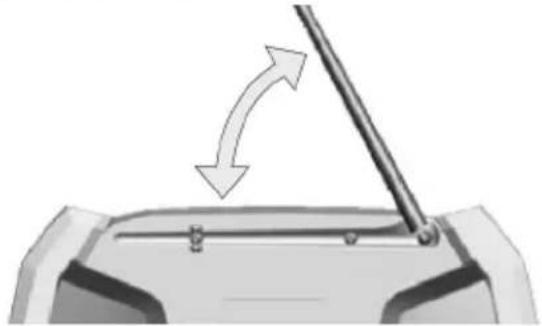
natural_image
Diagram of a mechanical component with a rod and arrow indicating rotation or movement (no text or symbols)natural_image
3D mechanical component with directional arrow indicating movement or force (no text or symbols)Conectar o equipamento de rede:
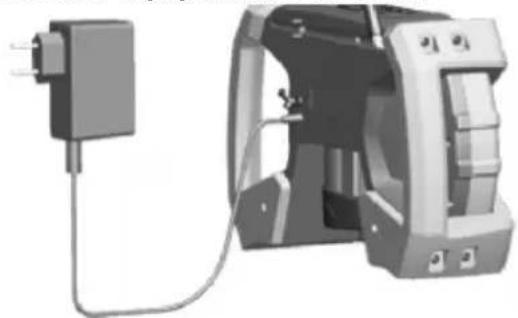
natural_image
3D rendering of a mechanical device with a power outlet connected to its cable (no text or symbols visible)natural_image
3D rendering of a mechanical device with a label 'elabo' and directional arrows indicating motion (no readable text beyond label)Regular o volume:
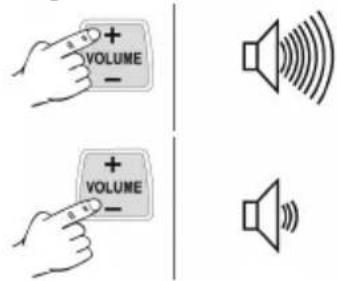
Ligar/desligar Sem-voz
2
3
4
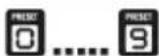
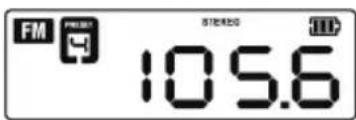
3
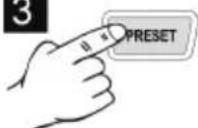
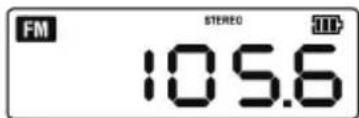
8 Reparações
Director Product Engineering & Quality
Responsible Person for Documentation
Metabowerke GmbH, 72622 Nuertingen, Germany
2 Avsedd användning
natural_image
3D mechanical component diagram showing internal assembly with a tool and arrow indicating direction (no text or symbols)Ställa in antennen:
natural_image
Diagram showing a mechanical component with an arrow indicating upward motion, no text or symbols presentSätta i batteriet:
natural_image
3D mechanical component with a directional arrow indicating movement or force (no text or symbols visible)Ansluta nätdelen:
natural_image
3D rendering of a mechanical device with a power outlet connected to its side panel (no text or symbols visible)natural_image
3D rendering of a Delabo printer case with an arrow indicating motion or assembly (no text or symbols on the device itself)Ställa klockan:
6 K on t r o l l e r
1 PÅ/AV
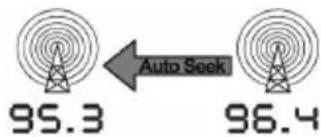
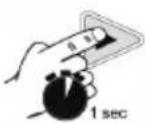
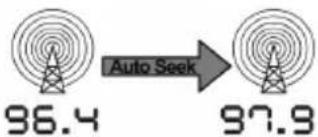
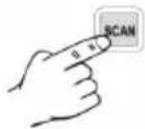
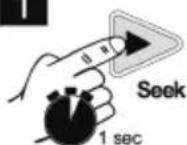
Kanalsökning:
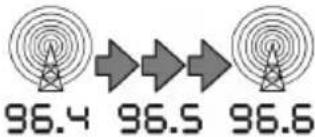
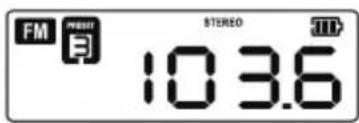
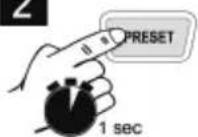
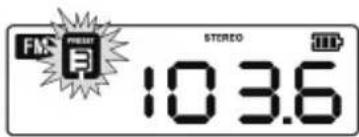
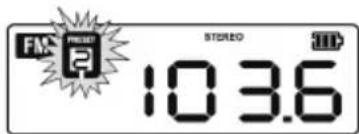
Spara kanal:
1
2
3
4
Slå på sparad radiokanal:
Visa laddindikering:

100%

66 %

33%
0
Laddindikering "Laddar":


8 Reparationer
Director Product Engineering & Quality Responsible Person for Documentation Metabowerke GmbH, 72622 Nuertingen, Germany
natural_image
3D mechanical assembly diagram showing a piston inside a housing with a tool inserted (no text or symbols visible)Antennin suuntaus:
natural_image
Diagram of a mechanical component with a rod and arrow indicating motion (no text or symbols)Akun asennus:
natural_image
3D mechanical component with a directional arrow indicating movement or force (no text or symbols visible)natural_image
3D rendering of a mechanical device with a power outlet connected to a cable (no visible text or symbols)natural_image
3D rendering of a Elabo printer device with an arrow indicating rotation or movement (no text or symbols on the device itself)Kellonajan asetus:
1
2
3
4
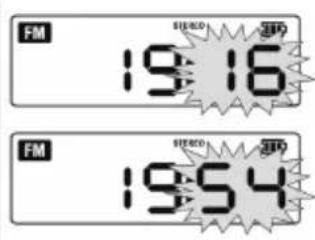
5
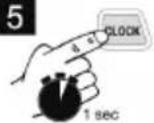
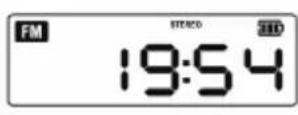
6 Käyttösäätimet
8 K or j a u s
Director Product Engineering & Quality
Responsible Person for Documentation
Metabowerke GmbH, 72622 Nuertingen, Germany
natural_image
3D mechanical assembly diagram showing a component with a tool and directional arrow (no text or symbols)Stille inn antennen:
natural_image
Diagram showing a mechanical component with an arrow indicating rotation or movement, no text or symbols presentSette i batteripakken:
natural_image
3D mechanical component with a directional arrow indicating movement or force (no text or symbols visible)natural_image
3D rendering of a mechanical device with a power outlet connected to its side panel (no text or symbols visible)natural_image
3D rendering of a Elabo branded electronic device with a scroll wheel and control panel (no visible text or symbols)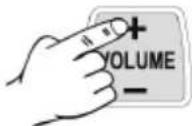
2
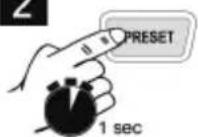
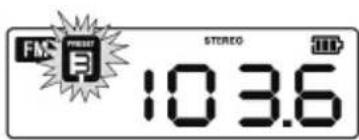
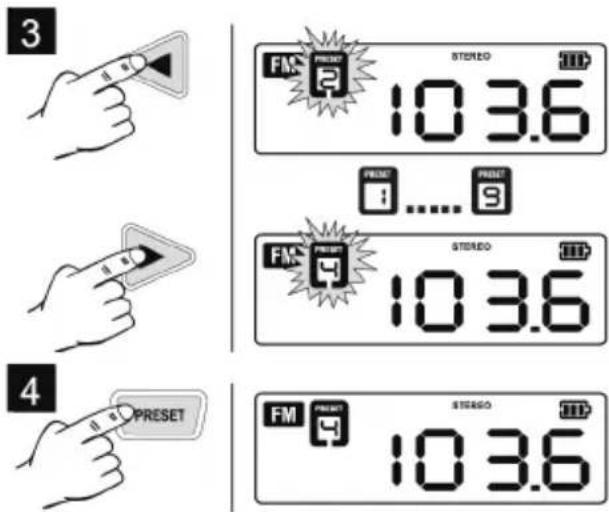
2
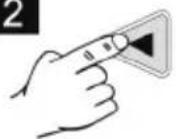
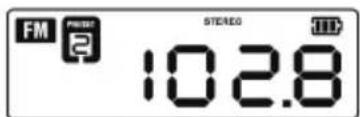
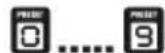
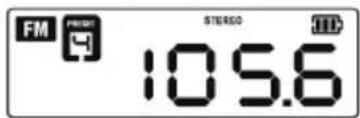
3
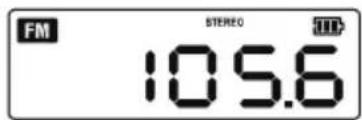
Indikator for batteripakkens ladetilstand:
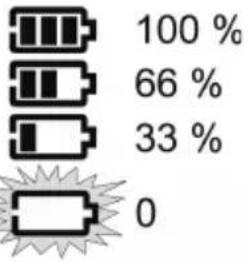
bar
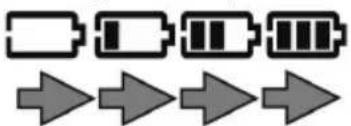
| Category | Value (%) | |---|---| | 100 | 100 | | 66 | 66 | | 33 | 33 | | 0 | 0 |Visning "Batteripakken lades":
8 Reparasjon
Director Product Engineering & Quality Responsible Person for Documentation Metabowerke GmbH, 72622 Nuertingen, Germany
2 T i l t æ n k t f
natural_image
3D mechanical assembly diagram showing a component with a tool and directional arrow (no text or symbols)natural_image
Diagram of a mechanical component with a rod and arrow indicating motion (no text or symbols)natural_image
3D mechanical component with a directional arrow indicating movement or force (no text or symbols visible)natural_image
3D rendering of a mechanical device with attached cable and housing (no visible text or symbols)natural_image
3D rendered model of a Delabo printer with internal components and directional arrows indicating motion (no text or symbols)5
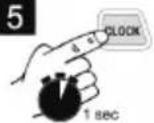
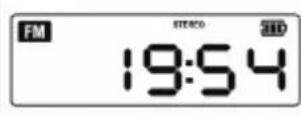
6 Betjeningselementer
Indstilling af equalizer (bas, diskant):
e
8 Reparation
Director Product Engineering & Quality Responsible Person for Documentation Metabowerke GmbH, 72622 Nuertingen, Germany
natural_image
3D mechanical assembly diagram showing a component with arrows indicating motion or movement (no text or symbols)Ustawianie anteny:
natural_image
Diagram showing a mechanical component with a rod and directional arrows indicating motion (no text or symbols)natural_image
3D mechanical component with a directional arrow indicating a movement or force (no text or symbols visible)natural_image
3D rendering of a mechanical device with a power outlet connected to a cable (no text or symbols visible)natural_image
3D rendering of a mechanical device with a digital display and control panel, showing internal components and directional arrows (no readable text or symbols)Ustawianie godziny:
1
2
3
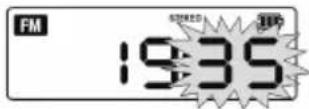
4
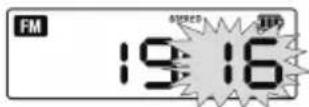
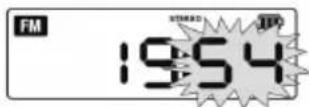
5

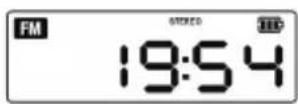
6 Element y o
natural_image
Pure electrical circuit symbols for battery and current source, no text or labels present8 Naprawa
Director Product Engineering & Quality
Responsible Person for Documentation
Metabowerke GmbH, 72622 Nuertingen, Germany
natural_image
3D mechanical assembly diagram showing a piston inside a housing with an arrow indicating motion (no text or symbols)natural_image
Diagram showing a mechanical component with an arrow indicating rotation or movement, no text or symbols present.natural_image
3D mechanical component with a directional arrow indicating movement or force (no text or symbols visible)natural_image
3D rendering of a mechanical device with a power outlet connected to its cable (no text or symbols visible)natural_image
3D rendered model of a mechanical device with internal components and directional arrows (no text or symbols)Ρύθμιση της ώρας:
8 E π ι σ κ ε υ ἡ
Director Product Engineering & Quality
Responsible Person for Documentation
Metabowerke GmbH, 72622 Nuertingen, Germany
natural_image
3D mechanical assembly diagram showing a piston inside a housing with an arrow indicating motion (no text or symbols)Antenna beállítása:
natural_image
Diagram of a mechanical component with a rod and arrow indicating rotation or movement (no text or symbols)natural_image
3D mechanical component with a curved arrow indicating a directional movement or force (no text or symbols visible)natural_image
3D rendering of a mechanical device with a power outlet connected to its side panel (no visible text or symbols)natural_image
3D rendered model of a mechanical device with a circular button and directional arrows indicating motion (no text or symbols)3
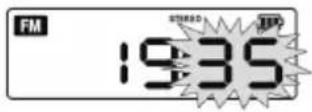
4
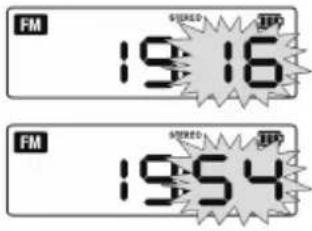
5
6 Kezelőszervek
Hangerő beállítása:
Rádióadó keresése:
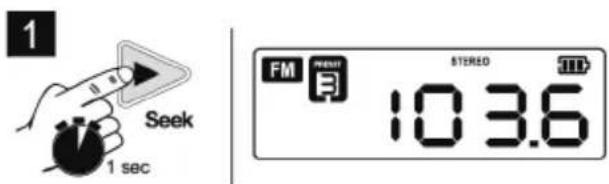
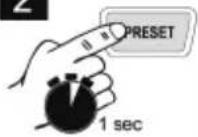
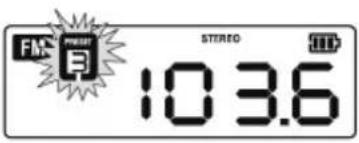
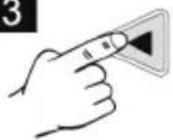
Rádióadó tárolása:
2
3
4
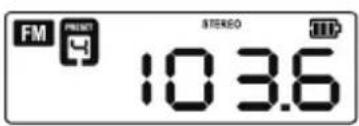
2
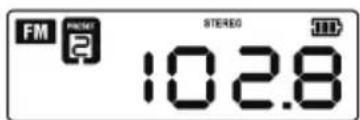
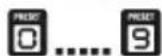
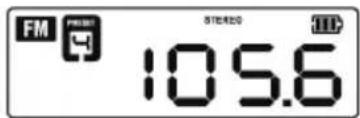
3
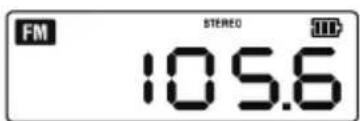
Director Product Engineering & Quality Responsible Person for Documentation Metabowerke GmbH, 72622 Nuertingen, Germany
natural_image
3D mechanical assembly diagram showing a cylindrical component inserted into a housing, with no visible text or symbolsnatural_image
Diagram of a mechanical component with a rod and arrow indicating rotation or movement (no text or symbols)natural_image
3D mechanical component with a directional arrow indicating movement or force (no text or symbols visible)natural_image
3D rendering of a mechanical device with a power outlet connected to its side panel (no visible text or symbols)natural_image
3D rendering of a Delabo printer case with internal components and directional arrows indicating motion (no text or symbols on the device itself)Настройка времени:
Поиск радиостанции:
8 Р е м о н т
"Metabo Powertools (China) Co. Ltd."
Bldg. 7, 3585 San Lu Road,
Pujiang Industrial Park, Min Hang District, Китай
Импортер в России:

- Bedienelemente
- Reparatur
- Original instructions
- Declaration of Conformity
- Specified Use
- Never attempt to charge batteries that are not rechargeable. Danger of explosion!
- General Safety Instructions
- Special Safety Instructions
- Initial Operation
- Inserting the buffer batteries (2x AAA):
- Control
- Use
- Repairs
- Environmental Protection
- Technical Specifications
- Notice originale
- Réparations
- Utilizzo conforme
- Riparazione
- Ajustar la antena:
- Colocar baterías:
- Ajustar la hora:
- Reparações
- Avsedd användning
- Slå på sparad radiokanal:
- Visa laddindikering:
- Laddindikering "Laddar":
- Reparationer
- K or j a u s
- Sette i batteripakken:
- Indikator for batteripakkens ladetilstand:
- Visning "Batteripakken lades":
- Reparasjon
- T i l t æ n k t f
- Betjeningselementer
- Reparation
- Element y o
- Naprawa
- Antenna beállítása:
- Kezelőszervek
- Р е м о н т
Brand : METABO
Model : PowerMaxx RC 12
Category : Radio