 ManualGo.com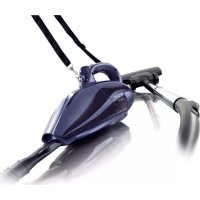
FC6049 - Vacuum Cleaner PHILIPS - Free user manual and instructions
Find the device manual for free FC6049 PHILIPS in PDF.



Download the instructions for your Vacuum Cleaner in PDF format for free! Find your manual FC6049 - PHILIPS and take your electronic device back in hand. On this page are published all the documents necessary for the use of your device. FC6049 by PHILIPS.
USER MANUAL FC6049 PHILIPS
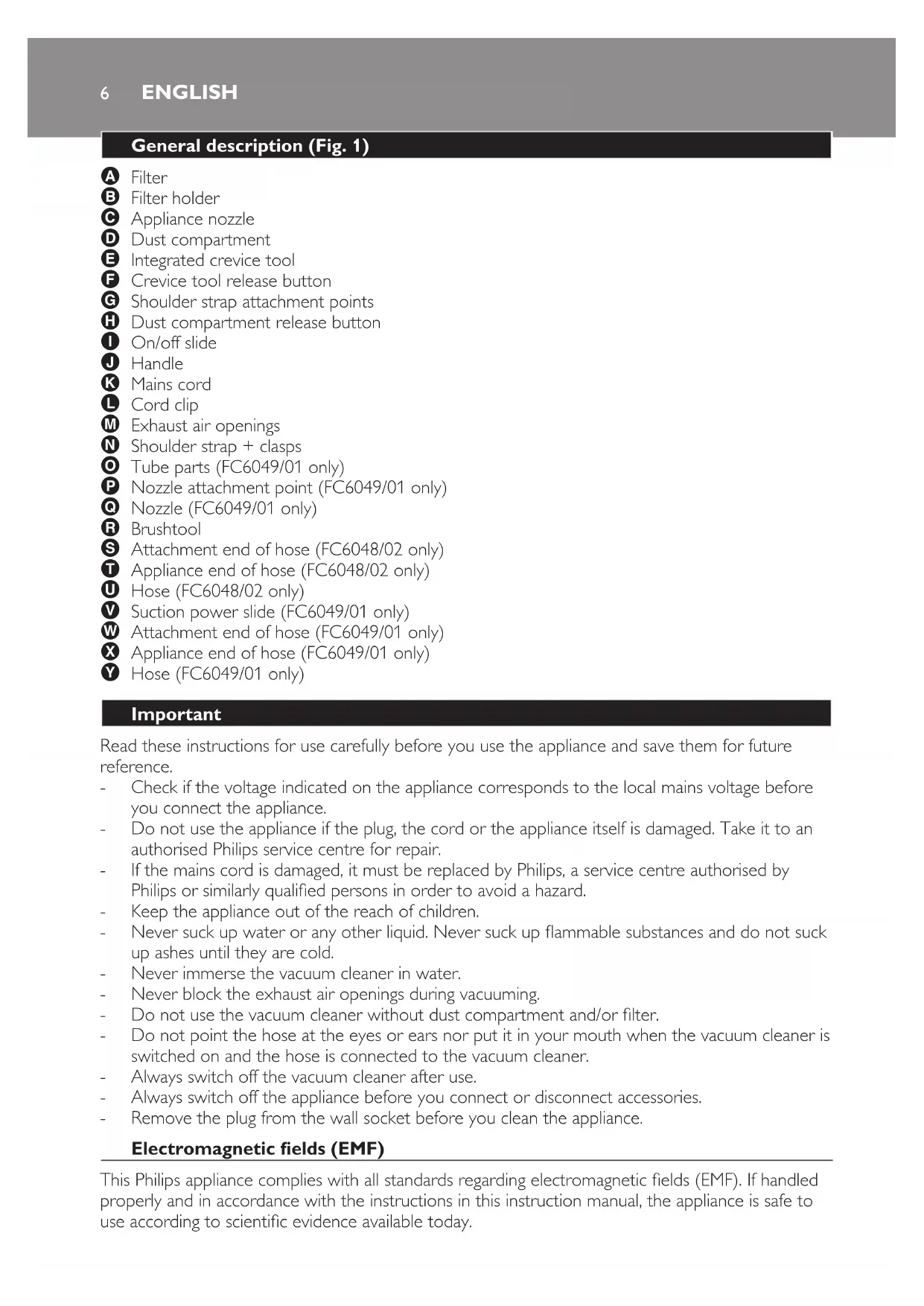
繁體中文 51 简体中文 556 General description (Fig. 1) A Filter B Filter holder C Appliance nozzle D Dust compartment E Integrated crevice tool F Crevice tool release button G Shoulder strap attachment points H Dust compartment release button I On/off slide J Handle K Mains cord L Cord clip M Exhaust air openings N Shoulder strap + clasps O Tube parts (FC6049/01 only) P Nozzle attachment point (FC6049/01 only) Q Nozzle (FC6049/01 only) R Brushtool S Attachment end of hose (FC6048/02 only) T Appliance end of hose (FC6048/02 only) U Hose (FC6048/02 only) V Suction power slide (FC6049/01 only) W Attachment end of hose (FC6049/01 only) X Appliance end of hose (FC6049/01 only) Y Hose (FC6049/01 only) Important Read these instructions for use carefully before you use the appliance and save them for future reference. Check if the voltage indicated on the appliance corresponds to the local mains voltage before you connect the appliance. Do not use the appliance if the plug, the cord or the appliance itself is damaged. Take it to an authorised Philips service centre for repair. If the mains cord is damaged, it must be replaced by Philips, a service centre authorised by Philips or similarly qualied persons in order to avoid a hazard. Keep the appliance out of the reach of children. Never suck up water or any other liquid. Never suck up ammable substances and do not suck up ashes until they are cold. Never immerse the vacuum cleaner in water. Never block the exhaust air openings during vacuuming. Do not use the vacuum cleaner without dust compartment and/or lter. Do not point the hose at the eyes or ears nor put it in your mouth when the vacuum cleaner is switched on and the hose is connected to the vacuum cleaner. Always switch off the vacuum cleaner after use. Always switch off the appliance before you connect or disconnect accessories. Remove the plug from the wall socket before you clean the appliance. Electromagnetic elds (EMF) This Philips appliance complies with all standards regarding electromagnetic elds (EMF). If handled properly and in accordance with the instructions in this instruction manual, the appliance is safe to use according to scientic evidence available today.
ENGLISHPreparing for use The appliance comes with a shoulder strap for extra convenience during vacuum cleaning. 1 To attach the shoulder strap, connect the clasps to the attachment points on the appliance. See gure 1 for the location of the attachment points. 2 Insert the plug into the wall socket. Using the appliance
Push the on/off slide forwards to switch on the appliance (Fig. 2). 2 Push the on/off slide backwards to switch off the appliance (Fig. 3). Always switch off the appliance before you connect or disconnect accessories. Brush tool You can use the brush tool to clean delicate surfaces. 1 Attach the brush tool to the appliance nozzle (Fig. 4). Hose (FC6048/02 only) You can connect the brush tool to the hose for extended reach during vacuum cleaning. 1 Insert the appliance end of the hose into the appliance nozzle (Fig. 5). 2 Attach the brush tool to the attachment end of the hose for extended reach during vacuum cleaning (Fig. 6). Hose, tube and nozzle (FC6049/01 only) This appliance comes with a hose and tube for extended reach during vacuum cleaning. With the nozzle, you can vacuum either carpets or hard oors. You can use the suction power slide on the handgrip to adjust the suction power. (Fig. 7) 1 Insert the appliance end of the hose into the appliance nozzle (Fig. 8). 2 To connect the tube parts to each other, insert the narrow section into the wider section and turn a little. 3 Connect the tube to the attachment end of the hose (Fig. 9). 4 Attach the nozzle to the other end of the tube (Fig. 10). Integrated crevice tool With the crevice tool, you can quickly and conveniently clean hard-to-reach places. 1 Push the release slide towards the handle to release the crevice tool (1) and fold it out with your free hand (2) (Fig. 11). 2 Push the crevice tool into the appliance nozzle as far as possible to secure it (Fig. 12). To store the crevice tool on the body of the appliance: 1 Pull the crevice tool outwards (Fig. 13). 2 Fold the crevice tool back onto the body of the appliance and snap it home (‘click’) (Fig. 14). Cleaning Always unplug the appliance before you clean it. Never immerse the appliance in water.
ENGLISH 71 Clean the appliance with a damp cloth. Emptying the dust compartment Make sure you empty the dust compartment and clean the lter regularly to optimise the performance of the appliance. Always unplug the appliance before you empty the dust compartment and clean the lter. 1 Press the dust compartment release button (Fig. 15). 2 Remove the dust compartment from the appliance (Fig. 16). 3 Pull the lter holder out of the dust compartment. (Fig. 17) 4 Empty the contents of the dust compartment into a dustbin (Fig. 18). 5 To remove the lter from the holder, turn it anticlockwise (1) and pull it off the holder (2) (Fig. 19). 6 Clean the lter with a brush. If the lter is very dirty, clean it with a normal vacuum cleaner. 7 Put the lter back in the holder and turn it clockwise. 8 Place the lter holder back into the dust compartment. 9 To reattach the dust compartment, align the slot on the dust compartment with the projecting part of the appliance. First attach the bottom of the dust compartment and then push the top of the dust compartment towards the appliance until it locks into place (‘click’) (Fig. 20). Storage
Wind the cord round the body of the appliance. 2 Fix the cord with the cord clip. Environment Do not throw away the appliance with the normal household waste at the end of its life, but hand it in at an ofcial collection point for recycling. By doing this, you help to preserve the environment (Fig. 21). Guarantee and service If you need information or if you have a problem, please visit the Philips website at www.philips.com or contact the Philips Customer Care Centre in your country (you nd its phone number in the worldwide guarantee leaet). If there is no Customer Care Centre in your country, turn to your local Philips dealer or contact the Service Department of Philips Domestic appliances and Personal Care BV.