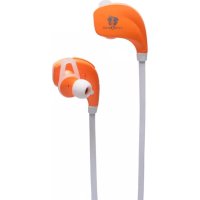
B106 - Earphones Life N Soul - Free user manual and instructions
Find the device manual for free B106 Life N Soul in PDF.


User questions about B106 Life N Soul
0 question about this device. Answer the ones you know or ask your own.
Ask a new question about this device
Download the instructions for your Earphones in PDF format for free! Find your manual B106 - Life N Soul and take your electronic device back in hand. On this page are published all the documents necessary for the use of your device. B106 by Life N Soul.
USER MANUAL B106 Life N Soul
Talk time: 7 hours Music time: 7 hours
Standby time: 300 hours
Bluetooth version: 4.0
Bluetooth profiles: A2DP/HFP/HSP/
AVRCP
Solution: CSR
Noise reduction: 2-MIC CVC noise
reduction
Wireless range: 10m
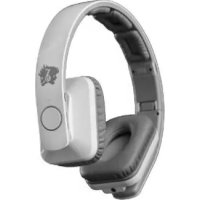
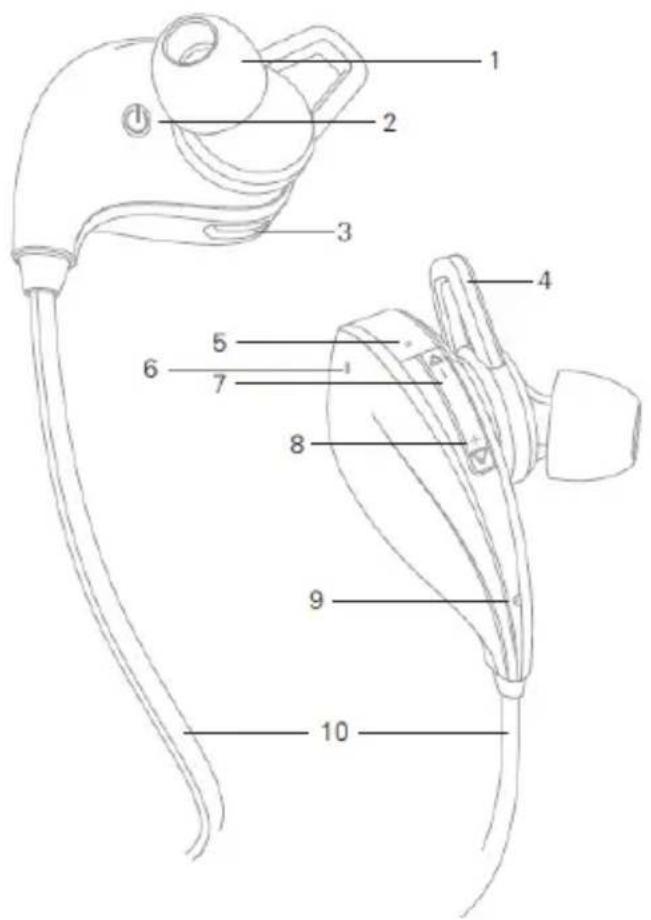
- Ear cap
- Multifunction button
- Charge jack
- Ear Hoop
- Status indicator
- Noise reduction mic
- Track Back Volume -
- Track forward Volume +
- Talking mic
- Line
Basic operation
-
Volume control: Press and hold the "+" or "-" button for a short time during calls or music playing, the volume will change level by level with a "beep" for each level change. If you press the "+" or "-" button after the maximum volume or minimum volume is reached, the volume will not change. The "beep" at this moment means that the volume has been adjusted to the maximum or minimum.
-
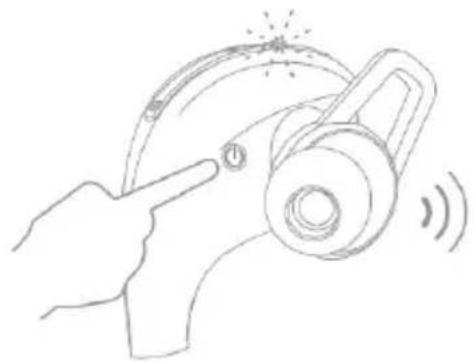
Multifunction button: this button is used to turn on/off the headset, connect and reset headset, etc.
-
LED indicator and voice prompts: When you turn on the headset, the blue LED will flash three times and a voice prompt "power on" will appear. When you turn off the headset, the red LED will flash three times and a voice prompt "power off" will appear. When your headset is in turning on mode or in standby mode, the blue LED will flash once every 5 seconds. During an incoming call, the blue LED will flash continuously. If the call is finished, the blue LED will flash once every 5 seconds. If your headset is being charged, the red LED will light. If your headset is fully charged, the red LED will turn off and the blue LED will turn on.
Pair & connect
-
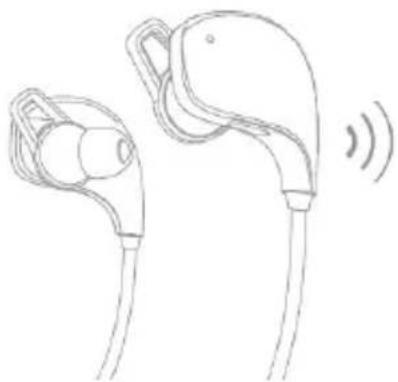
With the headset power off, press and hold the Multifunction Button for about 6 seconds. You will hear the voice prompts "power on" and "pairing" and see the blue LED and red LED flash alternately.
-
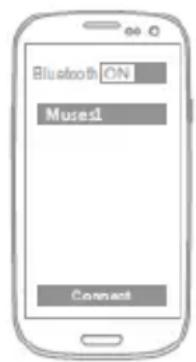
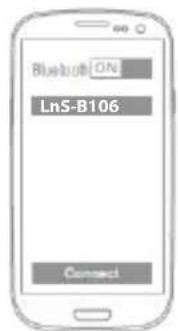
Turn on the Bluetooth feature on your mobile phone or other devices, then use menus to "add", "search" or "scan" new Bluetooth devices.
natural_image
Line drawing of a hand using a welding torch to interact with a device, emitting sound waves (no text or symbols)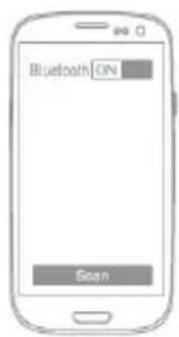
-
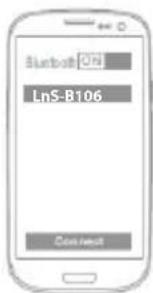
Choose "LnS-B106" from the Bluetooth device list of your mobile phone or other devices and connect (if you are required to enter the password, enter 0000). When connected, you will hear the voice prompt "connection successful". Now you can use the call function or listen to the audio on your mobile phone or other devices.
-
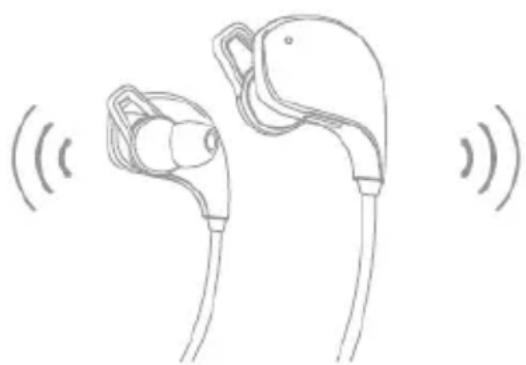
Once paired with the first device, B106 will automatically search for a second device for 30 seconds. If no second device is found, music will resume play with first device as usual. If second device is found, pairing will occur immediately.
natural_image
Line drawing of two earbuds with a speaker emitting sound waves (no text or symbols)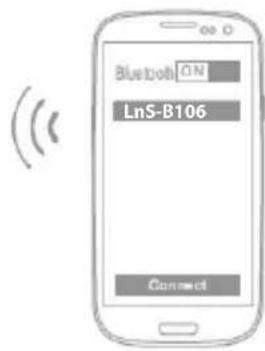
Auto power-off
When the distance between the earpiece and the mobile phone is beyond effective range, a voice prompt "connection lost" and earpiece disconnects with the mobile phone, the earpiece will power off automatically for 30 minutes.
OPERATING INSTRUCTION Multipoint connection
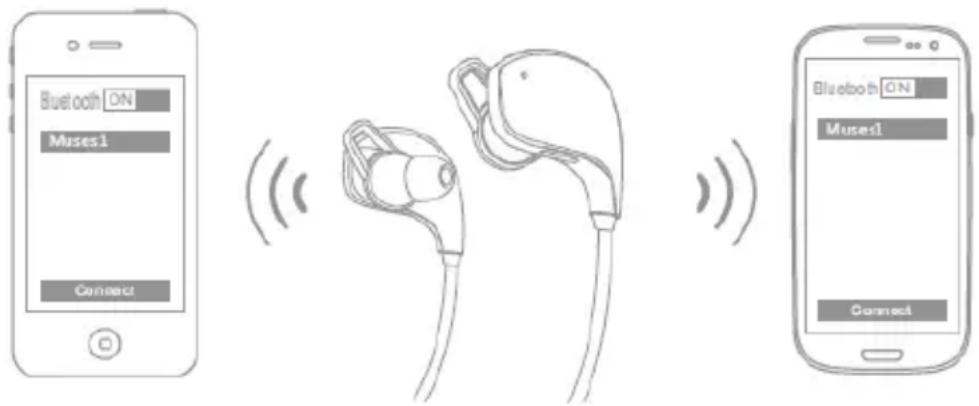
- With the headset powered off, press and hold the multifunction button for 6 seconds to turn the Bluetooth feature on and enter pairing mode.
- Turn on the Bluetooth feature on the first mobile phone to pair with the headset. Turn off the headset after they are connected.
- Turn on the Bluetooth feature on the second mobile phone to pair with the headset.
- Restart the "B106", the headset will connect to the two paired mobile phones automatically.
Calls
- Answer a call: Press volume button (+ or -) to answer an incoming call.
- End a call: Press and hold the volume button (+ or -) for about 2 seconds to end a call.
- Redial last call: Press the volume button "-" twice. The mobile phone will redial the last number.
- Automatic switch between music and calls: During a phone call, your music will pause. When the call ends, music will resume playing.
Music
Operation (compatibility with the player is required)
- Go to previous song: Press and hold "▲" for about 2 seconds when playing music, and the previous song will be played.
- Go to next song: Press and hold "▼" for about 2 seconds when playing music, and the next song will be played.
- Pause/Play: When playing music, press "-" and "+" together for a short time to pause/play music.
- Automatic switch between music and calls: During a phone call, your music will pause. When the call ends, music will resume playing.
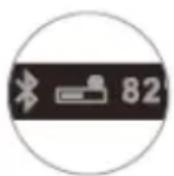
Battery Indicator
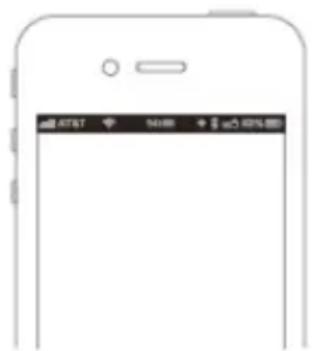
When the headset is connected to a device with iOS system, a battery indicator will appear at the upper right of the system, indicating battery status of the headset.
Charge
Your headset has enough power to complete the pairing and a few calls. When battery is low, you will hear the voice prompt "battery low". It takes 1.5 hours to fully charge the headset. The red LED turns on during charging. The red LED will turn off and the blue LED will turn on after being fully charged.
Connection standby
After successful pairing and connection, you will hear the voice prompt "connection successful". The headset will be in turning on mode or standby mode automatically and the blue LED will flash once every 5 seconds, when the headset disconnects from the phone, you will hear the voice prompt "connection lost".
Automatic connection after powering on
In turning off mode, press and hold the multifunction button for about 2 seconds and release. The headset will search valid devices paired before and connect with them automatically, with the voice prompt "connection successful".
Power off
In turning on mode, press and hold the multifunction button for about 4 seconds. The red LED will flash three times rapidly before turning off. A voice prompt "power off" will appear, indicating the headset has been turned off.
Hard reset
In turning on mode, press and hold the multifunction button with the charger plugged to reset the headset. Once reset, the red LED will light (you can release the multifunction button 2 seconds after mounting the charger).

www.lifensoul.com
Life

soul
BLUETOOTH SPORT ÉCOUTEUR LnS-B106
Musique & appel
DESCRIPTION
Utilisation de base
natural_image
Line drawing of a hand using a welding torch to interact with a device, emitting sound waves (no text or symbols)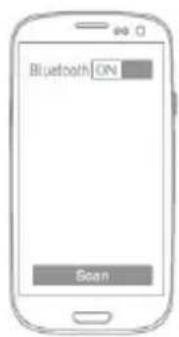
natural_image
Line drawing of two earbuds with a curved cable, no text or symbols present(
Appels Utilisation
Operaciónbásica
natural_image
Line drawing of a hand pressing a button on a mechanical device with sound waves (no text or symbols)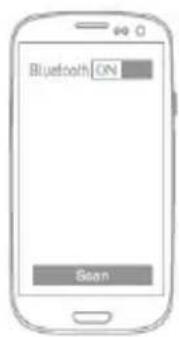
natural_image
Line drawing of two earbuds with a speaker icon, no text or symbols present
Apagado automático
natural_image
Line drawing of two connected electric vehicle charging cables with sound waves (no text or symbols)