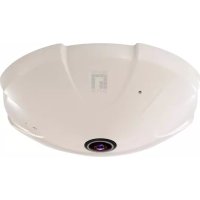
FCS3091 - Surveillance Camera LEVELONE - Free user manual and instructions
Find the device manual for free FCS3091 LEVELONE in PDF.



User questions about FCS3091 LEVELONE
0 question about this device. Answer the ones you know or ask your own.
Ask a new question about this device
Download the instructions for your Surveillance Camera in PDF format for free! Find your manual FCS3091 - LEVELONE and take your electronic device back in hand. On this page are published all the documents necessary for the use of your device. FCS3091 by LEVELONE.
USER MANUAL FCS3091 LEVELONE
Wired/Wireless Network Camera
Quick Installation Guide
English EAAnvika
Deutsch Svenska
Français Slovenscina
Espanol
Nederlands 繁體中文
Italiano 简髓中文
Portugues Pycckn
This guide covers only the most common situations. All detail
information is described in the user manual.
Viewing System Requirements
- Windows 2000,XP, VISTA, Windows7 operating systems
- Browser: Internet Explorer 6.0 or above
NOTE:
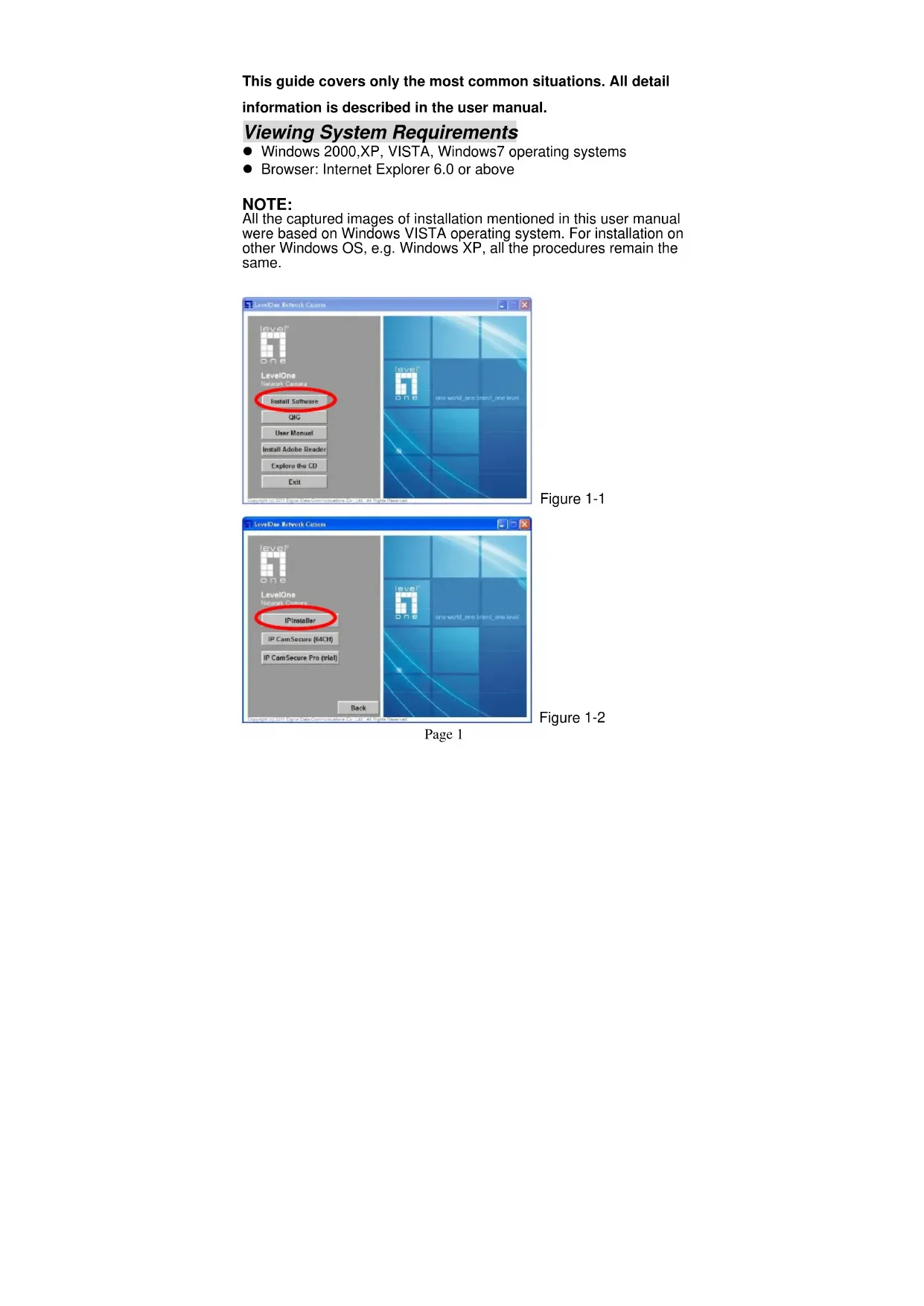
All the captured images of installation mentioned in this user manual were based on Windows VISTA operating system. For installation on other Windows OS, e.g. Windows XP, all the procedures remain the same.
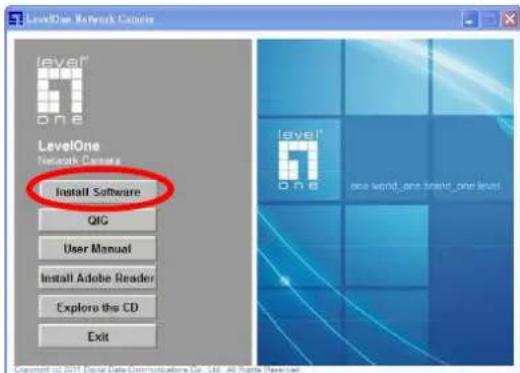
Figure 1-1
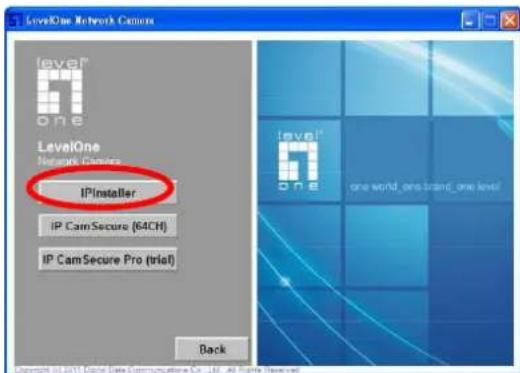
Figure 1-2
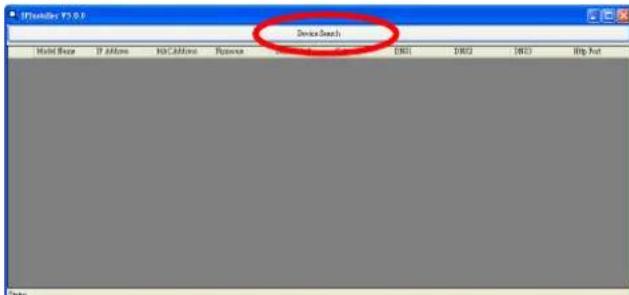
Figure 1-3
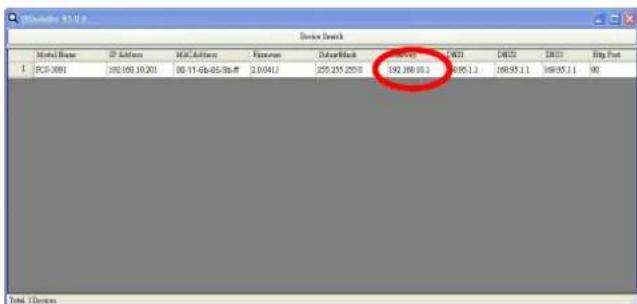
Figure 1-4
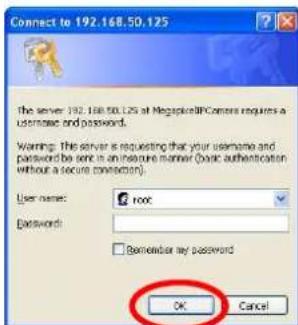
Figure 2-1
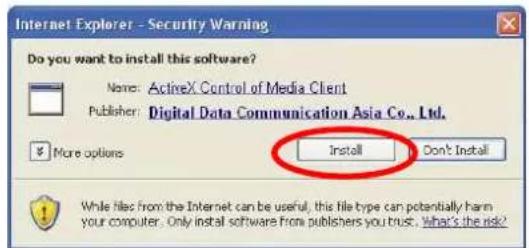
Figure 2-2
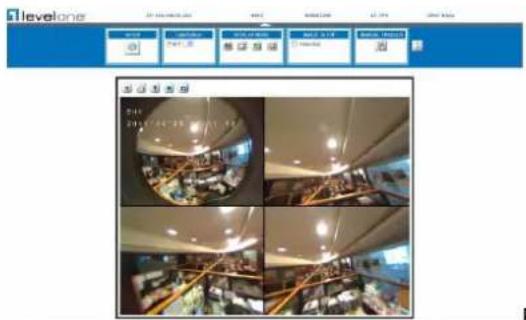
Figure 2-3
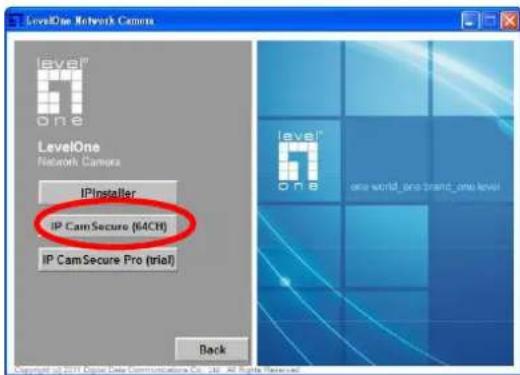
Figure 3-1
English
Using the Software CD to configure the camera
Power on your PC and insert the CD-ROM
- The setup page should load automatically. If it does not, please select your CD-ROM drive manually to open the setup page.
Select "Install Software"->" I产业升级" (Figure1-1&1-2)
Run "IPinstaller". (Figure 1-3)
The IPInstaller will show MAC address and an IP Address of available LevelOne Network Cameras. Highlight the MAC address and double click to link to the selected device.(Figure 1-4)
Enter 'root' for the name, and leave the password blank. (Figure 2-1)
The following screen would appear automatically. Click "Install" and proceed. (Figure 2-2)
- Congratulations, you can use the camera through the network to view the video.(Figure 2-3)
Installing IP CamSecure
Click "IP CamSecure" and follow the onscreen instruction or refer to the user's manual to complete installation.(Figure 3-1)