ManualGo.com
 FJORD DOCK - Radio TANGENT - Free user manual and instructions
Find the device manual for free FJORD DOCK TANGENT in PDF.


Download the instructions for your Radio in PDF format for free! Find your manual FJORD DOCK - TANGENT and take your electronic device back in hand. On this page are published all the documents necessary for the use of your device. FJORD DOCK by TANGENT.
USER MANUAL FJORD DOCK TANGENT
- Painel traseiro p. 113
- Controlo remoto p. 114
- Descrição do Menu – FM Mode p. 115
- Descrição do Menu – CD Mode p. 116
- Descrição do Menu – AUX/iPhone Mode p. 117
- Especificações iPhone® and iPod® are trademarks of Apple Inc., registered in the U.S. and other countries. “Made for iPod,” and “Made for iPhone” mean that an electronic accessory has been designed to connect specifically to iPod or iPhone, respectively, and has been certified by the developer to meet Apple performance standards. Apple is not responsible for the operation of this device or its compliance with safety and regulatory standards. p. 118
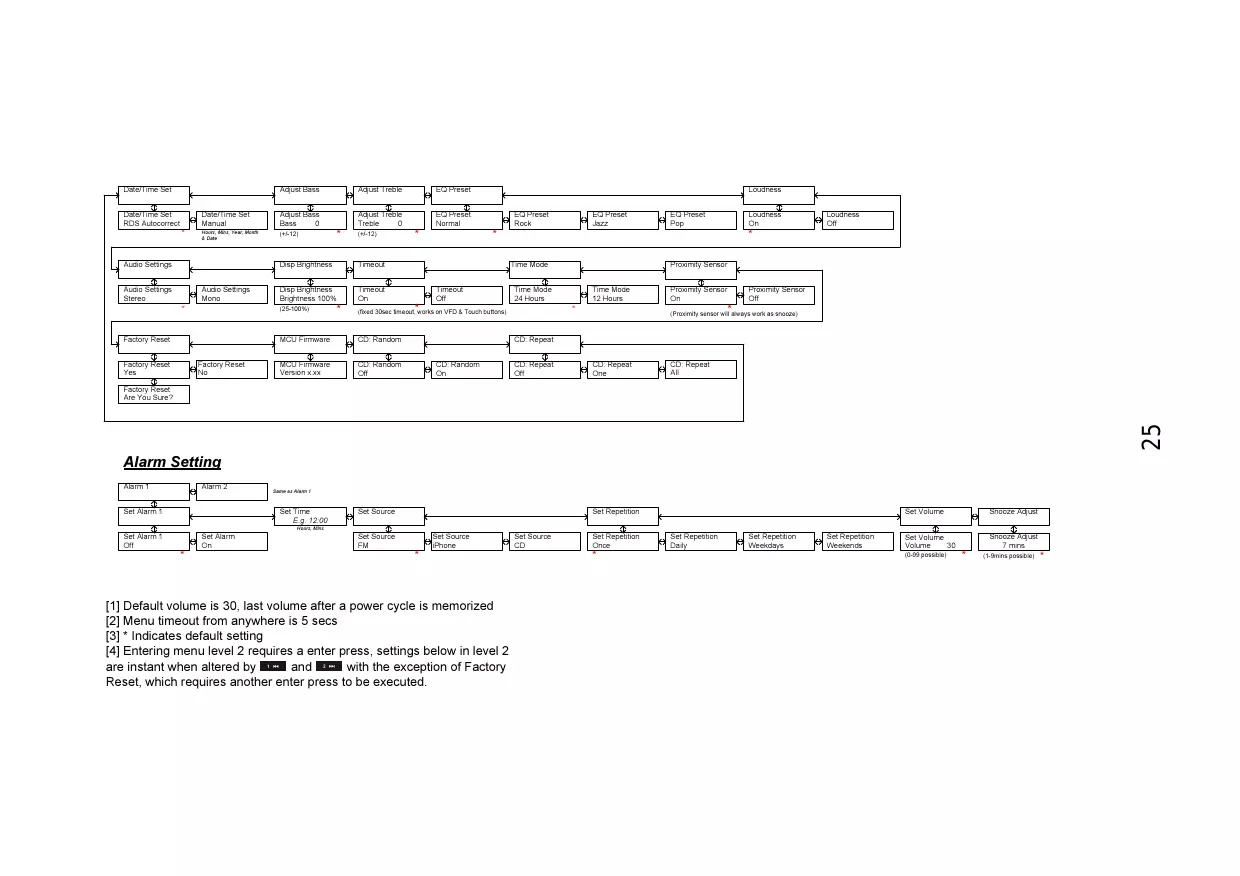
Disp Brightness Timeout Disp Brightness Brightness 100% Timeout
(fixed 30sec timeout, works on VFD & Touch buttons) (Proximity sensor will always work as snooze) MCU Firmware Factory Reset
Factory Reset Yes MCU Firmware Version x.xx Factory Reset Are You Sure?
[1] Default volume is 30, last volume after a power cycle is memorized [2] Menu timeout from anywhere is 5 secs [3] * Indicates default setting [4] Entering menu level 2 requires a enter press, settings below in level 2 are instant when altered by and with the exception of Factory Reset, which requires another enter press to be executed. Set Source
Set Repetition Daily Set Repetition Weekdays Set Repetition Weekends Snooze Adjust 7 mins Set Volume Volume (0-99 possible)
Loudness EQ Preset Rock CD: Random CD: Random Off Loudness
(fixed 30sec timeout, works on VFD & Touch buttons) MCU Firmware EQ Preset Jazz (Proximity sensor will always work as snooze) CD: Repeat CD: Random
CD: Repeat Off CD: Repeat One CD: Repeat All
[1] Default volume is 30, last volume after a power cycle is memorized [2] Menu timeout from anywhere is 5 secs [3] * Indicates default setting [4] Entering menu level 2 requires a enter press, settings below in level 2 are instant when altered by and with the exception of Factory Reset, which requires another enter press to be executed. Set Source
Set Repetition Daily Set Repetition Weekdays Set Repetition Weekends Snooze Adjust 7 mins Set Volume Volume (0-99 possible)
(fixed 30sec timeout, works on VFD & Touch buttons) Factory Reset
Loudness EQ Preset Rock (Proximity sensor will always work as snooze) MCU Firmware Factory Reset
Factory Reset Yes MCU Firmware Version x.xx Factory Reset Are You Sure?
[1] Default volume is 30, last volume after a power cycle is memorized [2] Menu timeout from anywhere is 5 secs [3] * Indicates default setting [4] Entering menu level 2 requires a enter press, settings below in level 2 are instant when altered by and with the exception of Factory Reset, which requires another enter press to be executed. Set Source
Set Repetition Daily Set Repetition Weekdays Set Repetition Weekends Snooze Adjust 7 mins Set Volume Volume (0-99 possible)
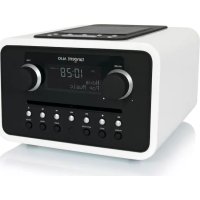
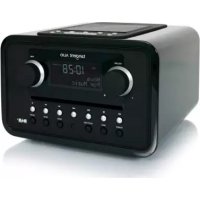
Choosing a radio for your home has until now often meant a compromise between technical features, acoustic performance, ease of operation, an aesthetic quality. With Tangent Fjord, this compromise is eliminated for the first time, allowing you to bring home a radio that satisfies demanding ears, critical eyes, and curious fingers. Tangent Fjord is a small radio with a big sound. It appears as a minimalistic sculpture in the home, inviting operation all by itself. The highquality materials and seductive finger-touch panel makes Tangent Fjord a physical expression for the satisfaction we experience, when quality in all aspects makes form and function unite on a higher level. www.tangent-audio.com Item no.: 40632