
TEW-412APBO - Wireless Access Point TRENDNET - Free user manual and instructions
Find the device manual for free TEW-412APBO TRENDNET in PDF.


| Product Type | Outdoor wireless access point with bridge function |
| Brand | TRENDNET |
| Model | TEW-412APBO |
| Wireless Standard | IEEE 802.11g |
| Maximum Data Rate | Up to 54 Mbps |
| Frequency | 2.4 GHz |
| Power Supply | PoE (Power over Ethernet) via included adapter |
| Power Consumption | Approximately 5 W (estimated) |
| Dimensions (L x W x H) | Approximately 200 x 150 x 50 mm (estimated) |
| Weight | Approximately 400 g (estimated) |
| Antenna | Integrated directional antenna (flat panel) |
| Ports | 1 x 10/100 RJ-45 Ethernet port (PoE in) |
| Management Interface | Web interface (HTTP) |
| Security Protocols | WEP 64/128-bit, WPA, WPA2 (estimated) |
| Operating Mode | Access point, bridge, repeater (estimated) |
| SSID | Configurable (default: TEW-412APBO) |
| Default IP Address | 192.168.1.250 |
| Default Username/Password | admin / admin |
| Mounting Kit | Included (wall/pole mount) |
| Weather Protection | Weather-resistant outdoor housing |
| Maintenance and Cleaning | Clean with a dry, soft cloth. Avoid liquids. |
| Operating Temperature | -20°C to 60°C (estimated) |
| Operating Humidity | 10% to 90% non-condensing (estimated) |
| Certifications | FCC, CE (estimated) |
| Warranty | Limited manufacturer's warranty (see manual) |
Frequently Asked Questions - TEW-412APBO TRENDNET
User questions about TEW-412APBO TRENDNET
0 question about this device. Answer the ones you know or ask your own.
Ask a new question about this device
Download the instructions for your Wireless Access Point in PDF format for free! Find your manual TEW-412APBO - TRENDNET and take your electronic device back in hand. On this page are published all the documents necessary for the use of your device. TEW-412APBO by TRENDNET.
USER MANUAL TEW-412APBO TRENDNET
TEW-412APBO/TEW-413APBO
Wireless 11g Outdoor AP Bridge
Quick Installation Guide
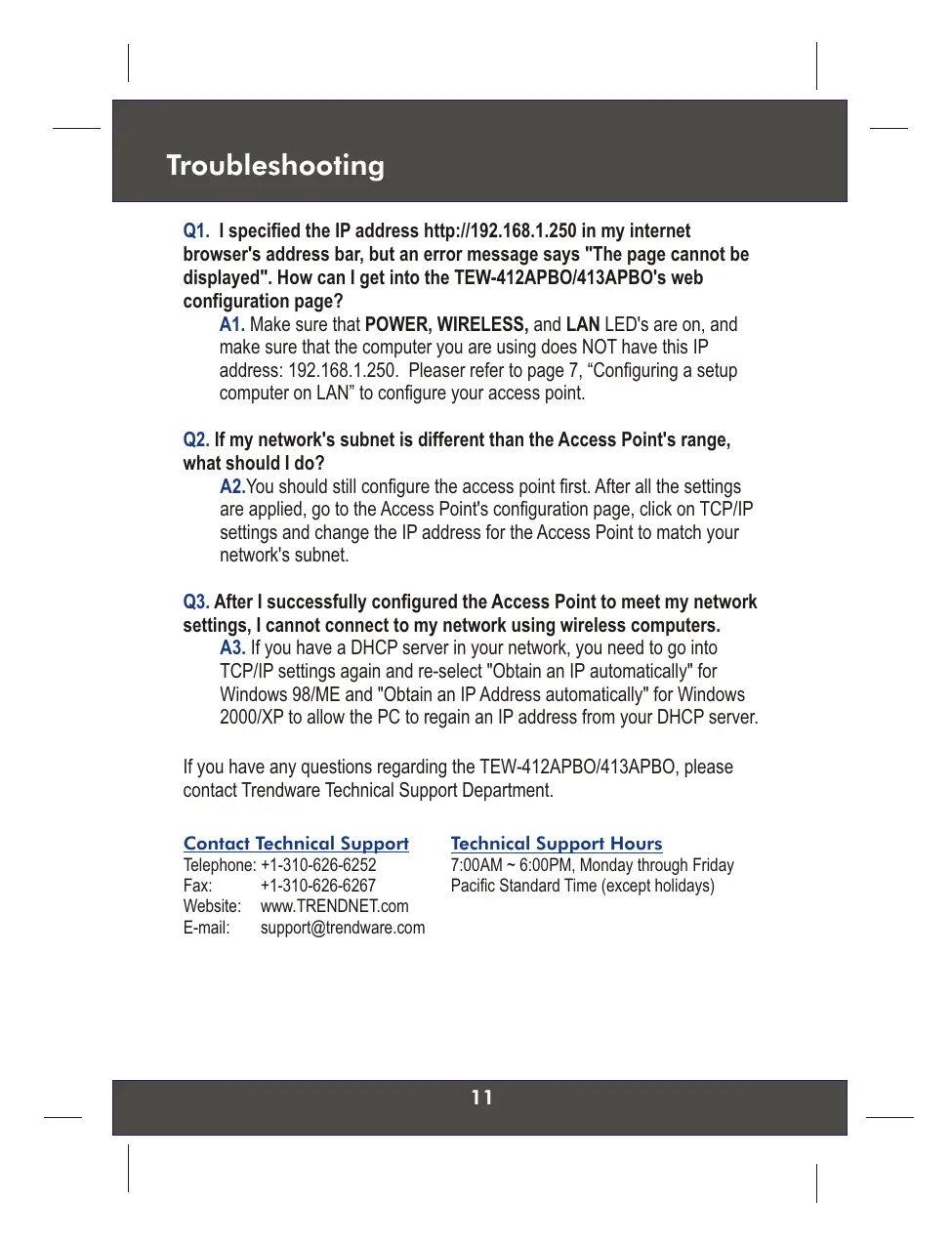
Q1. I specified the IP address http://192.168.1.250 in my internet browser's address bar, but an error message says "The page cannot be displayed". How can I get into the TEW-412APBO/413APBO's web configuration page?
A1. Make sure that POWER, WIRELESS, and LAN LED's are on, and make sure that the computer you are using does NOT have this IP address: 192.168.1.250. Pleaser refer to page 7, "Configuring a setup computer on LAN" to configure your access point.
Q2. If my network's subnet is different than the Access Point's range, what should I do?
A2. You should still configure the access point first. After all the settings are applied, go to the Access Point's configuration page, click on TCP/IP settings and change the IP address for the Access Point to match your network's subnet.
Q3. After I successfully configured the Access Point to meet my network settings, I cannot connect to my network using wireless computers.
A3. If you have a DHCP server in your network, you need to go into TCP/IP settings again and re-select "Obtain an IP automatically" for Windows 98/ME and "Obtain an IP Address automatically" for Windows 2000/XP to allow the PC to regain an IP address from your DHCP server.
If you have any questions regarding the TEW-412APBO/413APBO, please contact Trendware Technical Support Department.
Contact Technical Support
Telephone: +1-310-626-6252
Fax: +1-310-626-6267
Website: www.TRENDNET.com
E-mail: support@trendware.com
Technical Support Hours
7:00AM ~ 6:00PM, Monday through Friday
Pacific Standard Time (except holidays)
Certifications
This equipment has been tested and found to comply with Part 15 of the FCC Rules. Operation is subject to the following two conditions:
(1) This device may not cause harmful interference.
(2) This device must accept any interference received. Including interference that may cause undesired operation.
This equipment is in compliance with the requirements of the following regulations: EN 55 022: CLASS B
C E F C
TRENDnet TRENDware, USA
What's Next in Networking
Product Warranty Registration
Please take a moment to register your product online. Go to TRENDware's website at http://www.TRENDNET.com
TRENDware International, Inc.
3135 Kashiwa Street
Torrance, CA 90505
http://www.TRENDNET.com
Brand : TRENDNET
Model : TEW-412APBO
Category : Wireless Access Point