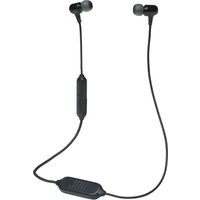
ON STAGE MICRO - Bluetooth speaker JBL - Free user manual and instructions
Find the device manual for free ON STAGE MICRO JBL in PDF.


User questions about ON STAGE MICRO JBL
0 question about this device. Answer the ones you know or ask your own.
Ask a new question about this device
Download the instructions for your Bluetooth speaker in PDF format for free! Find your manual ON STAGE MICRO - JBL and take your electronic device back in hand. On this page are published all the documents necessary for the use of your device. ON STAGE MICRO by JBL.
USER MANUAL ON STAGE MICRO JBL
jbl on stage micro portable iPod music dock
Important Safety Instructions
Please read the following precautions before use:
- Read instructions. All safety and operating instructions should be read thoroughly before attempting to operate this audio system.
- Retain instructions for future reference.
Heed warnings. All warnings on this audio system and in the operating instructions should be adhered to. - Follow instructions. All operating and use instructions should be followed.
TO PREVENT THE RISK OF ELECTRIC SHOCK, DO NOT REMOVE THE COVER (OR BACK). THERE ARE NO USER-SERVICEABLE PARTS INSIDE THIS UNIT. PLEASE REFER SERVICING TO QUALIFIED JBL SERVICE PERSONNEL.
Do not expose the speakers to liquid or solvent. - Never remove grille covers in order to service the speaker system. The speaker system does not contain any user-serviceable parts. Refer all servicing to the JBL Technical Support Group.
- Do not expose the speaker system to temperature or humidity extremes, direct sunlight, excessive dust or vibrations.
- Place the speaker system on a stable, level surface. Do not drop, apply excessive force to the controls or put heavy objects on top of the speaker.
If cleaning is required, use a soft, dry cloth. If necessary, use a damp cloth without any solvents. - In order to protect the speaker system, avoid microphone feedback, continuous output from electronic musical instruments or distorted output from any signal source.
Do not place the speakers close to fluorescent light sources or neon light fixtures.
Although the speakers are magnetically shielded, keep magnetic storage media (disks and tapes) at least four inches from the speaker system in order to avoid data loss.
WARNING: To reduce the risk of fire or electric shock, do not expose this speaker system to rain or moisture.
CAUTION: Risk of Explosion if Battery is replaced by an Incorrect Type. Dispose of Used Batteries According to the Instructions
Use only JBL-approved power supplies listed on the product label.
Important Note for All Electronic Products:
Before inserting or unplugging audio cables from the source device's headphones or line-level output jacks, it is good practice to turn off the device first. This will prolong the life of your unit, help protect your device from static electricity and prevent potential damage.
fcc regulations
FCC Declaration of Conformity Statement
This device complies with Part 15 of the FCC Rules. Operation is subject to the following two conditions: (1) This device may not cause harmful interference; and (2) this device must accept any interference received, including interference that may cause undesired operation.
Radio and Television Interference
This equipment has been tested and found to comply with the limits for a Class B digital device, pursuant to Part 15 of the FCC Rules. These limits are designed to provide reasonable protection against harmful interference in a residential installation. This equipment generates, uses and can radiate radio frequency energy and, if not installed and used in accordance with the instructions, may cause harmful interference to radio communications. However, there is no guarantee that interference will not occur in a particular installation.
If this equipment does cause interference to radio or television reception, which can be determined by turning the equipment off and then on, the user is encouraged to try to correct the interference by one or more of the following measures:
- Increase the separation between the equipment and receiver.
- Connect the equipment to a different outlet so that the equipment and receiver are on different branch circuits.
- Consult the dealer or an experienced radio/TV technician for help.
Changes or modifications not expressly approved by JBL could void the user's authority to operate the equipment.
jbI on stage micro easy setup guide
| Step 1. Unpack JBL On Stage Micro, adapters, remote control and input cable. Read these instructions completely. | Step 2. Move the battery door to the unlocked position to open the battery compartment. | Step 3. Place four AAA batteries in the battery compartment. | Step 4. Connect the power adapter plug into the input marked on the rear of JBL On Stage Micro and plug the power adapter into a wall outlet or power strip. |
| or | |||
| Step 5. Place the appropriate iPod® adapter onto JBL On Stage Micro. Place your iPod on the docking connector or connect the audio input cable to the rear of JBL On Stage Micro. Connect the audio cable to the audio source. | Step 6. Press the Power button on the back of JBL On Stage Micro. A green LED will light when the JBL On Stage Micro system is on. | Step 7. Adjust the volume using (+) to increase and (-) to decrease. Press both to mute the JBL On Stage Micro. Press either button to unmute. | |
troubleshooting your jbl on stage micro
| JBL On Stage Micro Specifications | Symptom | Possible Problem | Solution |
| Troubleshooting | |||
| Frequency Range: 70Hz – 20kHz Power Consumption: 10W maximum Power Input: 6V/1.5A JBL On Stage Micro Transducer: (2) 1" Full range per channel Dimensions: Diameter – 6" (150mm) Height – 1-3/4" (38mm) System Weight: 2.22 lb (1.01kg) Battery: Size – AAA Type – Alkaline, NiMh DO NOT MIX BATTERY TYPES. DO NOT MIX CHARGED AND PARTIALLY CHARGED BATTERIES. BATTERIES WILL NOT RECHARGE WHILE IN JBL ON STAGE MICRO. | No sound from the JBL On Stage Micro speaker system. | No power to the system. Power adapter plug is not inserted correctly. | Ensure that the power supply is connected to a live power source and properly connected to JBL On Stage Micro. Note: When JBL On Stage Micro is powered, a green power LED on the JBL On Stage Micro should light up. |
| No volume or low volume. Input source is low. | Touch the volume "Up" (+) pad on the volume control to unmute and/or increase the system volume level. Note: Touching the volume "Down" (-) pad lowers the system volume. Touching both the (+) and (-) volume control pads at the same time will mute the system. Increase the volume level on the audio source device. | ||
| Low or drained batteries. | Replace the batteries. | ||
| iPod paused. | Press the Play button on the iPod or remote control. | ||
| iPod paused (battery only mode). | Note: If the iPod is paused more than ten minutes, press the JBL On Stage Micro Power button to turn the unit back on. Press either (+) or (-) to unmute. |
If you have any questions or need further assistance, please visit www.jbl.com. These specifications are subject to change without notice.
| Symptom | Possible Problem | Solution |
| Troubleshooting | ||
| No sound from the JBL On Stage Micro speaker system (continued). | JBL On Stage Micro has been muted for more than ten minutes in the battery-only mode. | Press JBL On Stage Micro Power button to turn the unit back on. Press either (+) or (−) to unmute. |
| No power; green LED is not on. | Wall adapter is not plugged into JBL On Stage Micro correctly. Wall adapter is not receiving AC power. | Check the connection of the wall adapter. Place the wall adapter in a known powered outlet. Test the outlet with a lamp or other device. Connect JBL On Stage Micro to a known audio source. Test the audio source with headphones. |
jbI on stage micro remote easy setup guide
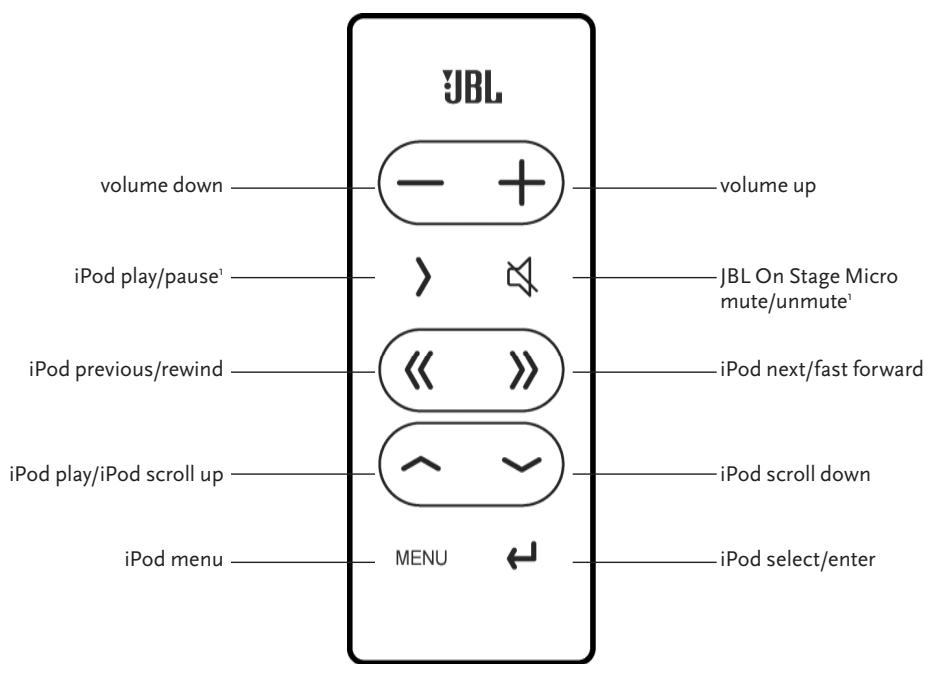
In the battery-only mode, JBL On Stage Micro will turn off to save battery power when muted or paused for longer than ten minutes.
Benutzerhandbuch
English
Deutsch
Français
Espanol
Italiano
Niederlandisch
Koreanisch
Dänisch
Norwegisch
Japanisch
Chinesisch

jbl on stage micro music dock iPod® portatile
iPod non compreso
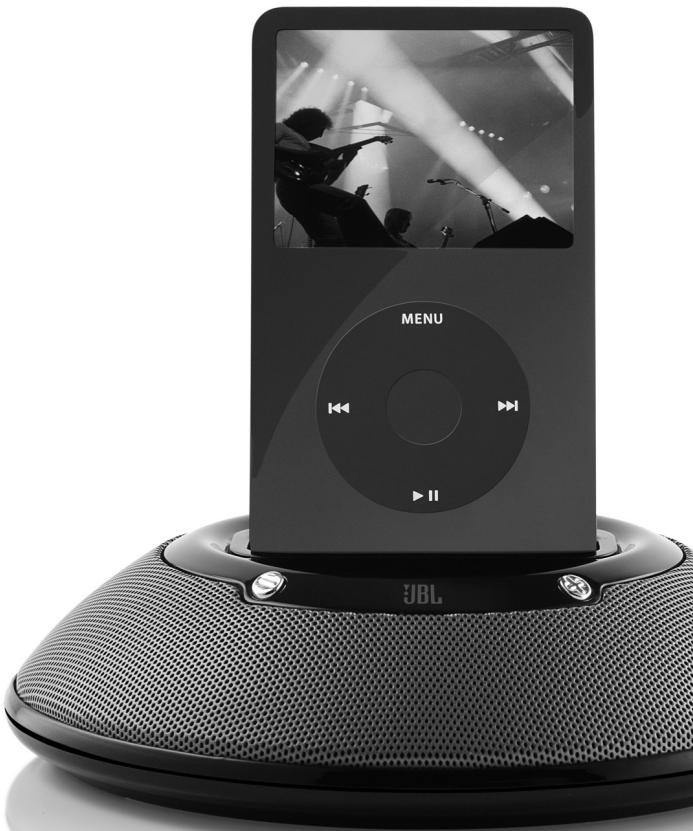
jblon stage micro Pod®
iPod 托盤安装
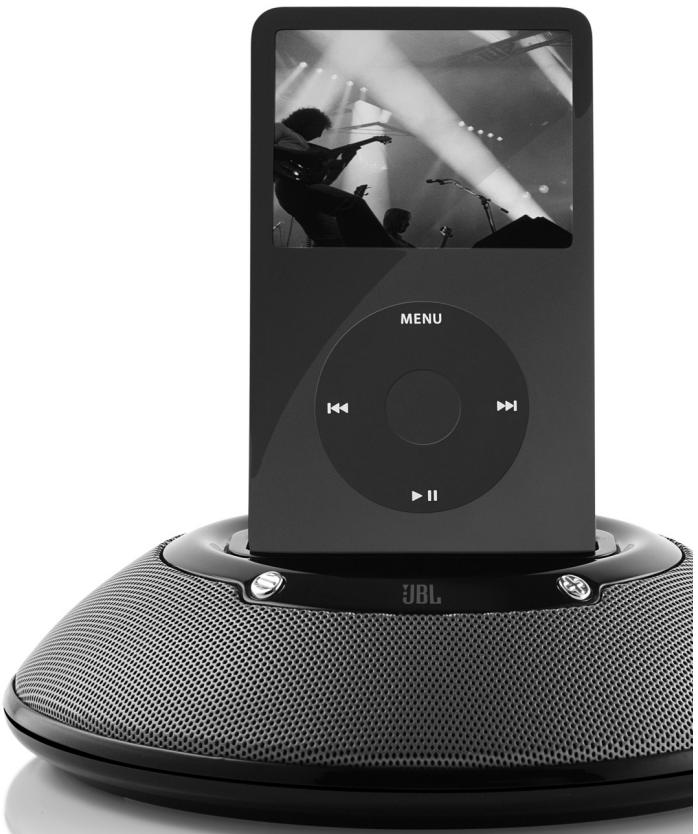

志时,当志的义。
韋奉參止哉其用之,志士,亦爲。
jblon stage micro 课题
jblon stage micro liMoTr 尸在装长安
- 1
Brugervejledning
Engelsk
Tysk
Fransk
Spansk
Italiensk
Hollandsk
Koreansk
Dansk
Norsk
Japansk
Forenklet kinesisk

jbl on stage micro hurtigveiledning for oppsett
jbl on stage micro feilsøking
This is the way to use the basic rules of the English language.
ラジ才およこテレビの干涉
jbl on stage microの簡單SETTAPNGaIBD
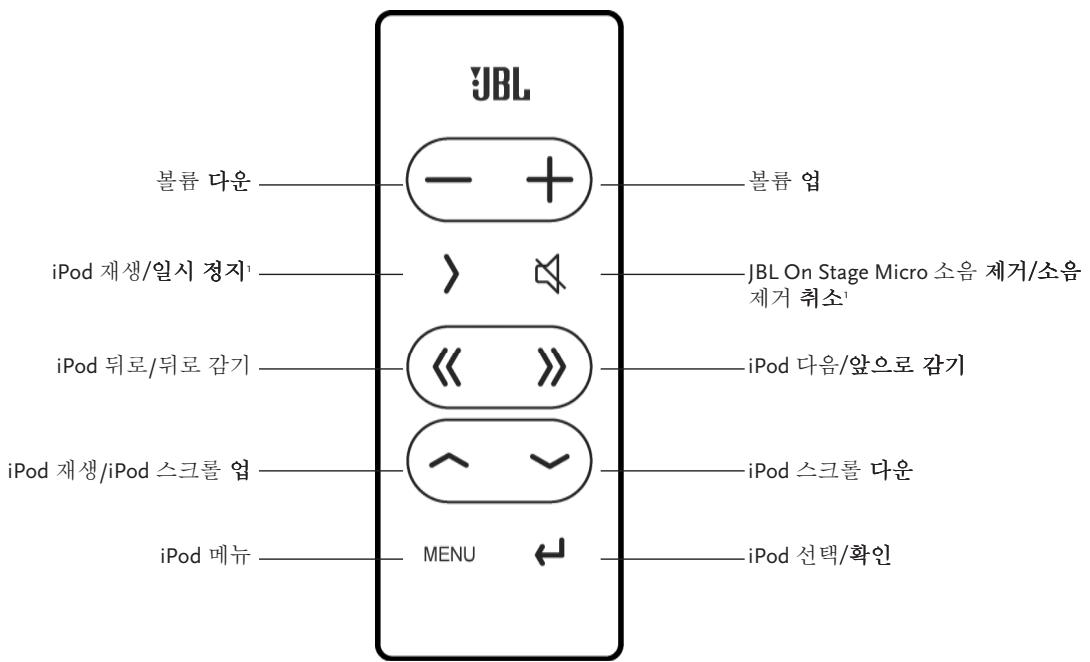
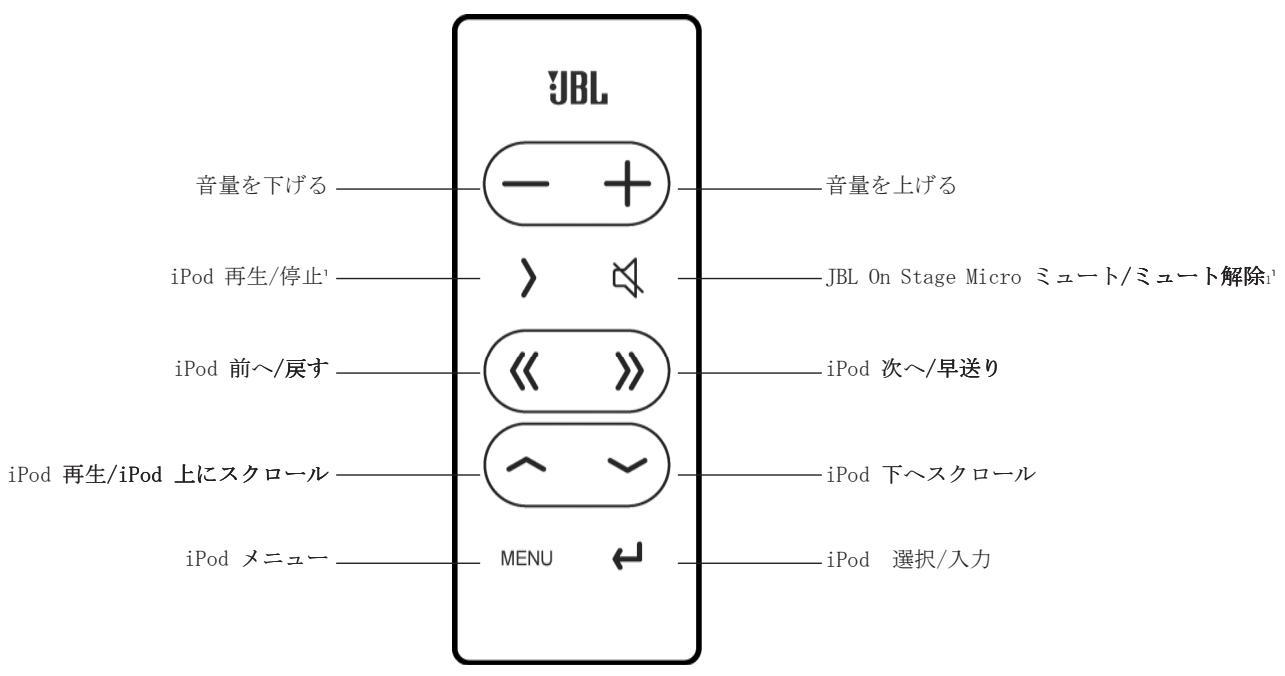
jbl on stage* micro remoteの簡單SETTADRAFT
JBL, Harman International and Odyssey are trademarks of Harman International Industries, Incorporated, registered in the United States and/or other countries.
The trademark On Stage is used with permission of OSA International, Inc.
iPod and iTunes are trademarks of Apple Computers, Inc., registered in the U.S. and other countries.
H A Harman International Company
Harman Consumer Group, Inc.
8500 Balboa Boulevard, Northridge, CA 91329 USA
1.516.255.4525 (USA only)
www.jbl.com
© 2006 Harman International Industries, Incorporated. All rights reserved. Tous droits réservés.