RFM-MG1 - Unspecified CRUX - Free user manual and instructions
Find the device manual for free RFM-MG1 CRUX in PDF.


User questions about RFM-MG1 CRUX
0 question about this device. Answer the ones you know or ask your own.
Ask a new question about this device
Download the instructions for your Unspecified in PDF format for free! Find your manual RFM-MG1 - CRUX and take your electronic device back in hand. On this page are published all the documents necessary for the use of your device. RFM-MG1 by CRUX.
USER MANUAL RFM-MG1 CRUX
- Adds a reverse camera input, 6 video plus 1 audio/video inputs.
- Uses the steering wheel controls buttons to toggle between the sources.
- Turn signals automatically triggers the corresponding side camera.
- Turn signal camera trigger can be turned on or off by using the SWC button.
PARTS INCLUDED:

natural_image
Black rectangular electronic device with red LED and black outline, no visible text or symbols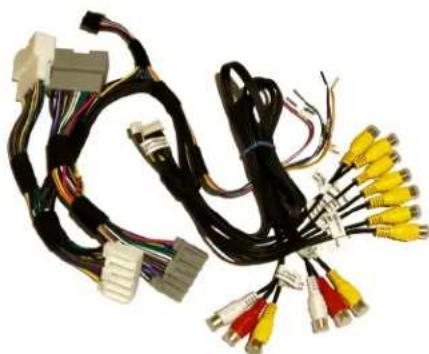
natural_image
Coiled black cable with various connectors and colored connectors (no text or symbols visible)RFM-MG1 Module RFM-MG1 Harness
OPTIONAL ADD-ON CAMERAS:
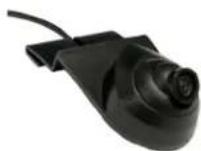
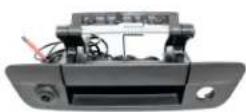
Optional add on cameras are available to complete the multi-view capability of the RFM-MG1. Cameras available and sold separately include: (More cameras can be found at www.cruxinterfacing.com)

natural_image
Product photo of a black metal detector with attached cable, connector, and small accessories (no text or symbols visible)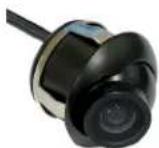
Jeep Wrangle Spare Tire Mount Camera
CUB-15 Adjustable Angle Side Camera
CDR-31C Cargo Camera CDR-02 Tailgate
Handle Camera
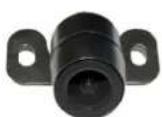

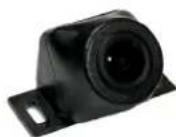
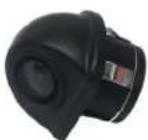
CFF-03 Grille Mount Front
Camera
CUL-16 Universal Lip Mount Camera
CFF-01 Bullet Type Front Camera
CFF-02 Square Body Front Camera

INSTALLATION DIAGRAM:
To Vehicle Harness

flowchart
graph TD
    A["To Radio"] --> B["BRIDGE"]
    B --> C["BRIDGE"]
    C --> D["CRUX"]
    D --> E["Audio/Video Input"]
    D --> F["Front and Rear Camera Power Output 12V (purple/white)"]
    D --> G["Left and Right Camera Power Output 12V (green/white)"]
    D --> H["Cargo and Trailer Camera Power Output 12V (orange/white)"]
    D --> I["Video AUX Power Output 12V (red/white)"]
    I --> J["Front Camera Input"]
    I --> K["Right Camera Input"]
    I --> L["Left Camera Input"]
    I --> M["Cargo Camera Input"]
    I --> N["Aftermarket Backup Camera Input"]
    I --> O["Trailer Camera Input"]
    D --> P["Connect this 6-pin plug if OEM backup camera is being used"]
DIP SWITCH SETTINGS:
| DIP# | ON | OFF |
| 1 | No Function – Leave OFF | |
| 2 | Front Camera ON | Front Camera OFF |
| 3 | Left Camera ON | Left Camera OFF |
| 4 | Right Camera ON | Right Camera OFF |
| 5 | Cargo Camera ON | Cargo Camera OFF |
| 6 | Trailer Camera ON | Trailer Camera OFF |
| 7 | AUX A/V ON | AUX A/V OFF |
| 8 | Set to ON | |
OPERATION:
Installation example is on a 2016 Jeep Wrangler. Other vehicle installation will vary.
natural_image
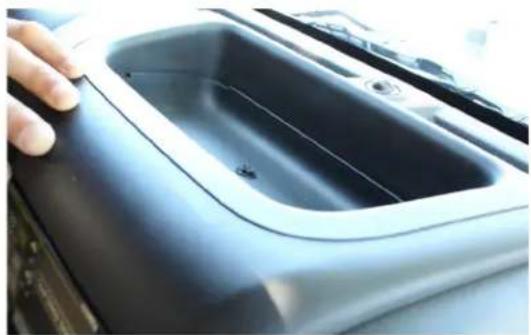
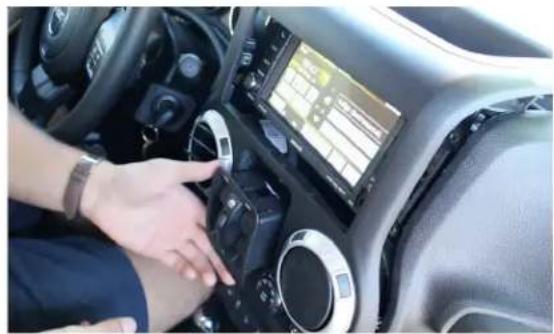
Close-up of a hand pressing down on a black car intake tray (no visible text or symbols)- Remove the rubber lining on the compartment on the dashboard. Remove one screw.
natural_image
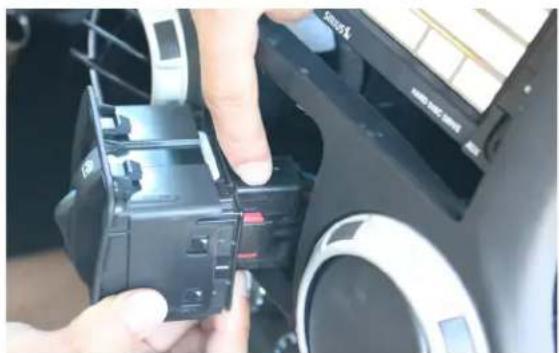
Interior view of a car showing a hand interacting with the dashboard of the Keitabat (no visible text or symbols)- Carefully pry out the power window switch assembly.
natural_image
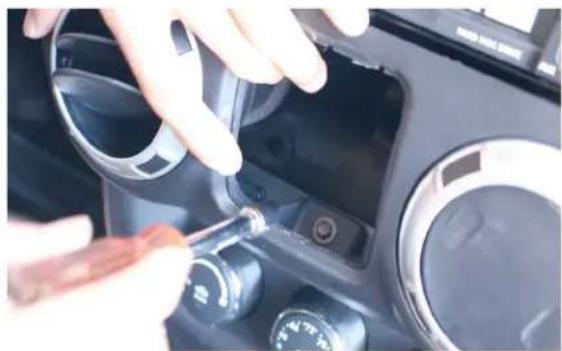
Close-up of hands installing a black plastic component on a mechanical device (no visible text or symbols)- Unplug the power window switch connector. 4. Remove the screw behind the power window switch housing.
natural_image
Close-up of hands adjusting a camera mode dial and adjustment knob on a car dashboard (no visible text or symbols)
natural_image
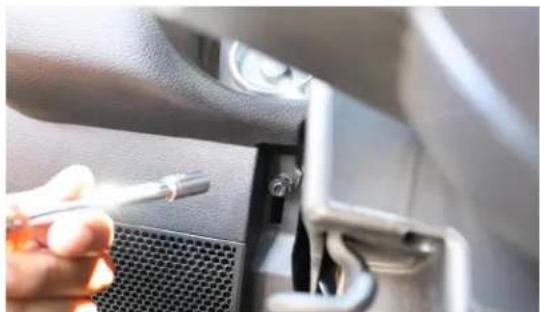
Close-up of hands installing or adjusting a car interior panel with a tool (no visible text or symbols)- Remove the lower panel under the steering wheel column.
natural_image
Close-up of a hand holding a screwdriver inserted into a car dashboard (no visible text or symbols)- Remove the screw holding the upper dash trim panel.

natural_image
Interior view of a car showing hands operating the dashboard and steering wheel (no visible text or symbols)- Raise the upper dash panel to release the radio bezel.
natural_image
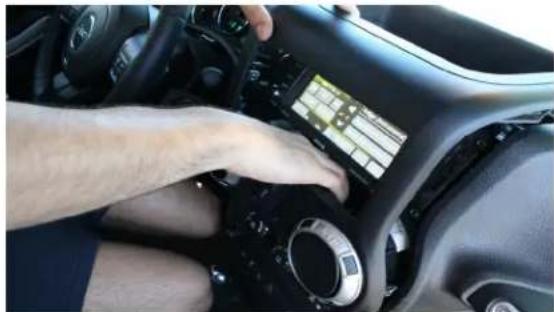
Interior view of a car dashboard with a hand interacting with the touchscreen (no visible text or symbols)- Carefully pull out the radio bezel and set aside.

text_image
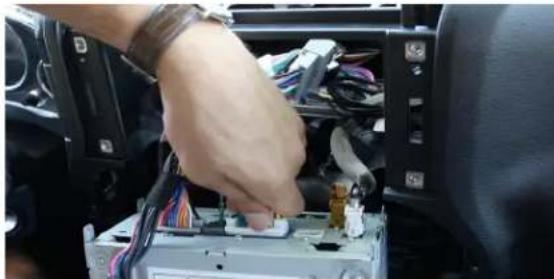
12:28- Remove the 4 screws holding the radio. 10. Pull out the radio and unplug the OEM connectors.
natural_image
Close-up of hands installing or adjusting a component on a car chassis (no visible text or symbols)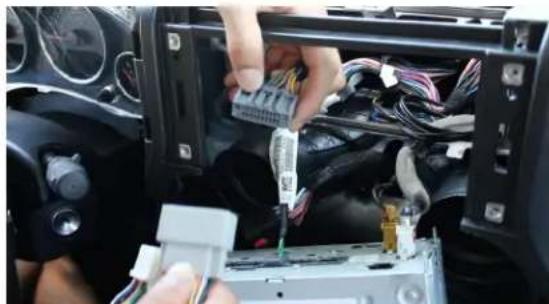
natural_image
Close-up of hands installing or adjusting a component into a car's dashboard, showing wiring and hardware (no visible text or symbols)- Plug in the RFM-MG1 T-harness between the radio and vehicle harness.

natural_image
Close-up of a car interior showing a hand holding wires connected to a camera (no visible text or symbols)- Plug the camera cables and connect the corresponding camera power output wires.
- Mount the cameras being used and tuck the module and the harness behind the radio. Reverse the process to reinstall the radio and trim panels.

natural_image
Close-up of hands holding a car infotainment device with visible wiring and components (no text or symbols)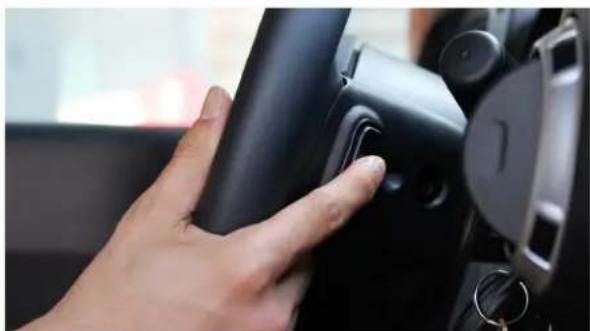
natural_image
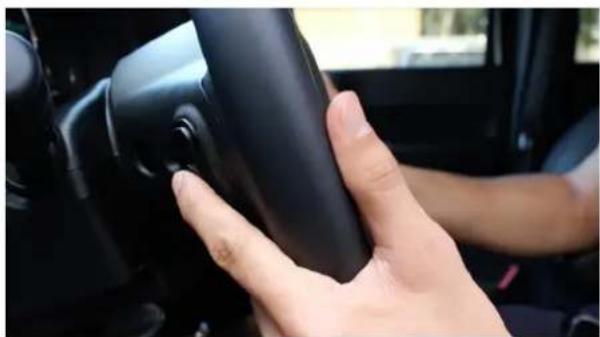
Close-up of a hand pressing a button on a black car interior (no visible text or symbols)- To force view and toggle between the cameras, press and hold the middle button on the right side steering wheel control. Each press will toggle to the camera that is set to ON on the DIP switches. See page 2 for DIP switch settings.
natural_image
Close-up of a hand holding a black car seatbelt in a vehicle (no visible text or symbols)- To turn off the automatic triggering of the side mirror cameras, move the turn signal switch to the camera to be turned off and press the left side SWC middle button for 3-5 seconds. Repeat the process to turn it back on.

text_image
SAWARACSV-01 Fender mount side view camera

natural_image
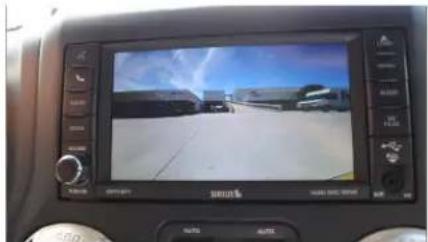
Interior view of a car dashboard displaying a person in a white building with a camera on the wall (no visible text or symbols)Driver side blind spot view
natural_image
Interior view of a car dashboard displaying a video on screen with vehicle and landscape (no visible text or symbols)Front View
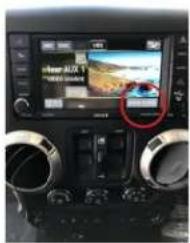
To enter AV mode, press and hold the left side steering wheel control center button for 5 seconds then press "View Video" on the screen.
text_image
Car infotainment screen displaying a beach scene with Chinese text and a red circle highlighting the location.Audio/Video Mode
VEHICLE APPLICATIONS:
CHRYSLERDODGE
2011-2014 200
2008-2010 300/300C
2008–2010 Aspen
2007 – 2011 Sebring
2008 – 2017 Town & Country
2007 – 2015 Avenger
2010-2012 Caliber
2008 – 2017 Caravan
2009 – 2014 Challenger
2008 – 2010 Charger
2008 – 2012 Dakota
2008 – 2013 Durango
2009 – 2010 Journey
2007 – 2012 Nitro
JEEP
2008 – 2010 Commander
2008 – 2016 Compass
2008 – 2013 Grand Cherokee
2008 – 2015 Liberty
2009 – 2017 Patriot
2007 – 2018 Wrangler
RAM
2009 – 2012 Ram
