KAVULXDRONA - Drone Kogan - Free user manual and instructions
Find the device manual for free KAVULXDRONA Kogan in PDF.


User questions about KAVULXDRONA Kogan
0 question about this device. Answer the ones you know or ask your own.
Ask a new question about this device
Download the instructions for your Drone in PDF format for free! Find your manual KAVULXDRONA - Kogan and take your electronic device back in hand. On this page are published all the documents necessary for the use of your device. KAVULXDRONA by Kogan.
USER MANUAL KAVULXDRONA Kogan
natural_image
Black quadcopter drone with green accents, shown in flight against white background (no text or symbols visible)VULTUREX DRONE WITH FPV WI-FI CAMERA
KAVULXDRONA
SAFETY & WARNINGS
- This product is not a toy and is not suitable for children under 14 years old. Adults should keep the aircraft out of the reach of children and exercise caution when operating in the presence of children to avoid an accident.
- Do not fly above or near obstacles, crowds, high voltage power lines, trees etc.
- Do not fly over open water or publics road to avoid the risk of an accident.
- Do not charge disposable batteries. Pay attention to the polarity when replacing batteries and do not mix old or new batteries or batteries of different types.
- Do not answer incoming calls, text messages or do anything that may distract from operating the device.
- Do not use the quadcopter in severe weather conditions. These include wind, snow, rain, smog, hail, lightning, tornadoes or hurricanes.
- Stay away from the rotating propellers and motors.
• Turn off the remote and quadcopter when the product is not in use. - Be sure to observe all local regulations, obtain appropriate authorisations and understand risks. Please note it is solely your responsibility to comply with all flight regulations.
- Ensure the remote, quadcopter and mobile device are fully charged before each flight.
- Always maintain a line of sight on the quadcopter. Please do not only rely on the first-person view camera to control your quadcopter.
Kogan.com accepts no liability for damage, injury or any legal responsibility incurred directly or indirectly from the use of this product. The user shall observe safe and lawful practices including, but not limited to, those outlined in these safety guidelines.
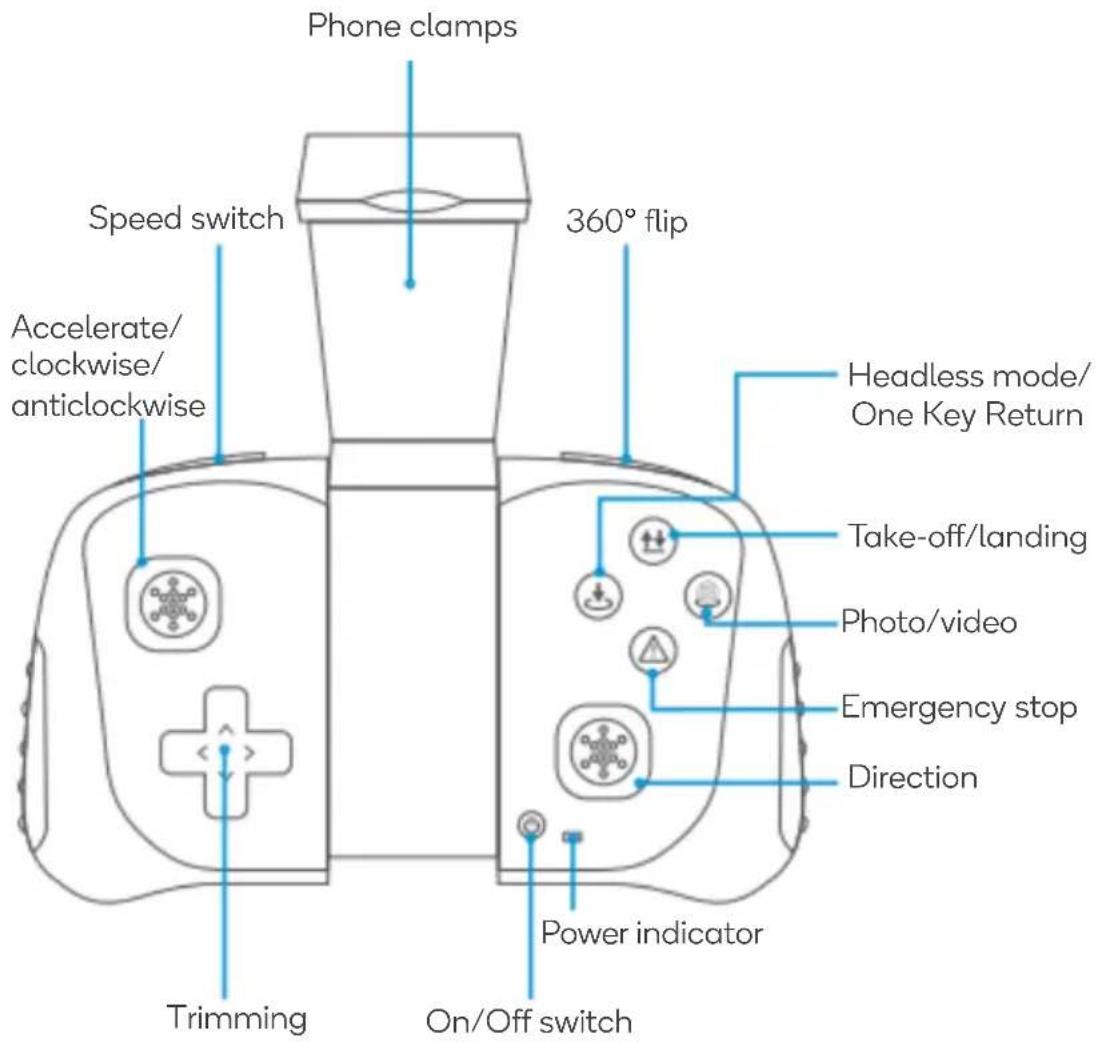
Remote Control Buttons
text_image
Phone clamps Speed switch Accelerate/ clockwise/ anticlockwise 360° flip Headless mode/ One Key Return Take-off/landing Photo/video Emergency stop Direction Power indicator Trimming On/Off switchINSTRUCTION
Preparing for flight
Push the left and right joysticks to the left and right respectively to turn the blades. Gently push the accelerator to launch the quadcopter.
Level calibration
This function is used when the quadcopter indicators flash rapidly after a sudden impact. Place the aircraft on a level surface, push both the left and right joysticks to the lower right corners or lower left corners and hold for 2-3 seconds. The rapid flashing indicators will turn to a steady status indicating successful calibration. Turn off the devices and pair again if level calibration fails.
Installing the remote batteries
-
Press the "button" at the back of the remote control with a paperclip or the screwdriver provided and then push the cover downward to open the battery cover.
-
Place 3x AAA batteries in the battery box in strict adherence to the polarity instructions. No battery should be installed with the opposite polarity.

ASSEMBLY
The camera is located on top of the battery cover. The quadcopter comes with one battery placed in the battery compartment.
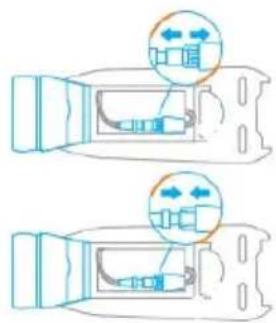
Install the battery
natural_image
Diagram showing two mechanical components with directional arrows indicating movement or force (no text or symbols)- Avoid pulling the wire directly while disconnecting the battery.
• Make sure the battery connector is plugged in correctly and securely.
• Do not use wet or broken wires or batteries.
Charging the battery

natural_image
Simple diagram of a plug connected to a battery and a circuit board (no text or symbols)
Charging

Charge Complete
• Never place the battery in/near water, heat, fire
• Never attempt to dismantle or repair the battery.
• Never leave the battery unattended while charging.
Note:
- To open the battery cover, push the camera towards the tail of the quadcopter as the arrow directs.
- Push towards the head of the quadcopter to close the battery cover.
- Place a thumb on the edge of the lid covering the quadcopter battery and slide to open (apply force carefully to avoid pulling off the camera).
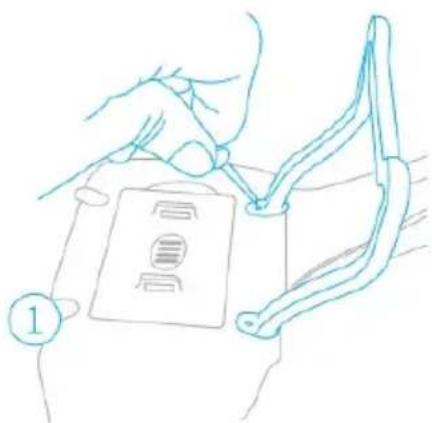
Installing the landing skids and frames
natural_image
Line drawing of hands holding a device with a label '1' (no text or symbols on the device itself)
natural_image
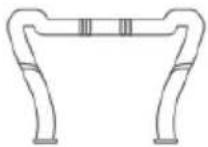
Line drawing of a hand using a tool to cut or adjust a mechanical part (no text or symbols)- Install the landing skids to the bottom of the quadcopter with the screws and screwdriver provided.
- Snap the connectors into the shackles.
Install the memory card into the camera
The camera supports micro SD card up to 64G. The memory card slot is on the dock of the camera.
Paring the remote with the quadcopter
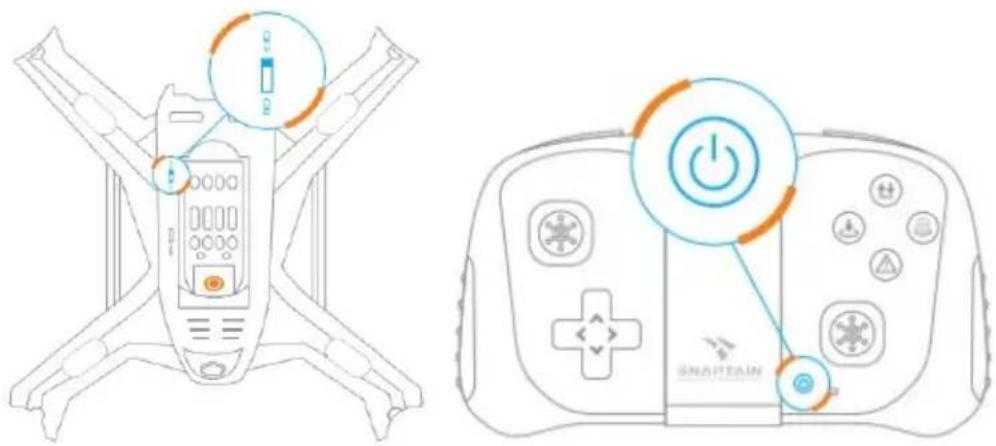
- Power on the quadcopter and the remote.
- Place the quadcopter on a level surface with the head at the front and the tail facing the operator's direction (LED indicators on the quadcopter will flash rapidly at first and then flash slowly).
- Push the left joystick forward then backward as far as possible until the flashing LED indicators on the quadcopter stay still indicating a successful pairing. A tone will sound after each stage.
text_image
Diagram showing a drone controller with labeled power button and control panel, alongside its virtual reality headset.Important:
Pairing is required again after the battery is replaced in either the quadcopter or remote.
Linking Quadcopter with App
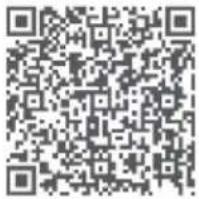
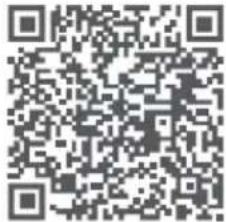
- Scan the QR below or search "BJ-UFO" from the Google Play or App Store
 |  |
| Android | iOS |
See the software for instructions
- Switch on the quadcopter, find the "BJ-xxxxx" in the phone's available Wi-Fi networks and tap to connect it. When the phone connects to the quadcopter's Wi-Fi, it will be disconnected from any other internet connection.
- Open the app; click Play to enter the main operation panel.
- Tap ON to link the quadcopter with the app.
Note:
For modes 2, 3 and 4, the remote must be aligned with the tail of the quadcopter.
1. 3D flip function
The quadcopter must fly to a height of at least 3m (10ft) to operate this function.
• To activate: Press the 3D flip button.
- Push the right joystick to perform 360 degrees flip in a corresponding direction.
2. Headless mode
- To activate: Press the headless mode button, wait for two tones to sound and the LED to flash twice (use the joystick to determine the direction).
• To exit: Press the headless mode button again.
3. One Key Return
- To activate: Press the return key and hold for 2-3 seconds (the quadcopter will return close to its starting point).
• To exit: Press any key.
4. Trajectory Flight
- To activate, press the trajectory flight button (use the altitude hold function for a steady flight).
- To create a flight track, draw on the control panel. Tap a blank area to cancel the track.
• To prolong the flight, adjust the scale on the bottom left of the display.
• To exit trajectory flight, press the trajectory flight button again.
5. Speed Switch
- For medium speed, press the speed switch once and listen for two beeps of the remote buzzer.
• For high speed, press again and listen for three beeps.
• To return to low speed, press again and listen for one beep.
CLEANING & CARE
• Thoroughly check the quadcopter after a crash or violent impact
- Remove the battery from the quadcopter and the remote if it is not in use for a long time.
- Store the quadcopter battery and the remote in a cool, dry place away from direct sunlight or extreme temperatures (recommended temperature is between 71° and 82°F (22° and 28°C).
- Avoid direct contact of the camera with water or other liquids. Wipe dry with a soft absorbent cloth if it gets wet.
SPECIFICATIONS
| Product size | 42 x 42 x 10.2cm |
| Product net weight | 2/5.9g |
| Photo resolution | 1280 x 720 |
| Photo format | JPEG |
| Video | AVI |
| Motor | 816 Coreless Motor |
| Quadcopter battery | 3.7V / 550mAh |
| Flight time | 7-9 mins |
| Charging time | 85 mins |
| Memory capacity | Micro SD card up to 64GB (card is not included) |
| Mobile app requirement | Android 4.0 or above, iOS7.2 or above |
TROUBLESHOOTING
| The LED does not turn on after the battery is installed. | Make sure the power switch on the quadcopter is turned to ON.Make sure there is enough power in the quadcopter battery.Reinstall the battery and make sure the connectors are plugged in firmly. |
| The LED on the drone keeps flashing and the control input is unresponsive after powering on the quadcopter and remote. | There is no connection between the quadcopter and the remote.Pair them again as instructed. |
| The motors do not respond to the joystick and LED on quadcopter flashes. | Charge the battery or replace it with a fully charged battery. |
| The motors spin but the blades do not, and the quadcopter will not take off. | Replace the blades/propellers.Try a new battery for the quadcopter. |
| The quadcopter flies backwards or skews leftward/rightward. | Restart the quadcopter and do a level calibration as instructed. |
| The response from the quadcopter to the control is not sensitive. | The battery power in the quadcopter or remote is inadequate.The distance between the quadcopter and remote is too far. |
| Connection between the quadcopter and the app is frequently lost. | The devices are too far out of working range.The phone is connected to another internet network. |
| The app does not respond to voice commands. | Ensure the quadcopter app can access the audio functions of the phone. |
| None of the functions works in the App. | Make sure the switch for the App is ON.Confirm the Wi-Fi connection with the quadcopter is stable. |
IN THE BOX
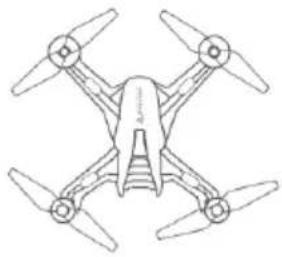 |  | 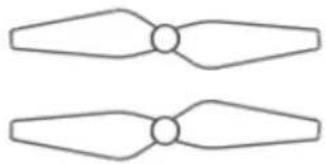 | |
| 1x Quadcopter | 1x 2.4GHz transmitter (3x AAA batteries required, not included) | 2x Spare propellers | |
 | [wCTC] | 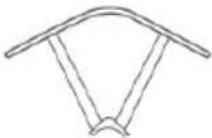 | 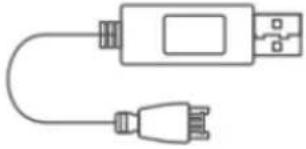 |
| 2x Landing skids | 1x Spare Propeller Cap | 4x Propellers guards | 1x USB charger |
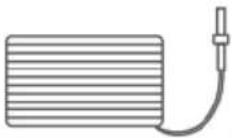 |  | 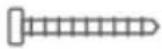 | |
| 2x 3.7V 550mAh Li-ion Battery | 1x Screwdriver | 1x Screw set/8pcs | |
NOTES
Need more information?
We hope that this user guide has given you the assistance needed for a simple set-up.
For the most up-to-date guide for your product, as well as any additional assistance you may require, head online to help.kogan.com
kōgan