C-169B - Surveillance Camera Mitsai - Free user manual and instructions
Find the device manual for free C-169B Mitsai in PDF.


User questions about C-169B Mitsai
0 question about this device. Answer the ones you know or ask your own.
Ask a new question about this device
Download the instructions for your Surveillance Camera in PDF format for free! Find your manual C-169B - Mitsai and take your electronic device back in hand. On this page are published all the documents necessary for the use of your device. C-169B by Mitsai.
USER MANUAL C-169B Mitsai
natural_image
Black digital camera with a white lens and blue handle, set against a green pixelated background (no text or symbols visible)MANUAL DE INSTRUÇÕES
INSTRUCTIONS MANUAL
C-169B
EN
WEBCAM
User's ManUal
Index
- Safety Instructions 4
1.1. Power Cord and Other Cables 5
1.2. Moisture and Water 5
1.3. Cleaning 5
1.4 General Precautions 5
2. Operating instructions 5
2.1. Product introduction 5
2.2. Package content 6
2.3. Technical Specifications 6
2.4. System Requirements 7
2.5. Driver Installation (WINDOWS XP/ VISTA and 7) 7
3. Aftermarket 10
4. Environment Conservation 11
Dear client,
We thank you for purchasing this product.
This appliance was submitted to several laboratorial tests, which certify its quality. To simplify the use of this appliance, this instruction manual has been provided. The instructions must ensure a quick and safe use.
Please read carefully the instructions and safety measures described in this manual.
We wish our clients great satisfaction in using their new appliance.
1. Safety Instructions
Important Warnings
Before using your appliance, read carefully this instruction manual and keep it in a safe place, as you may need it for future consultations.
Before you start your appliance, and to ensure a correct use, do not use it if:
- It has fallen on the ground;
- You notice any evidence of damage;
- Any anomaly occurs during its operation;
To avoid hazards and deterioration of your appliance by an incorrect use, it is advisable to read the instructions carefully and attentively.
Your appliance must not be used to other ends than the ones foreseen in the instructions manual. Your safety is only guaranteed in a household use and not for commercial use. The incorrect use will not be covered and automatically cancels the right to warranty.
Assistance
Be sure that, in case of malfunction, you take your appliance to a qualified technician for assistance.
DO NOT ALLOW CHILDREN TO USE ELECTRIC APPLIANCES WITHOUT SUPERVISION.
DO NOT ALLOW CHILDREN OR ADULTS WITH REDUCED PHYSICAL, SENSORIAL OR MENTAL CAPACITIES, OR PEOPLE WITHOUT EXPERIENCE/KNOWLEDGE, TO USE ELECTRICAL APPLIANCES WITHOUT SUPERVISION.
1.1. Power cord and other cables
Unplug your appliance whenever you are not using it. Do not roll nor pull the cable to unplug the appliance. Keep the power cord away from hot surfaces. Never use this appliance if it has a damaged cord or plug, nor
EN
WEBCAM
if it is not working correctly.
If the power cord is damaged, do not use your appliance, take it to an authorized technical assistance to be replaced.
1.2. Moisture and water
Do not use your appliance in moist environments. Do not let your appliance subject to get wet in any way, since it may be dangerous. TO AVOID FIRE OR ELECTRIC HAZARD DO NOT EXPOSE THE APPLIANCE TO WATER NOR MOISTURE. Do not put your appliance under water (for example, to wash it).
1.3. Cleaning
Unplug the appliance before you clean it. Later, clean it with a soft and dry cloth. Do not use cleaning products.
1.4 General precautions
- Don’t use fingers or any other sharp or coarse items to touch the camera. A soft cotton cloth is highly recommended to clean the optic parts.
- Do not use this product when the ambience is too hot or too cold or dusty.
- Please avoid that this product drops heavily. Heavily dropping will cause it not to work well.
2. OPERATING INSTRUCTIONS
2.1. Product introduction
Thank you for using the new generation digital webcam. This webcam works with a USB port to be connected with a PC. It is an ideal webcam for its plug and play and real-time transmission. Its mini size, easily carrying, high resolution and high speed make your life more colorful and make your long distance communications fresh and vivid.
2.2. Package content
- Webcam USB
- CD-ROM with driver
- Manual
2.3. Technical specifications
• High Resolution CMOS Color Sensor
- Resolution: 1280*1024 pixel (interpolated 5M)
- Interface: 2.0
- Transmission Speed
- 640*480 13frames/second
- 1280*1024 10frames/second
- 2560*1920 6frames/second
Still photos taken by snapshot button can be up to 12Mega Pixel after installing driver
• Dynamic Range ≥72db
- Focus: 50mm to infinite (with focus ring, by turning it either to left or right, the picture can be brought into focus)
• Built-in Image Compression
• Automatic White Balance
• Automatic Color Compensation
- Manual Snapshot Snapshot button is necessary for this: a still photo can be taken by pressing this button after installing driver
- With microphone
2.4. System requirements
- IBM PC compatible computer or notebook with USB port
- Pentium 200 or Higher CPU
- Windows XP/ VISTA / 7 System
- Hard Drive Remaining Space≥20MB
- CD—ROM Drive
- Internal Storage≥32MB
• VGA Display Card Available for DIRECTX
2.5. Driver installation (windows xp/ vista and 7)
- Connect the webcam to the PC. After the hardware being found, put the “CD Driver” disk in the CD-Rom and an interface, as shown below, will come out automatically.
EN
WEBCAM

text_image
InstallShield Wizard USB Video Device Setup is preparing the InstallShield Wizard, which will guide you through the rest of the setup process. Please mail.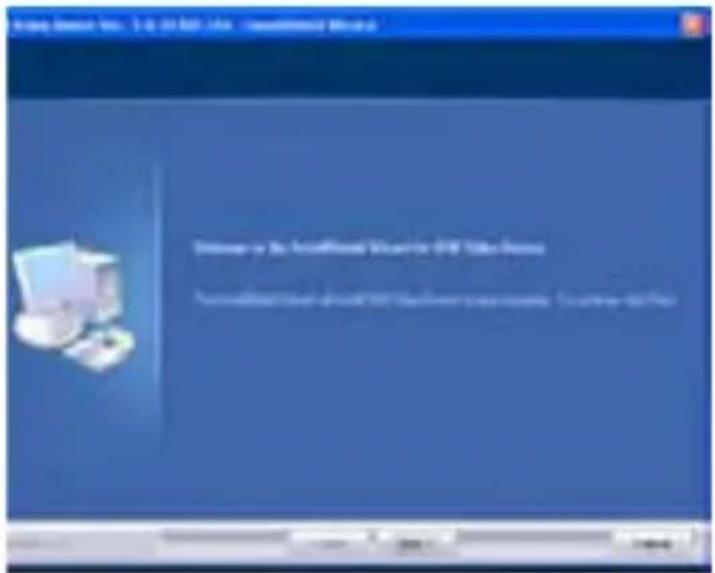
text_image
Windows Server - No. 1-2, 31 KB - Web - Microsoft Word Welcome to the Artificial World Web for USB Token Server Microsoft Word is available at the Internet Explorer website. Download: http://www.wk.netClick“NEXT”

text_image
2007 State Institute Inc. L.E 14-366, 145 - Insufficiency WizardClick"Finish"
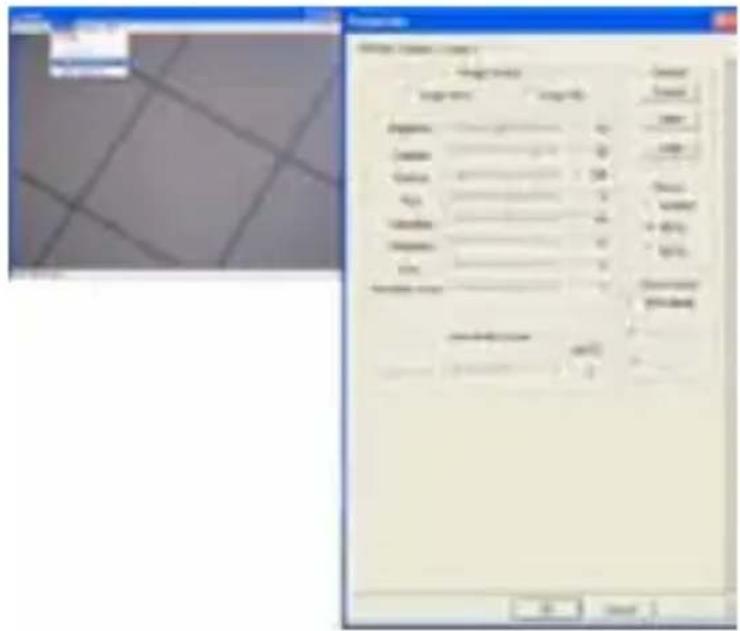
- Click“Start”——“Process”——“Webcam\Webcam AMCAP”. You will see your image. The default output size is 640*480. You can select your favorite face, digital zoom and face tracking when you are directly opposite to the webcam. Face effect, digital zoom and face tracking are available for any image.

text_image
MILKAP A: SimSun Options Capture Help a Propane Open Capture Filter Alpha Capture No...
text_image
Properties Video Size: 400x800 1200x7200 1600x12000 1520x10000 2560x19200 OK Cancel Apply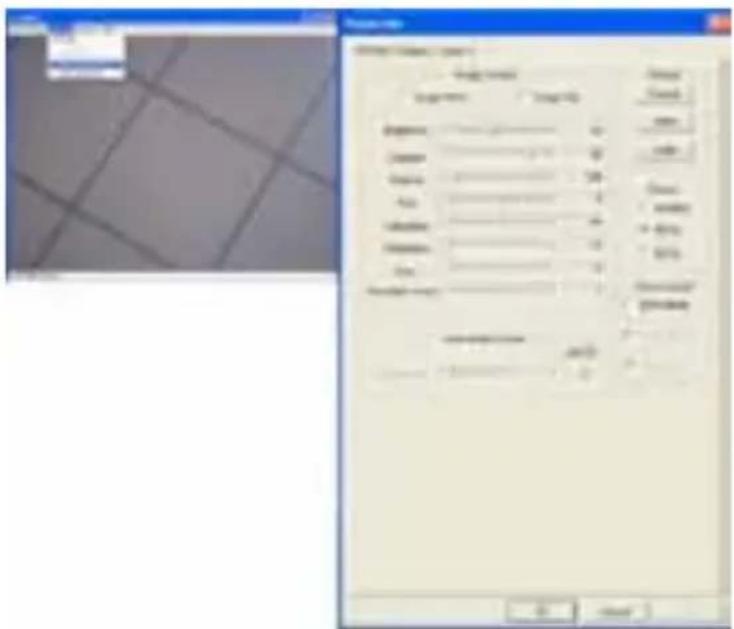
text_image
Screenshot of a software interface showing a dialog box with Chinese text and a grid of data fields, alongside a small image panel.EN
WEBCAM

text_image
Down-Down Enable Down Down-Down New Tracking Enable New Tracking
text_image
View Add Delete Show Print Edit Paste Save As Delete Show Show Show Show Show Show Show Show Show Show Show Show Show Show Show Show Show Show Show Show Show Show Show Show Show Show Show Show Show Show Show Show Show Show Show Show Show Show Show Show Show Show Show Show Show Show Show Show Show Show Display Display Display Display Display Display Display Display Display Display Display Display Display Display Display Display Display Display Display Display Display Display Display Display Display Display Display Display Display Display Display Display Display Display Display Display Display Display Display Display Display Display Display Display Display Display Display Display Display Display Update: Update: Update: Update: Update: Update: Update: Update: Update: Update: Update: Update: Update: Update: Update: Update: Update: Update: Update: Update: Update: Update: Update: Update: Update: Update: Update: Update: Update: Update: Update: Update: Update: Update: Update: Update: Update: Update: Update: Update: Update: Update: Update: Update: Update: Update: Update: Update: Update: Update: Update: 100% No. of this is the result.You can choose different Still Image Pixels in the lower right corner of the computer after installing the driver.

text_image
Open Property Page Special Effect Snap Shot Zoom Face Tracing Enable
text_image
No Effect Aged Photo Canvas Emboss Neon Light Invert Motion Spread Shear Monitor Ellipse Alexi Map Glass Title Wind Magic Mirror Mosaic TV Effect Post Card Flower Jungle Television Magazine Computer Ram Paper Snow Magnifier Special Effect Snap Shot Zoom Face Tracking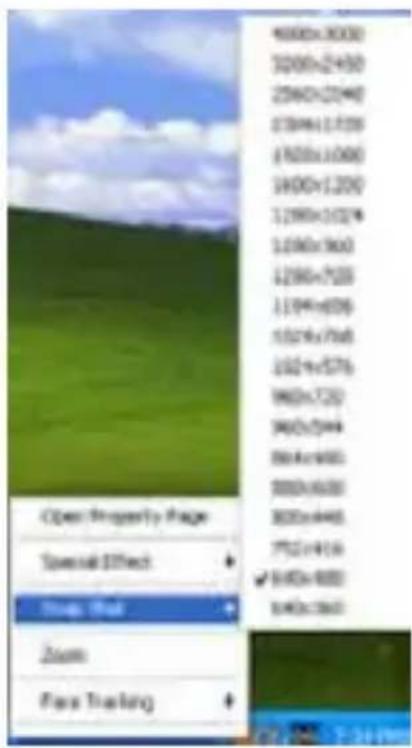
text_image
4000x3000 3200x2450 2560x2040 1789x1739 (7620x1000) 1400x1200 1290x1024 1290x960 1290x720 1194x609 1024x768 1024x576 960x720 960x544 864x480 888x630 800x446 752x414 √ 640x480 640x360 Open Property Page Special Effect Zoom Roll Zoom Face Trailing3. aFterMarKet
Mitsai has designed this appliance in order to guarantee the maximum reliability. However, if a problem occurs, by following the procedures suggested in this section you may be able to determine its cause.
Do not attempt to open the appliance – there is a risk of electrical shock.
If you are not able to solve the problem, please contact your seller or manufacturer.
All users must be familiarized with this section. Knowing what could go wrong can help you avoid the occurrence of problems.
EN
WEBCAM
WARNING: any attempt of fixing the appliance without contacting the manufacturer will nullify the warranty.
In case the problem persists, take your appliance to an aftermarket section of any Worten, Modelo or Continente store in order to solve the problem.
Worten Equipamentos para o Lar ensures for a period of 2 years, counting from the date of purchase of this appliance, a warranty against any found manufacturing defect. The warranty supposes a correct use and maintenance of the appliance, namely according to the instructions expressed in this manual. In case otherwise identified, the malfunctions will not be under the warranty.
The repairing of electrical appliances must only be made by qualified technicians, as otherwise there may occur future complications on the appliances.
To avoid unnecessary risks, in case there are any malfunctions on the wires or on another type of components, repairing must be made on the specialized locations of technical assistance, as appropriate tools are needed.
4. enVlrOnMent COnserVatlOn
Aiming to protect the environment, we try to reduce to a maximum the volume of the packages which are confined to three easy separation materials: cardboard, paper and plastic. The appliance is made of recyclable material, once disassembled by a specialized company. Follow the local legislation concerning recycling of all materials.

natural_image
Orange circular icon with white crossed-out trash bin and horizontal lines, no text or symbols present.ManUal de InstrUCCIOnes
ÍndICe
text_image
InstallShield Wizard USB Video Device Setup is preparing the InstallShield Wizard, which will guide you through the rest of the setup process. Please wait.
text_image
Welcome to the Installable Windows on Web Site System Current installation should be completed or complete. Download will thentext_image
100 Series Display Pro: 2.2 14 KB / 1KB - Default/Abv3/8/6 Default/Abv3/8/6/6 My Computer is not running to any other system, or any other system is available.Seguidamente, haga click en Terminar – “Finish”
text_image
Properties Video Size: 240x4000 1200x7200 1600x12000 1920x10800 2560x19200 OK Cancel ApplyES
WEBCAM
text_image
Screenshot of a software interface showing a dialog box with Chinese text and a grid of document sections.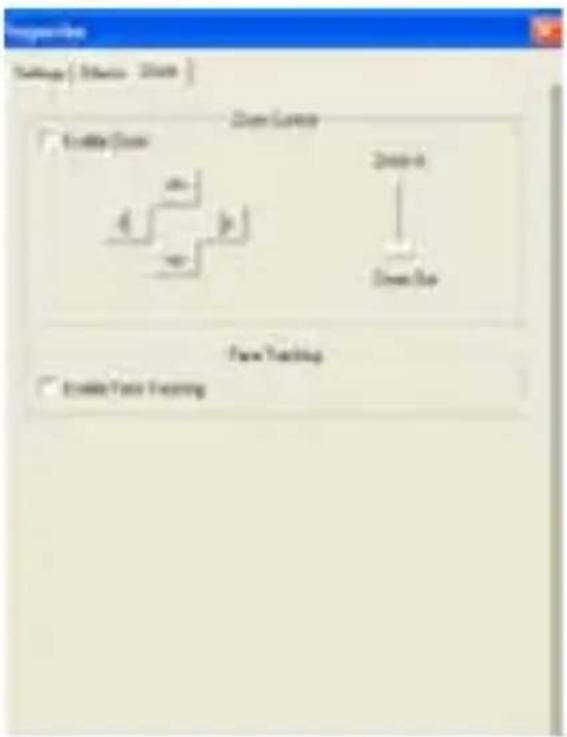
text_image
Options Settings | Options - 2008 | Close Curve Enable Curve 4 41 41 Down-Off Down-Off Down-Off View Tracking Enable View Tracking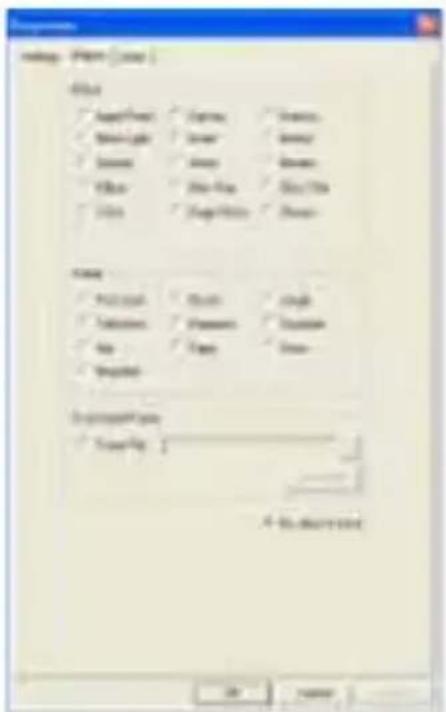
text_image
View Finish OK Apply Point Define Light Save Paste Paste Points Define Define Points Define Name Printout Printers Copy Spread Spread... Default Type Save As: A - No. 100% Printtext_image
Open Property Page Special Effect Snap Shot Zoom Face Tracing Enable
text_image
No Effect Aged Photo Canvas Emboss Neon Light Invert Motion Spread Shear Monitor Ellipse Allen Map Glass Title Wind Magic Mirror Mosaic TV Effect Post Card Flower Jungle Television Magazine Computer Aim Paper Snow Magnifier Open Property Page Special Effect Snap Shot Zoom Face Tracking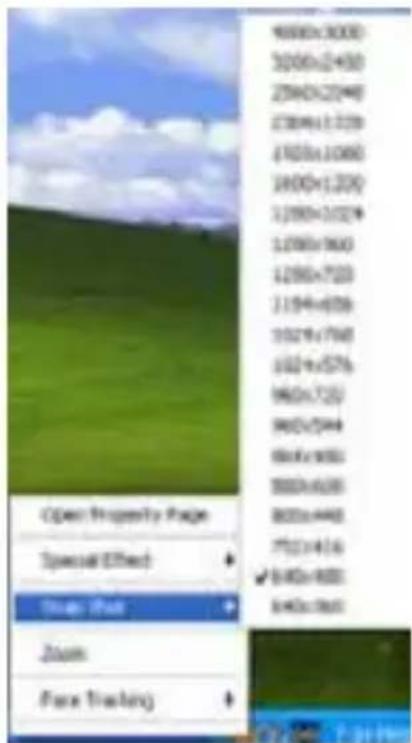
text_image
4000x3000 3000x2450 2960x2040 2780x1720 2700x1080 2400x1200 2390x1020 2380x960 2390x720 2194x650 1929x790 1924x576 1960x720 1962x544 1964x480 1988x430 1988x440 7523x416 ✓ 5480x480 5480x360 Open Property Page Special Effect Show: Pull Zoom Face Tracking3. POstVenta
natural_image
Orange circular icon with a white crossed-out trash bin and a horizontal bar at the bottom (no text or symbols)PT
WEBCAM
text_image
InstallShield Wizard USB Video Device Setup is preparing the InstallShield Wizard, which will guide you through the rest of the setup process. Please wait.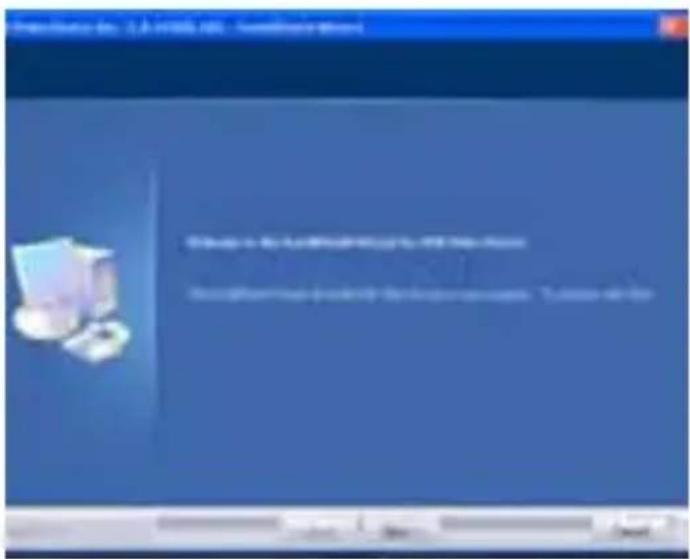
text_image
View Capture View Capture From...
text_image
Properties Video Size: 400x400 1200x7200 1600x12000 1920x10800 2560x19200 OK Cancel ApplyPT
WEBCAM

text_image
Screenshot of a software interface showing a grid-based document with fields for categories, tables, and checkboxes, alongside a small image panel.
text_image
Graph File Settings ( Options - Print ) Create Image Create Image New Texting Form Texting Form Texting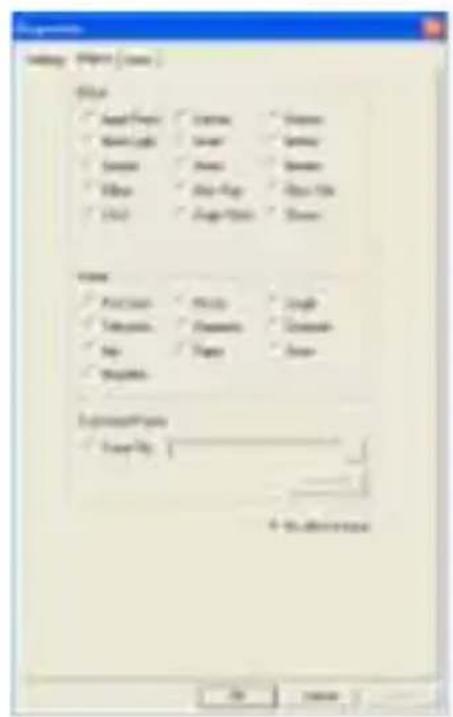
text_image
Settings Name Project Name File Open Save Save New Save Save Save Save Save Delete Copy-Full Copy-On Help Copy-Print Down Name Create Finish Cancel Remove Change Cancel Up Down Cancel Properties Form Name: 4x 10x10x10x10x10x10x10x10x10x10x10x10x10x10x10x10x10x10x10x10x10x10x10x10x10x10x10x10x10x10x10x10x10x10x OK Canceltext_image
Open Property Page Special Effect Snap Shot Zoom Face Tracing Enable
text_image
No Effect Aged Photo Canvas Emboss Neon Light Invert Motion Spread Shear Monitor Ellipse Allen Map Glass Title Wind Magic Mirror Mosaic TV Effect Post Card Flower Jungle Television Magazine Computer Aim Paper Snow Magnifier Open Property Page Special Effect Snap Shot Zoom Face Tracking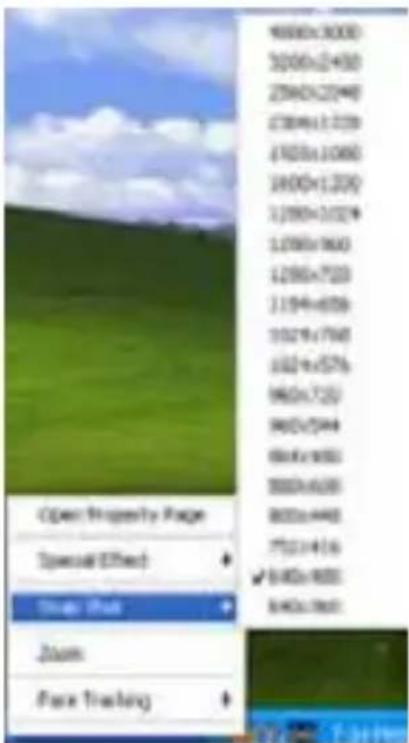
text_image
9000x3000 3000x2450 2500x2040 2300x1720 1700x1080 1600x1200 1200x1020 1200x960 1200x720 1194x650 1029x790 1024x576 960x720 962x544 864x480 880x630 800x440 752x416 √ 640x480 840x360 Open Property Page Special Effect Zoom Rate Zoom Face TrackingPT
WEBCAM
3. Pós-Venda
natural_image
Orange circular icon with white cross symbol resembling a trash bin or trash can (no text or numbers)