
IMAC 27 INCH - Desktop computer APPLE - Free user manual and instructions
Find the device manual for free IMAC 27 INCH APPLE in PDF.


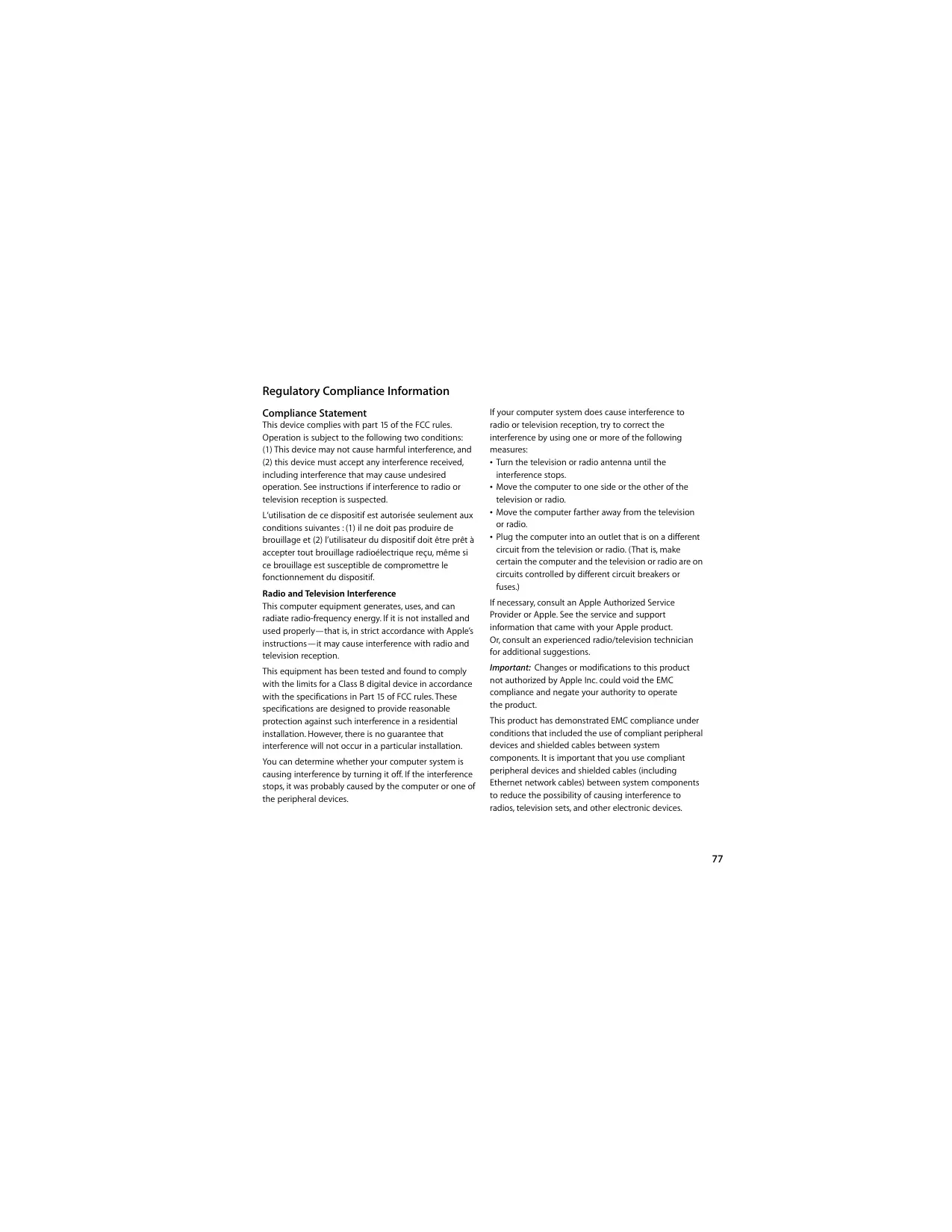

| Product Type | All-in-One Desktop Computer |
| Brand | Apple |
| Model | iMac 27-inch |
| Display | 27-inch (diagonal) with built-in iSight camera |
| RAM Memory | 4 GB (2 x 2 GB) DDR3, expandable up to 16 GB |
| Operating System | Mac OS X Snow Leopard |
| Connectivity | AirPort Extreme Wi-Fi, Bluetooth 2.1+EDR, Ethernet 10/100/1000 4 USB 2.0 ports, FireWire 800, Mini DisplayPort, audio input/output |
| Power Supply | 100-240 V AC, 3 A max, 50-60 Hz |
| Keyboard and Mouse | Apple Wireless Keyboard and Apple Magic Mouse (wireless) |
| Main Functions | iLife (iPhoto, iMovie, GarageBand, iWeb), Time Machine, Spotlight, Safari, Mail, iCal, Dashboard |
| Care and Cleaning | Use a soft, dry cloth, avoid any liquid. Clean the screen with the supplied cloth slightly dampened with water. |
| Safety | Do not open the device except to install memory. Unplug before any intervention. Have repairs done by an Apple authorized professional. |
| Spare Parts and Repairability | RAM memory accessible and replaceable by user. Other components not user-replaceable. |
| General Information | Technical support period: 90 days by phone, 1 year hardware coverage. Extension possible via AppleCare. |
Frequently Asked Questions - IMAC 27 INCH APPLE
User questions about IMAC 27 INCH APPLE
0 question about this device. Answer the ones you know or ask your own.
Ask a new question about this device
Download the instructions for your Desktop computer in PDF format for free! Find your manual IMAC 27 INCH - APPLE and take your electronic device back in hand. On this page are published all the documents necessary for the use of your device. IMAC 27 INCH by APPLE.
USER MANUAL IMAC 27 INCH APPLE
Information, Services, and Support
AppleCare Service and Support
www.apple.com/contact/phoneContacts.html
Regulatory Compliance Information
Compliance Statement
This device complies with part 15 of the FCC rules.
Operation is subject to the following two conditions:
(1) This device may not cause harmful interference, and (2) this device must accept any interference received, including interference that may cause undesired operation. See instructions if interference to radio or television reception is suspected.
Radio and Television Interference
This computer equipment generates, uses, and can radiate radio-frequency energy. If it is not installed and used properly—that is, in strict accordance with Apple's instructions—it may cause interference with radio and television reception.
This equipment has been tested and found to comply with the limits for a Class B digital device in accordance with the specifications in Part 15 of FCC rules. These specifications are designed to provide reasonable protection against such interference in a residential installation. However, there is no guarantee that interference will not occur in a particular installation.
You can determine whether your computer system is causing interference by turning it off. If the interference stops, it was probably caused by the computer or one of the peripheral devices.
If your computer system does cause interference to radio or television reception, try to correct the interference by using one or more of the following measures:
- Turn the television or radio antenna until the interference stops.
- Move the computer to one side or the other of the television or radio.
- Move the computer farther away from the television or radio.
- Plug the computer into an outlet that is on a different circuit from the television or radio. (That is, make certain the computer and the television or radio are on circuits controlled by different circuit breakers or fuses.)
If necessary, consult an Apple Authorized Service Provider or Apple. See the service and support information that came with your Apple product. Or, consult an experienced radio/television technician for additional suggestions.
Important: Changes or modifications to this product not authorized by Apple Inc. could void the EMC compliance and negate your authority to operate the product.
This product has demonstrated EMC compliance under conditions that included the use of compliant peripheral devices and shielded cables between system components. It is important that you use compliant peripheral devices and shielded cables (including Ethernet network cables) between system components to reduce the possibility of causing interference to radios, television sets, and other electronic devices.
Responsible party (contact for FCC matters only):
Apple Inc. Corporate Compliance
1 Infinite Loop, MS 26-A
Cupertino, CA 95014
Wireless Radio Use
This device is restricted to indoor use when operating in the 5.15 to 5.25 GHz frequency band.
Exposure to Radio Frequency Energy
The radiated output power of this device is well below the FCC and EU radio frequency exposure limits. However, this device should be operated with a minimum distance of at least 20 cm between its antennas and a person's body and the antennas used with this transmitter must not be co-located or operated in conjunction with any other antenna or transmitter subject to the conditions of the FCC Grant.
FCC Bluetooth Wireless Compliance
The antenna used with this transmitter must not be co-located or operated in conjunction with any other antenna or transmitter subject to the conditions of the FCC Grant.
Bluetooth Industry Canada Statement
This Class B device meets all requirements of the Canadian interference-causing equipment regulations.
Industry Canada Statement
Complies with the Canadian ICES-003 Class B specifications. This Class B digital apparatus complies with Canadian ICES-003. This device complies with RSS 210 of Industry Canada.
Bluetooth Europe—EU Declaration of Conformity
This wireless device complies with the R&TTE Directive.
Europe-EU Declaration of Conformity
See www.apple.com/euro/compliance.
Korea Warning Statements
Singapore Wireless Certification
Complies with IDA Standards DB00063
Taiwan Wireless Statements
Wireless Device Warning Statements
Taiwan Class B Statement
Class B Device Warning Statement NIL
VCCI Class B Statement
Voluntary Control Council for Interference by Information Technology Equipment (VCCI)
Mouse Class 1 Laser Information
The Apple Magic Mouse is a Class 1 laser product in accordance with IEC60825-1 A1 A2 and 21 CFR 1040.10 and 1040.11 except for deviations pursuant to Laser Notice No. 50, dated July 26, 2001.
A Class 1 laser is safe under reasonably foreseeable conditions per the requirements in IEC 60825-1 and 21 CFR 1040. However, it is recommended that you do not direct the laser beam at anyone's eyes.
External USB Modem Information
When connecting your iMac to the phone line using an external USB modem, refer to the telecommunications agency information in the documentation that came with your modem.
ENERGY STAR® Compliance
ENERGY STAR
As an ENERGY STAR® partner, Apple has determined that standard configurations of this product meet the ENERGY STAR® guidelines for energy efficiency. The ENERGY STAR® program is a partnership with electronic equipment manufacturers to promote energy-efficient products. Reducing energy consumption of products saves money and helps conserve valuable resources.
This computer is shipped with power management enabled with the computer set to sleep after 10 minutes of user inactivity. To wake your computer, click the mouse or press any key on the keyboard.
For more information about ENERGY STAR®, visit: www.energystar.gov
Turkey
California: The coin cell battery in the optional Apple Remote contains perchlorates. Special handling and disposal may apply. Refer to: www.dtsc.ca.gov/hazardouswaste/perchlorate
European Union—instructions concerning


- INFORMATION, SERVICES, AND SUPPORT
- APPLECARE SERVICE AND SUPPORT
- REGULATORY COMPLIANCE INFORMATION
- COMPLIANCE STATEMENT
- RADIO AND TELEVISION INTERFERENCE
- WIRELESS RADIO USE
- EXPOSURE TO RADIO FREQUENCY ENERGY
- FCC BLUETOOTH WIRELESS COMPLIANCE
- BLUETOOTH INDUSTRY CANADA STATEMENT
- INDUSTRY CANADA STATEMENT
- BLUETOOTH EUROPE—EU DECLARATION OF CONFORMITY
- EUROPE-EU DECLARATION OF CONFORMITY
- KOREA WARNING STATEMENTS
- SINGAPORE WIRELESS CERTIFICATION
- TAIWAN WIRELESS STATEMENTS
- WIRELESS DEVICE WARNING STATEMENTS
- TAIWAN CLASS B STATEMENT
- VCCI CLASS B STATEMENT
- MOUSE CLASS 1 LASER INFORMATION
- EXTERNAL USB MODEM INFORMATION
- ENERGY STAR® COMPLIANCE
- TURKEY
Brand : APPLE
Model : IMAC 27 INCH
Category : Desktop computer