KT2337 - Washing machine ELEKTRO HELIOS - Free user manual and instructions
Find the device manual for free KT2337 ELEKTRO HELIOS in PDF.


| Product Type | Washing machine |
| Brand | Elektro Helios |
| Model | KT2337 |
| Loading Type | Front-load |
| Capacity | 7 kg |
| Spin Speed | 1400 rpm |
| Energy Class | A+++ |
| Dimensions (H x W x D) | 85 x 60 x 55 cm |
| Weight | 65 kg |
| Power Supply | 220-240 V, 50 Hz |
| Water Connection | Cold water only |
| Number of Programs | 15 |
| Key Functions | Delay start, quick wash, eco mode, stain removal |
| Display | LED digital |
| Noise Level (Wash/Spin) | 56 dB / 76 dB |
| Child Lock | Yes |
| Self-Cleaning | Drum cleaning program |
| Filter Maintenance | Clean filter after every 10 washes |
| Emergency Drain | Via drain hose and filter access |
| Spare Parts Availability | At authorized service centers |
| Warranty | 2 years |
Frequently Asked Questions - KT2337 ELEKTRO HELIOS
User questions about KT2337 ELEKTRO HELIOS
0 question about this device. Answer the ones you know or ask your own.
Ask a new question about this device
Download the instructions for your Washing machine in PDF format for free! Find your manual KT2337 - ELEKTRO HELIOS and take your electronic device back in hand. On this page are published all the documents necessary for the use of your device. KT2337 by ELEKTRO HELIOS.
USER MANUAL KT2337 ELEKTRO HELIOS
B R U K S A N V I S N I N G
KT 2337
INNEHÅLLSFÖRTECKNING
3
Elektro

Helios
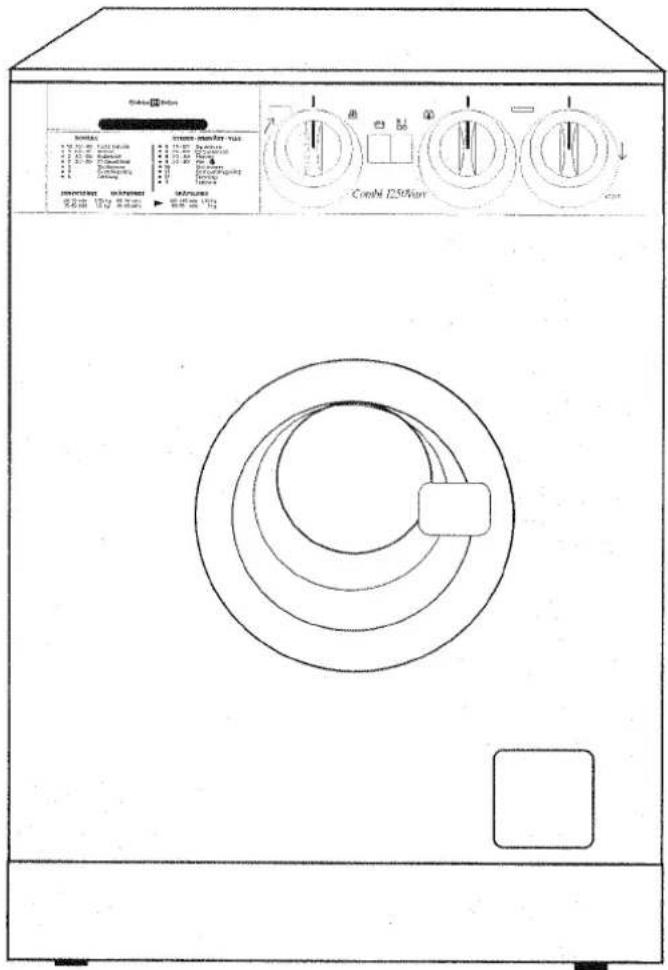
natural_image
Diagram of a device with a circular component and directional arrows, no readable text or symbols present.2 Programkort
natural_image
Illustration of a hand placing a small object into a container with a ruler, no text or symbols present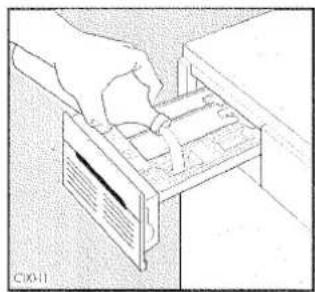
natural_image
Illustration of a hand inserting or removing a device into a drawer (no text or symbols visible)
natural_image
Illustration of hands holding a circular object with a black line and arrow indicating rotation (no text or symbols)
Programöversikt
NORMALTVÄTT - BOMULL
natural_image
Illustration of hands inserting a card into a drawer with arrows indicating direction (no text or symbols)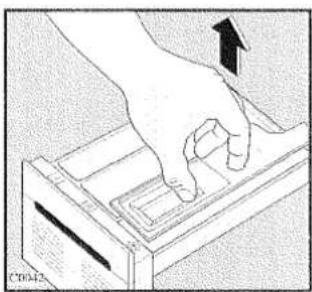
natural_image
Hand pressing a button on a device with an arrow indicating motion (no text or symbols)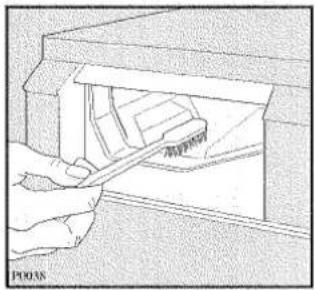
natural_image
Illustration of a hand using a tool to cut or insert a component into a container (no text or symbols visible)natural_image
Hand holding a square object with an arrow pointing to it, no visible text or symbols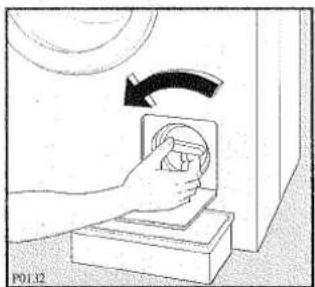
natural_image
Illustration of a hand pressing down on a mechanical component with an arrow indicating rotation (no text or symbols)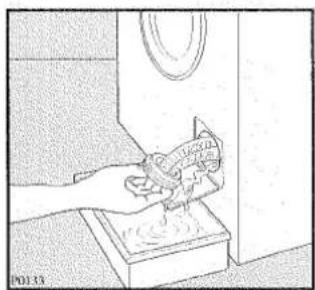
natural_image
Illustration of a hand cleaning a wall with a magnifying glass (no text or symbols)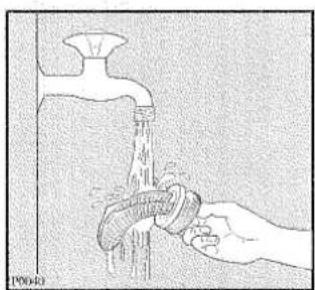
natural_image
Illustration of a hand washing a faucet with water flowing out (no text or symbols)9. Nödtömning
Mod.
Prod. No. ....
Ser. No. ....
Inköpsdatum ....
Konsumentköp EHL
natural_image
Hand using a tool to adjust or install a mechanical component (no text or symbols visible)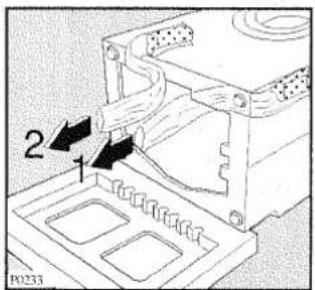
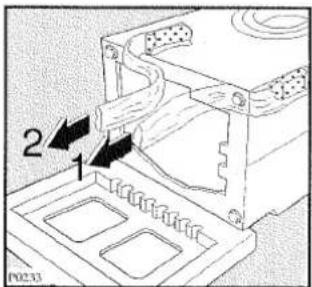
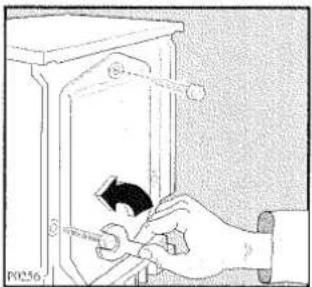
natural_image
Hand using a screwdriver to adjust or install an electrical component (no text or symbols visible)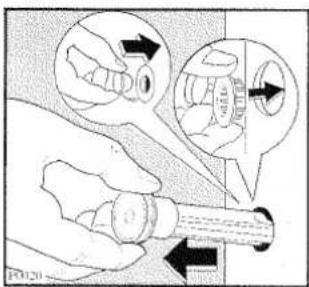
Placering
natural_image
Illustration of hands holding a mechanical component with rotational arrows indicating motion (no text or symbols)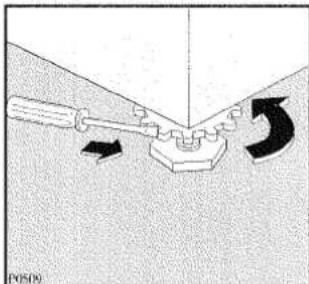
natural_image
Mechanical assembly diagram showing a lever and base with directional arrows indicating motion (no text or symbols)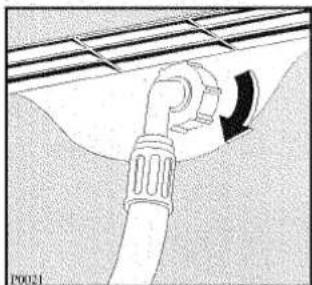
natural_image
Diagram of a pipe fitting with a curved arrow indicating direction (no text or symbols)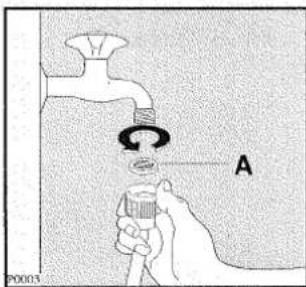
Avloppsanslutning
natural_image
Diagram of a pipe fitting with a valve and tubing, no text or symbols present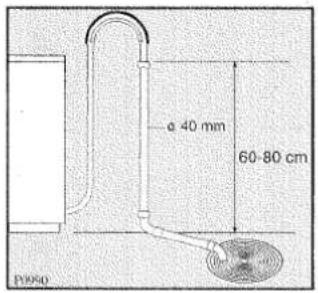
Brand : ELEKTRO HELIOS
Model : KT2337
Category : Washing machine