
000-799 - Headphones Marquant - Free user manual and instructions
Find the device manual for free 000-799 Marquant in PDF.


| Product Type | Wireless Over-Ear Headphones |
| Model | 000-799 |
| Brand | Marquant |
| Driver Size | 40 mm |
| Frequency Response | 20 Hz – 20 kHz |
| Impedance | 32 Ω |
| Bluetooth Version | 5.0 |
| Range | Up to 10 m (33 ft) |
| Battery Type | Rechargeable Li-ion, 300 mAh |
| Battery Life | Up to 20 hours (playback) |
| Charging Time | Approx. 2.5 hours |
| Charging Port | Micro USB |
| Weight | 210 g (7.4 oz) |
| Dimensions (W x H x D) | 18 x 8.5 x 20 cm |
| Noise Cancellation | Passive (closed-back design) |
| Microphone | Built-in for calls |
| Controls | Buttons: power, volume, play/pause, next/prev track |
| Care and Cleaning | Wipe with a dry, soft cloth. Do not use liquids or abrasives. |
| Safety Warnings | Do not use at high volume for long periods. Keep away from water. |
| Spare Parts / Repairability | Battery and ear cushions replaceable; contact Marquant service. |
| General Info | Operating temperature: 0°C – 45°C. Store in dry place. |
Frequently Asked Questions - 000-799 Marquant
User questions about 000-799 Marquant
0 question about this device. Answer the ones you know or ask your own.
Ask a new question about this device
Download the instructions for your Headphones in PDF format for free! Find your manual 000-799 - Marquant and take your electronic device back in hand. On this page are published all the documents necessary for the use of your device. 000-799 by Marquant.
USER MANUAL 000-799 Marquant
natural_image
Two glossy black spheres, one large and one small, against a white background (no text or symbols)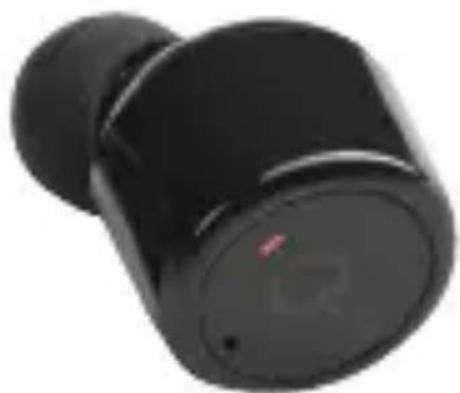
natural_image
Close-up of a black wireless earbuds with a small red indicator light on the cover (no visible text or symbols)SE TRÅDLÖSA IN EAR-HÖRLURAR
NO TRÅDL∅SE IN-EAR-HODETELEFONER
Operating instructions (Translation of the original instructions)
Important! Read the user instructions carefully before use. Save them for future reference.
Värna om miljön!
Care for the environment!
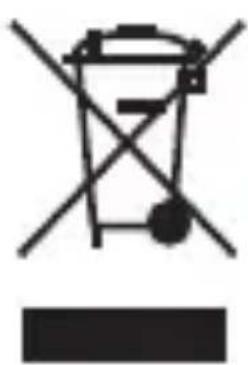
Must not be discarded with household waste! This product contains electrical or electronic components that should be recycled. Leave the product for recycling at the designated station e.g. the local authority's recycling station.
Jula reserves the right to make changes. In the event of problems, please contact our service department. www.jula.com
natural_image
Symbol of a trash bin with crossed lines and a dot, no text or numbers presentTillverkare/ Produsent/ Producenci/ Manufacturer Jula AB, Box 363, 532 24 SKARA
Distributör/ Distributør/ Dystrybutor/ Distributor Jula Poland Sp. z o.o., ul. Malborska 49, 03-286 Warszawa, Polska
natural_image
Silhouette of a human head profile with a circular diagram inside, no text or symbols present
natural_image
Simple line drawing of a circular object with a small mark and a small circle, no text or symbols present.
natural_image
Simple line drawing of a toilet with a cup and handle (no text or symbols)natural_image
Silhouette of a human head profile with a circular diagram inside, no text or symbols present
natural_image
Simple line drawing of a circular object with internal symbols, no text or labels present
natural_image
Simple line drawing of a toilet with a cup and handle (no text or symbols)natural_image
Silhouette of a human head profile with a circular diagram inside, no text or symbols present
natural_image
Simple line drawing of a circular object with a small mark and a small rectangular base (no text or symbols)
natural_image
Simple line drawing of a toilet with a cup and handle (no text or symbols)EN Safety instructions
- Do not expose the headphones to knocks and blows, or put heavy objects on them.
- The headphones are not waterproof, do not use them in the bath, or swim with them on.
- Keep away from wifi routers and other Bluetooth devices that use 2.4 GHz signals. They can cause interference.
- Keep within the range of the product (10 m without obstruction).
- The product is intended to be used together with laptop computers, tablets and mobile phones.
Technical data and features
• One pair of wireless headphones with stereo sound
- Chip from CSR in the UK
- Wireless version: 4.2
- Frequency: 2.4 GHz
- Wireless range: 15 m for one headphone, 10 m for both
- Reception sensitivity: -90 dBm
- Battery capacity: 65 mAh for left and right
- Nokia charger connection
• Function time: 5-6 hours for one, 2-3 hours for both
- Standby time: 120 hours for one, 60 hours for both
- Charging time: 1.5 hours
- Two units can be connected
- Has support for A2DP1.3/HFP1.6/HSP1.2/AVRCP 1.6/D 11.3
- Uses CVC 6.0, advanced active noise reduction
- Built-in high quality HD microphone that produces a crisp and clear sound
Connecting both headphones
Do as follows to connect both headphones together:
- Press the MFB button on one of the headphones for 8-10 seconds until the blue lamp flashes.
- Press the MFB button on one of the headphones to switch of both at the same time.
- Set up communication between the headphones and mobile phone.
Connecting to mobile phone
-
Press the MFB button on one of the headphones for 2 seconds until the red lamp flashes.
-
Press the MFB button on the other headphone for 3 seconds until the red and blue lamps flash alternately, at the same time as the blue lamp on the first headphone flashes (for 5 seconds)
- Activate Bluetooth on the mobile phone, search for the unit called X1T, and create a connection.
- Once you have created a connection to the mobile phone you can continue to use the headphones in future. You just switch on both headphones. The red lamp flashes and you don't need to set up a new connection. The headphones connect automatically to the mobile phone.
Switching off
- Switch off the headphones by pressing the button on one of the headphones for 3 seconds. Both headphones switch off.
- Switch off the headphones is you are not going to use them for some time.
Functions
- Pause: tap the MFB button once.
-
Next track: tap the MFB button twice.
-
Answer call: tap the MFB button once.
- End call: tap the MFB button once.
- Dismiss call: tap the MFB button twice.
Charging
Only charge the headphones with the special charging cable from Nokia.
The red lamp goes on when the headphones are charging. The blue lamp goes on when they are fully charged.
Connecting two different headphones to one pair
If you have mixed up several pairs of headphones and you don't know which belong together, do as follows:
- Choose the two headphones you want to connect together as a pair.
- Press the MFB button on both of the headphones for 8 seconds until the red and blue lamps flash alternately on both headphones. The headphones search for each other and when they have found each other the blue lamps flash.
- Connect the pair of headphones to the mobile phone.
NOTE: Do not use the above method unnecessarily.
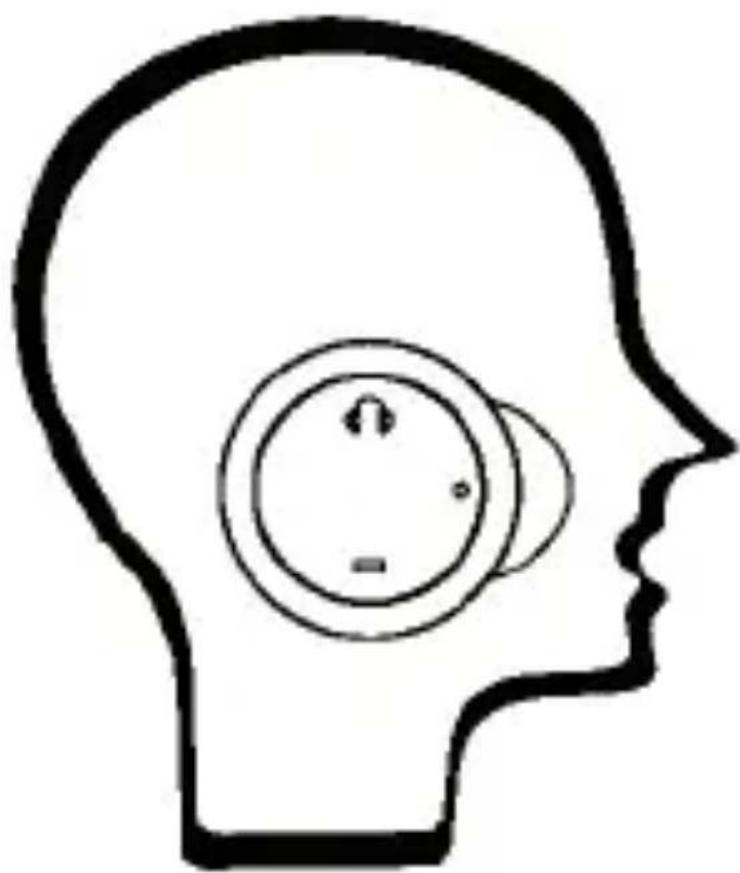
Use the wireless headphones like this for the best possible experience.
natural_image
Silhouette of a human head profile with a circular diagram inside, no text or symbols present
natural_image
Simple line drawing of a circular object with a small mark and a small circle, no text or symbols present.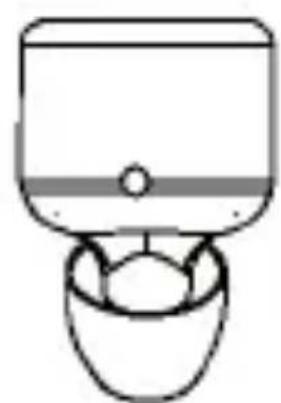
natural_image
Simple line drawing of a toilet with a cup and handle (no text or symbols)CE
EC DECLARATION OF CONFORMITY EG FÖRSÄKRAN OM ÖVERENSSTÄMMELSE EF SAMSVARSERKLÆRING DEKLARACJA ZGODNOŚCI WE

Jula AB, Box 363, SE-532 24 SKARA, SWEDEN
certify that the design and manufacturing of this product
This product was CE marked in year -16
Skara 2016-11-16
MATTIAS LIF BUSINESS AREA MANAGER
Brand : Marquant
Model : 000-799
Category : Headphones