
NM-145A - Mp3 player Naxa - Free user manual and instructions
Find the device manual for free NM-145A Naxa in PDF.


| Product Type | MP3 Player |
| Brand | Naxa |
| Model | NM-145A |
| Dimensions | Approximately 4.0 x 2.0 x 0.5 inches (10.2 x 5.1 x 1.3 cm) |
| Weight | Approximately 1.5 oz (42 g) |
| Power Source | Built-in rechargeable lithium-ion battery (USB charging) |
| Battery Capacity | 300 mAh (estimated, up to 10 hours playback) |
| Display | 1.8-inch TFT color screen |
| Storage | Internal memory (specific size unknown) + microSD card slot up to 32 GB |
| Audio Formats Supported | MP3, WMA, WAV, FLAC, APE |
| Additional Features | FM radio, voice recording, folder navigation, equalizer presets, music repeat/shuffle |
| Connectivity | USB 2.0 for data transfer and charging, 3.5 mm headphone jack |
| Language Support | English, Spanish, French, German, and others |
| Safety | Keep away from water and extreme temperatures; do not disassemble |
| Maintenance & Cleaning | Clean with a soft, dry cloth; avoid liquids |
| Spare Parts & Repairability | Not user-serviceable; contact Naxa support for repairs |
| General Information | Portable MP3 player with intuitive controls; perfect for daily music listening |
Frequently Asked Questions - NM-145A Naxa
User questions about NM-145A Naxa
0 question about this device. Answer the ones you know or ask your own.
Ask a new question about this device
Download the instructions for your Mp3 player in PDF format for free! Find your manual NM-145A - Naxa and take your electronic device back in hand. On this page are published all the documents necessary for the use of your device. NM-145A by Naxa.
USER MANUAL NM-145A Naxa
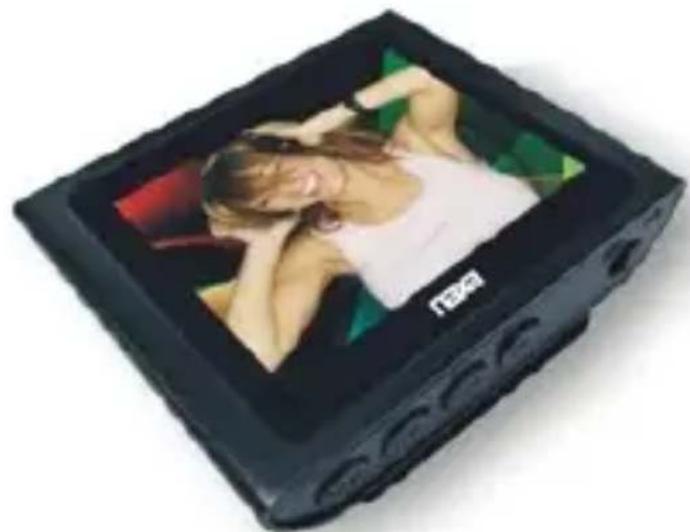
Portable Media Player with 1.8" G-Sensor Touch Screen, Built-In 4GB Memory, PLL Digital FM Radio & Bulit-In SD Card Slot
NMV-170
Instruction Manual
Please read the manual thoroughly before operating this product. Keep the manual for future reference
Charge: In order to charge the unit switch must always be kept in the ON position
This player is the newest digital video player. Support MP3、WMA music file and AMV video file. Which have pure music sound and excellent exterior. We are sincerely hoping this player can bring more enjoyable digital time.
Function express:
- Music function
- Can play Movie, Video function
- Record function
- FM Radio function
-
Photo browse function
-
Setup function
- Touch screen function.
- TF card slot
-
G-sensor function
-
Inside record function
You can record radio program if you like the program. - No driver under Windows2000
- Record and repeat
Can record and save WAV format voice file. And also you can choose some parts of the file to repeat or compare repeat to realize digit a repeat function. -
7 kinds of EQ function.
Natural, Rock, Pop, Classic, soft, Jazz, DBB. -
Multi play mode
Normal, Repeat one, Folder, Repeat folder, Repeat all,
Random, Intro - Stable power off function
You can set the player into sleep mode or save battery mode.
• U-disc Function free of Drives
Without management programs, you can directly operate files by means of "Moving Disc" un "My Computer". You will not have to install any drive programs in WIN2000 or over. - Support FAT32 file format system
• Key function:
- Play/Pause: play/stop
- MENU: choose/enter
- ON/OFF: Power on/off
-
NEXT: next item/ fast forward/volume increase, fast increase
-
Back: Last item/ fast backward/volume decrease, fast decrease
- USB port: USB plug
- EARPHONE jack: Earphone standard jack
- Battery
Battery 3.7V, display full battery. With the time pass by the battery indicate will decrease.
If battery used up battery display blank and re-charge in time
If re-charge please turn on player, or Mp3 player can't response the charge task.
When recharge, cut of charger power directly. It's common If display USB mode! If you are going to exit USB mode please disconnect player from charger.
Please turn off player if no use of the player.
- Turn on/off
Swith the button on/off to "ON" or Long press Play/Pause button to turn on.
Swith the button on/off to “OFF” or Long press Play/Pause button to turn off. Play/Pause: exit from submenu
Press Play/Pause button or short click screen to play music when in music mode
Press Play/Pause button or short click screen to stop when playing music
Press Play/Pause button or short click screen to pause and record, slide left to save record and start new recording, long press Menu or long click screen to save record and back to main menu when recording
- Adjust Volume
Slide up/down on screen to change volume when in music and video mode, Press Next/back button to adjust volume, slide right/left to back to return back.
Know your player
Play/pause

Basic function
- Enter into menu
Switch turn on button will enter into main menu.
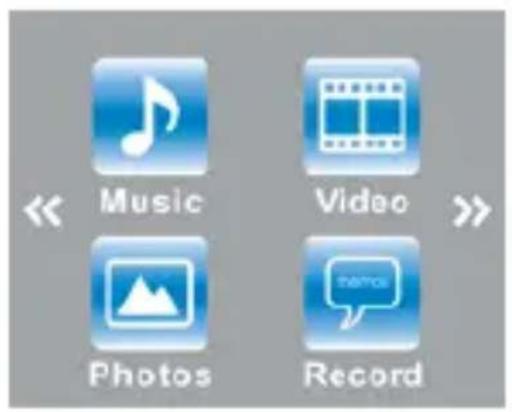

Music:
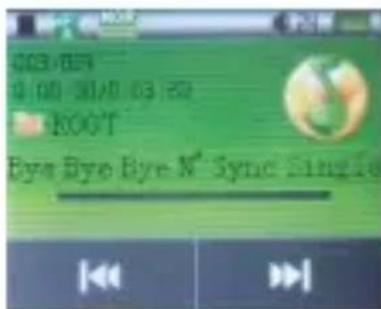
Short press “Menu” button or click music symbol to enter into music menu.
. Press play/pause button or short click screen can choose play or stop music.
. Press next/back button or click can
choose your favorite songs.
. Long press "Menu" button or long click screen can back to main menu.
. when play songs, you can press menu or slide right on screen to choose” Repeat, Equalizer, SRS WOW, exit.” Press “Menu” button you can choose “Repeat” then can choose “normal, repeat one, folder, repeat folder, repeat all, Random, Intro”. If choose “Equalizer” you can choose“Natural, Rock, POP, Classic, Soft, Jazz, DBB”.If choose “SRS wow” you can choose “SRS wow, user setting, disable SRS wow”,If choose “Exit”, press “menu” button can back to main menu.
When stop play songs, press “Menu” or slide right on screen to enter into submenu, you can press menu or click to choose “Local folder, delete file, delete all, exit”
Press “menu” button can enter submenu. If you want delete song, please press “menu” button or
click on screen to enter, choose “yes” or “No” by press Next/back button or click 📄, click screen or press “menu” button to confirm and return back.
Movie

. Press play/pause button or short click screen can choose play or stop movie.
. Press next/back button or click can choose next or previous video.
. Long press next/back button can fast forward or fall back.
. Long press "Menu" button or long click screen can back to main menu.
. When stop play movie, you can press menu or slide right on the screen to choose “ Local folder, Delete file, Delete all, repeat, exit”. Press “menu” button or slide right on screen can enter submenu. If you want delete movie, please press “menu” button or click on screen then choose “yes” or “No” by “next/back” button and confirm by “Menu” button or short click screen.
Photos

Short press “Menu” button or click Photo symbol to enter into photo menu.
. Press play/pause button or short click screen can choose play or stop photo.
. Press next/back button or slide up/down can choose files.
. Long press "Menu" button or long click screen can back to main menu.
. Press “menu” button or slide right on screen to can choose “ Local folder, Playback set, delete file, delete all, exit”. If you want delete file, please press “menu” button or click on screen then choose “yes” or “No” by “next/back” button and confirm by “Menu” button or short click screen.
Record

Short press “Menu” button or click Record symbol to enter into Record menu.
. Press play/pause button or short click screen can choose play or stop record.
. Slide left on screen can saving record and start
new recording.
Long press "Menu" button or long click screen can saving record and back to main menu.
. When stop play record, you can press menu or slide right on screen to choose “REC bitrate, exit”
FM Radio

Short press "Menu" button or click Radio symbol to enter into Radio menu.
Press “menu” button or slide right on screen to can choose “Save, Record, Delete, Delete all, Auto search, Normal band, Japan band, exit”.
Press next/back button or choose Auto search to find your desire channel.
Long press "Menu" button or long click screen
can back to main menu.
Extras

Short press “Menu” button or click “Extras” symbol to enter into Extras menu.
Press next/back button or click to choose Text or Browser.
You can read files in text menu, Press next/back button or Slide up/down on screen to turn page. Press menu or slide right on screen to choose “Bookmark select, Bookmark delete, Bookmark add, exit”
You can check folders in Browser menu.. Press play/pause button or short click screen can choose Local folder and Exit.
Press play/pause button or slide left on screen
or long press Menu or long click screen can back to main menu
Setup

Short press "Menu" button or click "Settings" symbol to enter into setup menu.
. Press play/pause button or slide left on screen or long press Menu or long click screen can back to main menu
. Press next/back button or click
. can choose “System time, LCD set, Language, Power off, Lock time, Online mode, Memory info, Format Device, Firmware version, firmware upgrade, exit.”
. You can adjust time in Time and date menu, can choose language in language menu, can set
"Power off time" and "sleep time" from "power off" menu.
• Technical Specifications
| Dimension 50.5*43*14.5mm |
| Audio Format MP3, WMA |
| Video Format AMV |
| Display | 1.8" | |
| USB USB 2.0 | ||
| Memory Flash memory: 4GB | ||
| Power Supply Built-in rechargeable battery | ||
| Recording | Freq. | 32Kbps, 64 Kbps, 128 Kbps |
| Format WAV | ||
Brand : Naxa
Model : NM-145A
Category : Mp3 player