GFW-ELITESTUDIORK12 - Uncategorized Gator - Free user manual and instructions
Find the device manual for free GFW-ELITESTUDIORK12 Gator in PDF.


| Product Type | Keyboard Stand |
| Model | GFW-ELITESTUDIORK12 |
| Material | Steel tubing with powder-coated finish |
| Height Adjustable | Yes, 2 adjustable height positions |
| Height Range | Approximately 24 to 36 inches |
| Width | 33 inches |
| Depth | 15 inches |
| Weight Capacity | Up to 150 lbs |
| Weight | Approximately 12 lbs |
| Folding Design | Yes, folds flat for storage |
| Rubber Feet | Yes, non-slip rubber feet |
| Compatible Keyboard Sizes | 61-key, 76-key, and 88-key models |
| Color | Black |
| Assembly Required | Yes, simple assembly with included hardware |
| Warranty | Limited lifetime warranty |
| Cleaning Instructions | Wipe with a damp cloth; do not use abrasive cleaners |
| Intended Use | Studio or stage use for electronic keyboards |
Frequently Asked Questions - GFW-ELITESTUDIORK12 Gator
User questions about GFW-ELITESTUDIORK12 Gator
0 question about this device. Answer the ones you know or ask your own.
Ask a new question about this device
Download the instructions for your Uncategorized in PDF format for free! Find your manual GFW-ELITESTUDIORK12 - Gator and take your electronic device back in hand. On this page are published all the documents necessary for the use of your device. GFW-ELITESTUDIORK12 by Gator.
USER MANUAL GFW-ELITESTUDIORK12 Gator
Scan for Assembly Instructions / Video

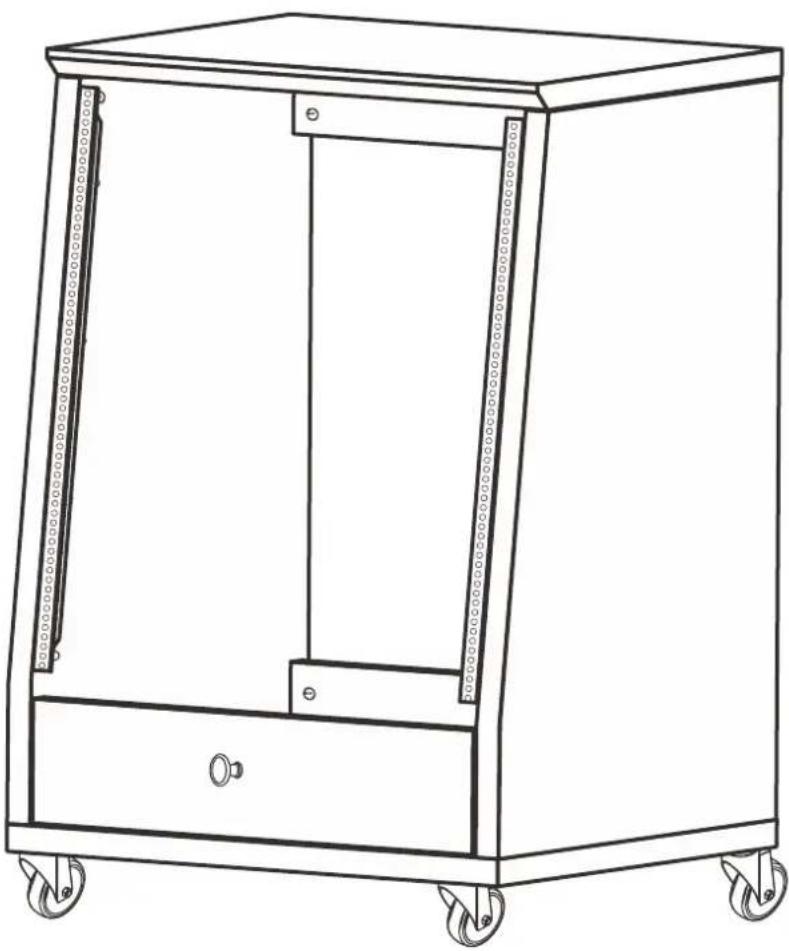
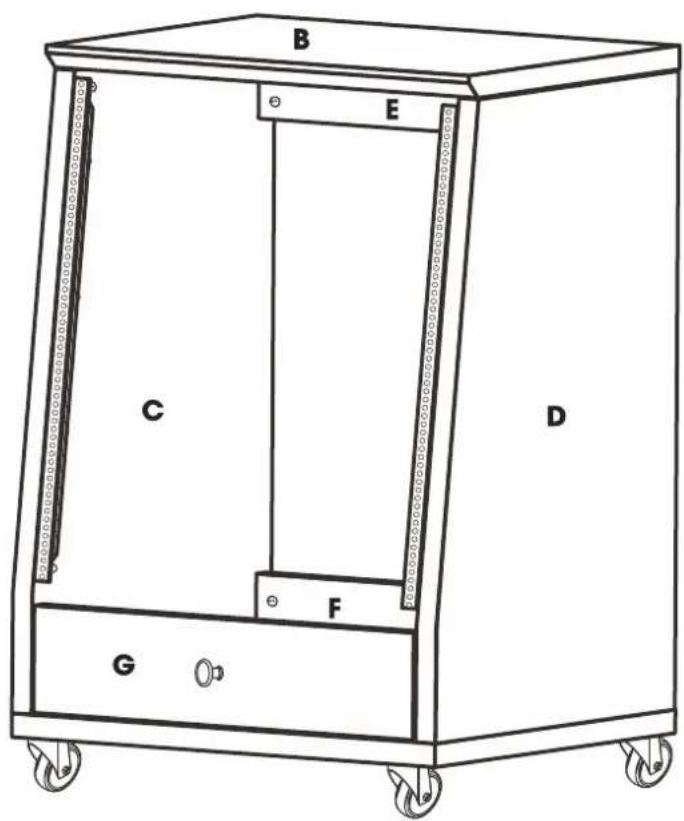
natural_image
Line drawing of a rectangular industrial machine with wheels and a handle (no text or symbols)


i
text_image
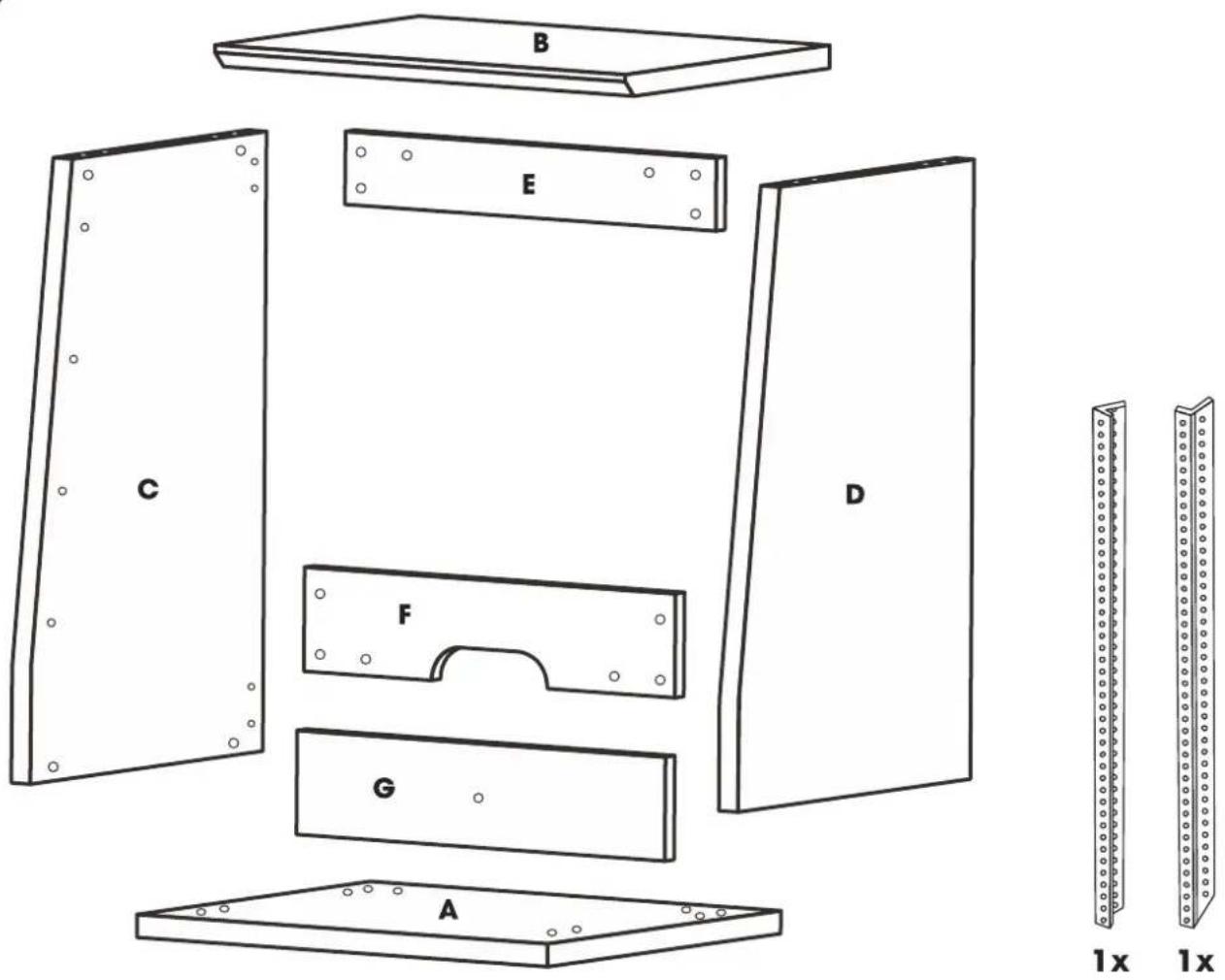
B E C D F G A 1x 1xHARDWARE
VERIFY YOU HAVE ALL NECESSARY HARDWARE.
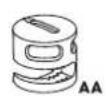
20x

20x
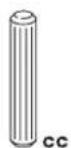
8x

14x

8x

1x
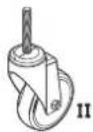
4x
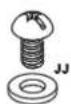
26x

1x

1x

2x
- This unit contains small parts and packaging which could be a choking hazard for small children. Children should always be under adult supervision.
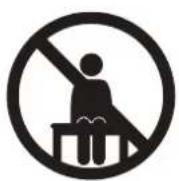
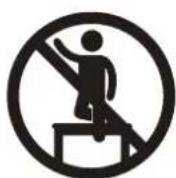
- Do not climb, step, or excessively lean on the unit. The unit may become unstable and either tip or collapse.
- Use hand tools for assembly to prevent damage like stripping or over tightening hardware.
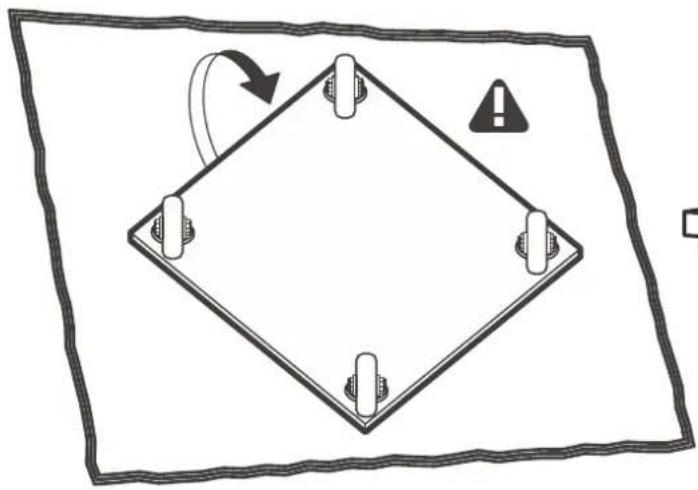
- We recommend you protect your work surface during assembly to prevent scratching or damage to tabletops, wood floors, etc.
- Wipe clean with a cloth dampened in a mild cleaner, then wipe dry with a clean cloth.
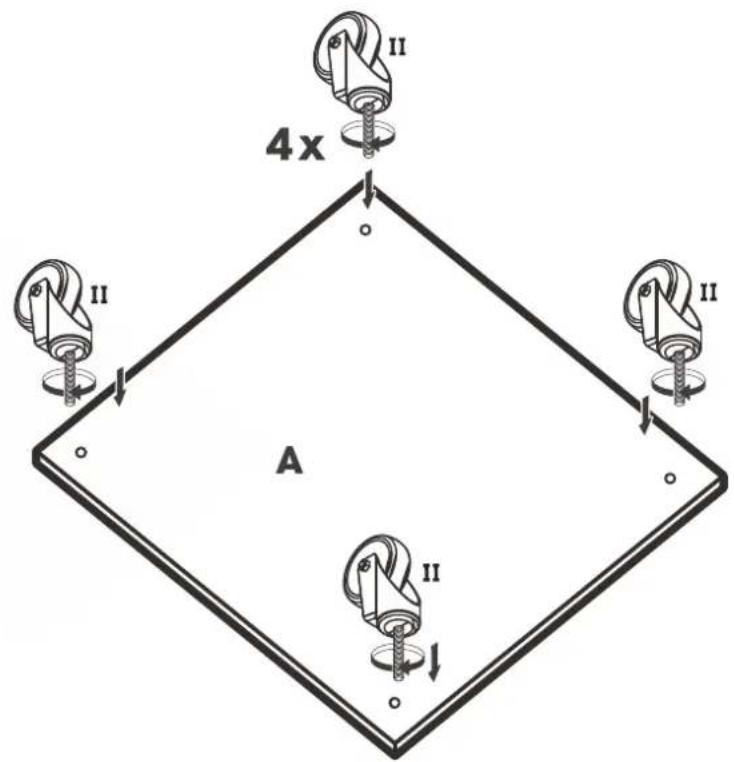
- Apply the four supplied feet to the legs allowing for leveling adjustments as needed.
1
text_image
4x A II II II II2
natural_image
Diagram of a square frame with four corner supports and an arrow indicating rotation, enclosed in a rectangular border (no text or symbols)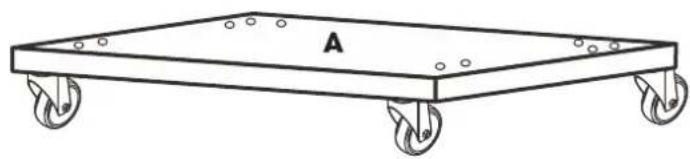
natural_image
Line drawing of a rectangular metal tray with four wheels, labeled 'A' at the top (no text or symbols on the tray itself)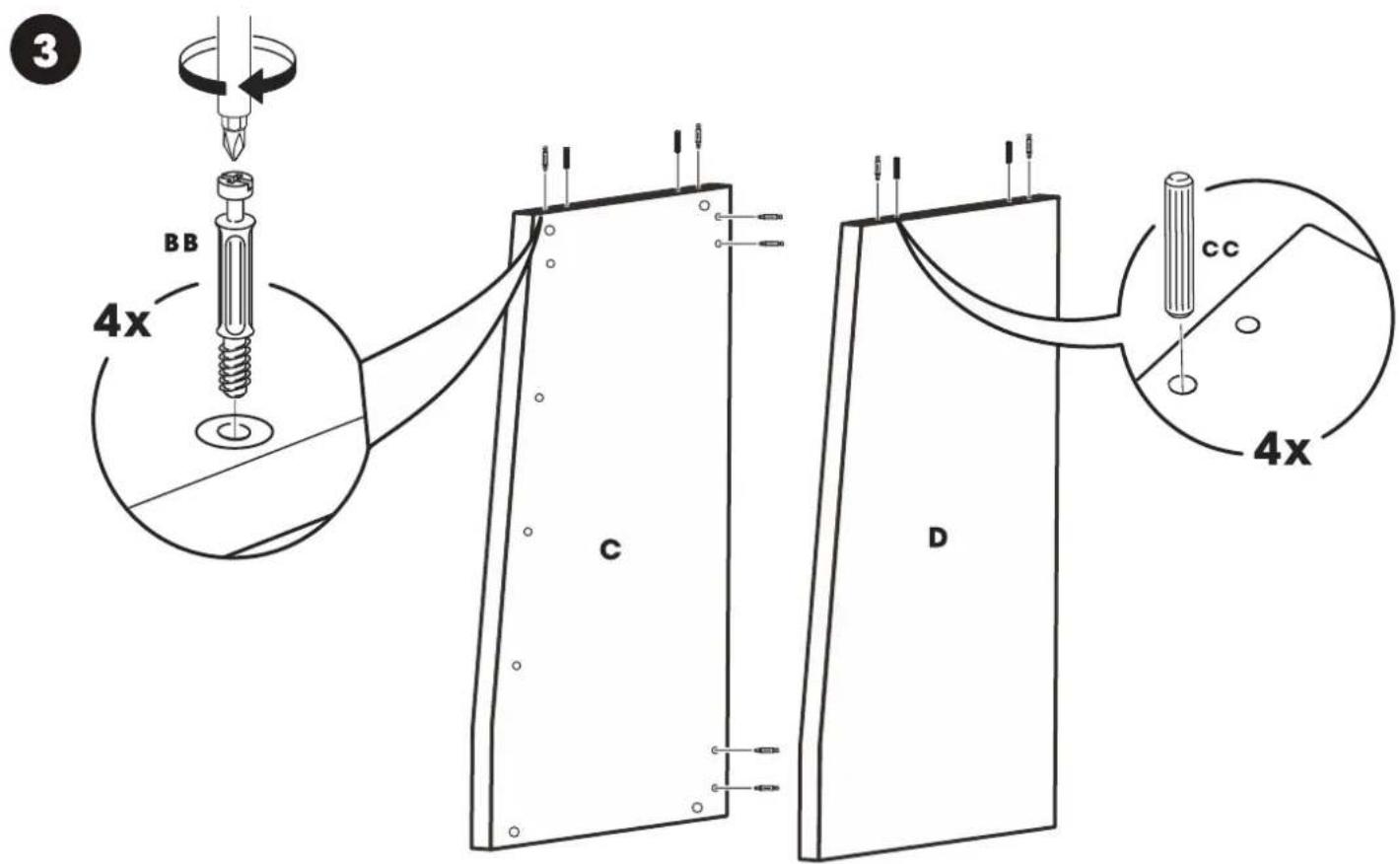
text_image
3 BB 4x C D CC 4x4
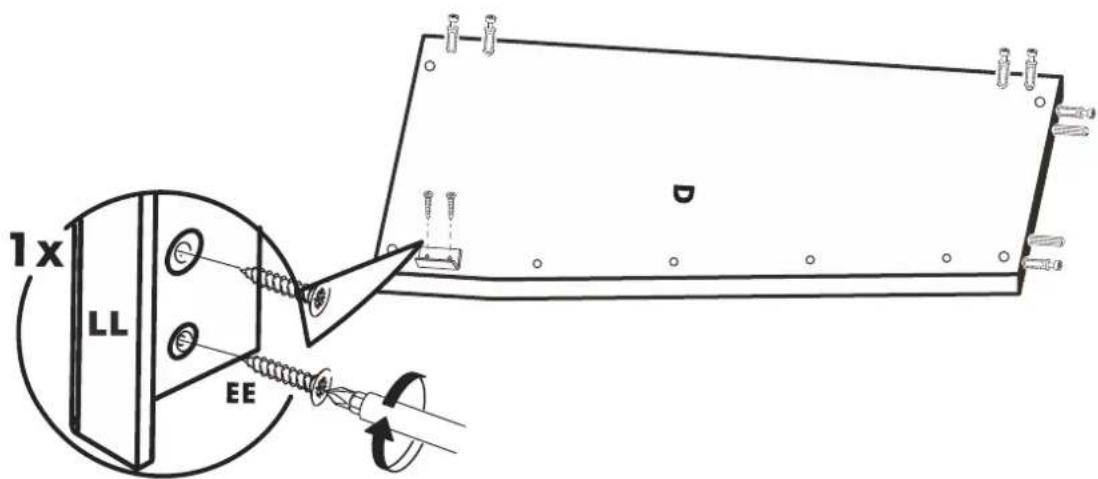
text_image
1x LL EE5

text_image
E D F6
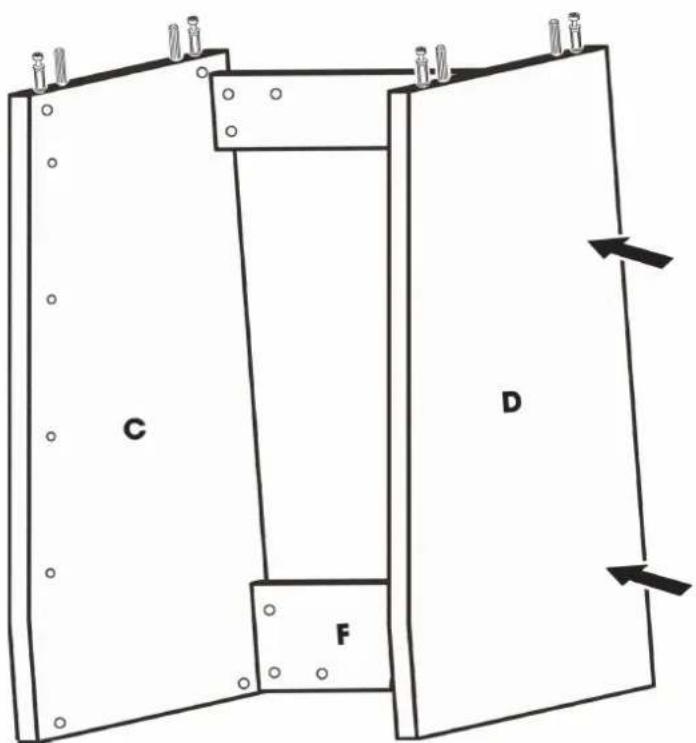
text_image
C D F7
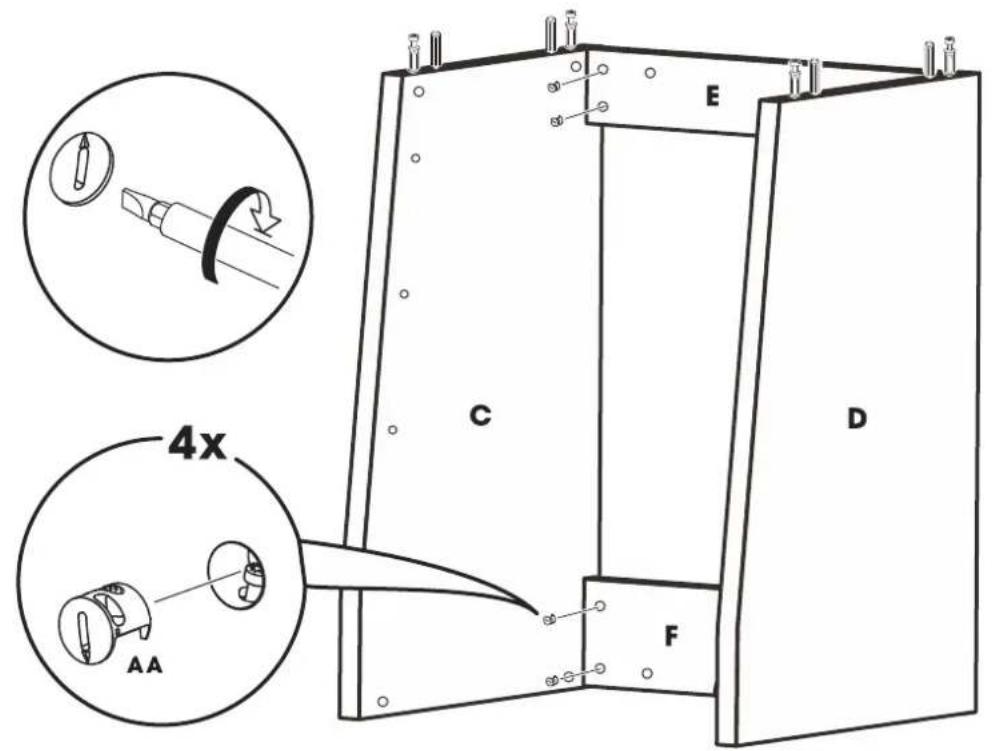
text_image
4x AA C D E F8
text_image
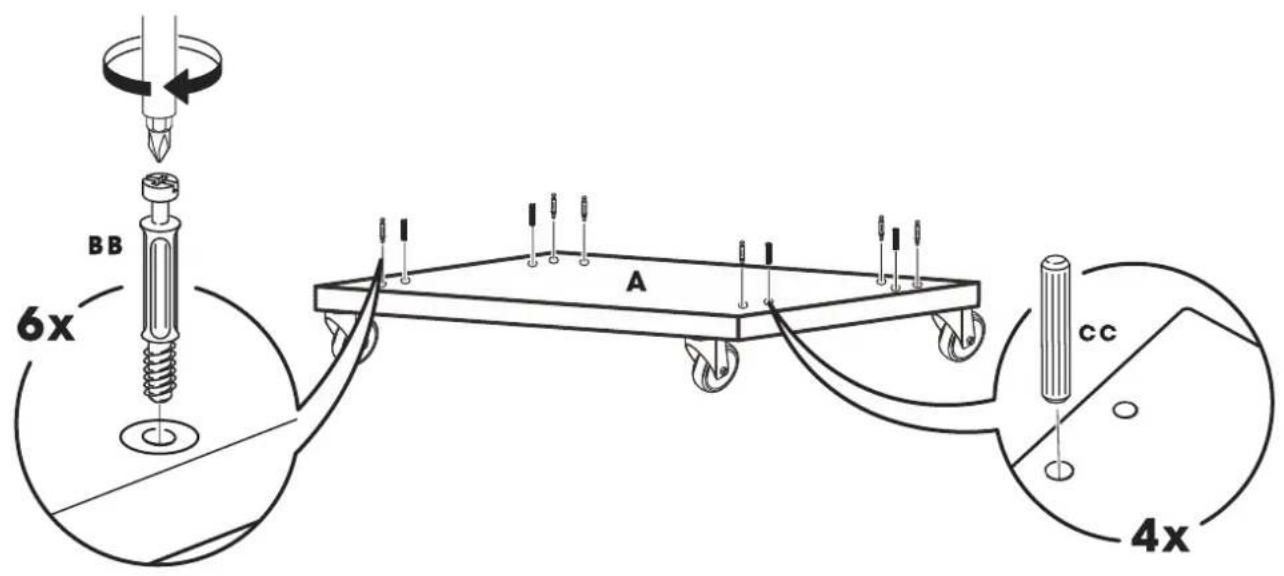
BB 6x A cc 4x
text_image
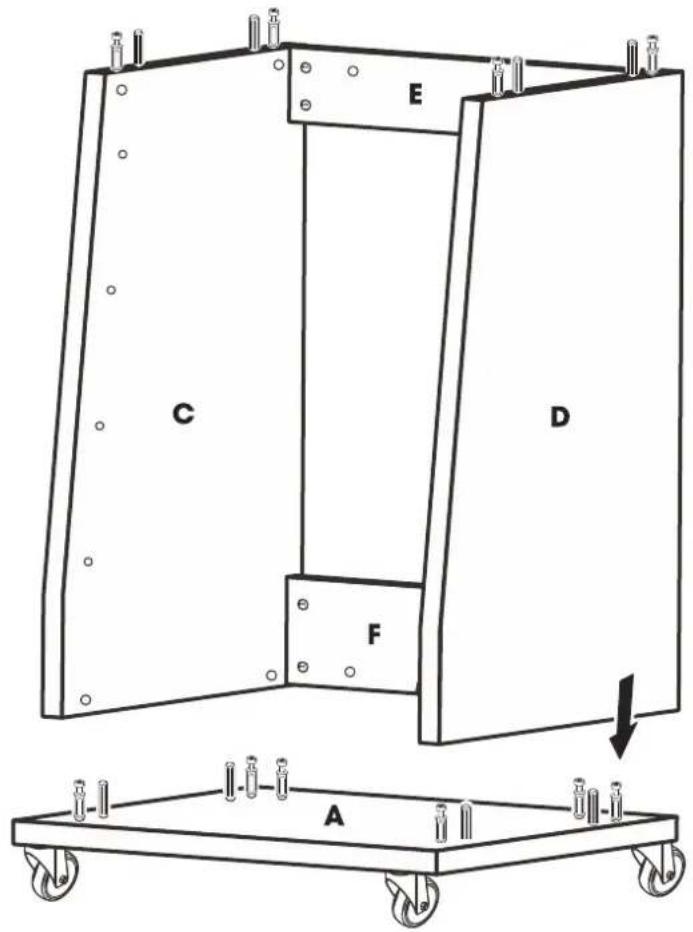
E C D F A
text_image
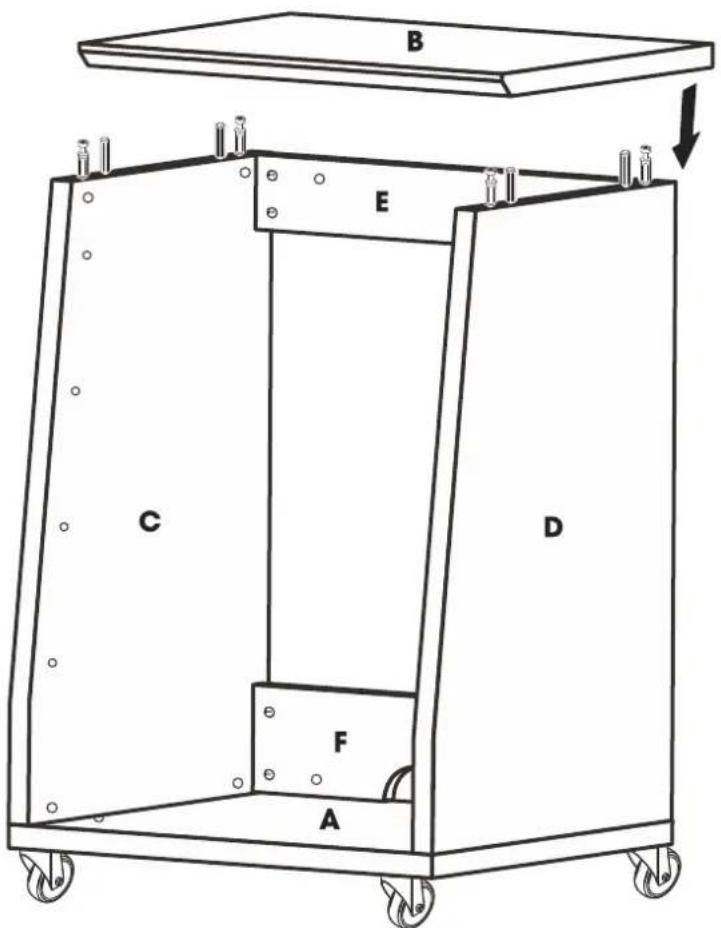
B E C D F A11
text_image
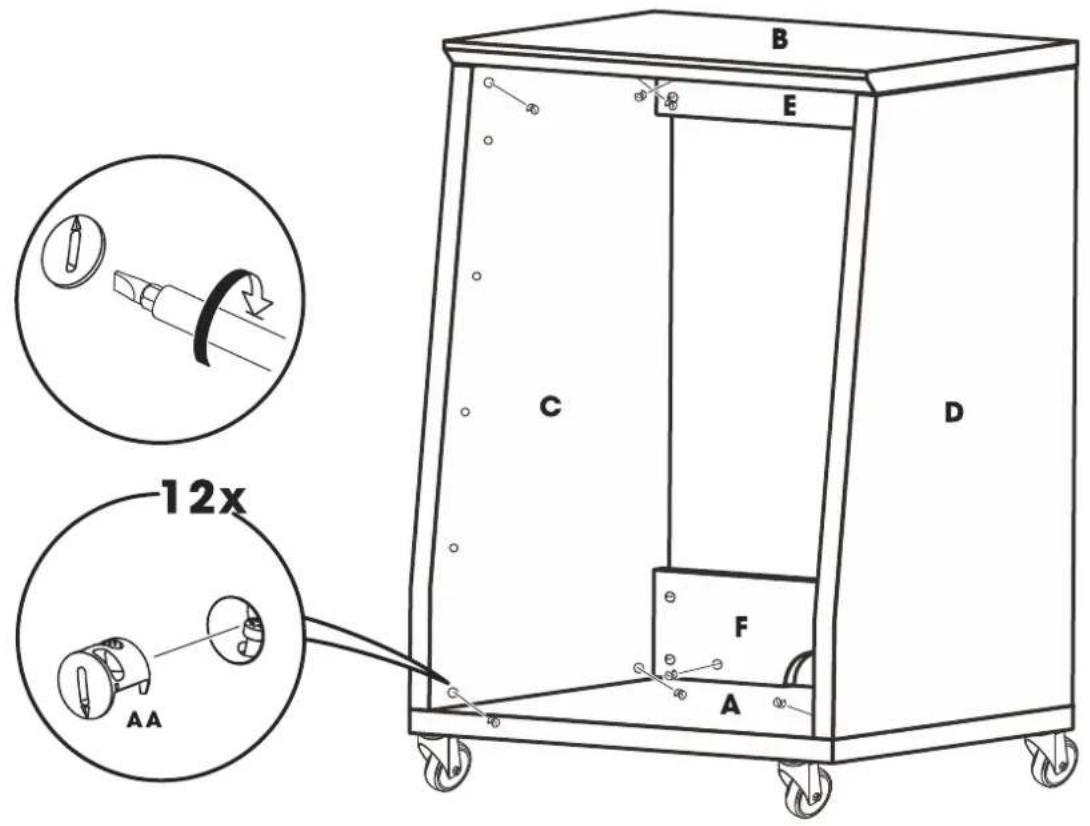
B E C D 12x AA F A12

text_image
8x FF B E C D F A13

text_image
MM EE 2x EE EE 4x C B E D F A GHINGES
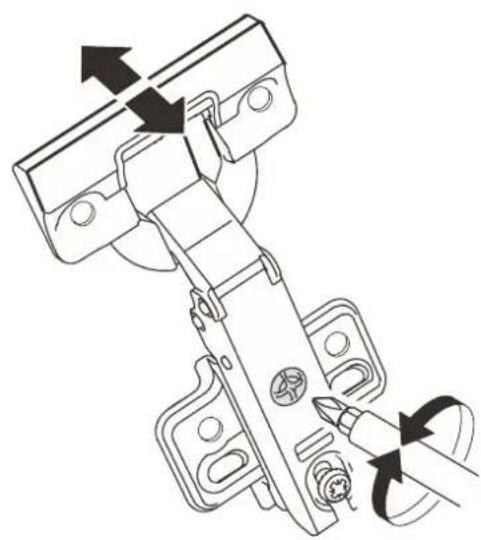
SOFT-CLOSE HINGE MAY NEED ADJUSTMENT SCREWS TURNED IN ORDER TO PROPERLY ALIGN TOP
i
natural_image
Technical line drawing of a mechanical hinge assembly with arrows indicating rotation or movement (no text or symbols)
natural_image
Technical line drawing of a mechanical hinge assembly with arrows indicating fastening or adjustment (no text or symbols)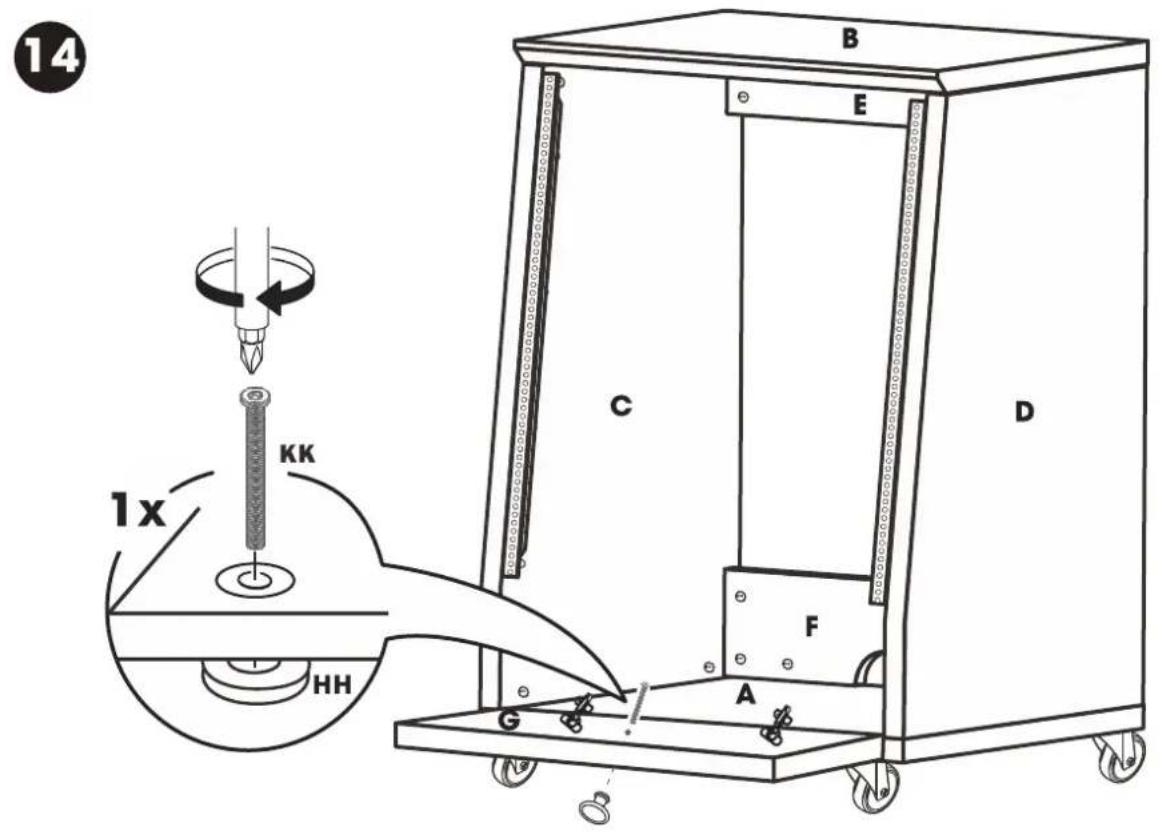
text_image
14 B E C D 1x KK HH F A G15